



What is the best teleprompter app - TeleprompterPAD vs. Neewer Teleprompter
Teleprompters are an essential tool for content creators who want to appear confident and professional in front of the camera. A teleprompter app can help you deliver your message flawlessly and with ease. With so many teleprompter apps available on the market, it can be challenging to choose the right one.

In this blog post, we will compare two free teleprompter apps: TeleprompterPAD APP vs. Neewer Teleprompter. Check the following sections to learn more about the pros and cons of these two apps:
1. TeleprompterPAD Free APP overview
2. Neewer Teleprompter App overview
3. Compatibility with your device
4. What free teleprompter app should I download?
1. TeleprompterPAD Free APP overview
TeleprompterPAD APP is a sophisticated, intuitive, and reliable free teleprompter app that includes professional features such as colored text, script markers, highlights, portrait mode, and a dedicated remote control. The app's interface is user-friendly and allows you to create, edit and manage your scripts with ease. You can easily adjust the font size, color, and text highlight to match your preferences and the type of content you are creating.


Download TeleprompterPAD FREE APP
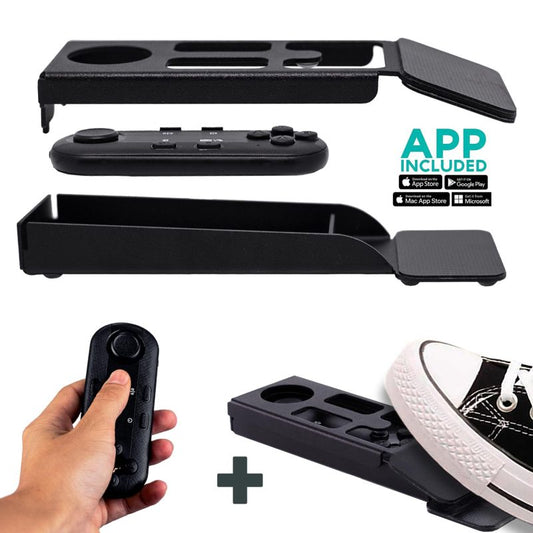
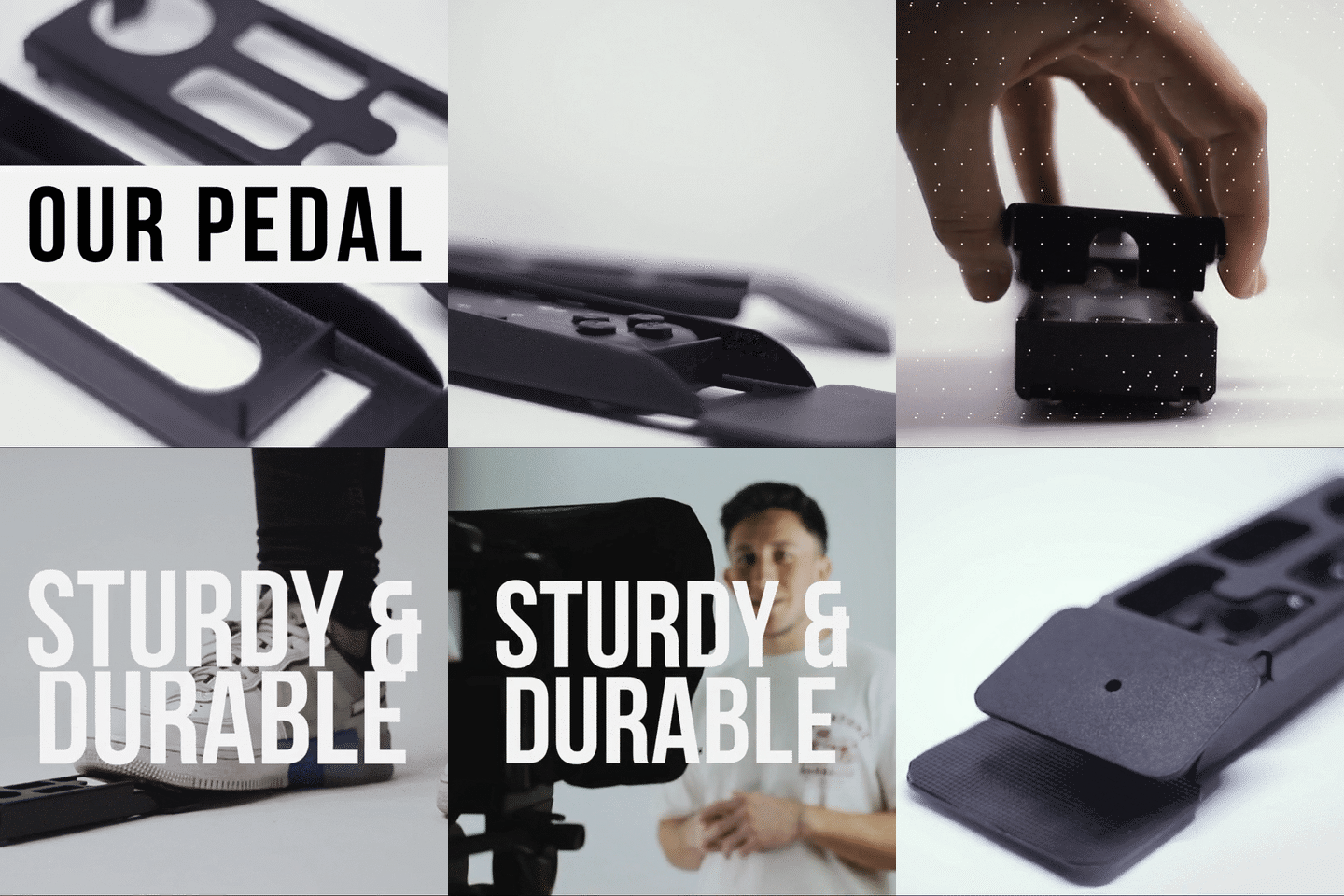
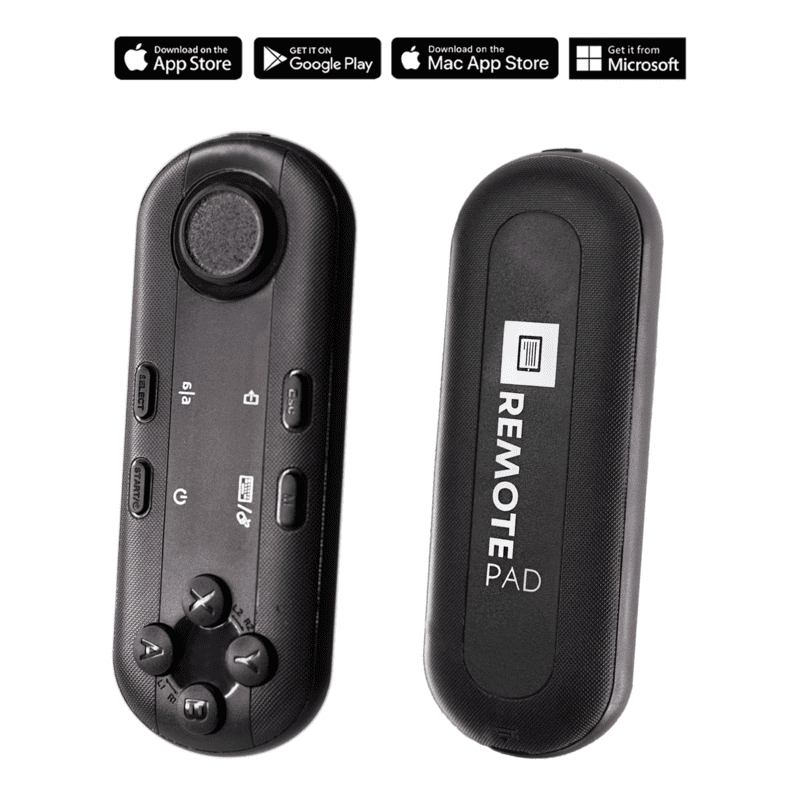
Both companies have a teleprompter remote control that works natively with their software. However, Neewer's remote only controls play/pause, text speed and size, while TeleprompterPAD Remote Control offers the ability to manage much more settings, such as adjusting the script margins, mirror mode, portrait mode as well as two different modes for different purposes. One of the standout features of the TeleprompterPAD APP is its compatibility with the unique Foot Switch Pedal case from Teleprompter PAD, which turns your remote control into a pedal for teleprompter. This feature is exclusive to TeleprompterPAD APP and allows you to control your teleprompter hands-free.

Another high-value feature of TeleprompterPAD APP are Script Markers, which allow you to navigate your text with ease by jumping to specific parts of your script. This will save you tons of time when looking through your script and will result in you delivering your message more effectively. The app also includes a unique feature: Portrait Mode. This feature is especially useful for social media content creators who create content for Instagram and TikTok and want to benefit from using a teleprompter when communicating with their audience.

Another remarkable feature of TeleprompterPAD app for teleprompter is the built-in text editor, that enables users to carry out on-the-fly adjustments to their scripts and has dictation mode, allowing people to convert their speech into text without the need for typing manually. An added feature of the app's last version is the option to activate a floating menu that pops up when the script is paused. It includes all the main parameters you need to adjust during a recording, making it even easier to operate the app with the remote or pedal for teleprompter.
2. Neewer Teleprompter App overview
Neewer Teleprompter App is also free and covers most of the basic prompter features, such as setting text size and speed. It can also be controlled with Neewer's remote control but in our experience Bluetooth connection can be unreliable and may cause some connectivity issues with the remote. While the interface is straightforward (maybe even way too simple) the app's performance lacks the professional features that you can find in other more complete prompter apps. You may think we are biased but customer reviews on the main app stores can't lie:

While when compared to other paid apps it may seem like a good starter option for your teleprompter journey, the Bluetooth connectivity issues can turn your first experience into a bit of a nightmare, especially when there are other free options that have more intuitive interfaces and a bunch of advanced features and functionalities.
3. Compatibility with your device
Both TeleprompterPAD APP and Neewer Teleprompter App are compatible with iOS and Android. On the other hand, Windows, PC and Mac users are out of luck with Neewer Teleprompter App but not with TeleprompterPAD APP. TeleprompterPAD APP is compatible with iOS, Android, Windows, PC and Mac and even has a Browser APP for those who own older devices and cannot download the full app on their app store.
Users who own an Android tablet, smartphone, iPad or iPhone can try both apps and decide for themselves. However, if you are reading this article you may want to save your precious time and take our advice: TeleprompterPAD Free APP is the way to go.

4. What free teleprompter app should I download?
When it comes to comparing TeleprompterPAD APP and Neewer Teleprompter, both apps will allow you to do the more basic things you need when reading your script off a teleprompter. However, the fact that both apps are completely free and available to everyone makes TeleprompterPAD APP objectively better, getting to compete with other paid teleprompter apps.
TeleprompterPAD APP has more features, a user-friendly interface, and compatibility with the unique Foot Switch Pedal Case, making it more convenient for a wider variety of creators. Additionally, TeleprompterPAD App has script markers and portrait mode, which can help you deliver your message more effectively.

You can purchase the TeleprompterPAD Wireless kit to control the app with your hands or feet or, in case you already own the TeleprompterPAD Remote control the pedal case accessory can be purchased separately.
Buy Teleprompter PAD Remote Control for teleprompter:
Buy Teleprompter PAD Wireless Kit: Teleprompter Pedal + Remote:
Buy Teleprompter PAD Foot Switch Pedal Case (accessory):
In conclusion, if you are a content creator looking for a reliable and professional teleprompter app, TeleprompterPAD APP is the way to go. Its intuitive interface, the option to use the pedal for teleprompter, and professional features such as script markers and portrait mode make it the better option.
Our best sellers
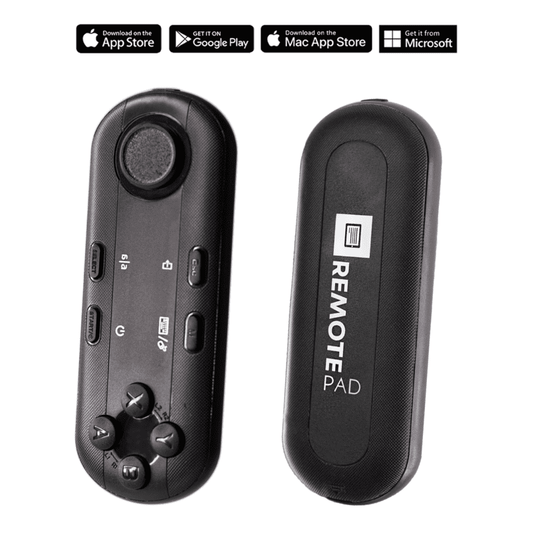
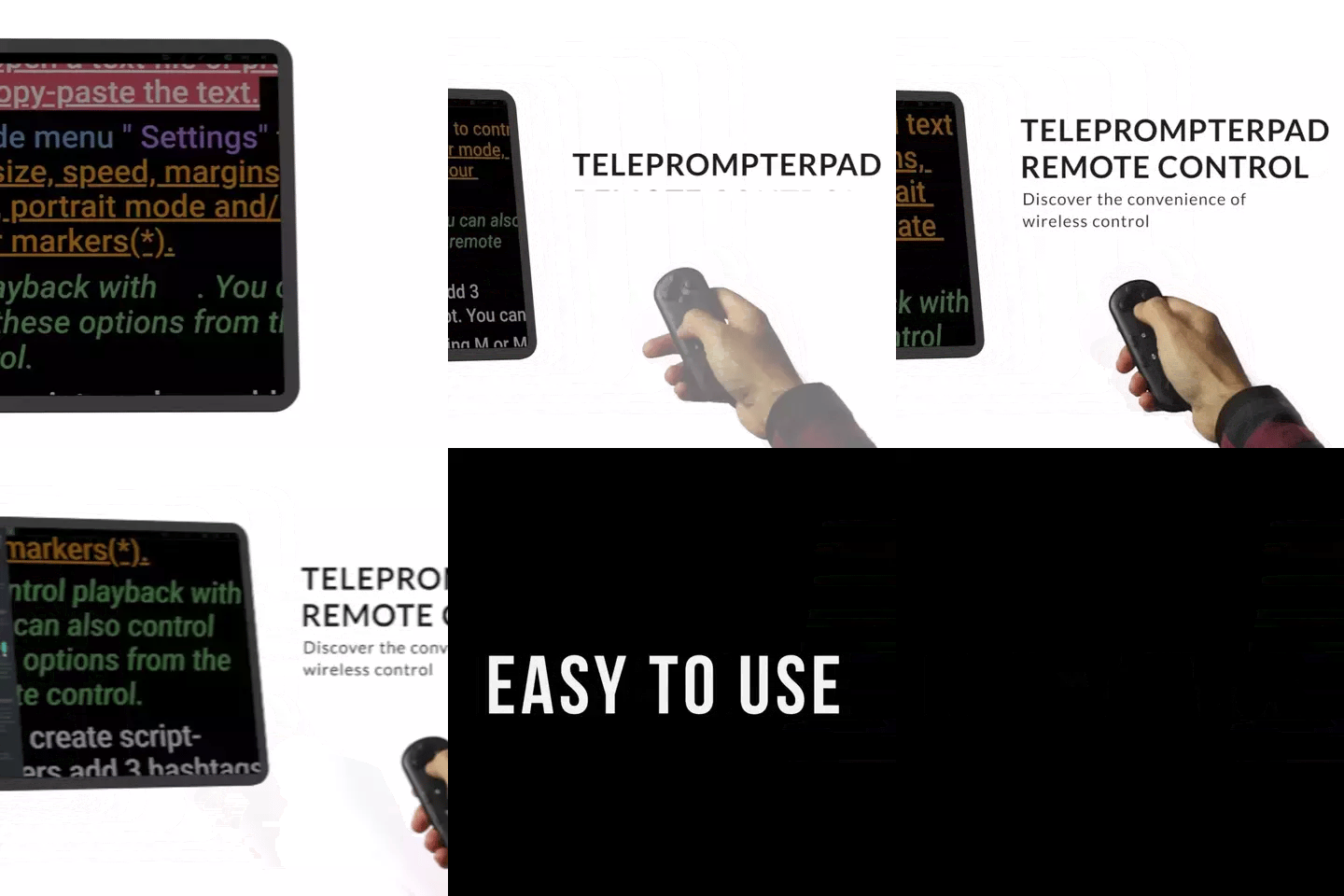
TELEPROMPTER PAD Bluetooth Remote Control for Teleprompter - Includes Teleprompter app for Apple, Android Windows & Mac - Wireless Controller for Beam Splitter Prompter or Live Streaming Equipment
- 34.90€
39.90€- 34.90€
- Unit price
- per
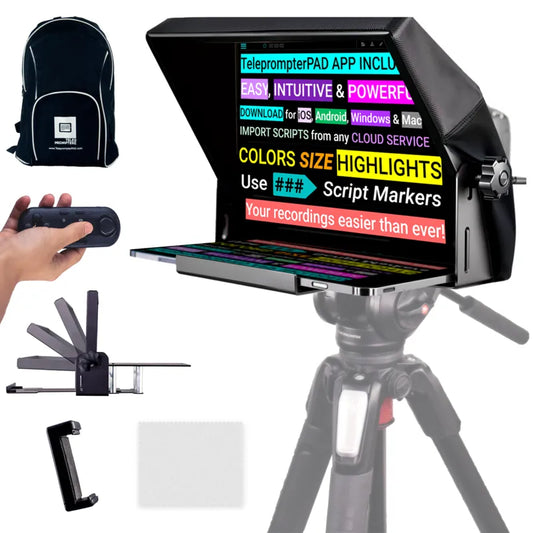
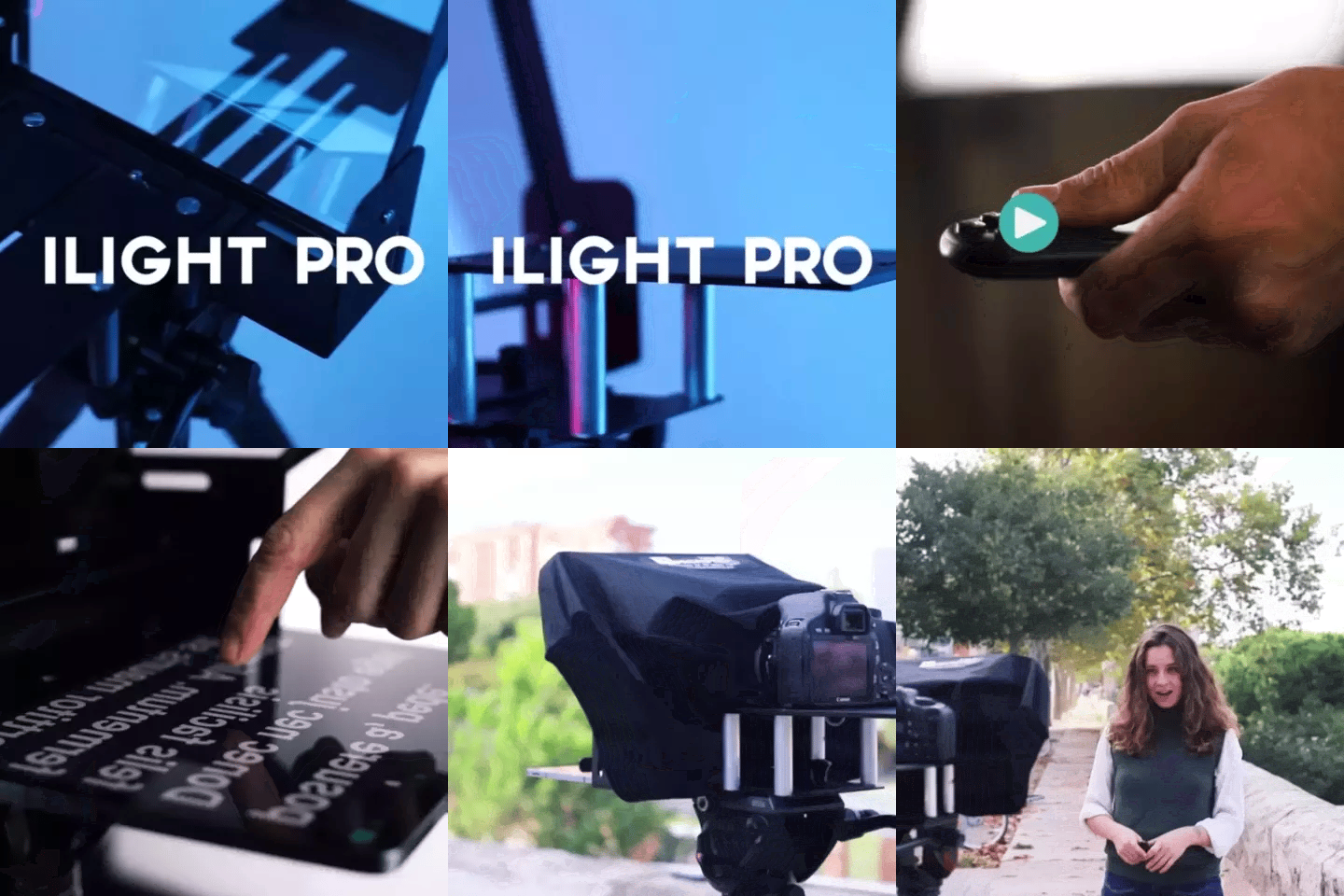
TELEPROMPTER PAD iLight PRO 12'' Teleprompter for iPad Tablet - Kit teleprompter for Video with Remote Control, APP & Carry Bag - Beam Splitter Prompter Autocue DSLR, iPhone, APP for Apple Android Mac Win
- 159.00€
199.00€- 159.00€
- Unit price
- per
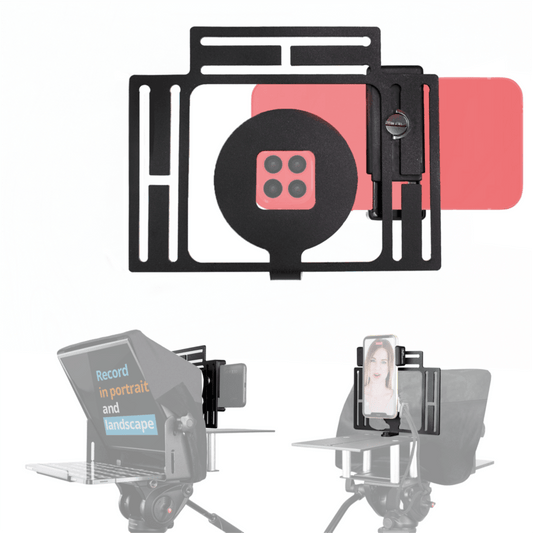
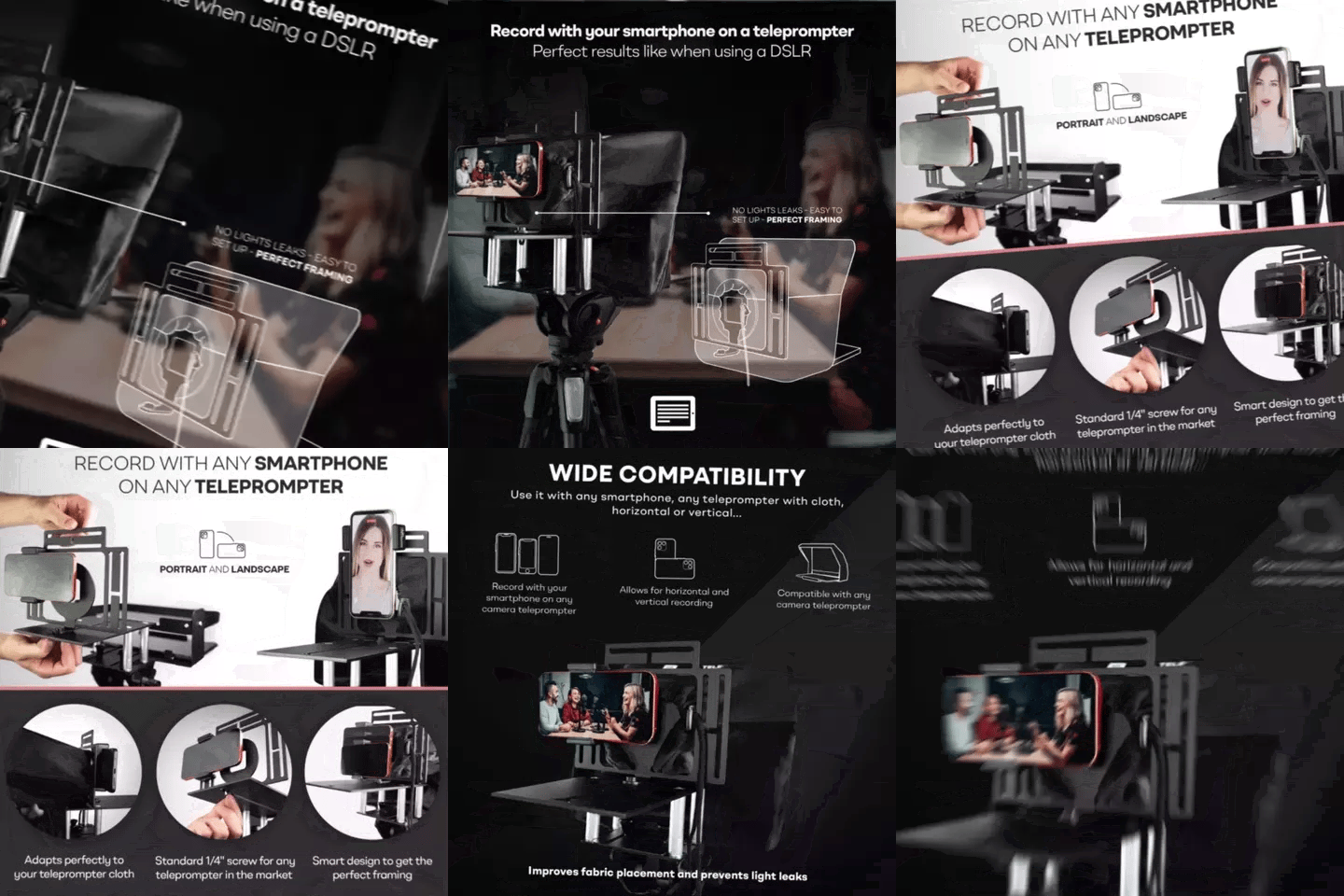
TELEPROMPTER PAD Smartphone Adaptor for teleprompter – Record with any iPhone, Android phone, compatible with any teleprompter, aluminum universal Rig for prompter with camera plate, snug cloth fit
- 29.90€
39.90€- 29.90€
- Unit price
- per
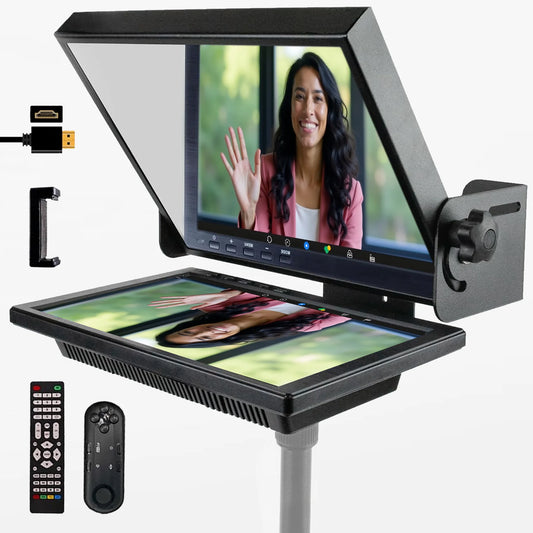
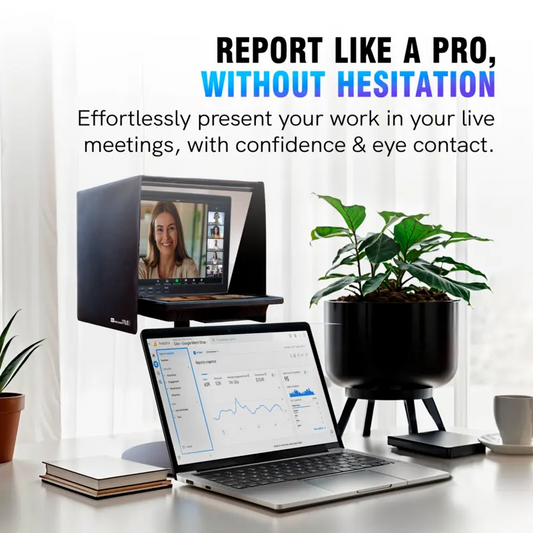
TELEPROMPTER PAD EyeMeeting Prompter for Twitch Streaming, Youtube, Zoom Eye Contact, for Mac/PC DSLR Webcam iPhone with Software, 10.1" Monitor & Remote, Compatible with Elgato Streamdeck, HDMI Input
- 229.00€
299.00€- 229.00€
- Unit price
- per