



Teleprompter for Therapists: Better Video Sessions
A teleprompter for therapists solves the single biggest problem with video-based therapy and mental health content: broken eye contact. If you record psychoeducation videos, build online courses, or deliver structured interventions over telehealth, a beam splitter teleprompter lets you read your notes while looking directly into the camera lens. I've helped hundreds of therapists, coaches, and counselors get set up over the past decade — and the difference in client trust and engagement is immediate. This guide covers exactly which gear works, how to set it up for a therapy context, and the mistakes I see clinicians make most often.

Coaches, therapists, and info-product creators make up roughly 20% of our customer base — the second-largest segment after YouTubers. Over the past 10 years I've personally walked hundreds of mental health professionals through setup, scripting, and lighting for clinical video content. Every recommendation here comes from real support tickets, real Zoom calls, and real feedback from therapists who now record courses and telehealth content weekly.

Why does eye contact matter so much in therapy videos?
Eye contact is foundational to the therapeutic alliance. A 2021 literature review published in JMIR Mental Health found that psychologists consistently report difficulty maintaining the same quality of therapeutic relationship via videoconference compared to in-person sessions — and a key reason is the disruption of natural gaze patterns caused by camera-screen offset on standard webcams (Cataldo et al., 2021).
When you look at your notes, your client's face on screen, or a second monitor with your treatment plan, your eyes drift away from the camera. Your client or viewer sees you looking slightly down or to the side. That kills rapport. A beam splitter teleprompter fixes this by placing your script text directly in front of the camera lens on a semi-transparent glass. You read your text — and the camera sees you looking straight at it.
According to the APA's 2023 Practitioner Pulse Survey, 96% of psychologists using telehealth now deliver sessions via video conference, and 89% of all psychologists use some form of telehealth (APA, 2024). That's a massive group of professionals who need to look directly into a lens while referencing structured content.
What types of video do therapists actually make?
This is something I hear about constantly in support tickets. Therapists aren't just doing one thing on camera. The use cases fall into a few clear buckets:
- Psychoeducation videos — explaining CBT techniques, coping strategies, or therapeutic frameworks to clients between sessions
- Online course content — recording modules for platforms like Teachable, Thinkific, or Kajabi (this is huge — about 20% of our customers are in this category)
- Video sales letters — therapists selling group programs, workshops, or digital products
- Telehealth session prep — reading guided meditation scripts, structured intake questions, or EMDR protocols while maintaining camera gaze
- Social media content — Instagram Reels, TikTok, YouTube Shorts explaining mental health topics
- Conference talks and CEU presentations — delivering structured educational content for professional audiences
Every single one of these benefits from a teleprompter because they all require you to deliver specific, often clinical content while looking like you're having a natural conversation with one person.
Which teleprompter works best for a therapist's setup?
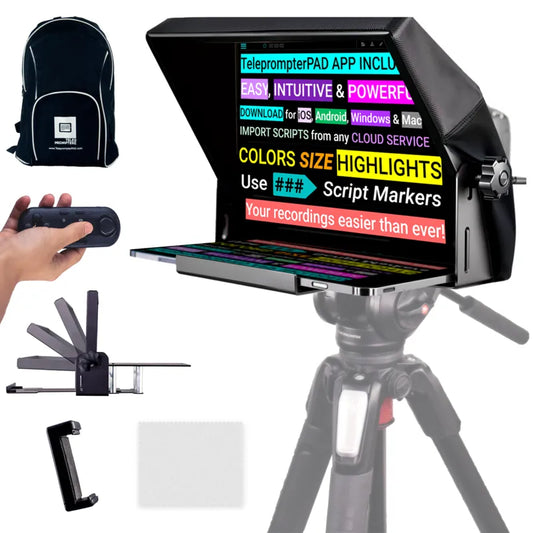
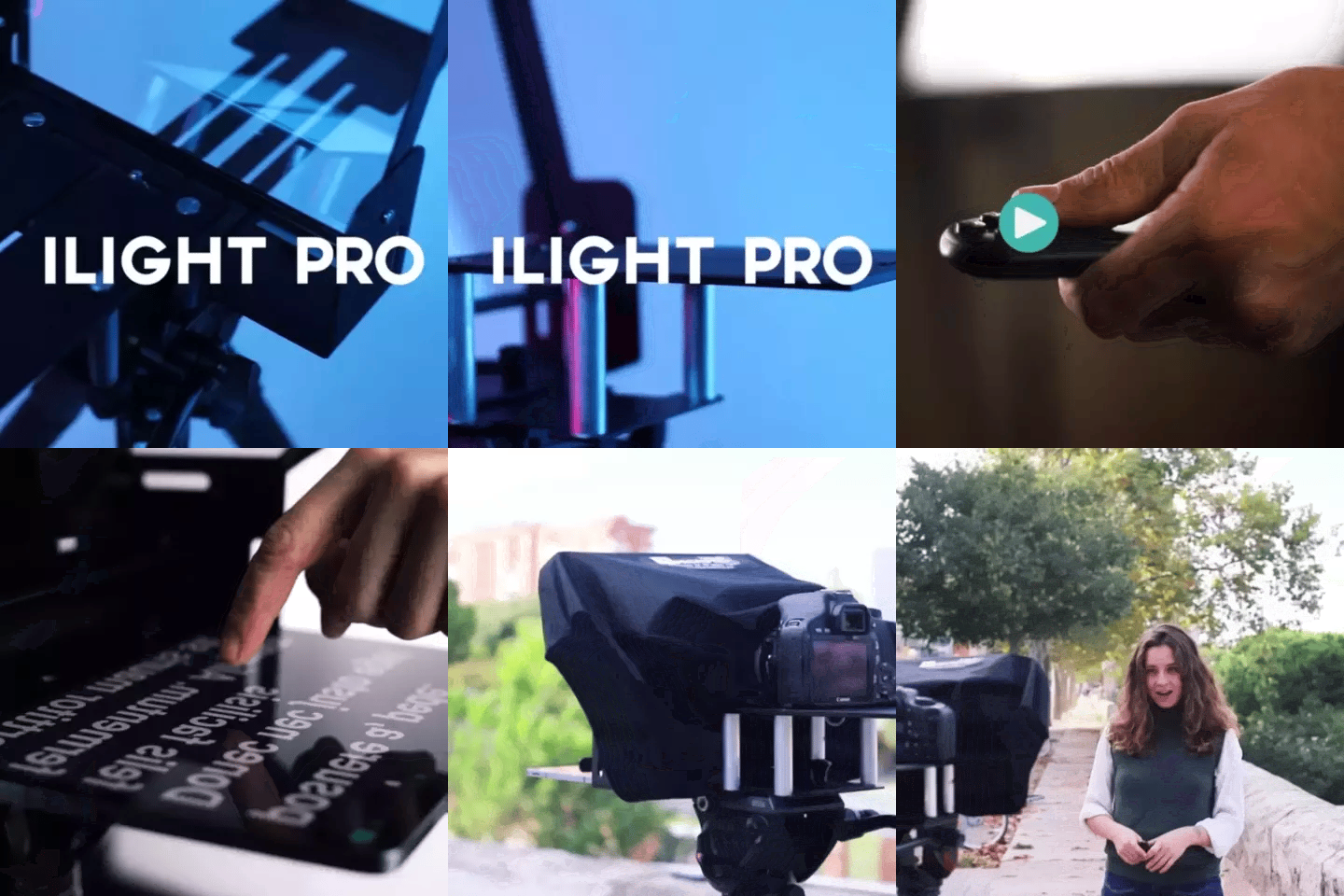
For most therapists, the iLight PRO 12-inch is the right fit. It's our most popular model — about 60% of all orders — and there's a reason for that. It works with any iPad up to 10.5", any Android tablet, and any DSLR or mirrorless camera. Setup takes under two minutes because it ships pre-assembled.
You mount it on a tripod, unfold the frame, slide your tablet in, load your script in the free TeleprompterPAD app, and press play. The included Bluetooth remote lets you control scroll speed, pause, and resume without touching anything. That last part matters a lot in a therapy context where you might need to pause mid-script to collect your thoughts.

If you're using an iPad Pro 12.9", you'll need the iLight PRO 14-inch instead — the 12-inch model physically can't fit it. The 14-inch comes with a hardcase included, which is handy if you travel between office locations.
How should a therapist set up their recording space?
Therapists have a unique constraint that most YouTubers don't: confidentiality. You need a private, soundproofed (or at least sound-dampened) space. That's non-negotiable. Beyond that, the physical setup follows the same principles I recommend to everyone.
- Mount the teleprompter on a tripod at eye level. Not above, not below. Your eyes should naturally look straight ahead into the glass.
- Position yourself 1.5 to 2 meters from the lens. Any closer and your eye movement while reading becomes visible. The app lets you narrow text margins if you're forced to sit closer, but 1.5m is the minimum I recommend.
- Set glass angle close to 45 degrees. The iLight PRO has an adjustable knob for this — turn it until the reflection is crisp and centered.
- Seal the blackout hood completely. The included hood attaches with Velcro (silent — mics won't pick it up). Any light leak behind the glass will wash out your script reflection.
- Use three-point lighting. Key light in front and slightly to one side, fill light opposite, and a backlight behind you to separate you from the background. Critically: no overhead light directly above the teleprompter. That causes glare on the glass.
- Always use an external microphone. At 1.5m+ distance, your camera's built-in mic will sound terrible. A lavalier or shotgun mic is essential.
One thing I always tell therapists: if you want to actually record consistently, pre-arrange everything. Leave the tripod set up. Use a power strip with a single switch. Save your app presets. The goal is to press one button and be recording in under a minute. Procrastination kills more video projects than bad gear ever will.

Teleprompter for therapists vs. EyeMeeting for live telehealth
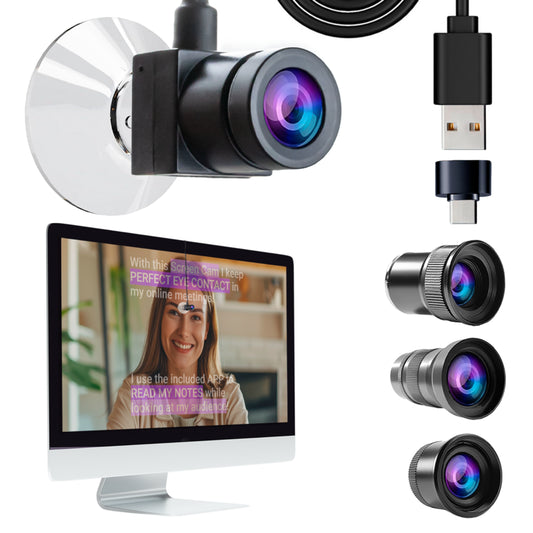
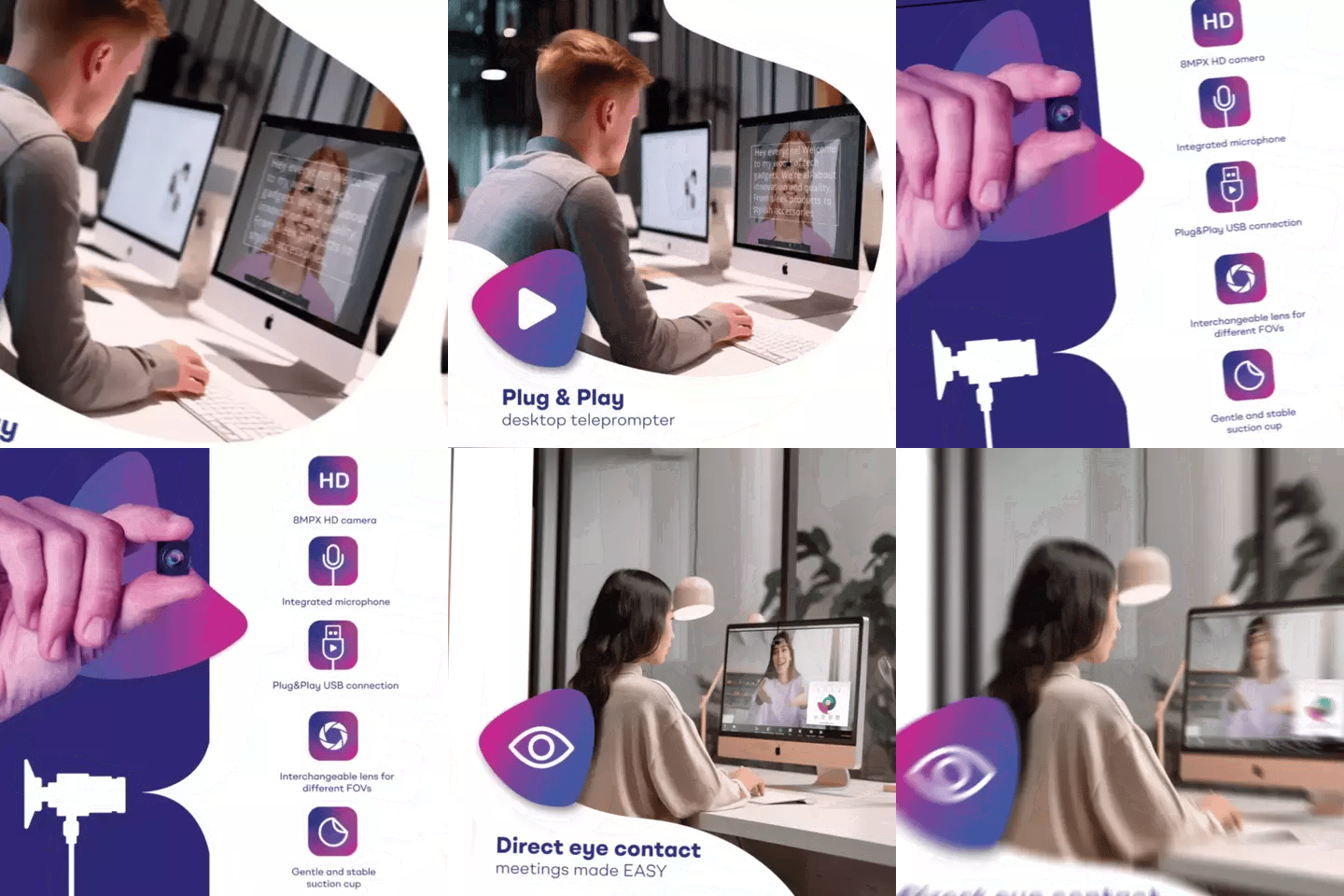
This is where I see the most confusion. The iLight PRO is for recording — it puts a camera behind the glass. The EyeMeeting Webcam is for live video calls — it puts a tiny USB webcam on your monitor screen so you look at the camera while seeing your client's face. They solve different problems.
| Feature | iLight PRO 12-inch | EyeMeeting Webcam |
|---|---|---|
| Primary use | Recording video to file | Live video calls (Zoom, Teams) |
| Camera type | Your DSLR / mirrorless / phone | Built-in 8MP USB webcam |
| Script display | Tablet behind beam splitter glass | Meeting Mode overlay on screen |
| Eye contact with | Camera lens (for viewers) | Webcam on screen (for live clients) |
| Price | €159 | €99 |
| Best for therapists who… | Record courses, psychoeducation, social content | Run live telehealth sessions on Zoom/Teams |
Many therapists end up with both. They use the iLight PRO to batch-record course modules or YouTube content, and the EyeMeeting Webcam for live therapy sessions where they want to maintain eye contact while reading session notes.
How to write therapy scripts that sound natural
This is where most clinicians trip up. You spent years writing academic papers and clinical notes. That writing style does not work on camera. At all.
Your script should sound like you're talking to a single client sitting across from you. Short sentences. Contractions. Conversational phrasing. If you wouldn't say it out loud in a session, don't write it in your script.
- Write for the ear, not the eye. Read your script out loud before recording. If you stumble, rewrite that sentence.
- Use bullet points, not paragraphs. The TeleprompterPAD app supports rich text — bold your key phrases so they visually pop as you scroll.
- Add pacing marks. Use "..." or "[PAUSE]" to remind yourself to breathe. Monotone delivery is the #2 complaint I hear from therapists reviewing their footage.
- Keep lines short. The app lets you adjust font size and margins. Bigger text with narrower margins means less eye movement.
- Don't script every word. For some therapists, bullet points with key phrases work better than full scripts. The teleprompter gives you a safety net — not a cage.
A related article on scripting for coaches covers more on this topic — the principles overlap heavily since both professions rely on building trust through spoken delivery.
Real-world use cases from our customer base
About 20% of our 50,000+ shipped orders go to coaches, therapists, and info-product creators. Here are three patterns I see constantly:
Licensed therapist recording a CBT course (online course platform)
This is the most common scenario. A psychologist or LMFT builds a structured course — maybe 20 to 40 video modules — explaining cognitive behavioral techniques, journaling exercises, or exposure therapy frameworks. They need to deliver precise clinical information while sounding warm and approachable. The iLight PRO 12-inch with a DSLR gives them broadcast-quality footage. The Bluetooth remote lets them pause between modules without touching the camera.
Counselor creating Instagram Reels / TikTok content
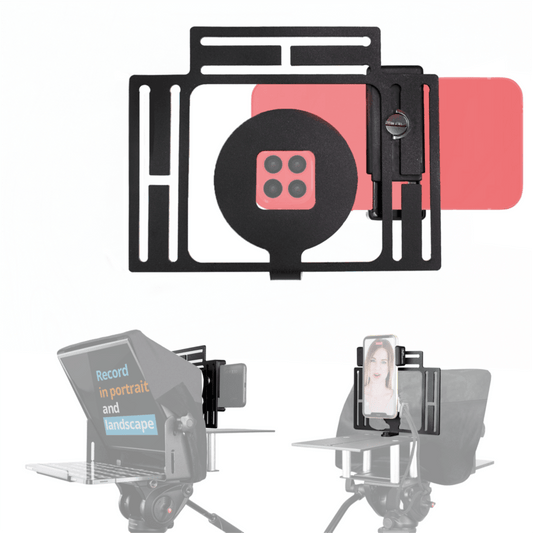
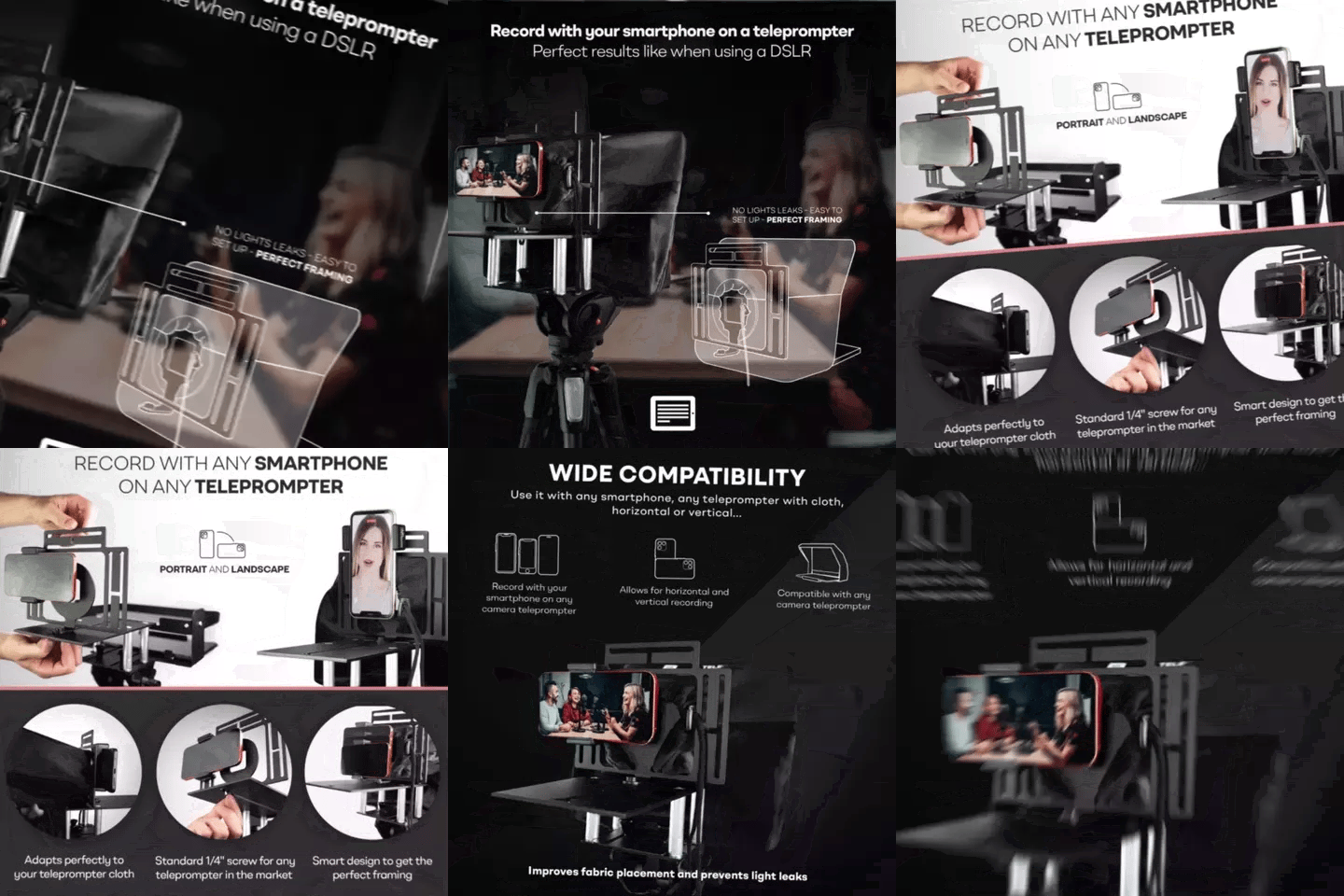
About 24% of our customers are content creators, and a growing number are therapists building audiences on social platforms. For vertical video, the optional Smartphone Adaptor lets you mount your phone in portrait mode behind the beam splitter glass. Same eye contact, vertical format.
Group practice with multiple clinicians
I've worked with practices where 3-5 therapists share a single teleprompter. The iLight PRO folds flat and fits in its carrying bag. Each clinician loads their own scripts in the free app on their own tablet. No shared accounts, no data privacy concerns — each person's device stays private.

Honest pros and cons for therapists
| Pros | Cons |
|---|---|
| Direct eye contact maintained while reading clinical content | Requires 1.5–2m distance — not ideal for tiny offices |
| Pre-assembled — no tech skills needed for setup | You still need a tripod (not included) |
| Free app with no subscription fees | Learning to read naturally takes 2–3 practice sessions |
| Silent Bluetooth remote — no audible clicks on mic | Lens focal length must be 24mm+ or glass edges are visible |
| 1-to-1 multilingual support (EN, ES, DE, FR, IT) | Not a professional broadcast-grade product — consumer/prosumer level |
| German lab-grade beam splitter glass with anti-ghosting | Overhead lighting causes glare if not managed |
I want to be upfront: if you've never been on camera before, the teleprompter won't magically make you comfortable. You'll still need to practice your delivery, vary your tone, and use natural gestures. What it does do is remove the cognitive load of remembering your script so you can focus entirely on connection and delivery.
The foot pedal option for hands-free control
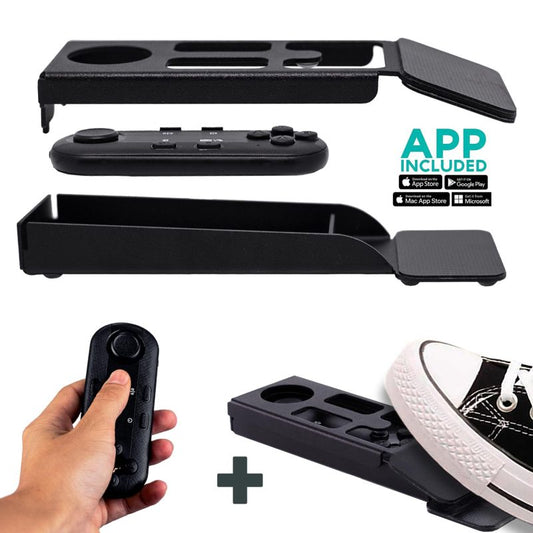
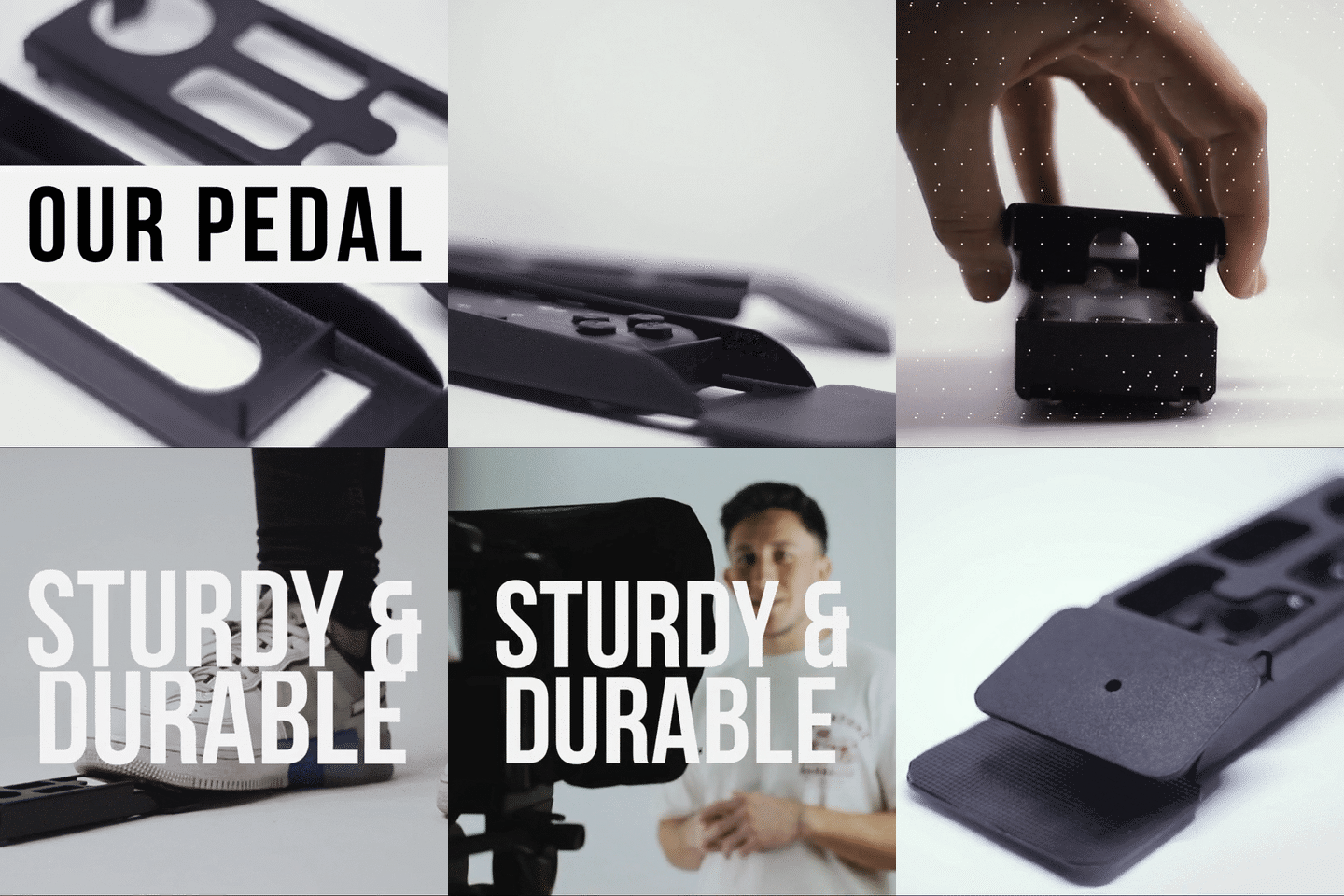
Some therapists — especially those recording guided meditations or reading long therapeutic scripts — prefer to keep their hands completely free. The Wireless Kit (Pedal + Remote) is designed exactly for this. The pedal uses a silent capacitive sensor — no click, no noise. Your microphone won't pick it up.

Fair warning: there's no tactile feedback on the pedal. Most people get comfortable with it after 2-3 uses. It's a muscle memory thing. But once you do, it's genuinely freeing — especially for longer recordings.
Frequently asked questions
Can I use a teleprompter during live Zoom therapy sessions?
Not the iLight PRO — that's designed for recording to a camera. For live telehealth calls on Zoom or Teams, you'd use the EyeMeeting Webcam, which attaches to your monitor and lets you read notes while maintaining eye contact with your client on screen. The TeleprompterPAD app's Meeting Mode creates a transparent text overlay on your screen during calls.
Is a teleprompter HIPAA-compliant?
A teleprompter is just hardware and a text display app — it doesn't transmit patient data over networks. Your scripts live on your own tablet or device. There's no cloud sync or data sharing involved. The compliance question is about your video platform and storage, not the teleprompter itself.
What if my office is too small for 1.5 meters of distance?
You can get away with 1.2 meters if you narrow the text margins in the app and use a slightly larger font. Below 1.2m, viewers will notice your eyes scanning left to right. If space is truly limited, consider recording in a different room or rearranging your office temporarily.
Do I need a DSLR, or can I use my phone?
Your phone works fine. The iLight PRO 12-inch includes a smartphone clamp for mounting a phone behind the glass. For vertical content (Reels, TikTok), the optional Smartphone Adaptor gives you a more stable portrait-mode mount. Phone cameras have gotten remarkably good — many therapists use an iPhone or Pixel and the results are excellent.
How long does it take to learn to read from a teleprompter naturally?
Most people sound robotic on their first attempt. By take three or four, things improve dramatically. I tell therapists to do 2-3 practice sessions before recording anything they plan to publish. The key is adjusting scroll speed to match your natural speaking pace — don't chase the text. Let it follow you.
Will my clients know I'm using a teleprompter?
No. The beam splitter glass is invisible to the camera. Viewers see you looking directly at them. The only giveaway would be if your delivery sounds overly scripted — which is a writing problem, not a hardware problem.
Can multiple therapists in a group practice share one teleprompter?
Absolutely. The iLight PRO folds flat for storage. Each clinician uses their own tablet or phone with the free TeleprompterPAD app. Scripts stay on each person's device — no shared accounts needed. If you need help setting up for a multi-clinician practice, our support team handles that 1-to-1 in English, Spanish, German, French, or Italian.
What's the difference between the 12-inch and 14-inch model for therapists?
The 12-inch fits tablets up to iPad Air / iPad 10th gen size. The 14-inch fits the iPad Pro 12.9" and includes a transport hardcase. If you already own an iPad Pro 12.9", get the 14-inch. Otherwise, the 12-inch is lighter, more portable, and €80 less.
If you're a therapist ready to start recording structured video content or improve your telehealth eye contact, the iLight PRO 12-inch is where most clinicians start — and it's the same setup I've helped hundreds of mental health professionals get running. Your clients deserve to see you looking right at them.
Our best sellers
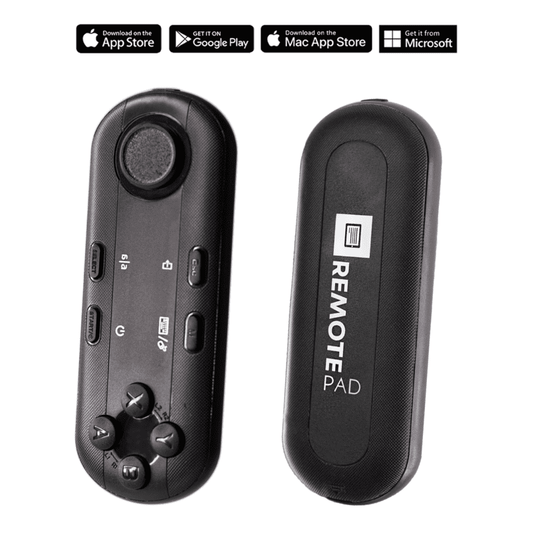
TELEPROMPTER PAD Bluetooth Remote Control for Teleprompter - Includes Teleprompter app for Apple, Android Windows & Mac - Wireless Controller for Beam Splitter Prompter or Live Streaming Equipment
- 34.90€
39.90€- 34.90€
- Unit price
- per
TELEPROMPTER PAD iLight PRO 12'' Teleprompter for iPad Tablet - Kit teleprompter for Video with Remote Control, APP & Carry Bag - Beam Splitter Prompter Autocue DSLR, iPhone, APP for Apple Android Mac Win
- 159.00€
199.00€- 159.00€
- Unit price
- per
TELEPROMPTER PAD Smartphone Adaptor for teleprompter – Record with any iPhone, Android phone, compatible with any teleprompter, aluminum universal Rig for prompter with camera plate, snug cloth fit
- 29.90€
39.90€- 29.90€
- Unit price
- per
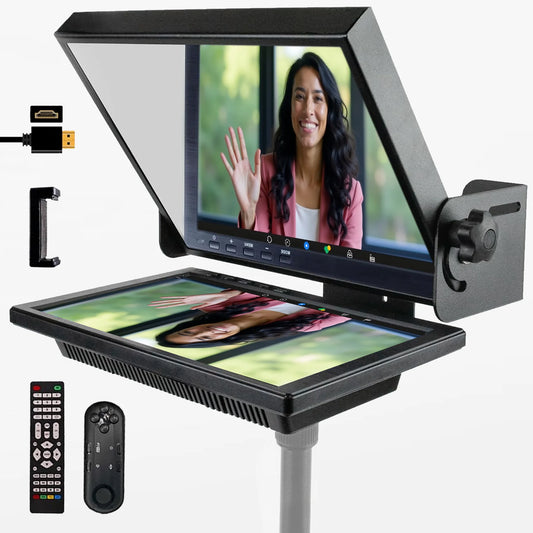
TELEPROMPTER PAD EyeMeeting Prompter for Twitch Streaming, Youtube, Zoom Eye Contact, for Mac/PC DSLR Webcam iPhone with Software, 10.1" Monitor & Remote, Compatible with Elgato Streamdeck, HDMI Input
- 229.00€
299.00€- 229.00€
- Unit price
- per