



Teleprompter for Corporate Training Webinars: Setup Guide
A teleprompter for corporate training webinars lets you read your script while looking directly into the camera — so trainees see a confident presenter, not someone glancing at notes off-screen. If your L&D team records onboarding modules, compliance walkthroughs, or skills-development webinars, a beam splitter teleprompter like the iLight PRO 12-inch is the fastest way to produce professional content without hiring a production crew. This guide covers exactly which hardware works, how to set it up, and the mistakes that kill credibility on camera.

Over the past decade I've helped configure teleprompter setups for corporate L&D departments, HR teams, and training consultancies across 30+ countries. About 18% of the 50,000+ TeleprompterPAD orders we've shipped go to SMBs, startups, and marketing teams — many of them producing internal training webinars. The problems I see are the same every time: bad eye contact, scripts that sound robotic, and gear that takes 20 minutes to set up. This guide is built from that direct experience.

Why does eye contact matter in corporate training videos?
When a presenter looks away from the camera to check notes, trainees subconsciously disengage. Research published in Frontiers in Psychology found that lack of eye contact in video calls "effects embodied non-verbal processes related to sense of connectedness," creating both emotional and physical distance between participants. For a 20-minute compliance module, that distance means lower retention and more re-watches.
A separate study (Fullwood & Doherty-Sneddon, 2006) demonstrated that content was remembered 23% better when the speaker looked at the camera to simulate eye contact. In corporate training, that 23% could be the difference between a passed compliance audit and a failed one.
A beam splitter teleprompter solves this by placing semi-transparent glass at roughly 45 degrees between you and the camera lens. Your script reflects on the glass. The camera shoots through it. You read the text while maintaining direct eye line with the viewer — no gaze-shift, no awkward pauses.
The numbers behind corporate training video
If you're building a business case for buying a teleprompter, the data is on your side. Corporate training is a massive, growing investment — and video is the delivery method organizations are choosing over classroom sessions.
| Metric | Data Point | Source |
|---|---|---|
| U.S. companies using video/webcasting for training | 77% | Research.com / Training Magazine, 2025 |
| L&D professionals who say video improves engagement | 90% | Training Industry, 2024 |
| Learners more engaged with video-based learning | 69% | eSkilled, 2026 |
| Global corporate training market (2025) | $391.1 billion | eSkilled, 2026 |
| Businesses using video as a marketing tool (2026) | 91% | Wyzowl, 2026 |
| Companies that updated L&D for remote/hybrid work | 85% | eSkilled, 2026 |
The takeaway: your colleagues and competitors are already investing in video-based training. A teleprompter makes sure the content you produce actually keeps people watching.
Which teleprompter works best for corporate training webinars?
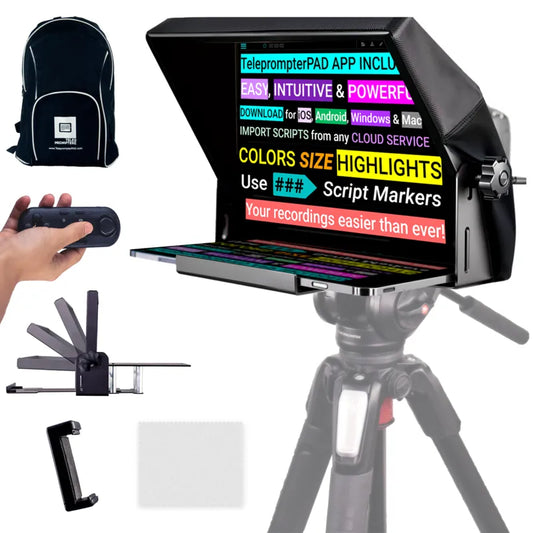
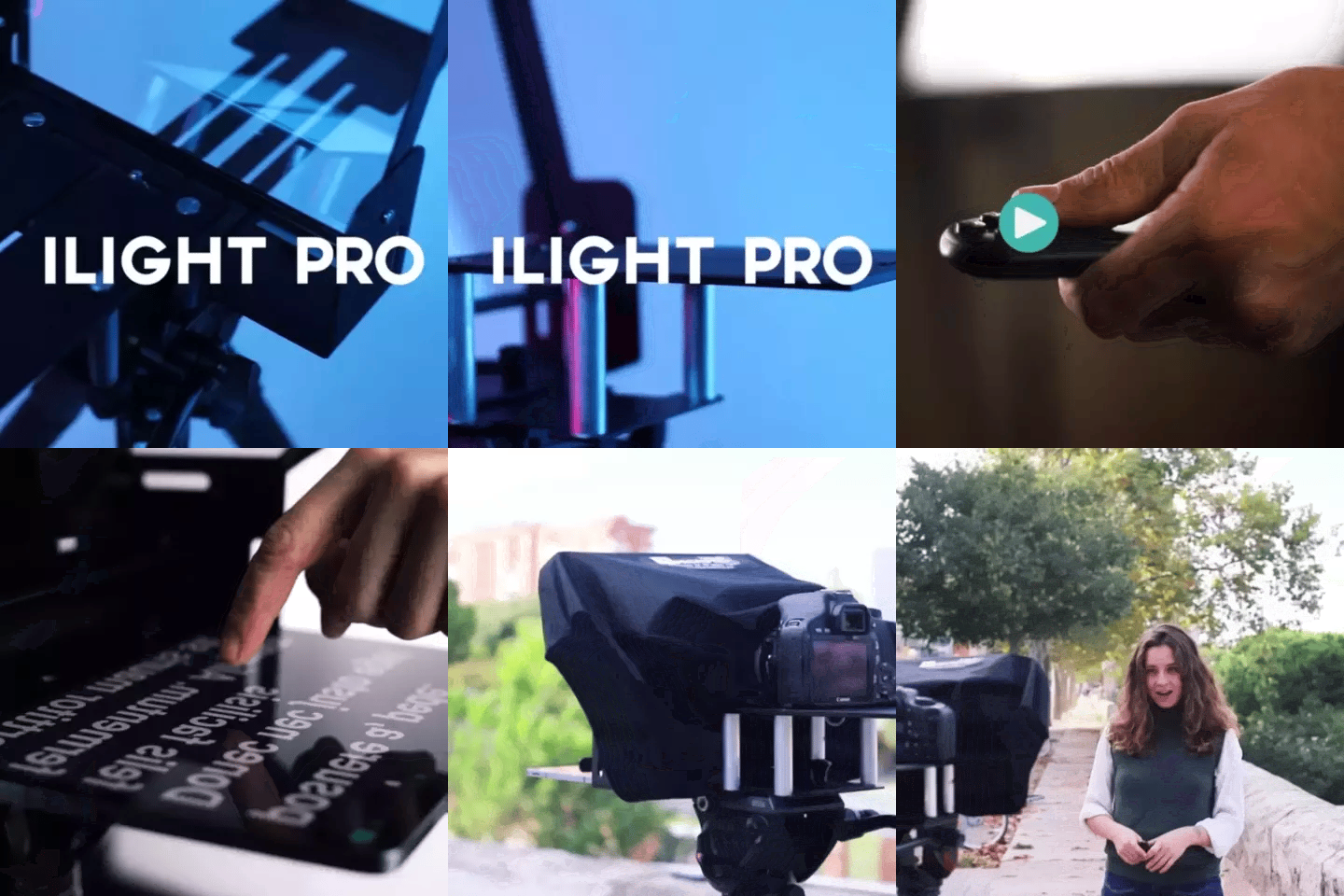
For most corporate training setups — a single presenter, a DSLR or mirrorless camera on a tripod, and a tablet running the script — the iLight PRO 12-inch is the right call. It accounts for roughly 60% of our total sales, and a large chunk of that goes to exactly this use case: SMBs and L&D teams who need to record polished training content without a production crew.
Here's why it fits corporate training specifically:
- Pre-assembled, under 2 minutes to set up. HR teams don't want to spend 30 minutes building gear. Unfold, mount, go.
- Works with any iPad, tablet, or smartphone up to 20cm × 26cm. Most companies already own an iPad.
- Bluetooth remote included. The presenter (or an assistant) controls scroll speed, pause, and font size without touching the tablet.
- 60/40 HD beam splitter glass made in Germany with anti-ghosting technology — no doubled reflections, just a sharp, bright text readout.
- Adjustable glass angle via knob — exclusive to this model. Fine-tune for your specific camera height.
- €159. That's less than a single hour of freelance video production.

If your team uses an iPad Pro 12.9", the 12-inch model won't physically fit it — you'll need the iLight PRO 14-inch instead. It accepts tablets up to 25cm × 31cm and includes a hardcase, which is handy if your L&D team travels between offices.
What about live webinars vs. pre-recorded modules?
Most corporate training teams I work with produce a mix of both. The setup differs slightly depending on which format you're prioritizing.
| Factor | Pre-recorded Modules | Live Webinars |
|---|---|---|
| Best teleprompter | iLight PRO 12-inch + DSLR | EyeMeeting Prompter or iLight PRO 12-inch |
| Camera | DSLR / mirrorless behind glass | Webcam or DSLR as virtual cam |
| Script control | Bluetooth remote or foot pedal | Meeting Mode (transparent overlay) |
| Output quality | Full-res recording to camera | Limited by streaming resolution |
| Post-editing | Yes — cut mistakes, add graphics | Minimal — record and upload |
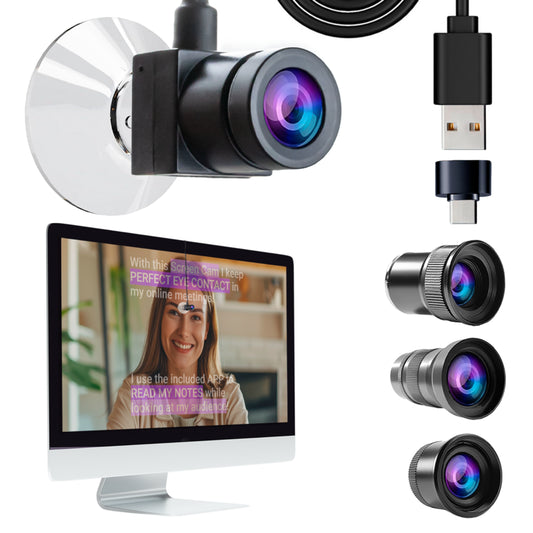
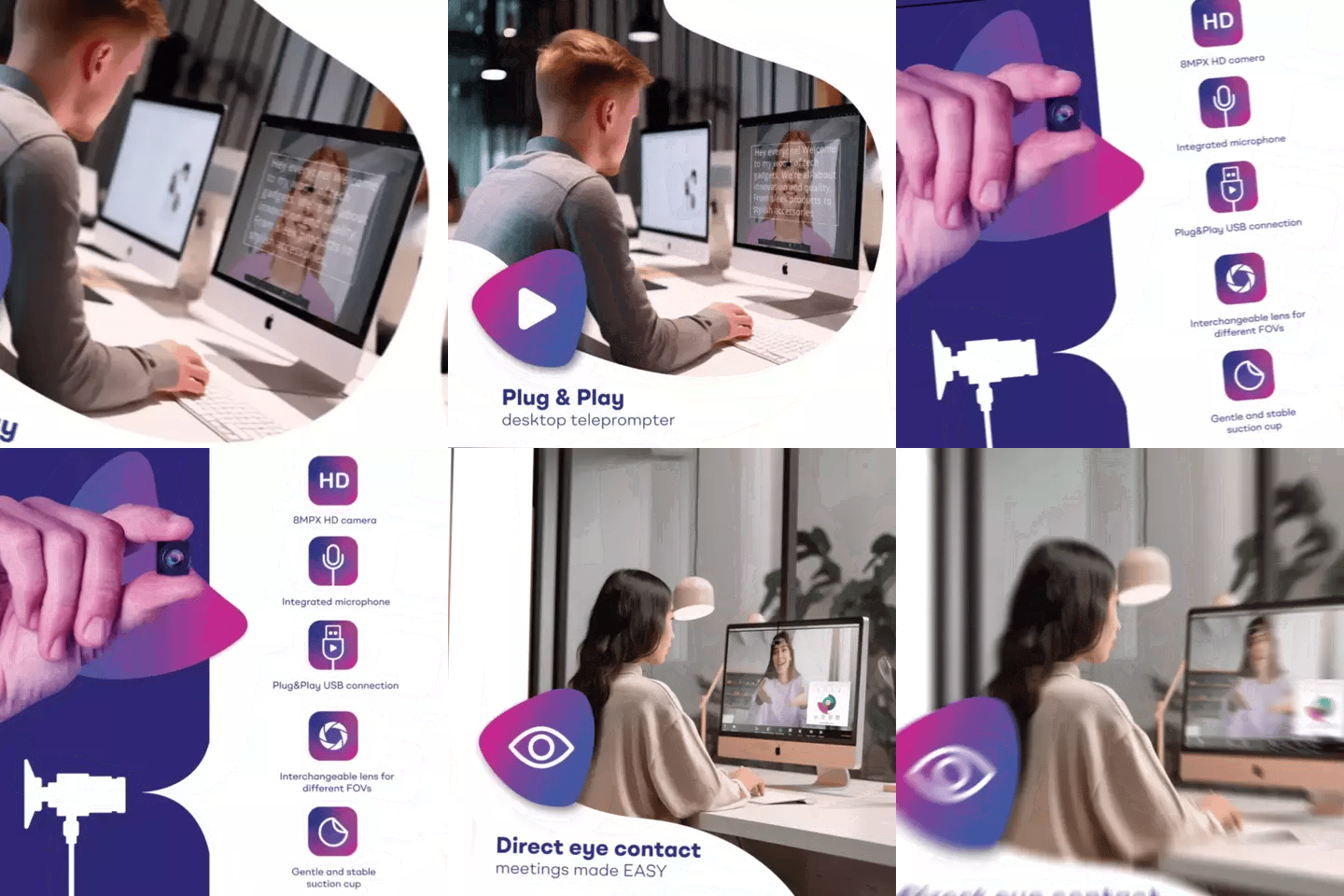
For pre-recorded content, the iLight PRO 12-inch with a DSLR gives you the best image quality. For live webinars on Zoom or Teams, you can still use the iLight PRO with a DSLR running as a virtual camera, or switch to the EyeMeeting Prompter which has a built-in 10.1-inch screen and connects via HDMI — no tablet required. The app's Meeting Mode overlays a semi-transparent script over your video call window so you read without alt-tabbing.

Step-by-step setup for corporate training recording
Here's the exact workflow I recommend to L&D teams. Once you've done it twice, the whole thing takes under five minutes.
- Mount the teleprompter on a tripod using the 1/4" screw on the base plate — not the camera plate. This is the #1 mistake I see. The teleprompter holds the camera, not the other way around.
- Position the glass at ~45 degrees using the adjustable knob. Place the camera as close to the back of the glass as possible.
- Load your tablet and open the TeleprompterPAD app. Import your script (copy-paste, file import, or type directly). Set mirror mode ON — the text will display reversed on the tablet but read correctly on the glass.
- Adjust font size and margins. At 1.5–2.0m distance (the sweet spot), a font size of 40–50pt with narrowed margins keeps your eyes from scanning side to side visibly.
- Seal the blackout hood. The Velcro hood blocks ambient light from washing out the reflected text. No overhead lights above the teleprompter — that causes glare on the glass.
- Test audio and lighting. Use an external microphone (always — your DSLR's built-in mic is unusable at 1.5m+). Three-point lighting: key light front/side, fill light opposite, backlight behind.
- Do one test take. Check for visible eye scanning, text brightness, audio levels. Then record.
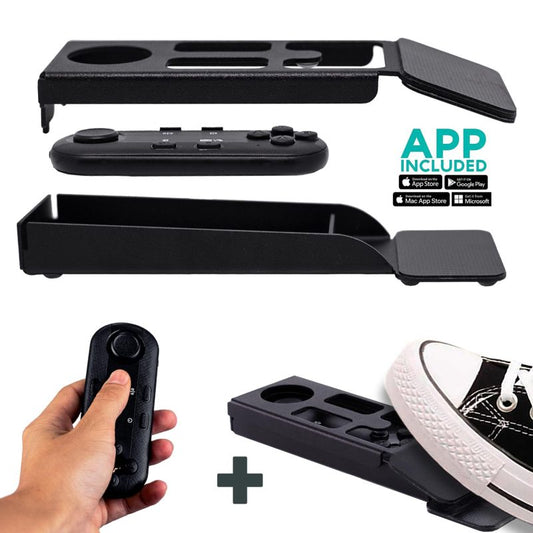
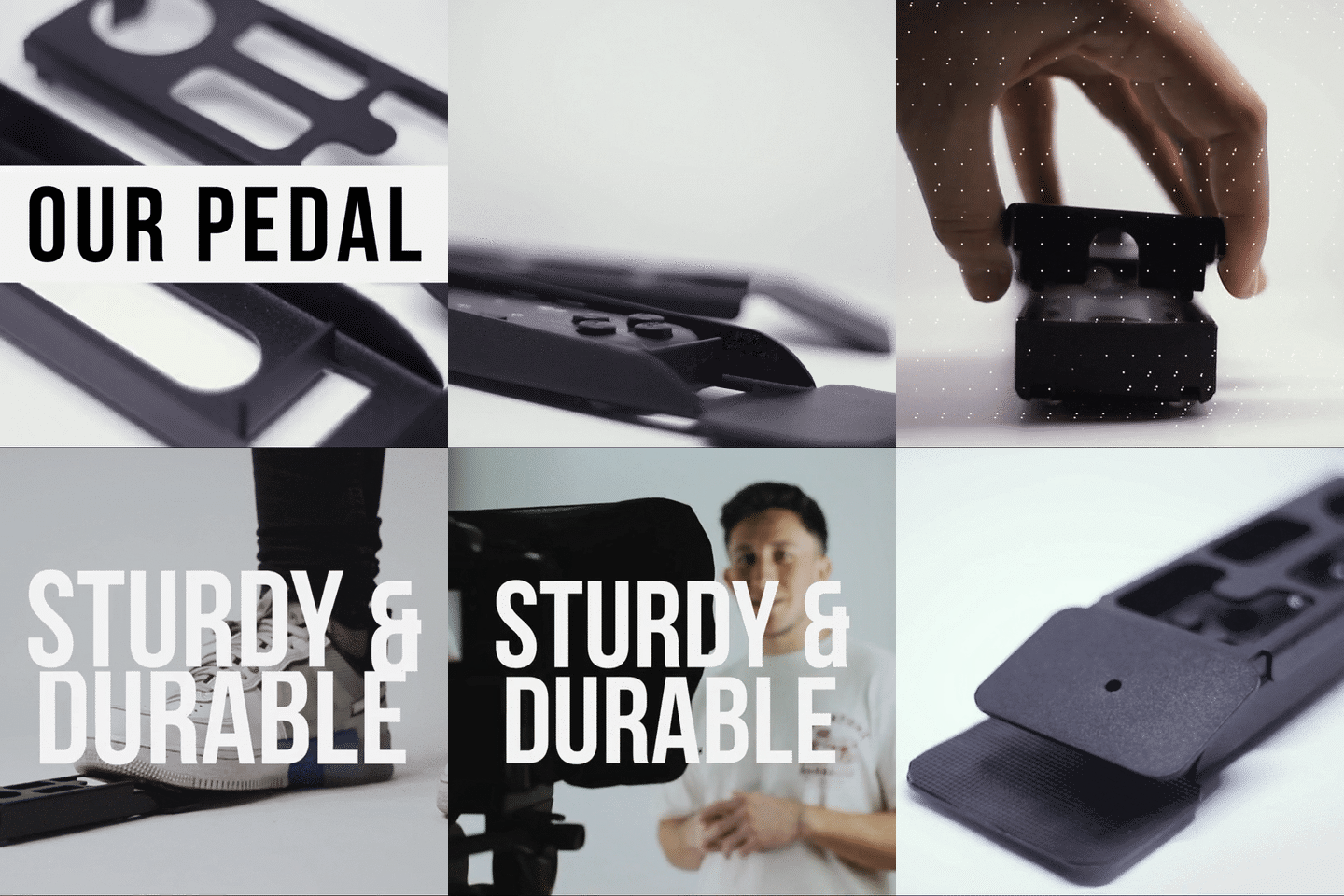
The Bluetooth remote that ships with the iLight PRO lets you (or a colleague off-camera) control play/pause and scrolling speed. If the presenter needs both hands free — for example, demonstrating a physical product — the Wireless Kit (Pedal + Remote) is a silent foot controller that mics won't pick up.

Scripting tips that make training content feel human
The teleprompter hardware is only half the equation. If your script reads like a legal document, your presenter will sound like they're reading a legal document — and 35% of employees who pause a training video mid-content never resume, according to D-MAK Productions' 2026 guide. That's a waste of everyone's time.
- Write like you talk. Contractions, short sentences, active voice. Read it out loud before recording — if it feels stiff when spoken, rewrite it.
- Use pacing marks. Add "..." or "/" in the script where you want a natural pause. The TeleprompterPAD app supports bold and color formatting, so you can highlight keywords to emphasize.
- Break long topics into segments. Microlearning modules (3–5 minutes) get higher completion rates than 30-minute lectures. Record them separately.
- Include transitions on screen. Write "[TRANSITION: slide]" or "[PAUSE FOR DEMO]" so the presenter knows when to shift energy.
- Don't script Q&A sections. Bullet points work better for conversational segments. The app supports markers so you can jump between sections.
Real-world use cases from our customers
SMBs and marketing teams (18% of our customers)
Marketing teams at mid-size companies use the iLight PRO 12-inch to record product update videos, internal communications from the CEO, and customer onboarding walkthroughs. One recurring pattern I see: they start by recording external marketing videos, then realize the same gear works perfectly for internal training. Two birds, one teleprompter.
Coaches and course creators (20% of our customers)
Corporate coaches who sell B2B training programs — leadership development, sales methodology, compliance frameworks — use the teleprompter to pre-record their curriculum. The consistency matters: when a company buys a 12-module program, every module needs to look and sound professional. A teleprompter removes the variation you get from improvising. If you're in this space, our guide on teleprompters for coaches digs deeper into that workflow.
Educators and universities (10% of our customers)
University continuing-education departments record webinar-style lectures for corporate clients. The presenter stands at the recommended 1.5–2.0m distance, reads from the teleprompter, and the result looks like a polished broadcast — not a professor squinting at a laptop screen. Our teleprompter for online courses article covers that specific angle.

Honest pros and cons
| ✅ Pros | ❌ Cons |
|---|---|
| Direct eye contact throughout entire recording | Requires minimum 24mm focal length — wide-angle lenses show frame edges |
| Pre-assembled, 2-minute setup | Not designed for iPad Pro 12.9" (need the 14-inch model) |
| €159 — cheaper than one hour of outsourced production | Doesn't replace bad scripting or poor lighting — those are on you |
| Free app on iOS, Android, Windows, Mac | Tripod not included — you need your own |
| Bluetooth remote for hands-free scroll control | Hardcase sold separately for the 12-inch (included with 14-inch) |
| 1-to-1 multilingual support (EN, ES, DE, FR, IT) | Consumer/prosumer grade — not built for broadcast studios |
I want to be straightforward: the iLight PRO 12-inch is not a broadcast teleprompter. If you're producing content for a network TV studio, this isn't the right tool. But for the 95% of corporate training teams recording in a conference room, home office, or small studio, it does exactly what you need at a fraction of the cost.
Common mistakes that ruin corporate training recordings
I've seen every one of these — usually from teams who email our support after their first session goes sideways. Avoid them and you'll save hours of reshoots.
- Standing too close. Under 1.2m, viewers can see your eyes scanning left to right. The sweet spot is 1.5–2.0m. If your room is small, narrow the text margins in the app.
- Forgetting to lock tablet rotation. One accidental tilt and your script flips mid-take. Lock screen orientation before you start.
- Mounting the tripod to the camera plate instead of the teleprompter base. The teleprompter goes on the tripod. The camera goes on the teleprompter. Every. Single. Time.
- Using the built-in camera microphone. At 1.5m distance, your DSLR's mic picks up room echo, not your voice. Clip a lavalier mic to the presenter or use a shotgun mic on a boom.
- Overhead lighting directly above the teleprompter. This creates glare on the beam splitter glass that washes out the text. Light from the front and sides only.
- Skipping the test take. Always record 30 seconds first. Check framing, audio levels, text brightness, and scroll speed before committing to a full session.
Frequently asked questions
Can I use a teleprompter for live Zoom or Teams webinars?
Yes. The TeleprompterPAD app has a Meeting Mode that overlays your script as a semi-transparent layer on top of your video call window. You read the script while maintaining eye contact with your webcam. For a dedicated setup, the EyeMeeting Prompter has a built-in 10.1-inch monitor and connects via HDMI — no tablet needed.
Does the camera see the text reflected on the glass?
No. The 60/40 beam splitter glass reflects 60% of the tablet light toward you and transmits 40% through to the camera. The camera records a clear image. If you seal the blackout hood properly and avoid overhead lights, there's zero visible text in the footage.
What tablet should I use with the iLight PRO 12-inch?
Any tablet or smartphone up to 20cm × 26cm (7.8" × 10.2"). An iPad 10th gen, iPad Air, or iPad Pro 11" works perfectly. Android tablets and Windows tablets fit too. The one tablet that doesn't fit: iPad Pro 12.9" — that requires the 14-inch model.
How do I control the scrolling speed during recording?
Use the included Bluetooth remote to play/pause and adjust speed in real time. If the presenter needs both hands free (for demos, whiteboarding, etc.), the Wireless Kit adds a silent foot pedal. The pedal uses a capacitive sensor — no audible click for mics to pick up.
Is a teleprompter worth the investment for a small training team?
At €159 for the iLight PRO 12-inch, the cost is equivalent to roughly 15–30 minutes of outsourced video production. If your team records even two or three training modules per quarter, the teleprompter pays for itself after the first session in saved time alone. You also get the free app and a Bluetooth remote — no recurring fees.
What focal length should I use?
Minimum 24mm. Below that, wide-angle lenses will show the edges of the glass frame or the tablet tray in your shot. A 35mm or 50mm equivalent works great for a head-and-shoulders corporate framing.
Can multiple presenters use the same teleprompter?
Absolutely. The app saves scripts, so you can preload each presenter's module and switch between them in seconds. Each person just needs to be positioned at the right distance (1.5–2.0m) and height (eye level with the glass). If you run into any issues, TeleprompterPAD offers personal 1-to-1 multilingual support in English, Spanish, German, French, and Italian.
How does this compare to reading off a laptop screen next to the camera?
Night and day. When you read off a laptop placed next to your camera, your gaze shifts 10–20 degrees off-axis. Viewers notice instantly — it looks like you're talking to someone else in the room. A beam splitter puts the text directly in front of the lens, so your eyes never leave the camera line. Research confirms that averted gaze "was found to decrease perceived empathy, perspective-taking, trustworthiness and emotional closeness" in video communication.
The right teleprompter turns a nervous presenter reading bullet points into a confident trainer holding eye contact for the entire module. If your team produces corporate training webinars — pre-recorded or live — the iLight PRO 12-inch is the simplest, most cost-effective way to make that happen. Set it up once, record everything, and let the content do the talking.
Our best sellers
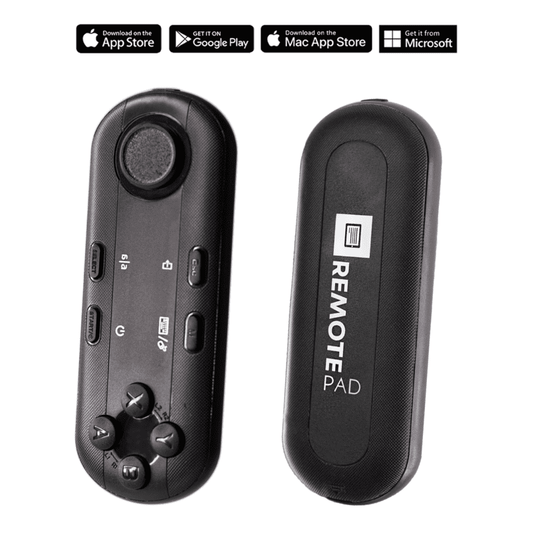
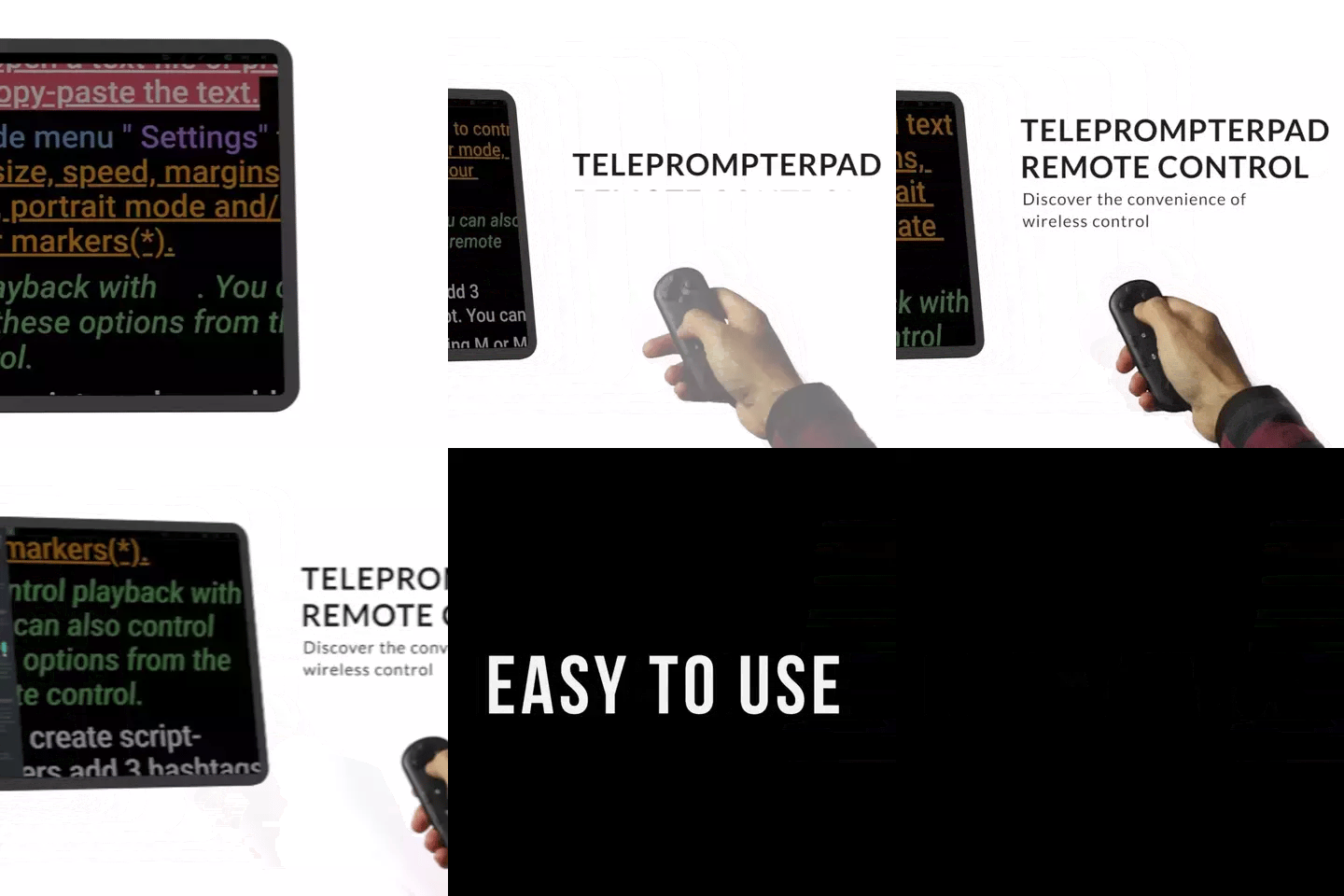
TELEPROMPTER PAD Bluetooth Remote Control for Teleprompter - Includes Teleprompter app for Apple, Android Windows & Mac - Wireless Controller for Beam Splitter Prompter or Live Streaming Equipment
- 34.90€
39.90€- 34.90€
- Unit price
- per
TELEPROMPTER PAD iLight PRO 12'' Teleprompter for iPad Tablet - Kit teleprompter for Video with Remote Control, APP & Carry Bag - Beam Splitter Prompter Autocue DSLR, iPhone, APP for Apple Android Mac Win
- 159.00€
199.00€- 159.00€
- Unit price
- per
TELEPROMPTER PAD Smartphone Adaptor for teleprompter – Record with any iPhone, Android phone, compatible with any teleprompter, aluminum universal Rig for prompter with camera plate, snug cloth fit
- 29.90€
39.90€- 29.90€
- Unit price
- per
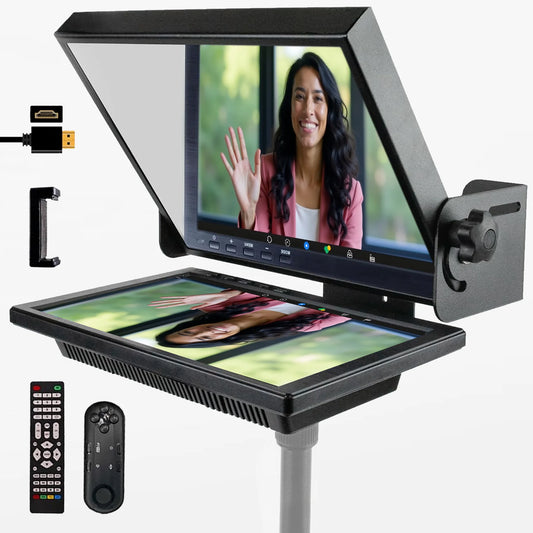
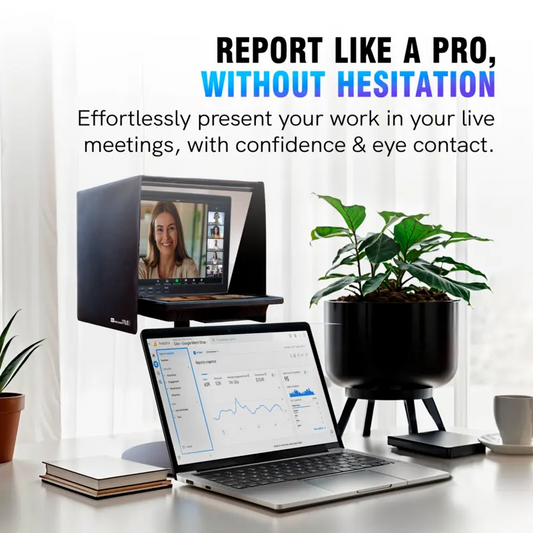
TELEPROMPTER PAD EyeMeeting Prompter for Twitch Streaming, Youtube, Zoom Eye Contact, for Mac/PC DSLR Webcam iPhone with Software, 10.1" Monitor & Remote, Compatible with Elgato Streamdeck, HDMI Input
- 229.00€
299.00€- 229.00€
- Unit price
- per