



Teleprompter for Churches: What Actually Works in 2026
A teleprompter for churches helps pastors and ministry leaders deliver sermons with full eye contact — whether preaching to a live congregation, livestreaming to remote members, or recording weekly messages. The right setup depends on whether you're speaking from a pulpit, recording at a desk, or streaming live from a studio space. I've helped hundreds of churches pick the right teleprompter since we started shipping gear over a decade ago. Churches and religious leaders make up about 6% of our customer base, and they're some of the most specific about what they need. This guide covers the real options, honest trade-offs, and the gear that actually works for ministry.

Over the past 10+ years, I've personally walked more than 300 churches and ministry teams through teleprompter selection and setup. From small congregations recording a Sunday message on a single camera to megachurches running dual presidential panels on stage, I've seen what breaks and what sticks. Every recommendation here comes from real support tickets, real feedback, and real on-site troubleshooting.

Why Do Churches Need Teleprompters in 2026?
The short answer: your congregation is no longer just the people in the room. According to Pew Research Center, roughly 27% of U.S. adults regularly watch religious services online or on TV, and 17% participate both in-person and virtually. That's a massive hybrid audience expecting professional-quality delivery.
Meanwhile, Pushpay's 2025 State of Church Tech report found that 87% of churches continue streaming their services. Livestreaming isn't a pandemic leftover anymore — it's permanent infrastructure. And when you're on camera, every glance down at paper notes is amplified.
Eye contact matters enormously in preaching. Research on public speaking published in Psychological Science confirms that eye contact is one of the most critical nonverbal cues for perceived credibility and connection. As a 2025 study from arxiv put it, "speakers who maintain meaningful eye contact are perceived as credible, projecting greater competence, honesty, and confidence." A teleprompter lets your pastor maintain that eye-to-eye bridge with the congregation while still hitting every point in the sermon.
What Types of Teleprompters Work for Churches?
Churches aren't all the same. A 50-person congregation recording a weekly message is a completely different situation than a 2,000-seat auditorium with dual screens flanking the stage. Here's how the main categories break down.
| Type | Best For | Price Range | Key Limitation |
|---|---|---|---|
| Camera-mount beam splitter (e.g. iLight PRO 12-inch) | Recorded sermons, YouTube, small studio | €159–€239 | Camera-facing only, not stage use |
| Desktop beam splitter with monitor (e.g. EyeMeeting Prompter) | Desk-based recording, livestreaming, webinars | €229 | Not portable for stage |
| Presidential teleprompter (e.g. iPresent PRO) | Pulpit preaching, live stage, conferences | €449 | Requires a dedicated stand position |
| Professional dual presidential (e.g. XCue X1) | Large venues, dual-panel coverage | €1,997 | Professional equipment, not for small setups |
Most churches I work with fall into one of two camps: they either need a camera-facing setup for recorded or streamed content, or they need a stage-facing solution for live preaching. Let me break each one down.
Best Teleprompter for Recorded Sermons and Livestreams
If your pastor records sermons at a desk, in a small studio, or in front of a single camera — this is where the EyeMeeting Prompter shines. It's a beam splitter teleprompter with its own built-in 10.1-inch inverted monitor. No tablet needed. You connect it to your computer via HDMI, and it works as a second display.
Why does this matter for churches? Because it means one volunteer or staff member can control the script from a laptop while the pastor reads from the glass. The pastor doesn't have to touch anything. They walk up, the script is already loaded, and they preach.
It also works beautifully for livestreaming. Mount a webcam or small camera behind the glass, open your streaming software, and the pastor reads scripture passages and sermon notes while maintaining direct eye contact with the camera. Online viewers — remember, that's roughly a quarter of your total audience these days — will feel like they're being spoken to directly.

Best Teleprompter for Live Preaching From a Pulpit
If your pastor preaches from a stage to a live audience, a camera-mount teleprompter won't help. You need a presidential-style teleprompter — the glass-on-a-stand design you've seen politicians use. The text appears to hover in mid-air on a transparent glass panel positioned at eye level, and the congregation behind the glass sees nothing.
For small-to-mid-sized churches, the iPresent PRO at €449 is the workhorse. It runs self-operated with the Bluetooth remote or foot pedal and a tablet. The pastor controls scroll speed themselves, or a volunteer operates it from the back.
For larger venues, you'd typically want two panels — one to the left, one to the right — so the pastor can look in either direction naturally. That's what the XCue Speech Prompter X1 is built for. It's a professional dual-panel system at €1,997. Not cheap, but for churches running multiple services with different speakers, it pays for itself fast.

How Churches Actually Use Each Setup
Let me give you three real patterns I see constantly from our church customers.
Pattern 1: The Solo Pastor Recording Weekly Messages
This is the most common. A pastor sits or stands in front of a single camera — often a DSLR or even a smartphone — and records a 15-30 minute sermon that gets uploaded to YouTube or the church website. They use an iLight PRO 12-inch or the EyeMeeting Prompter. The remote control lets them pause and adjust scroll speed without breaking flow.
What matters here: the recording distance (stay 1.5m or more from the camera to avoid visible eye scanning), good three-point lighting, and an external microphone. Built-in camera mics are useless at prompting distance.
Pattern 2: The Livestreaming Church
This church streams every Sunday service. They need the pastor to look directly into a camera while preaching. The EyeMeeting Prompter works perfectly here because it has its own 10.1-inch HDMI monitor — the tech team controls the script from a laptop backstage, and the pastor just reads.
For churches already running streaming software like OBS, the EyeMeeting Prompter integrates cleanly. Mount it at the camera position, run HDMI from the media laptop, and the pastor reads while the stream captures direct eye contact.
Pattern 3: The Large Venue With Live Congregation
This church has 200+ seats and the pastor moves around the stage. They need presidential panels — either one iPresent PRO for a fixed pulpit position, or dual XCue X1 panels for full left-right coverage. A dedicated operator controls the script from a laptop off-stage.
Church Teleprompter Setup: 5 Steps That Work Every Time
- Position the teleprompter at the pastor's eye level. This is the #1 mistake I see. If the glass is too low, the pastor looks down and the congregation notices immediately.
- Import the sermon script into the free TeleprompterPAD app. Use the file import feature. Format with bold for emphasis, larger font for scripture references, and pacing marks ("// PAUSE //") where the pastor should breathe.
- Set the scroll speed during rehearsal, not during the service. Every pastor reads at a different pace. Have them run through the first 2 minutes and dial in the speed before anyone hits record or goes live.
- Test audio and lighting before anything else. Three-point lighting (key light at 45°, fill opposite, backlight behind) prevents glare on the beam splitter glass. Keep overhead lights away from the teleprompter area — they cause reflections.
- Do a test recording. Watch for eye scanning, glass frame visibility (use 24mm focal length or longer), and hood light leaks. Fix these before the real take.
The app supports multilingual scripts (English, Spanish, French, German, Italian), which is actually a big deal for multilingual congregations. I've had several bilingual churches load parallel scripts and switch between them mid-service.
Who in the Church Should Operate the Teleprompter?
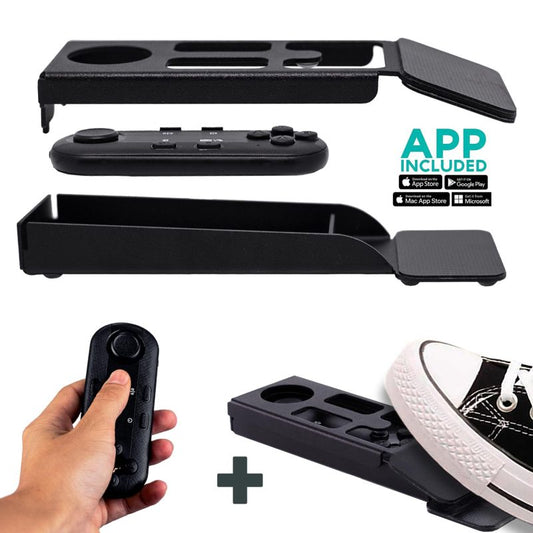
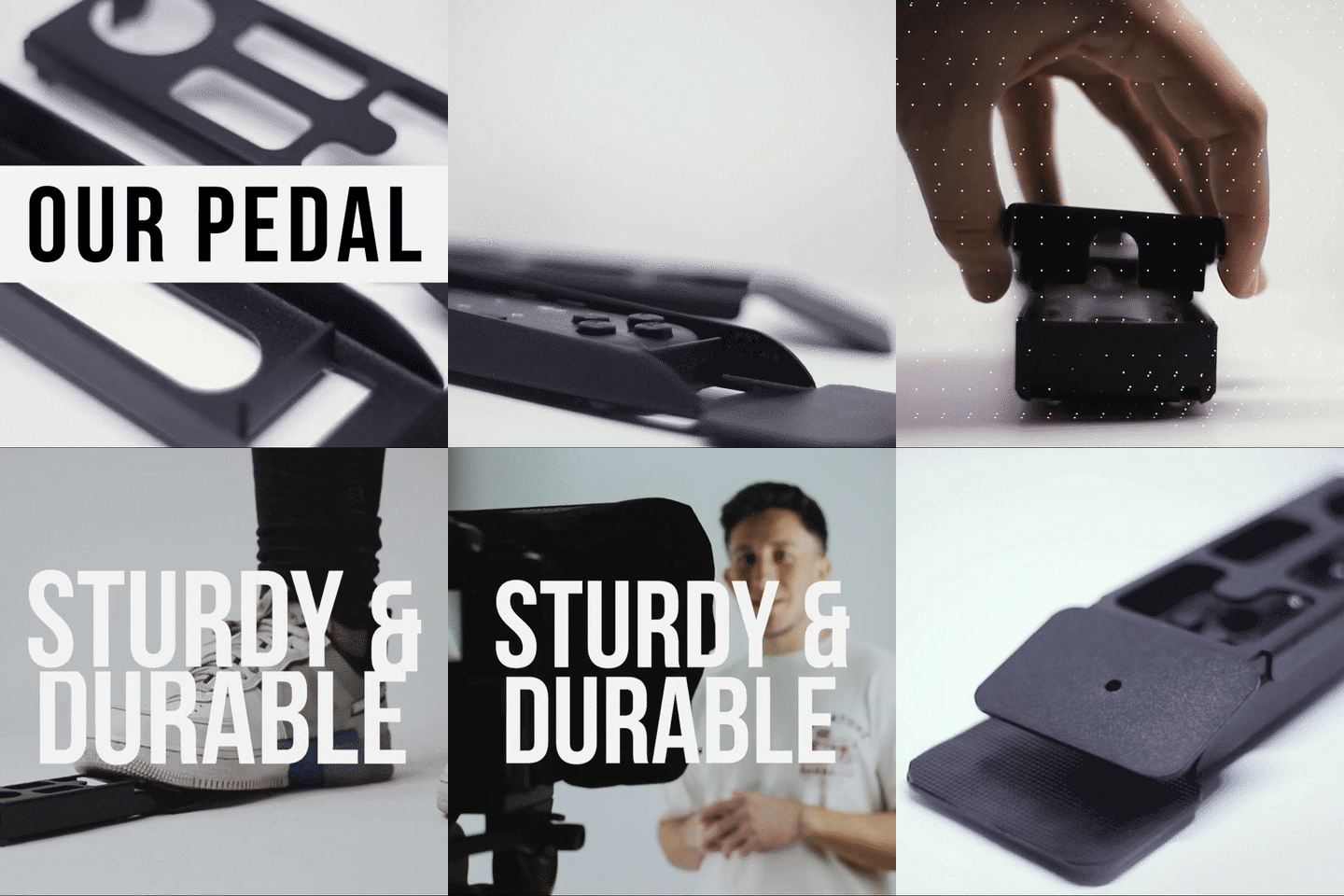
This depends on your setup. For recorded messages and small teams, the pastor can self-operate with the included Bluetooth remote. It handles play/pause, speed control, and forward/backward navigation. If your pastor prefers hands-free, the Wireless Kit (Pedal + Remote) at €54.90 is ideal. The pedal uses a silent capacitive sensor — no click sound — so it won't get picked up by microphones.
For larger productions, assign a volunteer to operate from a laptop. This is where the EyeMeeting Prompter's HDMI setup or the inverted monitors for iLight PRO models really shine. The operator follows the pastor's pace in real time, and the pastor just focuses on the message.

Real-World Use Cases by Church Size
Churches and religious leaders represent about 6% of our total customer base — behind content creators (24%) and coaches/course creators (20%), but ahead of public speakers (5%) and corporate comms teams (3%). Here's what I typically recommend by congregation size.
| Church Size | Primary Need | Recommended Product | Budget |
|---|---|---|---|
| Under 100 | Recorded sermons / YouTube | iLight PRO 12-inch or EyeMeeting Prompter | €159–€229 |
| 100–300 | Livestream + live preaching | EyeMeeting Prompter + iPresent PRO | €229–€449 |
| 300–1,000 | Stage presidential + stream | iPresent PRO (dual setup) or XCue X1 | €898–€1,997 |
| 1,000+ | Dual presidential + multi-cam | XCue Speech Prompter X1 | €1,997 |
A quick note on honesty: we're a consumer/prosumer brand. If your church runs a full broadcast production with a professional crew and dedicated control room, you may need broadcast-grade gear beyond what we offer. But for the vast majority of churches — and that includes churches running solid multi-camera livestreams — our equipment handles the job well.

Honest Pros and Cons
Pros
- The pastor maintains eye contact with the congregation and camera simultaneously (presidential) or directly into the lens (beam splitter)
- Sermon delivery improves because the script is right there — no fumbling with paper notes or memorization gaps
- The free TeleprompterPAD app works across iOS, Android, Windows, and Mac, so churches aren't locked into specific hardware
- Personal 1-to-1 multilingual support (English, Spanish, French, German, Italian) — useful for international church networks
- All iLight models arrive pre-assembled, under 2 minutes to set up. Volunteers love this
- All beam splitter glass is lab-grade, manufactured in Germany, with anti-ghosting technology to prevent double reflections
Cons
- The EyeMeeting Prompter is desk/studio-only — it's not designed for stage use. If you need both, you're buying two different products
- The iPresent PRO's tablet tray maxes out at 10.2" (not compatible with iPad Pro 12.9"). If your church uses a large iPad, you'll need to use the dual-monitor HDMI setup instead
- Presidential teleprompters require a line-of-sight position on stage. In some church layouts, the stands may be visible to the front rows
- The Bluetooth remote can auto-connect to the wrong device if multiple paired devices are nearby — common in tech-heavy church environments. Solution: unpair unused devices before service
- No built-in confidence monitor for the operator — with the iPresent PRO, the operator sees the app on their tablet/phone, not on a separate display
Common Mistakes Churches Make With Teleprompters
- Writing the sermon in "essay mode." Teleprompter scripts should read like speech, not like a term paper. Short sentences. Contractions. Natural pauses marked.
- Standing too close to the camera. At less than 1.5 meters, viewers can see the pastor's eyes scanning left to right. The sweet spot is 1.5m–2.0m.
- Forgetting the hood. If you don't seal the blackout hood properly on a beam splitter teleprompter, ambient light bleeds in and washes out the text reflection. Every iLight comes with a Velcro hood — use it.
- Overhead stage lights directly above the teleprompter. This creates glare on the beam splitter glass. Reposition lights to 45° angles.
- No test take before the service. Sound check, lighting check, prompter check. Always. I've seen churches record 40-minute sermons only to discover the hood was leaking or the font was too small to read.
- Skipping the external microphone. At 1.5m+ recording distance, the camera's built-in mic picks up room echo, not the pastor's voice. A lapel mic or shotgun mic is non-negotiable.
For more on church livestream-specific setups, I wrote a detailed guide on teleprompter setup for church livestreams that covers OBS integration and multi-camera configurations.
Frequently asked questions
Can a church use a teleprompter for both live preaching and recorded sermons?
Yes, but you'll likely need two different products. A presidential teleprompter like the iPresent PRO handles live stage preaching, while a beam splitter like the EyeMeeting Prompter or iLight PRO handles camera-facing recordings. Some churches buy both and use them for different services or venues.
How much does a church teleprompter cost?
For recorded sermons, a full kit starts at €159 (iLight PRO 12-inch) or €229 (EyeMeeting Prompter with built-in monitor). Presidential teleprompters for stage use start at €449 (iPresent PRO). Professional dual-panel systems like the XCue X1 are €1,997. All include the remote and free app.
Does the congregation see the teleprompter text?
No. Beam splitter glass reflects text toward the speaker while remaining transparent from the other side. The congregation sees through the glass without noticing any text. This is the same technology used in presidential speeches.
Can a volunteer operate the teleprompter for the pastor?
Absolutely. With the EyeMeeting Prompter, a volunteer connects a laptop via HDMI and controls the script in real time. With the iPresent PRO, you can use the HDMI dual-monitor setup with a laptop. The TeleprompterPAD app makes it straightforward — most volunteers get comfortable after one practice session.
What tablet works best for a church teleprompter?
Any iPad up to 10.2" or Android tablet up to 20cm × 26cm works with the iLight PRO 12-inch and iPresent PRO. For iPad Pro 12.9", you'll need the iLight PRO 14-inch for camera-mount use. The EyeMeeting Prompter doesn't need a tablet at all — it has its own built-in 10.1-inch display.
Will using a teleprompter make sermons sound robotic?
Only if the script is written poorly. Write like you speak, not like you write. Use pacing marks. Practice at least once before recording. I've seen hundreds of pastors go from stiff first takes to completely natural delivery within two or three sessions. The key is conversational scripting and rehearsed scroll speed.
Does TeleprompterPAD offer support for churches setting up for the first time?
Yes. We offer personal 1-to-1 support in English, Spanish, French, German, and Italian. There are also video tutorials at help.teleprompterpad.com. Most churches get fully operational within a single afternoon, including running a practice sermon.
Can the teleprompter be used during a Zoom Bible study or online prayer group?
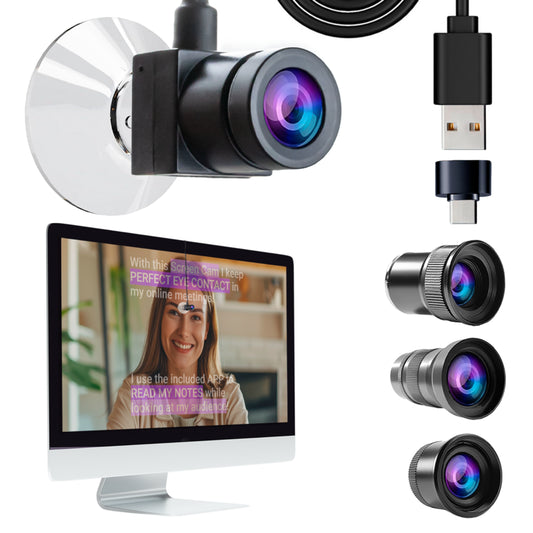
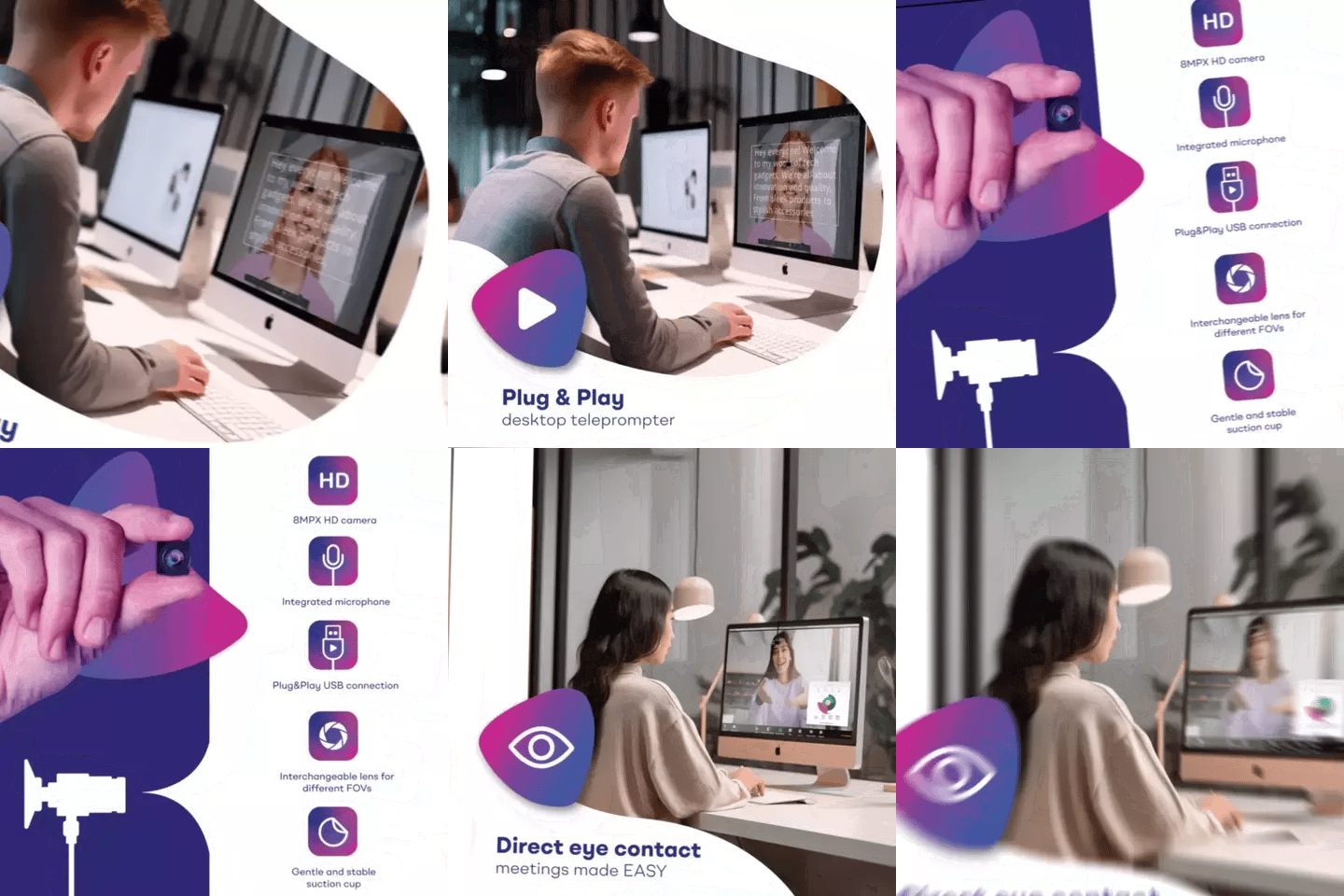
For live video calls, the EyeMeeting Webcam (€99) attaches directly to your monitor and lets you read notes while maintaining eye contact on Zoom, Teams, or any video call platform. For more structured streaming with a proper beam splitter, the EyeMeeting Prompter is the better choice.
Choosing the right teleprompter for your church comes down to one question: are you recording/streaming, or preaching live on stage? For recording and livestreaming, the EyeMeeting Prompter gives you a complete setup with its own screen for €229. For live stage preaching, the iPresent PRO or XCue X1 covers you depending on venue size. Either way, your congregation — in the room and online — deserves a pastor who looks them in the eye.
Our best sellers
TELEPROMPTER PAD Bluetooth Remote Control for Teleprompter - Includes Teleprompter app for Apple, Android Windows & Mac - Wireless Controller for Beam Splitter Prompter or Live Streaming Equipment
- 34.90€
39.90€- 34.90€
- Unit price
- per
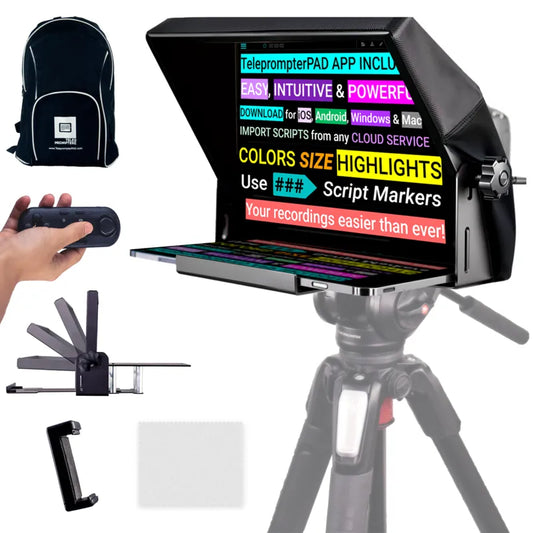
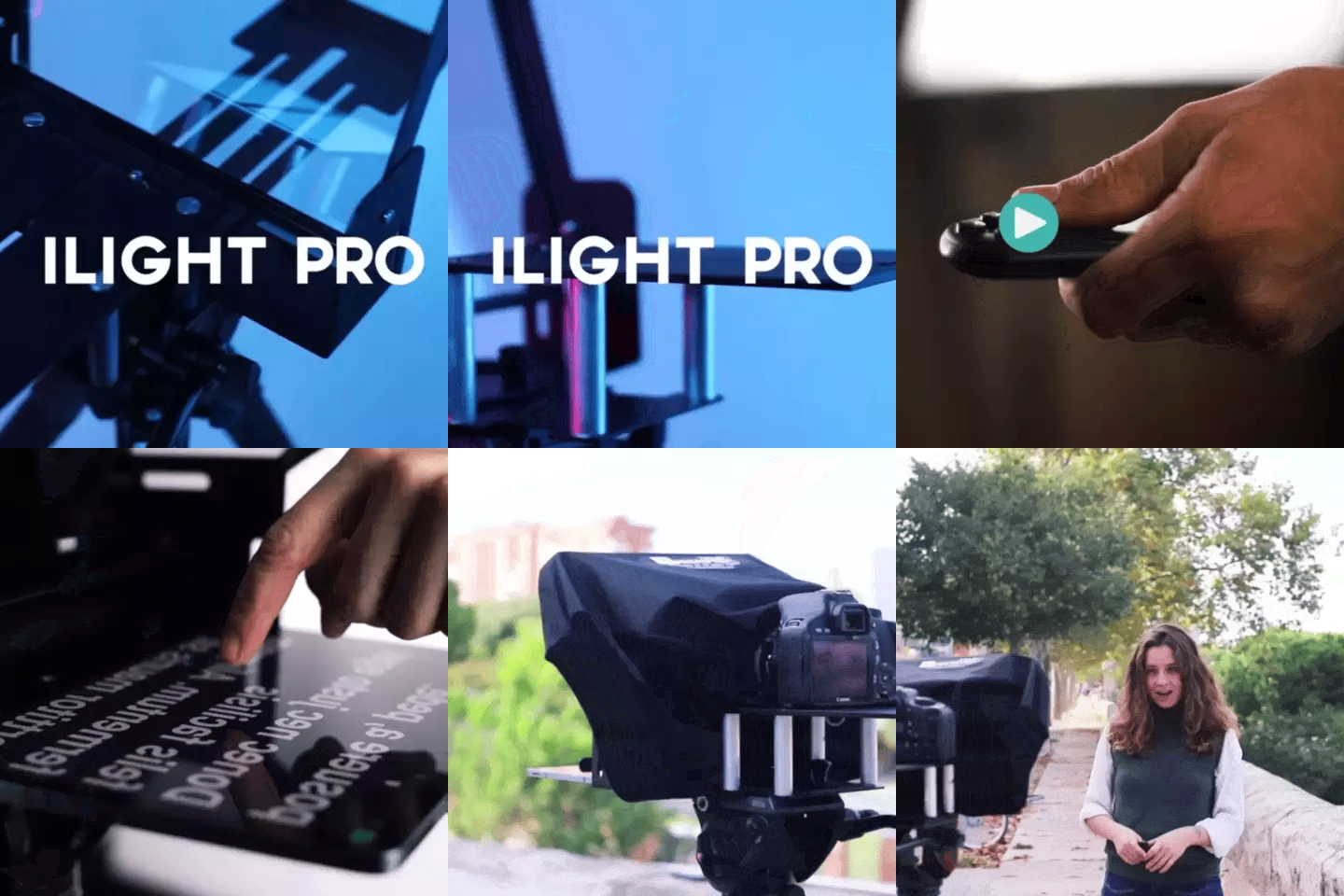
TELEPROMPTER PAD iLight PRO 12'' Teleprompter for iPad Tablet - Kit teleprompter for Video with Remote Control, APP & Carry Bag - Beam Splitter Prompter Autocue DSLR, iPhone, APP for Apple Android Mac Win
- 159.00€
199.00€- 159.00€
- Unit price
- per
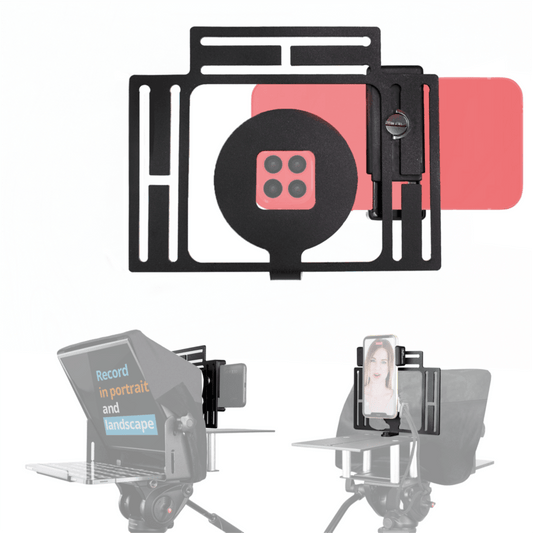
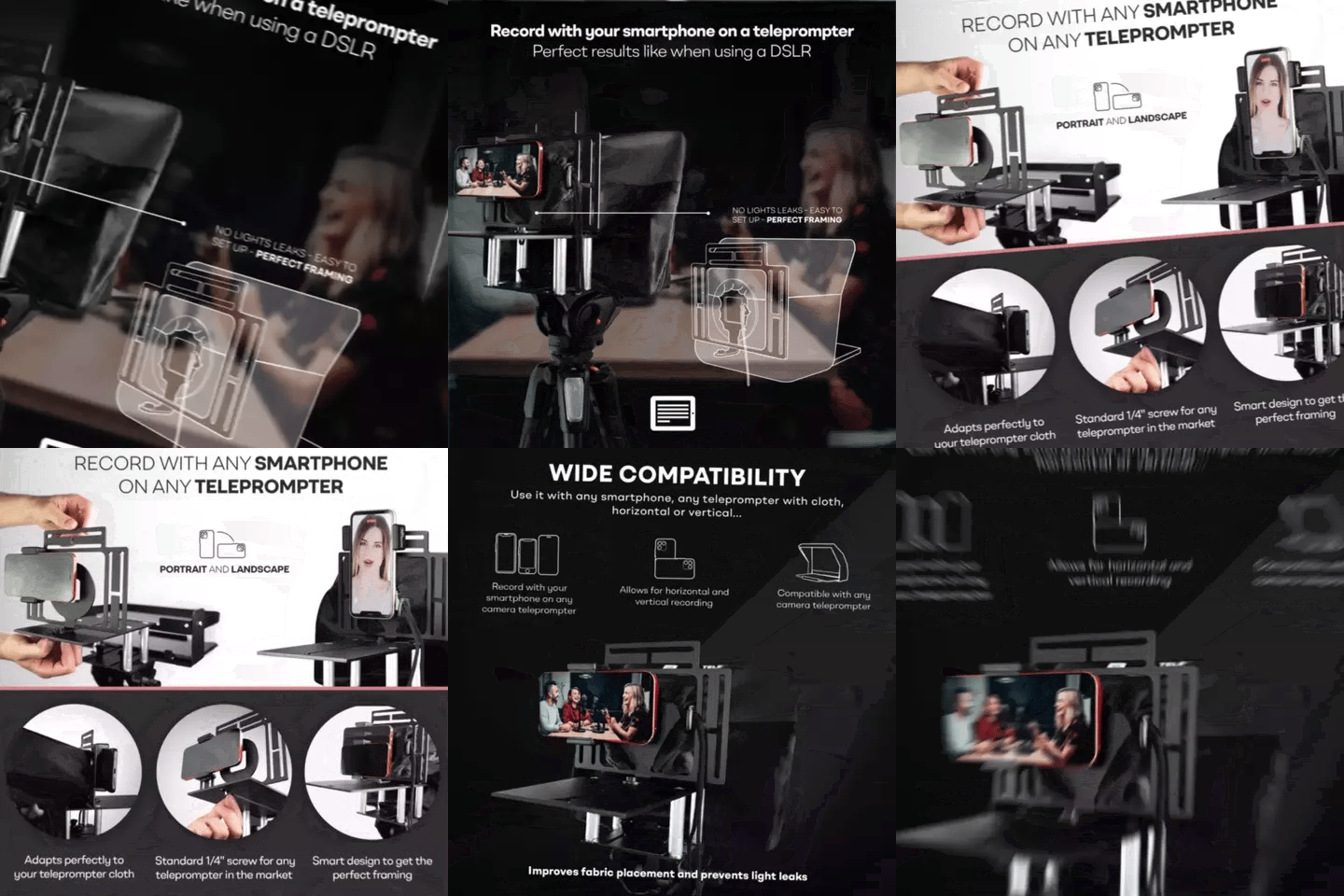
TELEPROMPTER PAD Smartphone Adaptor for teleprompter – Record with any iPhone, Android phone, compatible with any teleprompter, aluminum universal Rig for prompter with camera plate, snug cloth fit
- 29.90€
39.90€- 29.90€
- Unit price
- per
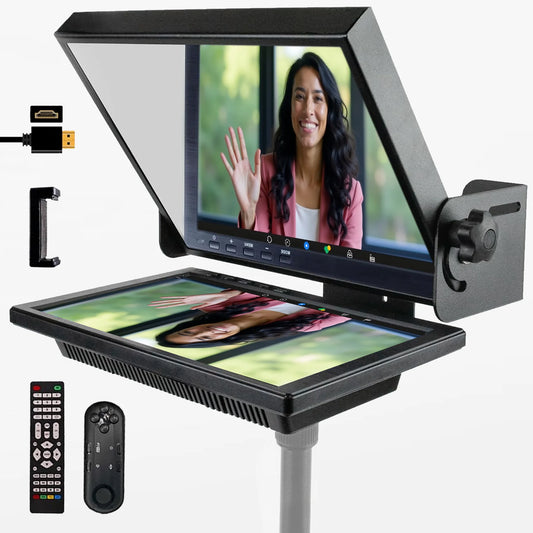
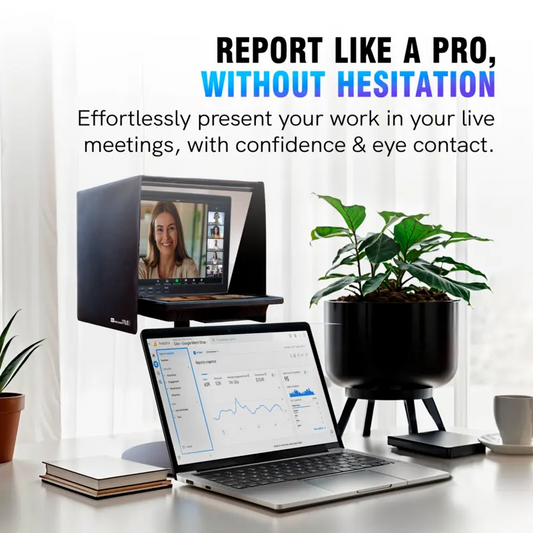
TELEPROMPTER PAD EyeMeeting Prompter for Twitch Streaming, Youtube, Zoom Eye Contact, for Mac/PC DSLR Webcam iPhone with Software, 10.1" Monitor & Remote, Compatible with Elgato Streamdeck, HDMI Input
- 229.00€
299.00€- 229.00€
- Unit price
- per