



Teleprompter for Church Training: Practical Setup Guide
A teleprompter for church training lets your ministry leaders record consistent, professional teaching videos without memorizing scripts or stumbling through notes. If your church runs volunteer onboarding, leadership development, Bible study series, or staff orientation, a beam splitter teleprompter puts the script right in front of the camera lens — so the presenter maintains direct eye contact with the viewer while reading every word. The result: training videos that feel personal, not robotic. I've helped dozens of churches set this up, and below I'll walk through exactly what works, what to avoid, and how to pick the right gear.

Churches and religious organizations make up roughly 6% of our customer base — that's over 3,000 units shipped to ministries worldwide. I've personally walked church tech teams through everything from volunteer-run single-camera setups to multi-site training libraries. The advice here comes from those real conversations, not marketing theory.

Why do churches need a teleprompter for training videos?
Church training is no longer just a Sunday morning meeting in the fellowship hall. Volunteer onboarding, small-group leader development, worship team protocols, safety procedures, children's ministry guidelines — all of these benefit from recorded video that can be watched on demand, replayed, and distributed across campuses.
The data backs this up. According to Wyzowl's 2026 State of Video Marketing report, 91% of businesses use video as a marketing tool, and 96% of people have watched an explainer video to learn more about a product or service. Churches aren't businesses, but the same audience behavior applies. Your volunteers and leaders are used to consuming training via video.
Here's the problem: without a teleprompter, most church presenters either memorize (which leads to mistakes and multiple takes) or read from notes off-camera (which breaks eye contact). Research published on Academia.edu found that "participants demonstrated better memory recall for information when the speaker maintained eye contact during presentations." For training content that needs to stick — like safeguarding policies or emergency procedures — eye contact isn't optional.
What kind of church training content works best with a teleprompter?
Not every training video needs a teleprompter, but the scripted, information-dense ones absolutely do. Here are the most common use cases I see from church customers:
- Volunteer onboarding: Consistent welcome message, ministry expectations, code of conduct
- Safety and safeguarding training: Child protection policies, first aid protocols, emergency evacuation
- Worship team guidelines: Stage setup, sound check procedures, service flow expectations
- Leadership development: Multi-session courses for small-group leaders or deacons
- Tech team training: Livestream setup, camera operation, audio mixing
- Multi-site distribution: A senior pastor records once, all campuses watch the same training
- New member orientation: Church history, beliefs, and how to get involved
The common thread? All of these need precise language. You can't wing safeguarding training. You can't ad-lib financial policy explanations. A teleprompter lets you deliver word-perfect content while still looking directly at the viewer.
Which teleprompter model fits church training setups?
This depends on your recording setup and screen size. Here's how I break it down for churches:
| Feature | iLight PRO 12-inch | iLight PRO 14-inch |
|---|---|---|
| Screen size | Up to 10.2" tablets | Up to 12.9" (iPad Pro) |
| Beam splitter glass | 12-inch HD 60/40, 4mm German | 14-inch HD 60/40, 4mm German |
| iPad Pro 12.9" support | ❌ Too wide | ✅ Fits perfectly |
| Camera max length | 20cm / 8" | 25cm / 10" |
| Tripod mount | 1/4" screw | 1/4" + 3/8" dual |
| Hardcase included | ❌ (sold separately) | ✅ Included |
| Price | €159 | €239 |
| Best for | Solo creators, budget setups | Churches with iPad Pro, shared gear |
For church training specifically, I almost always recommend the iLight PRO 14-inch. Here's why: churches often already have an iPad Pro 12.9" floating around the office. The 14-inch model fits it. Larger text on a larger screen means presenters can read more comfortably at a 1.5–2 meter distance, which matters a lot when you're rotating through multiple speakers who aren't professional talent. And the included hardcase means the gear survives being moved between rooms, campuses, or stored in a closet.

If budget is tight and you're using a standard iPad (10th gen) or an Android tablet, the 12-inch model works perfectly fine. It just doesn't support the iPad Pro 12.9".
How to set up a teleprompter for church training recordings
Setup is straightforward, but the details matter — especially when different staff or volunteers will be using the same rig. Here's my recommended 5-step workflow:
- Mount the teleprompter on a sturdy tripod. Attach the teleprompter base to the tripod — not the camera plate. This is the #1 mistake I see. The camera goes inside the teleprompter housing, not the other way around.
- Position at eye level. The center of the glass should be at the presenter's eye height when seated or standing. Adjust the tripod legs accordingly.
- Import your script into the TeleprompterPAD app. You can import from a file or paste directly. Set the font size large enough to read comfortably at 1.5–2 meters. Lock your tablet's screen rotation so it doesn't flip mid-take.
- Set up lighting. Three-point lighting works best: key light in front/to the side, fill light opposite, backlight behind. Avoid overhead lights directly above the teleprompter — they cause glare on the beam splitter glass.
- Test audio separately. At 1.5m+ distance, your camera's built-in mic is useless. Use a lavalier or shotgun mic. Do a 10-second test recording before every session.
The entire rig comes pre-assembled. Actual unboxing-to-recording time is under 2 minutes once you've done it once or twice. I always tell church tech teams: leave the teleprompter on its tripod in your recording space if you have a dedicated room. Eliminate setup friction and your pastors will actually use it.

Scripting tips for church training content
The teleprompter only works if the script sounds natural. The biggest mistake I see from churches (and honestly, from about 20% of our coaching customers too) is writing training scripts like legal documents. Nobody wants to watch that.
Write the way the presenter speaks. Use contractions. Short sentences. If the presenter would say "don't" in person, don't write "do not" in the script. Read the script out loud before recording — if it sounds stiff, rewrite it.
Add pacing marks directly in the script. The TeleprompterPAD app supports rich text editing, so you can bold key phrases, highlight section transitions, and use color to mark pauses. This is incredibly useful when you're recording a 15-minute safeguarding training module and you need the presenter to slow down for critical policy points.
One more thing: keep individual training videos under 10 minutes when possible. According to Wyzowl's 2026 data, 71% of marketers believe videos between 30 seconds and 2 minutes are most effective. Church training videos will naturally run longer, but breaking a 45-minute session into 5–8 modules dramatically improves completion rates.
Real-world use cases from church customers
Churches represent about 6% of our customer base, but their use cases are surprisingly diverse. Here are three patterns I see repeatedly:
1. Multi-campus volunteer onboarding
A church with 3–4 locations records a standardized volunteer welcome and training series. The senior pastor or volunteer coordinator delivers the material once, and every campus uses the same videos. This solves the consistency problem: everyone hears the same expectations, the same policies, the same tone. The iLight PRO 14-inch is the go-to here because it travels between campuses in its included hardcase.
2. Worship and tech team protocols
About 10% of our customers are educators, and I see the same pattern in churches training tech volunteers. Sound check procedures, camera operation for livestreams, ProPresenter workflows — these are all scripted, repeatable processes that benefit from a teleprompter. A 2026 church media trend piece from Church Media Squad notes that "with volunteer burnout and staffing limitations, 2026 is the rise of content repurposing." Recording your tech training once means you never lose institutional knowledge when a volunteer moves on.
3. Pastoral leadership development
Smaller churches use the teleprompter for multi-week leadership courses. A lead pastor records a 6-session series on biblical leadership, small-group facilitation, or pastoral care. The foot pedal works great here — the presenter controls scroll speed with their foot, keeping their hands free for natural gestures.

Honest pros and cons of using a teleprompter for church training
I want to be straight with you. A teleprompter solves specific problems extremely well, but it's not magic.
| Pros | Cons |
|---|---|
| Word-perfect delivery every time | Requires a written script — some pastors prefer to speak freely |
| Consistent quality across multiple presenters | New users need 2–3 practice runs to look natural |
| Maintains direct eye contact with the viewer | Minimum distance of 1.5m — needs some space |
| Dramatically reduces recording time (fewer takes) | Minimum 24mm focal length needed to avoid visible frame edges |
| Record once, distribute to all campuses | Not a broadcast-grade tool — meant for prosumer production |
The learning curve is real but short. Most church staff I've worked with get comfortable after their second or third recording session. The key is doing a test take, watching it back, and adjusting scroll speed and font size before the real recording. Don't skip this step.

Common mistakes churches make with teleprompter training setups
I've seen these enough times to write them down. Avoid these and you'll save yourself a lot of headaches:
- Mounting the tripod plate on the camera instead of the teleprompter base. The teleprompter attaches to the tripod. The camera goes inside.
- Leaving overhead fluorescent lights on. These create glare hotspots on the beam splitter glass. Use front and side lighting only.
- Forgetting to seal the hood. The blackout hood blocks light leaking onto the glass. Leave gaps and you get washed-out text.
- Using the camera's built-in microphone. At 1.5–2m, built-in mics pick up room echo and almost nothing useful. Always use an external mic.
- Not locking tablet screen rotation. One accidental rotation mid-take and your script flips sideways. Lock it before every session.
- Setting the recording distance too close. Under 1.2m, viewers can see the presenter's eyes scanning left to right across the script. Stay at 1.5m minimum.
How church training compares to corporate training setups
About 18% of our customers are SMBs and marketing teams, and another 3% are corporate comms. Churches face some of the same challenges as corporate training departments — consistency, scalability, presenter anxiety — but with tighter budgets and volunteer operators.
The good news: the equipment is identical. A church using an iLight PRO 14-inch with a DSLR and lavalier mic is using the same setup as a startup recording employee onboarding. The TeleprompterPAD app is free across iOS, Android, Windows, and Mac, which means there's no per-seat software cost. And our 1-to-1 support is available in English, Spanish, German, French, and Italian — useful for international church networks.
If your church is also doing livestreaming, the same teleprompter rig handles both. Record training on Monday, livestream a sermon on Sunday. Same gear, different scripts. We've written a separate guide on teleprompter setups for church sermons if that's relevant to your situation.
Frequently asked questions
Can volunteers operate a teleprompter without training?
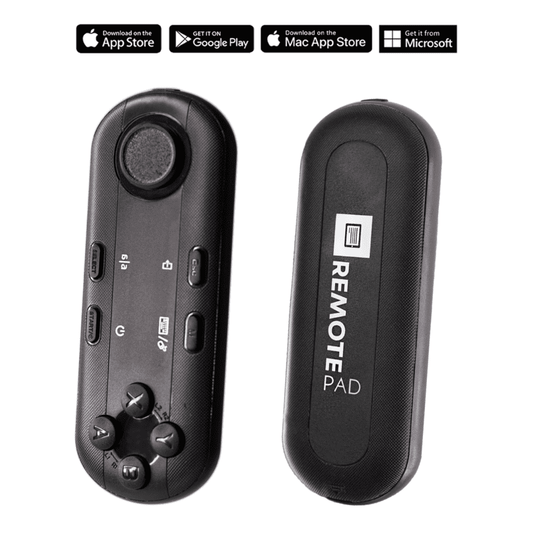
Yes, with minimal orientation. The iLight PRO comes pre-assembled — setup takes under 2 minutes. The TeleprompterPAD app is intuitive enough that I've seen church tech volunteers figure it out in a single walkthrough. The Bluetooth remote controls play/pause, speed, and font size, so one person can manage the scroll while the presenter focuses on delivery.
What tablet works best for church teleprompter setups?
An iPad Pro 12.9" with the iLight PRO 14-inch is the ideal combination for churches. The large screen means bigger text, which reduces eye scanning. If you're working with a standard 10" iPad, the iLight PRO 12-inch handles it perfectly. Android tablets work too — the app supports both platforms.
How far should the presenter stand from the teleprompter?
Between 1.5 and 2 meters (about 5 to 6.5 feet). Closer than 1.2m and viewers can see the presenter's eyes moving across the text. If you must be closer, use the app's margin narrowing feature to keep text centered and minimize scanning.
Does the teleprompter work for live training sessions, not just recordings?
Absolutely. You can use the iLight PRO for live presentations where someone is speaking to a room with a camera behind the glass. The audience sees the speaker through the glass while the speaker reads the script reflected on it. It's also great for hybrid setups — training a room of volunteers while simultaneously recording for remote campuses.
What if our church doesn't have a DSLR camera?
A smartphone works. The iLight PRO includes a smartphone clamp that positions your phone behind the beam splitter glass. Many churches I've worked with started recording training videos on an iPhone 14 or 15 and the quality was more than good enough for internal training distribution.
Can multiple presenters share the same teleprompter setup?
Yes. Adjust the tripod height for each presenter and tweak the scroll speed in the app. Font size and color preferences can be saved as presets. The glass angle knob on the iLight PRO models lets you fine-tune the reflection angle, which is useful when switching between presenters of different heights.
Is this the same gear used in TV studios?
No, and I want to be transparent about that. TeleprompterPAD products are consumer/prosumer grade. They're perfect for churches, content creators, coaches, and small production teams. If you're running a broadcast studio with professional operators, you'd need broadcast-grade equipment. For church training videos, our gear is more than sufficient — and at a fraction of the cost.
What about the foot pedal — is it really silent?
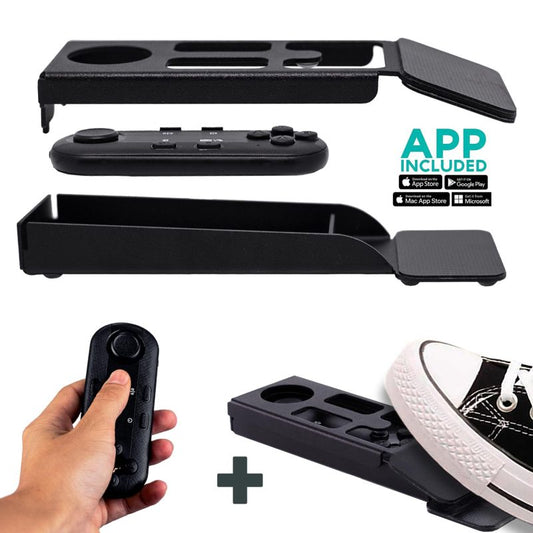
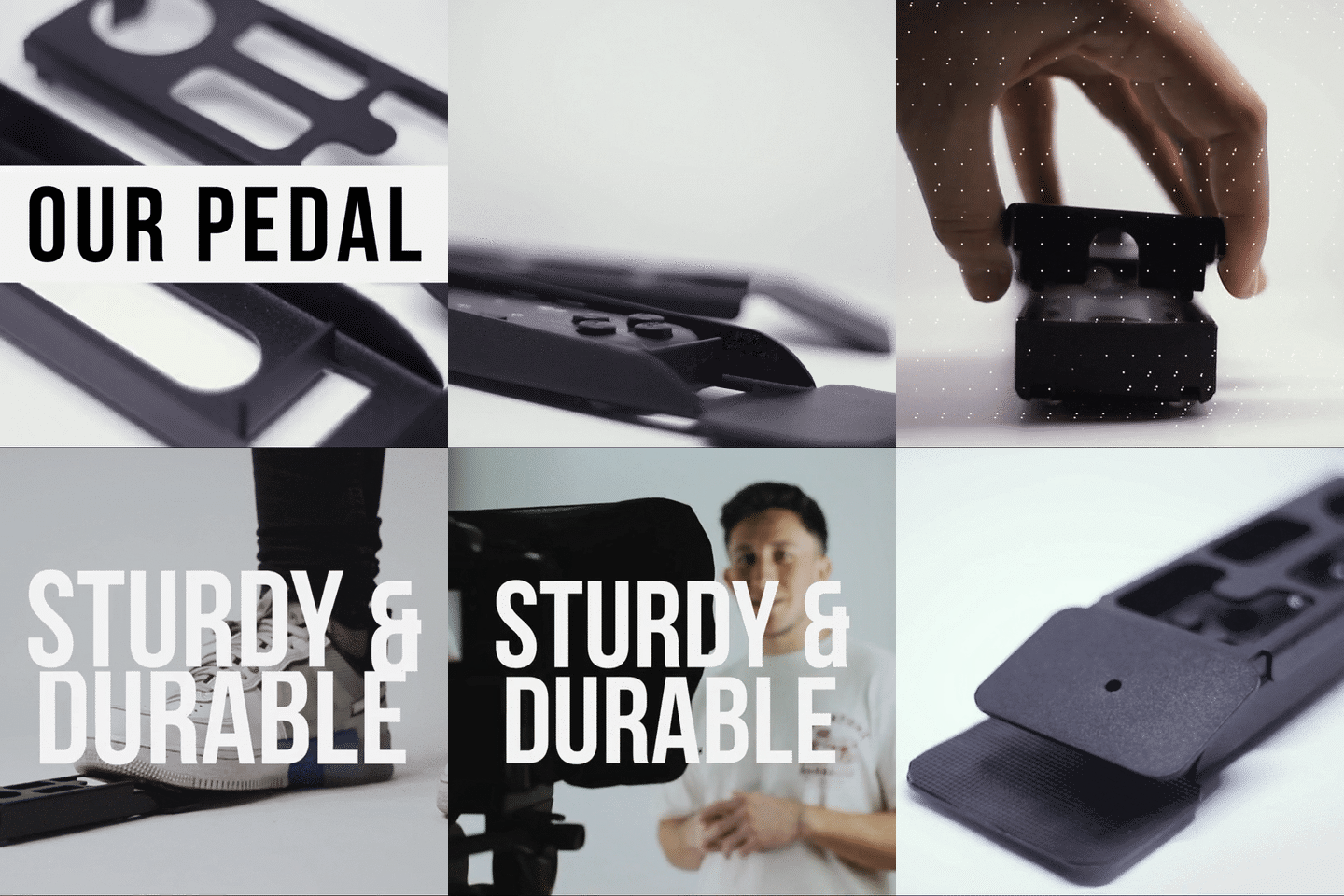
Yes. The Wireless Kit pedal uses a capacitive sensor — no mechanical click. Your mic won't pick up any sound from it. There's no tactile feedback, which feels odd the first couple times, but most people build the muscle memory after 2–3 uses.
Your church training content deserves the same level of care you put into your Sunday services. A teleprompter removes the friction between having a message and delivering it on camera with confidence. If you're ready to start, the iLight PRO 14-inch is the model I recommend for most churches — and if you have any questions, our support team is here to help in five languages.
Our best sellers
TELEPROMPTER PAD Bluetooth Remote Control for Teleprompter - Includes Teleprompter app for Apple, Android Windows & Mac - Wireless Controller for Beam Splitter Prompter or Live Streaming Equipment
- 34.90€
39.90€- 34.90€
- Unit price
- per
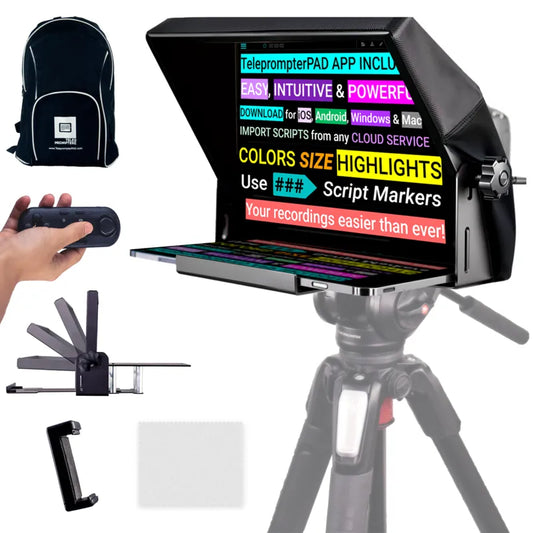
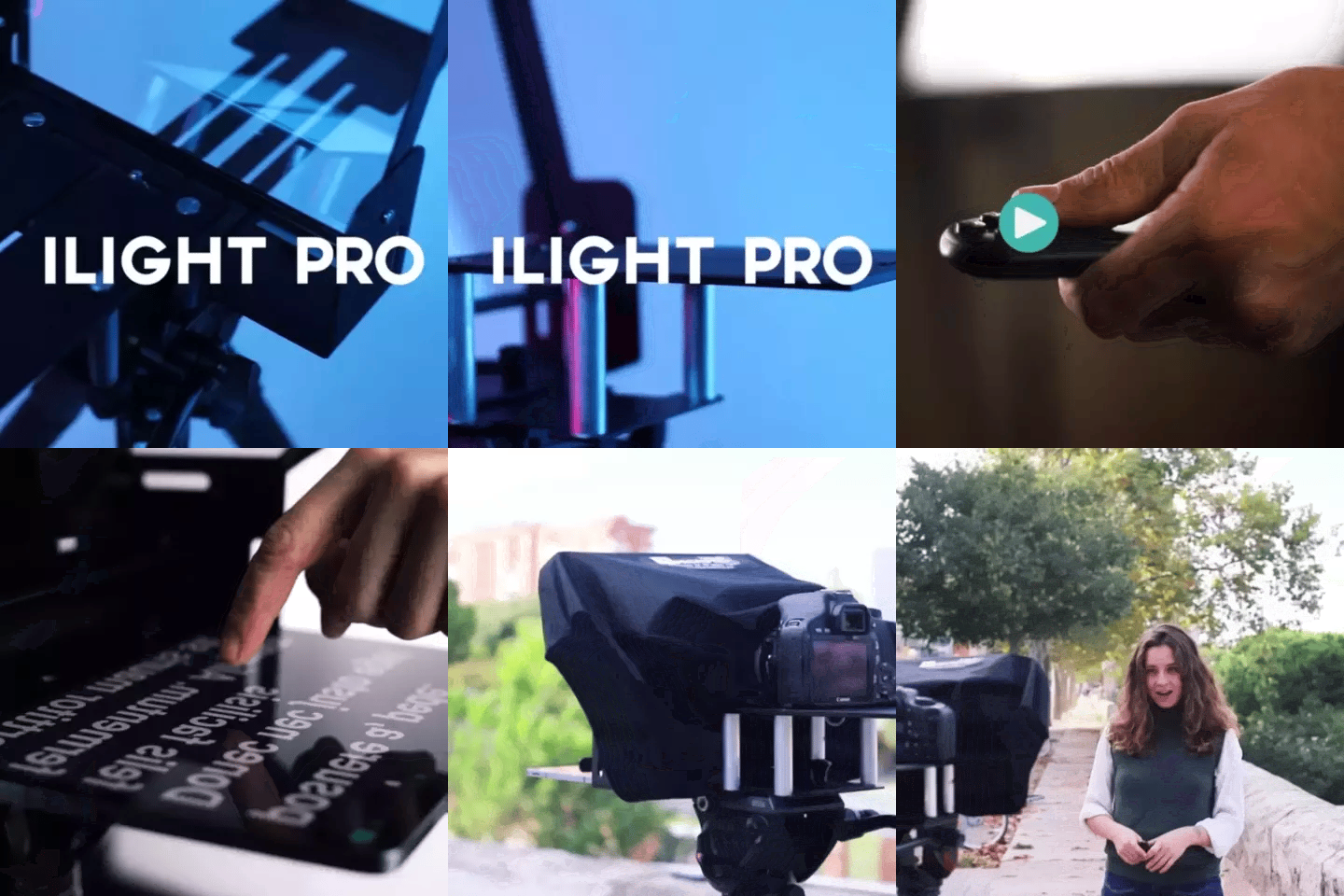
TELEPROMPTER PAD iLight PRO 12'' Teleprompter for iPad Tablet - Kit teleprompter for Video with Remote Control, APP & Carry Bag - Beam Splitter Prompter Autocue DSLR, iPhone, APP for Apple Android Mac Win
- 159.00€
199.00€- 159.00€
- Unit price
- per
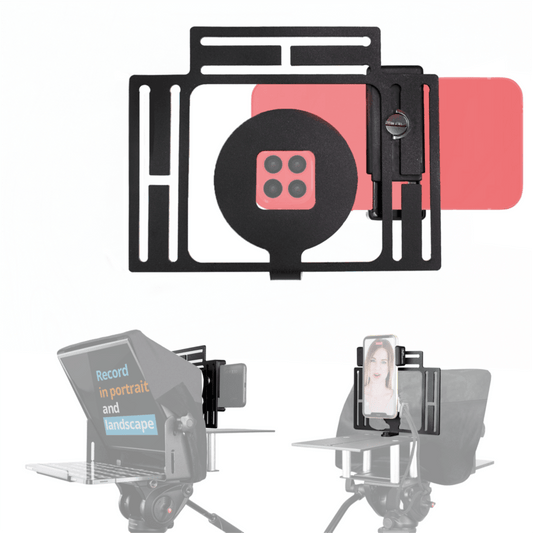
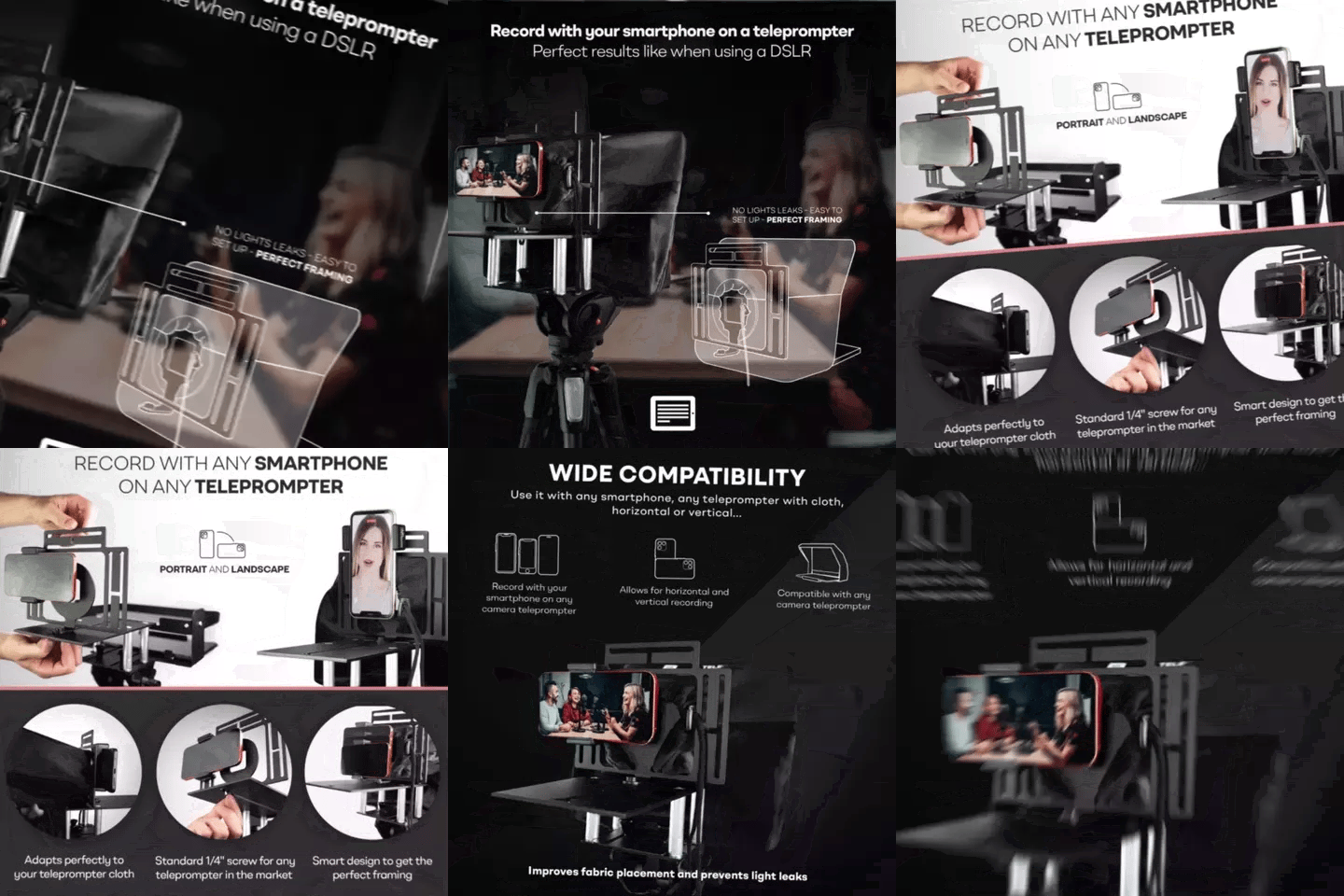
TELEPROMPTER PAD Smartphone Adaptor for teleprompter – Record with any iPhone, Android phone, compatible with any teleprompter, aluminum universal Rig for prompter with camera plate, snug cloth fit
- 29.90€
39.90€- 29.90€
- Unit price
- per
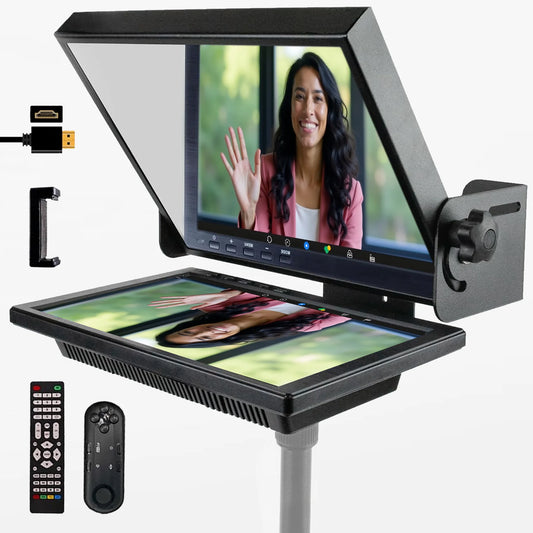
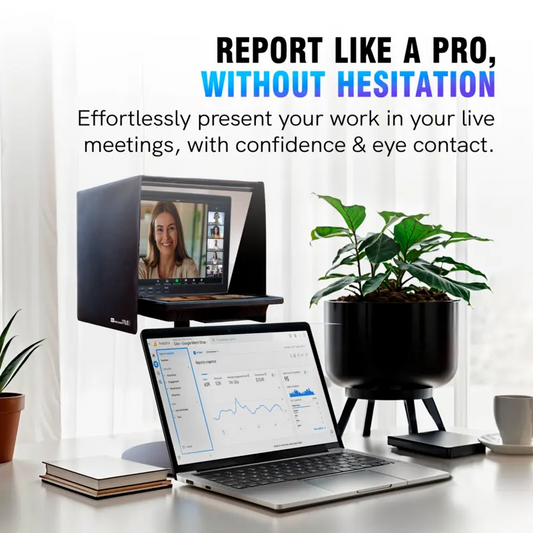
TELEPROMPTER PAD EyeMeeting Prompter for Twitch Streaming, Youtube, Zoom Eye Contact, for Mac/PC DSLR Webcam iPhone with Software, 10.1" Monitor & Remote, Compatible with Elgato Streamdeck, HDMI Input
- 229.00€
299.00€- 229.00€
- Unit price
- per