



Teleprompter for Church Services: What You Need
A teleprompter for church services lets your pastor or worship leader read a full script while looking directly at the congregation — or straight into the camera for livestreams. The setup is simpler than most church AV teams expect: mount the teleprompter on a tripod, load your sermon into a free app, and you're rolling in about two minutes. For churches that record or stream every week, a beam splitter teleprompter like the iLight PRO 14-inch is the sweet spot — big enough for long-form scripts on an iPad Pro 12.9", tough enough to survive weekly use, and it arrives pre-assembled. I've helped hundreds of churches get set up over the past decade, and this guide covers exactly what works (and what doesn't).

Churches and religious organizations make up about 6% of our customer base — that's roughly 3,000 orders shipped to houses of worship around the world. I've personally walked church tech teams through glass angle adjustments, hood sealing for stage lighting, and foot pedal setups for pastors who preach with both hands free. Every recommendation here comes from those conversations.

Why Do Churches Need a Teleprompter in 2026?
The short answer: because your congregation is no longer just the people in the room. According to Dacast's 2026 analysis, 91% of churches now livestream to support hybrid ministry, and 62% say streaming will play a key role going forward. That means your pastor's delivery needs to work both for the front row and for the viewer on a phone screen 500 miles away.
Pew Research Center's 2023–24 Religious Landscape Study found that 40% of U.S. adults participate in religious services at least once a month — 8% exclusively online or on TV. Those online-only worshippers are judging the connection they feel based on whether the speaker is looking at them. A teleprompter solves this by placing the script directly over the camera lens, so the pastor reads while maintaining what feels like genuine eye contact.
Research on video communication confirms why this matters so much. A review published on ResearchGate found that averted gaze — the speaker not looking into the camera — "was found to decrease perceived empathy, perspective-taking, trustworthiness and emotional closeness." For a pastor delivering a sermon to remote viewers, that's a credibility problem a teleprompter fixes instantly.
What Kind of Teleprompter Works for Church Services?
There are three main teleprompter types churches typically consider. The right one depends on whether you're recording sermons, livestreaming, or doing live stage presentations to a large congregation.
| Feature | iLight PRO 14-inch | iLight PRO 12-inch | XCue X1 |
|---|---|---|---|
| Type | Beam splitter (camera) | Beam splitter (camera) | Presidential (dual glass) |
| Best for | Recordings & livestreams | Recordings & livestreams | Live stage presentations |
| Screen size | Up to 14-inch (iPad Pro 12.9") | Up to 12-inch (iPad 10.2") | Dual glass panels |
| Camera max length | 25cm / 10" | 20cm / 8" | N/A (no camera) |
| Tripod mount | 1/4" + 3/8" | 1/4" | Own stand |
| Hardcase included | ✅ Yes | ❌ (bag included) | Case included |
| Price | €239 | €159 | €1,997 |
For most churches that record or livestream weekly sermons, the iLight PRO 14-inch is the best fit. The larger 14-inch glass gives your pastor more readable text area — critical when sermons run 20-40 minutes. And the dual 1/4" + 3/8" tripod screws mean it works with heavier church tripods out of the box.

If your church also does large-venue events or conferences where the speaker addresses a live crowd without a camera, the XCue X1 presidential teleprompter gives you dual glass panels at floor level. But for the typical Sunday service recording and livestream setup, the iLight PRO 14-inch is the one I recommend most.
How to Set Up a Teleprompter for Church Recordings
Church AV teams tend to overcomplicate this. The actual setup is straightforward.
- Mount the teleprompter on your tripod. The iLight PRO 14-inch supports both 1/4" and 3/8" screws. Mount the teleprompter base — not the camera plate — to the tripod head.
- Position your camera behind the glass. Slide it as close to the back of the beam splitter glass as possible. Camera lens length can be up to 25cm/10" on the 14-inch model.
- Load your sermon script. Import it into the free TeleprompterPAD app on your iPad, tablet, or phone. The app supports rich text editing — bold key phrases, highlight transitions, add pacing markers.
- Set the glass angle. Use the adjustable knob to set it close to 45 degrees. This is the sweet spot for a clean, bright reflection with no ghosting.
- Seal the blackout hood. Velcro it around the unit. This is critical in churches — stage lighting from above will wash out the text on the glass if the hood isn't sealed properly.
- Do a 30-second test take. Check audio, framing, and scroll speed. Adjust font size so your pastor can read comfortably from 1.5-2 meters away.
Total time from tripod to rolling: under 5 minutes once you've done it once. The iLight PRO 14-inch arrives pre-assembled, so there's no first-time build step that eats up your Saturday afternoon.
Why the 14-inch Model Over the 12-inch for Churches?
I get this question constantly from church tech teams. Here's the real-world reasoning.
Sermons are long. A 30-minute sermon is easily 3,500-4,500 words. The larger 14-inch glass means bigger text at any given font size, which reduces eye scanning. That matters because visible eye movement — the viewer noticing the speaker is reading — is the number one thing that breaks the "natural speaker" illusion on camera.
Most churches I work with already own an iPad Pro 12.9". That tablet doesn't physically fit in the 12-inch model — it's too wide. The 14-inch model accommodates it perfectly, along with other large tablets up to 25cm x 31cm.
The 14-inch also comes with a transport hardcase included. If your church shares gear between a main sanctuary, a youth room, and off-site events, that case pays for itself the first time someone tosses the bag into a van. The 12-inch model only includes a carry bag (hardcase is sold separately).

What About the Foot Pedal for Pastors?
This is where things get interesting. About half the pastors I work with prefer to control their own scroll speed rather than having a tech volunteer do it. The problem: they're holding a Bible, gesturing, or moving around the stage. A handheld remote isn't always practical.
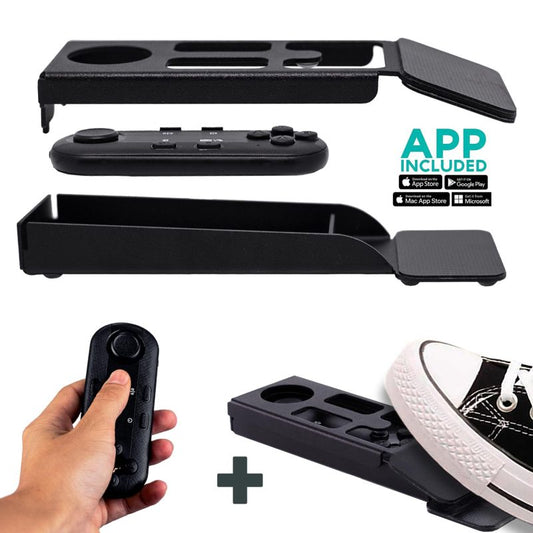
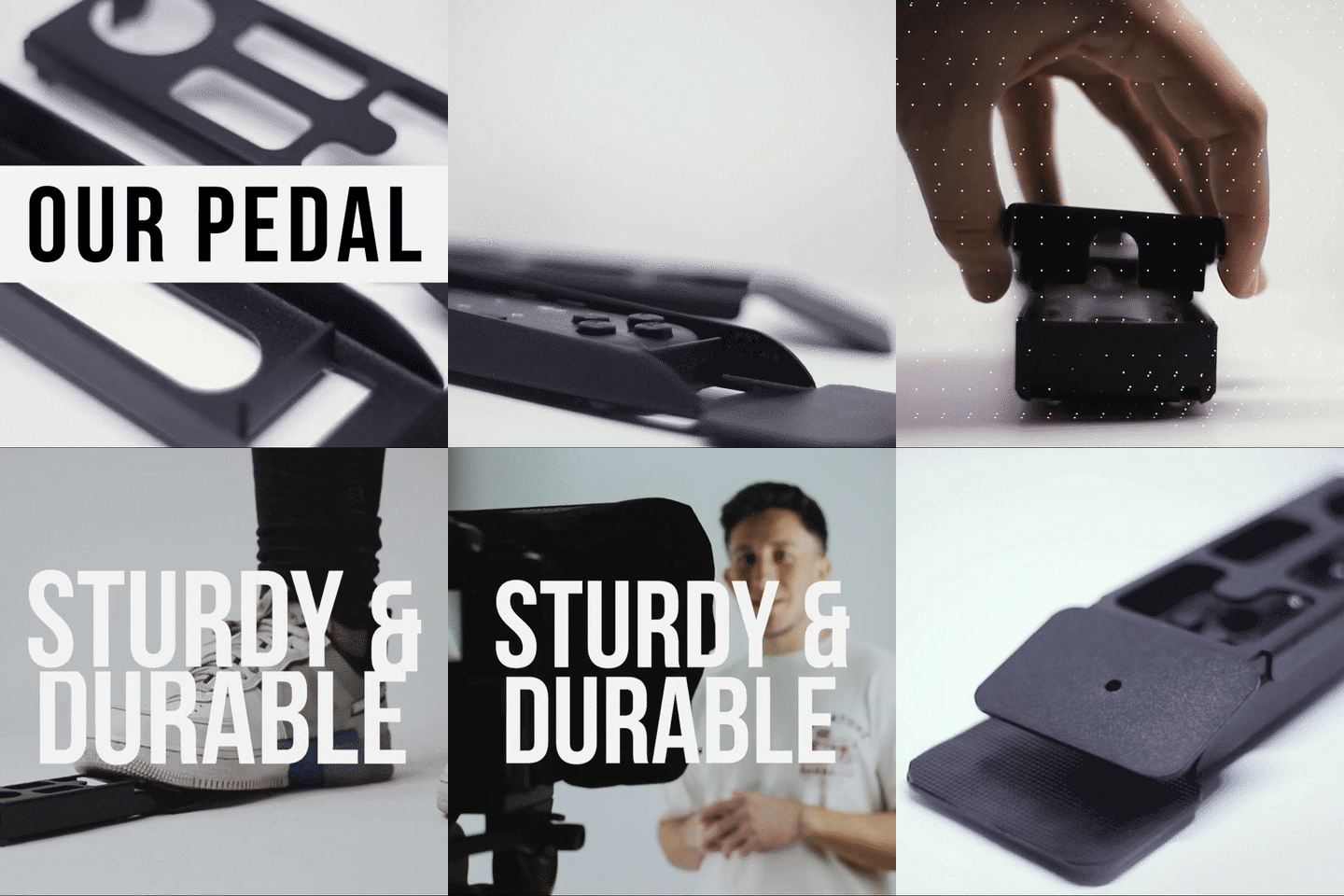
The Wireless Kit (Pedal + Remote) solves this. The pedal uses a silent capacitive sensor — no click, no sound. Your worship mic won't pick it up even at full gain. The Bluetooth remote slides inside the pedal case, so there's no separate battery to charge.

Fair warning: there's no tactile feedback with the capacitive sensor. Most pastors get comfortable with it after 2-3 uses, but if your pastor is used to a clicky foot switch, expect a brief learning curve.
Sermon Script Tips That Actually Matter
The gear is only half the equation. I've seen plenty of churches buy a great teleprompter and then load a dense, written-for-print manuscript into it. That doesn't work. The pastor ends up reading in a monotone because the script reads like an essay, not a conversation.
- Write like you talk. Use contractions. Use short sentences. If you wouldn't say it out loud naturally, rewrite it.
- Add pacing marks. The TeleprompterPAD app supports bold, italic, underline, and color highlighting. Use bold for emphasis words. Use a colored highlight for "pause here" moments.
- Break for transitions. Insert blank lines between sermon sections. This gives the pastor visual breathing room and prevents the "wall of text" problem.
- Set font size large enough. From 1.5-2 meters (the recommended recording distance), your pastor should be able to read comfortably without squinting. Test this before Sunday morning.
- Narrow the margins if needed. If your camera is closer than 1.5m, use the app's margin settings to keep text centered. This reduces visible side-to-side eye scanning on camera.
One more thing: lock your tablet's rotation. I cannot tell you how many panicked Saturday night emails I've gotten from church techs because the iPad flipped to portrait mode mid-rehearsal. Lock it in landscape before you start.
Real-World Church Use Cases
Churches and religious leaders make up about 6% of our customer base, but they use the gear in surprisingly varied ways. Here are the three patterns I see most often.
Weekly sermon recording + livestream (most common)
This is the bread-and-butter use case. The pastor preaches to the in-person congregation while a camera behind the teleprompter captures the sermon for YouTube, Facebook, or a church app. According to Sci-Tech-Today's 2026 analysis, 75% of churches are expected to offer streaming services this year. If your church is one of them, a teleprompter on your main camera makes the livestream drastically more engaging for remote viewers.
Pre-recorded teaching content and courses
About 20% of our customers are coaches and course creators, and many churches fit this mold too. Youth pastors recording devotional series, discipleship programs, or baptism prep videos. For this, the iLight PRO 14-inch with the included Bluetooth remote is perfect — the pastor records solo and controls everything themselves.
Multi-campus or satellite church broadcasts
Some churches send recorded or live sermon feeds to satellite locations. For this setup, I typically recommend the iLight PRO 14-inch with an Inverted Monitor so a tech volunteer can control the script from a laptop while the pastor focuses entirely on delivery.
Common Mistakes Churches Make (and How to Avoid Them)
After helping churches set up for years, these are the mistakes I see on repeat.
| Mistake | Why It Happens | Fix |
|---|---|---|
| Overhead stage lights wash out the glass | Stage lighting aimed downward hits the glass directly | Move prompter away from overhead spots. Seal the hood completely. |
| No external microphone | Team assumes the camera mic is enough | Always use a lavalier or shotgun mic. DSLR built-in mics are unusable at 1.5m+. |
| Wide-angle lens below 24mm | Church uses a wide zoom to capture the whole stage | Stay at 24mm or longer. Below that, glass frame edges become visible. |
| Tripod mounted to camera plate | Volunteer attaches tripod to the wrong screw | Mount the teleprompter base to the tripod, not the camera plate. |
| Bluetooth remote connects to wrong device | Someone's phone in the sanctuary auto-pairs | Disable Bluetooth on other nearby devices before pairing. |
That Bluetooth issue deserves extra attention. In a church environment with dozens of phones in Bluetooth range, the remote can occasionally grab onto the wrong device. The fix is simple: pair it to the teleprompter tablet first, and make sure no other devices are actively searching for Bluetooth connections.

Honest Pros and Cons
I'm not going to pretend a teleprompter is magic. Here's the honest breakdown for church use.
Pros:
- Pastor maintains eye contact with the camera — huge for livestream engagement
- Reduces sermon prep anxiety (the script is right there)
- Consistent sermon timing — no more running 15 minutes long
- Works with tablets and phones you already own
- The iLight PRO 14-inch comes pre-assembled with a hardcase, remote, and free app
- Personal 1-to-1 support in English, Spanish, French, German, and Italian if your tech team gets stuck
Cons:
- Requires 1.5-2 meters of distance between pastor and camera — tight sanctuaries may struggle
- Pastors who pace the stage can't stay in front of one teleprompter (you'd need a presidential setup for that)
- First-time users sometimes sound "read-y" until they practice natural delivery with the prompter
- Stage lighting in churches is often the biggest setup headache — overhead spots cause glare
- Not a broadcast-grade product — if you're a large TV ministry, you need higher-end gear
What About Livestream-Only Use?
If your church only livestreams (no in-person congregation), the setup is even simpler. Position the teleprompter directly in front of your camera at eye level, and the pastor preaches straight into the lens while reading. The online congregation sees perfect eye contact the whole time.
This matters more than most churches realize. A Pew Research survey found that about 27% of U.S. adults regularly watch religious services online or on TV. These viewers are choosing your church stream over dozens of others. The connection they feel — or don't feel — starts with whether the pastor appears to be speaking to them personally. A teleprompter makes that happen.
For a more detailed guide specifically about streaming setups, check out our teleprompter for church livestream article.
Frequently asked questions
Can a pastor use a teleprompter while preaching to a live congregation?
Yes, but with a key caveat. A beam splitter teleprompter like the iLight PRO sits on a camera — so it's ideal for the livestream camera angle. The in-person congregation won't see the glass reflection. If the pastor needs to read while addressing a live audience directly (no camera), a presidential teleprompter like the iPresent PRO or XCue X1 is the right tool.
What tablet should I use for a church teleprompter?
An iPad Pro 12.9" is the most popular choice among our church customers because of its large, bright screen. It fits perfectly in the iLight PRO 14-inch. If you already have a standard iPad (10.2" or 10.9"), the iLight PRO 12-inch works well too. Android tablets up to 25cm x 31cm are also compatible with the 14-inch model.
How far should the pastor stand from the teleprompter?
1.5 to 2 meters is the sweet spot. Closer than that, and the camera picks up visible left-to-right eye scanning as the pastor reads. If space is tight, use the TeleprompterPAD app's margin narrowing feature to keep text centered.
Will the teleprompter work with our existing church camera?
Almost certainly. The iLight PRO 14-inch works with any DSLR, mirrorless, HDVCAM, or webcam with a maximum lens-to-tripod-screw length of 25cm (10 inches). It also supports smartphones via the included clamp. The dual 1/4" and 3/8" tripod screws fit most church tripods.
Does the foot pedal make noise during services?
No. The TeleprompterPAD foot pedal uses a capacitive sensor — no mechanical click. Even sensitive condenser microphones won't pick it up. There's no tactile feedback, which means a brief adjustment period, but most pastors adapt within 2-3 uses.
Can multiple volunteers manage the teleprompter script?
Yes. If you add the Inverted Monitor accessory to the iLight PRO 14-inch, a tech volunteer can run the script from a laptop via HDMI while the pastor simply reads. This is a two-person setup: operator at the computer, talent on camera.
Is TeleprompterPAD gear suitable for a large TV broadcast ministry?
I'll be straightforward: no. Our products are consumer/prosumer grade. We serve small to mid-size churches beautifully — recording, livestreaming, course creation — but large-scale broadcast ministries need professional broadcast equipment. We're honest about where our gear fits.
What if our tech team needs help with setup?
We offer personal 1-to-1 multilingual support in English, Spanish, French, German, and Italian. There's also a full help center at help.teleprompterpad.com with video tutorials for every step. In my experience, most church teams are up and running in under 15 minutes on their first try.
A teleprompter is one of the highest-impact, lowest-cost upgrades a church can make to its video ministry. The iLight PRO 14-inch handles weekly sermons, course recordings, and livestreams for under €250 — and it ships with everything you need except the tripod and tablet. If you're ready to make your pastor's delivery look natural on camera, check out the iLight PRO 14-inch here.
Our best sellers
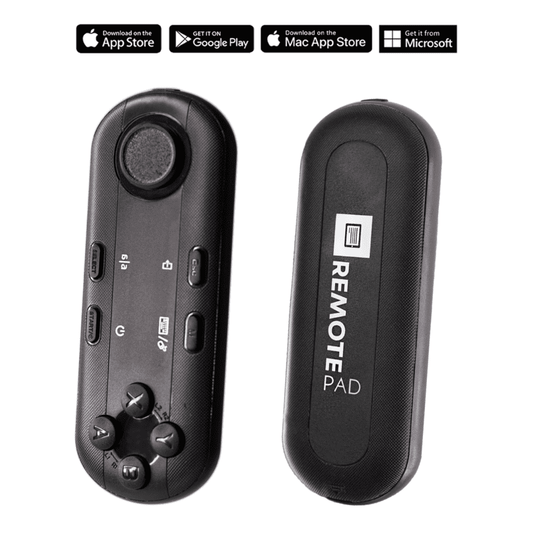
TELEPROMPTER PAD Bluetooth Remote Control for Teleprompter - Includes Teleprompter app for Apple, Android Windows & Mac - Wireless Controller for Beam Splitter Prompter or Live Streaming Equipment
- 34.90€
39.90€- 34.90€
- Unit price
- per
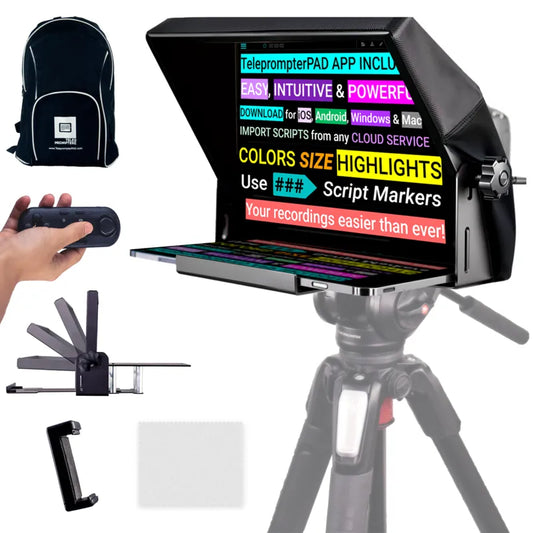
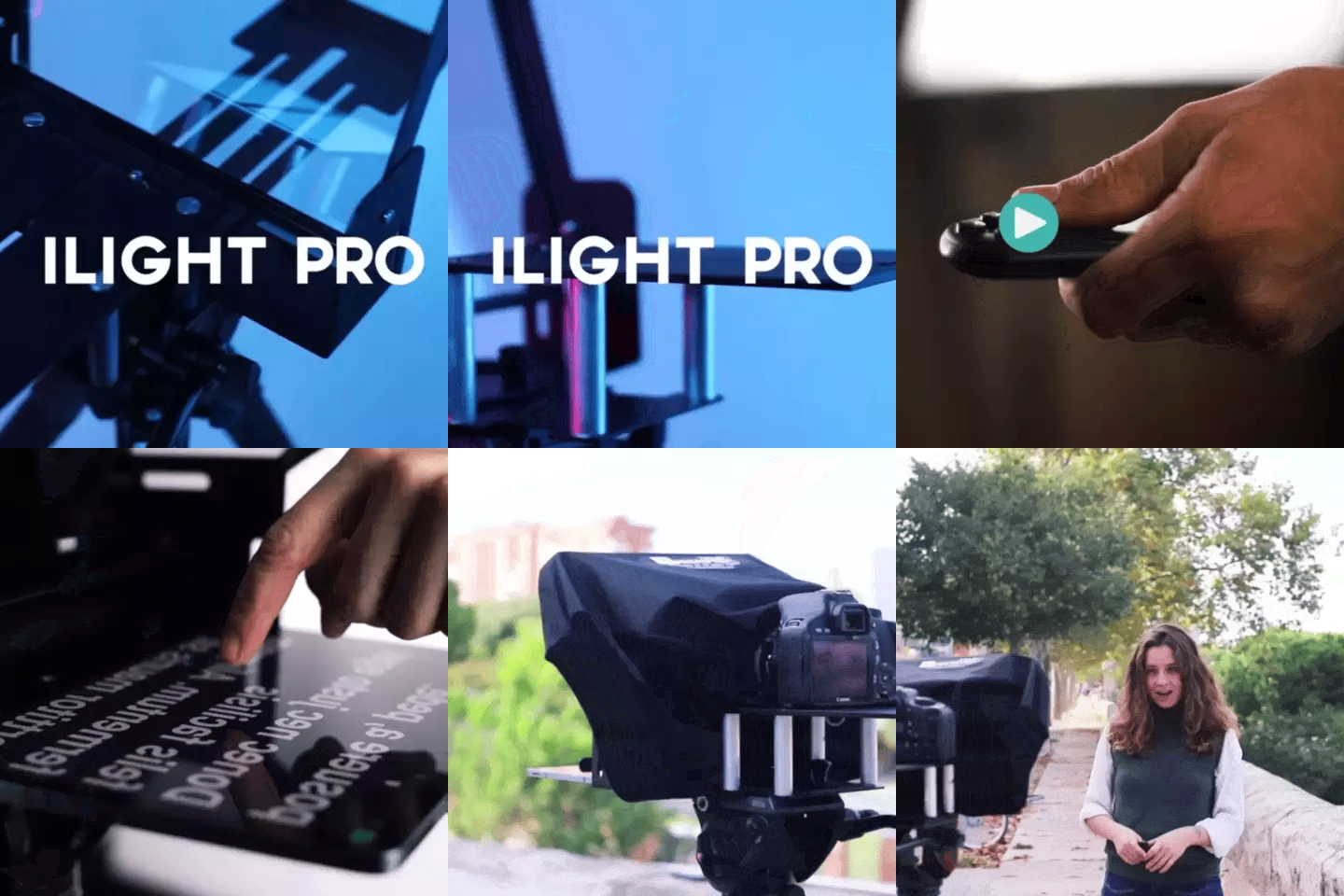
TELEPROMPTER PAD iLight PRO 12'' Teleprompter for iPad Tablet - Kit teleprompter for Video with Remote Control, APP & Carry Bag - Beam Splitter Prompter Autocue DSLR, iPhone, APP for Apple Android Mac Win
- 159.00€
199.00€- 159.00€
- Unit price
- per
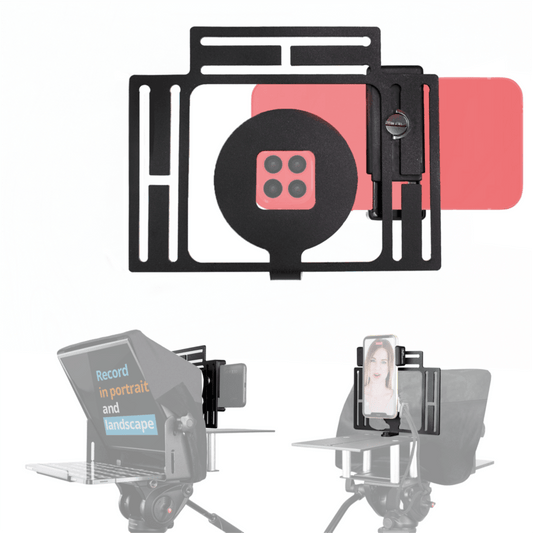
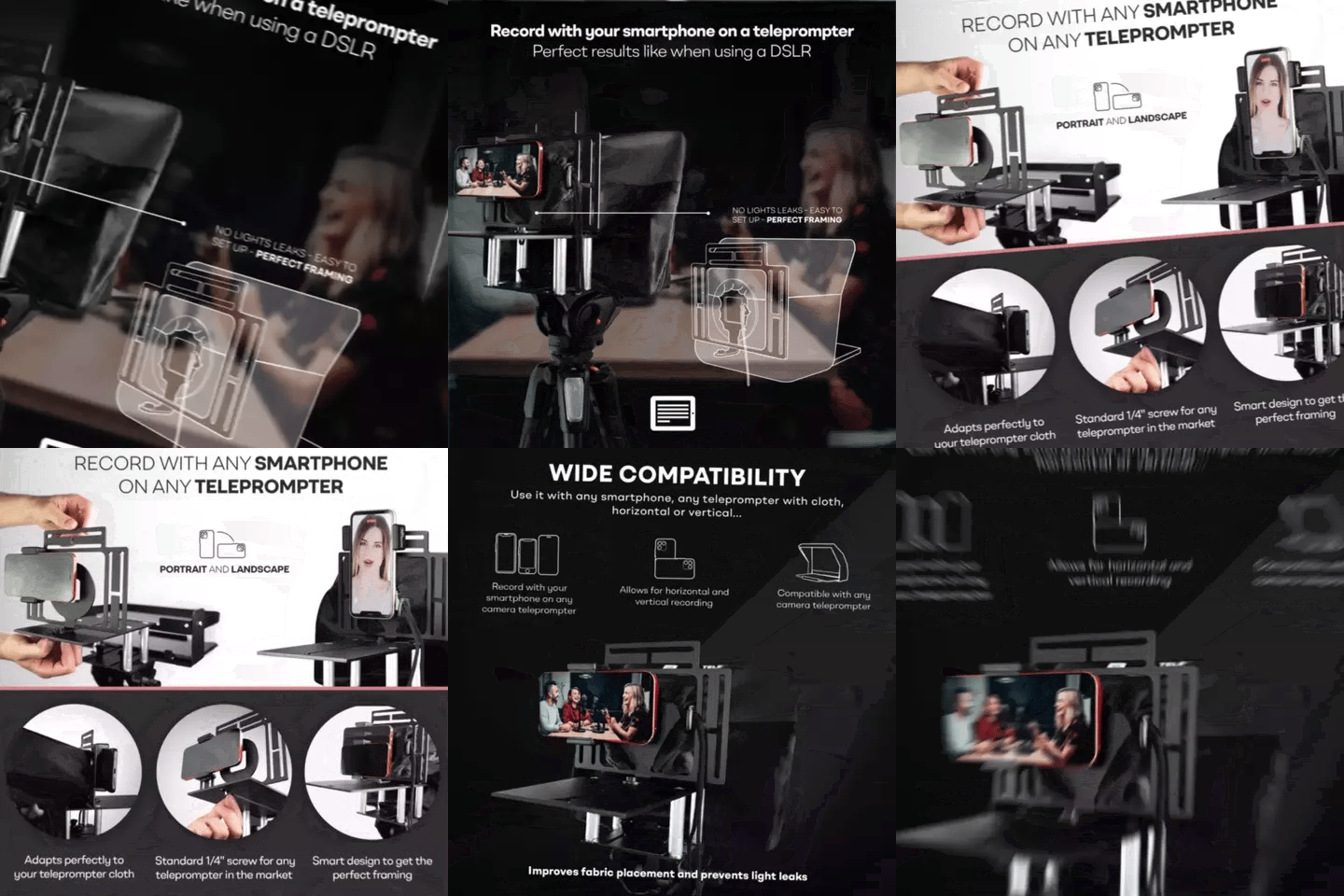
TELEPROMPTER PAD Smartphone Adaptor for teleprompter – Record with any iPhone, Android phone, compatible with any teleprompter, aluminum universal Rig for prompter with camera plate, snug cloth fit
- 29.90€
39.90€- 29.90€
- Unit price
- per
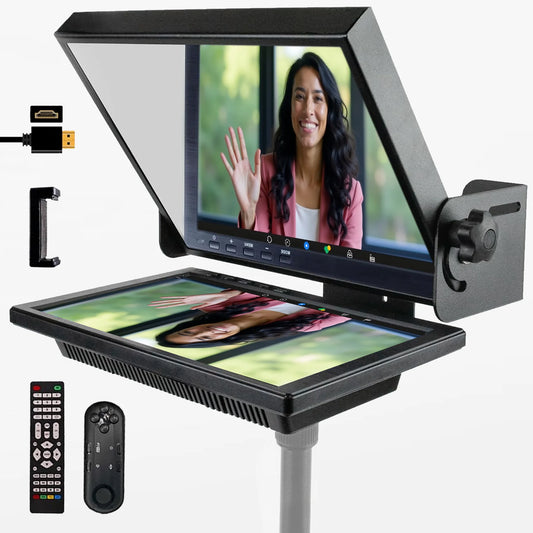
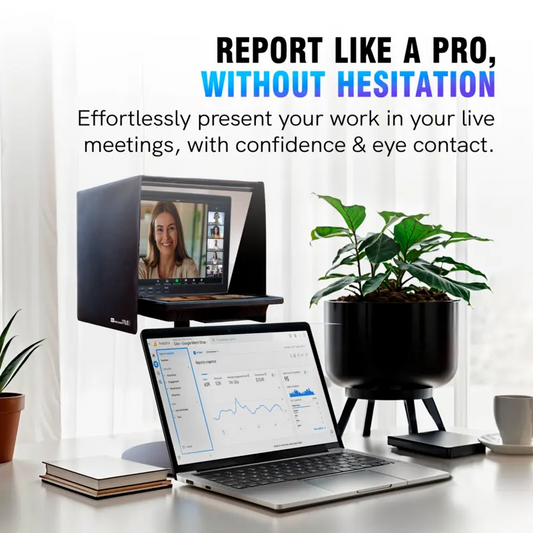
TELEPROMPTER PAD EyeMeeting Prompter for Twitch Streaming, Youtube, Zoom Eye Contact, for Mac/PC DSLR Webcam iPhone with Software, 10.1" Monitor & Remote, Compatible with Elgato Streamdeck, HDMI Input
- 229.00€
299.00€- 229.00€
- Unit price
- per