



Teleprompter for Church Sermons Online: What Works
A teleprompter for church sermons online lets your pastor look directly into the camera while reading a full sermon script — and that direct gaze is exactly what makes online viewers feel like they're being spoken to, not at. If your church streams or records services, this is the single biggest visual upgrade you can make for under $500. The right setup depends on whether you're recording to upload later, livestreaming from a pulpit, or speaking live to an audience while a camera rolls. I've helped hundreds of churches and religious leaders sort this out, and I'll walk you through the real options, the honest trade-offs, and the mistakes that waste your budget.

Churches and religious leaders make up about 6% of our customer base — roughly 3,000 orders shipped to ministries worldwide. I've walked pastors through setups ranging from a single iPhone on a tripod to dual presidential panels flanking a pulpit. The problems and solutions are specific to this environment, and that's what this guide covers.

Why do online sermon viewers need eye contact from the pastor?
When someone watches a sermon on YouTube or Facebook, the pastor's gaze direction is everything. If the speaker's eyes drift down to notes or scan an audience that the viewer can't see, the connection breaks instantly. It feels like eavesdropping instead of being addressed.
Research backs this up. A peer-reviewed study published in Frontiers in Psychology found that participants in video conversations reported feeling more connected and less self-conscious when shared eye contact was possible, describing it as something that allowed them to "create our relationship together." Averted gaze, by contrast, was linked to lower perceived trustworthiness and emotional closeness in video-mediated communication, according to findings reviewed on ResearchGate.
A teleprompter solves this by placing the script text directly over the camera lens. The pastor reads while looking straight into the lens. To the online viewer, it feels like being looked in the eye — personal and direct.
How big is the church-online audience, really?
It's substantial and it's not going away. According to the Pew Research Center's 2023-24 Religious Landscape Study, 40% of U.S. adults attend religious services at least once a month — and of those, 16% participate both online and in person while 8% watch exclusively online. That's a combined 24% of regular attendees engaging via screens.
The 2025 State of Church Tech report from Pushpay found that 87% of churches continue to stream their worship services. And the data shows it works: growing churches tend to have higher online engagement, not lower in-person attendance. Streaming isn't cannibalizing your pews — it's extending your pulpit.
If your church is among that 87%, every online viewer is judging the production quality, the audio clarity, and — critically — whether the pastor looks engaged or distracted. A teleprompter is the lowest-cost, highest-impact fix for that last point.
Which teleprompter type fits your church's online setup?
This depends on your physical setup. There are three common church scenarios for online sermons, and each one calls for different gear.
| Scenario | Best Teleprompter | Why | Price |
|---|---|---|---|
| Studio/office recording (no live audience) | iLight PRO 12-inch | Mounts on camera tripod, portable, self-operated with remote | €159 |
| Pulpit delivery with live audience + camera | iPresent PRO | Freestanding glass on pole — reads while facing congregation and camera | €449 |
| Large sanctuary, dual-panel presidential setup | XCue X1 | Dual glass panels, adjustable height, professional stage use | €1,997 |
Most churches streaming online sermons fall into the first two categories. The iLight PRO 12-inch works when the pastor records in a quiet room with a camera on a tripod — no audience present. The iPresent PRO is the better choice when the pastor speaks from the pulpit to a live congregation while a camera simultaneously captures the sermon for online viewers.
Why the iPresent PRO is built for the pulpit-to-camera scenario
Here's the situation I hear most often from church tech teams: "Our pastor preaches to 80 people in the room, and we also have a camera in the back streaming to Facebook Live. He looks down at his notes, and the online version looks terrible."
A camera-mounted teleprompter like the iLight doesn't help here because the camera is 10-20 feet away, off to one side. The pastor needs a glass panel at eye level near the pulpit — a presidential-style teleprompter. That's exactly what the iPresent PRO is.
It's a beam splitter glass mounted on an adjustable pole/stand. You place a tablet behind the glass running the TeleprompterPAD app with the sermon script. The pastor reads from the transparent glass while looking straight ahead at the congregation. To the camera behind or beside the audience, it looks like natural, confident delivery. The glass is invisible to the congregation and the camera.

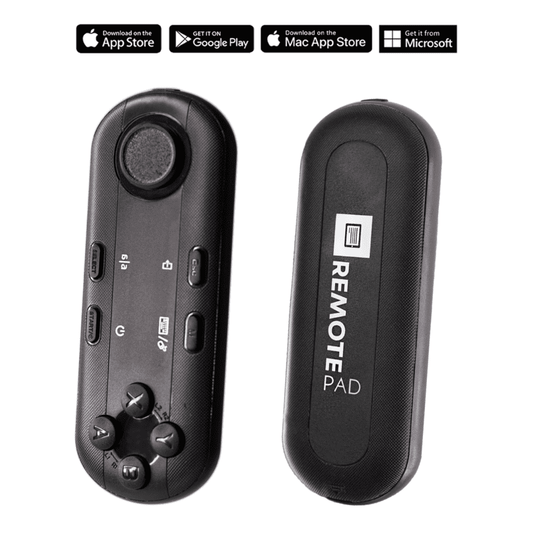
The iPresent PRO works in two modes. Self-operated: the pastor uses the included Bluetooth remote (or the optional silent foot pedal) to control scrolling speed. Or dual-monitor mode: connect two units via an HDMI splitter and a laptop for a classic presidential left-right setup, operated by a volunteer at the back.
Step-by-step setup for online church sermons
Here's the practical workflow I recommend to churches. It works whether you're using an iPresent PRO at the pulpit or an iLight at a desk.
- Position the teleprompter at the pastor's eye level. This is the number-one mistake I see. If the glass is too low, the pastor tilts down and looks disengaged on camera. Match it to standing or seated height.
- Import the sermon script into the TeleprompterPAD app. The app handles file importing and supports rich text editing — bold key phrases, add pacing markers, increase font size for emphasis points.
- Set the font size so the pastor can read comfortably at arm's length. Too small forces squinting. Too large means constant scrolling and frantic eye movement.
- Test audio separately. At 1.5m+ recording distance, the camera's built-in mic is useless. Use an external lavalier or shotgun mic. Always.
- Run a 30-second test recording. Check for glass reflections (seal the hood properly), font readability, and audio levels. Fix problems now, not in post.
- Keep overhead lights off the teleprompter. Lights directly above the glass cause glare that shows up on camera. Light the pastor from the front and side instead.
The whole setup takes under 5 minutes once you've done it twice. I tell churches to leave the teleprompter stand in position between services. Having gear permanently set up eliminates the "we didn't have time to set it up this week" excuse that kills consistency.

Sermon scripting tips that actually work on camera
A teleprompter is only as good as the script loaded into it. The biggest mistake pastors make? Writing sermons the same way they'd write for print — long sentences, formal transitions, dense paragraphs.
On-camera delivery needs conversational language. Short sentences. Natural pauses marked right in the script. Here's what I've seen work:
- Write the way you speak. Read your script aloud before loading it. If any sentence makes you stumble, rewrite it.
- Use bold and highlight in the app to mark emphasis words. This helps the pastor's eyes find the right stress points without thinking.
- Insert blank lines as pause markers. A visual gap in the text reminds the speaker to breathe and let a point land.
- Keep line length to 40-50 characters. Use the app's margin settings to narrow the text block. This prevents the visible left-right eye scanning that online viewers notice.
- Practice the opening 60 seconds cold. The first minute sets the delivery tone for the entire sermon.
Real-world use cases: how churches actually use this
Churches and religious leaders represent about 6% of our customer base, but the use cases vary more than you'd expect.
Small churches recording mid-week devotionals. Roughly 68% of U.S. churches have fewer than 100 people in weekly attendance. Many of these smaller congregations record short video devotionals for YouTube or social media during the week. An iLight PRO 12-inch on a tripod in the pastor's office is the typical setup here — simple, portable, and under €160.
Mid-size churches livestreaming Sunday services. This is the sweet spot for the iPresent PRO. The pastor preaches to 100-300 people while a camera streams to Facebook or YouTube. The presidential glass sits next to the pulpit, barely visible to the congregation. The foot pedal lets the pastor control scroll speed hands-free — critical when you're holding a Bible or gesturing.
Multi-campus churches with operator-controlled setups. About 18% of our customers are SMBs and marketing teams, but church campus AV teams have similar needs. A volunteer at a laptop controls the scroll while the pastor focuses entirely on delivery. The iPresent PRO's dual-monitor mode handles this with an HDMI splitter.
Honest pros and cons of teleprompters for online sermons
| Pros | Cons |
|---|---|
| Direct eye contact with camera = trust and connection | Requires a written script (not all pastors script sermons) |
| Eliminates "looking down at notes" on camera | Delivery can sound robotic without practice |
| Faster recording — fewer retakes and stumbles | Presidential style (iPresent PRO) needs floor space near pulpit |
| Consistent sermon length and pacing | Overhead lights cause glass glare if not managed |
| Free app with multilingual support (EN, ES, DE, FR, IT) | Not broadcast-grade — meant for consumer/prosumer use |
I'll be straight: if your pastor is an improvisational preacher who never uses notes, a teleprompter may feel restrictive. The solution I've seen work is loading a bullet-point outline instead of a word-for-word script. The app still scrolls it, and the pastor still maintains eye contact with the camera.
What about pastors who aren't comfortable with notes?
About 20% of the pastors I've helped initially resisted the idea of a full script. Fair enough — preaching from the heart is a real tradition. But here's what happens on camera: a pastor without notes pauses to think, looks up at the ceiling, repeats a phrase while finding the next thought. In person, this reads as authentic. On a screen, it reads as unprepared.
The middle ground is a structured outline. Key points, scripture references, transition phrases — enough to keep the eye on the glass but not so much that it sounds read. Use the app's bold and color features to visually separate main points from supporting text. After 2-3 sermons, most pastors find their rhythm.
Don't forget the foot pedal for hands-free control
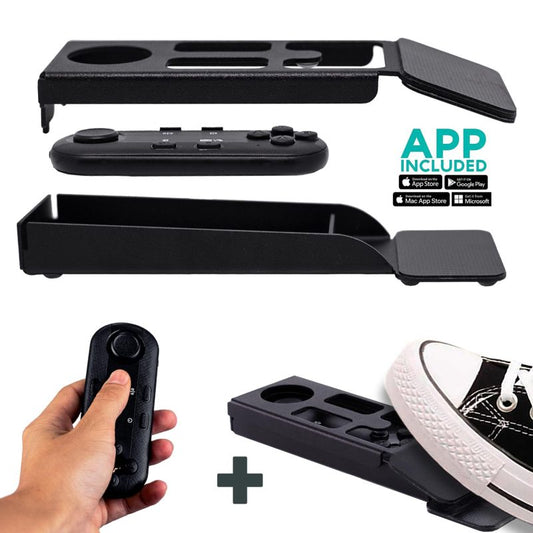
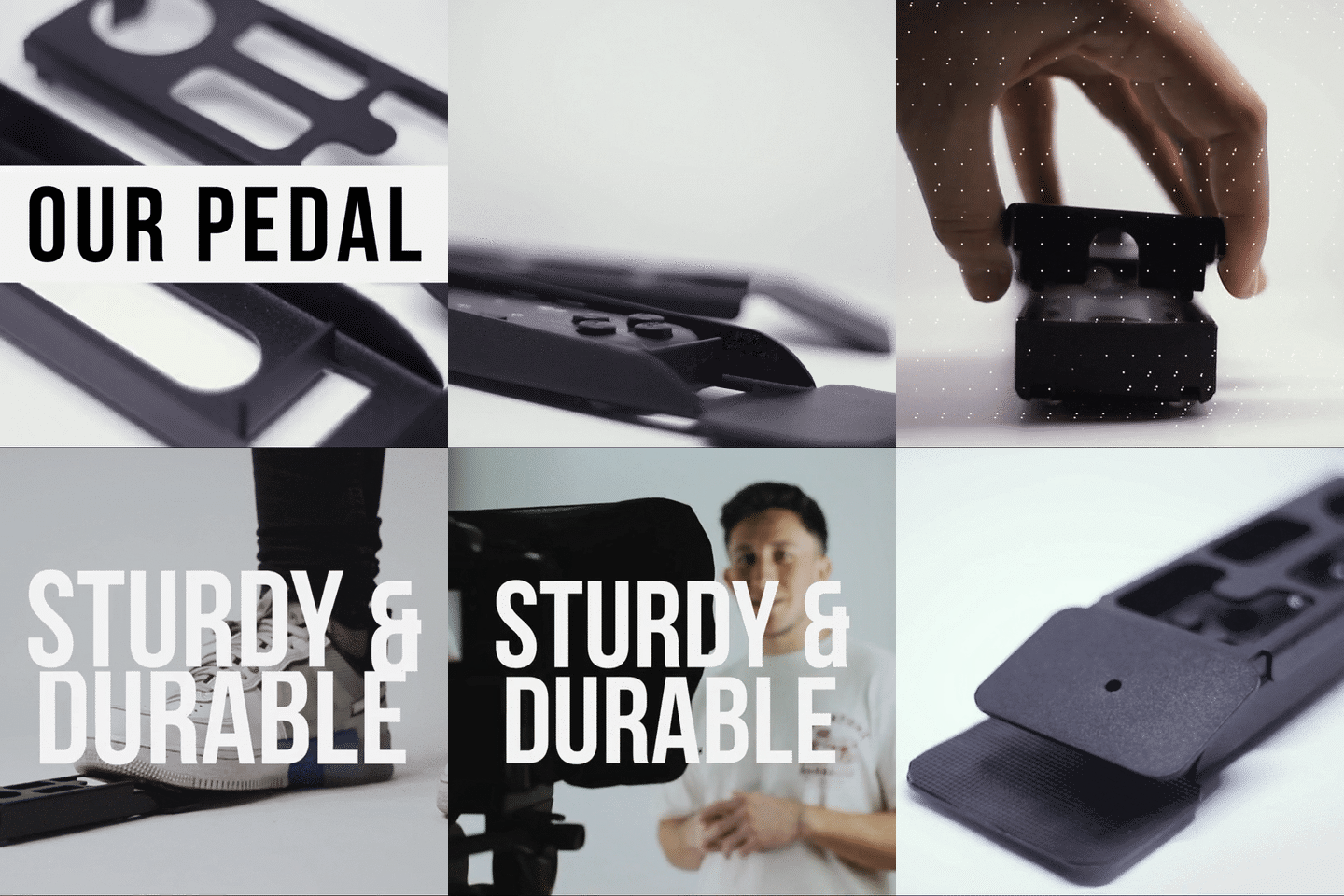
Pastors hold Bibles. They gesture. They walk. Holding a remote in your hand during a sermon can look awkward and limits natural movement. That's why I recommend the silent foot pedal for any pulpit setup.
The TeleprompterPAD foot pedal uses a capacitive sensor — no click sound, no mechanical noise. Microphones won't pick it up, even a sensitive lavalier clipped to the pastor's lapel. It takes about 2-3 uses to build the muscle memory, but every pastor I've set this up for has told me they'd never go back to hand-held scrolling.


Common setup mistakes churches make (and how to fix them)
I've seen the same issues come up over and over. Here are the ones specific to church online sermon setups:
- Overhead stage lighting hitting the glass. Church sanctuaries often have downlights above the pulpit area. These create a visible glare on the beam splitter glass that shows up on camera. Solution: reposition the teleprompter slightly, or add a small overhead shade. Light the pastor from the front and side, not above.
- No external microphone. At 1.5m+ distance, the camera's built-in mic picks up room echo, HVAC hum, and congregation noise. Use a wireless lavalier clipped to the pastor's clothing. This is non-negotiable for professional-sounding online sermons.
- Tablet auto-rotation during the sermon. One bump and the iPad rotates, scrambling the text mid-delivery. Lock rotation in your device settings before every service.
- Bluetooth remote connecting to the wrong device. If the church has multiple Bluetooth devices nearby (sound system iPad, volunteer phones), the remote can auto-connect to the wrong one. Reset Bluetooth and re-pair before each service.
- Skipping test takes entirely. A 30-second test recording catches 90% of problems. I've seen churches discover bad framing, audio issues, and glass angles all in one quick test.
Should you use the iLight PRO instead?
If your church records sermons in a studio or office without a live audience, yes. The iLight PRO 12-inch mounts directly on your camera tripod, and the pastor reads from the glass while looking straight into the DSLR or mirrorless camera behind it. It's the setup most of our content creator customers (24% of our base) use, and it works identically for a pastor recording in a quiet room.
The iLight is also cheaper — €159 vs. €449 for the iPresent PRO. If budget is tight and you don't need a freestanding pulpit unit, it's the smarter buy. You can read more about camera-based church setups in our teleprompter for church livestream guide.
What about multilingual churches?
We work with churches in multiple countries and languages. The TeleprompterPAD app supports English, Spanish, French, German, and Italian. If your pastor preaches in Spanish or your church runs bilingual services, the app handles it natively. And if you need setup help, we provide personal 1-to-1 support in all five languages — not a chatbot, an actual person who knows the gear.
Frequently asked questions
Can a teleprompter work for a pastor who preaches without notes?
Yes, but use a bullet-point outline instead of a full script. Load key phrases, scripture references, and transition lines into the app. The pastor still maintains eye contact with the camera or congregation while having a safety net for structure.
Will the congregation see the teleprompter glass?
The iPresent PRO uses lab-grade 60/40 HD beam splitter glass manufactured in Germany. From the audience side, it's nearly invisible — especially in a lit sanctuary. The glass is 4mm thick with anti-ghosting technology to prevent double reflections.
Does the iPresent PRO work with an iPad?
It works with any tablet or smartphone up to 20cm × 26cm (7.8" × 10.2"). That includes iPad 10", iPad Air 10.5", iPad Pro 11", iPad Mini, and most Android tablets. It does not fit the iPad Pro 12.9" — that model is physically too wide.
How does the pastor control scrolling during the sermon?
Two options: the included Bluetooth remote (held in hand or placed on the pulpit) or the optional silent foot pedal. The foot pedal is the better choice for pastors who use their hands expressively or hold a Bible while preaching.
Can we use this for livestreaming and pre-recorded sermons?
Absolutely. The teleprompter works the same way regardless of whether you're streaming live or recording for later upload. The TeleprompterPAD app runs on iOS, Android, Windows, and Mac — so whatever device your church already owns will work.
What's the minimum camera distance for a good-looking sermon recording?
I recommend 1.5m to 2.0m (about 5 to 6.5 feet) minimum. Closer than that, and online viewers may notice the pastor's eyes scanning left to right as they read. If you must record closer, use the app's margin narrowing feature to keep the text block tight.
Is this gear professional broadcast quality?
No, and I won't pretend it is. TeleprompterPAD products are consumer/prosumer grade — designed for churches, creators, coaches, and small production teams. If you're outfitting a TV studio, you need broadcast equipment. For 95% of church online sermon setups, this is more than enough.
Does TeleprompterPAD offer setup support?
Yes. We provide personal 1-to-1 multilingual support in English, Spanish, French, German, and Italian. We also have a help center at help.teleprompterpad.com with video tutorials for every product. If you get stuck, a real person helps you — not a bot.
Your online congregation deserves the same quality of eye contact and engagement that the people in the pews get. If your church is among the 87% now streaming services, the iPresent PRO is the most practical way to make that camera sermon feel personal. Check it out here and reach out if you need help getting it set up for your specific sanctuary layout.
Our best sellers
TELEPROMPTER PAD Bluetooth Remote Control for Teleprompter - Includes Teleprompter app for Apple, Android Windows & Mac - Wireless Controller for Beam Splitter Prompter or Live Streaming Equipment
- 34.90€
39.90€- 34.90€
- Unit price
- per
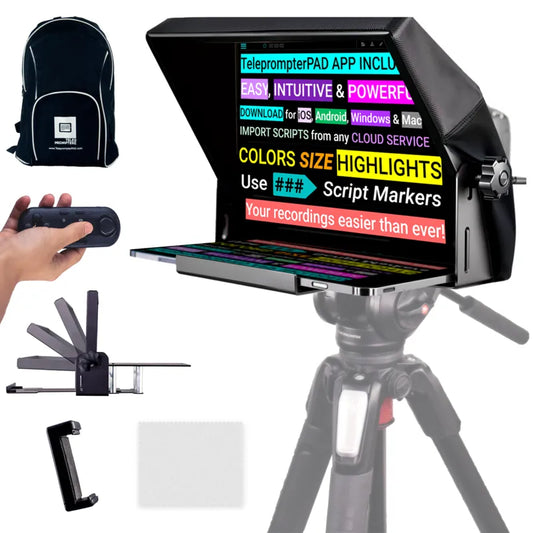
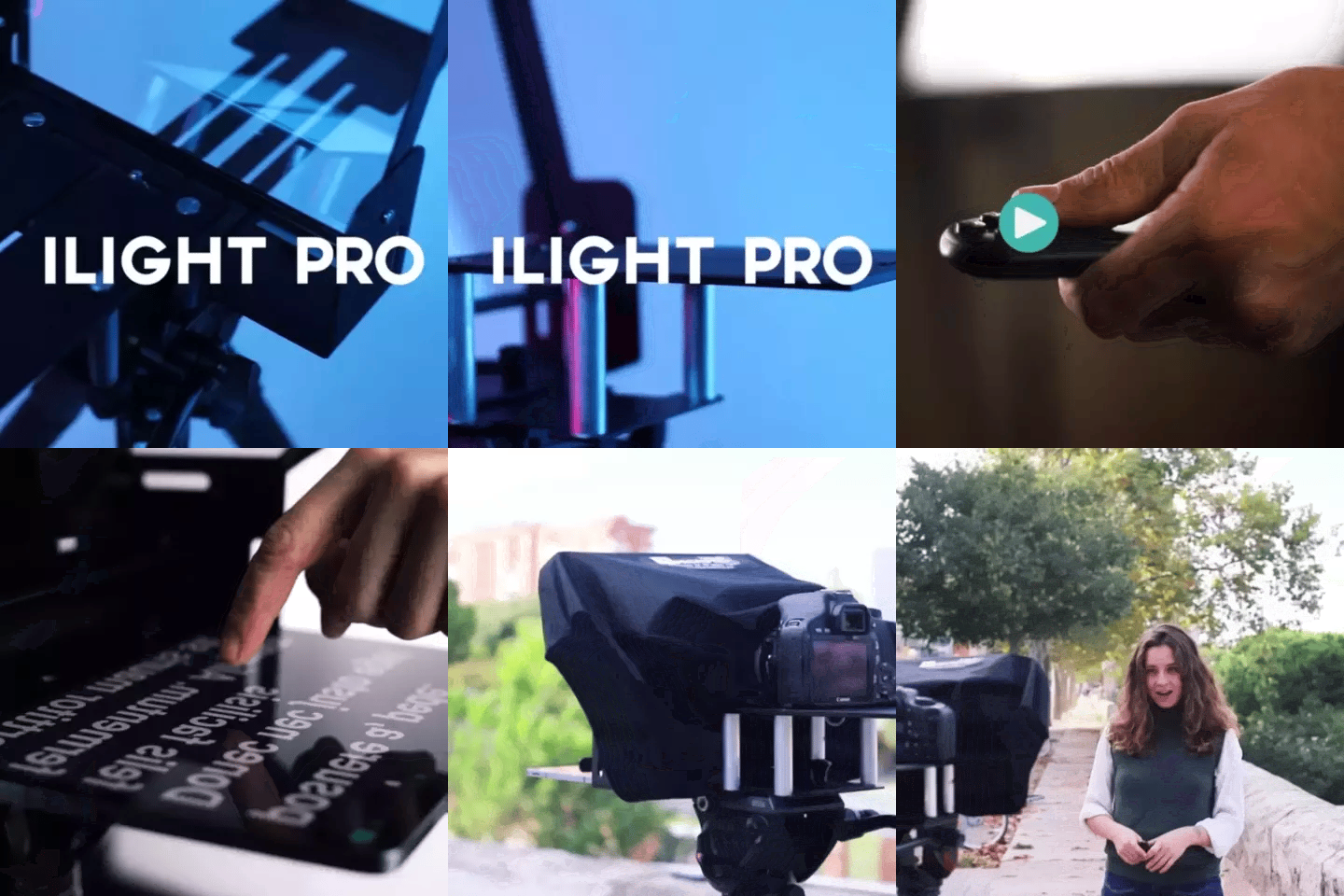
TELEPROMPTER PAD iLight PRO 12'' Teleprompter for iPad Tablet - Kit teleprompter for Video with Remote Control, APP & Carry Bag - Beam Splitter Prompter Autocue DSLR, iPhone, APP for Apple Android Mac Win
- 159.00€
199.00€- 159.00€
- Unit price
- per
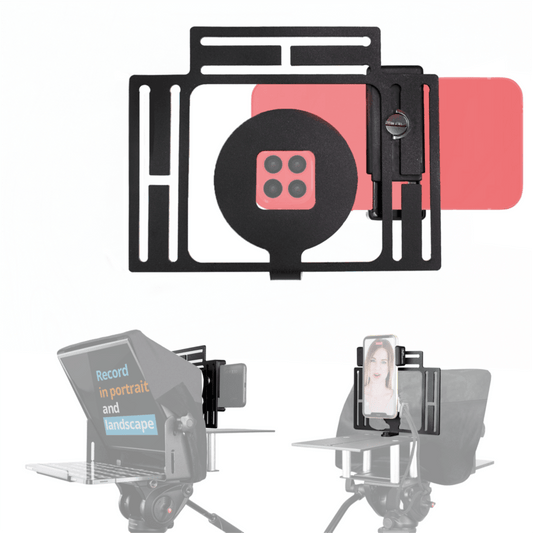
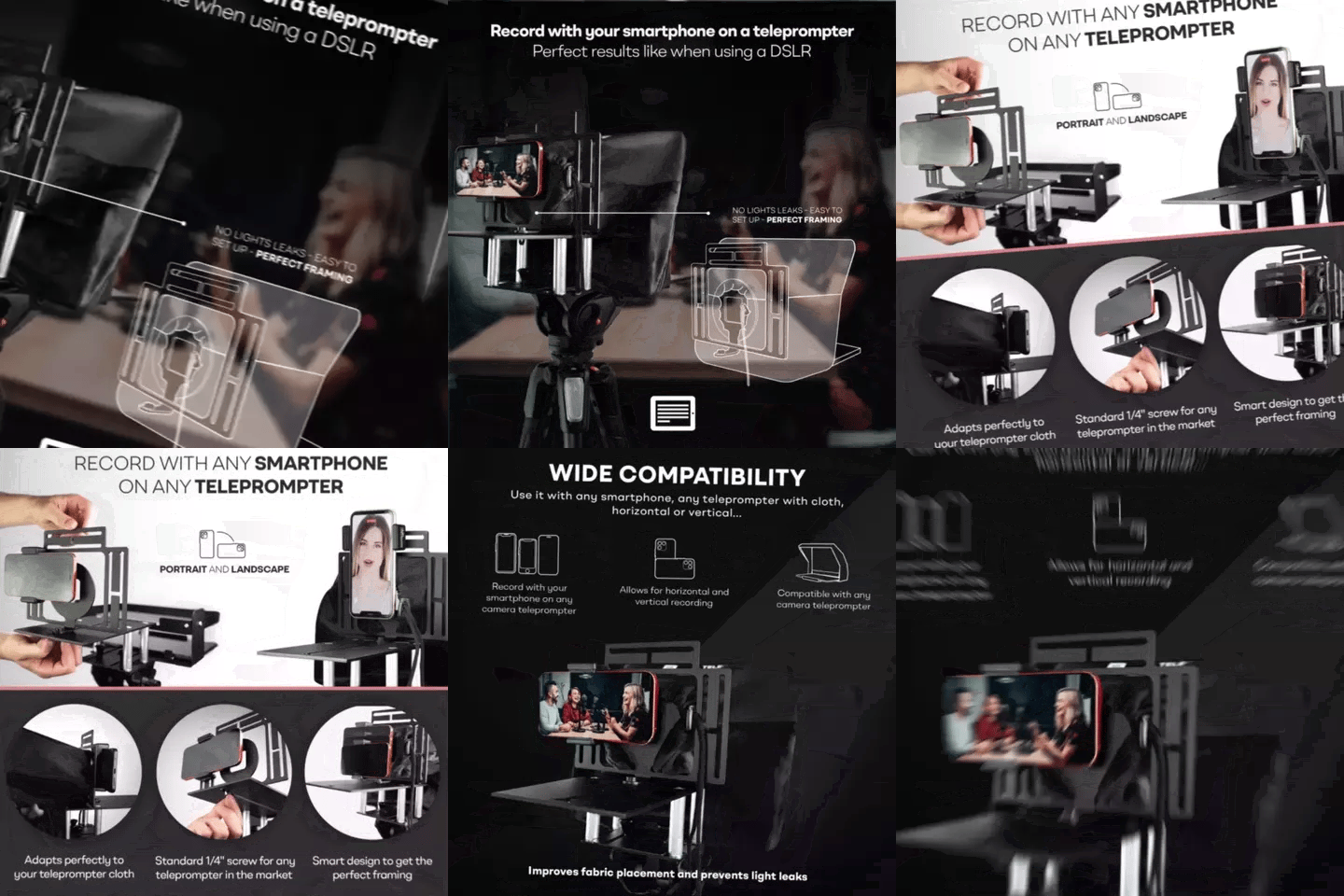
TELEPROMPTER PAD Smartphone Adaptor for teleprompter – Record with any iPhone, Android phone, compatible with any teleprompter, aluminum universal Rig for prompter with camera plate, snug cloth fit
- 29.90€
39.90€- 29.90€
- Unit price
- per
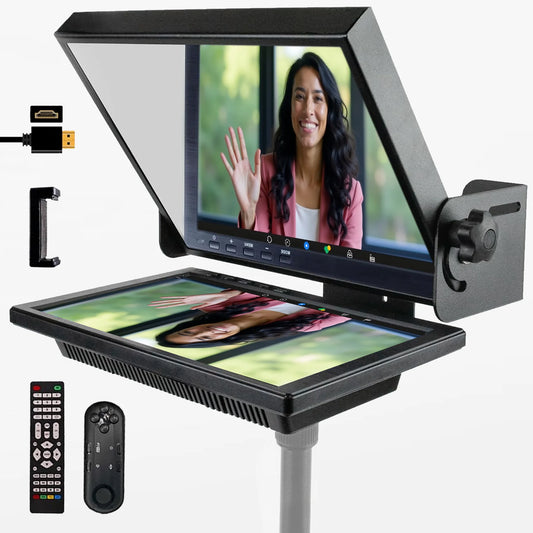
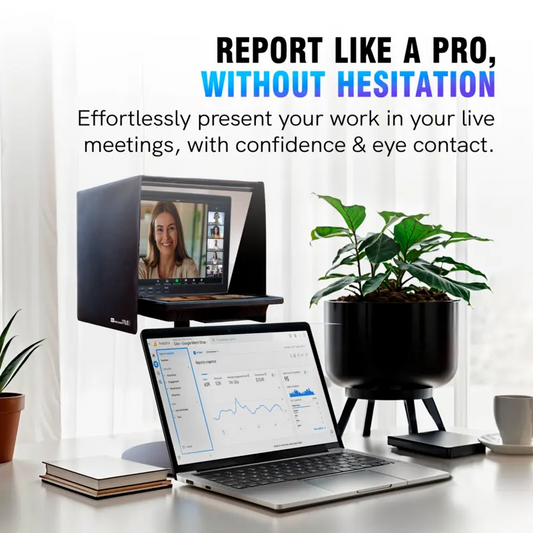
TELEPROMPTER PAD EyeMeeting Prompter for Twitch Streaming, Youtube, Zoom Eye Contact, for Mac/PC DSLR Webcam iPhone with Software, 10.1" Monitor & Remote, Compatible with Elgato Streamdeck, HDMI Input
- 229.00€
299.00€- 229.00€
- Unit price
- per