



How to write a script for a teleprompter?

A teleprompter is a powerful tool that can help speakers, journalists, and actors deliver speeches, news reports, and other content with ease. These devices are available in different sizes depending on your setup and studio arrangement and paired with a professional Teleprompter Software, they can make a day and night difference in your productions.
Whether you are using a portable teleprompter or a speech prompter, the key to success is in writing an effective script that can be easily read and delivered.

In this article, we will discuss some tips and tricks to help you write a script for a teleprompter.
-
Keep it simple: When writing a script for a teleprompter, it's important to use simple language that is easy to understand. Avoid using jargon or technical terms that your audience may not be familiar with.
-
Use short sentences: Short, concise sentences are easier to read and deliver on a teleprompter. Avoid long, complex sentences that can be difficult to follow.
-
Use bullet points: Bullet points can be a great way to break up the text on a teleprompter and make it easier to read. Use bullet points to highlight important information and key points. Some teleprompter apps include these features by default and can save you so much time!
-
Consider the pace: When writing a script for a teleprompter, it's important to consider the pace at which the speaker will be reading. Make sure that the script is written in a way that allows the speaker to deliver the content at a comfortable pace.
-
Use a Teleprompter APP or software: it can help you write and deliver your script and make your life way easier. These tools can help you customize the font size, scrolling speed, and other settings such as colored text, highlights and script markers to ensure that your script is easy to read.
-
Practice, practice, practice: Once you have written your script, it's important to practice reading it on your teleprompter. This will help you become more comfortable with the technology and ensure that you deliver your content smoothly.

Writing a script for a teleprompter requires careful consideration of the language, pace, and structure of your content. Whether you are using an iPad teleprompter, a mirrorless teleprompter, or a wireless autocue teleprompter, following these tips can help you deliver your message with confidence and ease.
If you are creating a script for a marketing or promotional video, make sure to stick to the style and tone set in the storyboard of the project so that you achieve a final product that is in line with the whole mood and aesthetic of your production.

Our best sellers
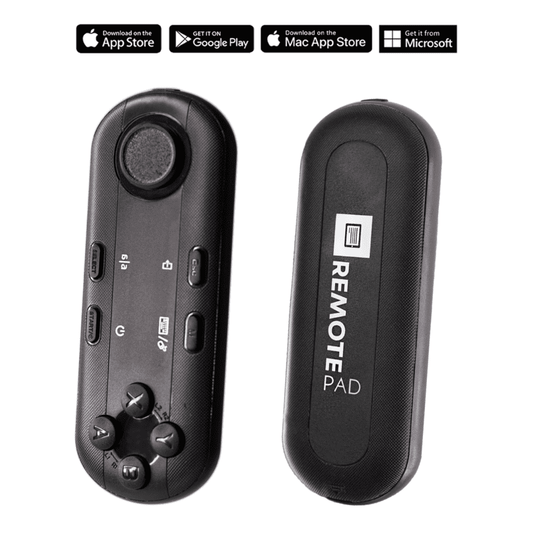
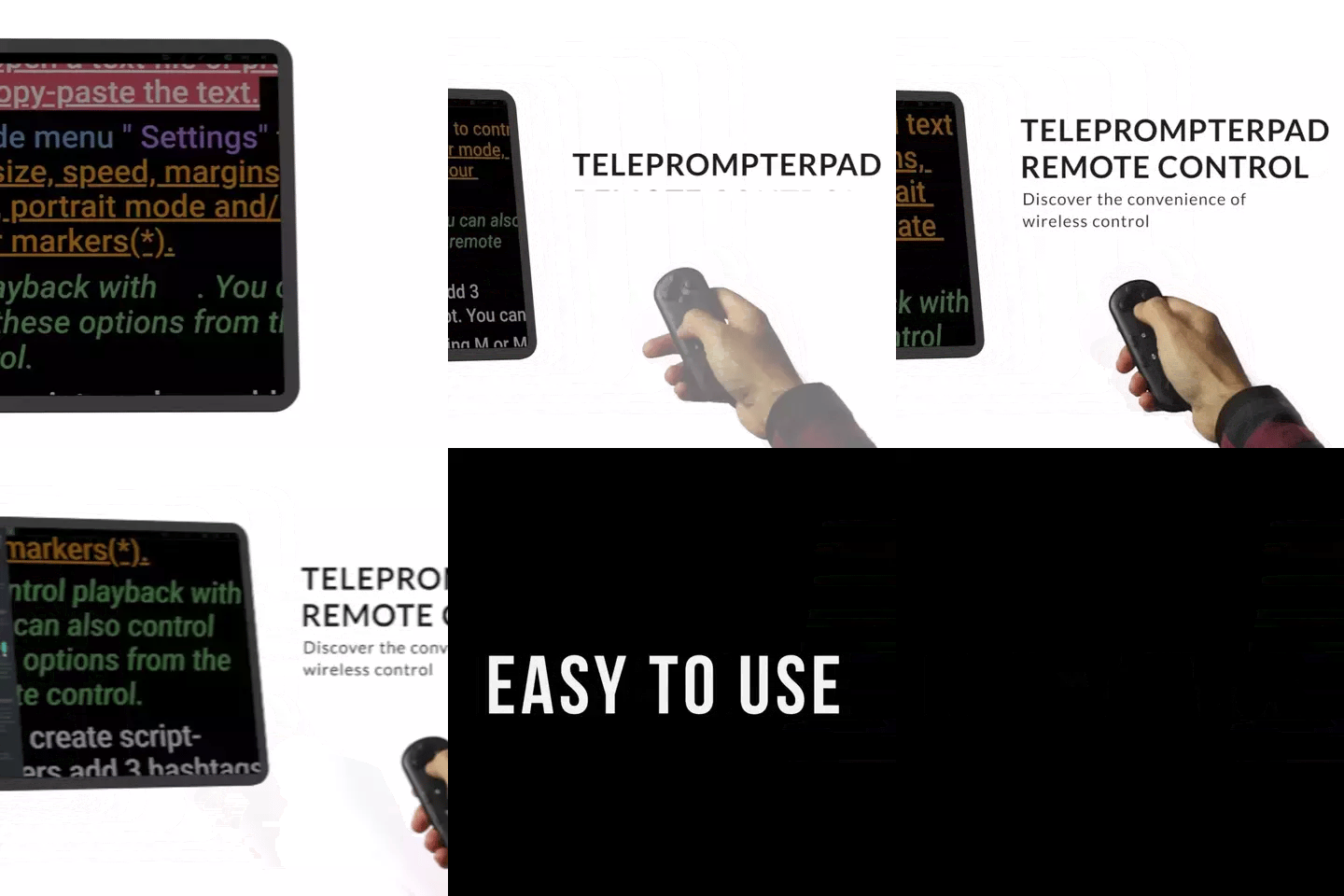
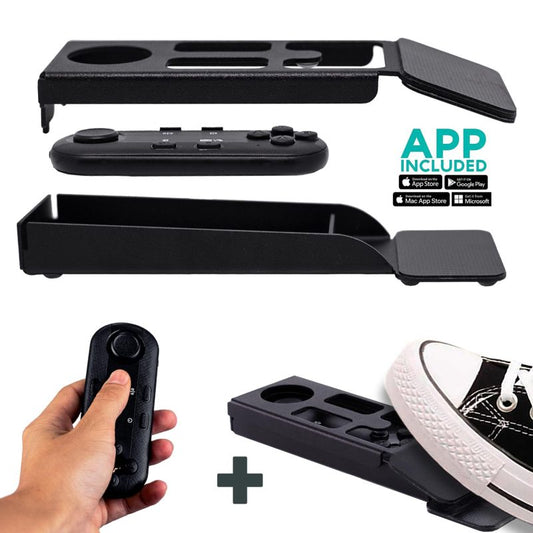
TELEPROMPTER PAD Bluetooth Remote Control for Teleprompter - Includes Teleprompter app for Apple, Android Windows & Mac - Wireless Controller for Beam Splitter Prompter or Live Streaming Equipment
- 34.90€
39.90€- 34.90€
- Unit price
- per
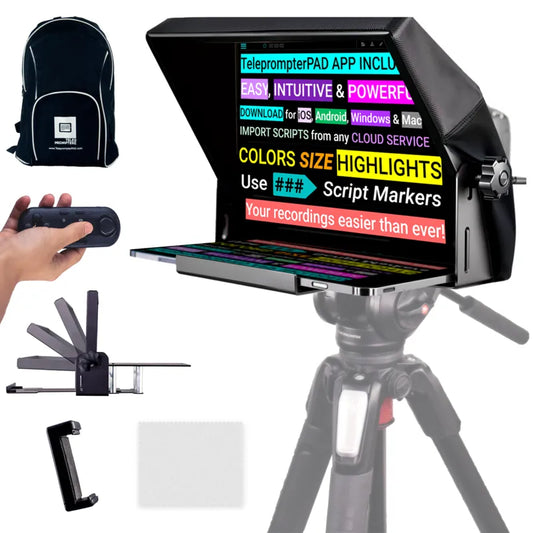
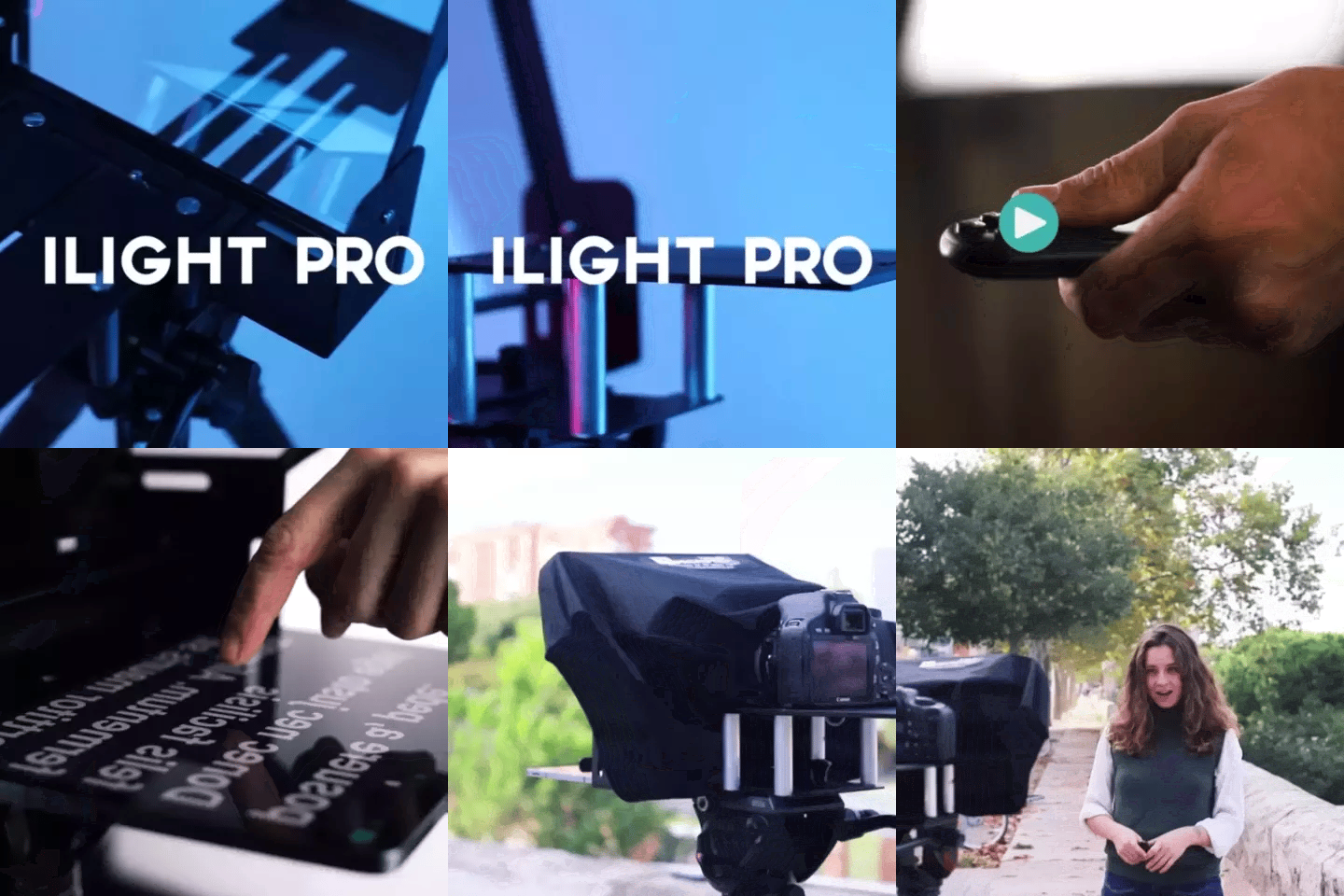
TELEPROMPTER PAD iLight PRO 12'' Teleprompter for iPad Tablet - Kit teleprompter for Video with Remote Control, APP & Carry Bag - Beam Splitter Prompter Autocue DSLR, iPhone, APP for Apple Android Mac Win
- 159.00€
199.00€- 159.00€
- Unit price
- per
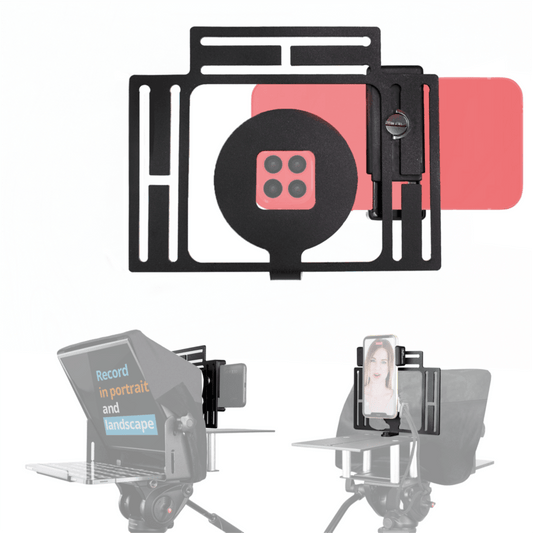
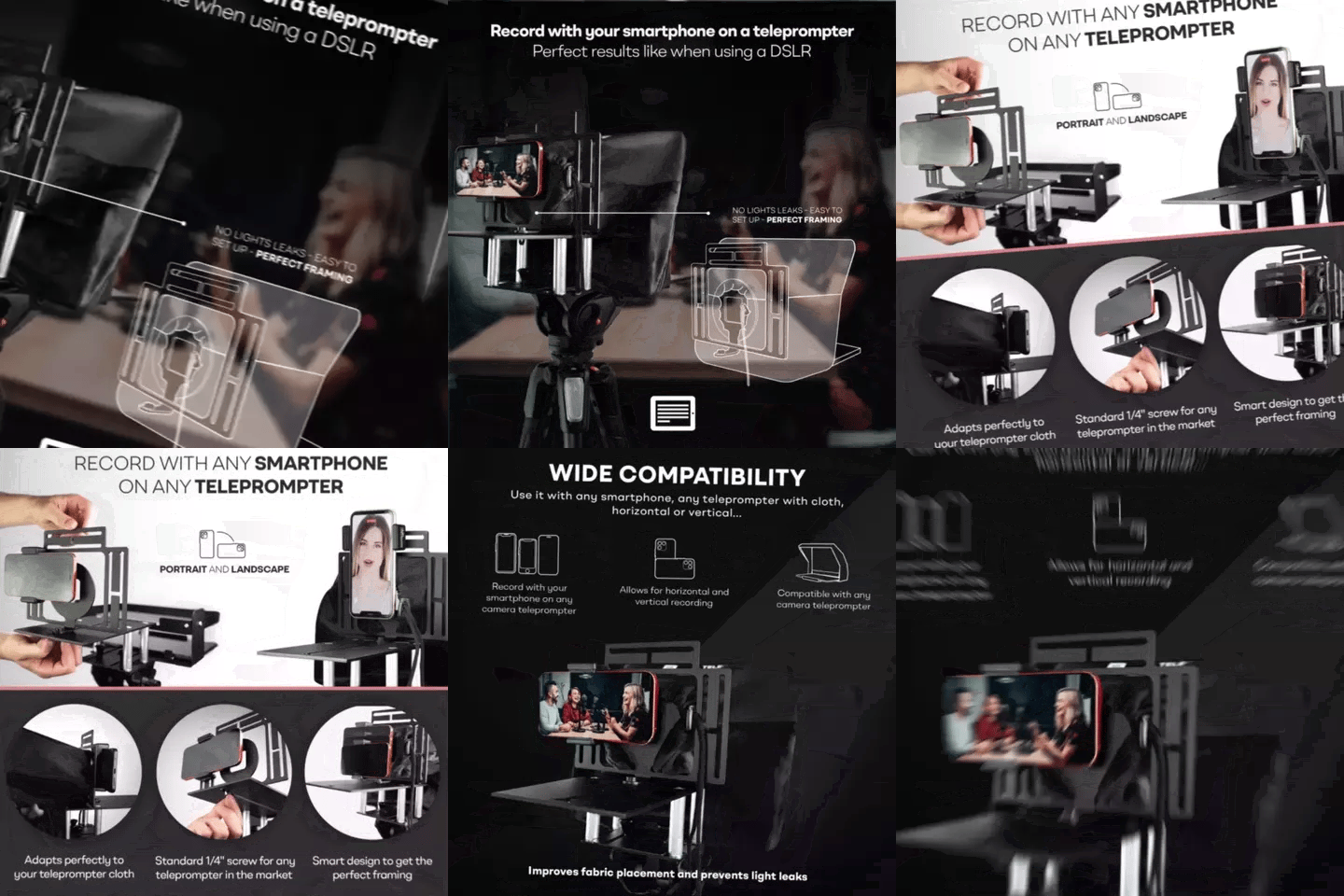
TELEPROMPTER PAD Smartphone Adaptor for teleprompter – Record with any iPhone, Android phone, compatible with any teleprompter, aluminum universal Rig for prompter with camera plate, snug cloth fit
- 29.90€
39.90€- 29.90€
- Unit price
- per
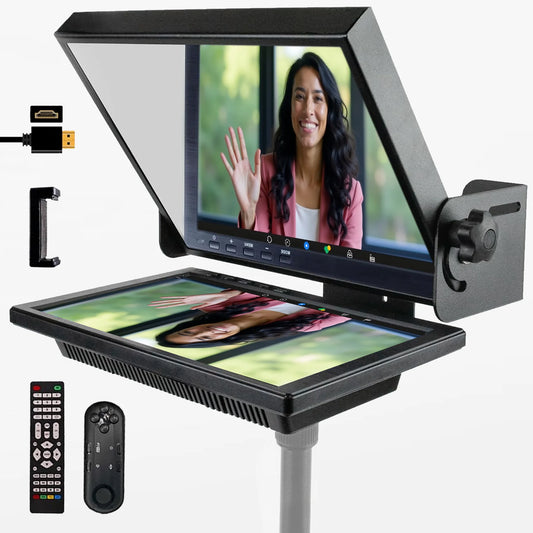

TELEPROMPTER PAD EyeMeeting Prompter for Twitch Streaming, Youtube, Zoom Eye Contact, for Mac/PC DSLR Webcam iPhone with Software, 10.1" Monitor & Remote, Compatible with Elgato Streamdeck, HDMI Input
- 229.00€
299.00€- 229.00€
- Unit price
- per