



How to set up a teleprompter for a video shoot

Teleprompters are an essential tool for anyone involved in video production, from news anchors to YouTubers. They allow the presenter to read their script while looking directly into the camera, which can make their delivery more natural and engaging.

However, setting up a teleprompter for a video shoot can be intimidating, especially if you've never used one before. In this article, we'll guide you through the steps of setting up a teleprompter for a video shoot.
Step 1: Choose the Right Teleprompter
Step 2: Mount the camera on the Teleprompter
Step 3: Set up the source of text
Step 4: Position the Teleprompter
Step 5: Adjust the Font and Speed

Step 1: Choose the Right Teleprompter
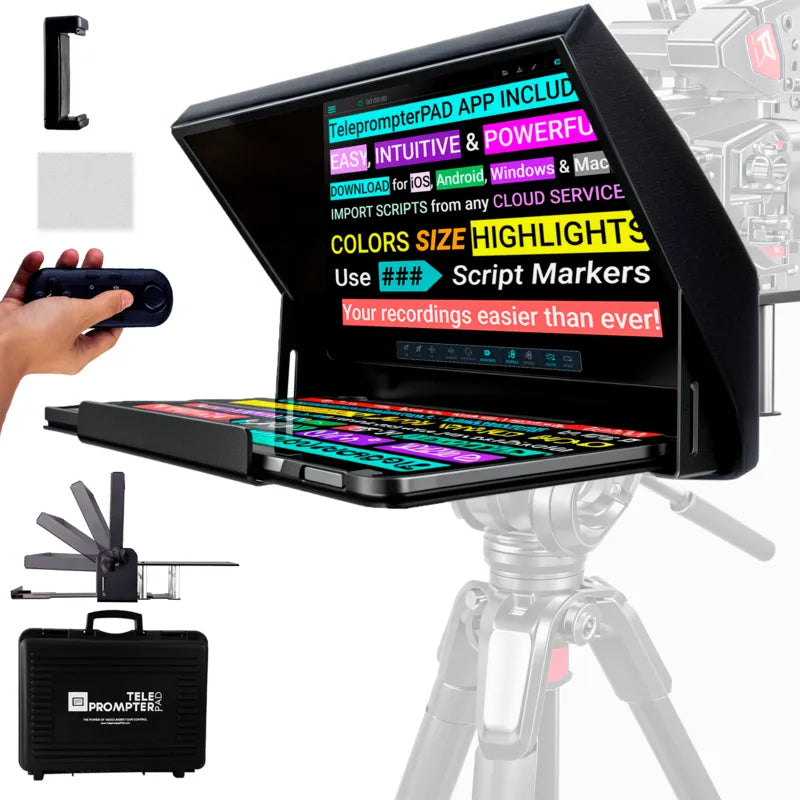
There are different types of teleprompters available in the market. Some are designed to be used with specific cameras, while others are more universal. It's essential to choose a teleprompter that's compatible with your camera and lens. Except for bigger TV studios which may need very large teleprompters, using a portable iPad/Tablet teleprompter will be the right choice for nearly every content creator. They are affordable, easy to use and work with devices such as iPads and tablets that most people already own, so with a minor investment you can drastically improve the quality of your recordings.
Step 2: Mount the camera on the Teleprompter
Once you've selected your teleprompter, you need to set up your camera. The most common way to do this is to attach the teleprompter to a tripod or light stand and secure your camera to it using a quick release plate or a 1/4" or 3/8" camera screw.

Make sure the teleprompter is set up on a tripod that can hold the weight of both the teleprompter and the camera and try to make the whole rig as balanced as possible. Sand bags can help provide more structural integrity to the set if it is heavier on one side can also help avoid any unwanted movement during filming.
Step 3: Set up the source of text
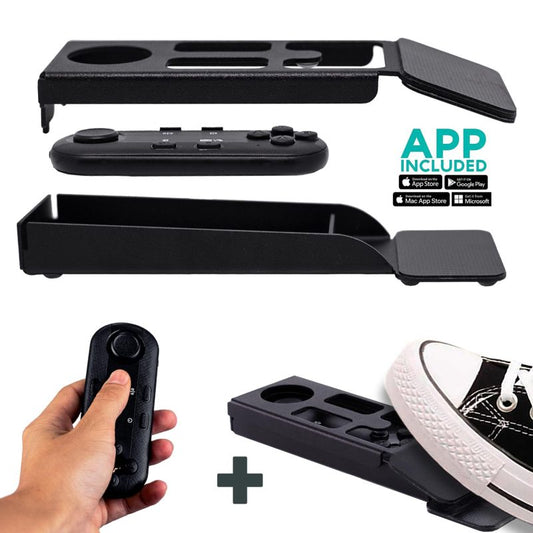
The next step is to start your teleprompter software on you computer or tablet. Most teleprompters use software that displays the script on the screen, which is then reflected onto the teleprompter screen. This software can be a FREE teleprompter APP and can be downloaded on every app store (iOS, Android, Windows and Mac). Some teleprompters come with a Bluetooth Remote for Teleprompter that allows you to control them wirelessly.
Step 4: Position the Teleprompter
The teleprompter should be positioned in such a way that the presenter can read the script comfortably while looking into the camera. The distance between the prompter and the camera depends on the size of the teleprompter screen and the camera lens. You should experiment with different distances until you find the one that works best for you.
However, you should never stand too close to the teleprompter. Otherwise, you will get some unwanted eye movement when the talent is reading the lines and the effect will make your recordings look odd. Always perform some test takes in order to make final adjustments and fix minor issues regarding framing and lighting.

Step 5: Adjust the Font and Speed
Once the teleprompter is set up, it's time to adjust the font size, style, and speed of the script. The font size should be large enough to read from a distance, but not so large that it takes up too much space on the screen. The font style should be easy to read and not distract from the content of the script. The speed of the script should be adjusted according to the presenter's reading speed and the distance to the teleprompter glass, since having a text size too small can make eye movement very evident and ruin the purpose of using a teleprompter.

In conclusion, setting up a teleprompter for a video shoot is not as complicated as it may seem. Remember to practice reading from the teleprompter before filming to ensure a smooth and professional delivery. With the right preparation and equipment, you can take your video production to the next level.

Our best sellers
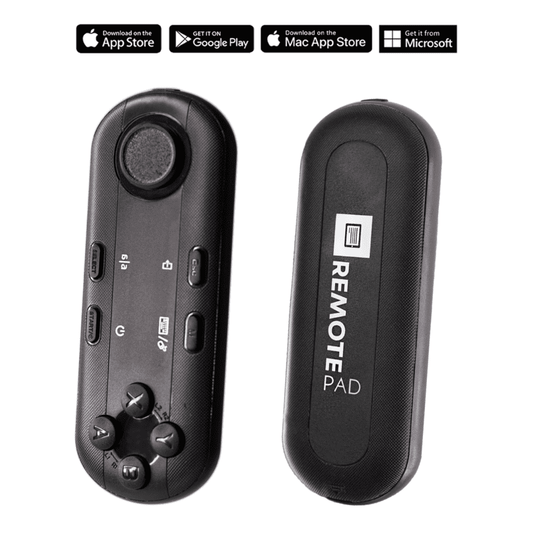
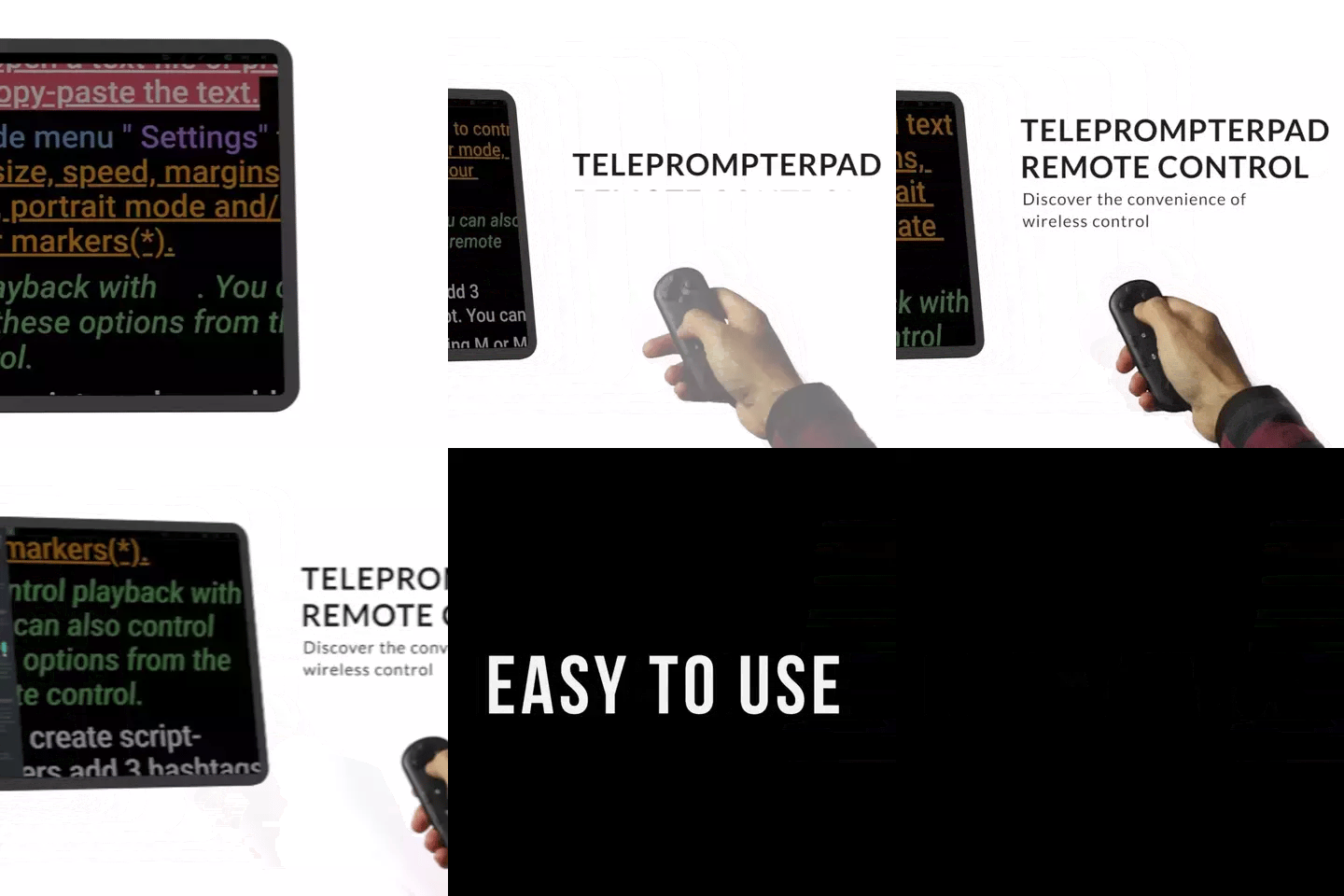
TELEPROMPTER PAD Bluetooth Remote Control for Teleprompter - Includes Teleprompter app for Apple, Android Windows & Mac - Wireless Controller for Beam Splitter Prompter or Live Streaming Equipment
- 34.90€
39.90€- 34.90€
- Unit price
- per
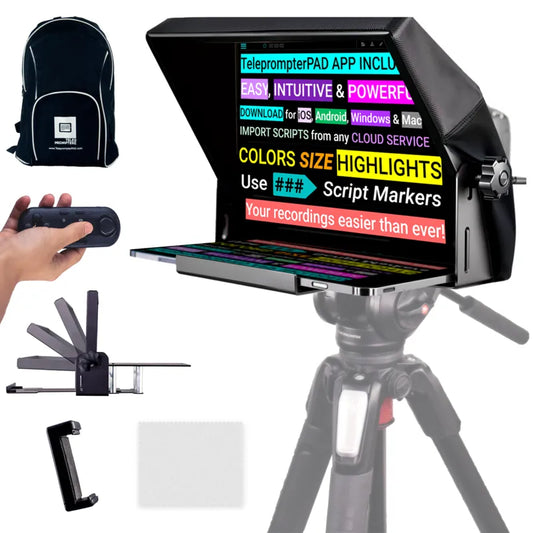
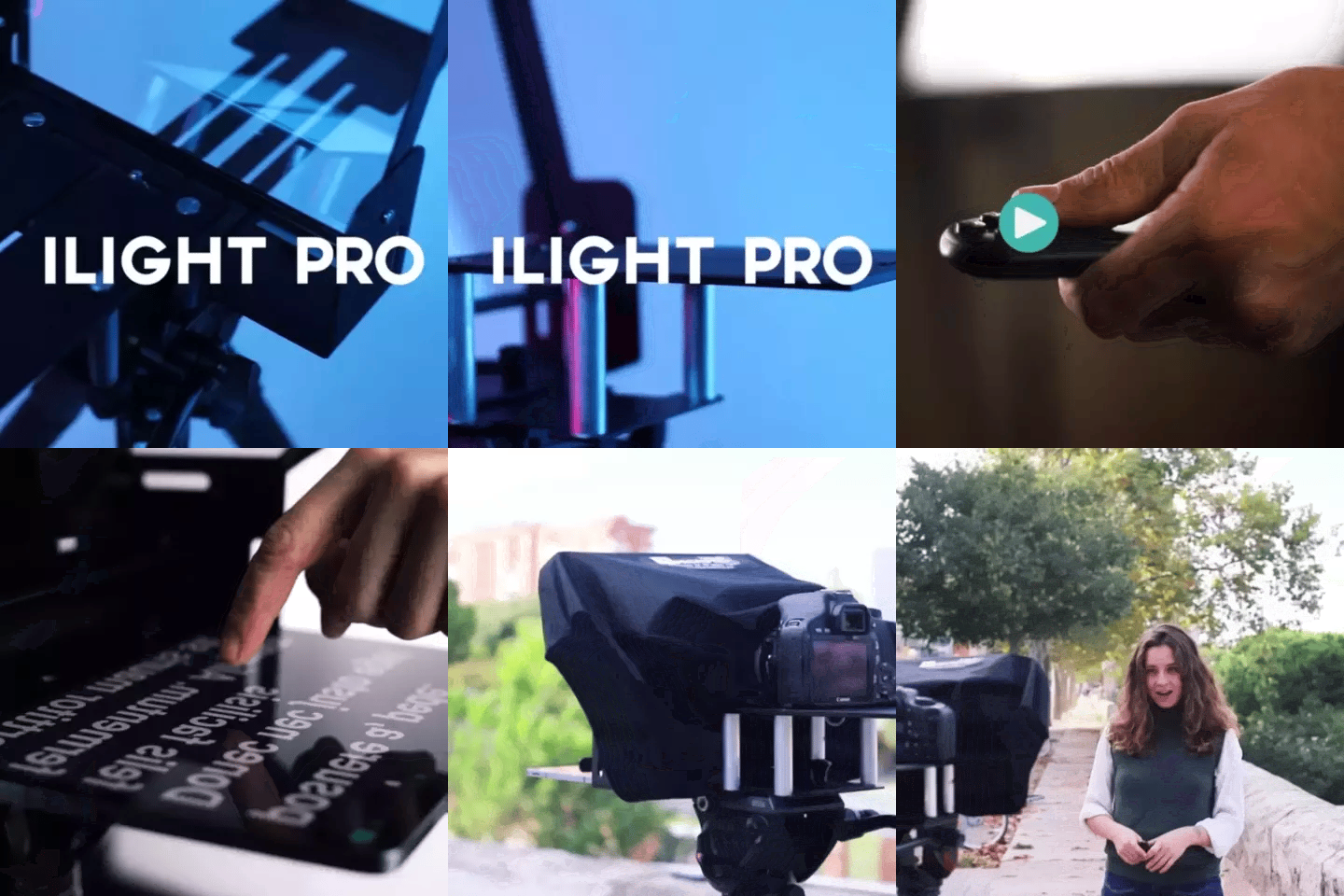
TELEPROMPTER PAD iLight PRO 12'' Teleprompter for iPad Tablet - Kit teleprompter for Video with Remote Control, APP & Carry Bag - Beam Splitter Prompter Autocue DSLR, iPhone, APP for Apple Android Mac Win
- 159.00€
199.00€- 159.00€
- Unit price
- per
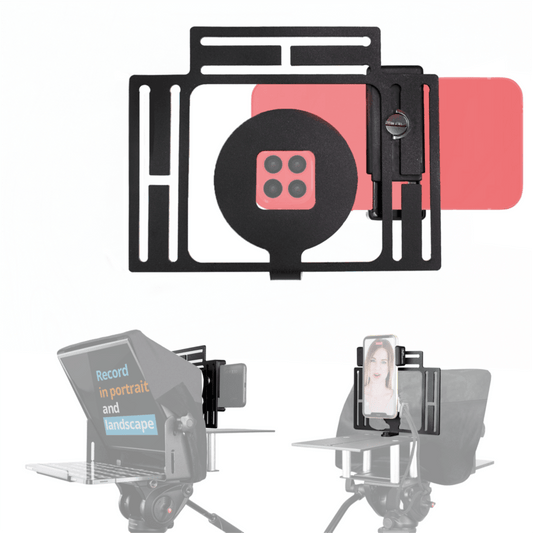
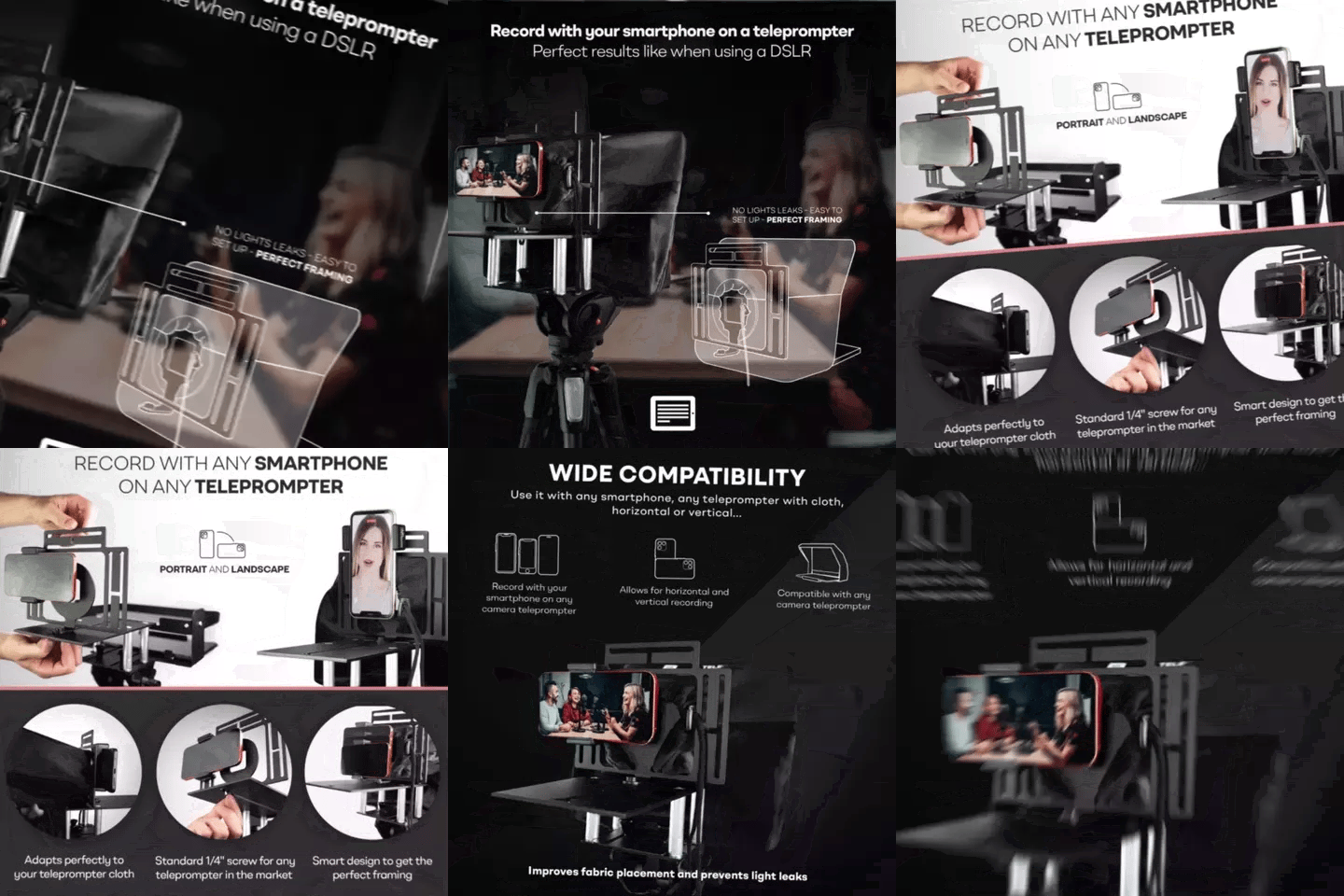
TELEPROMPTER PAD Smartphone Adaptor for teleprompter – Record with any iPhone, Android phone, compatible with any teleprompter, aluminum universal Rig for prompter with camera plate, snug cloth fit
- 29.90€
39.90€- 29.90€
- Unit price
- per
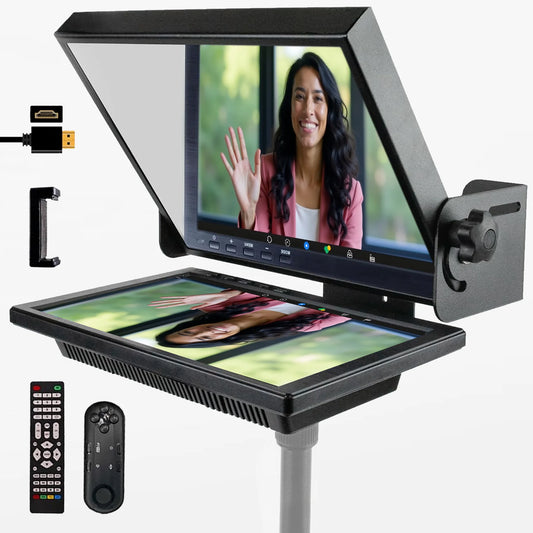
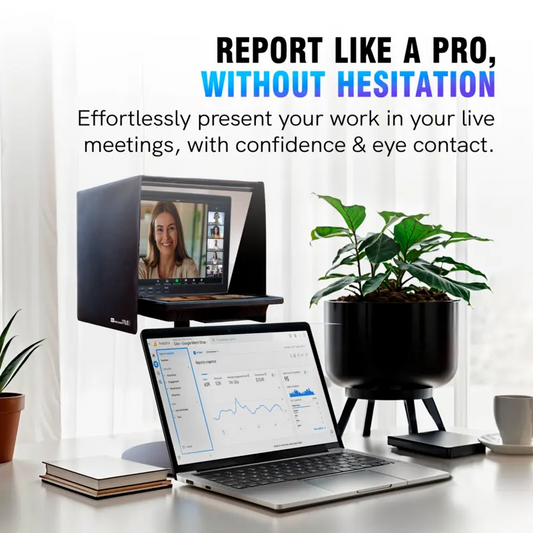
TELEPROMPTER PAD EyeMeeting Prompter for Twitch Streaming, Youtube, Zoom Eye Contact, for Mac/PC DSLR Webcam iPhone with Software, 10.1" Monitor & Remote, Compatible with Elgato Streamdeck, HDMI Input
- 229.00€
299.00€- 229.00€
- Unit price
- per