


How to avoid unwanted lens reflections on your teleprompter

Are you getting unwanted reflections on your recordings when using a teleprompter? Make sure to check the following tips for three easy fixes:

Your lens may be too close to the beam splitter glass
Positioning your camera at the right distance from the beamsplitter reflective glass is key to achieveing a perfect framing. Your camera position may vary slightly depending on the focal lenght of your lens and your desired shot.
However, there is a standard sweet spot that will provide a good framing and no unwanted reflections as long as you are using a lens within the recommended focal range: the end of your lens needs to sit flat with the front of the camera plate.
IMPORTANT: Pushing the lens closer to the glass will result in lens flare and reflections that can ruin your recordings.
Please refer to the image below to see a graphic representation of the optimal camera positioning:

Your beamsplitter glass is in the wrong position
Most of the reflection issues that happen when using a teleprompter are due to an incorrect glass angle position. Intuitively, you may think you want your reflective glass at a 90º angle to be able to read when standing in front of it. However, this is wrong since it interferes with the appropriate reflection of the tablet on the beamsplitter and most importantly, creates unwanted reflections from your lens on the back of the glass.
While the angle of our glass is adjustable, it is highly recommended to stay as close as possible to a 45º position (relative to flat ground) to ensure the best text reflection and recordings. If you find yourself needing to increase the angle of your glass closer to 90º to be able to read comfortable you could benefit from rising the height of the whole teleprompter using a tripod instead of modifying the mirror angle away from 45º.

Light is leaking inside of the dark chamber
In case there is strong direct or indirect light around your setup you need to make sure to properly seal the teleprompter hood around your camera lens to avoid any leaks. If you are recording in a very bright environment you may want to use an additional piece of black cloth on top of your teleprompter hood to prevent leakage too.

Sometimes the camera's own tally light (red LED light that indicates that a camera is recording) could cause reflections inside the dark chamber. This can be fixed by placing a small piece of black tape covering the LED or deactivating this function on your camera settings.


Our best sellers
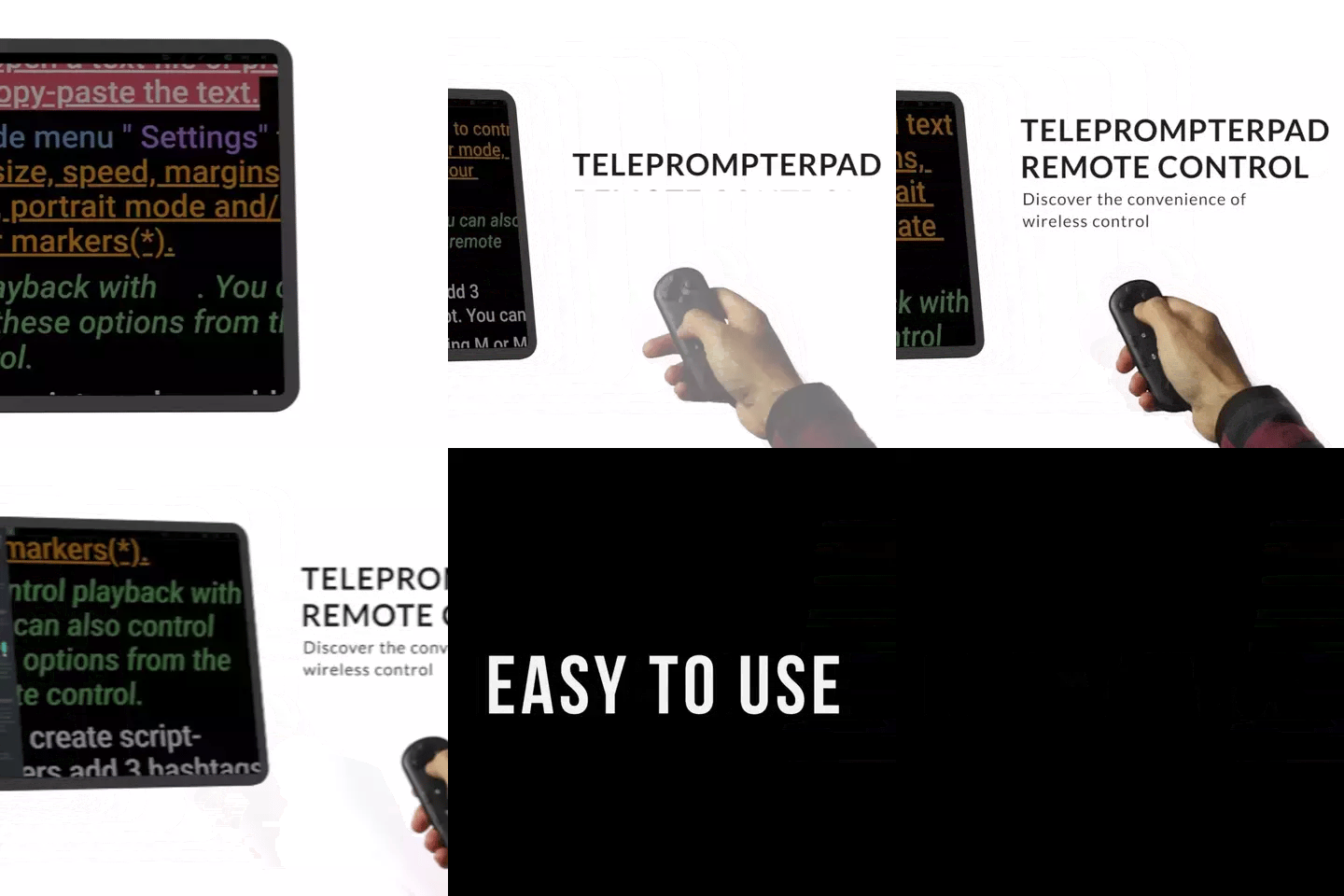
TELEPROMPTER PAD Bluetooth Remote Control for Teleprompter - Includes Teleprompter app for Apple, Android Windows & Mac - Wireless Controller for Beam Splitter Prompter or Live Streaming Equipment
- 34.90€
39.90€- 34.90€
- Unit price
- per
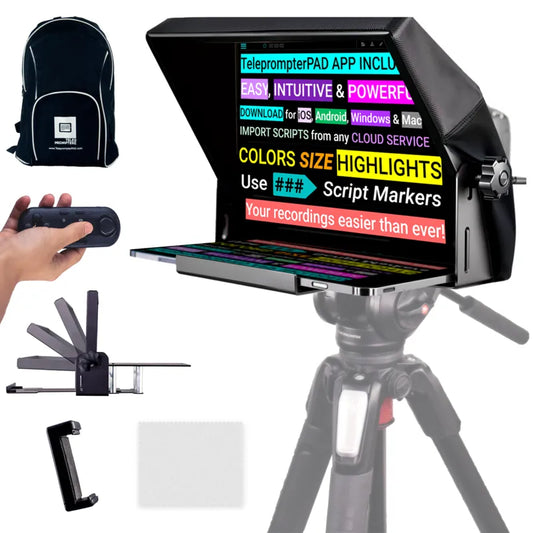
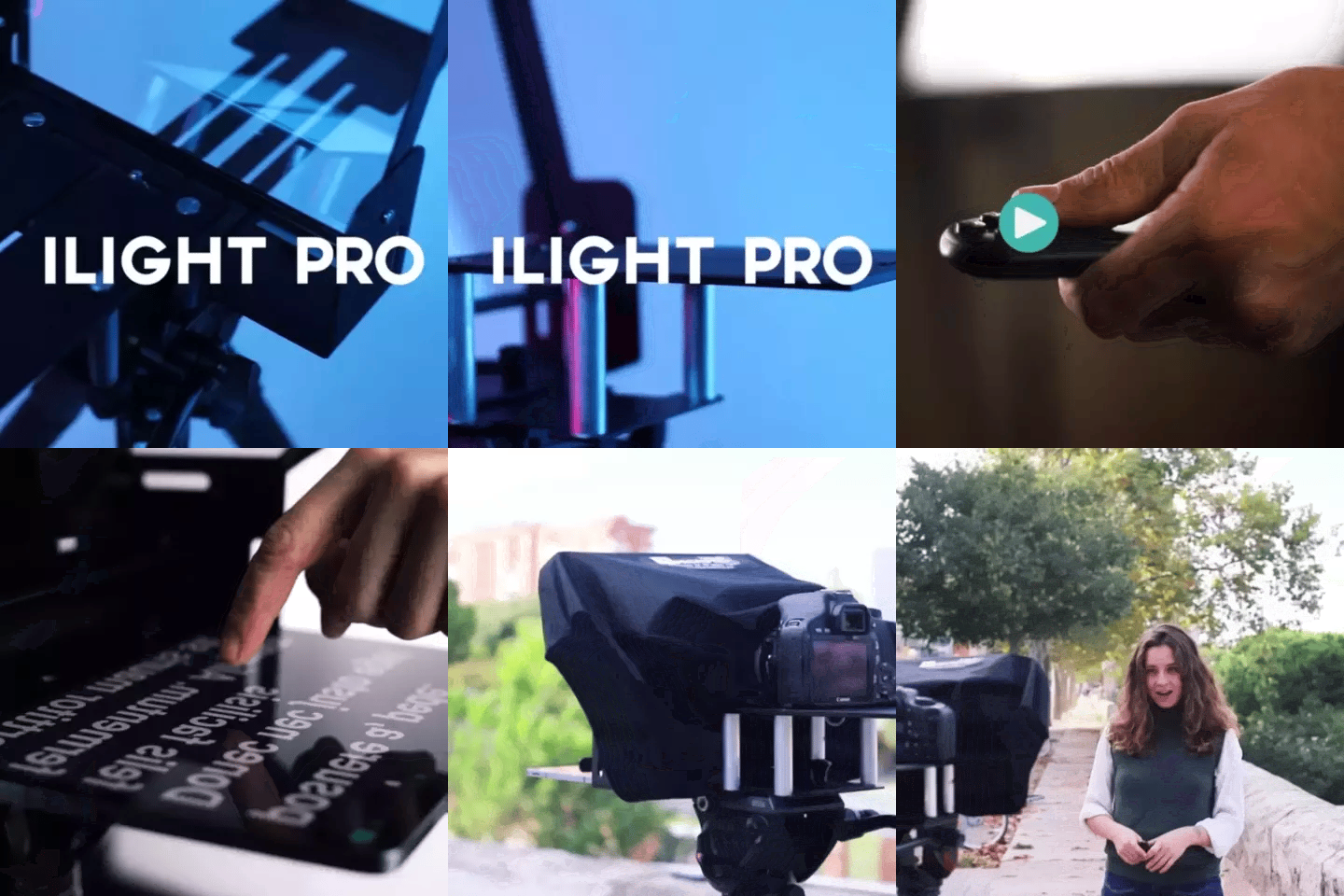
TELEPROMPTER PAD iLight PRO 12'' Teleprompter for iPad Tablet - Kit teleprompter for Video with Remote Control, APP & Carry Bag - Beam Splitter Prompter Autocue DSLR, iPhone, APP for Apple Android Mac Win
- 159.00€
199.00€- 159.00€
- Unit price
- per
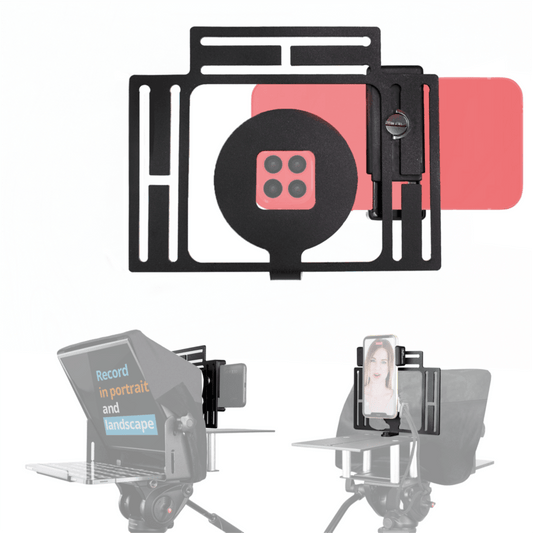
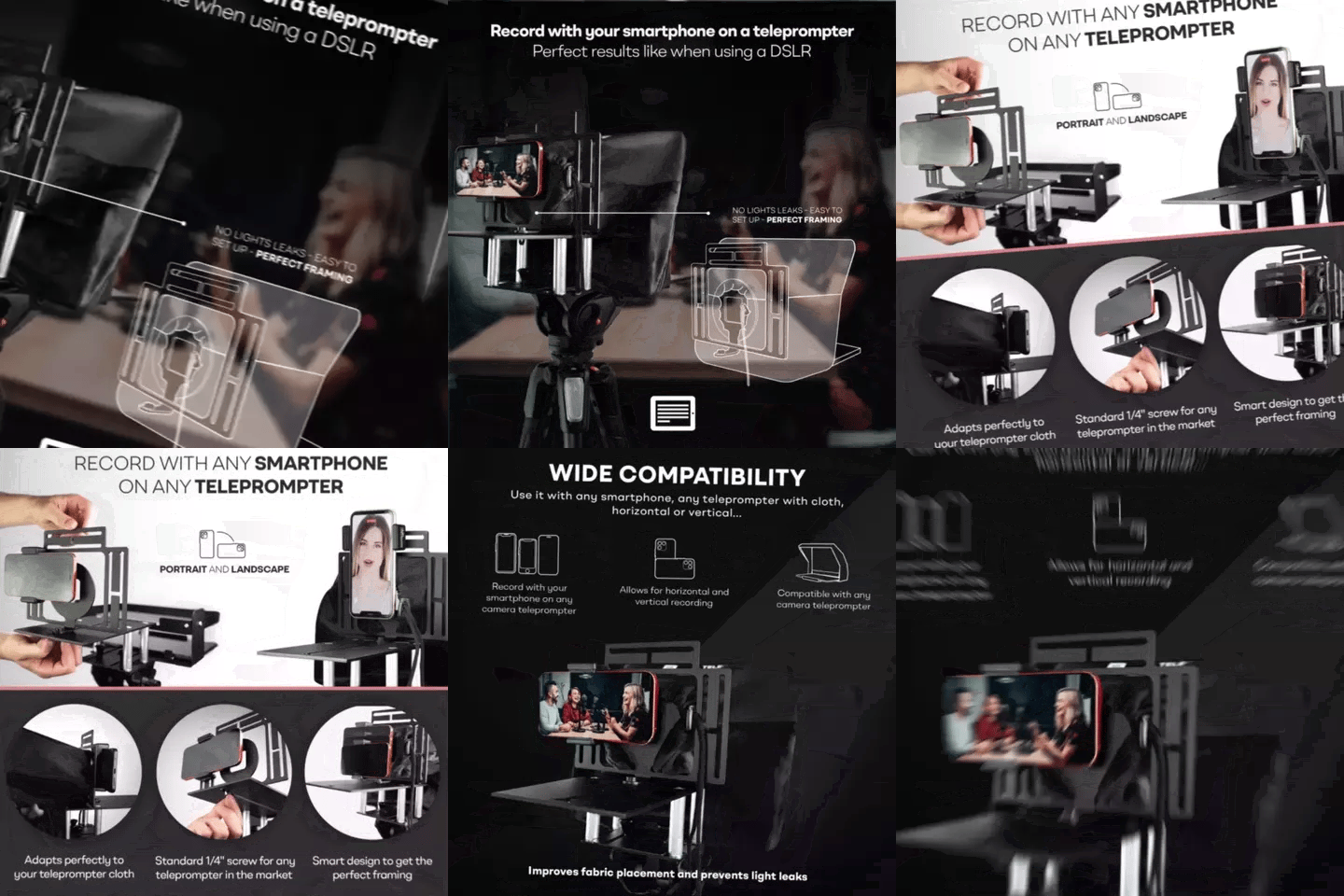
TELEPROMPTER PAD Smartphone Adaptor for teleprompter – Record with any iPhone, Android phone, compatible with any teleprompter, aluminum universal Rig for prompter with camera plate, snug cloth fit
- 29.90€
39.90€- 29.90€
- Unit price
- per
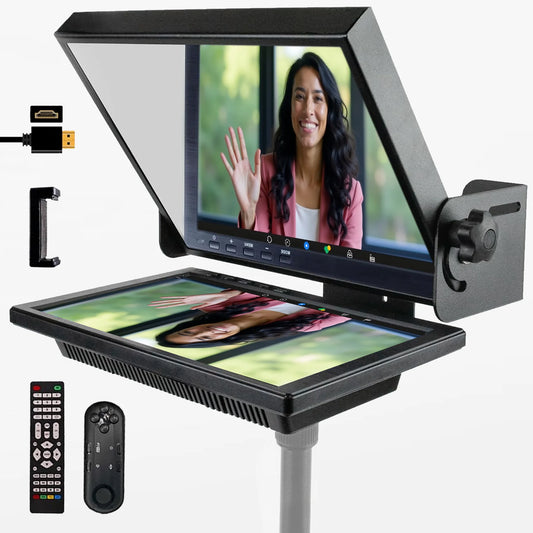

TELEPROMPTER PAD EyeMeeting Prompter for Twitch Streaming, Youtube, Zoom Eye Contact, for Mac/PC DSLR Webcam iPhone with Software, 10.1" Monitor & Remote, Compatible with Elgato Streamdeck, HDMI Input
- 229.00€
299.00€- 229.00€
- Unit price
- per