



Teleprompter for Coaches Training Sessions: Setup Guide
A teleprompter for coaches training sessions lets you read your script while looking directly into the camera — which means your trainees see confident eye contact instead of someone glancing at notes off-screen. That single change affects trust, engagement, and how much of your content actually sticks. I've spent over a decade setting up teleprompter rigs for coaches, and about 20% of our 50,000+ shipped orders go to coaches, therapists, and info-product creators. This guide covers exactly how to pick, set up, and use a beam splitter teleprompter for recording training sessions that hold attention and convert.

Over the last decade I've personally helped hundreds of coaches — life coaches, executive coaches, fitness coaches, business mentors — get their training content on camera using beam splitter teleprompters. Roughly 1 in 5 of our 50,000+ global orders ships to a coach, therapist, or course creator. I know the specific problems this audience runs into (rigid scripting, eye-dart on camera, gear overwhelm) because I troubleshoot them weekly.

Why do coaches need a teleprompter for training sessions?
The short answer: your trainees need to feel like you're talking to them, not reading at them. A beam splitter teleprompter places your script on a semi-transparent glass in front of the lens. You read while looking straight into the camera. Your audience sees steady, natural eye contact.
That matters more than you might think. Research on video-mediated communication confirms that "facilitating eye contact in video-conferencing significantly enhances communication effectiveness and trust." When someone watches your training session and sees you looking directly at them, the psychological effect mirrors an in-person meeting — you build rapport even through a screen.
The coaching industry is booming. According to ICF data, the global coaching market generated $5.34 billion in revenue in 2025 and is projected to hit $5.8 billion in 2026. With over 122,000 coach practitioners worldwide and 72% of clients preferring remote or hybrid coaching, video training has become the default delivery format. The coaches who look polished, connected, and confident on camera have a real edge.
Here's the problem I see constantly: coaches know their material cold, but the second they hit "record" they either freeze, ramble, or bury their face in bullet points taped below the lens. A teleprompter solves all three issues. You script in advance, you read naturally, and you stay on time.
What kind of teleprompter works best for coaching sessions?
For 90%+ of coaches recording training sessions, a camera-mounted beam splitter teleprompter is the right choice. It sits on a tripod, holds your tablet or phone, and places the script directly in your line of sight. The iLight PRO 12-inch is our most popular model — it accounts for about 60% of total sales — and it's the one I recommend to coaches most often.
Why? It's pre-assembled, foldable, and portable. You unpack it, slide in your iPad or tablet, mount your camera behind the glass, and you're recording in under two minutes. If you're a coach who records from a home office, a rented studio, or even on location at a client's office, that speed matters.

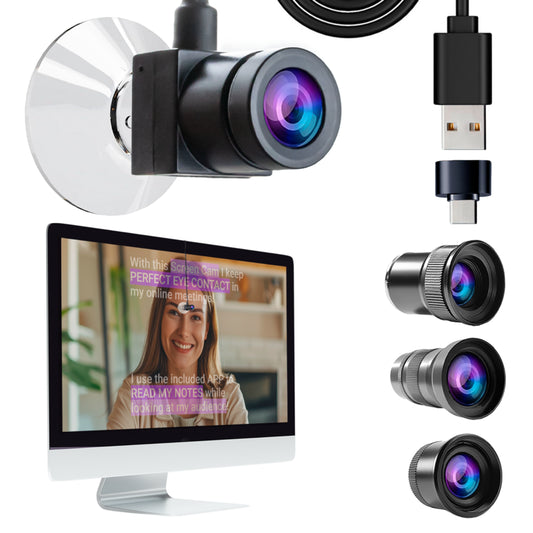
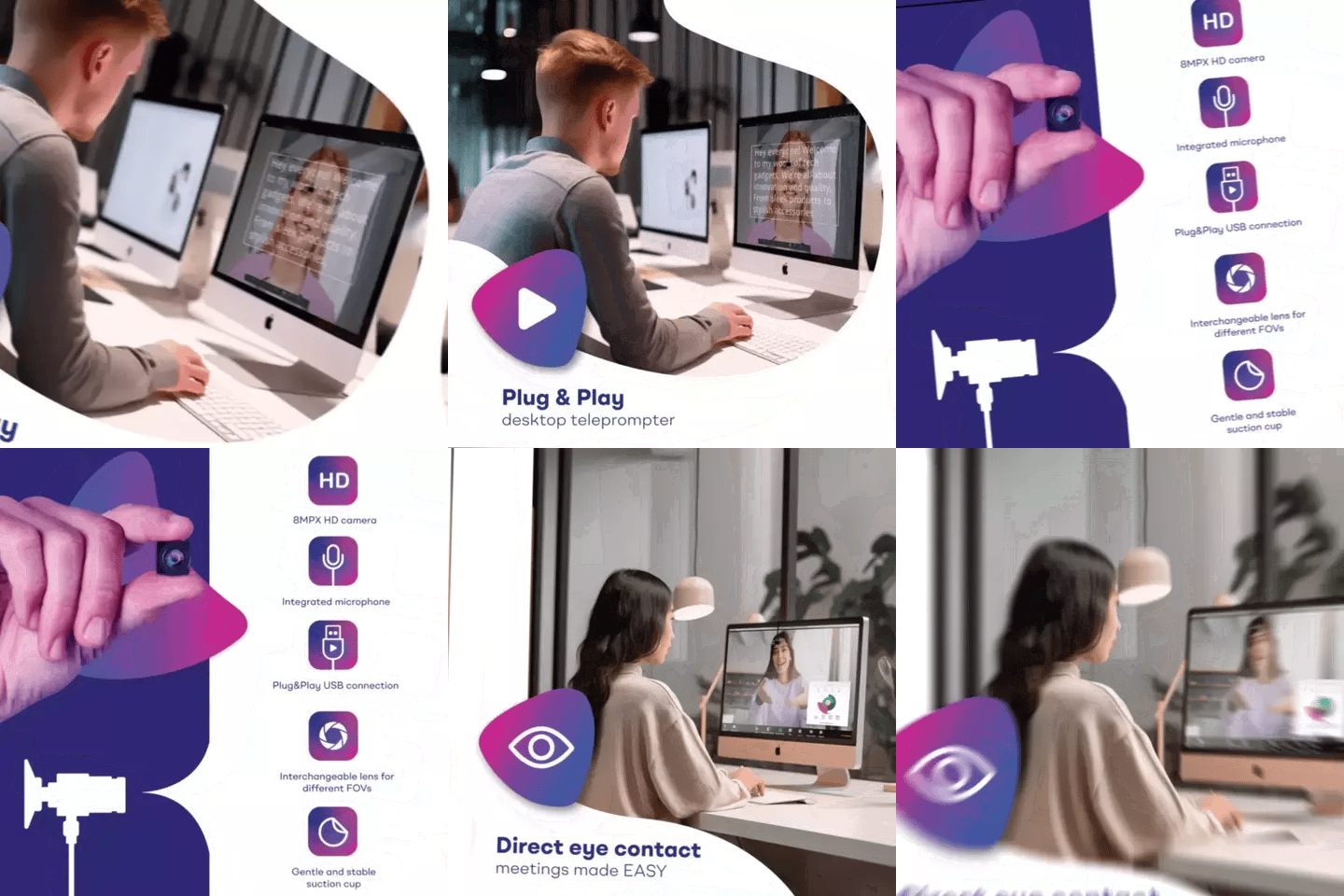
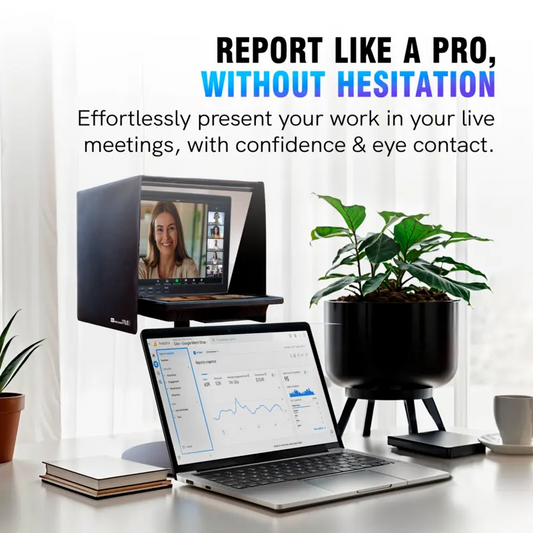
But not every coach records to camera. Some deliver training live — on Zoom, Teams, or Google Meet. If that's your main use case, the EyeMeeting Webcam is purpose-built for live calls. It mounts directly on your monitor via suction cup, and the app's Meeting Mode overlays your script transparently over the video call window. Different tool for a different job.
How to compare your options: coaching teleprompter quick-reference
| Feature | iLight PRO 12-inch | EyeMeeting Webcam | EyeMeeting Prompter |
|---|---|---|---|
| Best for | Recorded training sessions | Live video calls | Recording + streaming |
| Glass type | 60/40 HD beam splitter | N/A (on-screen overlay) | 60/40 HD beam splitter |
| Camera | DSLR / mirrorless / phone | Built-in 8MP webcam | Your webcam or camera |
| Screen | Your tablet/phone | Your monitor (overlay) | Built-in 10.1-inch monitor |
| Setup time | Under 2 minutes | Under 1 minute | ~3 minutes |
| Price | €159 | €99 | €229 |
| Remote included | ✅ Yes | ❌ No | ✅ Yes |
| Portability | Foldable, carry bag | Pocket-sized | Desktop, monopod |
Most coaches I work with start with the iLight PRO 12-inch because they need polished, recorded training sessions they can sell or distribute. If you deliver live sessions exclusively (Zoom group coaching, for example), the EyeMeeting lineup is better suited.
Step-by-step: setting up your teleprompter for a coaching session
I've walked hundreds of coaches through this process. Here's the workflow that gets you recording quickly without technical headaches.
- Mount the teleprompter on your tripod. Attach using the 1/4" screw. Make sure the unit is at eye level — not tilted up or down. If you're standing, raise the tripod accordingly.
- Position your camera behind the glass. The lens should sit as close to the back of the beam splitter as possible. Keep the camera body within 20cm (8") from the front of the lens to the tripod screw so it fits correctly.
- Slide your tablet into the holder. Open the TeleprompterPAD app and import your script. Activate mirror mode so the text reads correctly when reflected in the glass.
- Set your recording distance. Stay 1.5m to 2.0m (5–6.5 ft) from the lens. Any closer and your eyes scanning left to right become visible on camera. If you must be closer, narrow the text margins in the app to reduce eye movement.
- Seal the blackout hood. Velcro the included hood around the back of the rig. This blocks ambient light from washing out the script reflection. It matters more than most people expect.
- Test audio and lighting. Use an external mic — your DSLR's built-in mic won't cut it at 1.5m+. Set up three-point lighting (key light front/side, fill light opposite side, backlight behind you). Avoid overhead lights directly above the teleprompter, which cause glare on the glass.
- Do a test take. Record 30 seconds. Check for eye scanning, glare, hood light leaks, and audio levels. Adjust and re-test until it's clean.
That's it. Seven steps. The whole thing takes under 10 minutes the first time. After you've done it twice, you'll have it down to 3–4 minutes. I always tell coaches: pre-arrange your gear, use a power strip with a single switch, and save your app presets. One button, and you're recording in under a minute.

Scripting for coaching sessions: write like you talk
This is where I see the biggest mistakes. Coaches who are brilliant in person suddenly write stiff, formal scripts that sound nothing like them. A teleprompter only works if the words on the glass sound like you.
- Write conversationally. Use contractions. Use the language you'd use in a 1-on-1 session with a client.
- Keep sentences short. Long, compound sentences are hard to read on a teleprompter without losing your place.
- Add pacing marks. Use bold or highlight in the app to mark where you should pause, emphasize, or slow down. The TeleprompterPAD app supports rich text formatting — bold, italic, underline, highlight, colors — specifically for this.
- Use script markers for section breaks. The app lets you drop markers that act like chapter stops. Handy when you're recording a multi-module training course.
- Don't script everything. For coaching specifically, I recommend scripting your intro, key teaching points, and transitions. Leave space for genuine off-the-cuff moments. Your audience can tell the difference.
The data backs this up. According to research from Worldmetrics, 60% of employees pause training videos mid-content, and 35% never resume. Engagement drops fast when content feels robotic. Writing like you speak — and reading it with natural pacing — is one of the few things you can control on the production side.
Who uses a teleprompter for coaching training sessions?
Based on our customer data, the coaching and training use case cuts across several audience segments. Here's how it breaks down in practice:
Coaches, therapists, and info-product creators (20% of our customers): These folks record modules for online courses, video sales letters, or client-facing training libraries. They typically record solo from a home office or small studio. The iLight PRO 12-inch with a DSLR or mirrorless camera is the most common setup. Portability matters because many of them also record on-site at retreats or co-working spaces.
Educators and universities (10% of our customers): University instructors recording lecture content, professional development trainers building certification programs, and corporate L&D teams creating internal training libraries. These users often need consistent output — 10, 20, even 50 videos in a production run. A teleprompter keeps each session tight and on-message.
SMBs, startups, and marketing teams (18% of our customers): Internal training videos for onboarding, product knowledge, compliance. These teams usually have one person doing double duty as trainer and videographer. A self-operated teleprompter with the Bluetooth remote makes that possible.
The coaching industry's shift to digital delivery reinforces this trend. According to ICF data, 72% of coaching clients now prefer remote or hybrid coaching. Virtual coaching sessions have increased 40% since 2020. If you're not recording polished training content, you're leaving engagement — and revenue — on the table.
The foot pedal advantage for hands-free coaching
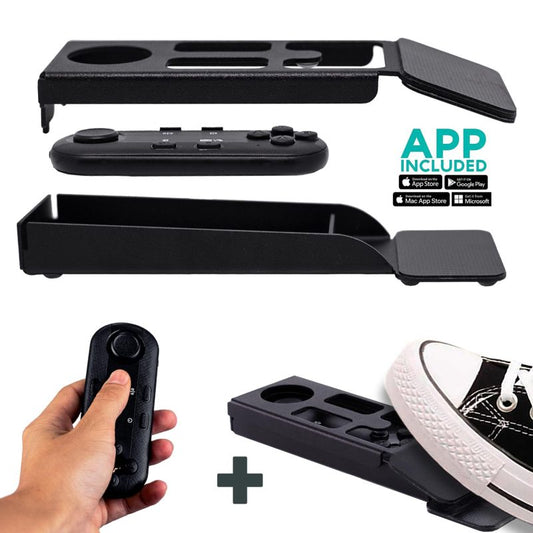
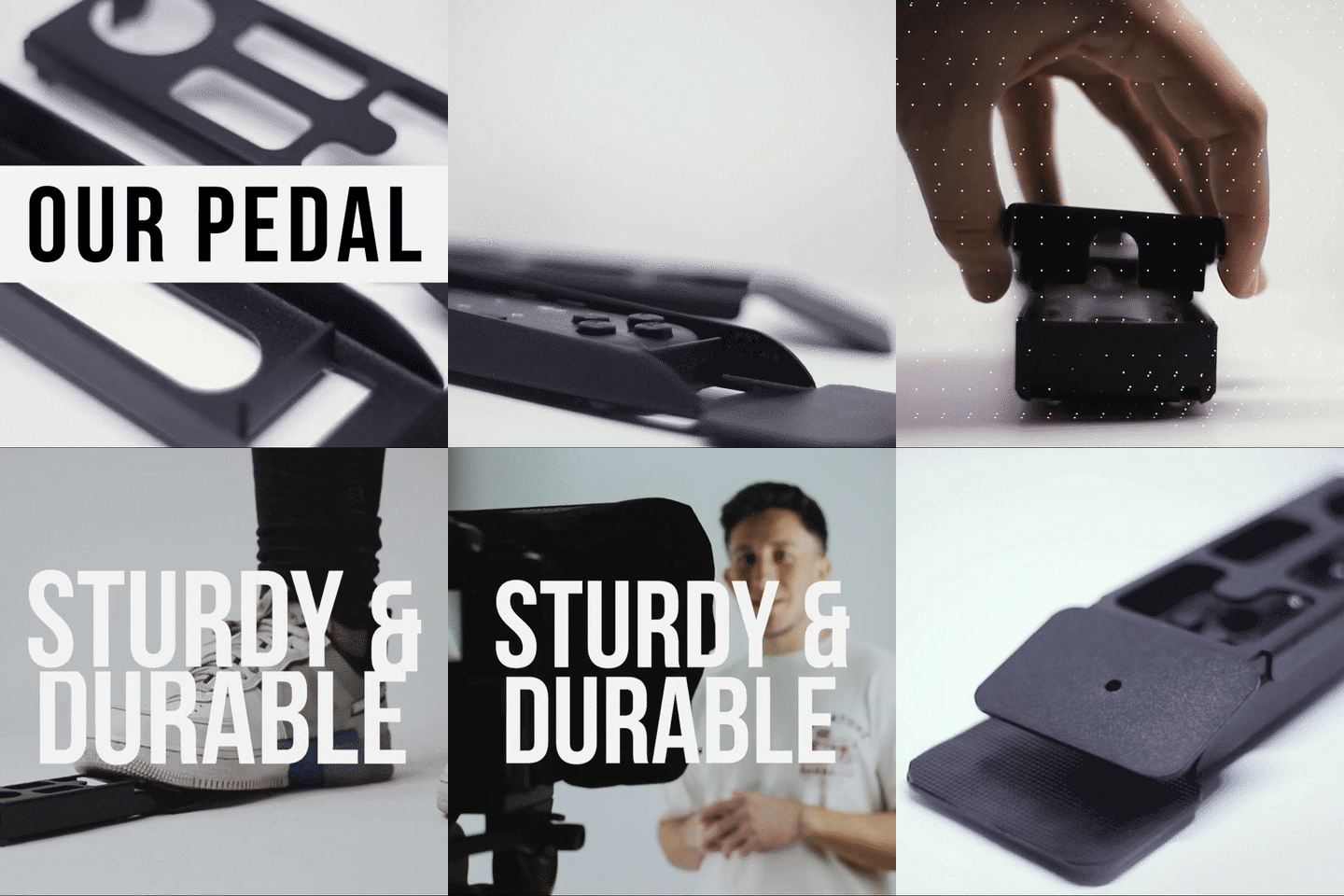
Here's something I recommend specifically for coaches who use props, whiteboards, hand gestures, or physical demonstrations during training sessions. The Bluetooth remote that comes with the iLight PRO is great, but it ties up one hand. If you need both hands free, the Foot Pedal changes the game.
It uses a silent capacitive sensor — no click, no sound. Your mic won't pick it up. You tap with your foot to play, pause, or adjust speed. It takes 2–3 uses to build the muscle memory, but after that it's second nature. I see this accessory a lot with fitness coaches, music teachers, and pastors who move around while they talk.

Honest pros and cons of using a teleprompter for coaching
I wouldn't be much help if I only gave you the upside. Here's a straight assessment.
| Pros | Cons |
|---|---|
| Consistent eye contact builds trust with trainees | Requires scripting time up front — can't wing it |
| Drastically fewer takes (less editing, less wasted time) | First sessions feel unnatural — takes 3–4 recordings to get comfortable |
| Keeps training sessions on message and on time | Risk of sounding robotic if script is too formal |
| Portable — take it on location to retreats or events | Adds one more piece of gear to your setup |
| Free app with multilingual support and rich formatting | Body language can freeze if you focus too hard on reading — practice helps |
The cons are real but solvable. The stiffness issue fades with practice. I always tell coaches: record three throwaway sessions first. Don't publish them. Just get used to the flow of reading while staying animated. By session four, most people have it down.
Common mistakes coaches make with a teleprompter
After years of troubleshooting, I can spot these patterns instantly. Avoid them and you'll be ahead of 90% of first-time users.
- Recording too close. The sweet spot is 1.5m–2.0m. At 1 meter, your eye movements scanning the text become visible. If space is tight, use the app's margin narrowing feature.
- Forgetting to lock tablet rotation. Your iPad flips orientation mid-recording and your script goes sideways. Lock rotation before you start. Every time.
- Skipping the test take. You record 30 minutes of content only to discover the blackout hood wasn't sealed, or your mic was off, or there's glare on the glass. Always do a 30-second test first.
- Using a wide-angle lens below 24mm. At focal lengths below 24mm, the frame edges and tablet tray become visible in your shot. Stay at 24mm or above.
- Monotone pacing. Reading from a teleprompter encourages a steady, even delivery. You have to actively fight this by marking emphasis points in your script and varying your speed.
- Not using an external mic. At 1.5m+ from camera, a built-in DSLR mic gives you hollow, echoey audio. Use a lavalier or shotgun mic. Always.

Repurpose coaching recordings into multiple formats
One of the biggest advantages of teleprompter-recorded training sessions is consistency. Because your delivery is tight and on-script, each recording becomes a reusable asset. Coaches tell me they repurpose a single training session into:
- Full-length course modules (hosted on Teachable, Thinkific, Kajabi)
- Short clips for Instagram Reels, TikTok, and YouTube Shorts
- Podcast audio (strip the video, keep the audio track)
- Email sequences (transcribe and edit into written lessons)
- Marketing snippets for sales pages and webinar promos
This is exactly what the data supports. According to Web Tonic's 2026 benchmarks, coaches and course creators who repurpose long-form content into 3–5 short clips per session report doubling their social reach without additional production cost. A teleprompter makes this viable because the original recording is already polished enough to clip without heavy editing.
A note on support (because setup anxiety is real)
I hear it constantly: "I'm not a tech person." Fair enough. That's why we offer personal 1-to-1 multilingual support in English, Spanish, French, German, and Italian. Not a chatbot, not a knowledge base buried in FAQs — a real person who's set up hundreds of these rigs and can walk you through yours. Our help center at help.teleprompterpad.com also has video tutorials for every step.
If you've been on our related guides for coaches recording courses or online course creation, you'll know we don't gatekeep this stuff. The goal is to get you recording confidently as fast as possible.
Frequently asked questions
Can I use a teleprompter for live coaching calls on Zoom?
Yes, but use the right tool. The iLight PRO 12-inch is designed for recorded video. For live Zoom, Teams, or Meet calls, the EyeMeeting Webcam is purpose-built — it mounts on your monitor and overlays your script transparently over the video call using Meeting Mode in the app.
What size tablet do I need for the iLight PRO 12-inch?
Any tablet or smartphone up to 20cm × 26cm (7.8" × 10.2"). That covers the iPad 10", iPad Air 10.5", iPad Pro 11", iPad Mini, and most Android tablets. The iPad Pro 12.9" does not fit — that requires the iLight PRO 14-inch.
Will my audience notice I'm reading?
Not if you follow the basics. Stay 1.5m–2.0m from the lens, narrow text margins if closer, and write conversationally. At the proper distance, eye movement is invisible on camera. I've been doing this for over a decade and viewers consistently describe teleprompter-assisted video as "natural" and "confident."
How do I control scroll speed during recording?
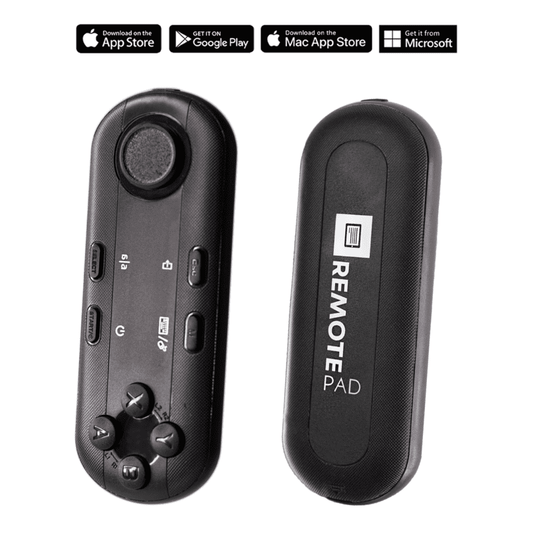
The included Bluetooth remote gives you play/pause, speed adjustment, forward/backward, and font size controls. If you need hands free, the Foot Pedal uses a silent capacitive sensor — no click sound for your mic to pick up.
Do I need a special camera?
No. The iLight PRO 12-inch works with any handheld camera (DSLR, mirrorless), webcam, or smartphone. The camera just needs to fit behind the glass with a maximum body length of 20cm (8") and support a 1/4" tripod screw. Most consumer and prosumer cameras qualify.
What's the minimum focal length I can use?
24mm. Below that, wide-angle distortion starts showing the glass frame edges and tablet tray in your shot. If your lens kit starts at 18mm, just zoom in slightly to 24mm or above.
Is the TeleprompterPAD app free?
Yes. The TeleprompterPAD app is free on iOS, Android, Windows, and macOS. There's also a browser-based lite version that works on any device without installation. It includes file importing, adjustable fonts, mirror mode, rich text editing, script markers, and speed control.
How long does it take to get comfortable with a teleprompter?
Most coaches I work with hit their stride by the third or fourth recording session. The first couple of takes usually feel stiff — that's normal. Record a few throwaway sessions to build the habit before you create anything you plan to publish.
The best teleprompter for coaches training sessions is the one that gets out of your way so you can focus on teaching. For most coaches, that's the iLight PRO 12-inch — pre-assembled, portable, €159, and ready to record in under two minutes. Script like you speak, maintain eye contact, and give your trainees the experience they actually want to come back to.
I nostri best seller
TELEPROMPTER PAD Telecomando Bluetooth per Teleprompter - Include l'APP Teleprompter per Apple, Android Windows e Mac - Controller wireless per Beam Splitter Prompter o apparecchiature per streaming live
- 34.90€
39.90€- 34.90€
- Prezzo unitario
- per
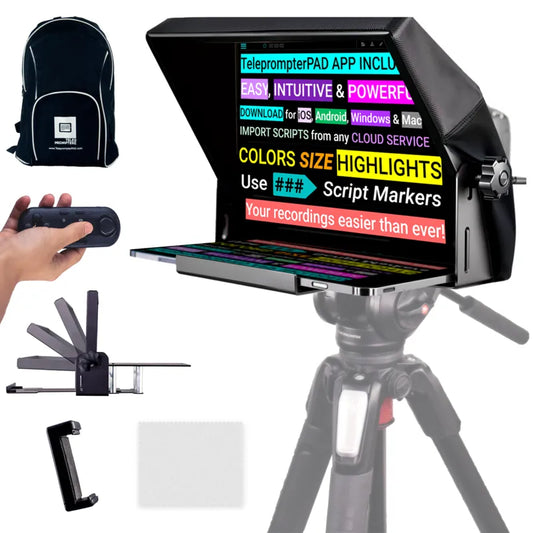
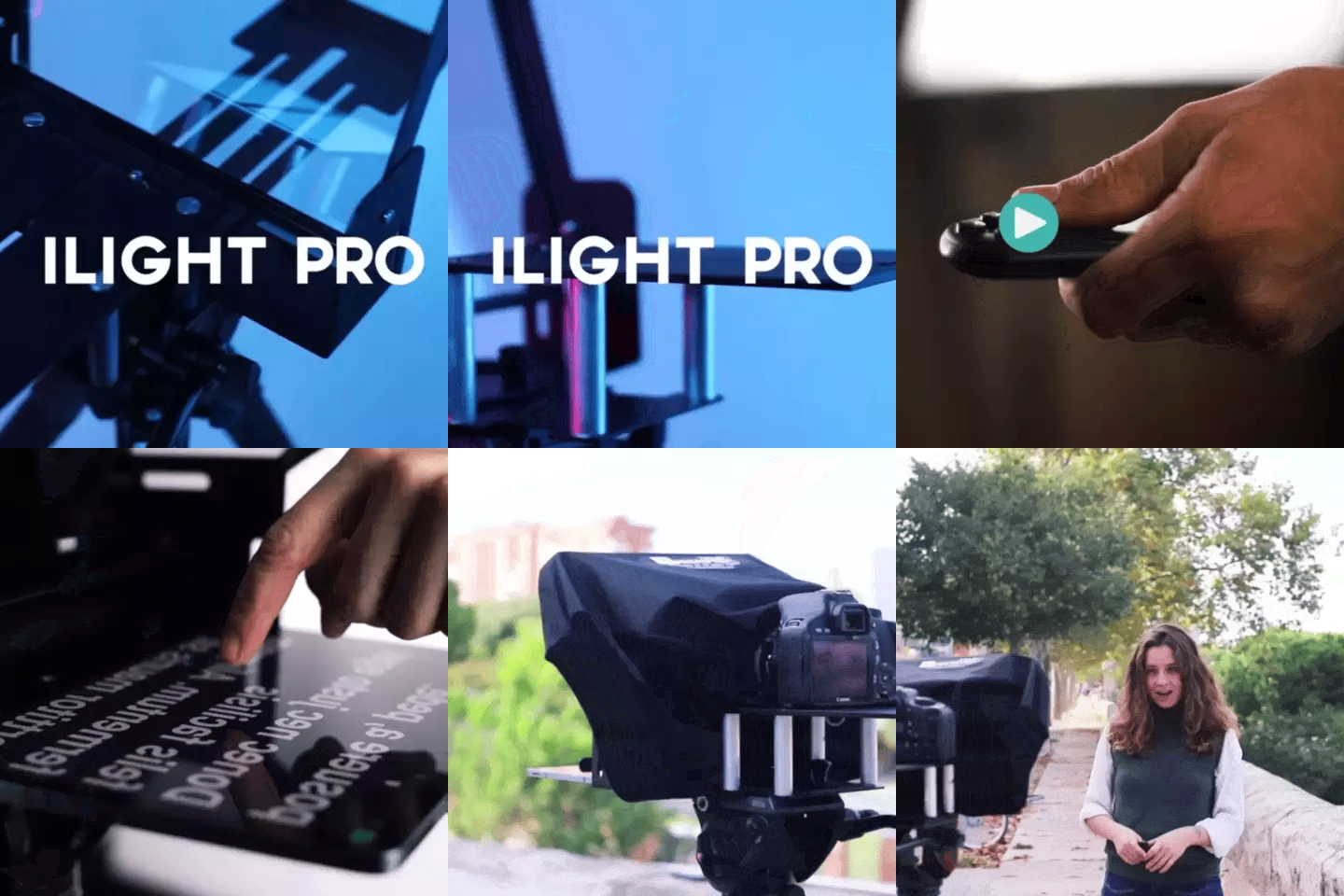
TELEPROMPTER PAD iLight PRO 12'' Teleprompter per tablet iPad - Kit teleprompter per video con telecomando, APP e borsa per il trasporto - Beam Splitter Prompter Autocue DSLR, iPhone, APP per Apple Android Mac Win
- 159.00€
199.00€- 159.00€
- Prezzo unitario
- per
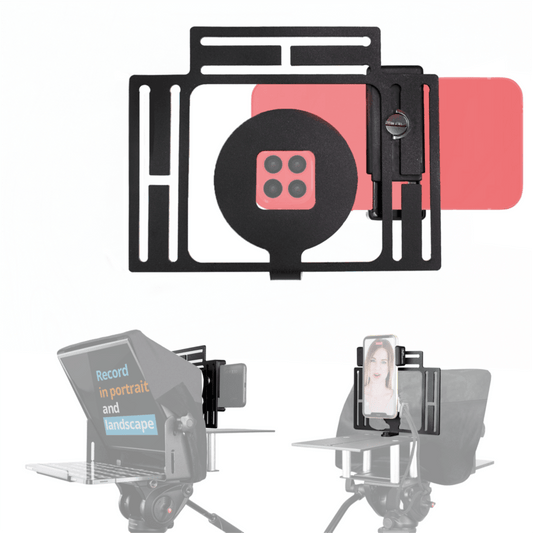
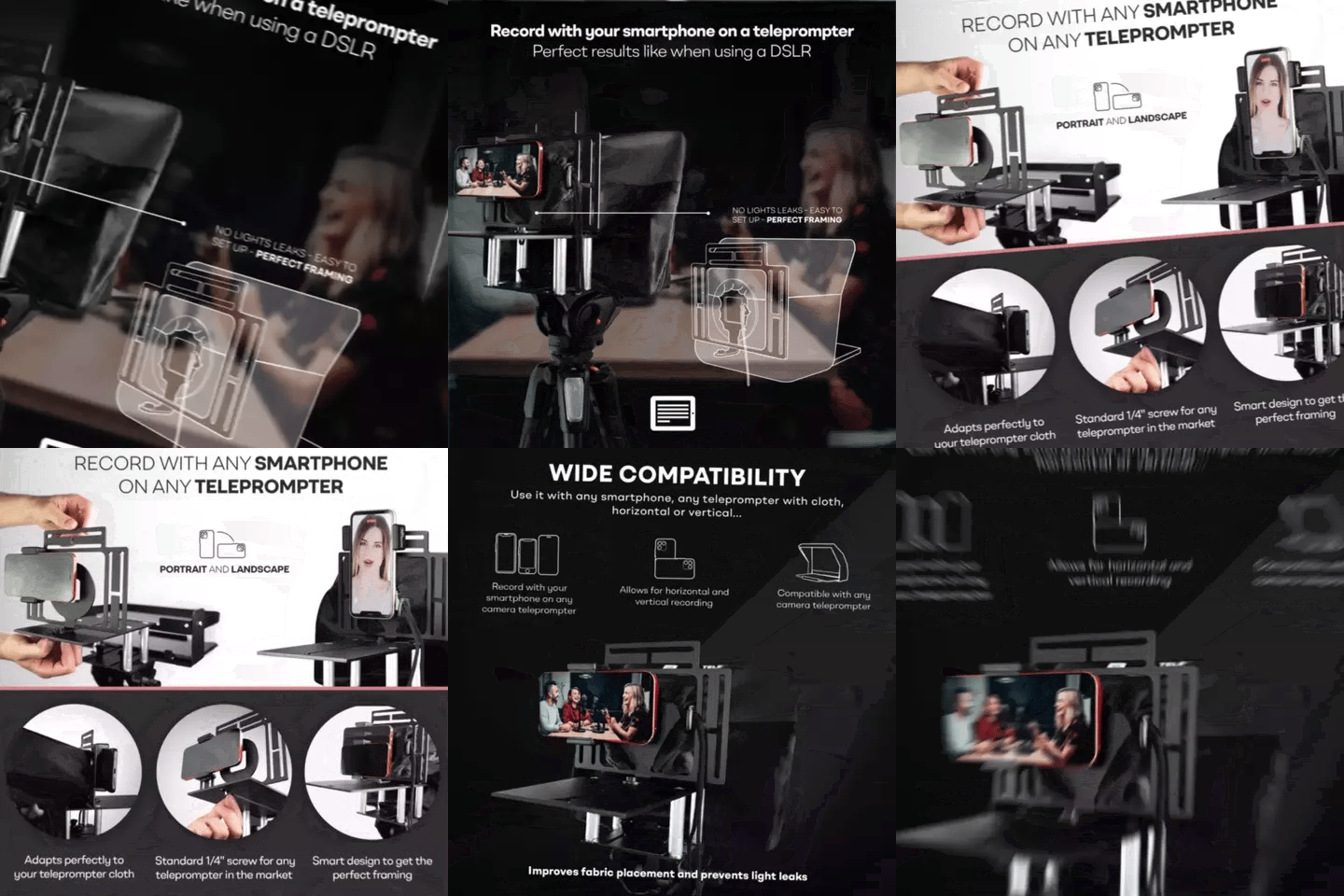
TELEPROMPTER PAD Adattatore per smartphone per teleprompter – Registra con qualsiasi iPhone, telefono Android, compatibile con qualsiasi teleprompter, supporto universale in alluminio per suggeritore con piastra per fotocamera, aderente in tessuto
- 29.90€
39.90€- 29.90€
- Prezzo unitario
- per
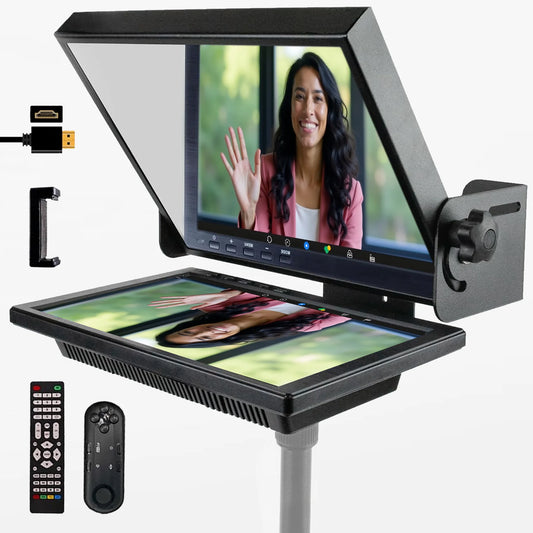
TELEPROMPTER PAD EyeMeeting Prompter per streaming Twitch, Youtube, contatto visivo Zoom, per Mac/PC DSLR Webcam iPhone con Software, monitor da 10,1" e telecommando, compatibile con Elgato Streamdeck
- 229.00€
299.00€- 229.00€
- Prezzo unitario
- per