



Teleprompter for Church Services: Practical Buyer's Guide
A teleprompter for church services lets your pastor deliver sermons directly into the camera lens — maintaining genuine eye contact with every online viewer while staying on-message. The result is a livestream (or recorded sermon) that feels personal rather than read-off-a-laptop. With 91% of churches now live-streaming their services and 27% of U.S. adults regularly watching on screens, video quality matters more than ever. Below I'll walk you through the exact gear, setup steps, and pitfalls I've seen churches hit over more than a decade of shipping teleprompters to religious organizations worldwide.

Churches and religious leaders represent roughly 6% of our 50,000+ orders shipped worldwide — that's over 3,000 units in houses of worship across dozens of countries. I've personally walked pastors through everything from mounting a teleprompter on a balcony railing to eliminating glare from overhead sanctuary lighting. This guide is built on that exact experience.

Why does a church need a teleprompter in 2026?
The short answer: your online congregation is large and growing, and they judge your ministry by how connected the speaker feels on screen. According to the Pew Research Center, about 27% of U.S. adults regularly watch religious services online or on TV — roughly one in four Americans. That's a massive audience you're speaking to through a camera lens.
And the production bar keeps rising. The REACHRIGHT 2026 church statistics report, citing Barna and Lifeway data, found that congregations with a strong digital presence report 15-20% higher engagement rates than those without. A teleprompter is one of the simplest upgrades a church can make to boost that production quality without hiring staff.
Research also shows that eye contact is directly linked to trust. Studies published in the Journal of Nonverbal Behavior have focused on the impact of eye contact on trust, anxiety, and satisfaction in communication settings. When your pastor looks straight into the camera through a beam splitter glass, online viewers perceive that as direct eye contact — which increases perceived sincerity and credibility.
What type of teleprompter works best for churches?
It depends on your use case. Most churches fall into one of three buckets: recording sermons to upload later, live-streaming services, or delivering live speeches from a stage. Each needs different hardware.
| Use Case | Recommended Product | Price | Best For |
|---|---|---|---|
| Recording / livestream (camera) | iLight PRO 12-inch | €159 | Single-camera sermon recording, solo pastor setup |
| Recording / livestream (larger tablet) | iLight PRO 14-inch | €239 | iPad Pro 12.9" users, multi-camera setups |
| Stage / pulpit (portable presidential) | iPresent PRO | €449 | Live sermons with in-person audience |
| Large venue (dual presidential) | XCue X1 | €1,997 | Large sanctuaries, conferences, dual-panel coverage |
For the vast majority of churches I work with — small to mid-sized congregations recording or streaming a single-camera sermon — the iLight PRO 12-inch hits the sweet spot. It's our most popular model (roughly 60% of all sales), and for good reason: it ships pre-assembled, sets up in under 2 minutes, and comes with a Bluetooth remote, carrying bag, and our free app.

How to set up a teleprompter for church sermon recording
I've helped hundreds of churches get this right on the first try. Here's the workflow I recommend — it works whether you're in a purpose-built media room or a corner of the fellowship hall.
- Mount the teleprompter on a sturdy tripod. Use the 1/4" screw on the teleprompter base — not the camera plate. This is the #1 mistake I see. The tripod supports the entire rig; the camera plate only holds the camera to the teleprompter frame.
- Position the camera behind the glass. Get the lens as close to the back of the beam splitter glass as possible. This keeps the camera centered in the reflection and avoids vignetting.
- Import your sermon script into the TeleprompterPAD app. The app is free and runs on iOS, Android, Windows, and Mac. Paste or import your text, set font size large enough for comfortable reading, and enable mirror mode.
- Adjust glass angle to ~45 degrees. The iLight PRO 12-inch has an exclusive adjustable-angle knob. Set it close to 45 degrees for the brightest, sharpest reflection.
- Seal the blackout hood. The Velcro hood blocks ambient light from washing out the text on the glass. Close every gap — even small light leaks degrade readability.
- Set the recording distance to 1.5–2.0 meters. Closer than that and online viewers can see your eyes scanning left-to-right. If your room forces you closer, narrow the text margins in the app so the words cluster near center.
- Test audio and lighting, then do a test take. Always use an external microphone — your DSLR's built-in mic is useless at 1.5m+. Check for overhead light glare on the glass (reposition if needed).
The whole process takes 5–10 minutes the first time. After that, most churches leave the tripod and teleprompter pre-assembled and just power things on. One pastor told me he went from dreading sermon recordings to knocking them out in a single take.
Hands-free control: why the foot pedal matters for pastors
Pastors gesture. They hold a Bible, pick up a prop, or simply move their hands for emphasis. Holding a remote control while doing all that feels unnatural on camera.
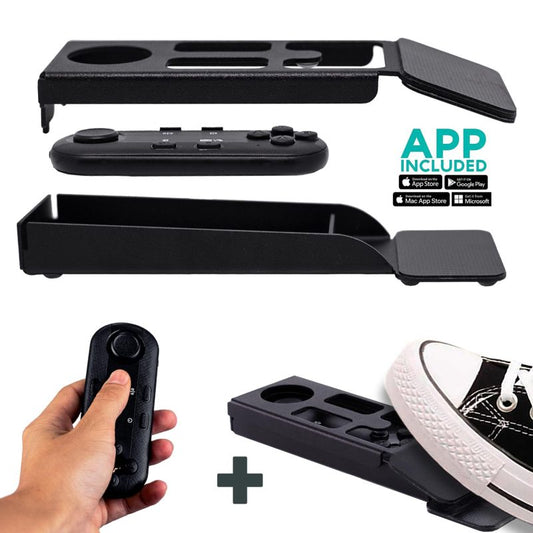
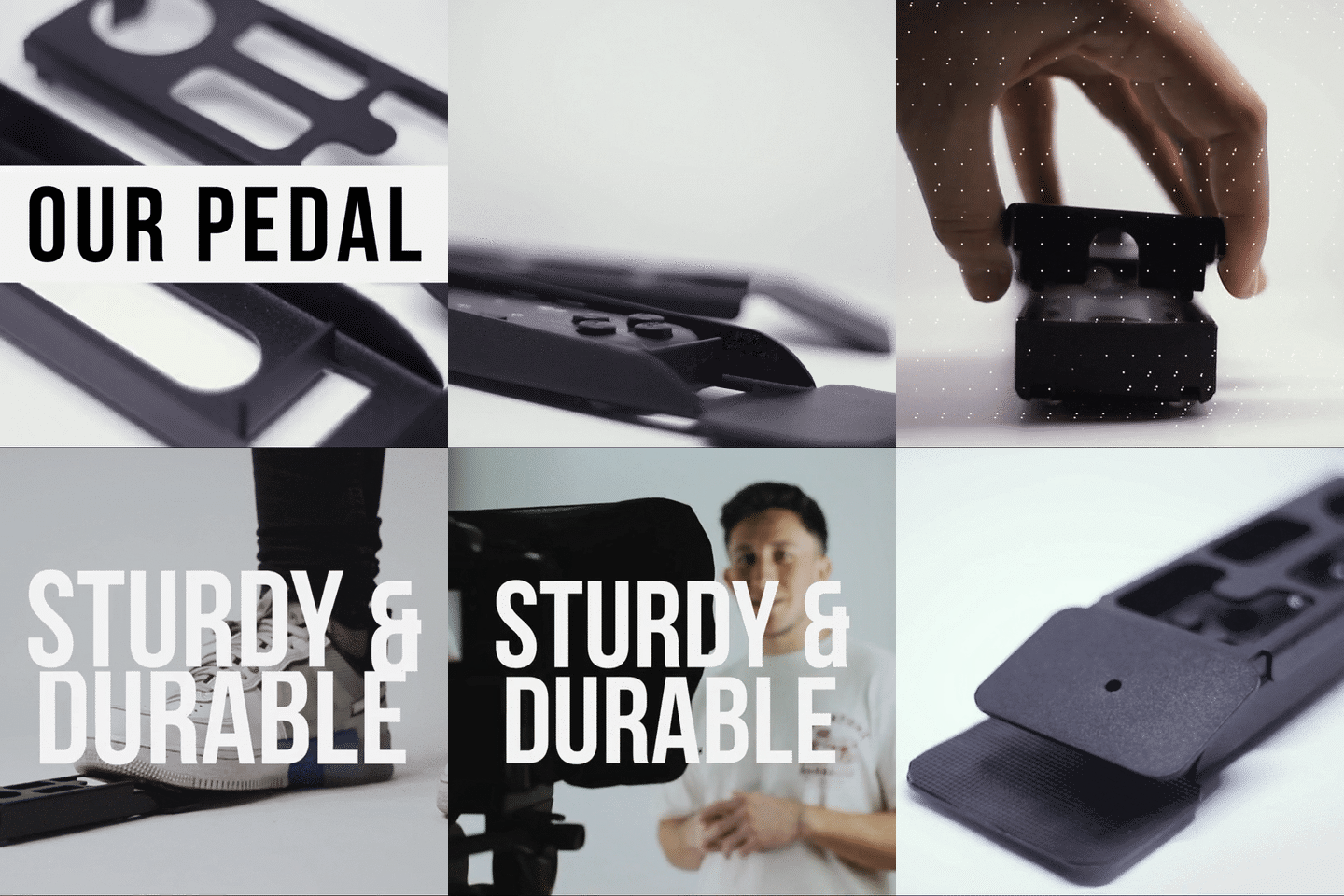
That's where the Wireless Kit (Pedal + Remote) comes in. The pedal uses a silent capacitive sensor — no click, no noise that microphones can pick up. You tap your foot to play/pause or adjust speed, and your hands stay completely free. It takes about 2–3 uses to build the muscle memory, and then it's second nature.


Who's actually using teleprompters in churches?
Churches and religious leaders make up about 6% of our total customer base — which translates to thousands of units in houses of worship. But the way they use them varies a lot. Here are the three most common scenarios I see:
1. The solo pastor recording weekly sermons (most common)
This is a single-camera setup in a small room, office, or empty sanctuary. The pastor writes (or outlines) the sermon, imports it into the app, and records. Many of these churches have under 100 members — and remember, roughly 68% of U.S. churches have fewer than 100 people in weekly attendance. For these congregations, a €159 iLight PRO 12-inch is the right fit. No camera operator needed. No complicated wiring.
2. The livestream team running a Sunday service
Here, a volunteer or staff member controls the scroll speed from the back of the room using the Bluetooth remote (or foot pedal), while the pastor preaches to the in-person congregation and the livestream camera simultaneously. This is the hybrid model that most growing churches are adopting. About 24% of our customers are content creators who use nearly identical setups — the workflow translates directly.
3. The large sanctuary with stage prompters
Bigger churches with dedicated A/V teams sometimes need dual presidential teleprompters flanking the stage. That's the XCue X1 territory at €1,997. It's professional-grade gear for venues where the speaker needs left-right coverage and an operator controls the script from a laptop.
Common mistakes churches make with teleprompters
I've seen every one of these multiple times. Save yourself the troubleshooting call.
- Overhead sanctuary lights aimed at the glass. Stage lighting rigs often point downward right where the teleprompter sits. This creates glare that washes out the text reflection. Move the prompter or reangle the lights — or at minimum, turn off the fixtures directly above.
- Scripts written like theology papers. Your pastor probably writes in a more formal register for a manuscript sermon. But a teleprompter needs conversational language — short sentences, natural phrasing, pacing marks. If it reads like an essay, it'll sound like one.
- Too close to the camera. The sweet spot is 1.5–2.0 meters. I've had churches set up at 0.8 meters because of cramped rooms, and the eye scanning is visible to every viewer. If you can't get the distance, use the app's margin narrowing feature.
- Forgetting to lock tablet rotation. Mid-sermon, the tablet rotates and the script flips. It happens more than you'd think. Lock your screen orientation before every recording.
- Using the lens below 24mm focal length. Wide-angle shots show the glass frame edges and tablet tray in the frame. Stay at 24mm or longer.
- No external microphone. At 1.5m+ distance, the built-in camera mic picks up room reverb, air conditioning, and everything except a clean voice. Invest in a decent lavalier or shotgun mic.
- Skipping the test take. Always do a 30-second test before the real recording. Check framing, audio levels, scroll speed, and glass reflection brightness. It takes half a minute and prevents full re-shoots.
iLight PRO 12-inch vs. 14-inch: which size for your church?
Both models use the same German lab-grade 60/40 HD beam splitter glass with anti-ghosting technology. The differences come down to screen size and portability.
| Feature | iLight PRO 12-inch | iLight PRO 14-inch |
|---|---|---|
| Price | €159 | €239 |
| Max tablet size | 20cm × 26cm (up to iPad 10") | 25cm × 31cm (fits iPad Pro 12.9") |
| Max camera length | 20cm / 8" | 25cm / 10" |
| Tripod mount | 1/4" screw | 1/4" + 3/8" dual |
| Hardcase included? | No (carrying bag included) | Yes |
| Best for churches that... | Use iPad 10" or smaller, want portability | Use iPad Pro 12.9", want bigger text on glass |
If your pastor is over 50 and reads better with larger text, the 14-inch gives noticeably more screen real estate. But if budget is tight — and in my experience church budgets usually are — the 12-inch does everything you need for a clean sermon recording or livestream.
Honest pros and cons of using a teleprompter for church services
Pros
- Consistent eye contact with the camera. Online viewers feel like the pastor is speaking directly to them, which builds trust and connection.
- Fewer takes, less editing. A scripted prompter flow means the pastor can often nail it in one take instead of five.
- Works for multiple formats. The same iLight PRO 12-inch handles recorded sermons, livestreams, online course content, and announcement videos.
- Low learning curve. Pre-assembled, under 2 minutes setup, free app with multilingual support in English, Spanish, French, German, and Italian.
- Budget-friendly. At €159, it's within reach for almost any church — far cheaper than hiring a video editor to fix bad eye contact in post.
Cons
- Not invisible in tight spaces. If your camera is closer than 1.5m, viewers may notice eye scanning. Room layout matters.
- Requires a tablet or phone. The iLight doesn't include a display — you need to bring your own iPad, Android tablet, or smartphone.
- Scripts need adaptation. A written sermon manuscript doesn't always translate well. You may need to rewrite passages in a more conversational tone.
- Overhead lighting is a real enemy. Most sanctuaries have downward-facing stage lights. You'll need to adjust them or reposition the teleprompter to avoid glare.
- The Bluetooth remote has quirks. It sometimes auto-connects to the wrong device if multiple Bluetooth gadgets are nearby. Reset pairing before each use.
Lighting and audio tips for church recordings
The teleprompter solves the eye-contact problem, but it can't fix bad lighting or audio on its own. Here are the specifics I always tell church teams:
Lighting: Use three-point lighting if possible — a key light (front/side), a fill light (opposite side), and a backlight (behind the speaker). Avoid any overhead fixture that aims directly at the teleprompter glass. Even a small overhead light can create a bright bar of glare across the text.
Audio: Always use an external microphone. A lavalier (lapel mic) clipped to the pastor's shirt works great. A shotgun mic on a boom just above frame is another option. At 1.5m+ from the camera, the built-in DSLR mic is essentially useless.
Background: A clean, well-lit background matters more than most churches realize. Even a simple fabric backdrop or bookshelf looks more professional than a random hallway. Your livestream is your "digital front door" — new visitors often watch a service online before deciding to visit in person.

Real-world church setups I've helped with
A small Baptist church in the U.S. Midwest (<60 members) asked me for help setting up their first livestream. They had an iPad Air 10.5", a Canon DSLR, and a budget of under $300. The iLight PRO 12-inch fit perfectly. Their pastor records Wednesday evening devotionals in his office and streams Sunday morning services with a volunteer controlling the remote from a back pew. Total gear cost including a lavalier mic: about €200.
A mid-size evangelical church in Germany needed dual-language support for their bilingual services. They use the TeleprompterPAD app's multilingual interface and switch between German and English scripts mid-service. Our 1-to-1 support team (which handles German, English, Spanish, French, and Italian) walked them through the setup over video call.
For bigger churches: a conference center church in Spain with 800+ seats uses two XCue X1 presidential teleprompters flanking their stage. An operator syncs both panels from a laptop using HDMI. That's a different budget tier entirely (€1,997), but for venues that size, it's the right tool.
Related guides for church leaders
If you're setting up a full church media workflow, you might also find these articles useful:
- Teleprompter for Church Livestream: Setup That Works
- Teleprompter for Church Sermons: Practical Setup Guide
Frequently asked questions
Can a pastor use a teleprompter and still look natural?
Yes — that's the whole point. The beam splitter glass sits in front of the camera lens at 45 degrees. The pastor reads the reflected text while the camera films straight through the glass. The result looks like natural, direct eye contact. The trick is writing conversationally and varying your pacing so you don't sound like you're reading.
Does the teleprompter work with a livestream setup?
Absolutely. The iLight PRO 12-inch works with any DSLR, mirrorless camera, or even a smartphone behind the glass. Whatever feed goes to your streaming software (OBS, vMix, etc.) will show the pastor looking directly at the audience. The glass is invisible to the camera.
What tablet should our church use with the iLight PRO 12-inch?
Any tablet or smartphone up to 20cm × 26cm (7.8" × 10.2") works. That covers the iPad 10", iPad Air 10.5", iPad Pro 11", iPad Mini, and most Android tablets. It does NOT fit the iPad Pro 12.9" — you'd need the 14-inch model for that.
Is this suitable for a church with a very small budget?
At €159, the iLight PRO 12-inch is one of the most affordable beam splitter teleprompters on the market that still uses real German lab-grade glass. It includes the remote and app for free. You only need to add a tripod (any standard tripod works) and your tablet or phone.
Can we use this for both recording and live-streaming?
Yes. The teleprompter doesn't know or care whether you're recording to a card or streaming to YouTube. It just holds the glass in front of the camera. Your camera and streaming software handle the output; the prompter handles the reading experience for the speaker.
How do we control the scroll speed during a live service?
Two options. The Bluetooth remote (included with every iLight PRO) lets someone control play/pause and speed with their hand. The foot pedal (€34.90 for the case, or €54.90 for the Wireless Kit with remote) lets the pastor control everything with their foot — completely silent and hands-free.
Does it work with smartphones for vertical recording?
Yes, with the Smartphone Adaptor (€29.90). It holds your phone in portrait or landscape behind the glass. Churches creating Instagram Reels, TikTok content, or YouTube Shorts use this regularly.
What if we need help setting it up?
We offer personal 1-to-1 multilingual support in English, Spanish, French, German, and Italian. Just reach out and we'll walk you through it. We also have a full help center at help.teleprompterpad.com with video tutorials covering every step.
If your church is ready to improve its sermon recordings and livestreams, the iLight PRO 12-inch is the fastest path from "reading off a laptop" to "looking your congregation in the eye through the camera." At €159 with free app and remote included, it's a one-time investment that pays off every single Sunday.
I nostri best seller
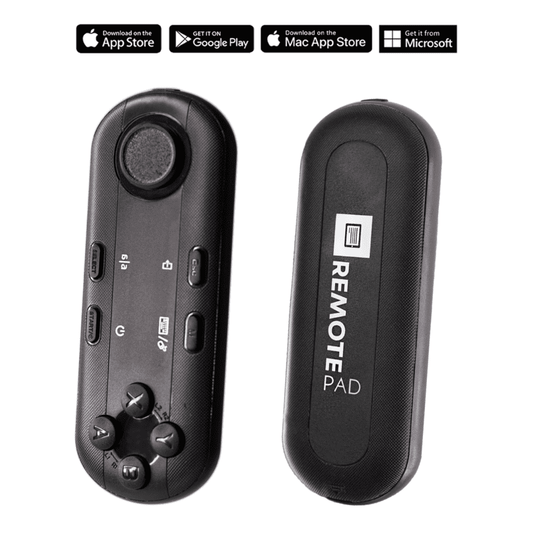
TELEPROMPTER PAD Telecomando Bluetooth per Teleprompter - Include l'APP Teleprompter per Apple, Android Windows e Mac - Controller wireless per Beam Splitter Prompter o apparecchiature per streaming live
- 34.90€
39.90€- 34.90€
- Prezzo unitario
- per
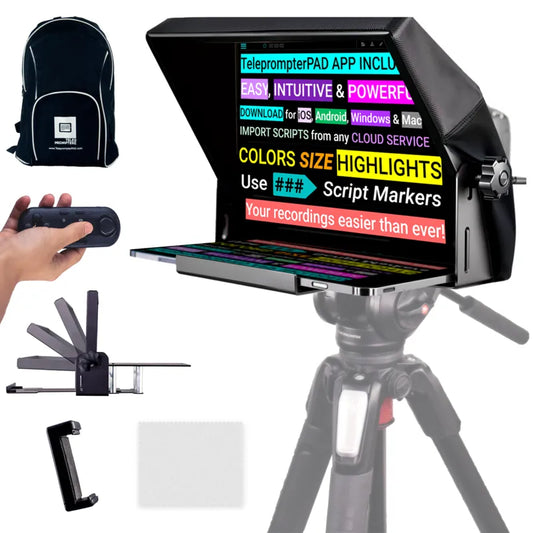
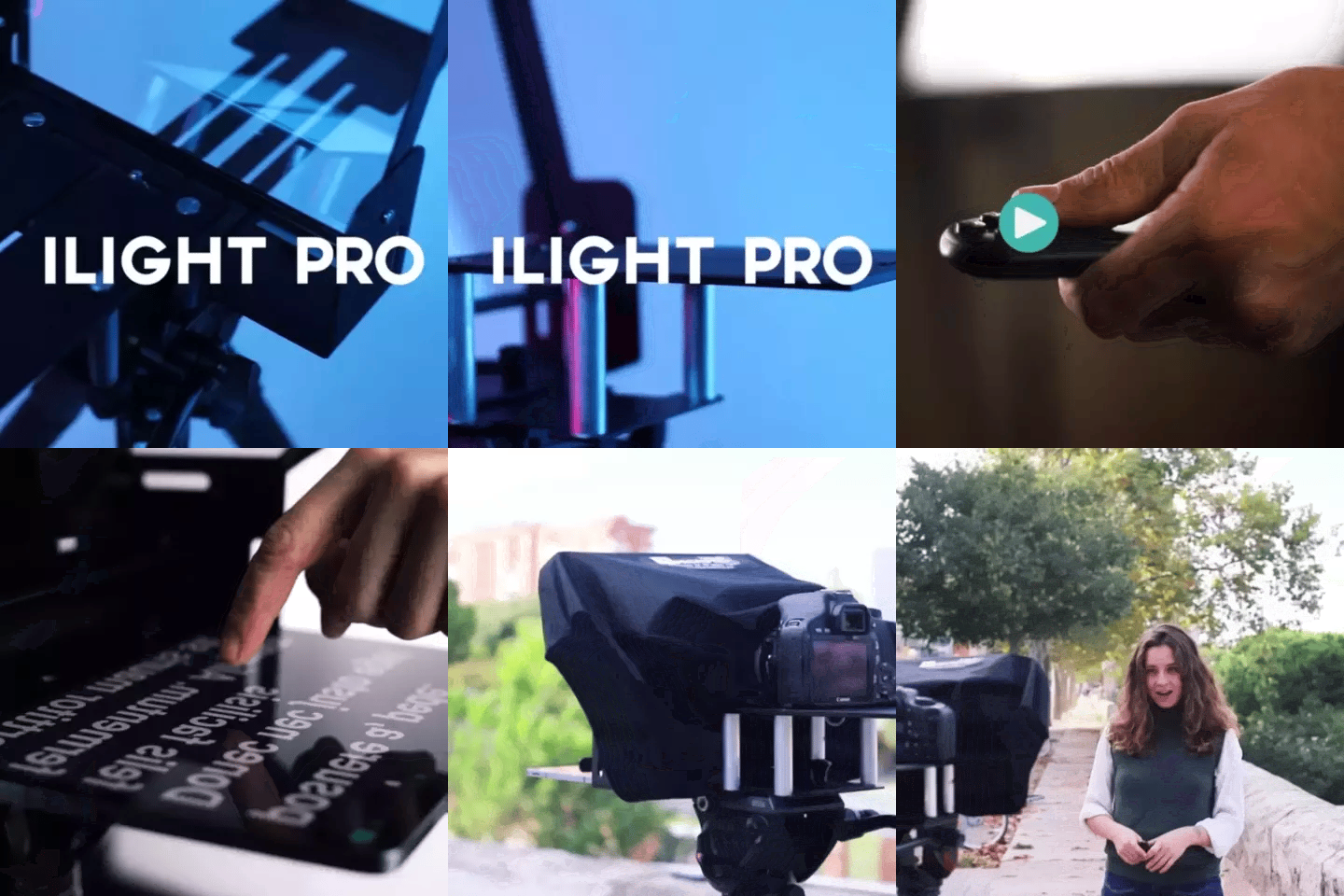
TELEPROMPTER PAD iLight PRO 12'' Teleprompter per tablet iPad - Kit teleprompter per video con telecomando, APP e borsa per il trasporto - Beam Splitter Prompter Autocue DSLR, iPhone, APP per Apple Android Mac Win
- 159.00€
199.00€- 159.00€
- Prezzo unitario
- per
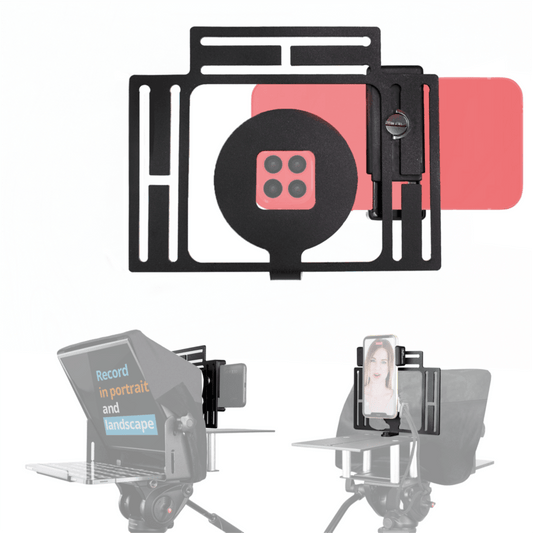
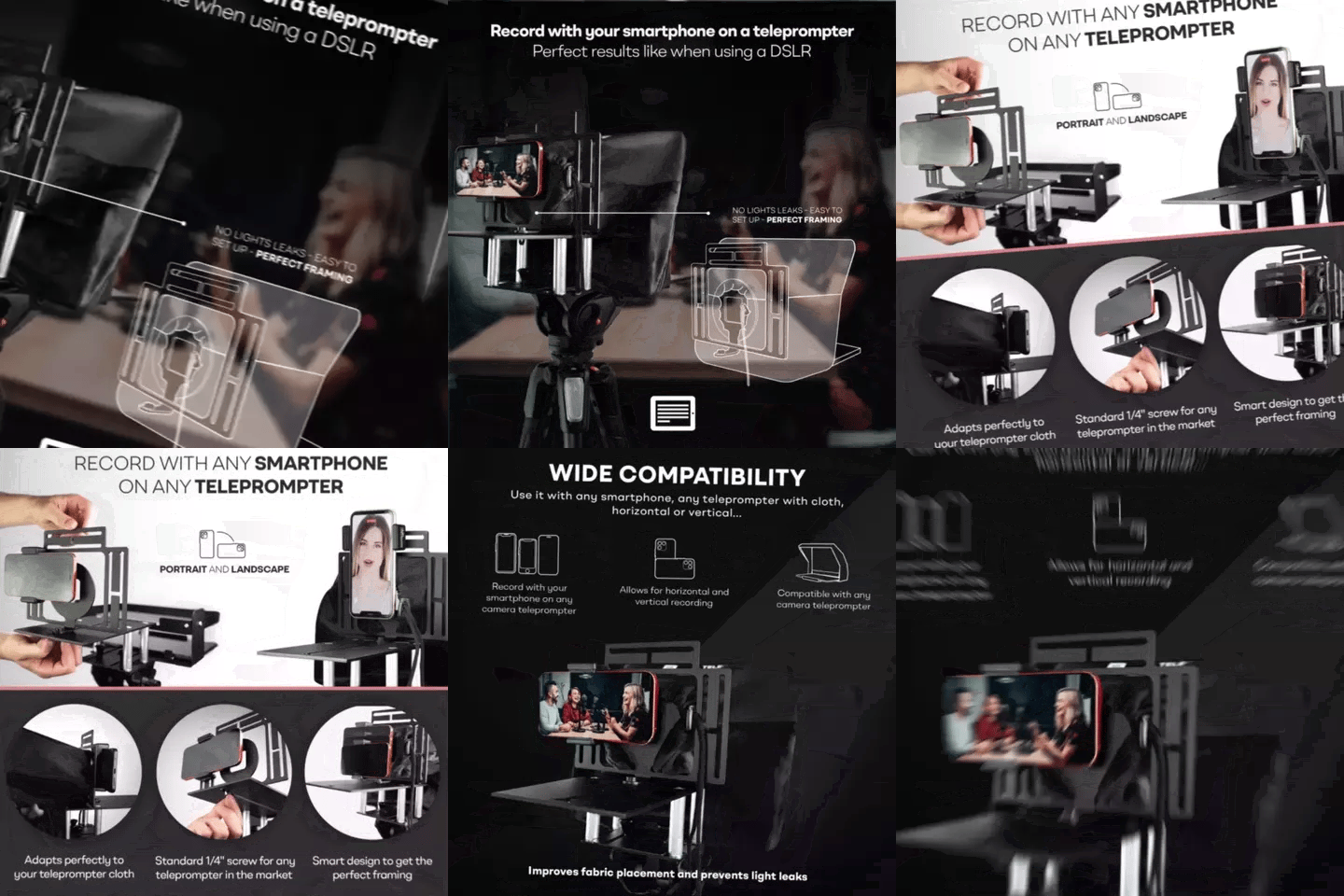
TELEPROMPTER PAD Adattatore per smartphone per teleprompter – Registra con qualsiasi iPhone, telefono Android, compatibile con qualsiasi teleprompter, supporto universale in alluminio per suggeritore con piastra per fotocamera, aderente in tessuto
- 29.90€
39.90€- 29.90€
- Prezzo unitario
- per
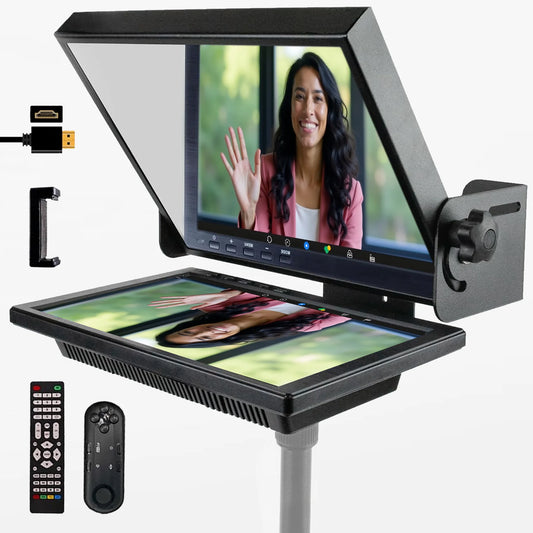
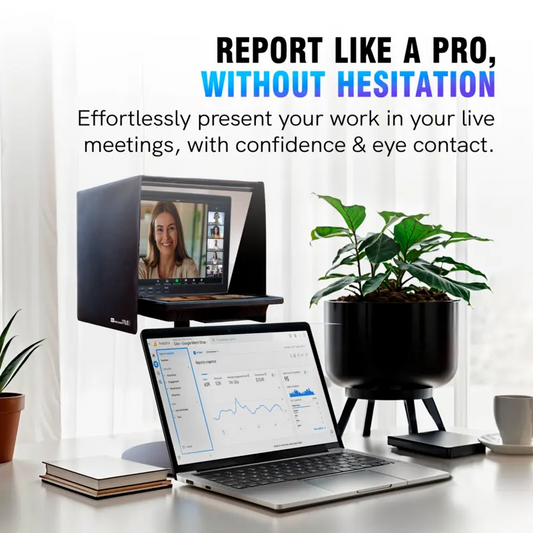
TELEPROMPTER PAD EyeMeeting Prompter per streaming Twitch, Youtube, contatto visivo Zoom, per Mac/PC DSLR Webcam iPhone con Software, monitor da 10,1" e telecommando, compatibile con Elgato Streamdeck
- 229.00€
299.00€- 229.00€
- Prezzo unitario
- per