



Teleprompter for Corporate Training Sessions: What L&D Teams Need
A teleprompter for corporate training sessions solves a problem most L&D teams don't even name correctly: your subject-matter expert knows the material cold but freezes, rambles, or stares at notes the second the camera rolls. A beam splitter teleprompter puts the script directly over the lens so your trainer reads naturally while maintaining eye contact with the viewer. The result is consistent, professional training videos produced faster with fewer takes. This guide covers which hardware actually fits a corporate training workflow, how to set it up, and the mistakes I've seen teams make after helping hundreds of SMBs and marketing departments get their video production right.

Why corporate training teams are recording more video than ever
The shift isn't subtle. According to Research.com, 77% of U.S. companies used virtual classrooms, webcasting, or video broadcasting technologies in 2025. And it's not slowing down — online or computer-based methods are now the top training delivery method across large, midsize, and small companies alike.
The reasons are practical: distributed teams, hybrid schedules, and the raw economics of flying a trainer to eight offices versus recording once and distributing through an LMS. Wyzowl's 2026 State of Video Marketing report found that 89% of consumers say video quality impacts their trust in a brand. Your employees are consumers of your training content — sloppy video with poor eye contact erodes credibility just as fast internally as it does externally.
Here's the core issue: most corporate trainers aren't professional presenters. They're operations managers, compliance officers, product leads. They know their stuff, but delivering it cleanly on camera — to an empty room, to a lens — is a completely different skill. That's where a teleprompter becomes essential infrastructure, not a luxury.

Over the past decade I've helped set up teleprompter systems for corporate training teams across three continents — from 5-person startups to university L&D departments recording 40+ modules per quarter. About 18% of TeleprompterPAD's 50,000+ shipped orders go to SMBs, startups, and marketing teams building exactly this kind of internal video content. I've seen what works and what wastes everyone's time.
What does a teleprompter actually do for training video?
A beam splitter teleprompter positions a semi-transparent glass at roughly 45 degrees in front of your camera lens. Your script displays on a tablet beneath (or beside) the glass and reflects toward the presenter. The camera shoots straight through the glass. The presenter reads while looking directly into the lens.
For corporate training, this means three things. First, your subject-matter expert doesn't have to memorize anything — they read the approved script word-for-word. Second, every training module sounds consistent, regardless of who's presenting. Third, you cut take counts dramatically. I've watched teams go from 12 takes per segment to 2-3 once a teleprompter was in the workflow.
Research supports the importance of this eye contact effect. A study published in Psychological Bulletin by psychologist Chris L. Kleinke found that "direct gaze shapes first impressions — faces that look directly at the observer are rated as more trustworthy" (Research.com). In a training context, that trust translates directly to engagement and information retention.
Which teleprompter fits a corporate training setup?
Not every teleprompter makes sense for L&D teams. Here's how the main options break down:
| Feature | iLight PRO 12-inch | iLight PRO 14-inch | EyeMeeting Prompter |
|---|---|---|---|
| Use case | Recording to camera | Recording to camera (larger screen) | Live webinars / video calls |
| Screen size | Up to 10.2" tablet | Up to 12.9" tablet (iPad Pro) | Built-in 10.1-inch monitor |
| Camera support | DSLR, mirrorless, webcam, phone | DSLR, mirrorless, webcam, phone | Webcam or phone |
| Setup time | Under 2 min (pre-assembled) | Under 2 min (pre-assembled) | ~5 min (HDMI connection) |
| Glass | 60/40 HD German, anti-ghosting | 60/40 HD German, anti-ghosting | 60/40 HD German, anti-ghosting |
| Remote included | Yes (Bluetooth) | Yes (Bluetooth) | Yes |
| Price | €159 | €239 | €229 |
| Best for | Most corporate training teams | Teams with iPad Pro 12.9" | Live training / remote sessions |
For the majority of corporate training recording, the iLight PRO 12-inch hits the sweet spot. It handles any DSLR or mirrorless camera up to 20cm lens length, works with tablets you already own, and comes pre-assembled. You don't need a full-time video person to set this up — it's literally unfold, mount, go. About 60% of our total sales are this model, and a big chunk of those go to exactly the kind of SMB training teams I'm describing here.

How to set up a teleprompter for corporate training recording
I've walked hundreds of teams through this. The whole process, from box to first test take, should be under 10 minutes. Here's the workflow I recommend:
- Mount the teleprompter on your tripod. Use the 1/4" screw on the teleprompter base — not the camera plate. This is mistake #8 on my list and I see it constantly. The teleprompter goes on the tripod; the camera mounts on the teleprompter's own plate.
- Position your camera behind the glass. Get the lens as close to the glass as possible without touching it. Camera max length for the iLight PRO 12-inch is 20cm from the front of the lens to the tripod screw.
- Load your script in the TeleprompterPAD app. Import your file, set font size so it's readable at arm's length, and activate mirror mode. The app runs on iOS, Android, Windows, and Mac.
- Set your distance. Position the presenter 1.5m to 2.0m from the teleprompter. Closer than 1.2m and viewers will notice the eyes scanning left-to-right. If space is tight, use the app's margin-narrowing feature.
- Seal the hood and test. Attach the blackout hood with the Velcro tabs. No overhead lights above the teleprompter — that causes glare on the glass. Do a 30-second test take to check framing, audio, and scroll speed.
One thing I always tell L&D teams: keep a power strip with a single switch near the setup. Pre-arrange the gear, save your app settings as a preset, and next time your SME walks in, you flip one switch and you're recording in under a minute. Reducing friction is everything when you're asking busy people to get on camera.

Writing scripts that work on a teleprompter
This is where most corporate training video falls apart — and it has nothing to do with the hardware. The scripts are written like policy documents. Formal, dense, loaded with jargon. Nobody talks like that, and when someone reads it off a prompter, it sounds robotic.
Write how your trainer actually speaks. Short sentences. Active voice. Contractions. If your compliance team reviewed the script, great — but have the presenter read it out loud once before recording. If a sentence feels awkward in their mouth, rewrite it. Add pacing marks ("... [pause]...") so the presenter breathes naturally.
The TeleprompterPAD app supports rich text formatting — bold, italic, underline, highlight, colors — so you can mark emphasis points, section breaks, and visual cues right in the script. I've seen teams color-code sections: white for narration, yellow for "look at the camera and emphasize this," green for "this is where we cut to a screen recording." It works surprisingly well.
Real-world use cases from our customer base
About 18% of our customers are SMBs, startups, and marketing teams. A significant chunk of that group uses teleprompters specifically for internal training content. Here's what the actual workflows look like:
Onboarding and compliance modules. An HR team records their compliance officer delivering standardized modules — anti-harassment training, data privacy, safety procedures. Every new hire sees the same message delivered the same way. One team told me they cut their onboarding video production time by 70% after adding a teleprompter because their compliance lead stopped needing 15 takes per section.
Product training for sales teams. About 20% of our customers are coaches, info-product creators, and course builders. But a growing subset are product marketing managers who record internal enablement content — new feature walkthroughs, competitive positioning updates, quarterly product refreshes. The teleprompter keeps the messaging tight and on-brand.
Educator-led course content. 10% of our orders go to educators and universities. Many of them are recording asynchronous course modules where consistent delivery matters. A professor recording 30 lectures doesn't have time to memorize each one. The prompter lets them focus on delivery quality rather than recall.
The operator vs. self-operated question
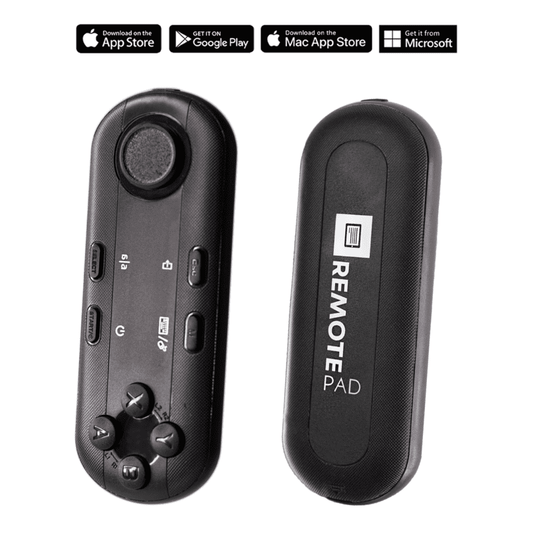
In a solo setup, the presenter controls scroll speed themselves with the included Bluetooth remote — play/pause, speed up, slow down, all from a small handheld device. This works great for experienced presenters who can pace their own reading.
For corporate training, though, I often recommend a two-person setup: presenter on camera, operator controlling the scroll. Why? Because your subject-matter expert should be focused entirely on delivery — tone, energy, eye contact — not on managing scroll speed with their thumb. The operator watches the presenter's pace and adjusts in real time.
If you want a dedicated operator setup, you can add an Inverted Monitor for iLight PRO 12-inch (€143.90). This replaces the tablet with a plug-and-play HDMI monitor connected to the operator's computer. The operator runs the script from their laptop; the presenter just reads. It's the same approach small TV stations use, scaled down for corporate content.
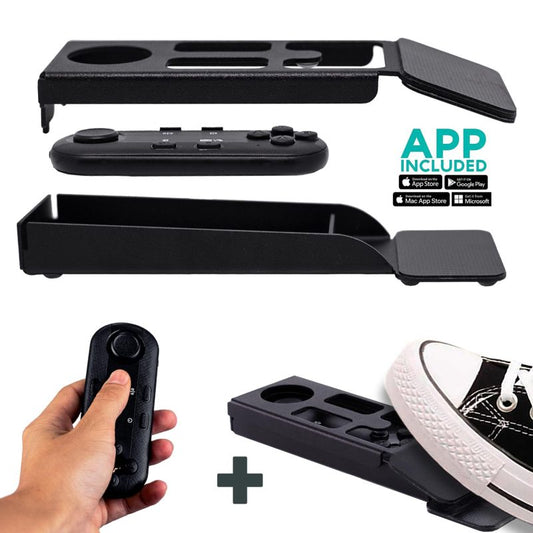
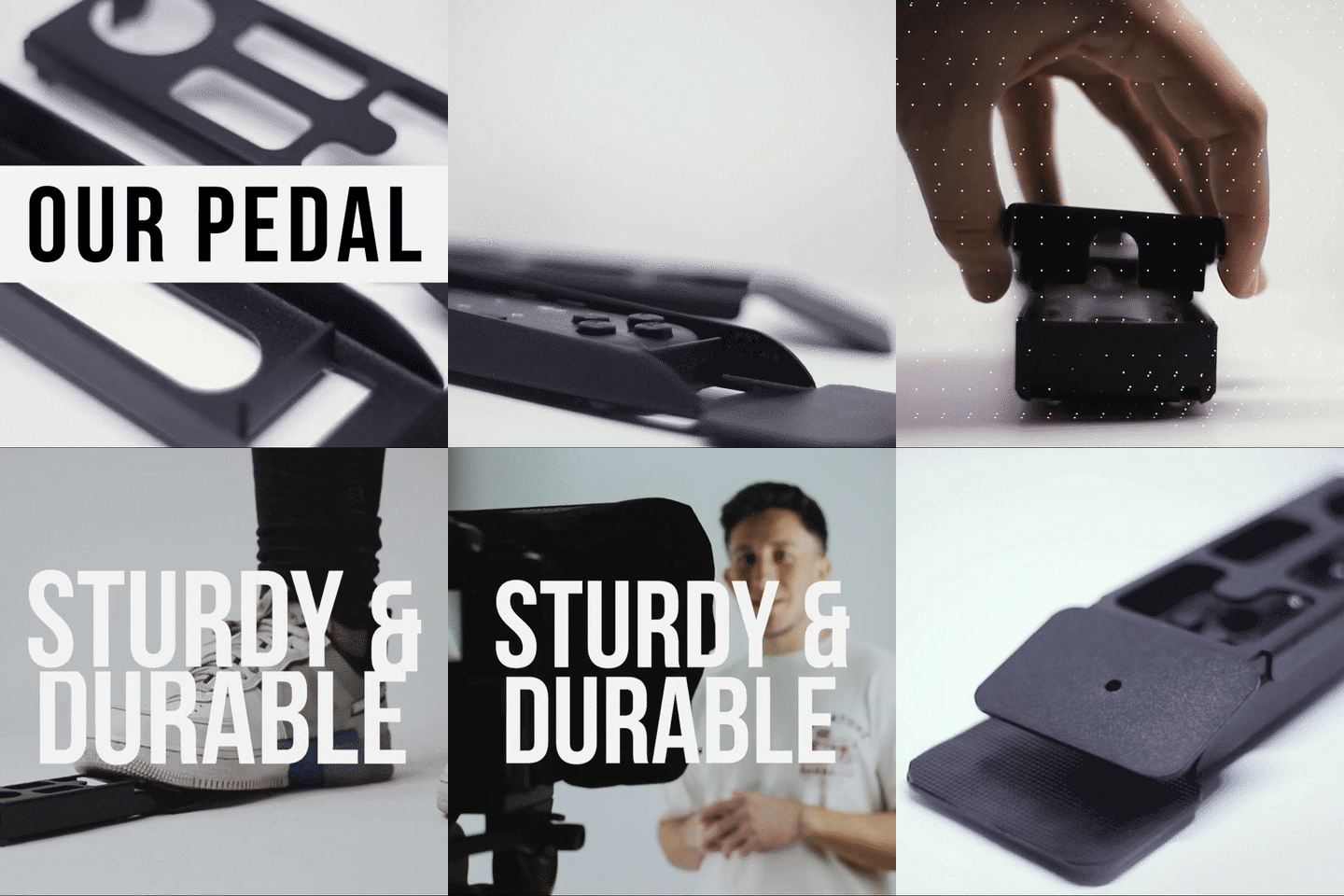
For presenters who need hands-free control without an operator, the Wireless Kit (Pedal + Remote) at €54.90 is worth considering. The foot pedal uses a silent capacitive sensor — no click, no sound for mics to pick up. It takes about 2-3 sessions to build the muscle memory, but after that, presenters love it.

Honest pros and cons of using a teleprompter for L&D content
I'm not going to pretend a teleprompter solves every production problem. Here's a straight assessment:
Pros:
- Consistent messaging across every module and every presenter
- Dramatically fewer takes — most teams report 60-80% reduction
- Non-professional presenters can deliver polished content confidently
- Eye contact with the viewer maintained throughout, which builds trust
- Scripts can be approved by legal/compliance before recording — what's on the prompter is what gets said
Cons:
- There's a learning curve. First-time users tend to read in a monotone. Budget 15-20 minutes for your presenter to practice before the first real recording session.
- Some presenters get stiff — they stop using hand gestures, their body language freezes. You need to actively coach them to move naturally.
- At distances under 1.2m, the eye-scanning motion becomes visible to viewers. You need at least 1.5m of space between presenter and teleprompter.
- The iLight PRO 12-inch doesn't fit an iPad Pro 12.9" — if that's your only tablet, you'll need the 14-inch model instead.
- This is consumer/prosumer gear. It's not built for broadcast-grade studios. If you're producing network-quality content with a dedicated studio crew, you're outside our target market.

Common mistakes corporate teams make
- No external microphone. Your DSLR's built-in mic is essentially useless at 1.5m+ distance. Use a lapel mic or a shotgun mic on a boom. Audio quality matters more than video quality for training retention.
- Overhead lighting above the teleprompter. This creates glare on the beam splitter glass. Use three-point lighting instead: key light front/side, fill opposite, backlight behind the presenter.
- Skipping test takes. Every single session should start with a 30-second test. Check audio levels, framing, scroll speed, and glass angle. It takes 30 seconds and saves hours of reshoots.
- Forgetting to lock tablet rotation. Your tablet auto-rotates mid-script and the whole thing flips. Lock your tablet orientation before starting.
- Using a wide-angle lens below 24mm. Below that focal length, the glass frame edges and tablet tray become visible in the shot. Stick to 24mm or longer.
Scaling up: when you need more than one teleprompter
Some L&D teams start with a single iLight PRO 12-inch and quickly realize they need to equip multiple recording locations — a headquarters studio, a satellite office, maybe a portable kit for on-site training shoots. The good news is that at €159 per unit, outfitting three locations costs less than a single day of professional video production.
If your training program also includes live, in-person presentations with teleprompter support — think all-hands meetings, leadership addresses, town halls — that's a different category. The iPresent PRO (€449) is a portable presidential teleprompter designed for stage use. But for the vast majority of L&D video production? The iLight PRO 12-inch is where you start.
Need help figuring out the right configuration for your team? TeleprompterPAD offers personal 1-to-1 support in English, Spanish, German, French, and Italian. We've helped teams from Buenos Aires to Berlin get their setups dialed in. You can also check our corporate training setup guide and our online course recording guide for more detailed walkthroughs.
Frequently asked questions
Can a non-technical person set up a teleprompter for training?
Yes. The iLight PRO 12-inch comes pre-assembled — you unfold it, mount it on a tripod, and load the app. Total setup is under 2 minutes. No tools required. I've watched HR generalists with zero video experience get recording-ready in under 10 minutes on their first try.
What tablet do I need?
Any tablet or smartphone up to 20cm x 26cm (7.8" x 10.2"). That includes iPad 10", iPad Air 10.5", iPad Pro 11", iPad Mini, and most Android tablets. The iPad Pro 12.9" doesn't fit the 12-inch model — you'd need the iLight PRO 14-inch for that.
How far should the presenter stand from the teleprompter?
1.5m to 2.0m is the sweet spot. At that distance, the viewer can't detect eye scanning. Below 1.2m, it becomes noticeable. If your space is tight, the app has a margin-narrowing feature that reduces the text width, which helps minimize visible eye movement.
Can I use this for live Zoom training sessions too?
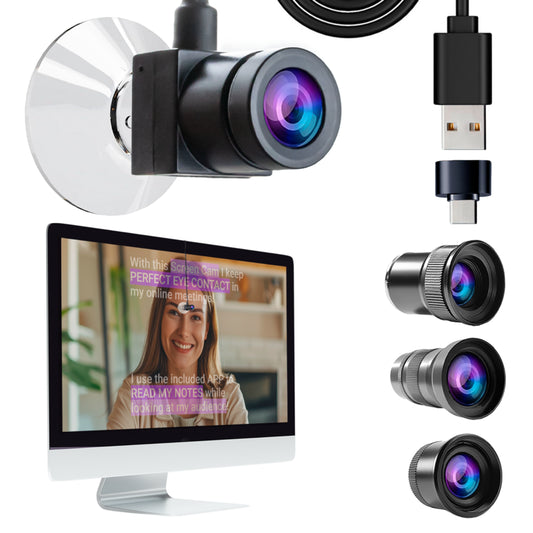
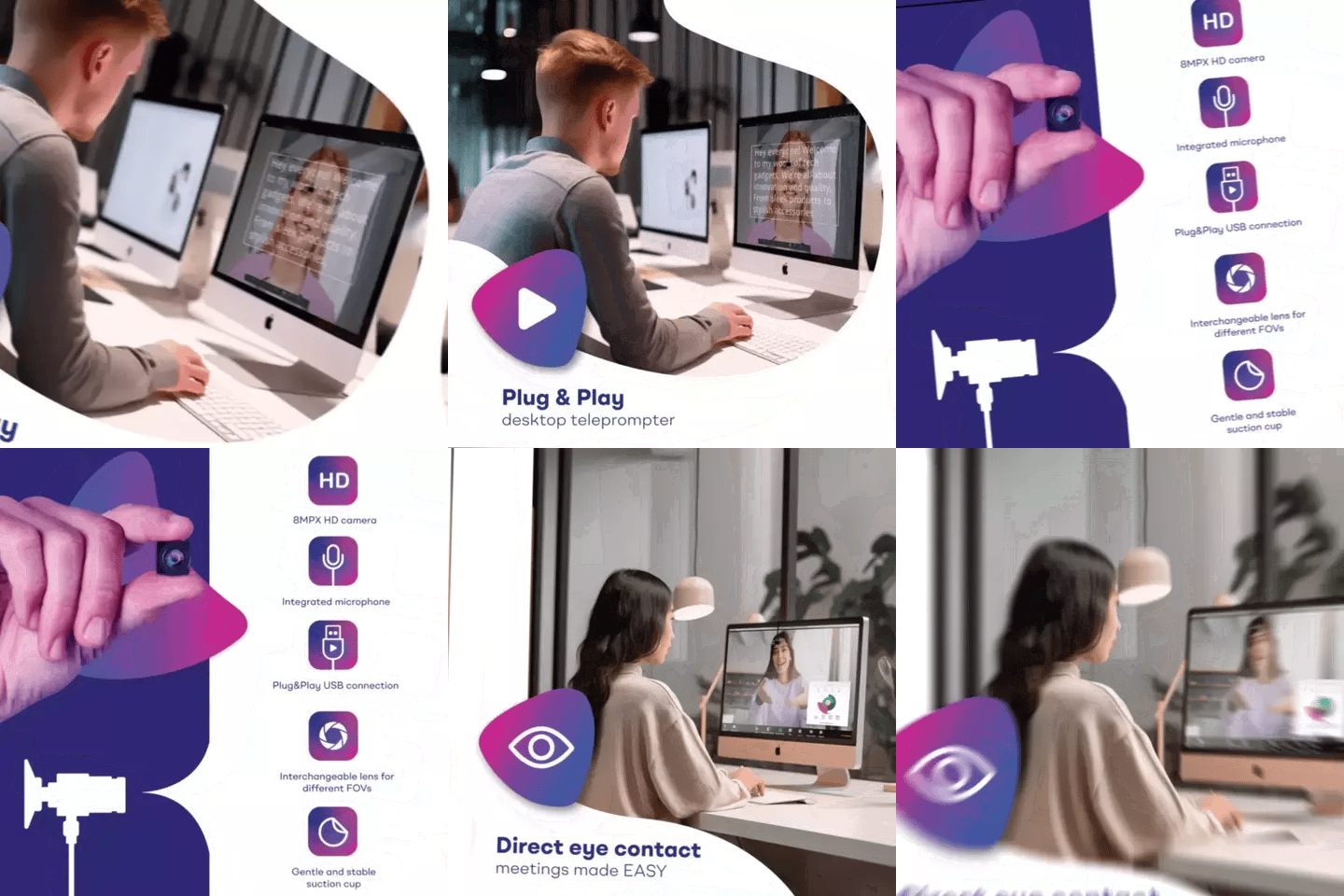
For live video calls and webinars, the TeleprompterPAD app has a Meeting Mode that overlays a transparent script directly over your video call window. You read your notes while maintaining eye contact through your webcam. For a dedicated live-session device, the EyeMeeting Prompter (€229) includes its own 10.1-inch monitor and beam splitter.
Do I need a specific camera?
Any DSLR, mirrorless camera, webcam, or smartphone works. The only physical constraint is camera length — the lens-to-tripod-screw distance should be under 20cm (8") for the 12-inch model. The minimum focal length is 24mm; below that, the frame edges appear in the shot.
How do I control scroll speed during recording?
Three options. The included Bluetooth remote lets the presenter or a nearby operator control play/pause and speed. The Wireless Kit adds a silent foot pedal for hands-free control. Or you can add an Inverted Monitor and have a dedicated operator run the script from a laptop via HDMI.
What if our presenter still sounds robotic reading from a teleprompter?
This happens with first-time users. The fix is practice plus better scripting. Have them do 2-3 dry runs reading the script out loud at conversational speed before recording. Write scripts with short sentences, contractions, and natural phrasing. Add pacing marks. After one or two sessions, most people sound completely natural.
Is this suitable for a professional broadcast studio?
No, and I'll be upfront about that. TeleprompterPAD products are consumer/prosumer grade. They're built for content creators, corporate teams, educators, and small production companies — not network TV studios. If you need broadcast-level gear with operator software and large-format displays, you're looking at a different product category and price point entirely.
A teleprompter for corporate training sessions isn't complicated gear — it's a beam splitter, a tablet, and a well-written script. The iLight PRO 12-inch at €159 gives your L&D team a repeatable system for producing consistent, professional training videos without hiring a production crew. Grab one, run through the five-step setup above, and record your first module this week. Your trainers will thank you — and so will every employee who has to sit through the result.
I nostri best seller
TELEPROMPTER PAD Telecomando Bluetooth per Teleprompter - Include l'APP Teleprompter per Apple, Android Windows e Mac - Controller wireless per Beam Splitter Prompter o apparecchiature per streaming live
- 34.90€
39.90€- 34.90€
- Prezzo unitario
- per
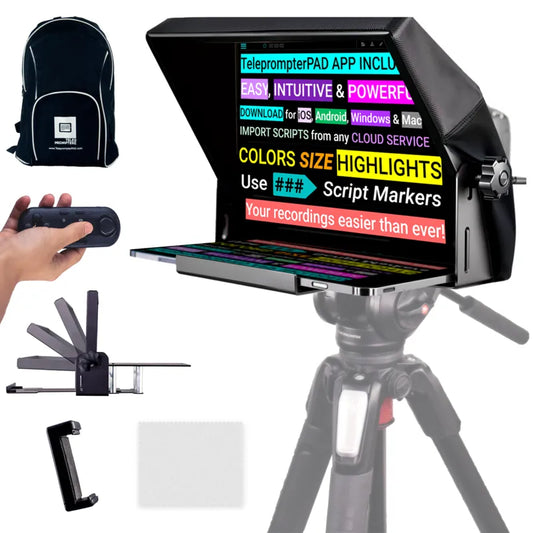
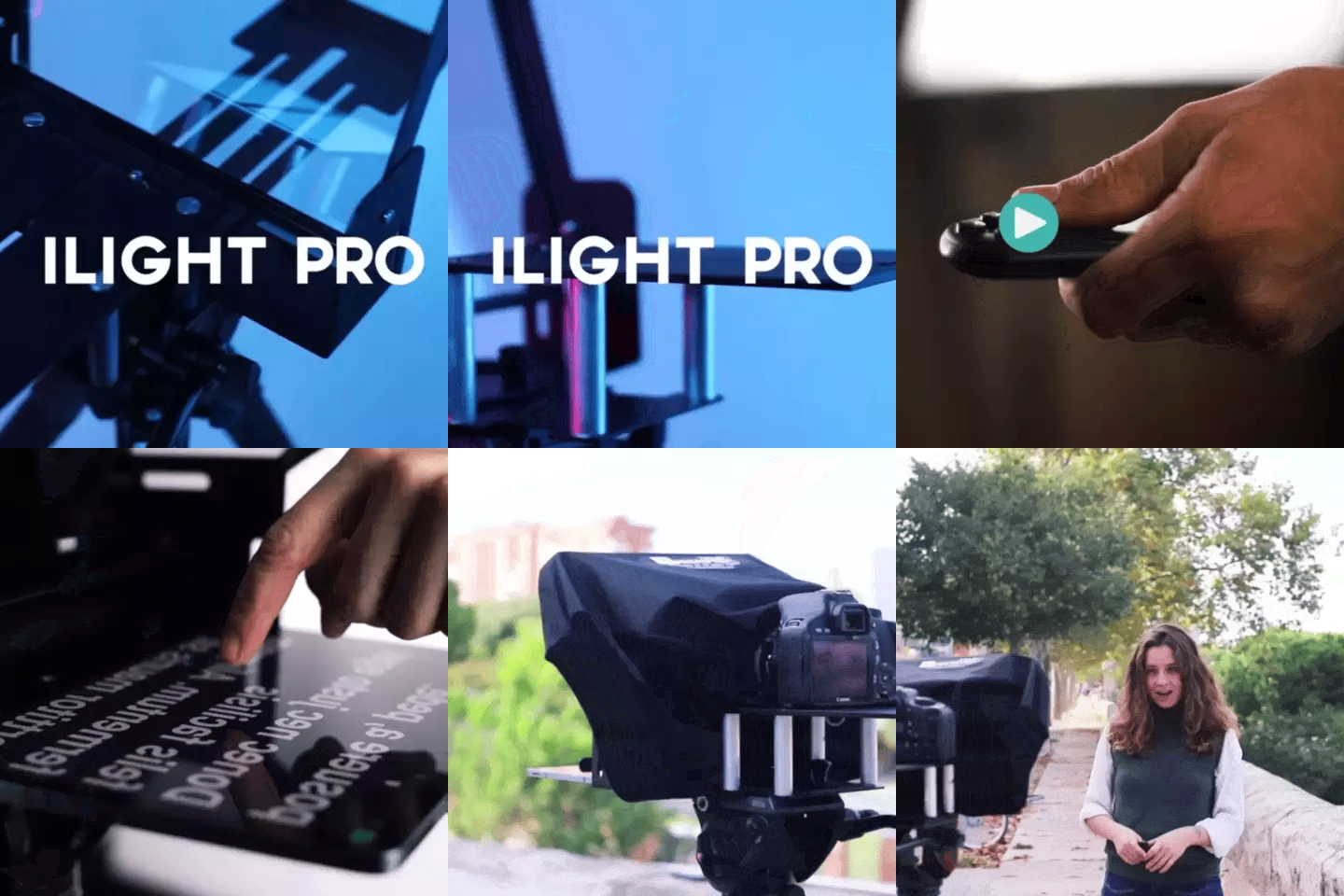
TELEPROMPTER PAD iLight PRO 12'' Teleprompter per tablet iPad - Kit teleprompter per video con telecomando, APP e borsa per il trasporto - Beam Splitter Prompter Autocue DSLR, iPhone, APP per Apple Android Mac Win
- 159.00€
199.00€- 159.00€
- Prezzo unitario
- per
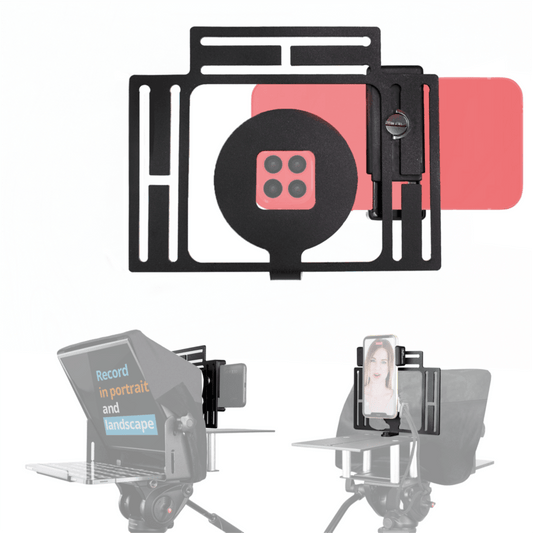
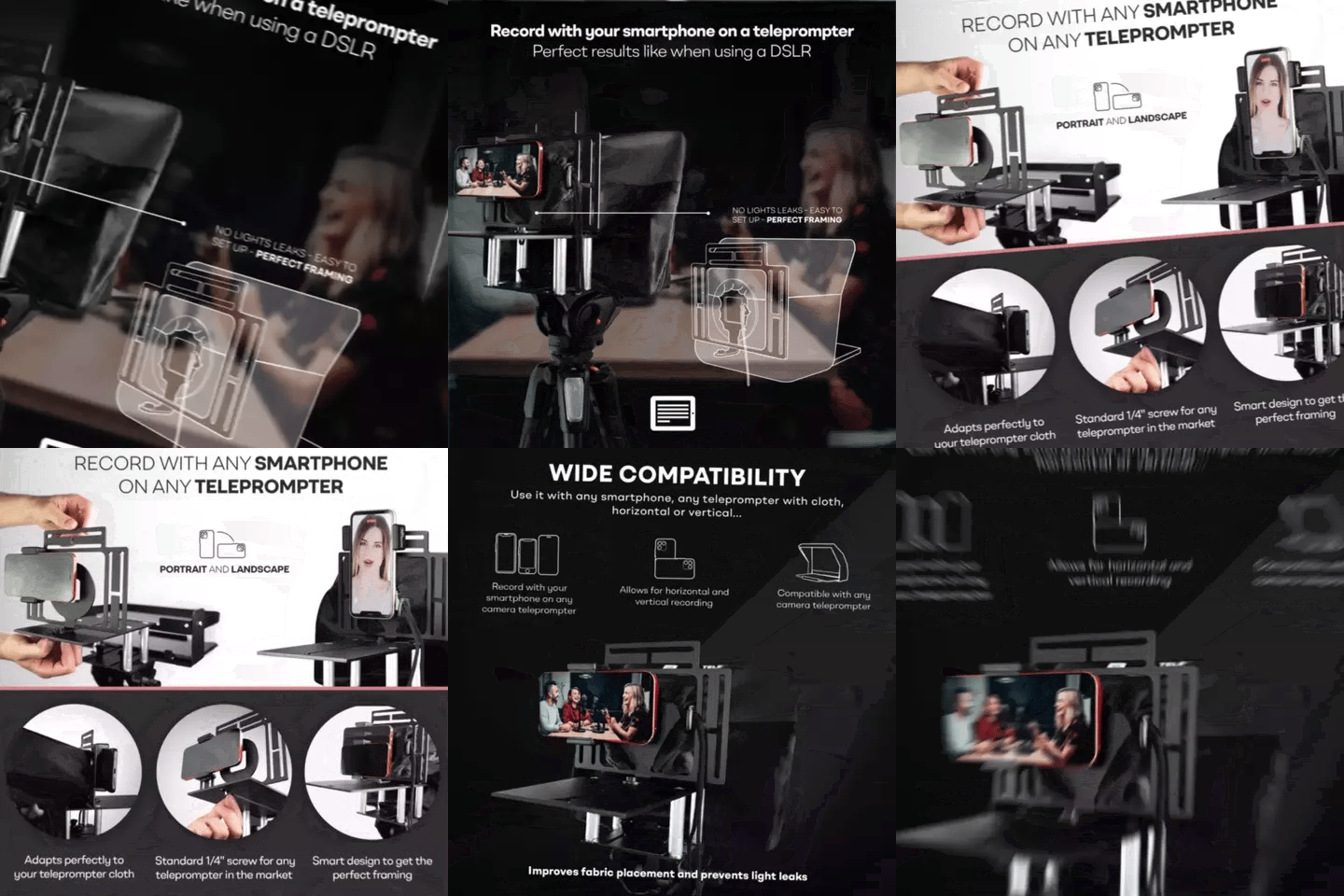
TELEPROMPTER PAD Adattatore per smartphone per teleprompter – Registra con qualsiasi iPhone, telefono Android, compatibile con qualsiasi teleprompter, supporto universale in alluminio per suggeritore con piastra per fotocamera, aderente in tessuto
- 29.90€
39.90€- 29.90€
- Prezzo unitario
- per
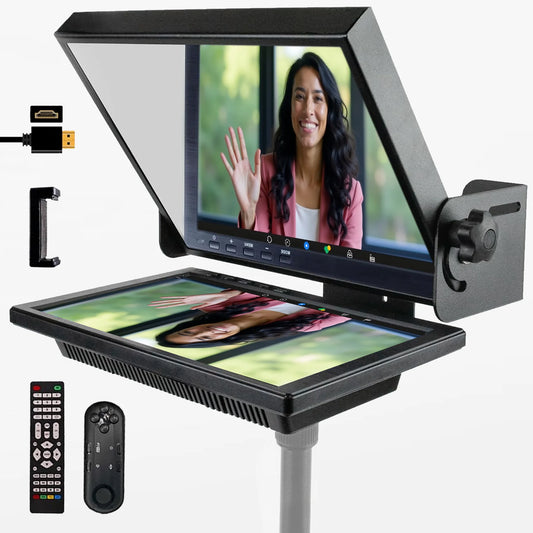
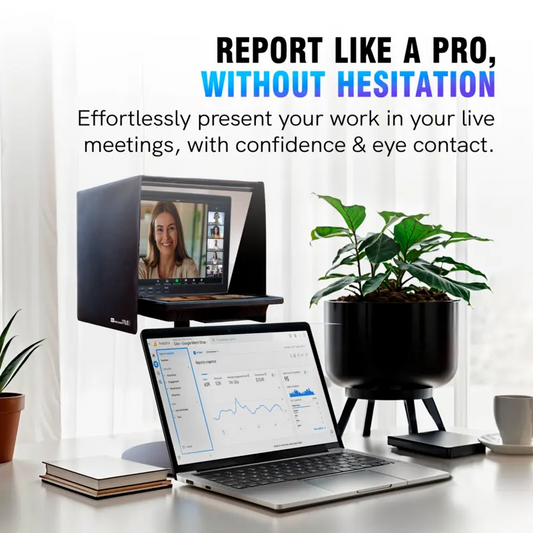
TELEPROMPTER PAD EyeMeeting Prompter per streaming Twitch, Youtube, contatto visivo Zoom, per Mac/PC DSLR Webcam iPhone con Software, monitor da 10,1" e telecommando, compatibile con Elgato Streamdeck
- 229.00€
299.00€- 229.00€
- Prezzo unitario
- per