



Teleprompter for Coaches and Trainers: What Works
A teleprompter for coaches and trainers is the single fastest way to record professional video content without losing eye contact with your audience. If you coach clients, run group programs, or create training modules, you already know that staring down at notes kills the trust you're trying to build. A beam splitter teleprompter puts your script right in front of the camera lens so you read while looking directly at viewers. I've helped hundreds of coaches and trainers set this up over the past decade, and I'll walk you through exactly what works — gear, workflow, and the mistakes that waste your time.

Coaches, therapists, and info-product creators make up roughly 20% of our customer base — the second-largest segment after YouTubers. Over the past 10 years at TeleprompterPAD, I've personally walked hundreds of coaching professionals through their first teleprompter setup, troubleshot their lighting, and helped them go from 45-minute recording sessions to 15-minute ones. Every recommendation here comes from that direct experience and our 50,000+ orders shipped worldwide.

Why Do Coaches and Trainers Need a Teleprompter?
Because your entire business model depends on trust — and trust on video starts with eye contact. Research published in Frontiers in Psychology found that eye contact in video communication helps people "feel more connected and less intimidated." When a client watches your course module or coaching replay, those few degrees of gaze offset between looking at a camera versus looking at notes make a measurable difference in perceived connection.
As TalkingPointz notes, "people who maintain strong eye contact are perceived as more likable, honest, and competent." That's precisely what coaches and trainers sell — credibility. A teleprompter solves this mechanically. Your script scrolls on a screen below a beam splitter glass angled at 45 degrees. The camera sits behind the glass. You read; you look straight into the lens. Done.
The coaching industry itself is booming. According to the ICF's 2025 Global Coaching Study, the global coaching market was valued at $5.34 billion and is projected to reach $5.8 billion by the end of 2026. More coaches means more competition. Video quality is how you stand out when everyone else is doing the same Zoom call with the same slide deck.
What Kind of Teleprompter Works Best for Coaching Content?
It depends on what you're recording. Here's the honest breakdown of how coaching and training professionals typically use our products:
| Use Case | Best Fit | Why |
|---|---|---|
| Online courses & modules | iLight PRO 14-inch | Large screen for long scripts, iPad Pro 12.9" compatible |
| YouTube / social content | iLight PRO 12-inch | More portable, great for shorter scripts |
| Live Zoom/Teams coaching calls | EyeMeeting Webcam | USB webcam with eye contact alignment for live calls |
| Webinars & livestreams | EyeMeeting Prompter | Built-in 10.1-inch screen, HDMI input, no tablet needed |
| Live stage presentations | iPresent PRO | Presidential-style, portable, audience-facing |
For the majority of coaches and trainers recording course content, the iLight PRO 14-inch is what I recommend. Here's why: coaching scripts tend to be longer than a typical YouTube video script. A 14-inch screen gives you more visible text at any given moment, which reduces the frantic eye-scanning that happens on smaller displays. And if you own an iPad Pro 12.9", it actually fits — the 12-inch model won't accept it.

The 5-Step Setup for Coaching Video with a Teleprompter
I've refined this workflow across hundreds of coaching setups. It gets you from zero to recording in under five minutes once your gear is in place.
- Mount your camera on the teleprompter base. Not on the camera plate — on the teleprompter's own 1/4" tripod screw. The iLight PRO 14-inch also supports 3/8" screws for heavier tripods. Camera max length: 25cm (10") from the front of the lens to the tripod screw.
- Import your script into the TeleprompterPAD app. The app is free on iOS, Android, Windows, and Mac. Import a text file, paste from your doc, or type directly. Set your font size large enough to read comfortably at 1.5–2 meters.
- Position yourself 1.5–2.0 meters from the glass. Closer than 1.2 meters and viewers will see your eyes scanning left to right. If you absolutely must be closer, narrow the text margins in the app to keep your gaze centered.
- Set the glass angle to approximately 45 degrees using the adjustable knob (exclusive to our iLight models). Make sure the blackout hood is sealed — any light leak from behind the glass washes out your reflection.
- Do a 15-second test take. Check audio levels (always use an external mic at this distance), check framing (minimum 24mm focal length so the glass frame edges don't appear), and check scroll speed. Adjust, then record for real.
That's it. Most coaches I work with go from unboxing to first usable take in about 20 minutes. After the first session, setup drops to under 2 minutes because the unit comes pre-assembled.
Why 91% of Businesses Use Video — and Why Coaches Can't Ignore It
According to Wyzowl's 2026 State of Video Marketing report, 91% of businesses now use video as a marketing tool, matching the all-time high. For coaches and trainers, video isn't just marketing — it's the product itself. Your course module is a video. Your sales letter is a video. Your onboarding sequence is a video.
And the data on landing page conversions backs this up. Education landing pages with video see a 3.2% conversion rate versus 2.1% for static pages. That gap directly translates to course enrollments and client sign-ups.
Here's the thing most coaches miss: the bar for video quality is rising fast. Wyzowl also found that ROI satisfaction from video dropped from 93% to 82% year-over-year. More people are making video, but not all of it is good. A teleprompter is one of the clearest ways to separate polished, confident delivery from shaky, notes-on-desk content that viewers skip.

Scripting Tips Specifically for Coaches and Trainers
I've read a lot of coaching scripts over the years. The number one mistake? Writing like you're submitting an essay. Your clients don't want academic language — they want the way you talk in a real session.
- Write how you speak. Use contractions. Short sentences. If you wouldn't say it out loud to a client, delete it.
- Add pacing marks. Use "..." or "[PAUSE]" in your script where you'd naturally take a breath or let a point land. The TeleprompterPAD app supports bold, italic, underline, and highlight formatting — I highlight key pauses in yellow.
- Front-load each module. State the takeaway in the first 10 seconds. Coaching clients are busy professionals — they need to know why this module matters immediately.
- Keep paragraphs to 2-3 sentences in the script. Walls of text on the prompter glass cause you to speed up and lose your natural rhythm.
- Use script markers for chapters. If you're recording a 30-minute training, drop markers at each section break so you can jump forward or back with the remote.
Real-World Use Cases: How Coaches and Trainers Actually Use This
About 20% of our customers are coaches, therapists, and info-product creators. Another 10% are educators and universities. Here's how these groups typically set things up:
Online Course Creators (Coaches Selling Digital Products)
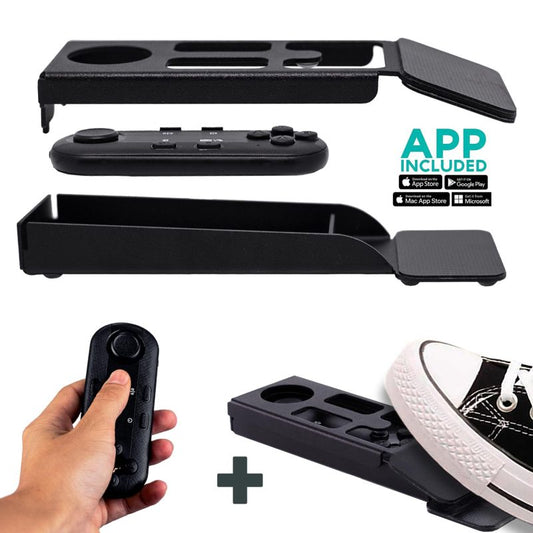
This is the biggest group. A life coach or business coach recording a 12-module signature course. They need to batch-record — sometimes 4-6 modules in a single session. The iLight PRO 14-inch works well here because the larger screen reduces eye fatigue over long recording days. Many pair it with the Wireless Kit (Pedal + Remote) so they can pause scrolling with their foot while demonstrating something with their hands.
Corporate Trainers Producing Internal Content
HR and L&D teams creating compliance videos, onboarding walkthroughs, and leadership development content. They make up part of our 18% SMB/startup segment and 3% corporate comms segment. These folks often need an operator-controlled setup — one person runs the script from a laptop while the trainer presents on camera. That's where the Inverted Monitor for iLight PRO 14-inch shines, replacing the tablet with an HDMI-connected display controlled from a computer.
Fitness Trainers and Health Coaches
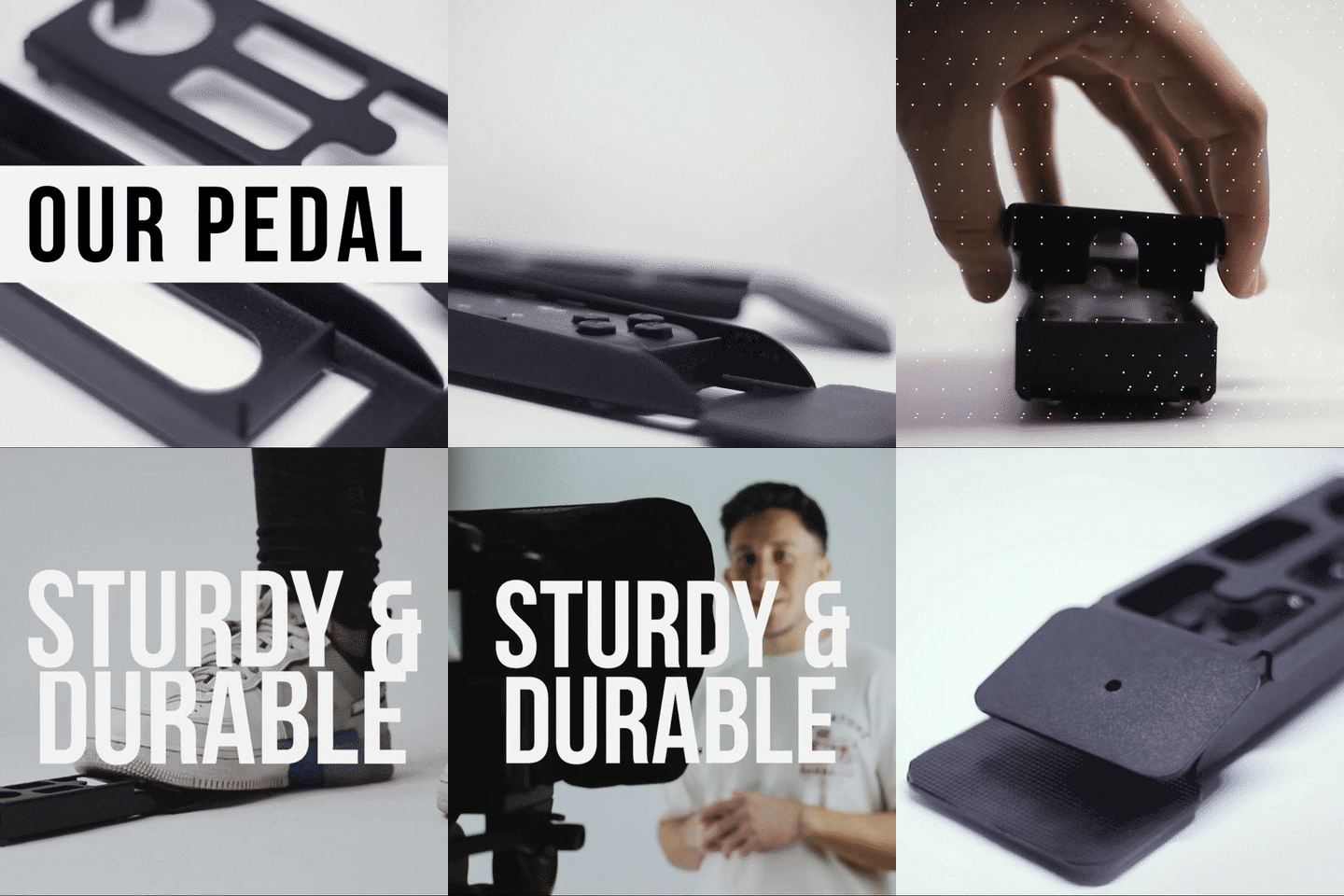
A growing niche. They need hands-free control because they're often demonstrating movements. The foot pedal is non-negotiable here — it uses a silent capacitive sensor, so no click noise gets picked up by your mic. There's no tactile feedback, which feels strange for the first 2-3 uses, but muscle memory kicks in fast.

iLight PRO 14-inch vs. 12-inch: Which One for Coaching?
I get this question constantly. Here's the direct comparison for coaching and training use:
| Spec | iLight PRO 12-inch | iLight PRO 14-inch |
|---|---|---|
| Screen size | Up to 20cm x 26cm | Up to 25cm x 31cm |
| iPad Pro 12.9" | ❌ Won't fit | ✅ Fits perfectly |
| Max camera length | 20cm / 8" | 25cm / 10" |
| Tripod mount | 1/4" only | 1/4" + 3/8" |
| Hardcase included | ❌ Carry bag (hardcase sold separately) | ✅ Included |
| Price | €159 | €239 |
| Best for coaching? | Short-form content, portability | Long scripts, batch recording, studio setup |
My honest take: if you're recording short social clips or quick coaching tips under 5 minutes, the 12-inch is fine and saves you €80. But if you're building a course with modules ranging from 10-30 minutes each, the 14-inch pays for itself in reduced eye strain and fewer retakes. The hardcase also matters — coaches who travel to record at clients' offices or co-working spaces tell me they appreciate the protection.
Honest Pros and Cons of Using a Teleprompter as a Coach
Pros
- Consistent messaging. You say exactly what you planned. No rambling, no "um, where was I?" moments that eat recording time.
- Faster production. Most coaches I work with cut their recording time by 50-70% after adopting a teleprompter. Batch recording 4-6 modules in one session becomes realistic.
- Eye contact maintained. Your viewers feel like you're talking directly to them, which is critical for building the trust that coaching depends on.
- Repurposable content. A well-scripted, cleanly delivered module can be clipped for social, emailed as a snippet, or embedded in a sales page.
Cons
- Delivery can sound robotic at first. This is the #1 issue. If you've never used a teleprompter, your first 2-3 sessions will sound like you're reading — because you are. It takes practice to make it sound natural. Pacing marks in your script help enormously.
- Upfront scripting time. You can't just turn on the camera and talk. You need a written script. For coaches used to improvising in live sessions, this feels like extra work. It is. But the trade-off is faster recording and tighter content.
- Physical space required. You need 1.5-2.0 meters between you and the glass for natural-looking gaze. A small home office might not have that depth. Narrowing margins in the app helps, but there are limits below 1.2 meters.
- Not broadcast-grade gear. I'll be straight: TeleprompterPAD products are consumer/prosumer grade. They're great for coaches, trainers, YouTubers, and small production teams. They're not what a TV news studio uses. If you need that level, you're looking at a different price bracket entirely.
Common Mistakes Coaches Make with Teleprompters
After 10+ years of support calls, these are the mistakes I see over and over from coaching professionals:
- Scripts that sound like blog posts. Write the way you'd talk in a coaching session, not the way you'd write an email. Read it out loud before you import it.
- Standing too close. Below 1.2 meters, your eye movement is visible to the viewer. The sweet spot is 1.5-2.0 meters.
- Forgetting to lock tablet rotation. Your iPad flips mid-recording, and suddenly the script is upside down on the glass. Lock rotation before you start.
- Not activating mirror mode. The glass flips the image. The app needs to pre-flip the text so it reads correctly in the reflection. This is a one-time setting — but forgetting it means your first take is garbage.
- Using the camera's built-in mic. At 1.5+ meters from the camera, built-in DSLR mics are essentially useless. Get a lavalier or shotgun mic. This isn't a teleprompter issue, but I see it in every third setup call.
- Overhead lights causing glare on the glass. Any light above and in front of the teleprompter bounces off the beam splitter straight into your camera. Use three-point lighting from the sides, never overhead.

What About Live Coaching Calls? Do You Need a Different Setup?
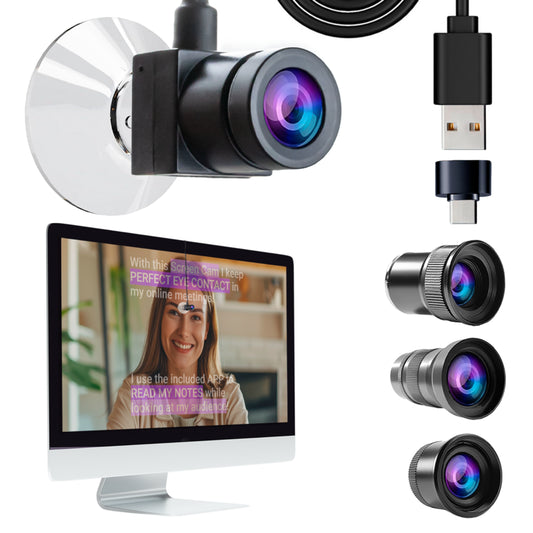
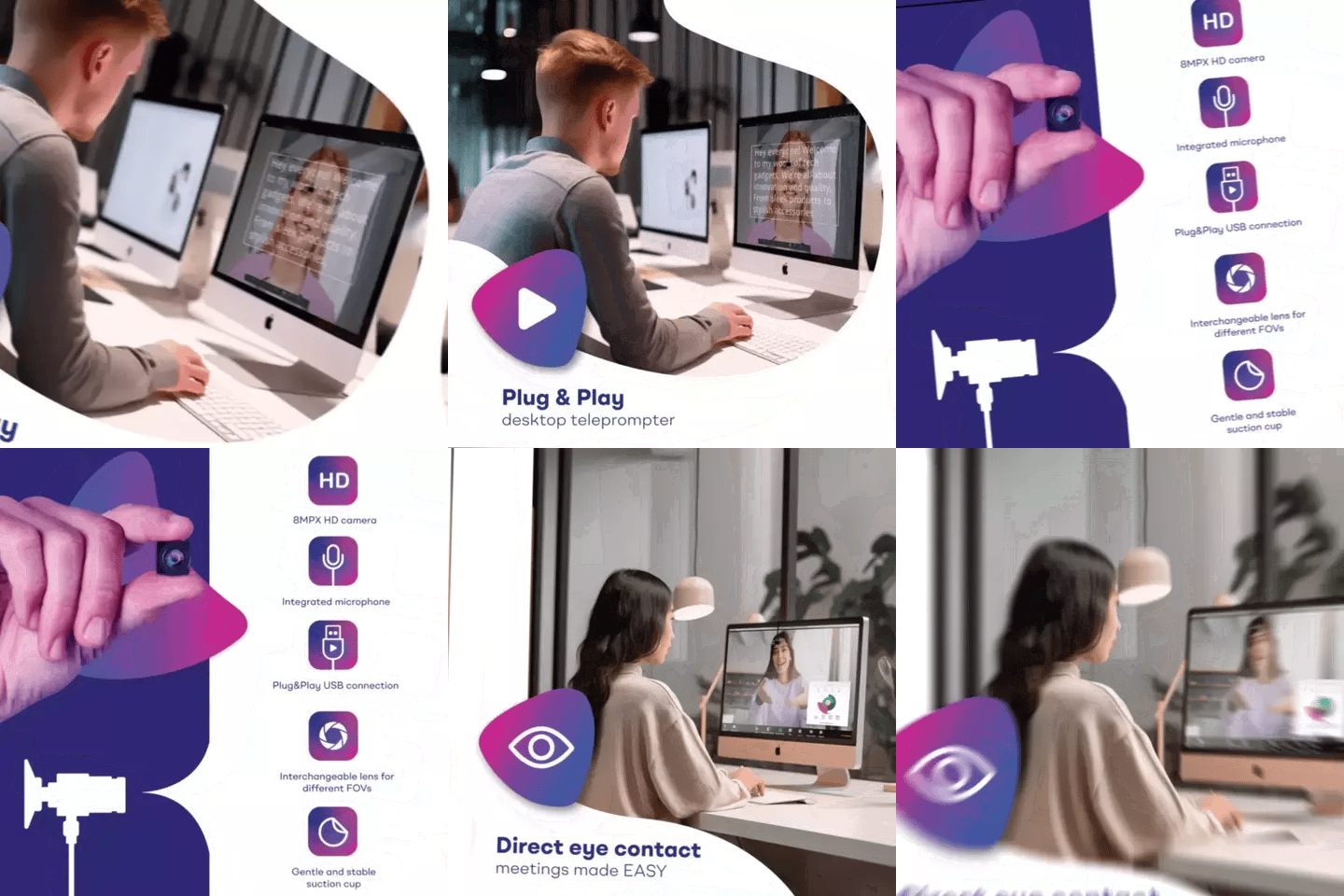
Yes, actually. A beam splitter teleprompter like the iLight is designed for recording to a camera — not for live Zoom or Teams calls. For live coaching sessions where you want to maintain eye contact while reading notes or a script, the EyeMeeting Webcam (€99) is purpose-built. It's a small USB webcam that mounts on your monitor with a suction cup, and the app overlays a transparent script right over your video call in Meeting Mode.
If you do both — record courses and run live calls — you'd want both tools. The iLight for recording days, the EyeMeeting for call days. I wrote a more detailed guide on teleprompter setups for Zoom calls if that's relevant to your workflow.
For coaches who also do webinars or livestream training, the webinar teleprompter setup guide covers that workflow specifically.
Lighting and Audio: The Two Things That Matter More Than Your Camera
I cannot stress this enough. I've seen $3,000 camera setups ruined by a desk lamp and a laptop mic. And I've seen $400 setups with a basic mirrorless, a $60 lavalier, and a ring light that look genuinely professional.
Three-point lighting is the standard: a key light at 45 degrees from one side, a fill light (softer) from the other side, and a backlight behind you to separate you from the background. The critical rule with teleprompters: no overhead light above the unit. Overhead light creates a visible glare on the beam splitter glass that shows up as a bright spot in your recording.
For audio, use an external mic — always. A wired lavalier clipped to your shirt works perfectly. Wireless options are fine too, but add another battery to manage. At 1.5-2.0 meters from the camera, the built-in mic on any DSLR or mirrorless picks up mostly room echo.
Frequently asked questions
What's the best teleprompter for a coach recording online courses?
For long-form course content, the iLight PRO 14-inch is the best fit. The 14-inch screen accommodates more visible text, reducing eye fatigue during batch recording sessions. It supports tablets up to 25cm x 31cm, including the iPad Pro 12.9", and comes with a hardcase for transport.
Can I use a teleprompter for live coaching calls on Zoom?
A beam splitter teleprompter like the iLight is designed for recording to a camera, not live video calls. For Zoom, Teams, or other live calls, the EyeMeeting Webcam is built specifically for that purpose — it mounts on your monitor and maintains eye contact during calls.
How far should I stand from the teleprompter?
The recommended distance is 1.5 to 2.0 meters. Closer than 1.2 meters and your eye scanning becomes visible to viewers. If your space is tight, use the margin-narrowing feature in the TeleprompterPAD app to keep text centered and reduce visible eye movement.
Will I sound robotic reading from a teleprompter?
Probably at first — most coaches do. The fix is writing conversationally (the way you'd talk in a real session) and adding pacing marks to your script. After 2-3 recording sessions, most people find their natural rhythm. The TeleprompterPAD app supports bold, highlight, and color formatting to mark pauses and emphasis points.
Do I need a special app, or can I use any teleprompter software?
The TeleprompterPAD app is free and works on iOS, Android, Windows, and Mac. There's also a lite web version that runs in any browser with no install needed. The Bluetooth remote is only guaranteed to work with the TeleprompterPAD app — third-party teleprompter apps may not be compatible.
Can I use my smartphone as the camera behind the teleprompter glass?
Yes. Both iLight models include a smartphone clamp. You can also add the Smartphone Adaptor bracket for portrait recording (TikTok, Reels, Shorts). Just make sure your phone's camera focal length is at least 24mm equivalent — anything wider and the glass frame edges will be visible in the shot.
Is a teleprompter worth the investment for a new coach just starting out?
If video is central to your business model — courses, YouTube, video sales letters — yes. The iLight PRO 12-inch at €159 is a reasonable entry point. The time you save on recording (fewer retakes, no memorizing) pays back quickly when you're producing content regularly. If you only record occasionally, a cheaper alternative is using the free TeleprompterPAD web app on a laptop placed near your camera — it's not as good as a beam splitter, but it costs nothing.
What kind of support do I get if I'm stuck during setup?
TeleprompterPAD offers personal 1-to-1 multilingual support in English, Spanish, French, German, and Italian. There's also a help center at help.teleprompterpad.com with video tutorials. In my experience, most setup questions get resolved in a single exchange — the gear comes pre-assembled, so there's very little that can go wrong mechanically.
If you coach or train for a living and video is part of how you deliver value, a teleprompter is one of the most practical investments you can make. The iLight PRO 14-inch handles long coaching scripts, batch recording, and the iPad Pro 12.9" — which covers 90% of what coaches and trainers need. The rest is practice, decent lighting, and writing like you actually talk.
Nos meilleures ventes
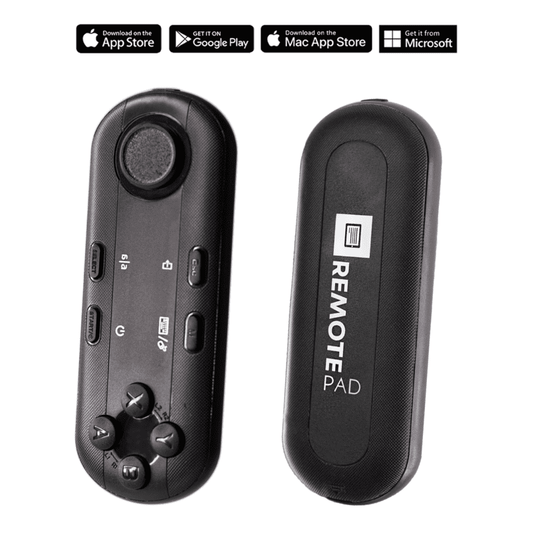
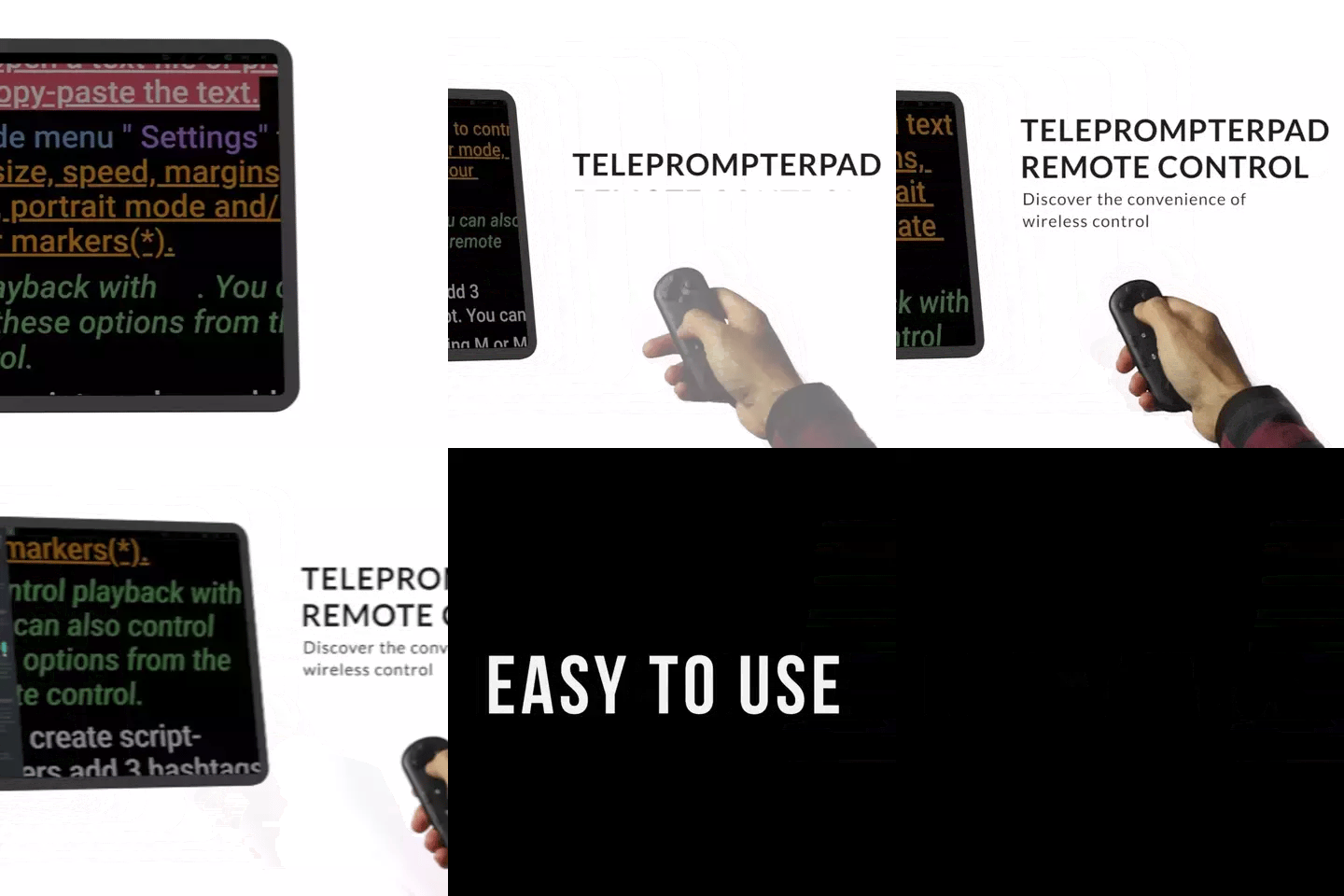
TELEPROMPTER PAD Télécommande Bluetooth pour téléprompteur – Comprend une application téléprompteur pour Apple, Android Windows et Mac – Contrôleur sans fil pour prompteur répartiteur de faisceau ou équipement de diffusion en direct
- 34.90€
39.90€- 34.90€
- Prix unitaire
- per
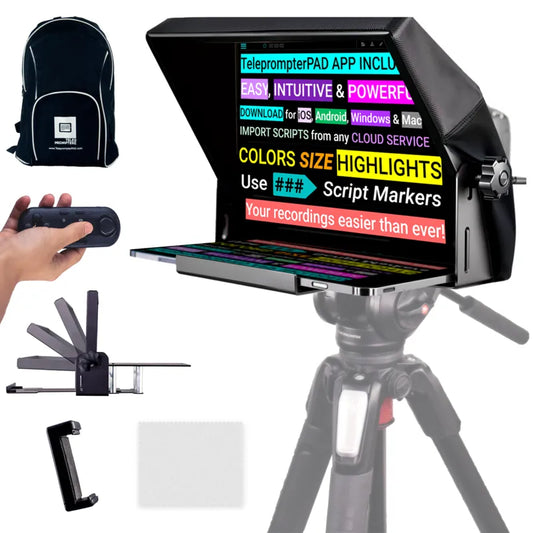
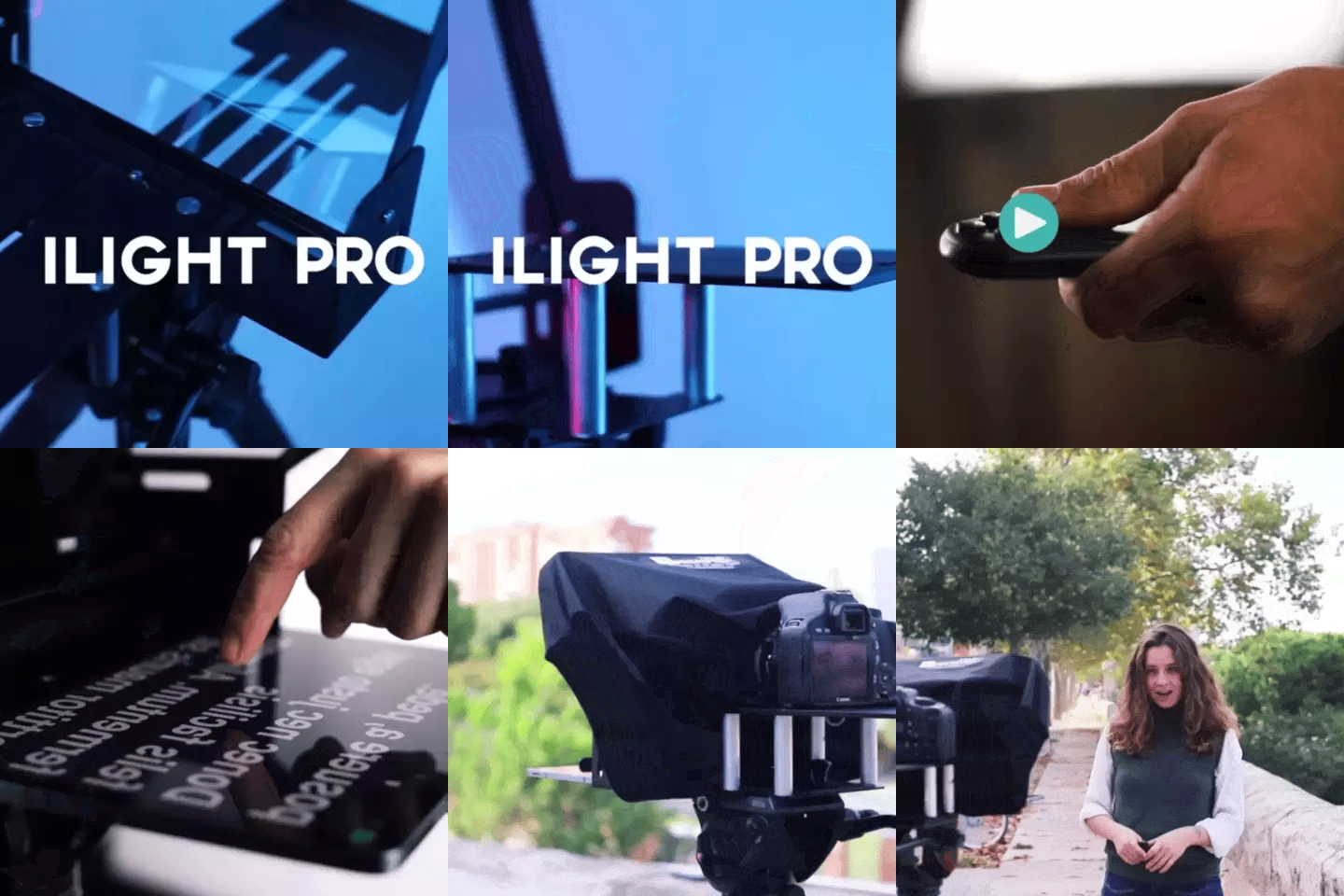
TELEPROMPTER PAD Téléprompteur iLight PRO 12'' pour tablette iPad - Kit téléprompteur pour vidéo avec télécommande, application et sac de transport - Prompteur répartiteur de faisceau Autocue DSLR, iPhone, APP pour Apple Android Mac Win
- 159.00€
199.00€- 159.00€
- Prix unitaire
- per
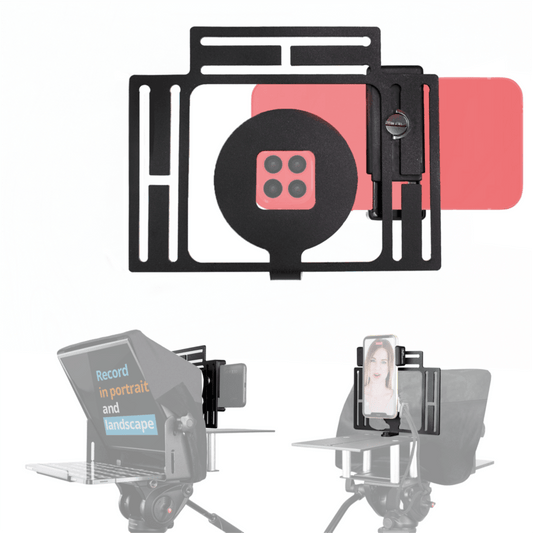
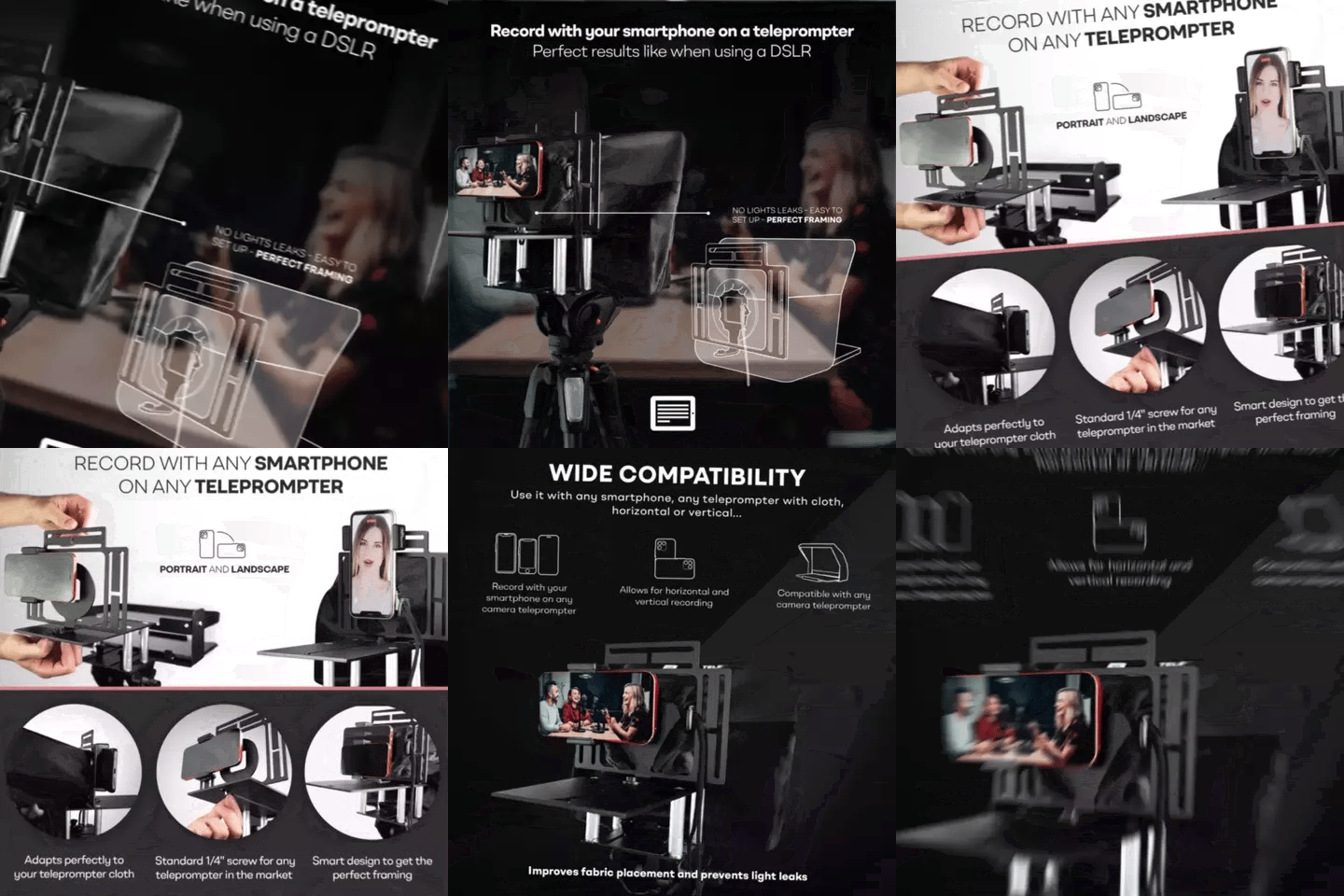
TELEPROMPTER PAD Smartphone Adaptor for teleprompter – Record with any iPhone, Android phone, compatible with any teleprompter, aluminum universal Rig for prompter with camera plate, snug cloth fit
- 29.90€
39.90€- 29.90€
- Prix unitaire
- per
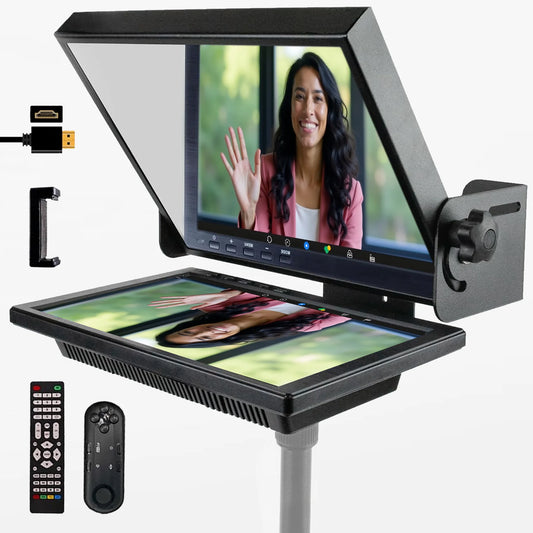
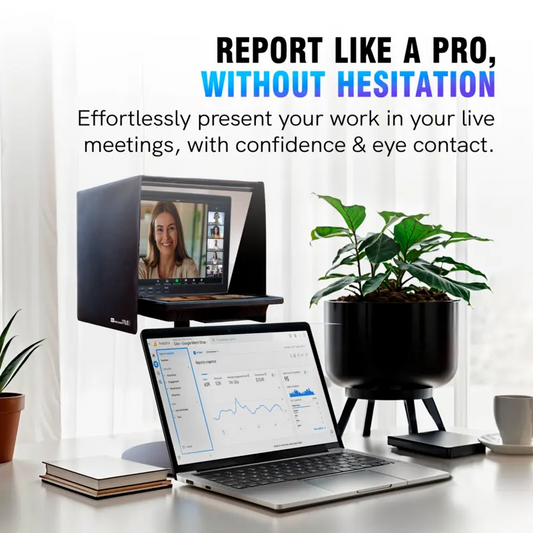
TELEPROMPTER PAD EyeMeeting Prompter pour streaming Twitch, Youtube, Zoom Eye Contact, pour Mac/PC DSLR Webcam iPhone avec logiciel, moniteur 10,1" et télécommande, Compatible avec Elgato Streamdeck
- 229.00€
299.00€- 229.00€
- Prix unitaire
- per