



Teleprompter for Church Training: What Actually Works
A teleprompter for church training is the fastest way to produce consistent, professional volunteer training videos, leadership lessons, and onboarding content — without forcing your pastor or ministry lead to memorize scripts or read off sticky notes. The right setup lets the speaker maintain direct eye contact with the camera, which matters enormously when you're teaching doctrine or explaining safety procedures. In this guide, I'll break down exactly which teleprompter hardware fits church training workflows, how to script for it, and the specific mistakes I see churches make when they set one up for the first time.

Churches and religious organizations represent about 6% of our customer base at TeleprompterPAD — a group I've supported directly for years. I've walked dozens of volunteer-led AV teams through their first teleprompter setup over video calls, often in rooms with tricky overhead lighting and limited tripod options. That hands-on experience informs every recommendation in this guide.

Why do churches need a teleprompter for training content?
Church training content goes far beyond Sunday sermons. Think volunteer safety orientation, worship team onboarding, leadership development series, children's ministry protocols, and small group leader training. These all require a speaker to deliver precise information — often theological or procedural — while appearing natural and connected on camera.
Here's the core problem: reading from printed notes forces the speaker's eyes downward, breaking the visual connection. Research published in Frontiers in Psychology found that participants experienced a stronger sense of connection and felt "more connected and less intimidated" when eye contact was maintained during video conversations. For training content — where trust and authority matter — that eye contact is non-negotiable.
And churches are producing more video than ever. According to MCC Solutions' 2026 church technology guide, hybrid worship is now "an expectation—not a bonus" for most congregations. That same hybrid infrastructure — cameras, lighting, streaming software — can and should pull double-duty for training content.
What kind of teleprompter works best for church training?
For most church training setups, a beam splitter teleprompter paired with a tablet is the sweet spot. It sits on a tripod, the speaker reads from a tablet reflected in a half-mirror glass, and the camera shoots straight through the glass from behind. The viewer never knows a script exists.
I recommend the iLight PRO 14-inch for church teams specifically. Here's why: the larger 14-inch glass accommodates tablets up to 12.2" wide, which means you can use an iPad Pro 12.9" — the bigger screen allows for larger font sizes readable from further away. That's critical in a church recording space, where the speaker often needs to stand 1.5–2 meters from the camera.
The 14-inch model also includes a transport hardcase, which matters when your AV team is setting up in different rooms throughout the week — fellowship hall Monday, sanctuary Wednesday, classroom Saturday. Having a protective case means the German-made beam splitter glass survives being moved around by volunteers who aren't professional crew.

iLight PRO 12-inch vs. 14-inch: Which fits your church training setup?
Both work. But the 14-inch has specific advantages for churches. Here's a direct comparison:
| Feature | iLight PRO 12-inch | iLight PRO 14-inch |
|---|---|---|
| Glass size | 12-inch | 14-inch |
| Max tablet size | 20cm × 26cm (up to iPad 10.2") | 25cm × 31cm (iPad Pro 12.9") |
| Max camera length | 20cm / 8" | 25cm / 10" |
| Tripod mount | 1/4" screw | 1/4" + 3/8" dual |
| Transport case | Carry bag (hardcase sold separately) | Hardcase included |
| Price | €159 | €239 |
| Best for | Tight budgets, single-person setups | Shared use, multiple rooms, iPad Pro |
If your church already owns an iPad Pro 12.9", the 12-inch model physically won't fit it — you'd need the 14-inch. The dual 1/4" and 3/8" tripod screw on the 14-inch also matters if your AV closet has a mix of tripods from different eras, which — let's be honest — every church does.
How to set up a teleprompter for church training: step by step
Volunteer teams need repeatable processes. Here's the 5-step workflow I recommend for church AV teams:
- Mount the teleprompter on your tripod. Set it at the speaker's eye level. The iLight PRO 14-inch comes pre-assembled — you're unfolding it, not building it. Under 2 minutes.
- Import the script into the TeleprompterPAD app. The free app runs on iOS, Android, Windows, and Mac. Import from a text file or paste directly. Format with bold and highlights for emphasis cues.
- Optimize display settings. Increase font size so the speaker can read comfortably from 1.5–2 meters. Narrow margins if the speaker must stand closer. Activate mirror mode (the glass flips the text, so the app needs to pre-mirror it).
- Test audio and lighting. Use an external mic — a lavalier or shotgun — because the camera's built-in mic is useless at 1.5m+. Check that no overhead lights create glare on the glass. Position the blackout hood securely.
- Record a 15-second test take. Check for visible eye scanning, glass edge visibility, and audio levels. Adjust and go.
Print this list and tape it to the wall in your recording space. Seriously. Volunteer turnover is real, and having a physical checklist means every team member can set up correctly without needing the one person who "knows how it works."

Scripting tips for church training videos
The number-one mistake I see in church training scripts? They read like doctrinal documents, not like a person talking. A teleprompter amplifies bad writing because it removes the speaker's need to paraphrase — they'll read word-for-word what's on screen.
- Write the way you speak. Use contractions. Short sentences. If a sentence runs past two lines on the tablet, split it.
- Add pacing marks. Use "..." or bold text in the script to signal the speaker to pause. Pauses are where emphasis lives.
- Include stage directions. Write "[gesture toward screen]" or "[look down at Bible]" directly in the script so the speaker doesn't go robotic.
- Use the app's color highlighting. The TeleprompterPAD app supports rich text — highlight key theological terms or procedural steps in a different color so the speaker knows which words carry weight.
- Keep training segments under 7 minutes each. If your full training is 30 minutes, break it into modules. It's easier to re-record one 5-minute segment than to nail a flawless 30-minute take.
Real-world use cases: how churches use teleprompters for training
Churches and religious organizations make up about 6% of our customers at TeleprompterPAD. Educators and universities add another 10%. There's significant overlap in how these groups use the equipment for training purposes.
Volunteer onboarding videos
Your children's ministry needs consistent messaging about check-in procedures, safety protocols, and abuse prevention policies. Recording these once with a teleprompter means every new volunteer gets identical information, delivered with eye contact and authority. No more hoping the team leader remembered every point during the in-person walkthrough.
Leadership development series
Pastors and ministry directors recording multi-week discipleship or leadership courses need to cover complex theology clearly. The teleprompter lets them use precise language when it matters — doctrinal definitions, Scripture references, policy statements — without sounding like they're reading a textbook. Coaches and course creators (about 20% of our customers) use this exact approach.
Hybrid and remote training
With nearly 80% of churches now offering some form of hybrid worship, the same infrastructure supports training delivery to volunteers and staff who can't attend in person. A recorded training video with clear eye contact feels personal in a way that a Zoom screen-share with bullet points never will.
The foot pedal advantage for hands-free operation
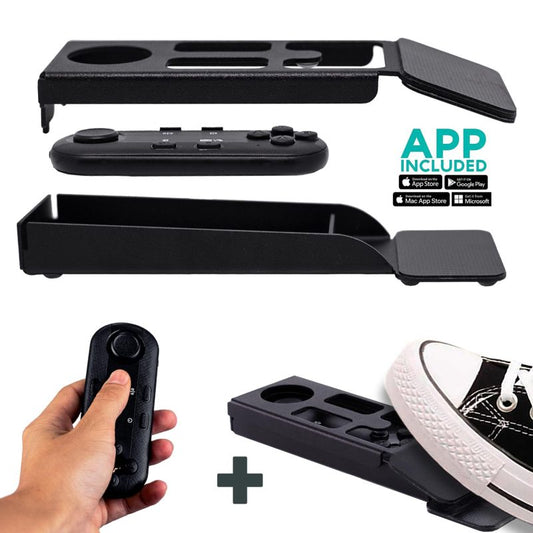
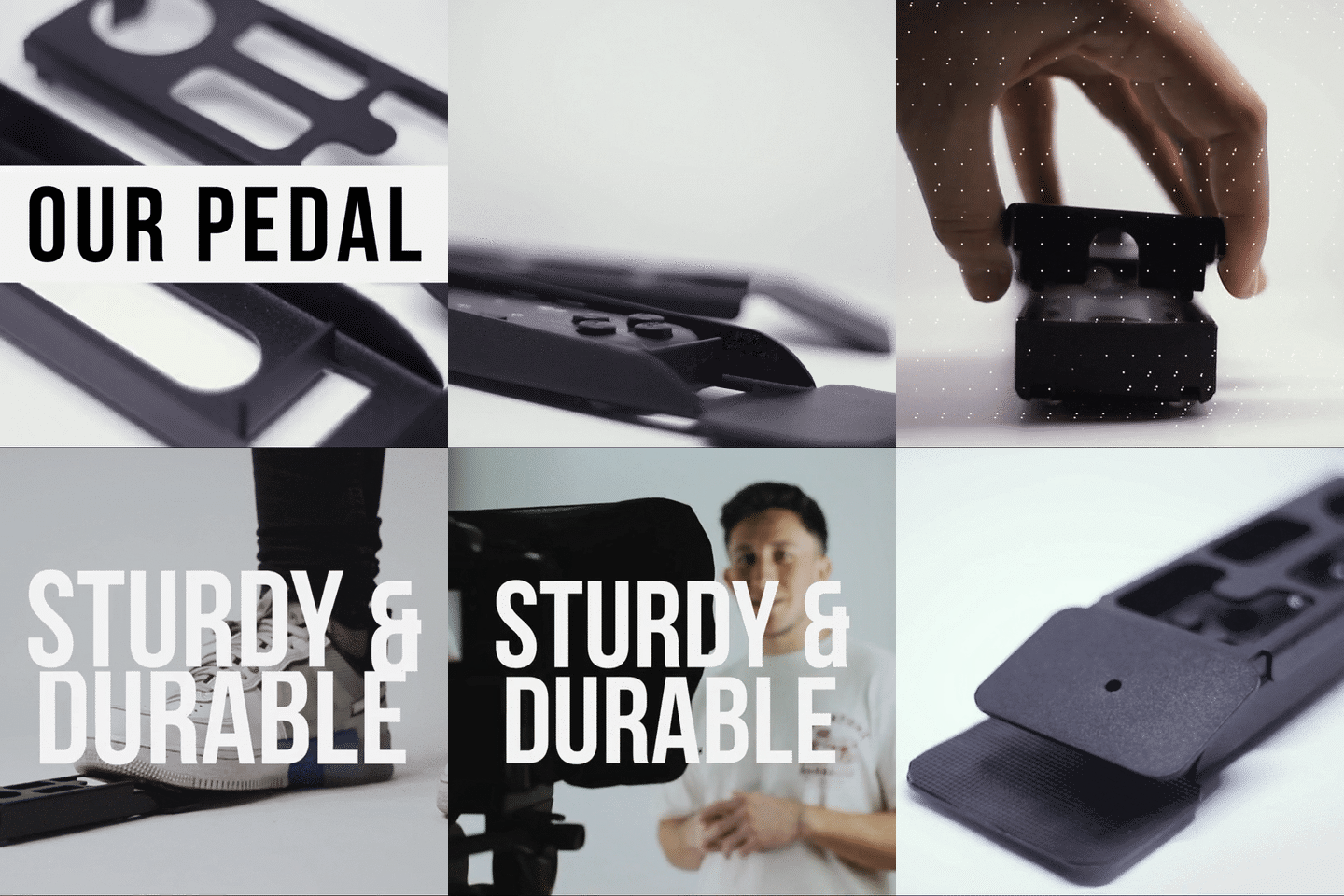
Pastors often hold a Bible, gesture, or reference physical materials during training. The included Bluetooth remote is great, but if the speaker's hands are full, the Wireless Kit (Pedal + Remote) is the better option.
The pedal uses a silent capacitive sensor — no click sound for the mic to pick up. That's a specific concern in church recording environments, where rooms are often quiet and reverberant. No tactile feedback means there's a short learning curve (usually 2–3 sessions), but after that it becomes muscle memory.

Honest pros and cons of using a teleprompter for church training
I'd rather give you the full picture than oversell.
| Pros | Cons |
|---|---|
| Consistent eye contact throughout recording | Some speakers sound monotone when reading — requires practice and coaching |
| Precise theological and procedural language every time | Initial setup adds 10–15 minutes to your first recording session |
| Fewer takes = faster production | Requires minimum 24mm focal length — no wide-angle action shots |
| Any volunteer can operate it after one walkthrough | Overhead lights can cause glare on the glass if not managed |
| Pre-assembled — no tools, no technical skill needed | Not a broadcast-grade product — not for large TV station workflows |
That last point is worth calling out directly. Our iLight PRO line is consumer/prosumer grade, built for creators, churches, educators, and small teams. If you're a megachurch with a full-time production crew running broadcast cameras, you'll want dedicated broadcast prompter hardware. For the vast majority of churches producing training content with volunteer teams, though, this is the right tier of equipment.

Common mistakes churches make with teleprompters
I've troubleshot all of these over support calls. Don't be the team that learns the hard way.
- Overhead lights directly above the teleprompter. This creates glare on the beam splitter glass. Move the teleprompter, or kill the overhead and use three-point lighting: key light front/side, fill light opposite side, backlight behind the speaker.
- Not locking tablet rotation. If the tablet rotates mid-recording, the script flips. Lock your iPad or Android tablet to landscape before you start.
- Skipping the external mic. At 1.5 meters from the camera, your DSLR's built-in mic captures room echo, HVAC noise, and very little voice. Use a lapel mic, always.
- Bluetooth remote connecting to the wrong device. The remote auto-reconnects to the last paired device. If someone's phone or laptop was last, it'll grab that instead. Reset the Bluetooth pairing before each session.
- Using wide-angle below 24mm. You'll see the glass frame edges and tablet tray in the shot. Stay at 24mm or longer.
- Not sealing the blackout hood properly. The hood blocks light leaking onto the glass from behind. If it's not sealed with the Velcro, you'll get washed-out text reflections.
Why video quality matters for church trust
This isn't just about looking polished. According to Wyzowl's 2026 State of Video Marketing report, 89% of consumers say video quality impacts their trust in a brand. Churches aren't brands — but they are institutions, and your congregation evaluates credibility partially through production quality. A shaky, poorly-lit training video with the speaker reading off-camera feels amateurish. A well-lit, eye-contact-driven video feels authoritative and caring.
And the data backs up investing in video broadly. The same Wyzowl report found that 91% of businesses now use video as a core marketing tool. Churches producing training content are competing for attention with the professional-quality video people consume every day. Meeting that baseline expectation matters — especially when you're asking volunteers to trust the content enough to act on it.
Frequently asked questions
Can volunteers really operate a teleprompter without technical experience?
Yes. The iLight PRO 14-inch arrives pre-assembled and unfolds in under 2 minutes. The TeleprompterPAD app is free on iOS, Android, Windows, and Mac, and it has an intuitive interface. I've seen church AV volunteers with zero video production experience set up and run the system after a single walkthrough. If anyone on your team gets stuck, TeleprompterPAD offers 1-to-1 personal support in English, Spanish, French, German, and Italian.
How far should the speaker stand from the teleprompter?
1.5 to 2 meters (roughly 5 to 6.5 feet). Any closer and viewers can see the speaker's eyes scanning left to right across the text. If space forces you closer, use the app's margin-narrowing feature to keep the text in a tight column near center, which reduces visible scanning.
What camera works with a teleprompter for church training?
Any DSLR, mirrorless, or HDVCAM with a maximum body length of 25cm (10 inches, measured from the front of the lens to the tripod screw) fits the iLight PRO 14-inch. Most church cameras — Canon, Sony, Panasonic — fit easily. You can also use a smartphone with the smartphone bracket accessory.
Does the teleprompter work for livestreaming training sessions?
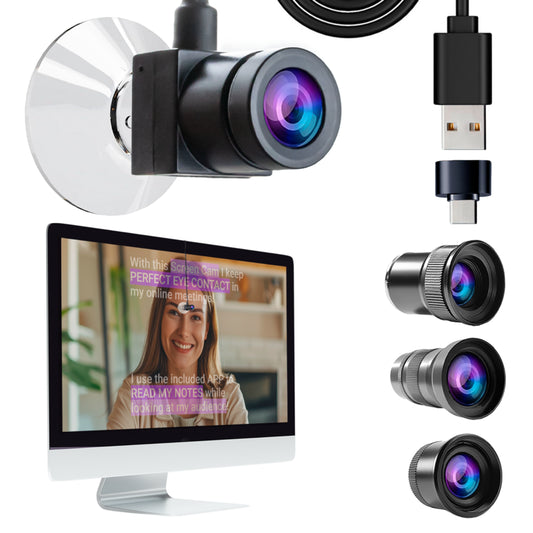
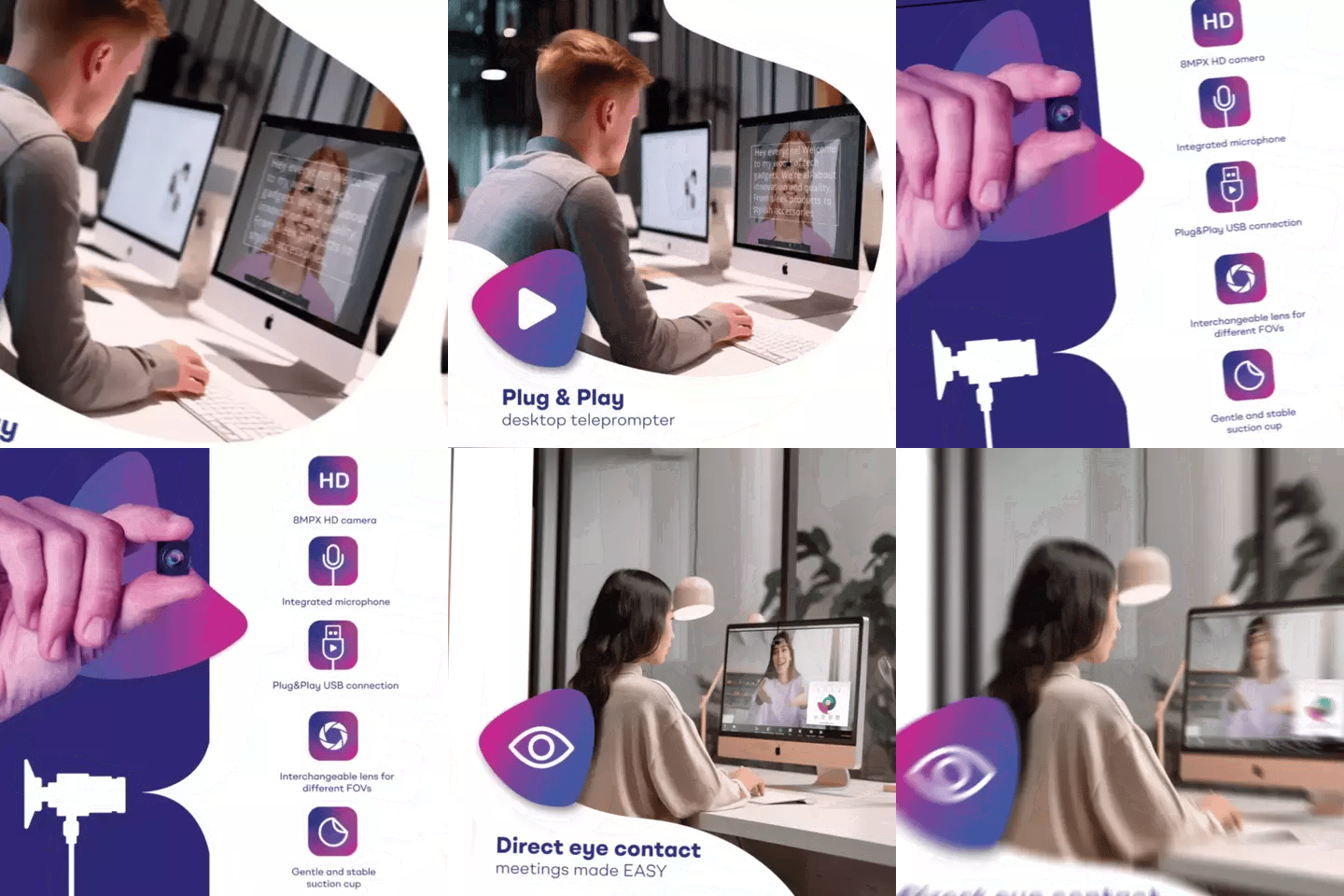
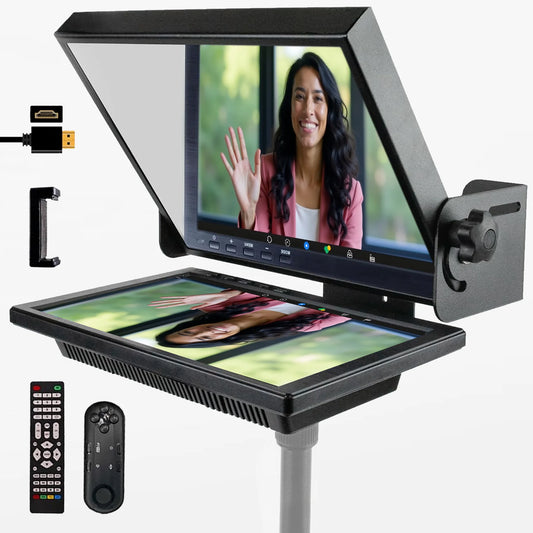
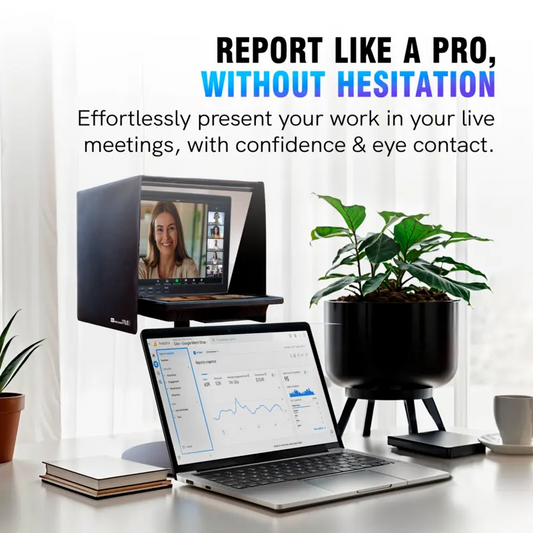
The iLight PRO line is designed primarily for recording. For live video calls (Zoom, Teams), check out the Teleprompter for Zoom Calls guide — the EyeMeeting product line is built specifically for that use case. For recorded training videos that you distribute later, the iLight PRO is the right choice.
Can I use the same teleprompter for church sermons and training?
Absolutely. The setup is identical. Many churches use their iLight PRO for Sunday sermons, Wednesday training recordings, and Saturday event prep content. The hardcase on the 14-inch model makes it easy to move between locations throughout the week. We have a full guide on teleprompters for church sermons if you want specific sermon-scripting tips.
What's the minimum focal length I should use?
24mm. Below that, the edges of the glass frame and the tablet holder tray become visible in the shot. Most kit lenses start at 18mm, so zoom in slightly past the 24mm mark before recording.
Do I need a special monitor instead of a tablet?
For most church training setups — one speaker, self-operated or with a volunteer using the remote — a tablet is perfect. The inverted monitor accessory is designed for two-person setups where a separate operator controls the script from a computer while the talent reads. Unless you have a dedicated AV operator, a tablet is simpler and more practical.
How do I avoid the speaker sounding robotic?
Write conversationally (contractions, short sentences, questions). Add pause marks in the script. Have the speaker rehearse the script out loud once before recording — not to memorize it, but to feel the rhythm. And encourage natural gestures. The body language matters just as much as the voice.
A teleprompter for church training pays for itself after the first round of volunteer onboarding videos. You record once, distribute to every new volunteer forever, and the message stays consistent. Pair the iLight PRO 14-inch with a decent lapel mic and three-point lighting, and your church's training videos will look like they cost ten times what they did.
Nos meilleures ventes
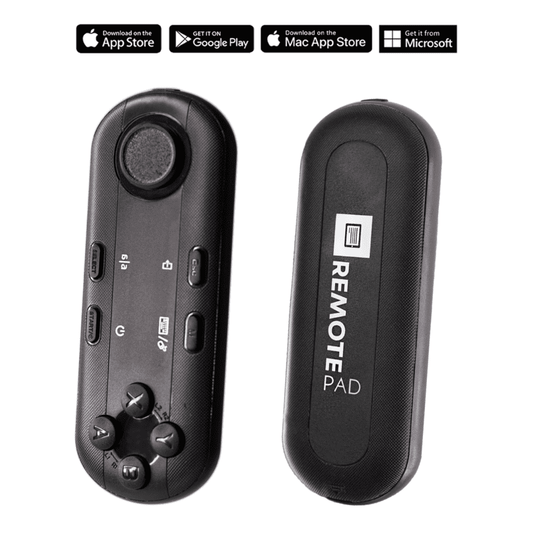
TELEPROMPTER PAD Télécommande Bluetooth pour téléprompteur – Comprend une application téléprompteur pour Apple, Android Windows et Mac – Contrôleur sans fil pour prompteur répartiteur de faisceau ou équipement de diffusion en direct
- 34.90€
39.90€- 34.90€
- Prix unitaire
- per
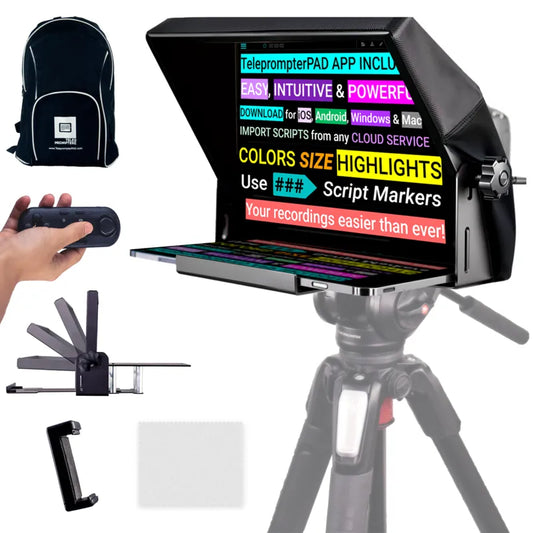
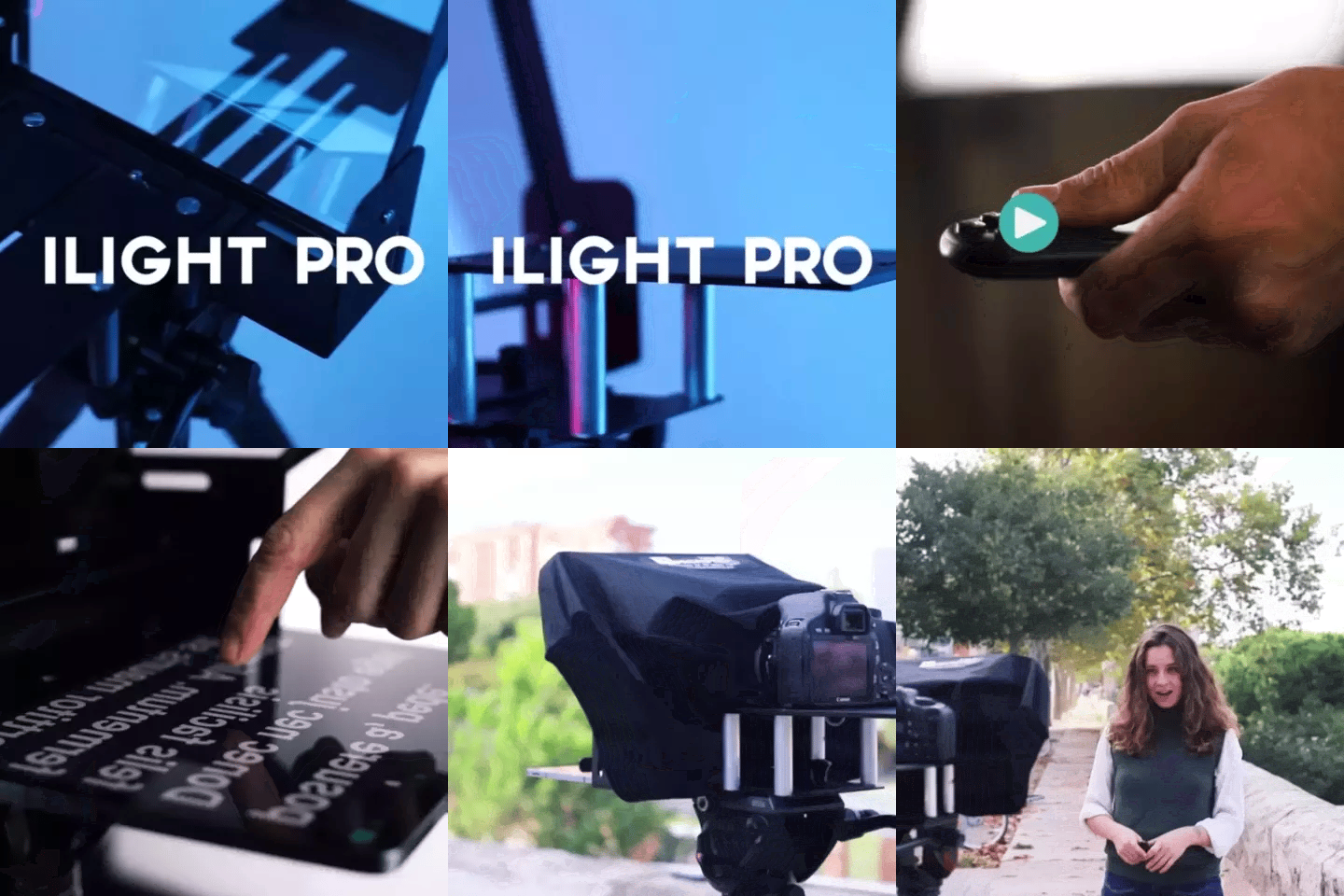
TELEPROMPTER PAD Téléprompteur iLight PRO 12'' pour tablette iPad - Kit téléprompteur pour vidéo avec télécommande, application et sac de transport - Prompteur répartiteur de faisceau Autocue DSLR, iPhone, APP pour Apple Android Mac Win
- 159.00€
199.00€- 159.00€
- Prix unitaire
- per
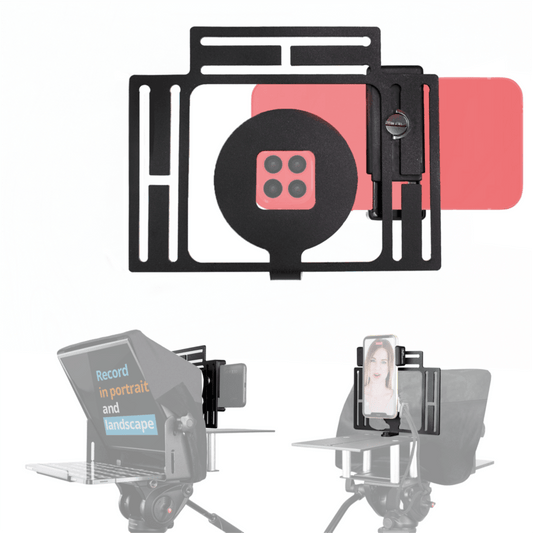
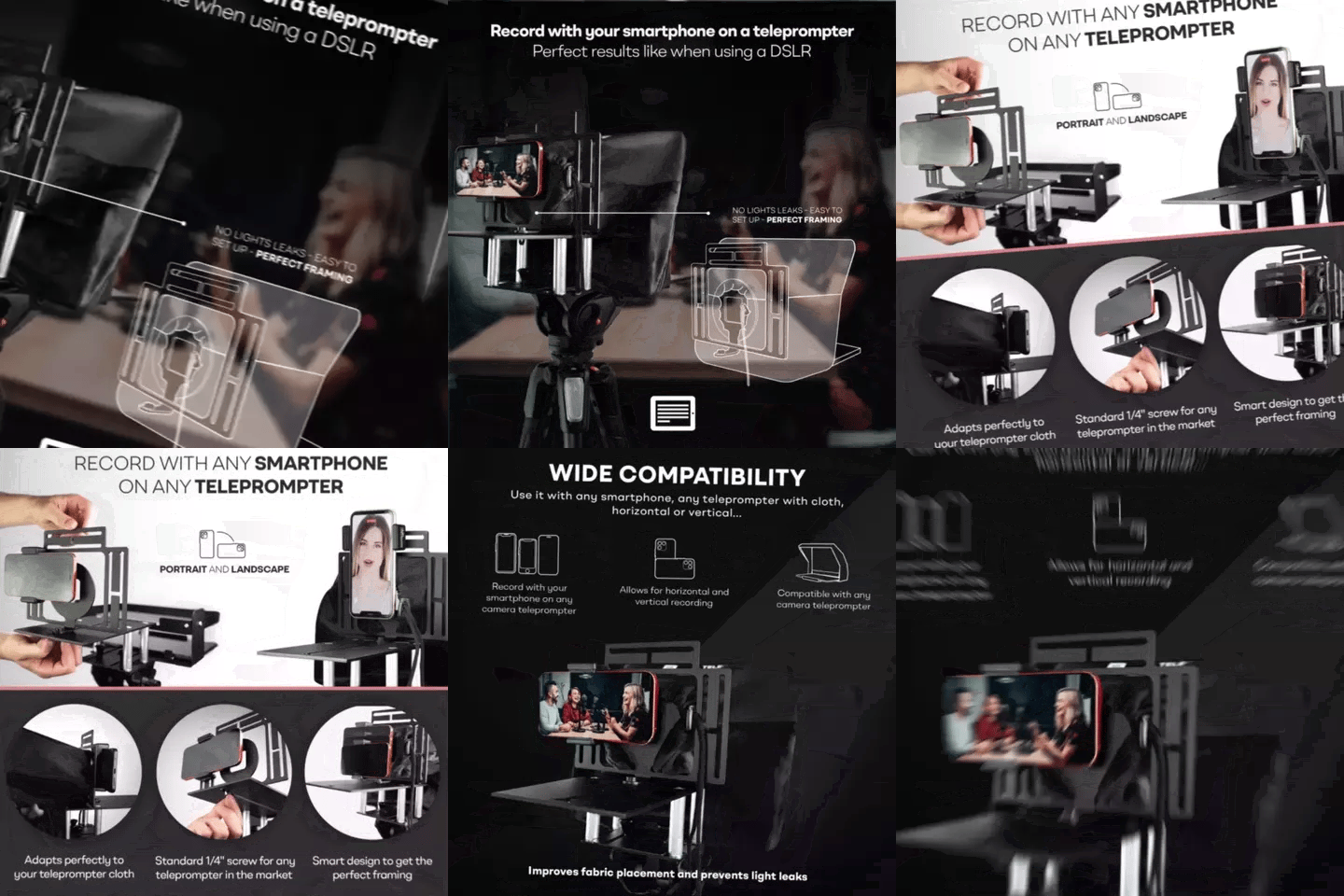
TELEPROMPTER PAD Smartphone Adaptor for teleprompter – Record with any iPhone, Android phone, compatible with any teleprompter, aluminum universal Rig for prompter with camera plate, snug cloth fit
- 29.90€
39.90€- 29.90€
- Prix unitaire
- per
TELEPROMPTER PAD EyeMeeting Prompter pour streaming Twitch, Youtube, Zoom Eye Contact, pour Mac/PC DSLR Webcam iPhone avec logiciel, moniteur 10,1" et télécommande, Compatible avec Elgato Streamdeck
- 229.00€
299.00€- 229.00€
- Prix unitaire
- per