



Teleprompter for Church Services Online: Setup Guide
A teleprompter for church services online solves the one problem most streaming churches share: the pastor reads notes, looks down, and loses connection with the remote congregation. A beam splitter teleprompter places scrolling scripture and sermon text directly in front of the camera lens, so the speaker maintains eye contact with viewers at home. I've set up teleprompter rigs for dozens of churches across the US and Europe. In this guide, I'll walk through the exact hardware, software, and workflow that works for online worship — and the mistakes I see church media teams make every week.

Churches and religious leaders make up about 6% of our customer base — roughly 3,000 orders shipped to houses of worship worldwide. I've personally troubleshot lighting glare in sanctuaries, helped volunteer-run AV teams pick the right tablet, and walked pastors through their first recorded sermon. Everything in this article comes from those real conversations and setups.

Why do online church services need a teleprompter?
The short answer: eye contact. When your pastor glances at a paper outline or reads off a side monitor, remote viewers notice immediately. Research on video-mediated communication confirms that direct gaze significantly affects perceived trustworthiness — a peer-reviewed review on Academia.edu found that participants rated trust higher when viewing centered videos compared to side or top-angle views.
For a church, trust is the entire point. The congregation at home needs to feel the pastor is speaking to them, not past them. A beam splitter teleprompter places the scrolling text between the speaker and the camera, so the lens sits right behind the glass. The result: the pastor reads naturally while appearing to look straight into the viewer's eyes.
The numbers back up the trend. An estimated 75% of churches are expected to offer streaming services in 2026, and about 300 million people globally are projected to watch church streams this year, up from 250 million in 2025. Online worship isn't a temporary pandemic measure anymore — Pushpay's 2025 State of Church Tech report shows 87% of churches continue streaming as a long-term strategy. If you're investing in streaming, investing in how your speaker looks on camera is the logical next step.
Which teleprompter works best for streaming church services?
For most churches streaming online services, a camera-mounted beam splitter teleprompter is the right tool. It sits on your existing tripod, holds a tablet that runs the scrolling script, and positions the camera directly behind the glass. The pastor reads, the camera records, and the viewer sees eye contact.
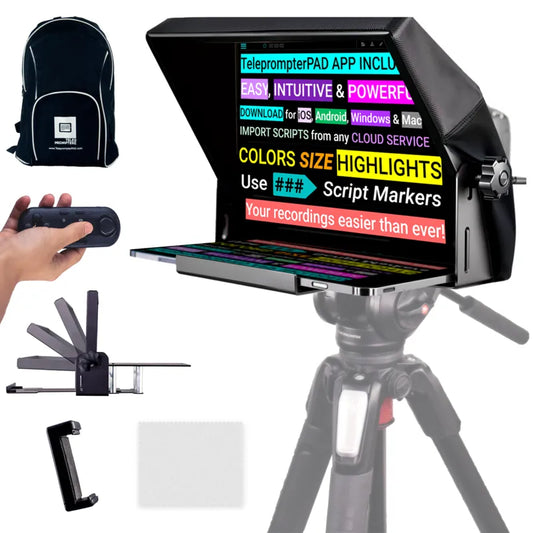
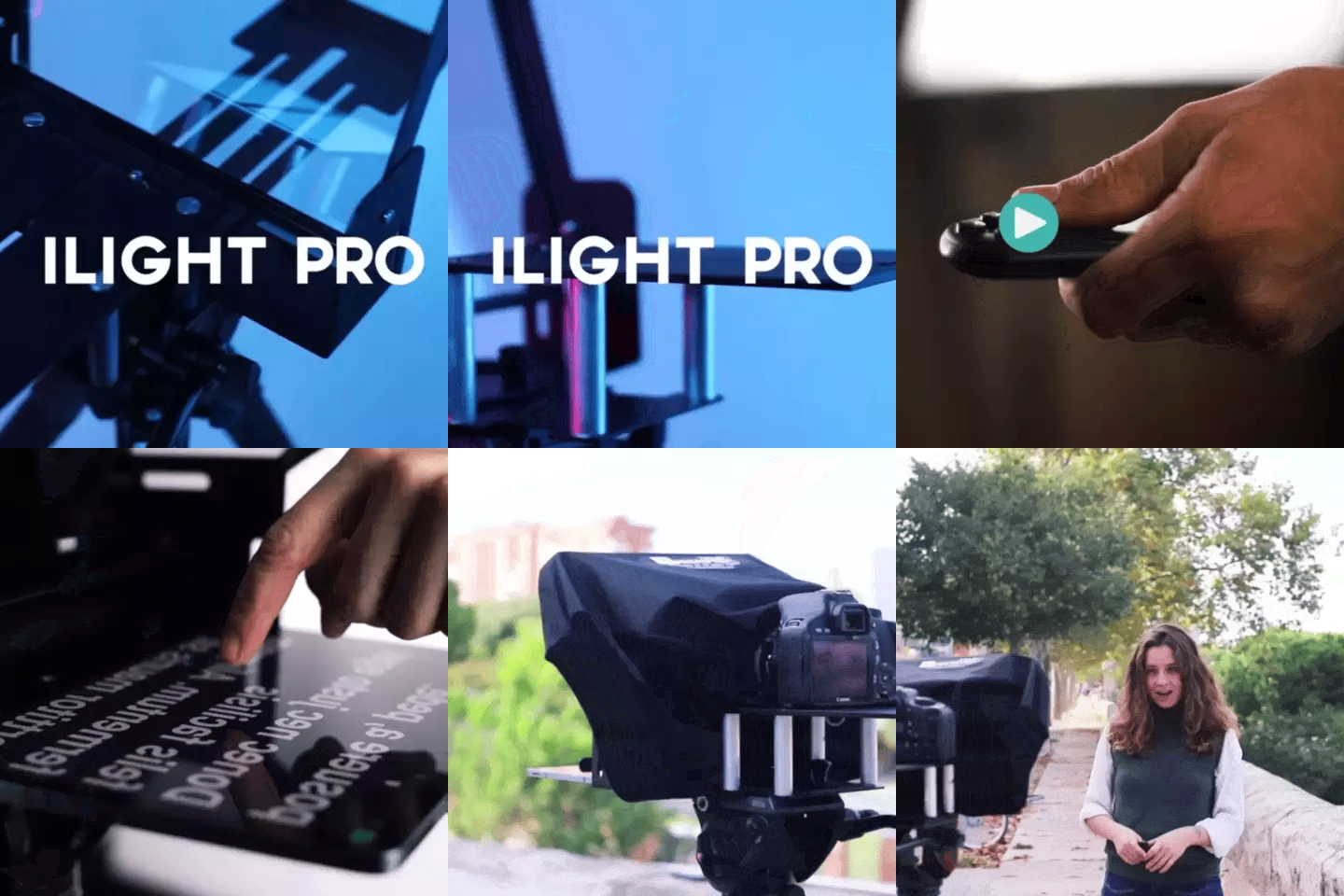
The iLight PRO 12-inch is what I recommend to the vast majority of church media teams. It handles iPads up to 10.2", works with any DSLR, mirrorless, or even a webcam, and comes pre-assembled — setup under 2 minutes. That last part matters when your AV crew is made up of volunteers who rotate week to week.

If your church uses an iPad Pro 12.9" or you want a larger text display for the speaker, the iLight PRO 14-inch is the step up. It supports tablets up to 12.2" and includes a transport hardcase, which is handy if your teleprompter travels between a sanctuary and a separate recording room.
iLight PRO 12-inch vs. 14-inch: quick comparison for churches
| Feature | iLight PRO 12-inch | iLight PRO 14-inch |
|---|---|---|
| Max tablet size | 20 × 26 cm (iPad 10") | 25 × 31 cm (iPad Pro 12.9") |
| Glass size | 12-inch HD 60/40 | 14-inch HD 60/40 |
| Camera max length | 20 cm / 8" | 25 cm / 10" |
| Tripod mount | 1/4" screw | 1/4" + 3/8" dual |
| Hardcase included? | No (carry bag) | Yes |
| Price | €159 | €239 |
| Best for | Most churches, volunteer AV teams, weekly sermons | iPad Pro 12.9" users, multi-room setups, production teams |
Both models use the same lab-grade German beam splitter glass with anti-ghosting coating — 4mm thick, impact resistant, 60/40 light ratio. The 12-inch is our most popular model overall (about 60% of all sales), and it's the one I recommend first to church teams because it's lighter, more portable, and costs €80 less.
How to set up a teleprompter for online church services: step by step
Here's the workflow I walk church media volunteers through. The whole thing takes about 10 minutes the first time and under 5 minutes after that.
- Mount the teleprompter on your tripod. Use the 1/4" screw on the base plate. The teleprompter — not the camera — goes on the tripod. (Mounting the camera directly is mistake #8 I see constantly.)
- Attach your camera behind the glass. Slide it onto the camera plate inside the unit. The lens should sit as close to the glass as possible — this minimizes visible frame edges.
- Load your sermon into the TeleprompterPAD app. Import directly or paste text. Set font size so the pastor can read comfortably at 1.5–2 meters. Activate mirror mode so the text reflects correctly on the glass.
- Position at eye level. Adjust the tripod height so the glass center aligns with the pastor's eyes. This feels natural and prevents the "looking up" or "looking down" effect viewers pick up on.
- Seal the blackout hood. The included Velcro hood blocks ambient light from washing out the reflected text. This is critical in sanctuaries with bright overhead lighting.
- Test audio and lighting. Always use an external mic — your DSLR's built-in mic is unusable at 1.5m+. Three-point lighting (key, fill, backlight) keeps the pastor well-lit without creating glare on the glass.
- Run a test take. Record 30 seconds. Check framing, scroll speed, and audio. Adjust before the real recording or stream.
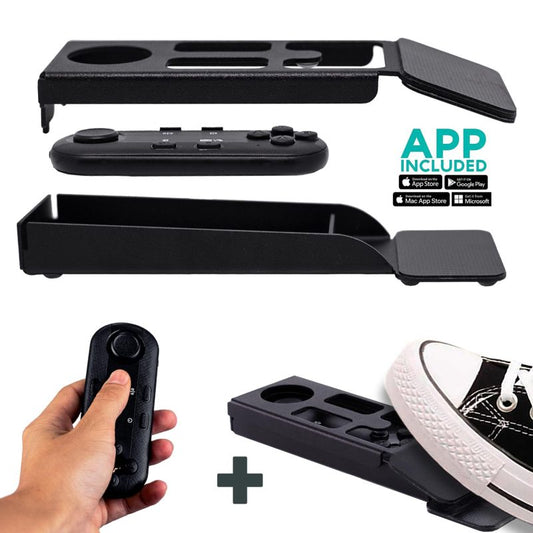
The Bluetooth remote control (included with every iLight kit) lets the pastor or a volunteer operator control play/pause and scroll speed. For hands-free control, the Wireless Kit (Pedal + Remote) is a great add-on — the capacitive sensor pedal is completely silent, so microphones won't pick up any clicking.


Sermon scripting tips that actually sound natural on camera
The biggest mistake I see from pastors using a teleprompter for the first time? Writing a sermon like an essay. A teleprompter reads best when the text is written the way you speak. Here are the rules I give every church team.
- Short sentences. If a sentence has a comma-separated clause, break it into two sentences. Your brain reads ahead, and long sentences cause stumbles.
- Use pacing marks. Add "..." or "[PAUSE]" where you'd naturally breathe or let a point land. The TeleprompterPAD app supports rich text formatting — bold key phrases, highlight scripture references.
- Write contractions. "Don't" instead of "do not." "We're" instead of "we are." It sounds human.
- Mark transitions. When moving from a story to a teaching point, add a visible marker. The app's script markers feature lets you jump between sections quickly.
- Practice the scroll speed. Do one full run-through before going live. Adjust speed in the app until it matches your natural talking pace — not too fast, not lagging behind.
A conversational script combined with proper scroll speed is the difference between a pastor who sounds like a news anchor and one who sounds like they're speaking from the heart. That authenticity matters — Wyzowl's 2026 report and HubSpot research found that 76% of marketers say authentic content outperforms polished production on social media. The same principle applies to sermons.
Common church lighting and sanctuary challenges
Sanctuaries weren't built for video production. I see the same three problems in almost every church setup I consult on.
Problem 1: Overhead stage lights creating glare. Those bright downlights aimed at the pulpit? They bounce off the beam splitter glass and wash out the reflected text. Solution: reposition the teleprompter so it's not directly under a downlight, or angle the overhead fixtures slightly. The glass should be set close to 45 degrees — the adjustable knob on the iLight PRO makes this easy.
Problem 2: Stained glass or windows behind the speaker. Backlight from windows blows out the camera exposure. Close blinds or curtains behind the pastor. Add a dedicated backlight behind and above the speaker to separate them from the background instead.
Problem 3: The blackout hood isn't sealed. If ambient light leaks into the tablet tray area, the text reflection on the glass fades. The included Velcro hood on the iLight PRO blocks this — just make sure it's fully pressed down on all sides before every service.
Who's actually using teleprompters for online church services?
Churches and religious leaders make up about 6% of our total customer base at TeleprompterPAD. That's roughly 3,000 orders shipped to houses of worship. But within that segment, I see three distinct use cases.
Small to mid-size churches (the majority). These are congregations of 50–500 members where the pastor records a weekly sermon for YouTube, Facebook, or the church website. The AV team is usually 1–3 volunteers. They need something that's fast to set up, doesn't require a technician, and works with the iPad they already own. The iLight PRO 12-inch fits this profile perfectly.
Multi-campus churches. Larger ministries that stream a sermon from one campus to others. These teams often have a dedicated media person and invest in the 14-inch model or pair the 12-inch with an inverted monitor so an operator can control the script from a separate computer while the pastor reads.
Online-only ministries. A growing category. These are pastors or ministry leaders who don't have a physical church at all — they stream directly to social platforms. They use the teleprompter exactly like a content creator would (content creators make up 24% of our customers). Same gear, same workflow, but the content is a sermon instead of a product review.
Honest pros and cons
I always give church teams the full picture before they buy. Here's what works and what doesn't.
| Pros | Cons |
|---|---|
| Direct eye contact with remote viewers | Requires 1.5–2m distance — closer and eye scanning is visible |
| Pre-assembled, under 2-min setup for volunteers | Not designed for broadcast studios — this is prosumer gear |
| Free app works on iOS, Android, Windows, Mac | Minimum 24mm focal length — wide-angle lenses show frame edges |
| Bluetooth remote included for speed/pause control | Remote uses AAA batteries (not rechargeable) — keep spares |
| German beam splitter glass with anti-ghosting | Hood must be sealed properly or bright sanctuaries wash out text |
| 1-to-1 multilingual support (EN, ES, DE, FR, IT) | 12-inch model doesn't fit iPad Pro 12.9" — need the 14-inch for that |
One thing I'll add: some pastors feel stiff the first time using a teleprompter. That's normal. It typically takes 2–3 practice sessions before the reading feels natural. I tell everyone — don't record your first attempt for public consumption. Practice, get comfortable, then go live.

Pre-service vs. live streaming: does the workflow change?
Slightly. For pre-recorded sermons, you can stop, re-record a section, and edit later. The teleprompter workflow is identical, but you have more room for error. Most smaller churches record midweek and publish on Sunday morning.
For live streaming, the teleprompter becomes even more valuable because there's no second take. The pastor needs to stay on message, hit time marks, and maintain composure — all while looking directly at the camera. The scroll speed feature in the app is critical here. Set it slightly slower than your natural reading pace. It's easier to catch up than to fall behind.
One tip for live streaming: have a volunteer hold the Bluetooth remote as a dedicated operator. They watch the pastor's pace and adjust speed in real time. This takes the cognitive load off the speaker. I wrote about this workflow in more detail in our church livestream setup guide.
What about recording with a smartphone?
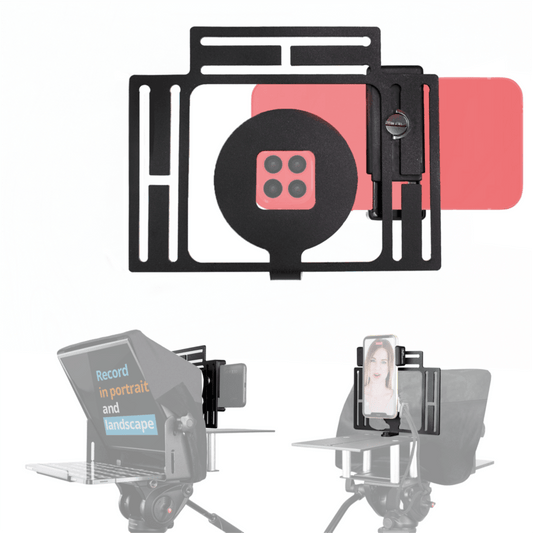
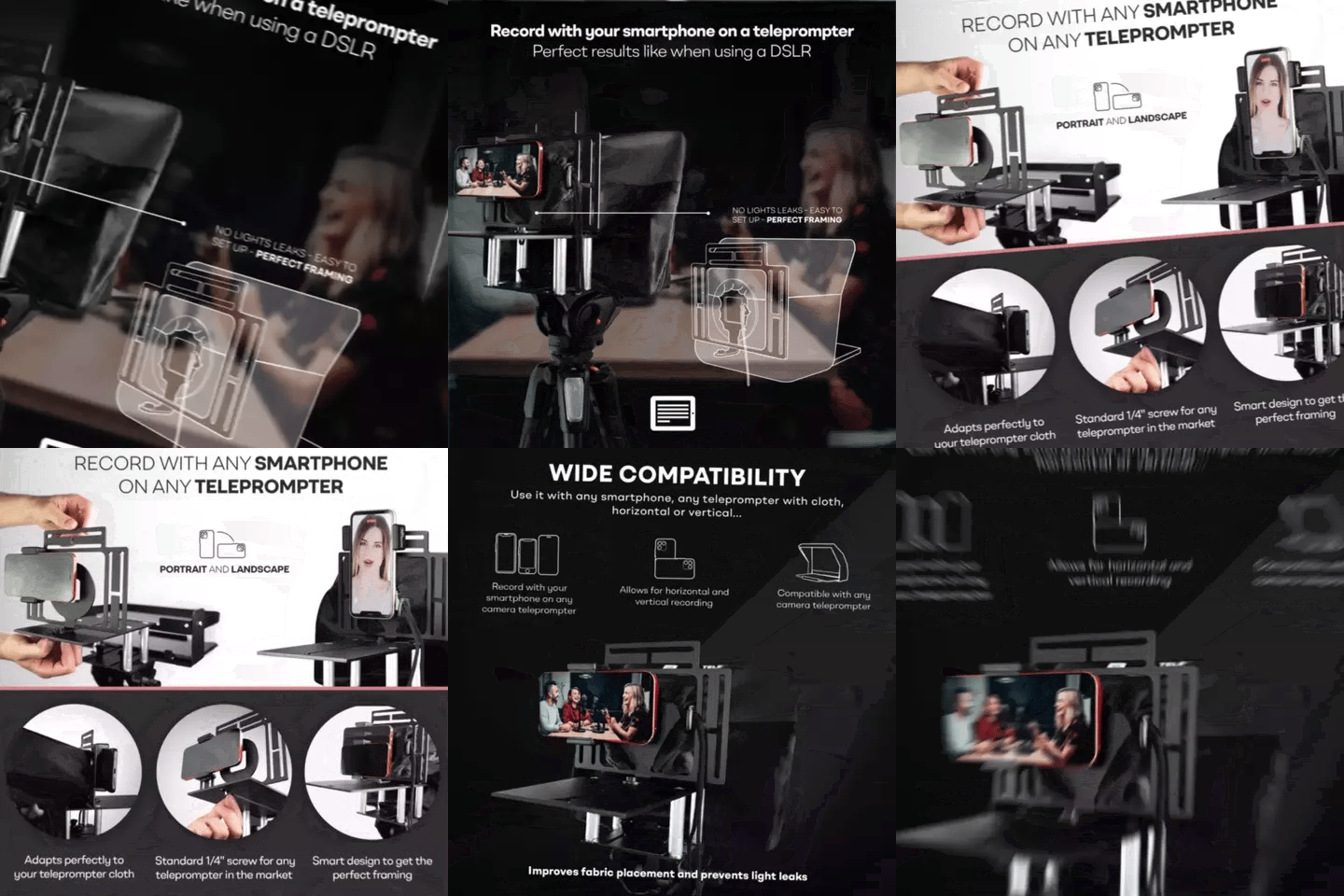
Plenty of smaller churches record with an iPhone or Galaxy phone instead of a DSLR. That works fine. The iLight PRO 12-inch comes with a smartphone clamp that fits behind the glass. Just keep two things in mind.
First, avoid ultra-wide-angle smartphone lenses. The minimum focal length for clean framing is 24mm. Most phone main cameras sit around 24–26mm, which is fine. But if your phone defaults to an ultra-wide, you'll see the teleprompter frame edges in the shot.
Second, lock your phone's screen rotation. If the tablet or phone auto-rotates while mounted in the tray, your mirrored text flips mid-sermon. The TeleprompterPAD app has a portrait mode option, but locking rotation at the OS level is the safer bet.
Frequently asked questions
Can I use a teleprompter for live-streamed church services, not just recordings?
Absolutely. The workflow is the same — mount the teleprompter, load your script, and stream. For live services, I recommend having a volunteer operate the Bluetooth remote to adjust scroll speed in real time so the pastor can focus on delivery.
What tablet should I use with a teleprompter for church?
Any iPad up to 10.2" or Android tablet up to 20×26 cm works with the iLight PRO 12-inch. If you have an iPad Pro 12.9", you'll need the 14-inch model. Most churches already own a suitable tablet — you don't need to buy one specifically for this.
Does the teleprompter glass affect video quality?
The 60/40 HD beam splitter glass passes about 60% of light through to the camera. In a well-lit setup, the difference is negligible. In dim sanctuaries, you may need to bump your ISO up slightly. The anti-ghosting coating prevents double reflections, so you won't see text overlaid on the video.
How far should the pastor stand from the teleprompter?
Between 1.5 and 2 meters (5–6.5 feet). Closer than 1.2 meters and viewers can see the speaker's eyes scanning left to right. If space is tight, use the TeleprompterPAD app's margin narrowing feature to shrink the text width.
Can multiple people use the teleprompter in one service?
Yes. Load all readings and announcements into one script file in order, separated by script markers. The operator (or speaker) uses the remote to jump between sections. For churches with multiple readers, this is much faster than swapping paper notes.
Is the TeleprompterPAD app really free?
Yes, completely free on iOS, Android, Windows, and Mac — plus a browser-based web version that needs no installation. There's no subscription, no premium tier. All features including remote control support, rich text editing, and mirror mode are included.
Do I need a special tripod?
No. Any tripod with a standard 1/4" screw works with the iLight PRO 12-inch. Just make sure it can support the combined weight of the teleprompter, tablet, and camera (typically under 4kg total). A fluid-head tripod is nice for smooth adjustments but not required.
What if our church has no tech-savvy volunteers?
The iLight PRO arrives pre-assembled. First-time setup is genuinely under 2 minutes. And if anyone gets stuck, our support team offers personal 1-to-1 help in English, Spanish, German, French, and Italian — including video call walkthroughs. We've helped church volunteers with zero tech experience get recording within a single session.
Online church isn't going away. With 87% of churches continuing to stream and hundreds of millions of viewers tuning in globally, the question isn't whether your church should be on camera — it's how professional you want to look when you are. A teleprompter like the iLight PRO 12-inch gives your pastor direct eye contact with every remote viewer, and it costs less than one Sunday's worth of flowers on the altar.
Nos meilleures ventes
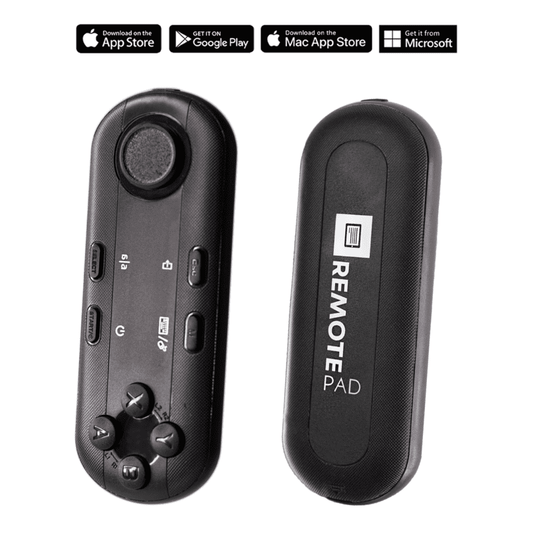
TELEPROMPTER PAD Télécommande Bluetooth pour téléprompteur – Comprend une application téléprompteur pour Apple, Android Windows et Mac – Contrôleur sans fil pour prompteur répartiteur de faisceau ou équipement de diffusion en direct
- 34.90€
39.90€- 34.90€
- Prix unitaire
- per
TELEPROMPTER PAD Téléprompteur iLight PRO 12'' pour tablette iPad - Kit téléprompteur pour vidéo avec télécommande, application et sac de transport - Prompteur répartiteur de faisceau Autocue DSLR, iPhone, APP pour Apple Android Mac Win
- 159.00€
199.00€- 159.00€
- Prix unitaire
- per
TELEPROMPTER PAD Smartphone Adaptor for teleprompter – Record with any iPhone, Android phone, compatible with any teleprompter, aluminum universal Rig for prompter with camera plate, snug cloth fit
- 29.90€
39.90€- 29.90€
- Prix unitaire
- per
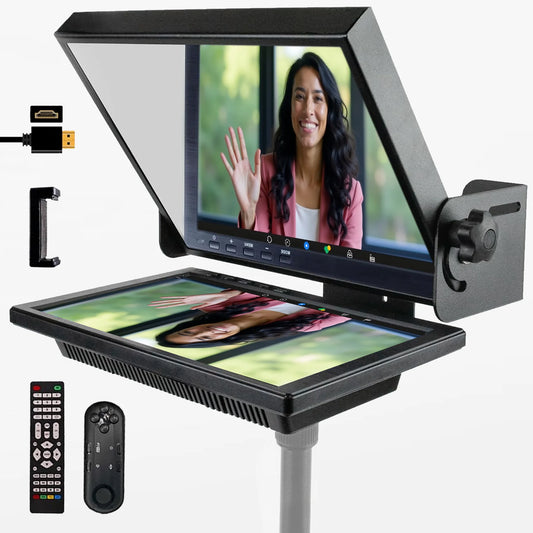
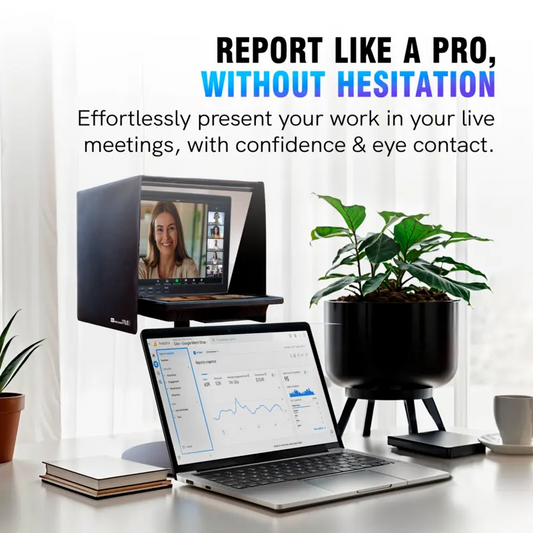
TELEPROMPTER PAD EyeMeeting Prompter pour streaming Twitch, Youtube, Zoom Eye Contact, pour Mac/PC DSLR Webcam iPhone avec logiciel, moniteur 10,1" et télécommande, Compatible avec Elgato Streamdeck
- 229.00€
299.00€- 229.00€
- Prix unitaire
- per