



Teleprompter for Corporate Training Sessions: DIY Setup
A teleprompter for corporate training sessions lets your L&D team produce consistent, on-message video content without hiring a production crew every quarter. The presenter reads from a script reflected on beam splitter glass while looking directly into the camera — so learners see confident eye contact, not someone glancing at notes off-screen. I've shipped gear to hundreds of corporate training departments, HR teams, and L&D managers over the past decade, and the pattern is always the same: they start with one training series, realize how much time and money they save, and then roll it out company-wide. This guide covers the exact hardware, room setup, and scripting workflow you need to start recording training videos in-house today.

Over 50,000 TeleprompterPAD orders shipped globally, and roughly 18% of those go to SMBs, startups, and marketing teams — many of whom are building in-house training video setups for the first time. I've walked L&D managers through everything from camera placement to script formatting across five languages, and I've seen firsthand which mistakes kill a recording session before it starts.

Why corporate training teams are recording video in-house
The economics are hard to argue with. U.S. companies spent $102.8 billion on training in 2024–2025, a nearly 5% year-over-year increase. A big chunk of that budget still goes to live workshops, external facilitators, and one-off video production jobs that cost thousands per finished minute.
Bringing production in-house with a teleprompter flips the cost curve. You pay once for the hardware, and then your subject-matter experts can record a new module whenever the content changes. No booking a studio. No waiting three weeks for an edit.
There's a consistency argument, too. When you train through live sessions, every instructor delivers the message a little differently. A teleprompter locks in the exact phrasing your compliance team approved, your legal team reviewed, and your brand team signed off on — every single take.
The eye contact problem in training video
Here's something most L&D teams don't think about until they watch their first recording back: the presenter isn't looking at the viewer. They're glancing down at a laptop, reading from a paper script taped to the wall, or — worst case — staring at the ceiling trying to remember bullet points. Learners notice this immediately, even if they can't articulate why the video feels "off."
Research backs this up. A study published in Frontiers in Psychology found that participants felt "more connected and less intimidated" when eye contact was present in video conversations, while skewed visuality (where gaze doesn't align) made people more self-conscious and less engaged.
For corporate training, this matters enormously. If your onboarding video feels disconnected, new hires disengage. If your compliance training lacks authority, employees skim through it. A beam splitter teleprompter solves this because the script sits on glass directly in front of the camera lens. The presenter reads and maintains eye contact simultaneously — no acting skills required.
What hardware do you actually need?
You don't need a broadcast rig. Most corporate training departments I work with use a consumer/prosumer teleprompter, a mid-range camera, a decent microphone, and two or three lights. That's it. Here's the full list:
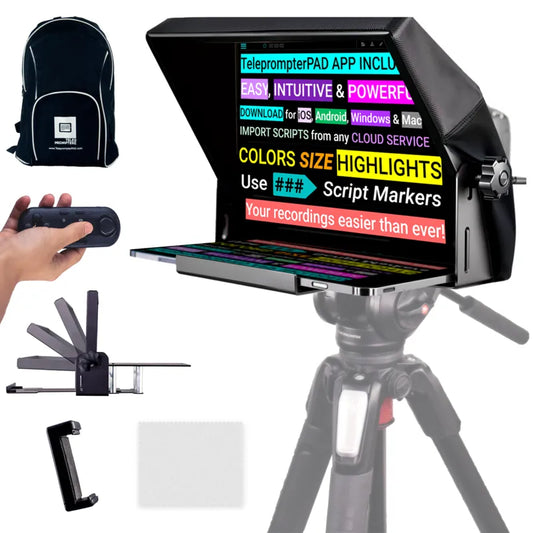
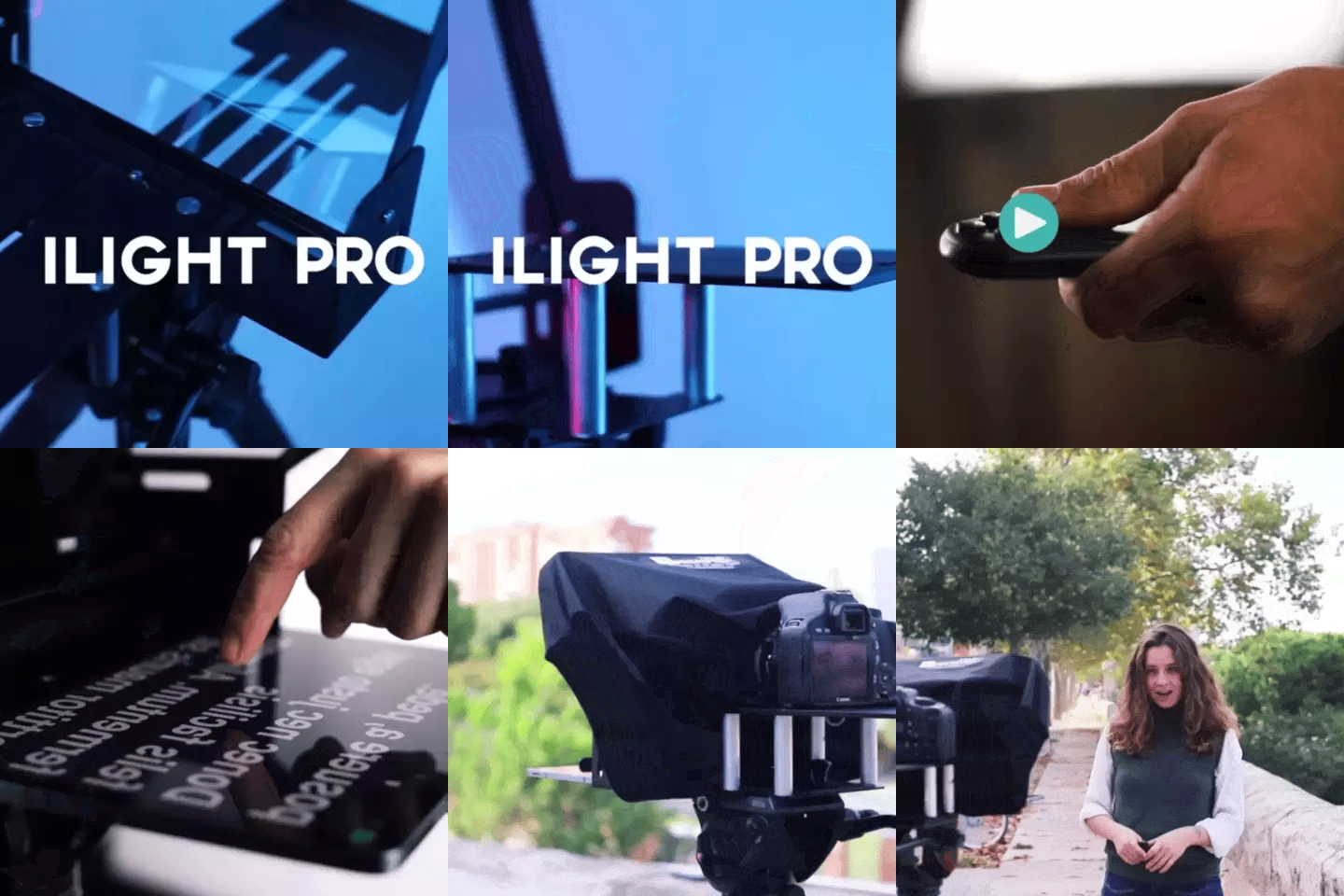
- Teleprompter: A beam splitter model like the iLight PRO 12". It works with any iPad, tablet, or smartphone up to 20 cm × 26 cm.
- Camera: Any DSLR or mirrorless camera up to 20 cm / 8" from front of lens to tripod screw. Even a decent smartphone works.
- Tripod: Sturdy enough to hold the teleprompter + camera (up to ~4 kg). Standard 1/4" screw mount.
- External microphone: Mandatory. A DSLR's built-in mic is unusable at 1.5 m+ distance. A lavalier or shotgun mic is the minimum.
- Three-point lighting: Key light (front/side), fill (opposite side), backlight (behind presenter). Avoids flat faces and distracting shadows.
- Tablet or phone: Runs the TeleprompterPAD app with the script. iOS, Android, Windows, or Mac.
That's a setup most companies already half-own. The camera might be in a closet. The iPad is on someone's desk. You're mainly buying the teleprompter itself and a decent mic.

iLight PRO 12" vs. 14": which fits your training room?
This is the most common question I get from L&D teams. The answer depends on what tablet you're using and whether you need portability between conference rooms or offices.
| Feature | iLight PRO 12" | iLight PRO 14" |
|---|---|---|
| Glass size | 12" beam splitter | 14" beam splitter |
| Max tablet size | 20 cm × 26 cm (iPad 10", Air 10.5", Pro 11") | 25 cm × 31 cm (iPad Pro 12.9", laptops up to 14") |
| Max camera length | 20 cm / 8" | 25 cm / 10" |
| Tripod mount | 1/4" screw | 1/4" + 3/8" dual |
| Carrying solution | Carry bag included (hardcase sold separately) | Transport hardcase included |
| Price | €159 | €239 |
| Best for | Solo trainers, portable setups, standard iPads | iPad Pro 12.9" users, shared production rooms |
For most L&D teams, the 12" model is the sweet spot. It's lighter, cheaper, and the 12" glass is more than enough when you're using an iPad 10" or Air. If your company has standardized on iPad Pro 12.9" devices, you'll need the 14" — the 12.9" physically won't fit inside the 12" frame.

Room setup: the 5-step workflow that actually works
I've seen too many training departments buy a teleprompter, set it up once with poor results, and then let it collect dust. The issue is almost never the hardware. It's the room setup. Follow these five steps and you'll get a usable take within your first 30 minutes.
- Mount the camera on the teleprompter (not a separate tripod). The camera screws into the 1/4" mount on the teleprompter base. Common mistake: people put the camera on its own tripod behind the glass. That kills alignment.
- Import the script and set your margins. Use the TeleprompterPAD app. If your presenter will stand closer than 1.5 m, narrow the text margins so their eyes don't scan side-to-side visibly.
- Set the glass angle close to 45 degrees. The iLight PRO has an adjustable knob for this — it's an exclusive feature. At 45°, the reflection is brightest and the camera behind the glass gets a clean, unobstructed view.
- Check your lighting. No overhead lights directly above the teleprompter — they cause glare on the glass. Three-point lighting (key, fill, backlight) eliminates harsh shadows and keeps the presenter's face evenly lit.
- Do a 30-second test take. Check audio levels, framing, scroll speed, and font size. Adjust before committing to a full script. This single step saves more time than any other.
Recommended recording distance is 1.5 m to 2.0 m. Closer than that and viewers can see the presenter's eyes scanning left to right. Farther than 2.0 m and you'll need a longer focal length, which narrows your framing options. Stay in the sweet spot.
Scripting for training video: write like you talk
The biggest teleprompter mistake in corporate training isn't technical. It's the script. I see it constantly: someone pastes a policy document or a slide deck into the app and tries to read it verbatim. The result is a robotic, stiff presenter who sounds like they're reading a legal disclaimer.
Write the way you'd explain the concept to a new employee sitting across from you. Short sentences. Active voice. Contractions where they feel natural. And leave pacing marks in the script — a simple "[PAUSE]" or "[SLOW]" cue in the text — so the presenter knows when to breathe.
The TeleprompterPAD app supports rich text formatting: bold, italic, highlight, and color coding. I tell L&D teams to highlight key terms in one color and pacing cues in another. That way the presenter can distinguish between "words to say" and "directions for delivery" at a glance.
In-house production vs. outsourcing: the real cost comparison
Let me lay out the numbers. Professional training video production starts around $1,000 per finished minute on the low end — and that's for basic talking-head content. A 10-module onboarding series with 5-minute videos? You're looking at $50,000+ per cycle, plus revisions.
An in-house teleprompter setup costs a fraction of that, and you own it forever.
| Cost Factor | Outsourced Production | In-House with Teleprompter |
|---|---|---|
| Equipment (one-time) | $0 (included in production fee) | ~€500–€800 (teleprompter + mic + lights) |
| Per-video cost | $1,000–$5,000+ per finished minute | Internal staff time only |
| Turnaround for updates | 1–4 weeks (scheduling + editing) | Same day |
| Script control | Revision cycles with vendor | Full internal control |
| Scalability | Cost scales linearly per video | Marginal cost near zero after setup |
The speed advantage is what most teams underestimate. When a compliance policy changes mid-quarter, an in-house team can re-record and publish the updated module the same afternoon. Try doing that with an external production house.
Who's using teleprompters for corporate training?
Based on our order data and customer conversations, three segments drive the bulk of corporate training teleprompter purchases:
SMBs, startups, and marketing teams (18% of our customers) are the fastest-growing group. They're producing onboarding videos, product knowledge clips, and sales enablement content. Most are one- or two-person teams who need to look polished without a production budget.
Coaches, therapists, and info-product creators (20%) often overlap with corporate training because they sell training content to companies. Think leadership coaching programs, soft-skills workshops, and custom e-learning modules delivered via LMS. They record entire course libraries with a single teleprompter and one ring light.
Educators and universities (10%) produce faculty training, compliance orientation, and institutional messaging. Several university clients use the iLight PRO 12" in a dedicated "video studio closet" — a repurposed room with blackout curtains and a permanent tripod mount.
Honest pros and cons of an in-house teleprompter setup
I sell teleprompters, but I'm not going to pretend there are zero downsides. Here's the honest breakdown.
| Pros | Cons |
|---|---|
| Consistent messaging on every take | Presenters need 2–3 practice sessions to sound natural |
| Saves thousands vs. outsourcing over time | Initial learning curve for non-video staff |
| Same-day re-recording when content changes | Still need basic editing skills (cuts, titles, export) |
| Maintains eye contact without memorization | Poorly written scripts will still sound robotic |
| Setup under 2 minutes once you know the process | Not a replacement for high-end cinematic production |
| Bluetooth remote lets a colleague control scroll speed | Room still needs decent lighting and a quiet environment |
The script quality issue is the one I emphasize most. A teleprompter amplifies good writing and exposes bad writing. If you hand your VP of Sales a wall of jargon-heavy text, no piece of hardware will make it sound authentic. Invest 30 minutes in conversational rewriting before every session.

Going beyond solo recording: the operator-controlled setup
Some larger training departments want a two-person workflow: a presenter reads while a producer controls scroll speed, handles camera framing, and monitors audio. This is where the Inverted Monitor for iLight PRO 12" comes in.
It replaces the tablet inside the teleprompter with a 10.1" plug-and-play HDMI display connected to a laptop. The operator sits at the laptop, controls the script, and the presenter just reads. The monitor arrives pre-inverted, so you don't need to mess with mirror-mode software settings.

Common mistakes L&D teams make (and how to avoid them)
After helping hundreds of corporate clients, I can predict the top mistakes before they happen. Here are the ones that waste the most time:
- Reading formal slide deck text: If it reads like a PowerPoint, rewrite it. Training video scripts need a conversational register.
- Skipping the test take: A 30-second test catches 90% of problems (audio levels, glare, scroll speed). Skipping it costs you an hour of unusable footage.
- Using the built-in camera mic: At 1.5 m+ distance, DSLR mics pick up mostly room echo. Always use an external lavalier or shotgun mic.
- Overhead lighting above the glass: Creates glare that washes out the reflected text. Move lights to the sides.
- Tablet rotation lock off: If the tablet auto-rotates mid-scroll, the text flips. Lock rotation before every session.
- Lens wider than 24 mm: You'll see the glass frame edges and tablet tray in the shot. Stay at 24 mm or longer.
- Standing too close (under 1.2 m): Eye scanning becomes visible on camera. Keep 1.5–2.0 m distance.
If you do hit a snag, TeleprompterPAD offers personal 1-to-1 support in English, Spanish, French, German, and Italian. For multinational teams, this means your office in Madrid and your office in Munich can both get help in their own language.
Frequently asked questions
Can non-technical staff set up a teleprompter for training sessions?
Yes. The iLight PRO 12" comes pre-assembled. Setup takes under two minutes — mount it on a tripod, place your tablet, and open the free app. I've seen HR managers with zero video experience get a usable recording in their first session.
What focal length should I use for training videos?
24 mm is the minimum. Below that, the glass frame and tablet tray creep into the shot. For a natural talking-head look, 35–50 mm works well with a recording distance of 1.5–2.0 m.
Does the presenter need to memorize the script?
No — that's the whole point. The script scrolls on the beam splitter glass directly in front of the lens. The presenter reads naturally while maintaining eye contact with the camera. Practice helps delivery sound conversational, but memorization is unnecessary.
Can I use my iPhone instead of a DSLR?
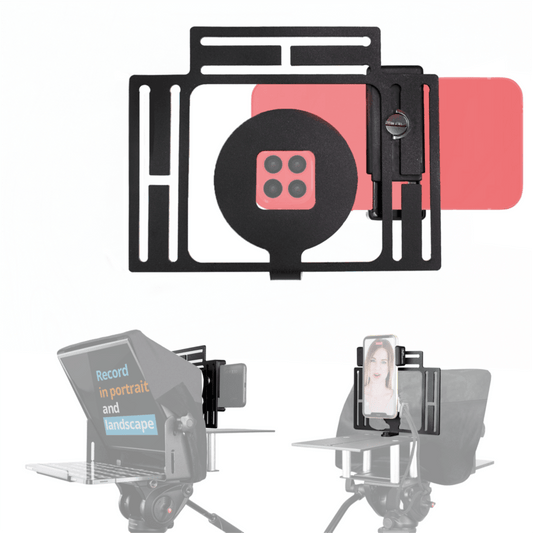
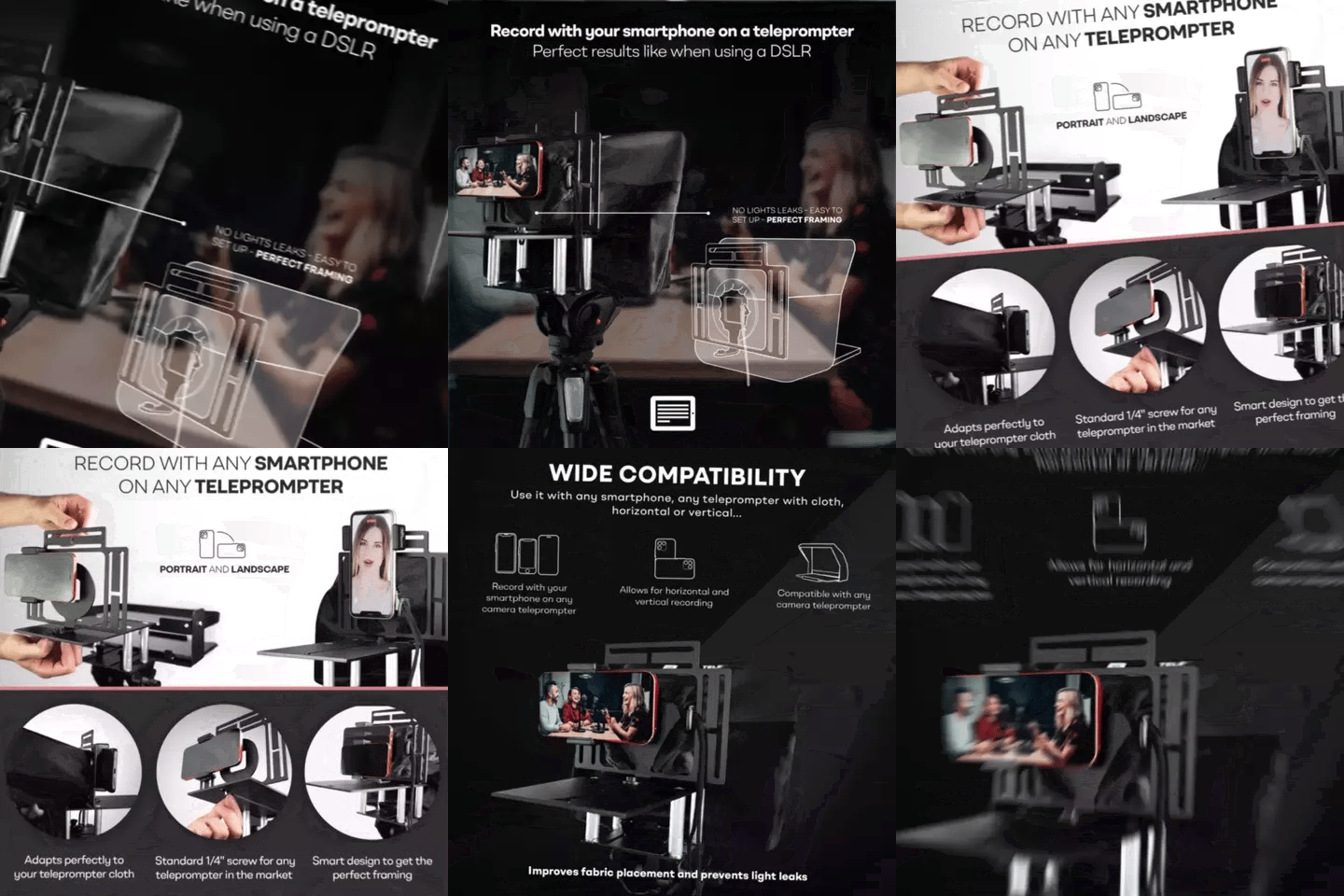
Absolutely. The iLight PRO 12" includes a smartphone clamp. Modern iPhones and high-end Android phones shoot excellent 4K video. For most internal training content, smartphone quality is more than enough.
How do I control scroll speed during recording?
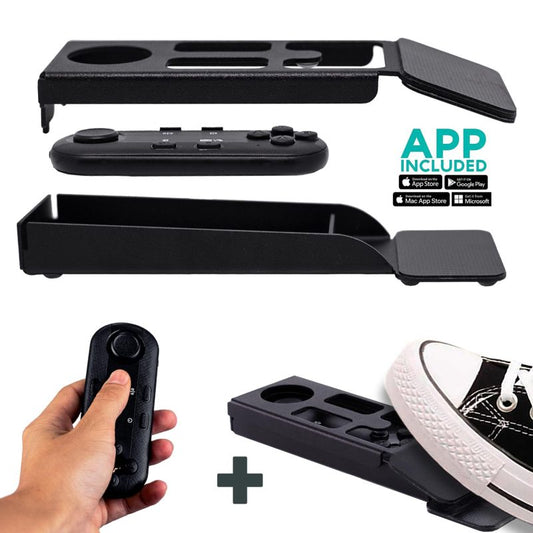
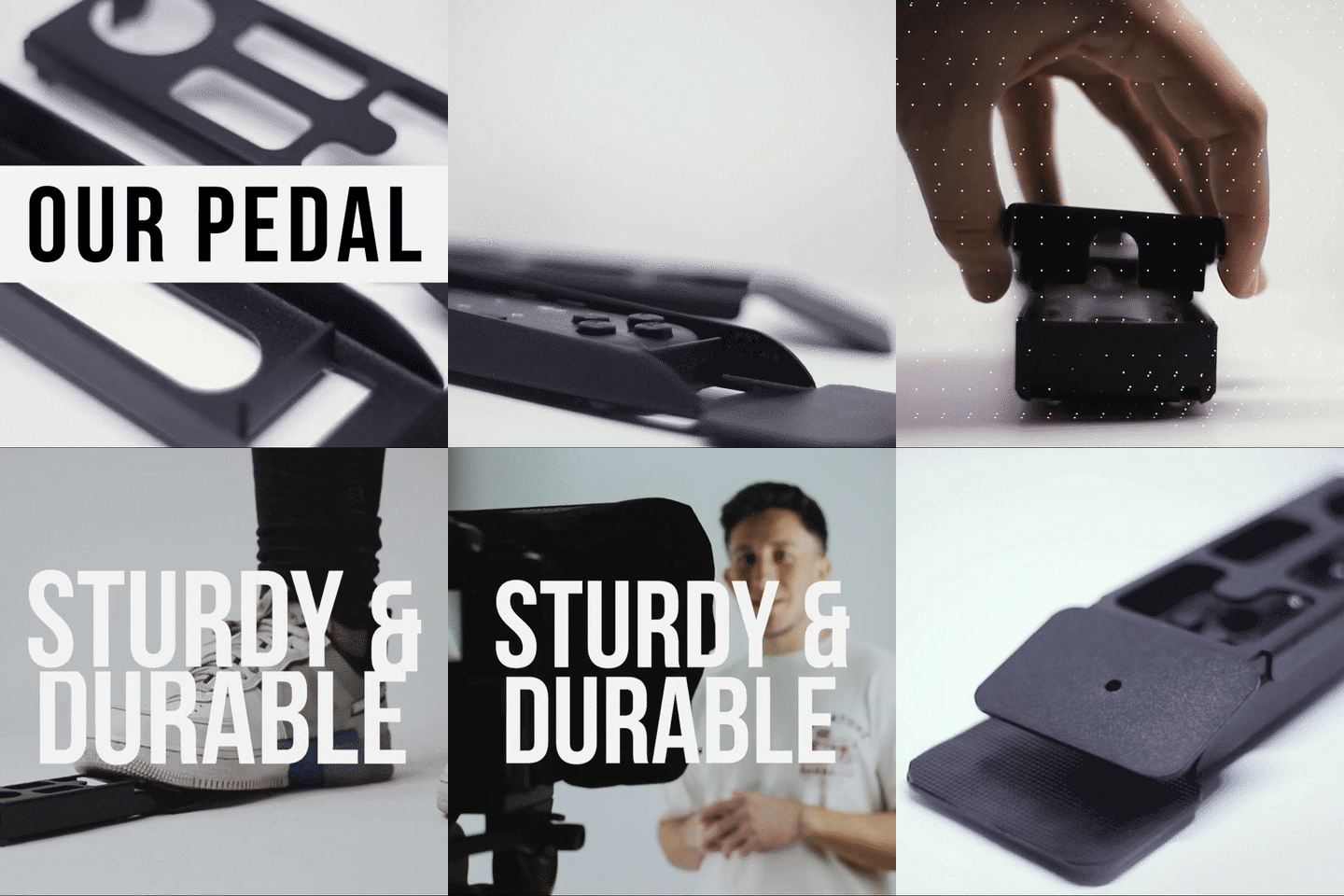
The included Bluetooth remote has play/pause, speed up, and speed down buttons. A colleague can operate it, or you can use the Foot Pedal for hands-free control. The pedal uses a silent capacitive sensor, so mics won't pick up any click noise.
Is this setup good enough for training videos uploaded to an LMS?
Yes. Most LMS platforms (Moodle, Docebo, TalentLMS, etc.) accept standard MP4 files. A teleprompter-assisted recording with decent lighting and an external mic produces content that's well above the typical webcam recording quality most employees are used to.
What if I need to update a training module?
Edit the script in the app, re-record the affected sections, and re-upload. The whole process takes minutes, not weeks. That's the core advantage of owning the production workflow.
Does TeleprompterPAD work for live virtual training too?
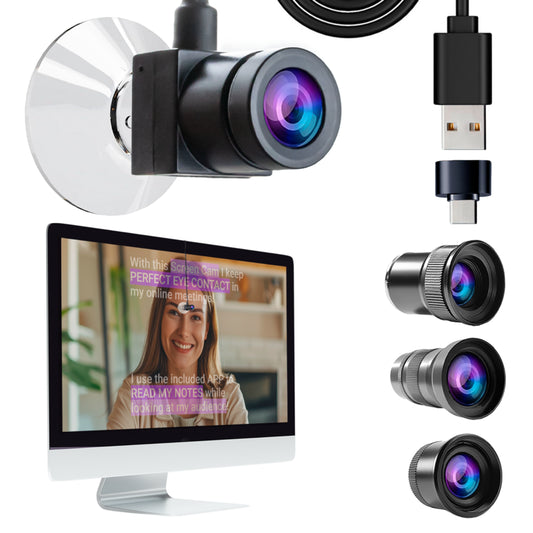
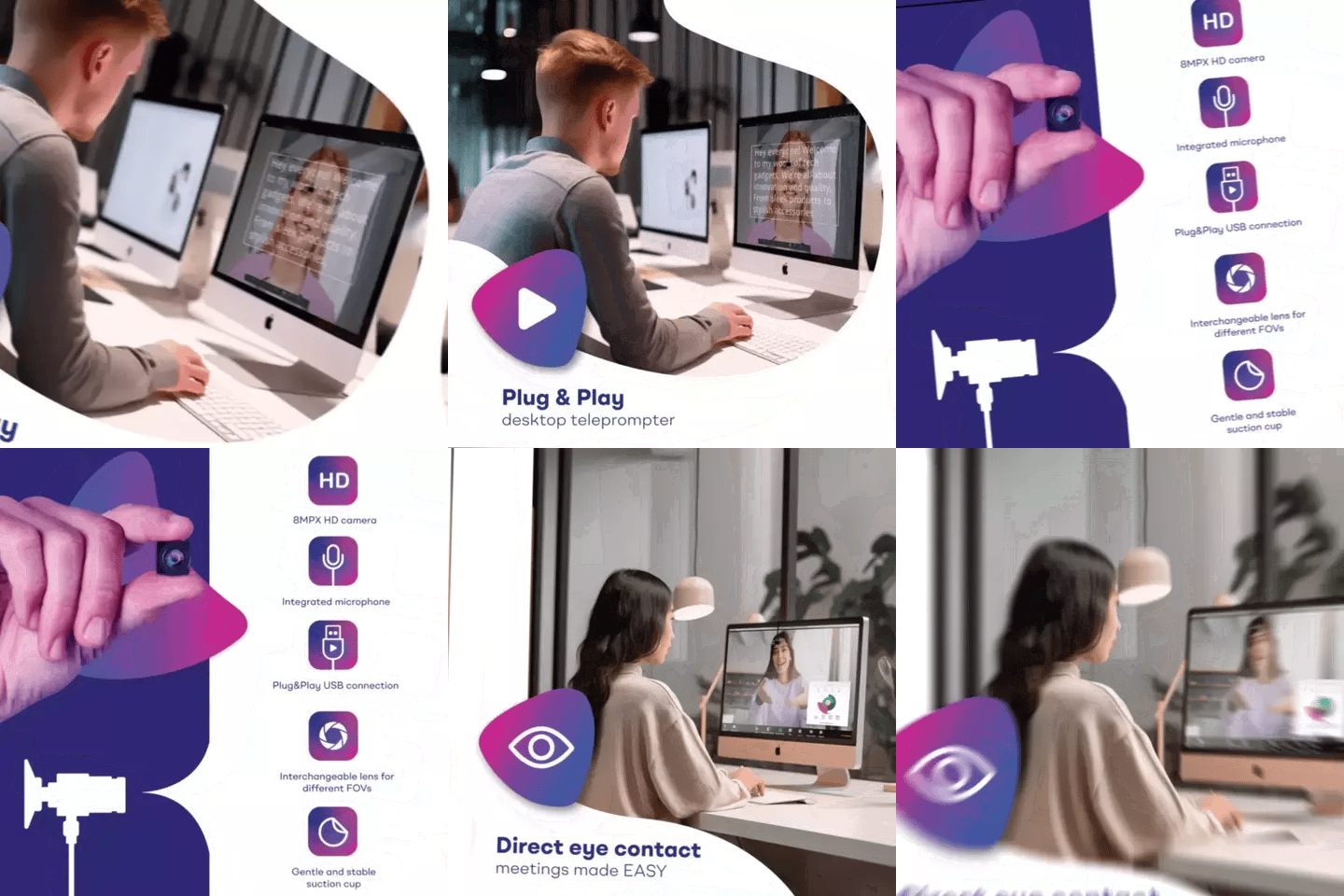
For live sessions over Zoom or Teams, the TeleprompterPAD app's Meeting Mode overlays transparent script text on your screen. You read your talking points while maintaining eye contact through the webcam. For more detail, check our guide on teleprompter for virtual training.
If your L&D team is producing training videos in-house — or planning to start — a beam splitter teleprompter is the single piece of gear that most directly improves perceived quality. It gives your presenters eye contact, consistent delivery, and confidence. The iLight PRO 12" handles 90% of corporate training use cases at €159, and if you ever outgrow it, there's a clear upgrade path. Start with a single training module, see the difference, then scale from there.
Nos meilleures ventes
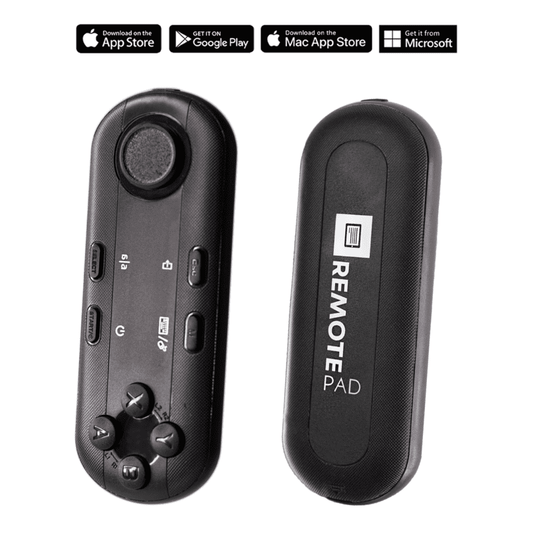
TELEPROMPTER PAD Télécommande Bluetooth pour téléprompteur – Comprend une application téléprompteur pour Apple, Android Windows et Mac – Contrôleur sans fil pour prompteur répartiteur de faisceau ou équipement de diffusion en direct
- 34.90€
39.90€- 34.90€
- Prix unitaire
- per
TELEPROMPTER PAD Téléprompteur iLight PRO 12'' pour tablette iPad - Kit téléprompteur pour vidéo avec télécommande, application et sac de transport - Prompteur répartiteur de faisceau Autocue DSLR, iPhone, APP pour Apple Android Mac Win
- 159.00€
199.00€- 159.00€
- Prix unitaire
- per
TELEPROMPTER PAD Smartphone Adaptor for teleprompter – Record with any iPhone, Android phone, compatible with any teleprompter, aluminum universal Rig for prompter with camera plate, snug cloth fit
- 29.90€
39.90€- 29.90€
- Prix unitaire
- per
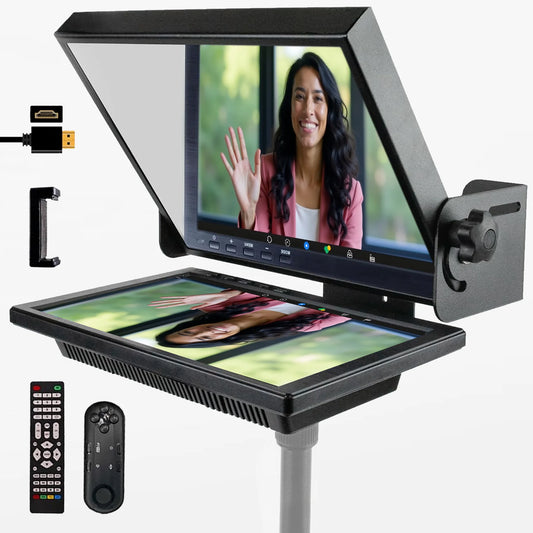
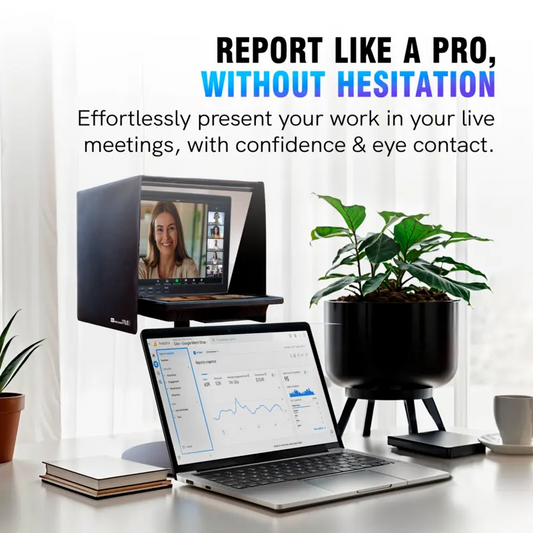
TELEPROMPTER PAD EyeMeeting Prompter pour streaming Twitch, Youtube, Zoom Eye Contact, pour Mac/PC DSLR Webcam iPhone avec logiciel, moniteur 10,1" et télécommande, Compatible avec Elgato Streamdeck
- 229.00€
299.00€- 229.00€
- Prix unitaire
- per