



Teleprompter for Virtual Training: Deliver Better Sessions
A teleprompter for virtual training lets you read your script while looking directly into the camera — so your trainees feel like you're talking to them, not reading off a screen. If you run live or pre-recorded training sessions for employees, clients, or students, this single piece of gear fixes the biggest credibility killer in virtual delivery: broken eye contact. I've helped thousands of trainers, coaches, and L&D teams set this up over the past decade, and the difference it makes is immediate. Below, I'll walk you through exactly how it works, which gear fits each scenario, and the mistakes that trip people up.

Over the past 10+ years I've personally configured teleprompter setups for corporate trainers, university lecturers, and L&D departments across 40+ countries. About 20% of our 50,000+ shipped orders go to coaches, therapists, and info-product creators who rely on virtual training delivery — so I've seen what works (and what doesn't) at scale.

Why does eye contact matter so much in virtual training?
Your trainees decide whether to trust you within seconds. When your gaze drifts to notes, a second monitor, or a script taped beside your webcam, the perceived connection drops immediately. Research by Kaiser, Henry, and Eyjólfsdóttir (2022) found that eye contact in video communication directly affects feelings of connection, mutual engagement, and emotional validation — and that disrupted gaze creates both emotional and physical distance.
A teleprompter fixes this mechanically. Your script scrolls on a tablet or monitor placed directly in front of the camera lens, reflected off a beam splitter glass. You read the words while the camera records straight through the glass. The result: you look like you're speaking from memory, even when you're reading every single word.
According to Wyzowl's 2026 survey, 89% of consumers say video quality impacts their trust in a brand. In a training context, "quality" isn't just resolution — it's whether the trainer looks credible, present, and focused on the learner.
Who actually uses a teleprompter for virtual training?
From our customer data, the breakdown is revealing. About 20% of TeleprompterPAD customers are coaches, therapists, and info-product creators building online courses, webinars, and video sales letters. Another 18% are SMBs, startups, and marketing teams — many of whom use video for internal training and client onboarding.
Then there's the education segment. Roughly 10% of our orders go to educators and universities recording lectures, orientation modules, or asynchronous training content. And 3% are corporate comms teams producing compliance, HR, or safety training videos.
Here's what all these groups have in common: they need to deliver structured content on camera without sounding robotic. A teleprompter lets them write a proper script, rehearse pacing, and still maintain natural eye contact during recording.
Recorded vs. live virtual training: which setup do you need?
This is the question I get asked most. The answer depends entirely on whether you're recording modules to upload later or delivering live over Zoom, Teams, or Webex.
| Factor | Pre-Recorded Training | Live Virtual Training |
|---|---|---|
| Best teleprompter type | Beam splitter (e.g. iLight PRO 14-inch) | Beam splitter or EyeMeeting Prompter |
| Camera | DSLR or mirrorless behind glass | Webcam or DSLR via capture card |
| Script control | Remote or foot pedal | Foot pedal (hands free for presenting) |
| Re-takes possible? | Yes — record until perfect | No — live delivery matters |
| Ideal distance | 1.5m–2.0m from lens | 0.5m–1.0m from screen |
| Audio | External mic (lav or shotgun) | USB mic or headset |
For pre-recorded training — the kind you upload to an LMS or embed in a course platform — a beam splitter teleprompter like the iLight PRO 14-inch gives you the best image quality. Your DSLR or mirrorless camera sits behind the glass, and the 14-inch beam splitter gives you enough readable area for longer scripts without constantly adjusting font size.

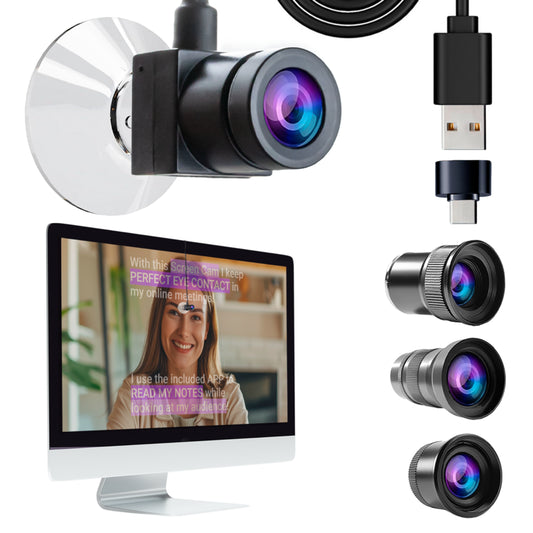
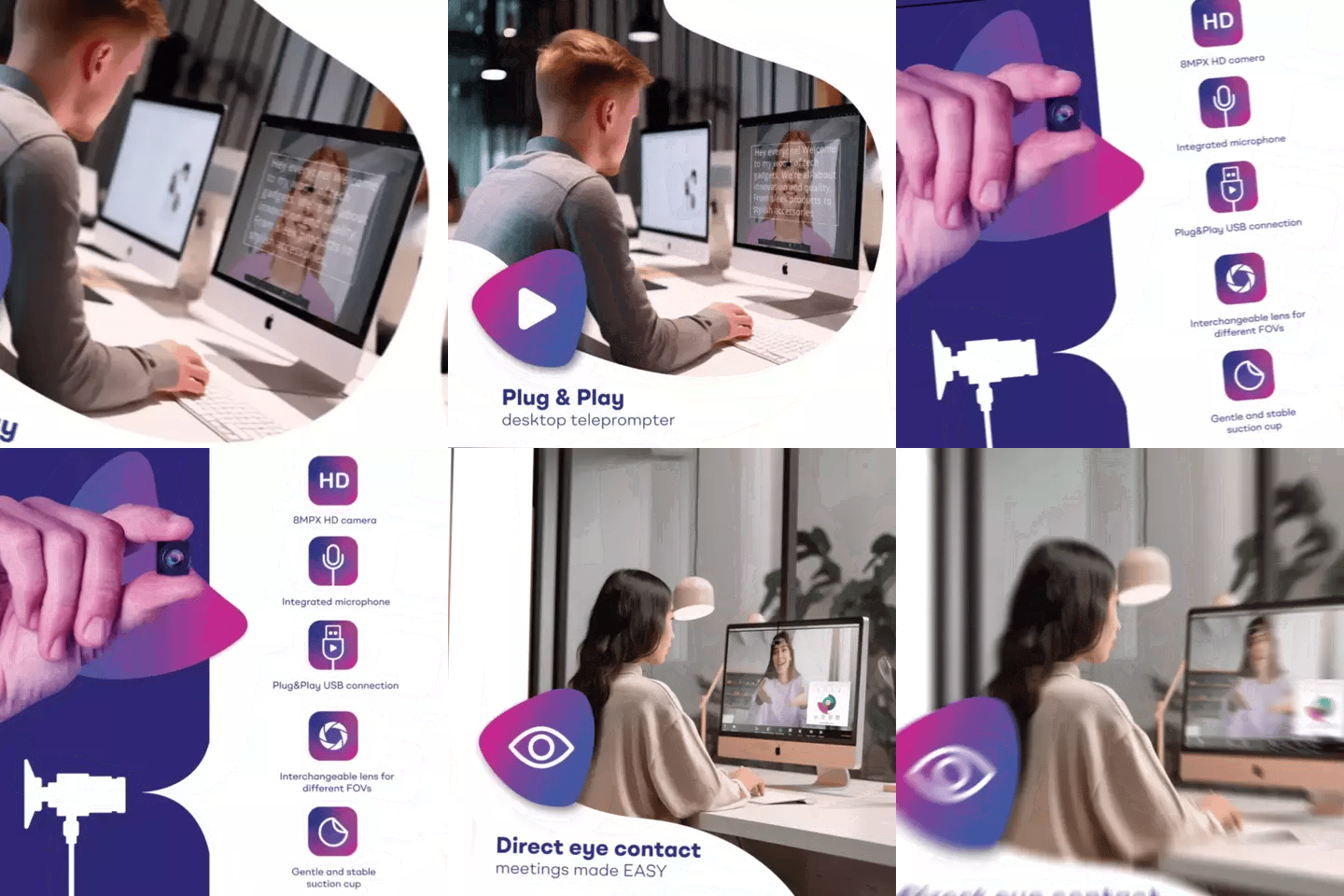
For live virtual training — Zoom workshops, Teams onboarding sessions, webinar series — the EyeMeeting Prompter is purpose-built. It has a 10.1-inch integrated monitor, works as an HDMI second screen from your computer, and supports both prompting and live calls simultaneously.
The virtual training market is exploding — and video quality matters
This isn't a niche use case anymore. According to Research.com, 77% of U.S. companies used virtual classrooms, webcasting, and video broadcasting technologies in 2025. Online or computer-based methods (34%) surpassed instructor-led classrooms (20%) as the top training delivery method among large companies.
Meanwhile, the global corporate eLearning market is expected to reach $375 billion by 2026, driven heavily by video-first training content. If you're producing training videos that look like a hastily recorded Zoom call — bad framing, no eye contact, reading from sticky notes — you're competing against organizations that are investing in production quality.
The bar isn't Hollywood. But it is "professional enough that trainees take you seriously." A beam splitter teleprompter, decent lighting, and an external mic get you there for under €300 total.

How to set up a teleprompter for virtual training (step by step)
- Mount your camera on the teleprompter base — not on the camera plate on top. Use the 1/4" screw (or 3/8" on the 14-inch model) to attach the teleprompter frame to your tripod. Then slide your camera onto the camera plate behind the glass.
- Import your training script into the TeleprompterPAD app. The app is free on iOS, Android, Windows, and macOS. You can paste text, import files, or use the rich text editor to add bold, highlights, and pacing marks.
- Optimize your on-screen settings. Increase font size until you can read comfortably at 1.5m–2.0m. Narrow the text margins if you must sit closer. Enable mirror mode — the glass flips the image, so mirrored text on the tablet reads correctly in the reflection.
- Check audio and lighting. Always use an external mic. At 1.5m+, a built-in DSLR mic picks up room echo, not your voice. Set up three-point lighting: key light front/side, fill opposite, backlight behind you.
- Do a 30-second test take. Record, watch it back. Check for: visible eye scanning (means font is too small or margins too wide), glass frame edges in shot (means focal length is below 24mm), and glare on the glass (means overhead lights need repositioning).
That five-step process takes under 10 minutes the first time. After that? Leave the gear set up and you can go from cold start to recording in under 60 seconds. I always tell trainers: the biggest enemy of consistent content production is friction. Pre-arrange everything, plug your lights and camera into a single power strip, save your app presets. One switch, and you're rolling.
Real-world use cases: how trainers actually use this
Corporate L&D teams (18% of our customers)
Marketing and HR teams at SMBs and startups are recording onboarding series, compliance modules, and product training. They typically use the iLight PRO 14-inch with an iPad Pro 12.9" because the bigger screen area means less squinting during longer scripts. Many pair it with the Wireless Kit (pedal + remote) so the person on camera controls pacing hands-free while a colleague monitors framing.
Coaches and course creators (20% of our customers)
This is the biggest single segment buying teleprompters from us. Coaches building Kajabi or Teachable courses need to batch-record 10–20 lessons in a single session. Without a teleprompter, each lesson involves re-reads, forgotten talking points, and rambling tangents. With one, they write out exactly what they want to say, hit record, and deliver it cleanly. Session time drops from an entire day to 2–3 hours. If you're in this camp, our course creators guide goes deeper on scripting workflow.
Educators and universities (10% of our customers)
Professors recording asynchronous lectures — especially for hybrid or fully online programs — need to be precise with terminology. A teleprompter lets them script technical language exactly, instead of improvising and having to re-record when they misspeak a formula or citation. Several university media departments have bought 3–5 units to share across faculties.
iLight PRO 14-inch vs. EyeMeeting Prompter: which fits your training workflow?
| Spec | iLight PRO 14-inch | EyeMeeting Prompter |
|---|---|---|
| Primary use | Pre-recorded video | Live calls + recording/streaming |
| Glass size | 14-inch beam splitter | Beam splitter with 10.1-inch monitor |
| Screen source | Your tablet (up to iPad Pro 12.9") | Built-in 10.1-inch inverted monitor (HDMI) |
| Camera compatibility | DSLR, mirrorless, webcam, phone | Webcam or DSLR |
| Max camera length | 25cm / 10" | Webcam-sized |
| Tripod mount | 1/4" and 3/8" | Monopod/stand included |
| Hardcase included? | Yes | No (stand included) |
| Price | €239 | €229 |
My recommendation: If you mostly record training modules to upload — go with the iLight PRO 14-inch. The larger glass, iPad Pro 12.9" support, dual tripod screws, and included hardcase make it the workhorse for content production. If you spend most of your time doing live training over Zoom or Teams and want prompting during calls, the EyeMeeting Prompter with its own built-in monitor is the better fit.
Some trainers buy both. The iLight PRO 14-inch lives in their recording studio; the EyeMeeting Prompter stays at their desk for daily live sessions. That's a combined investment under €470 — less than a single day of outsourced video production.

Scripting tips for virtual training content
Having a teleprompter doesn't mean you should write like you're drafting a legal brief. The most common mistake I see from trainers is writing scripts that sound like textbook paragraphs. Your trainees can tell.
- Write how you talk. Contractions. Incomplete sentences. Rhetorical questions. Read it aloud before you record — if it sounds stiff out loud, rewrite it.
- Use short sentences. Keep them under 20 words when possible. Long compound sentences are hard to read off a prompter without losing your cadence.
- Add pacing marks. Use bold for emphasis, highlights for section transitions, and line breaks where you want to pause. The TeleprompterPAD app supports all of these in its rich text editor.
- Build in breathing room. Don't script 100% of what you say. Leave 10–15% for spontaneous asides — a quick example, a personal anecdote. This prevents the "robot reading" effect.
- One idea per screen. If your scroll speed means three paragraphs are visible at once, your font is too small. Bump it up until you see roughly 3–4 lines at a time.

Honest pros and cons of using a teleprompter for virtual training
Pros
- Consistent eye contact throughout entire sessions — trainees feel addressed, not lectured at
- Faster production: trainers report cutting recording time by 50–70% once comfortable with the workflow
- Accurate terminology delivery — critical for compliance, medical, or legal training content
- The iLight PRO 14-inch supports tablets up to iPad Pro 12.9" and cameras up to 25cm long, covering most prosumer setups
- Pre-assembled units mean no fiddling with screws and brackets — setup genuinely takes under 2 minutes
- Free app works across iOS, Android, Windows, and Mac with no subscription
Cons
- There's a learning curve. Your first session will feel unnatural. By the third session, most people hit a comfortable rhythm — but expect awkwardness at the start.
- You need a minimum focal length of 24mm. Below that, the glass frame edges or tablet tray become visible in the shot. This matters if you're using a wide-angle lens.
- At distances under 1.5m, eye scanning can become visible to viewers. You can mitigate this by narrowing the text margins in the app, but the sweet spot is 1.5m–2.0m.
- The beam splitter absorbs some light. You'll need slightly brighter lighting than a normal recording setup — plan for a proper three-point setup.
- This is prosumer gear, not broadcast equipment. If you're outfitting a studio for 50+ trainers with operator control, you'll want the Inverted Monitor for iLight PRO 14-inch so an operator controls the script from a computer while talent reads from the glass.
Common mistakes that ruin virtual training recordings
- No external mic. At 1.5m+ from the camera, built-in DSLR mics are useless. Use a lavalier or shotgun mic. This is the single most impactful upgrade after the teleprompter itself.
- Overhead lights above the teleprompter. Ceiling fluorescents and recessed lights cause glare on the beam splitter glass. Position your key light to the side, never directly above.
- Poor hood seal. The blackout hood (included with iLight models) blocks light from hitting the back of the glass. If it's not properly sealed with the Velcro edges, you get light bleed that washes out the script reflection.
- Tablet rotation unlocked. If your iPad auto-rotates mid-recording, your script flips and your take is ruined. Lock screen orientation before you start.
- Forgetting mirror mode. The beam splitter reverses the image. You must enable mirror mode in the app so text reads correctly in the reflection. Sounds obvious, but I get support tickets about this weekly.
- No test take. Always do a 30-second test. Check for eye scanning, audio levels, framing, and glass reflections. Fixing problems after a full recording session is painful.
Frequently asked questions
Can I use a teleprompter during a live Zoom training session?
Yes. The EyeMeeting Prompter is specifically designed for this. It connects via HDMI as a second monitor and uses the TeleprompterPAD app's Meeting Mode to overlay a transparent script on your call. You read the script while seeing your participants. For Zoom-specific tips, see our Zoom calls guide.
What tablet should I use with the iLight PRO 14-inch?
The iPad Pro 12.9" is the most popular choice — it fills the viewing area and gives you the largest readable text at distance. But any tablet up to 25cm x 31cm works, including Android tablets and Windows tablets. Smartphones also work with the included clamp, though I'd recommend a tablet for training scripts.
Do I need a separate person to operate the teleprompter?
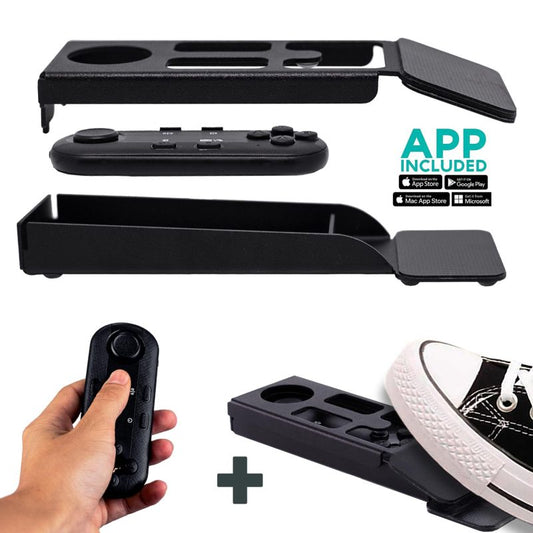
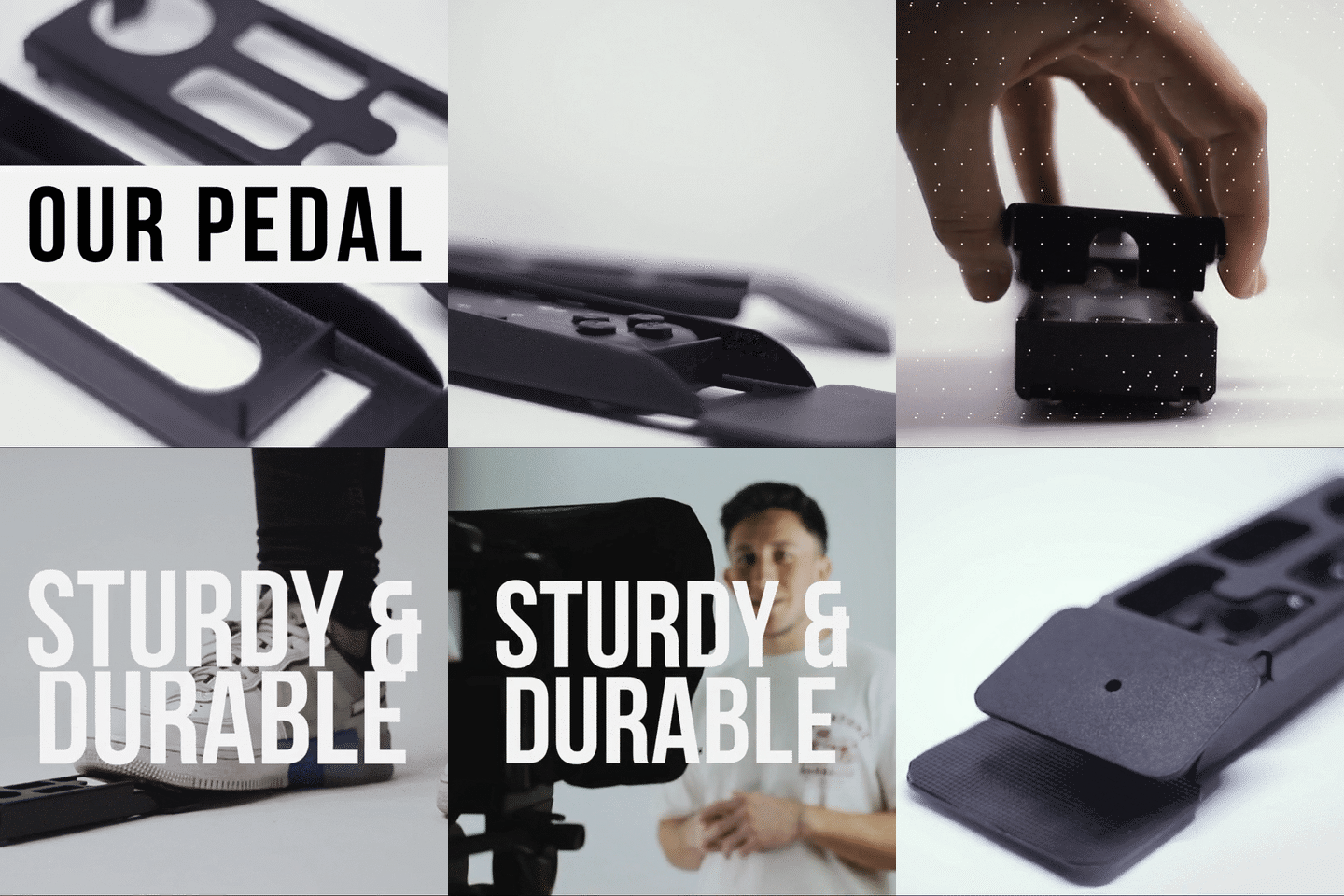
Not usually. Most virtual trainers self-operate using the included Bluetooth remote or the optional foot pedal. The remote lets you play/pause, adjust speed, and skip forward/back. The foot pedal is ideal if your hands are busy demonstrating something on camera — it's silent (capacitive sensor, no click), so mics won't pick it up.
What's the minimum recording distance?
I recommend 1.5m–2.0m (5–6.5 feet). Closer than 1.2m and your eyes visibly scan left-to-right on the recording, which defeats the purpose. If you must be closer, use the app's margin narrowing feature to shrink the horizontal text area — this reduces visible eye movement.
Will the glass affect my camera's image quality?
The beam splitter glass uses a 60/40 HD ratio — 60% of light passes through to the camera, 40% is reflected back to show the script. You'll lose about a third of a stop of light, which is easily compensated by slightly increasing your lighting. The glass is lab-grade, manufactured in Germany, 4mm thick, with anti-ghosting technology to prevent double reflections.
Can I use the iLight PRO 14-inch for both training recordings and webinars?
Absolutely. For recordings, place your DSLR behind the glass and record to the camera's SD card or via capture card. For webinars, swap the DSLR for a webcam behind the glass, and use the TeleprompterPAD app on the tablet as your script source. Same setup, different camera — the workflow barely changes.
Is there support if I get stuck during setup?
Yes. TeleprompterPAD offers personal 1-to-1 multilingual support in English, Spanish, French, German, and Italian. There's also a full help center at help.teleprompterpad.com with video tutorials covering every step. Over 10 years and 50,000+ orders, I can count on one hand the setups that couldn't be resolved with a quick support exchange.
What if I already have an iLight PRO 12-inch — is it enough for training?
It works great for most use cases. The 12-inch model supports tablets up to 10.2" (like a standard iPad). The main reasons to go with the 14-inch are: you own an iPad Pro 12.9", you want more readable screen area for longer scripts, or you need the included hardcase for transport between locations.
A teleprompter for virtual training isn't a luxury — it's the tool that turns "pretty good" delivery into confident, polished, eye-contact-maintaining training that your audience actually trusts. If you're recording courses, running live workshops, or producing any kind of educational video, the iLight PRO 14-inch is where I'd start. It covers the widest range of training scenarios, comes with everything you need in the box, and sets up in under two minutes.
Lo más vendido
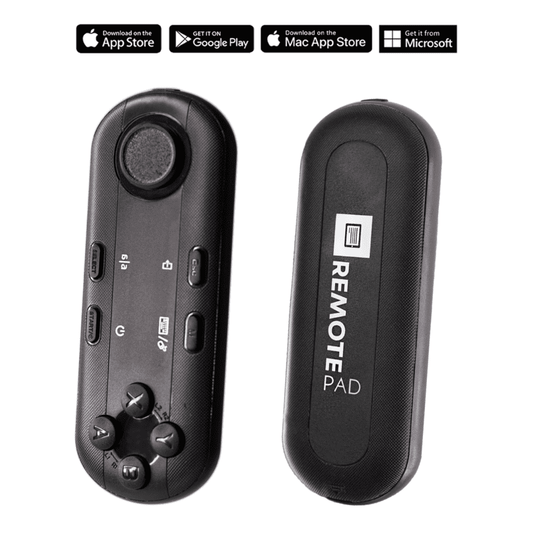
TELEPROMPTER PAD Mando Bluetooth para Teleprompter - Incluye APP Teleprompter para Apple, Android Windows y Mac - Control remoto inalámbrico para teleprompter beamsplitter o equipo de transmisión en vivo
- 34.90€
39.90€- 34.90€
- Precio por unidad
- per
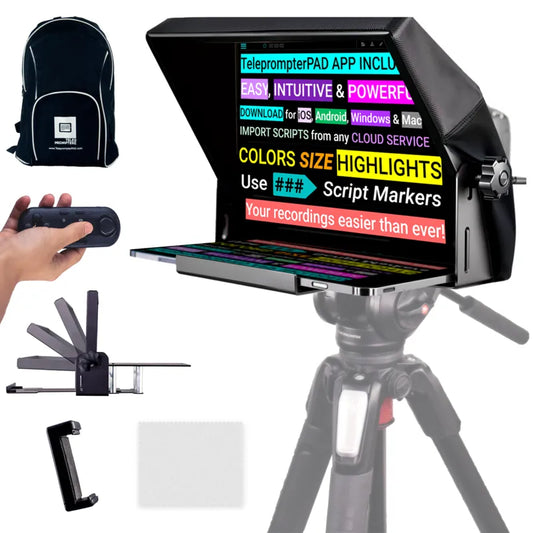
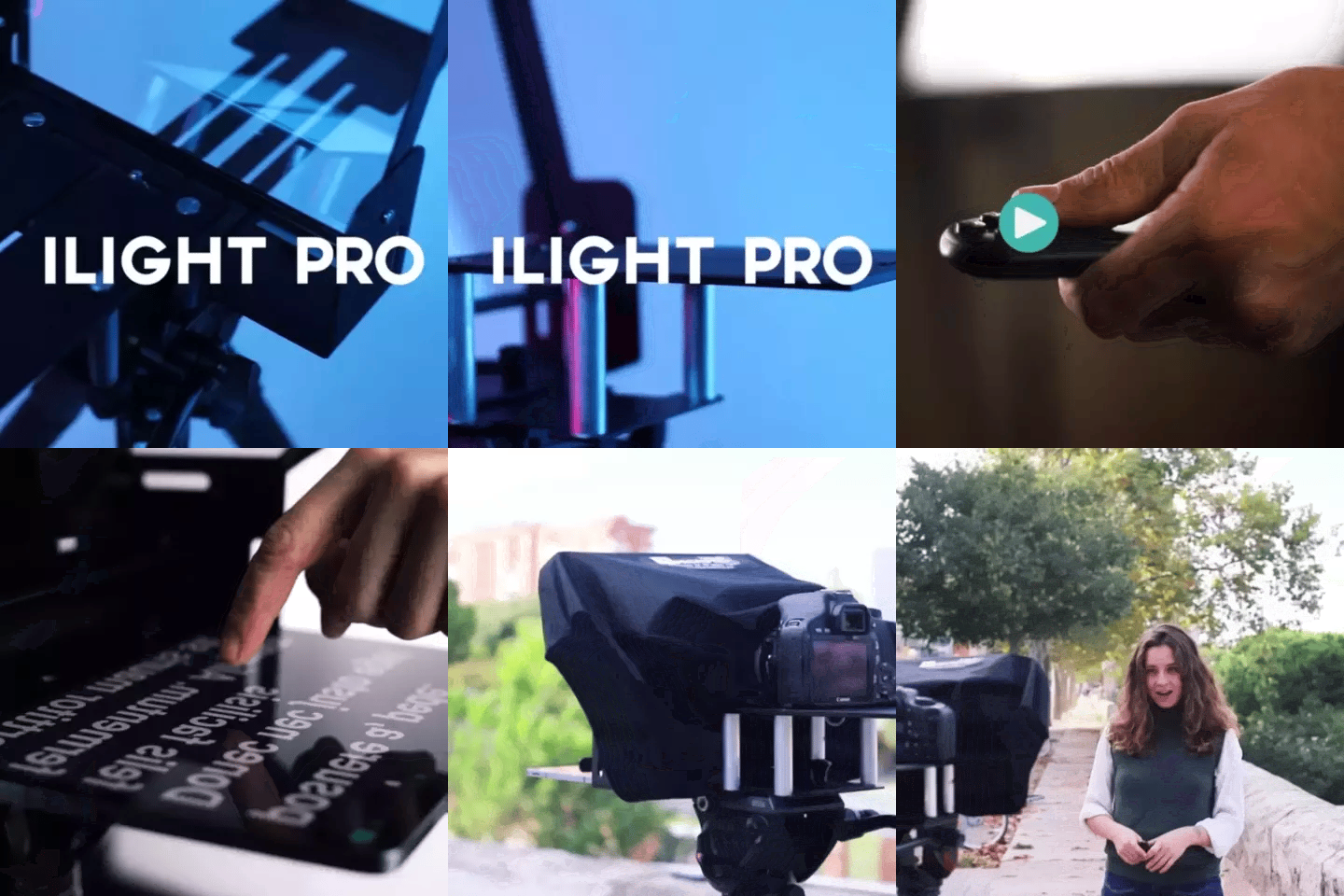
TELEPROMPTER PAD iLight Pro 12'' iPad Tablet iPhone Smartphone - Kit con Mando, Mochila y App Teleprompter Apple Android Windows Mac, Prompter Profesional Resistente Cristal Beamsplitter - Made in EU
- 159.00€
199.00€- 159.00€
- Precio por unidad
- per
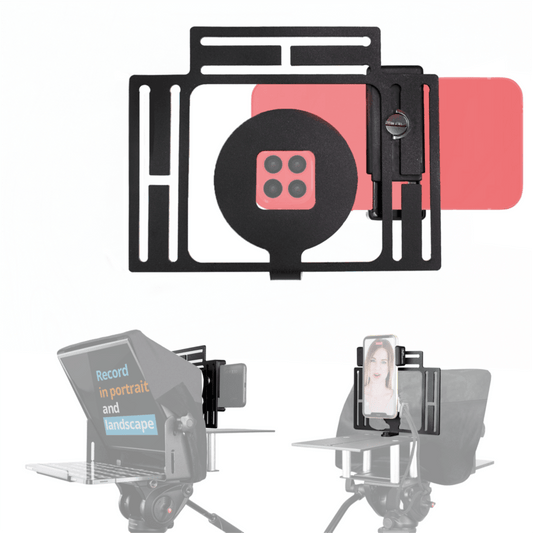
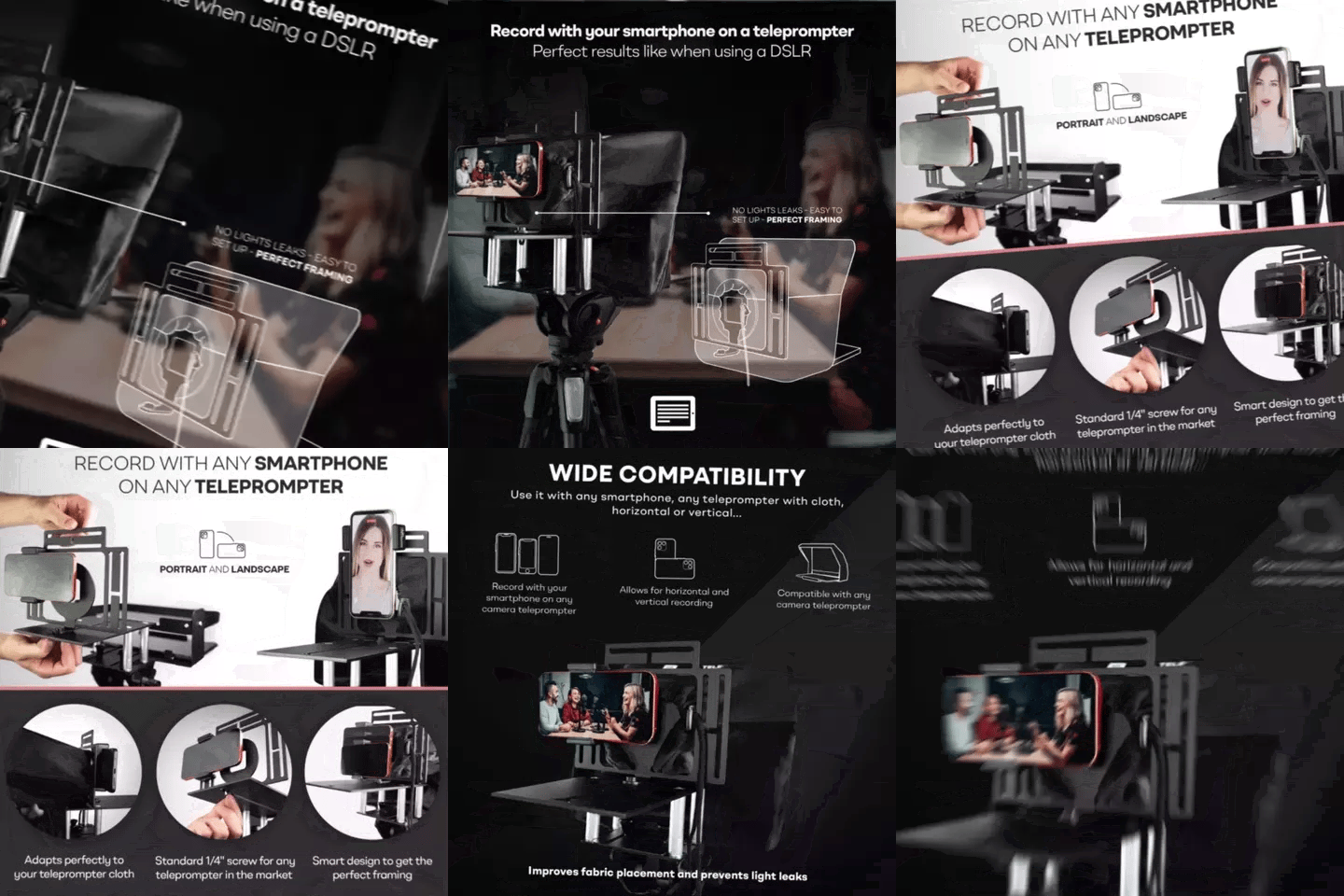
TELEPROMPTER PAD Adaptador Smartphone para teleprompter – Graba con cualquier teléfono iPhone, Android, compatible con cualquier teleprompter, rig universal de aluminio para prompter de cámara, ajuste cómodo de la tela
- 29.90€
39.90€- 29.90€
- Precio por unidad
- per
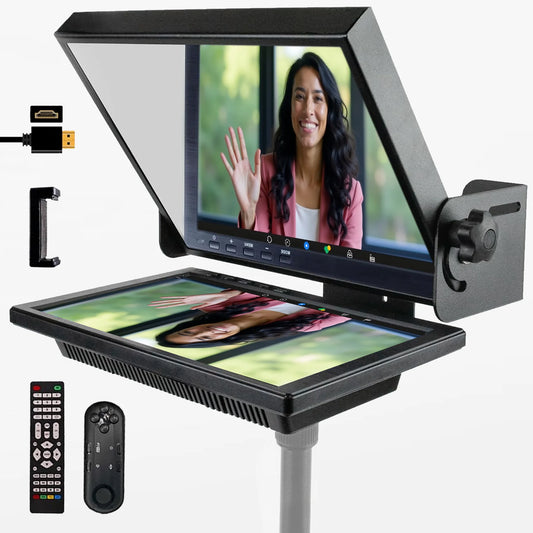
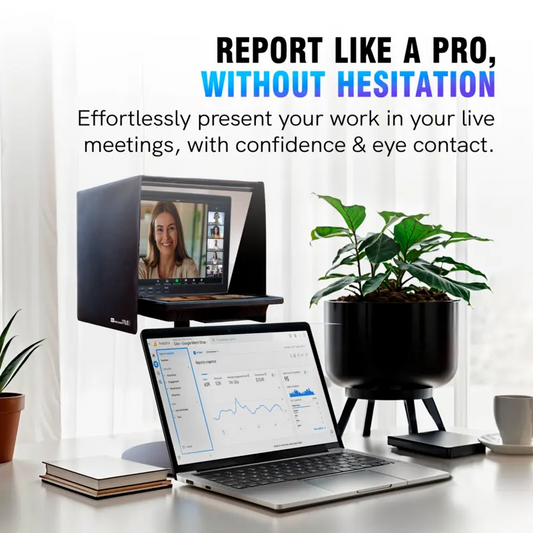
TELEPROMPTER PAD EyeMeeting Prompter, Teleprompter para Twitch Streaming, Youtube, Contacto Visual Zoom, para Mac/PC DSLR Webcam iPhone con Software y Monitor de 10.1" Compatible con Elgato Streamdeck
- 229.00€
299.00€- 229.00€
- Precio por unidad
- per