



Teleprompter for Corporate Training Sessions: What Works
A teleprompter for corporate training sessions lets your L&D team produce consistent, on-message video modules where the presenter maintains eye contact with the lens instead of glancing at notes. The right setup is a beam splitter teleprompter with a large enough screen, a Bluetooth remote or foot pedal, and a free scrolling app. In this guide I'll walk you through picking the right gear, scripting for training video, common mistakes I see corporate teams make, and how to get recording in under five minutes. After helping thousands of customers set up their first teleprompter—many of them corporate trainers—I know exactly where things go right and where they fall apart.

Over the last decade I've helped set up teleprompters for corporate L&D teams across 18% of our 50,000+ global orders—that's roughly 9,000 shipments to SMBs, startups, and marketing departments alone. I've troubleshot bad framing, poor hood sealing, and scripts that read like legal disclaimers more times than I can count. Everything in this guide comes from that hands-on experience plus the technical specs I work with daily.

Why corporate training needs a teleprompter in 2026
Video-based training isn't optional anymore. According to Wyzowl's 2026 State of Video Marketing report, 91% of businesses now use video as a marketing tool—matching the all-time high. That same shift is happening inside organizations too. Research from Training Magazine shows that in 2025, online or computer-based methods were the top training delivery method across companies of all sizes, used by 34% of large, mid, and small organizations alike.
The problem? Most in-house training videos look terrible. The presenter reads from notes off-screen, their eyes dart around, and the result feels disengaged. A study published in Frontiers in Psychology (Kaiser et al., 2022) found that lack of eye contact in video communication creates "a sense of both emotional and physical distance." That's the opposite of what you want when training your team on a new compliance procedure or onboarding a remote hire.
A beam splitter teleprompter fixes this. The script reflects on glass in front of the camera lens, so the presenter reads while looking directly at the viewer. No memorization, no note cards, no visible eye scanning.
Which teleprompter setup works best for corporate training?
It depends on your recording format. Here's a quick decision framework based on the setups I've recommended to thousands of customers:
| Scenario | Best Product | Why |
|---|---|---|
| Solo trainer, pre-recorded modules | iLight PRO 14-inch | 14-inch glass fits iPad Pro 12.9"; bigger text at distance; hardcase included for room-to-room moves |
| Small team, budget-conscious | iLight PRO 12-inch | Same quality glass, fits tablets up to 10.2"; €159 entry point |
| Live webinar / Zoom training | EyeMeeting Prompter | Beam splitter with 10.1-inch built-in monitor; HDMI second screen; works for livestreams |
| Operator-controlled production | iLight PRO 14-inch + Inverted Monitor | Operator scrolls from laptop via HDMI; talent just reads |
For most corporate training teams, the iLight PRO 14-inch is the sweet spot. Here's why: most L&D departments already own an iPad Pro 12.9" or a similarly large tablet. The 14-inch model fits that screen—the 12-inch model physically can't. The larger glass also means bigger text, which matters when your presenter is standing 1.5–2.0 meters from the lens (the recommended distance to avoid visible eye scanning).

How to set up a teleprompter for corporate training in 5 steps
I've refined this workflow over years of customer support calls. It takes under five minutes once you've done it twice.
- Mount the teleprompter on your tripod. Use the 1/4" screw (the 14-inch model also supports 3/8" for heavier tripods). Place the unit at eye level for your presenter.
- Attach your camera behind the glass. The camera lens needs to be close to the back of the beam splitter. Maximum camera length for the 14-inch model is 25cm/10" from lens front to tripod screw. Set the focal length to 24mm or longer—anything wider and you'll see the frame edges in the shot.
- Load and import your script into the TeleprompterPAD app. The app runs on iOS, Android, Windows, and macOS. Import your training script file, set font size and scroll speed. Use mirror mode so the text reads correctly on the reflected glass.
- Seal the blackout hood and check lighting. The included Velcro hood blocks light from reaching the camera sensor. No overhead lights directly above the teleprompter—they cause glare on the glass. Three-point lighting works best: key light front/side, fill opposite, and a backlight behind the presenter.
- Test, adjust, record. Do a 30-second test take. Check for eye scanning, audio levels (always use an external mic—built-in DSLR mics are unusable at 1.5m+), and scroll speed. Adjust and go.
The glass angle should be close to 45 degrees. One thing unique to the iLight PRO line is the adjustable glass angle via a knob—you can fine-tune it without disassembling anything. Most competing teleprompters at this price range don't offer that.
Scripting tips for training video that doesn't sound robotic
This is the number-one issue I see with corporate training content. The script reads like a policy document, so the presenter sounds like they're reading a policy document. Employees tune out fast. Research.com reports that the average completion rate for non-interactive training videos dropped to 60% in 2024, and that's partly because the content just isn't engaging enough.
- Write like you talk. If you wouldn't say "pursuant to the guidelines" out loud, don't put it on the teleprompter. Use contractions. Use short sentences.
- Break long modules into segments. Microlearning modules of 3–4 minutes with a knowledge check between each perform better than one 20-minute monologue. Training Industry data supports a 17% retention lift for this approach.
- Add pacing marks. Use the TeleprompterPAD app's script markers and formatting (bold, highlight, color) to flag pauses, emphasis, and transitions. This keeps the presenter from slipping into monotone delivery.
- Match margin width to recording distance. If the presenter is closer than 1.5m, narrow the text margins in the app so their eyes don't scan visibly from edge to edge.
- Lock tablet rotation. This one bites people constantly. If the tablet rotates mid-take, the script flips and you're starting over.

Who actually uses teleprompters for corporate training?
Based on our order data, here's where corporate training teleprompter purchases cluster:
SMBs, startups, and marketing teams (18% of our customers) — These are the biggest corporate segment. A typical use case is a marketing director recording product training for a distributed sales team. They need consistent messaging across 10–20 video modules, and a teleprompter is the only way to hit that without spending three days on reshoots.
Educators and universities (10%) — Faculty recording asynchronous lectures or continuing education content. Several university media departments have standardized on the iLight PRO 14-inch because it fits their existing iPad Pro fleet and the included hardcase survives the commute between campus buildings.
Coaches, therapists, and info-product creators (20%) — This group creates video courses, onboarding sequences, and training webinars. They're technically "corporate trainers" for their own businesses. Many pair the teleprompter with the Wireless Kit (foot pedal + remote) so they can pace their delivery hands-free while demonstrating something on a whiteboard or props.

iLight PRO 14-inch vs. 12-inch: which is better for corporate training?
I get this question weekly. Here's the honest comparison:
| Feature | iLight PRO 14-inch | iLight PRO 12-inch |
|---|---|---|
| Glass size | 14-inch HD 60/40 | 12-inch HD 60/40 |
| Max tablet size | 25cm × 31cm (iPad Pro 12.9" fits) | 20cm × 26cm (iPad Pro 12.9" does NOT fit) |
| Max camera length | 25cm / 10" | 20cm / 8" |
| Tripod mount | 1/4" + 3/8" dual | 1/4" only |
| Hardcase | Included | Sold separately |
| Price | €239 | €159 |
| Best for | iPad Pro 12.9" users, multi-room setups, marketing teams | Budget setups, portable use, standard iPads |
My recommendation for corporate training? Go with the 14-inch. The €80 difference pays for itself in two ways: you get the hardcase (which the 12-inch charges separately for), and you get iPad Pro 12.9" compatibility. Most L&D teams I talk to already own the larger iPad, and buying a second smaller tablet just to fit a 12-inch teleprompter doesn't make financial sense.
That said, if your team uses standard 10" iPads and needs to move between offices frequently, the 12-inch is lighter and more portable. Neither is the wrong choice—it's about your existing gear.
Honest pros and cons of using a teleprompter for corporate training
I'll give it to you straight. A teleprompter solves a lot of problems, but it creates a few too.
| Pros | Cons |
|---|---|
| Consistent messaging—every presenter reads the same approved script | Learning curve: first-time users need 2–3 practice sessions to sound natural |
| Direct eye contact with camera = more trust and engagement | Frozen body language is common when people focus too hard on reading |
| Fewer takes—most users cut recording time by 50%+ after the first session | Requires a tripod, decent lighting, and an external mic (extra cost if you don't own them) |
| Pre-assembled, sets up in under 2 minutes | Not a broadcast-grade tool—this is consumer/prosumer equipment |
| Free app with multilingual support (EN, ES, DE, FR, IT) | Minimum 24mm focal length required—wide-angle lenses won't work |
The body language issue is real. I always tell corporate teams: have the presenter rehearse with hand gestures and posture cues written into the script itself. A simple "[lean forward]" or "[gesture to chart]" in brackets, set to a different color in the app, gives the reader physical reminders without adding words to the spoken script.
Common mistakes corporate training teams make with teleprompters
After 10+ years of support tickets, I can predict these before they happen:
- Using the built-in camera mic. At 1.5–2.0 meters, a DSLR's built-in microphone picks up room echo, not the presenter's voice. Use a lavalier or shotgun mic. Always.
- Overhead lighting above the teleprompter. Ceiling fixtures cause glare on the beam splitter glass. Light from the front and sides instead.
- Not activating mirror mode. The text on the tablet needs to be horizontally flipped so it reads correctly after reflecting off the glass. The TeleprompterPAD app has a one-tap mirror mode toggle.
- Placing the tripod on the camera plate instead of the teleprompter base. This one is surprisingly common. The tripod screws into the bottom of the teleprompter unit, not directly into the camera.
- Leaving the Bluetooth remote paired to someone else's phone. The remote auto-connects to the last paired device. If another team member used it last, reset Bluetooth and re-pair before recording.
- Script written by committee in legal review voice. I've watched SME-approved scripts turn a charismatic VP into a monotone robot. Write conversationally first, then get legal sign-off on specific phrasing. Not the other way around.

Live training vs. pre-recorded: do you need different gear?
Good question. For pre-recorded training modules that get uploaded to your LMS, a beam splitter teleprompter like the iLight PRO 14-inch with a DSLR or mirrorless camera behind the glass is the gold standard. You get maximum video quality and full control over editing.
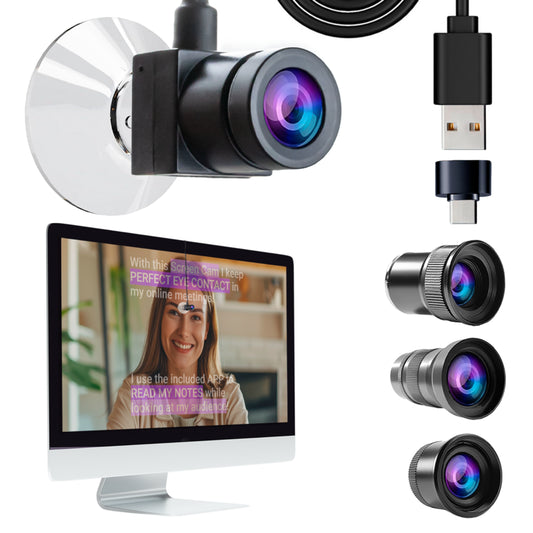
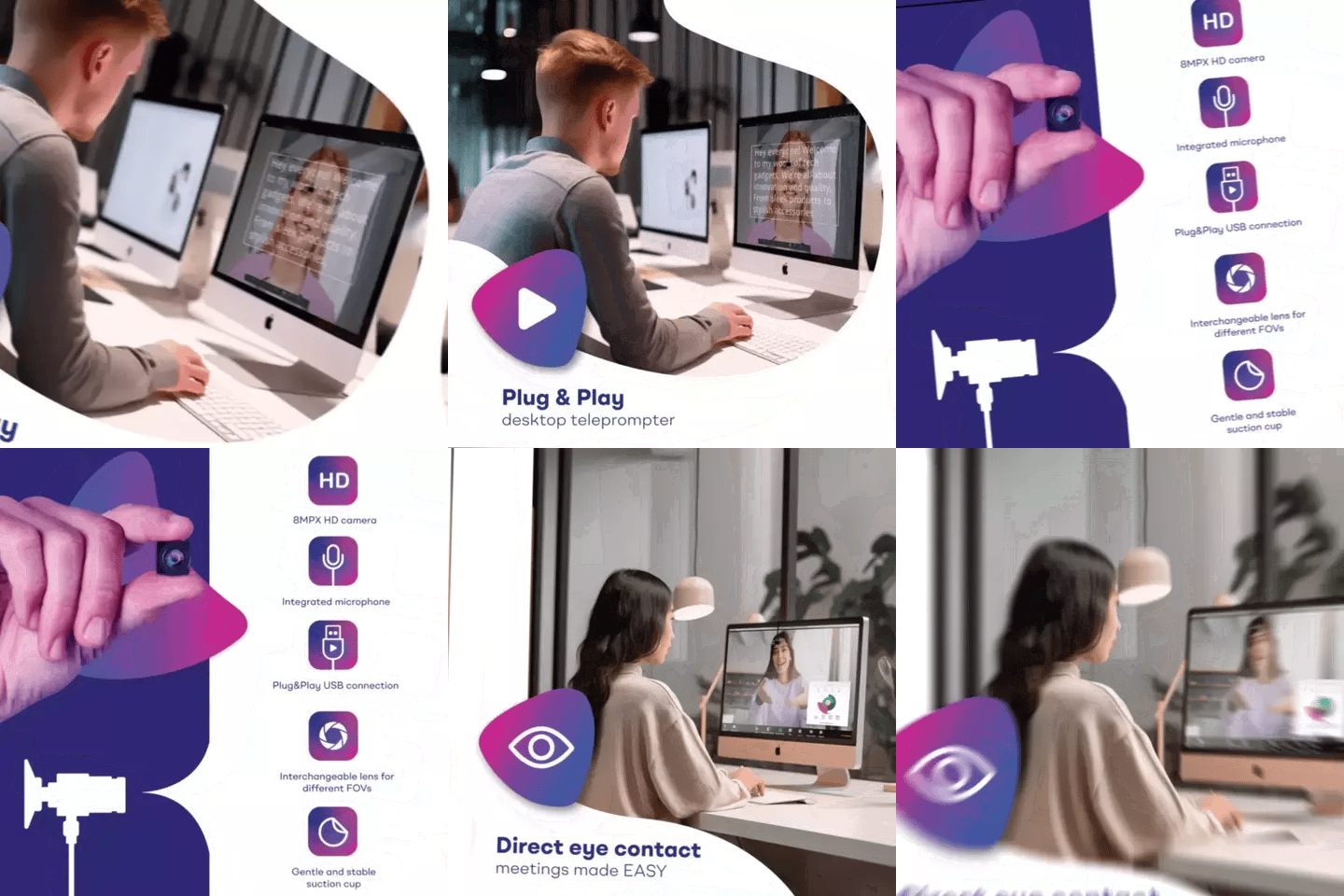
For live Zoom or Teams training sessions, you have two options. The EyeMeeting Prompter is a dedicated desktop beam splitter with its own 10.1-inch screen—no tablet needed. It works as an HDMI second monitor from your computer and lets you place your webcam or camera behind the glass. Or you can use the TeleprompterPAD app's Meeting Mode, which overlays a transparent scrolling script directly over your video call window. Meeting Mode works with any device and doesn't require a beam splitter at all.
The key difference: the EyeMeeting Prompter gives you true optical eye contact (camera behind glass), while Meeting Mode is software-only and still positions the camera above or beside your script. For high-stakes live training, the hardware option wins. For quick internal standups, Meeting Mode is fine.
The ROI case for a teleprompter in L&D
Let's talk numbers. According to research.com, 69% of learners are more engaged with video-based learning. And Wyzowl's 2026 data shows that 89% of consumers say video quality directly impacts their trust—which applies just as much to internal training audiences as external ones.
The real ROI isn't the €239 for the teleprompter. It's the time savings. A typical corporate training presenter without a teleprompter needs 8–12 takes per module to get through a 5-minute script without stumbling. With a teleprompter, most people nail it in 2–3 takes after their first practice session. If you're producing 20 training modules, that's the difference between a week of studio time and two days.
Then there's the consistency factor. When every trainer reads the same approved script, your compliance and HR teams can sign off once instead of reviewing improvised variations from 10 different presenters.
Frequently asked questions
Can multiple trainers use the same teleprompter?
Yes. The iLight PRO 14-inch supports cameras up to about 4 kg (tripod-dependent) and tablets up to 25cm × 31cm. Different trainers can log into the TeleprompterPAD app with their own scripts. Just re-pair the Bluetooth remote each time if the presenter changes—the remote auto-connects to the last device it was paired with.
Do I need a special iPad for the teleprompter?
No. The iLight PRO 14-inch works with any tablet up to 25cm × 31cm, including iPad Pro 12.9", Galaxy Tab S7+ 12.4", and Windows tablets. The 12-inch model works with any tablet up to 20cm × 26cm but cannot fit the iPad Pro 12.9"—it's physically too wide.
How far should the presenter stand from the teleprompter?
1.5 to 2.0 meters is the sweet spot. Closer than that, the viewer can see the presenter's eyes scanning left to right. If you must be closer, narrow the text margins in the app to reduce visible eye movement.
Is this professional broadcast equipment?
No, and I'll be upfront about that. TeleprompterPAD products are consumer/prosumer grade. We serve content creators, SMBs, educators, and corporate teams—not top-tier broadcast studios. That said, the beam splitter glass is lab-grade, precision manufactured in Germany, 4mm thick with anti-ghosting technology, and the 60/40 HD ratio produces a sharp, bright reflection. It's more than good enough for corporate training video.
What app do I use?
The TeleprompterPAD APP. It's free and available on the App Store (iOS), Google Play (Android), Microsoft Store (Windows), and Mac App Store. There's also a lite web app version you can run in any browser with no install. Features include file importing, adjustable font/color/speed, rich text editing, mirror mode, script markers, and Meeting Mode for live video calls.
Can I control the teleprompter with a foot pedal?
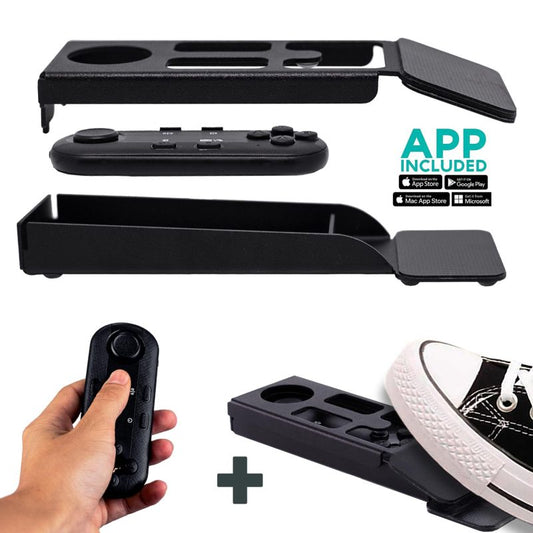
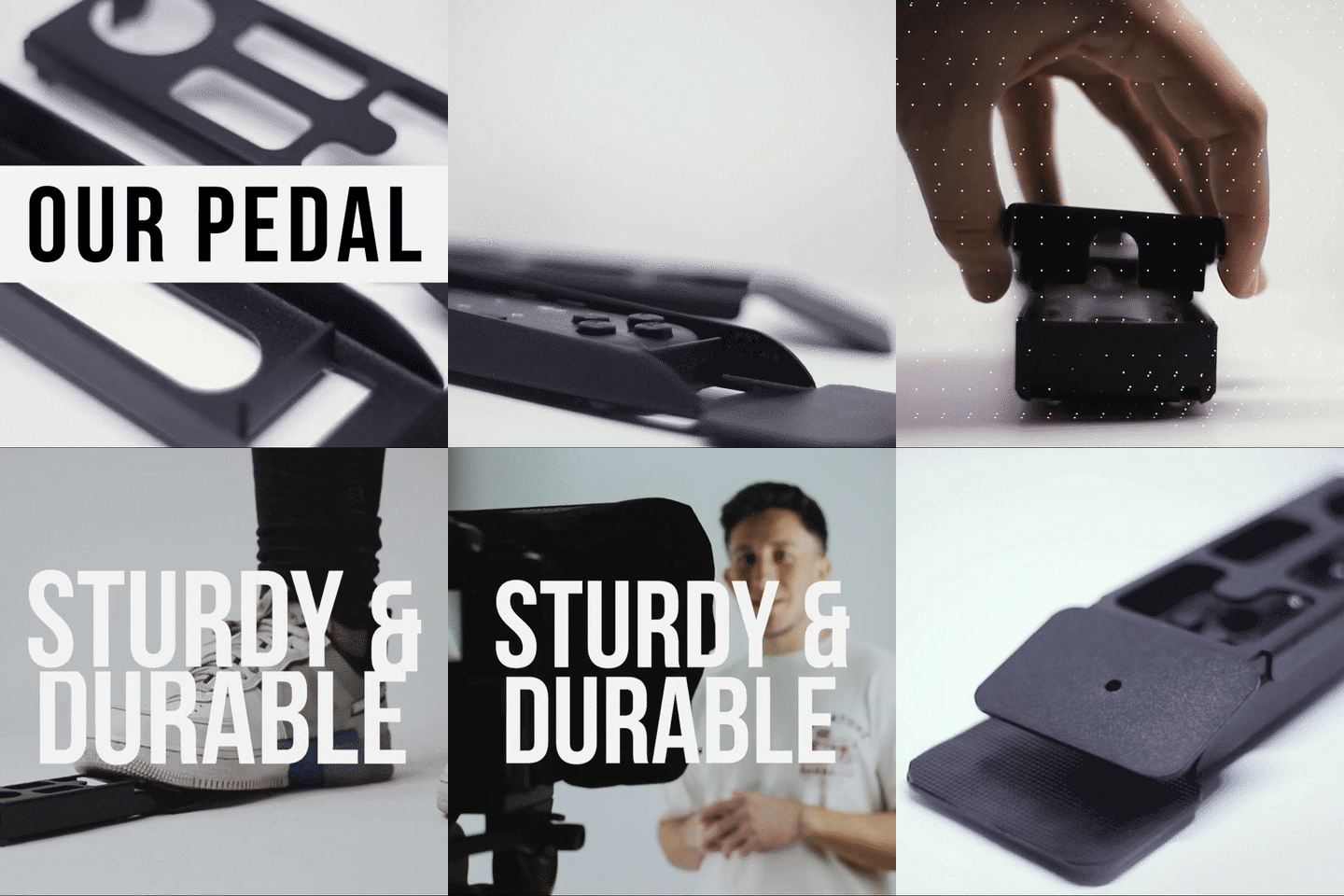
Yes. The Wireless Kit bundles the Bluetooth Remote with the Foot Pedal Case (€54.90). The pedal uses a silent capacitive sensor—no click sound—so microphones won't pick it up. It takes about 2–3 uses to build muscle memory since there's no tactile feedback, but corporate trainers who use props or gesture a lot love the hands-free control.
What if I need help setting it up?
TeleprompterPAD offers personal 1-to-1 multilingual support in English, Spanish, Italian, German, and French. There's also a help center at help.teleprompterpad.com with video tutorials. Most setup issues I've seen over the years—bad framing, glare, hood leaks—take under 5 minutes to fix with the right guidance.
Can I use an inverted monitor instead of a tablet?
Yes. The Inverted Monitor for iLight PRO 14-inch (€155.90) replaces the tablet with a plug-and-play HDMI display. It's pre-inverted so you don't need software mirror mode. This is ideal for two-person setups where an operator controls the script from a laptop while the talent just reads.
A teleprompter for corporate training sessions is one of the simplest upgrades you can make to your L&D video production. The iLight PRO 14-inch handles the most common corporate use cases—pre-recorded modules, multi-trainer workflows, and room-to-room portability with its included hardcase. If your team is spending more time on reshoots than on actual training design, it's time to check out the iLight PRO 14-inch and cut that cycle short.
Lo más vendido
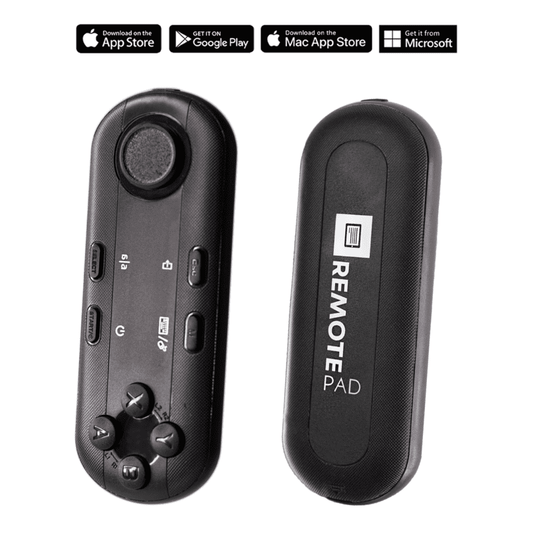
TELEPROMPTER PAD Mando Bluetooth para Teleprompter - Incluye APP Teleprompter para Apple, Android Windows y Mac - Control remoto inalámbrico para teleprompter beamsplitter o equipo de transmisión en vivo
- 34.90€
39.90€- 34.90€
- Precio por unidad
- per
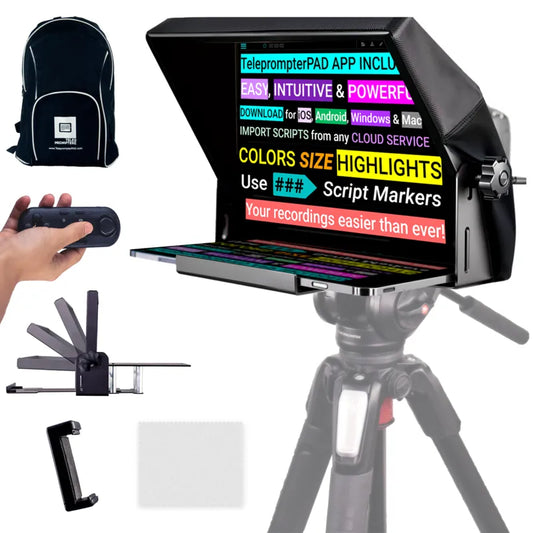
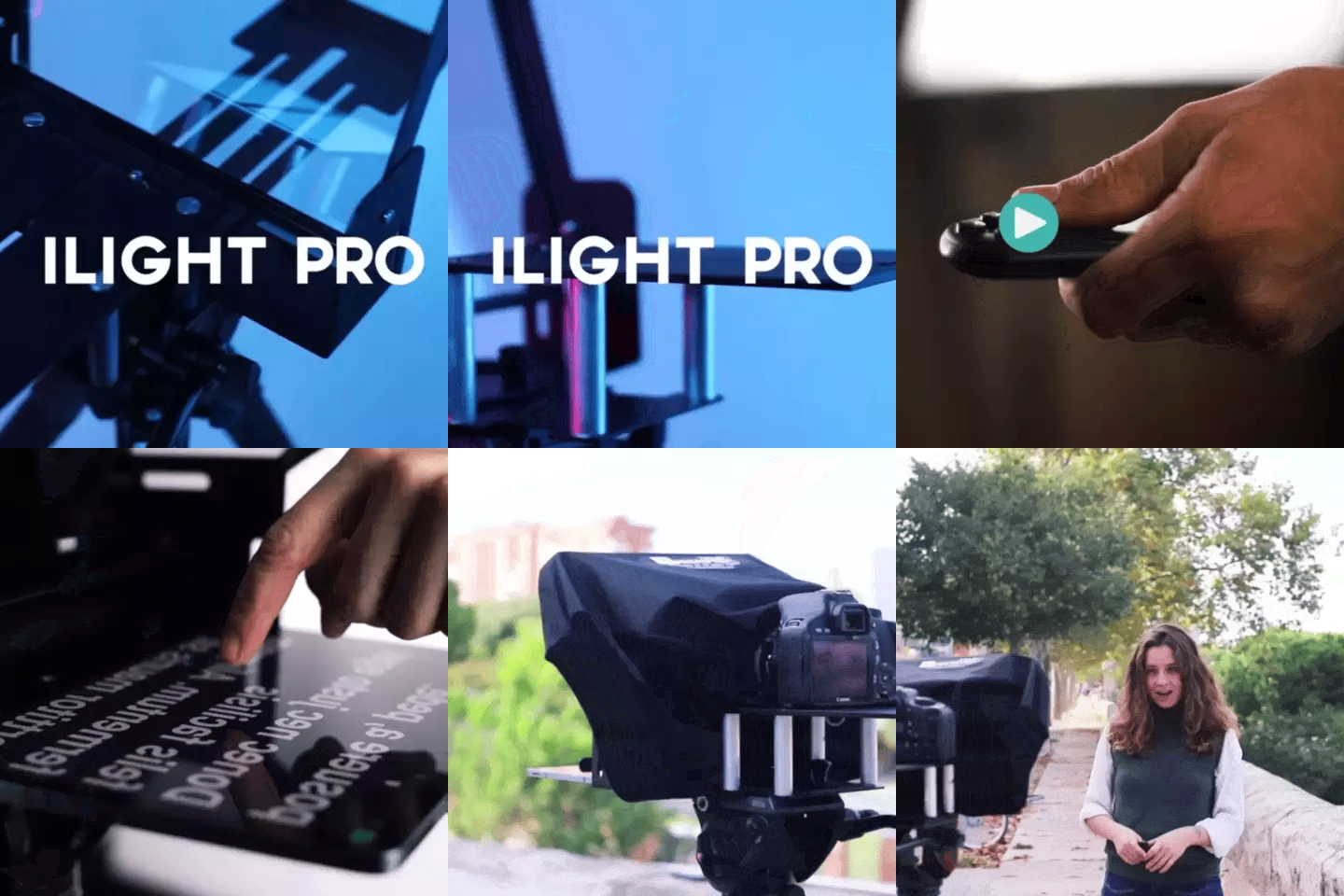
TELEPROMPTER PAD iLight Pro 12'' iPad Tablet iPhone Smartphone - Kit con Mando, Mochila y App Teleprompter Apple Android Windows Mac, Prompter Profesional Resistente Cristal Beamsplitter - Made in EU
- 159.00€
199.00€- 159.00€
- Precio por unidad
- per
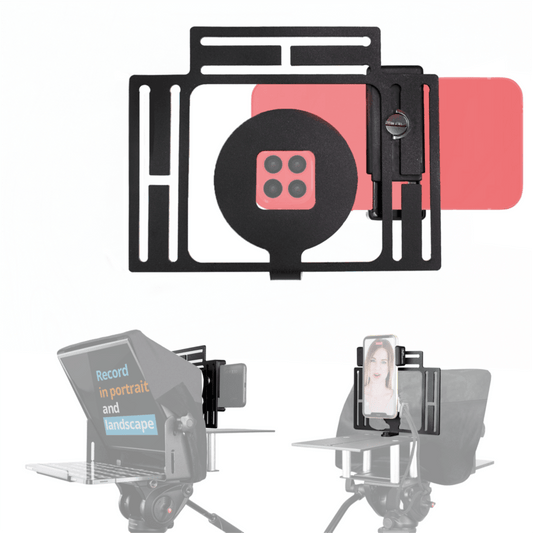
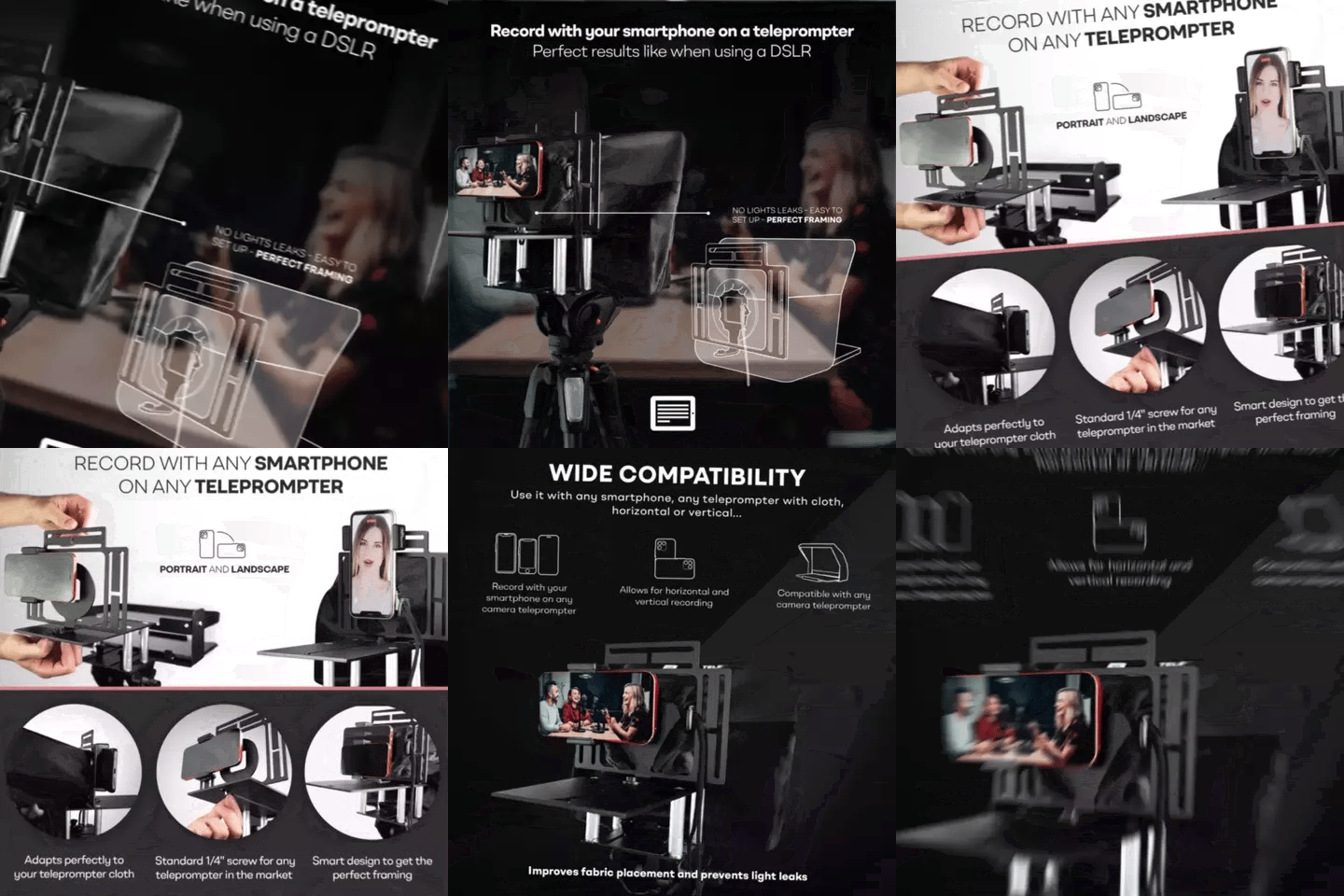
TELEPROMPTER PAD Adaptador Smartphone para teleprompter – Graba con cualquier teléfono iPhone, Android, compatible con cualquier teleprompter, rig universal de aluminio para prompter de cámara, ajuste cómodo de la tela
- 29.90€
39.90€- 29.90€
- Precio por unidad
- per
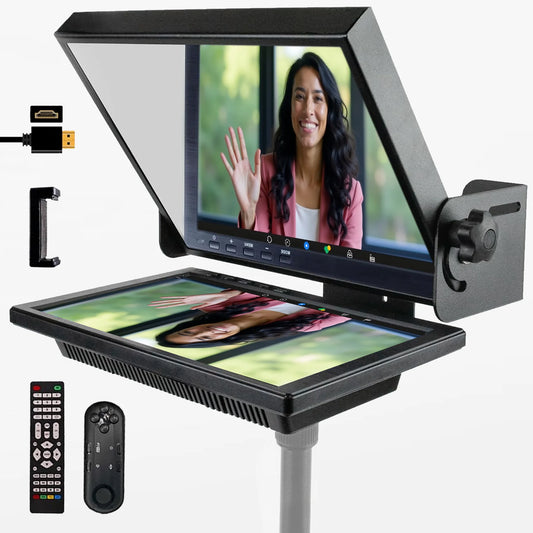
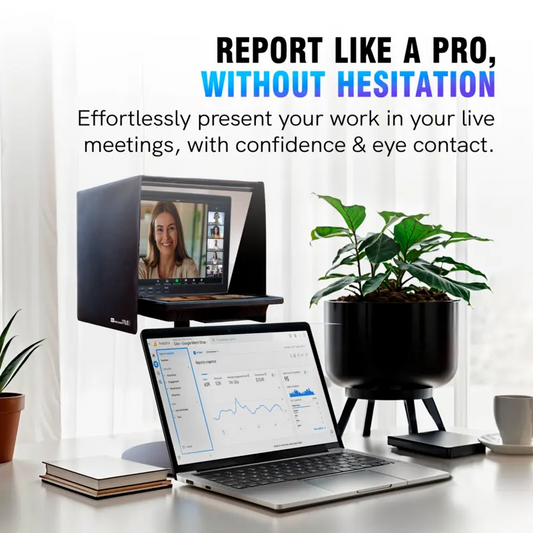
TELEPROMPTER PAD EyeMeeting Prompter, Teleprompter para Twitch Streaming, Youtube, Contacto Visual Zoom, para Mac/PC DSLR Webcam iPhone con Software y Monitor de 10.1" Compatible con Elgato Streamdeck
- 229.00€
299.00€- 229.00€
- Precio por unidad
- per