



Teleprompter for Coaches and Consultants: Setup Guide
A teleprompter for coaches and consultants is the single fastest way to record polished courses, video sales letters, and client-facing content without losing eye contact with your viewer. You read your script directly in front of the camera lens, so your audience sees you looking straight at them — the exact thing that builds trust over video. I've helped thousands of coaches and course creators set this up over the past decade, and the difference in delivery quality (and recording speed) is massive. This guide covers the exact gear, settings, and workflow I recommend after 50,000+ orders shipped.

Coaches, therapists, and info-product creators make up roughly 20% of our entire customer base — the second-largest segment after YouTubers. Over the past 10 years I've personally walked hundreds of coaches through their first teleprompter setup, from choosing the right glass size to dialing in scroll speed for webinar intros. The recommendations here come from that real-world feedback, not spec-sheet theory.

Why coaches and consultants need a teleprompter in 2026
The coaching industry is booming. According to the ICF's 2025 Global Coaching Study, the global coaching market generated $5.34 billion in revenue, projected to reach $5.8 billion in 2026. With roughly 123,000 active coach practitioners worldwide competing for clients, your video presence is your differentiator.
Video is already the default medium. According to Wyzowl's 2026 survey, 91% of businesses now use video as a marketing tool, and 82% report positive ROI from it. For coaches and consultants specifically, video handles the heavy lifting: course modules, sales letters, webinar intros, testimonial-style authority clips, and onboarding walkthroughs.
The problem? Reading from notes off-screen breaks eye contact. Research on video-mediated communication published on ResearchGate found that averted gaze "decrease[s] perceived empathy, perspective-taking, trustworthiness and emotional closeness." For a coach whose entire business is built on trust, that's a deal-breaker.
A beam splitter teleprompter places your script directly in front of the lens. You read naturally while maintaining continuous eye contact with the viewer. No darting eyes, no awkward pauses to check your outline.
What type of teleprompter works best for coaches?
Most coaches don't need a studio-grade broadcast rig. You need something portable, fast to set up, and compatible with the tablet or phone you already own. That's why the beam splitter form factor — specifically a consumer/prosumer unit like the iLight PRO 12-inch — fits this audience so well.
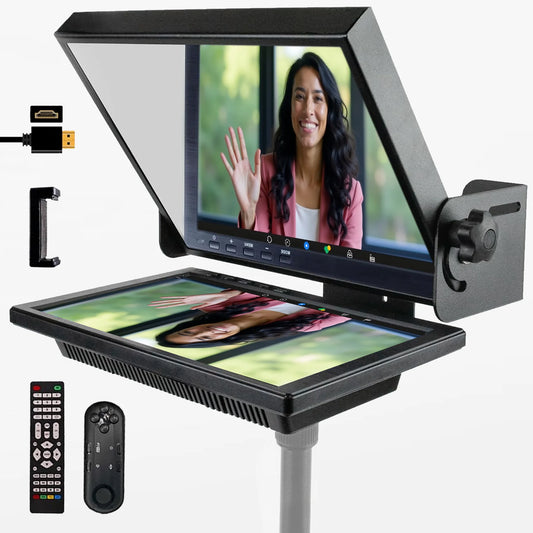
Here's how it works: a half-silvered glass (60/40 beam splitter) sits at roughly 45° in front of your camera lens. Your tablet displays the scrolling text face-up below the glass, and the glass reflects that text toward you. The camera shoots right through the glass without seeing the text. Result: you look straight into the lens the entire time.
I'll be direct — we don't serve top-tier broadcast studios. Our products are consumer/prosumer grade. But for solo coaches, consultants building courses, small marketing teams, and educators (these groups alone represent over 50% of our customer base), the setup more than delivers.

iLight PRO 12-inch vs. 14-inch: which one do coaches actually pick?
About 60% of our total sales go to the 12-inch model, and coaches follow that same pattern. The 12-inch fits any tablet up to 10.2" (standard iPad, iPad Air, most Android tablets) and folds flat for storage or travel. If you record from a home office or take it to a rented studio, portability matters.
The 14-inch model makes sense if you use an iPad Pro 12.9" — the 12-inch frame physically can't fit it — or if you want a larger text display for comfort. It also includes a transport hardcase.
| Feature | iLight PRO 12-inch | iLight PRO 14-inch |
|---|---|---|
| Glass size | 12-inch | 14-inch |
| Max tablet size | 20cm × 26cm (up to iPad 10.2") | 25cm × 31cm (fits iPad Pro 12.9") |
| Max camera length | 20cm / 8" | 25cm / 10" |
| Tripod mount | 1/4" screw | 1/4" + 3/8" dual |
| Hardcase included | No (carry bag included) | Yes |
| Price | €159 | €239 |
Both models come pre-assembled, include a Bluetooth remote, a smartphone clamp, and the free TeleprompterPAD app. The glass on both is lab-grade, manufactured in Germany, with anti-ghosting technology to prevent doubled reflections.
Step-by-step setup for your coaching videos
The whole process takes under five minutes once you've done it twice. Here's the workflow I recommend to every coach I help onboard:
- Mount the teleprompter on your tripod. Use the 1/4" screw on the base — not the camera plate on top. This is mistake #8 I see all the time.
- Attach your camera behind the glass. Position the lens as close to the center of the glass as possible. Keep the camera length under 20cm (8") for the 12-inch model.
- Seat your tablet in the holder. Lock screen rotation first. An auto-rotating screen mid-take will ruin your recording.
- Open the TeleprompterPAD app and import your script. The app supports file importing and rich text formatting, so you can bold key phrases and add pacing markers.
- Attach the blackout hood. Seal all gaps with the Velcro tabs. Light leaks on the glass cause glare that the camera picks up.
- Set your distance at 1.5–2.0 meters. Closer than 1.2m and viewers can see your eyes scanning left-to-right. The app has a margin-narrowing feature if you're forced to sit closer.
- Test record 15–30 seconds. Check framing, scroll speed, and audio. Always use an external microphone — your DSLR's built-in mic is unusable at this distance.
One trick I share with every coach: pre-arrange your entire setup on a dedicated shelf or desk. Route your cables, set your tripod height, plug everything into a single power strip. Flip one switch and you're recording in under 60 seconds. This kills the procrastination loop that stops most people from recording consistently.

Script writing tips specific to coaches
Your teleprompter is only as good as what you put on it. I've seen hundreds of coaches load in formal, essay-style scripts and then wonder why they sound robotic. Here's what works:
- Write how you talk. Use contractions. Start sentences with "And" or "But." If you wouldn't say it to a client in a 1-on-1 session, don't put it in the script.
- Keep sentences short. 12–18 words max. Long compound sentences cause stumbles and monotone delivery.
- Add pacing marks. The TeleprompterPAD app supports bold, italic, and highlight formatting. I bold transition phrases so I know when to pause and shift tone.
- Use the "friend on the couch" test. Read your script aloud before recording. If it sounds like a textbook, rewrite it.
- Narrow your margins for emphasis. The app lets you adjust text margins. Narrower columns mean less eye scanning, which looks more natural on camera.
Research backs this up: according to SellersCommerce, viewers retain 95% of a message when they see it in video, compared to just 10% from text. But that retention depends on the speaker feeling authentic and trustworthy — and that comes directly from how naturally you deliver your script.
Lighting and audio: the two things coaches get wrong
I can usually tell a coach's first-ever teleprompter video within three seconds. It's not the framing or the script — it's the overhead light creating a glare stripe on the glass, or the tinny built-in camera mic echoing off the room.
For lighting, use a three-point setup: key light at front/side, fill light on the opposite side, and a backlight behind you for separation. The critical rule: no overhead lights directly above the teleprompter. Ceiling fixtures bounce off the beam splitter glass and create a bright streak across the frame.
For audio, an external microphone is non-negotiable. At 1.5–2.0 meters, your DSLR's built-in mic picks up room reverb and almost no usable voice. A lavalier or a shotgun mic aimed at your chest solves this instantly.
Real-world use cases: how coaches and consultants actually use this
Based on our customer data, here's where teleprompters deliver the most value for this audience:
Online course recording (coaches, info-product creators — 20% of our customers). A 10-module course might require 40+ individual videos. Without a teleprompter, each take requires memorization or awkward note-glancing. With one, you can batch-record an entire module in a single afternoon. The consistency in delivery across 40 videos is night and day.
Video sales letters and webinar intros (SMBs, marketing teams — 18% of our customers). A VSL has to land every sentence precisely. Rambling or missed talking points cost conversions. Consultants I've worked with use the teleprompter to nail their 8-minute sales pitch in one or two takes instead of twelve.
Client onboarding videos. Several executive coaches in our customer base record personalized welcome videos for new clients. They script a 90-second intro, customize a few details, and record it in a single take. It's a small touch that dramatically increases retention.
What about live Zoom calls? Do I need a different setup?
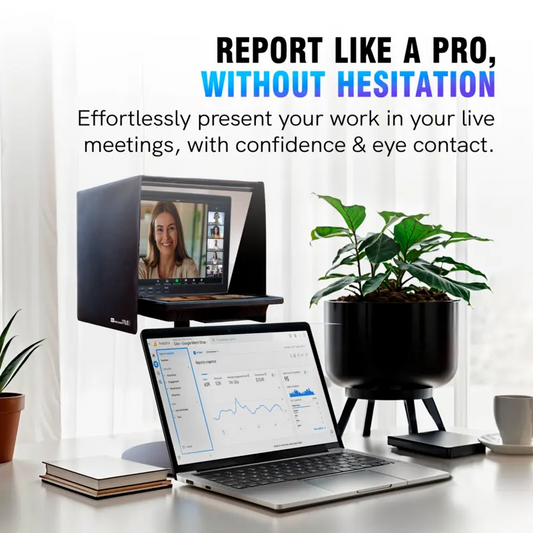
If your primary use case is live coaching sessions or sales calls on Zoom, a beam splitter teleprompter like the iLight PRO is overkill. You're not reading a script during a live conversation.
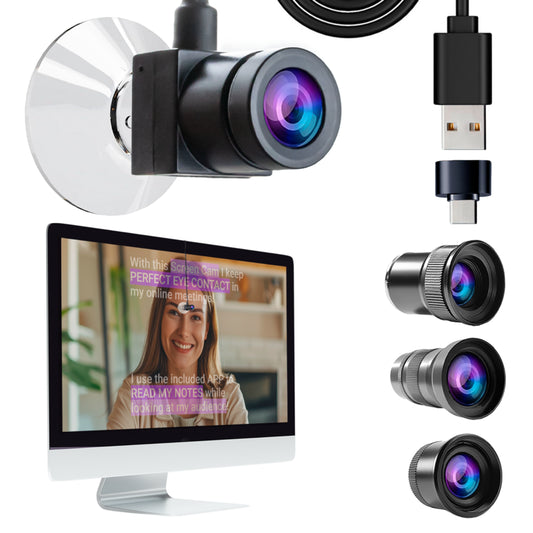
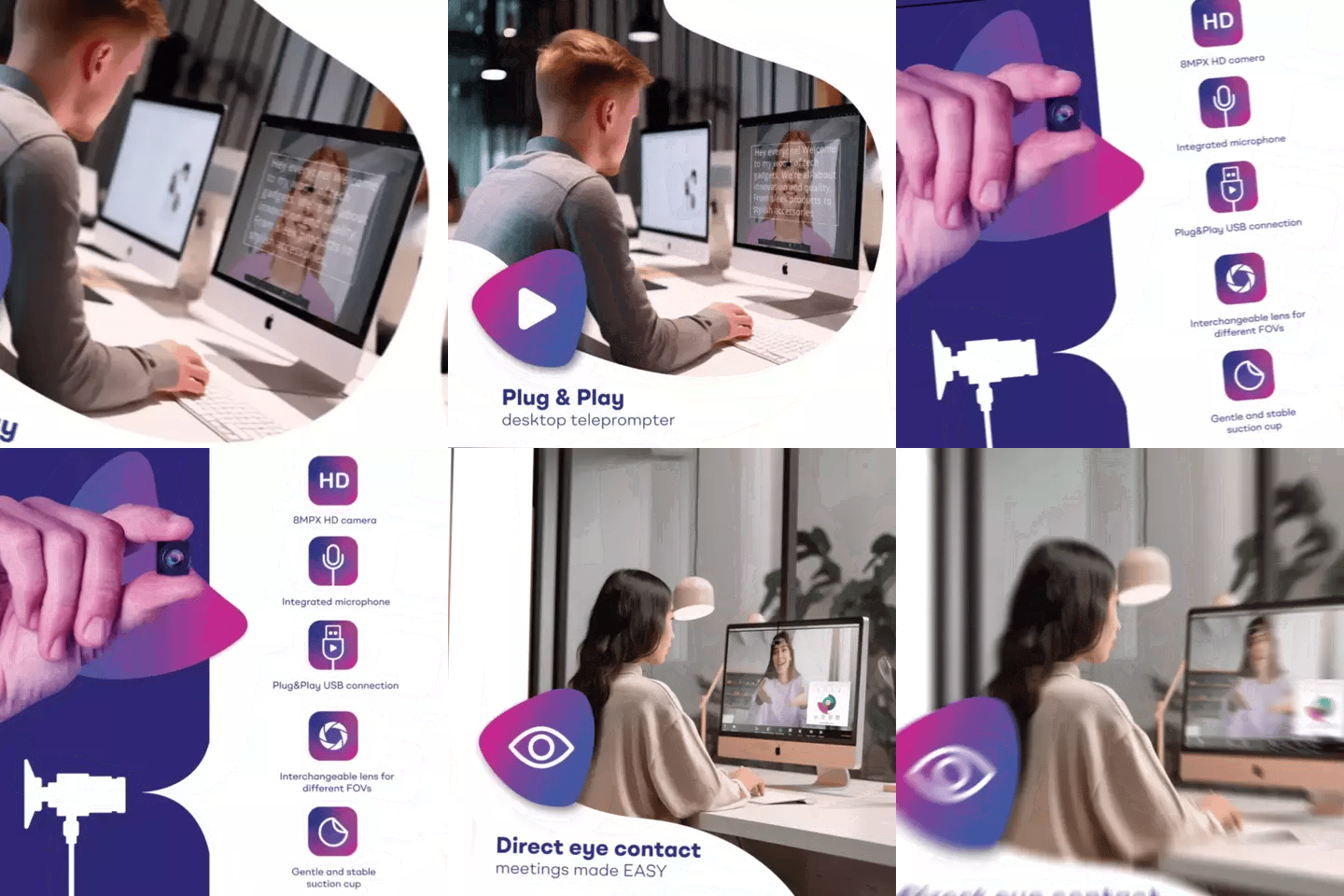
Instead, look at the EyeMeeting Webcam (€99). It's a small USB webcam that attaches to your monitor via suction cup. The Meeting Mode in our app overlays a transparent script over your video call. You maintain eye contact because you're looking directly into the camera while reading notes overlaid on your screen. It's designed specifically for live calls — not recordings.

Many coaches need both: a beam splitter for recording courses and marketing videos, plus a way to maintain eye contact during live calls. That's a pretty common two-device setup in our customer base.

Hands-free control: why coaches love the foot pedal
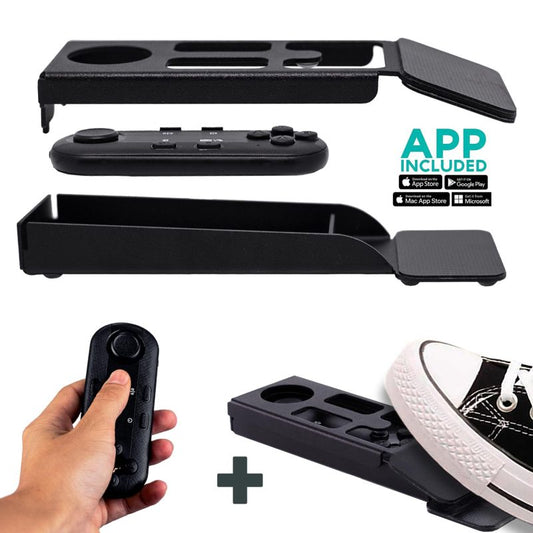
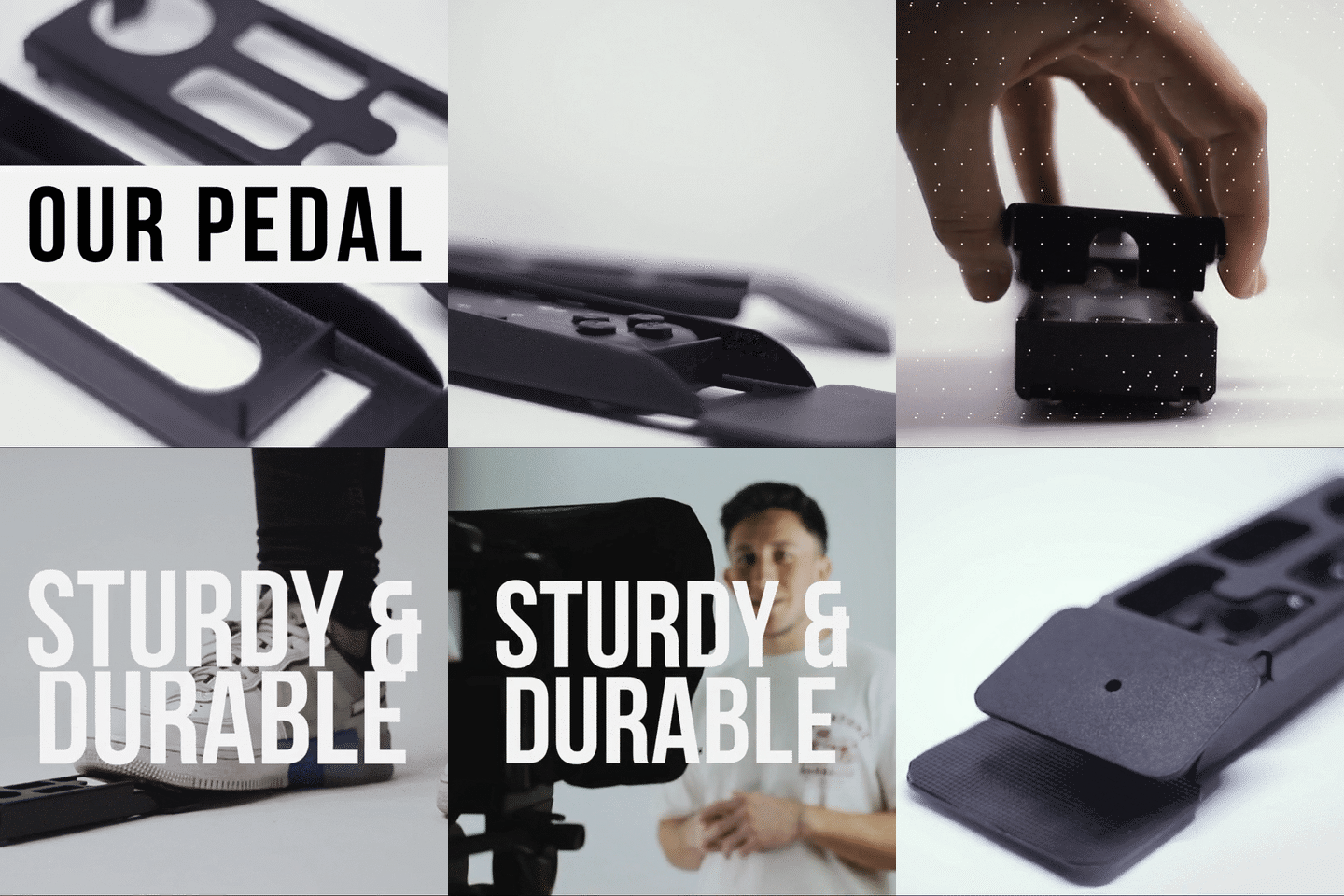
If you coach while standing, gesturing, or holding props (whiteboard markers, books, product samples), you can't easily reach a handheld remote. The Wireless Kit (pedal + remote) at €54.90 gives you foot control with a silent capacitive sensor. No mechanical click, so your microphone won't pick up anything.
Fair warning: there's no tactile feedback. It takes 2–3 recording sessions to build the muscle memory. After that, it becomes second nature — pastors, public speakers, and coaches who use it consistently tell me they can't go back to the handheld remote.
Honest pros and cons
| Pros | Cons |
|---|---|
| Pre-assembled, sets up in under 2 minutes | Not compatible with iPad Pro 12.9" (need 14-inch model) |
| Foldable aluminum frame — travels easily | Minimum 24mm focal length required — wide-angle lenses show the frame edges |
| German lab-grade beam splitter glass with anti-ghosting | No hardcase included with 12-inch (carry bag only — hardcase sold separately) |
| Bluetooth remote included — play, pause, speed, font size | Bluetooth remote can auto-connect to wrong device if multiple are paired |
| Free app on iOS, Android, Windows, Mac, plus web version | Requires 1.5m+ recording distance — tight home offices may struggle |
| 1-to-1 multilingual support (EN, ES, DE, FR, IT) | Consumer/prosumer grade — not built for broadcast studio environments |
The cons are real. If your home office is only 2.5 meters deep and your desk is against one wall, you might need to get creative with positioning. The margin-narrowing feature in the app helps, but physics is physics — closer distances mean more visible eye scanning.
Frequently asked questions
Can I use a teleprompter for live Zoom coaching sessions?
Not a beam splitter teleprompter like the iLight PRO — that's designed for recording. For live calls, the EyeMeeting Webcam attaches to your monitor and lets you read notes while maintaining eye contact on Zoom, Teams, or any video call platform. It uses Meeting Mode to overlay transparent text over your call window.
What tablet do I need for the iLight PRO 12-inch?
Any tablet or smartphone up to 20cm × 26cm. That includes iPad 10th gen, iPad Air 10.5", iPad Pro 11", iPad Mini, and most Android tablets. The only common iPad it does NOT fit is the iPad Pro 12.9" — for that, you need the 14-inch model.
How far should I sit from the teleprompter?
1.5 to 2.0 meters is the sweet spot. Closer than 1.2m and viewers can detect your eyes scanning across the text. If you're forced to record at a shorter distance, use the margin-narrowing feature in the app to reduce the text width, which minimizes visible eye movement.
Will my audience know I'm using a teleprompter?
Not if you set it up correctly. The beam splitter glass is invisible to the camera. The key is recording distance (1.5m+), natural script writing, and varied pacing. A robotic monotone delivery is what gives people away — not the hardware.
Do I need technical skills to set this up?
No. The iLight PRO comes pre-assembled. You unfold it, mount it on a tripod, drop your tablet in, and open the app. Setup takes under two minutes. If you do hit any snags, we offer personal 1-to-1 support in English, Spanish, German, French, and Italian — not a chatbot, an actual human who has set up hundreds of these.
Can I record vertical videos for Instagram Reels or TikTok?
Yes, but you'll need the Smartphone Adaptor (€29.90) to mount your phone behind the glass in portrait orientation. It works with any iPhone or Android phone and includes a snug cloth for light blocking.
What's the minimum focal length I can use?
24mm. Below that, wide-angle distortion causes the glass frame edges or tablet tray to appear in your shot. Most standard kit lenses at 24–50mm work perfectly.
Is the foot pedal worth it for coaching videos?
If you gesture a lot or hold objects while presenting, absolutely. The silent capacitive sensor means no clicking sounds in your recording. Coaches who use props or stand at a whiteboard find it essential. It takes a couple of sessions to adjust to the lack of tactile feedback, but after that most people prefer it over the handheld remote.
If you're a coach or consultant recording courses, sales videos, or authority content, a teleprompter is the single biggest upgrade you can make to your production quality — and your recording speed. The iLight PRO 12-inch at €159 handles what 90% of coaches need right out of the box. Set it up once, record consistently, and let the eye contact do the trust-building for you.
Lo más vendido
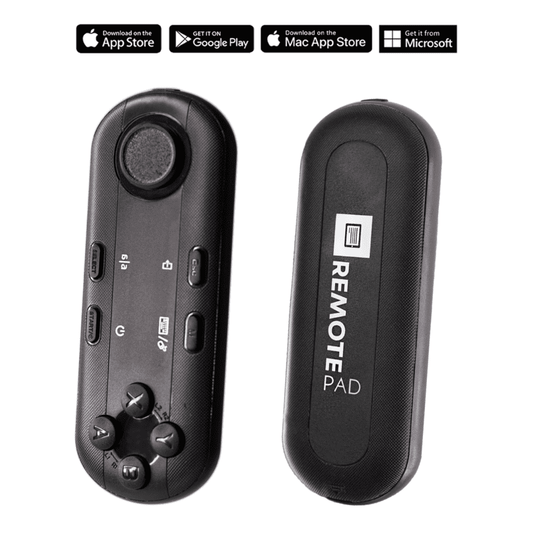
TELEPROMPTER PAD Mando Bluetooth para Teleprompter - Incluye APP Teleprompter para Apple, Android Windows y Mac - Control remoto inalámbrico para teleprompter beamsplitter o equipo de transmisión en vivo
- 34.90€
39.90€- 34.90€
- Precio por unidad
- per
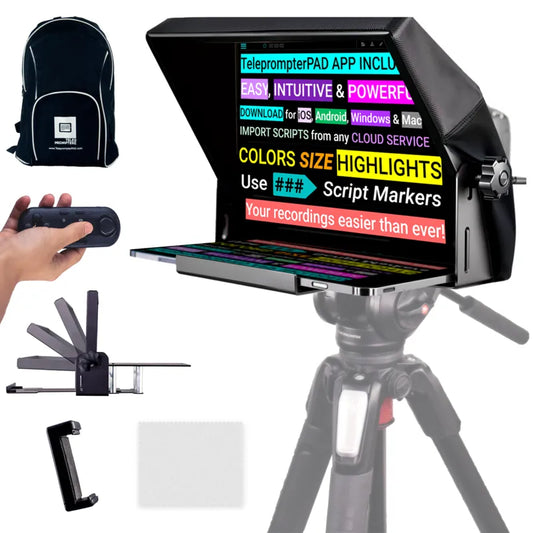
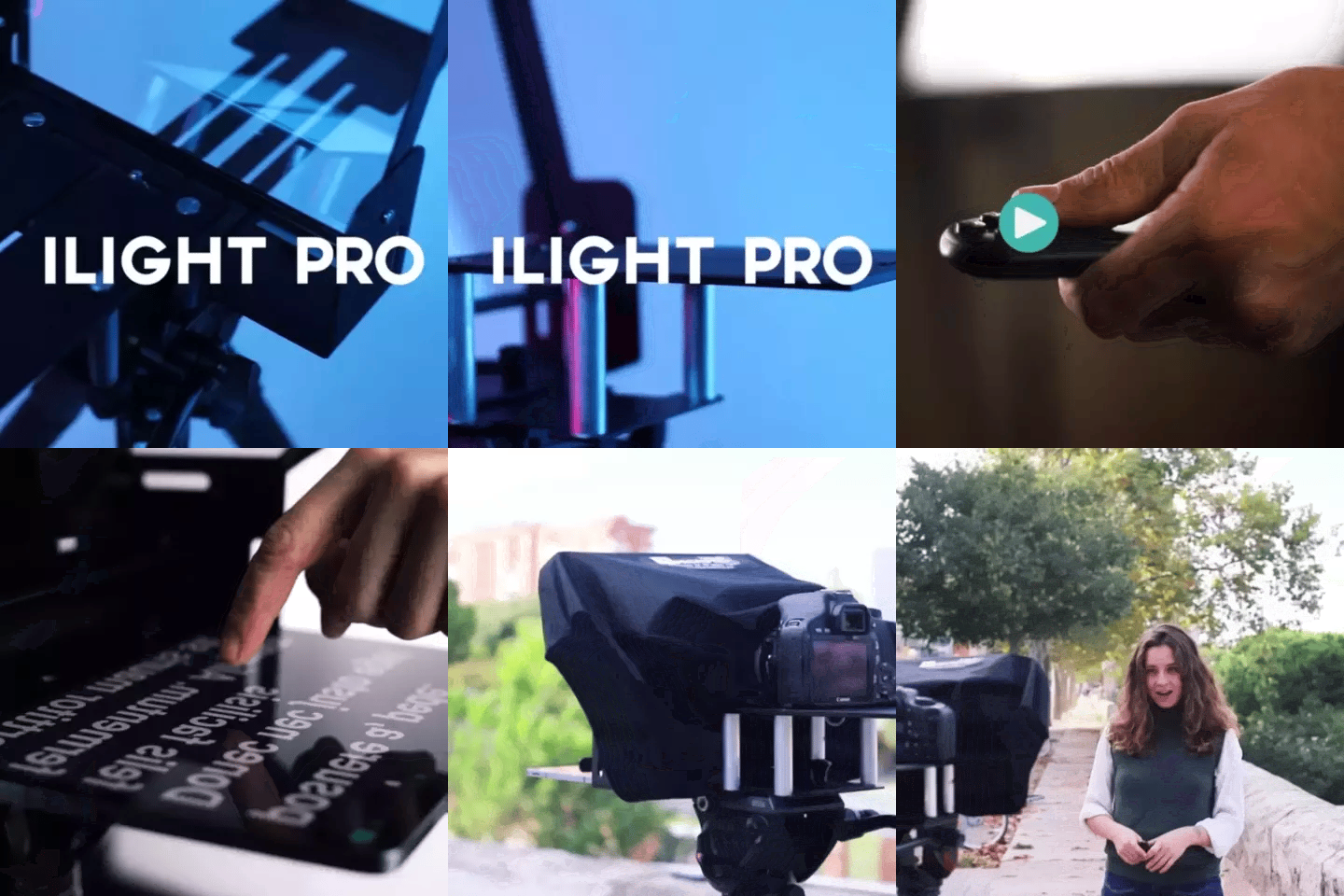
TELEPROMPTER PAD iLight Pro 12'' iPad Tablet iPhone Smartphone - Kit con Mando, Mochila y App Teleprompter Apple Android Windows Mac, Prompter Profesional Resistente Cristal Beamsplitter - Made in EU
- 159.00€
199.00€- 159.00€
- Precio por unidad
- per
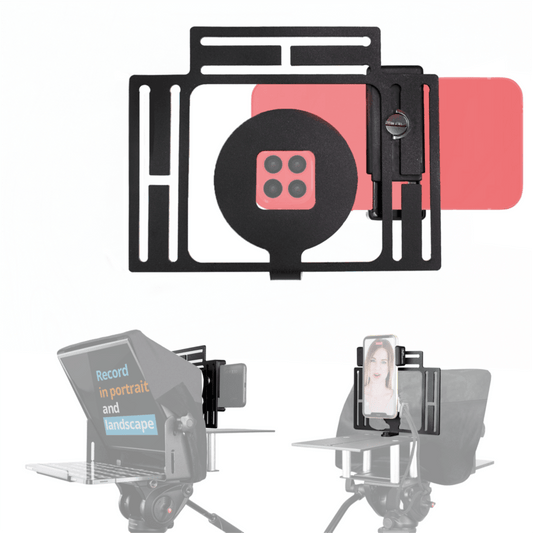
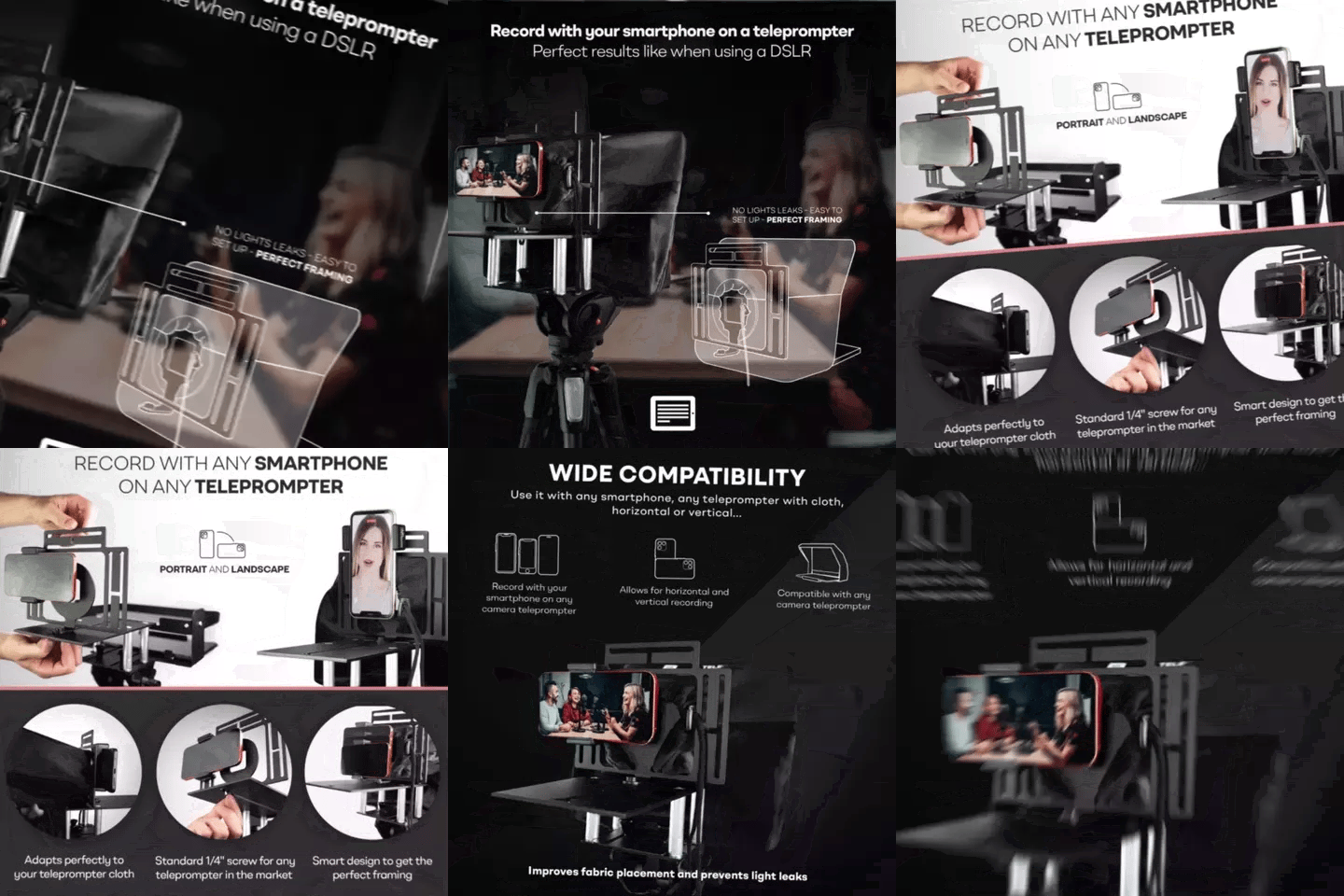
TELEPROMPTER PAD Adaptador Smartphone para teleprompter – Graba con cualquier teléfono iPhone, Android, compatible con cualquier teleprompter, rig universal de aluminio para prompter de cámara, ajuste cómodo de la tela
- 29.90€
39.90€- 29.90€
- Precio por unidad
- per
TELEPROMPTER PAD EyeMeeting Prompter, Teleprompter para Twitch Streaming, Youtube, Contacto Visual Zoom, para Mac/PC DSLR Webcam iPhone con Software y Monitor de 10.1" Compatible con Elgato Streamdeck
- 229.00€
299.00€- 229.00€
- Precio por unidad
- per