



Teleprompter for Coaches: Record Courses That Convert
A teleprompter for coaches solves the single biggest problem with recorded coaching content: looking into the lens while delivering your message naturally. If you coach clients through online courses, webinars, or video sales letters, you already know the awkward dance of glancing at notes taped beside your camera. A beam splitter teleprompter puts your script directly in front of the lens so your eyes never wander. The result is video that feels like a real conversation — and that's exactly what makes coaching clients buy, engage, and stay.

Coaches, therapists, and info-product creators make up roughly 20% of our customer base — that's about 10,000 orders from this segment alone across 50,000+ total units shipped. I've personally walked hundreds of coaches through their first teleprompter setup, helped them nail eye contact for course recordings, and troubleshot everything from wonky glass angles to Bluetooth pairing issues on Sunday mornings before a live launch.

Why do coaches need a teleprompter in the first place?
Because your clients judge your credibility in the first few seconds of video. A 2022 study published in Frontiers in Psychology by Kaiser, Henry, and Eyjólfsdóttir at Umeå University found that eye contact during video communication creates a measurable sense of connection, mutual engagement, and emotional validation — and that breaking eye contact produces both emotional and physical distance. As a coach, distance is the last thing you want your clients to feel.
Think about it from the client's side. They're watching your course module at 11 p.m. with a cup of tea, deciding whether this program is worth $2,000. If your eyes are darting to sticky notes off-screen, that subtle disconnect tanks trust. A teleprompter solves it mechanically: your script sits on a beam splitter glass angled at 45°, the camera shoots through the back, and you read while looking directly into the lens.
The coaching industry generated $5.34 billion in revenue in 2025 according to the ICF Global Coaching Study data compiled by Luisa Zhou, with the market projected to reach $5.8 billion in 2026. Competition is intense. Video quality — especially eye contact — is one of the few ways to stand out without spending five figures on production.
What kind of teleprompter works best for coaches?
For most coaches recording courses, webinars, and video sales letters, a beam splitter teleprompter is the right tool. It sits on your tripod, holds a tablet or phone running your script, reflects that text onto glass in front of the camera lens, and lets you read while maintaining direct eye contact.
I've seen coaches try three approaches: (1) memorizing scripts, (2) using teleprompter apps without hardware, and (3) using a proper beam splitter setup. The first burns time and often sounds rehearsed. The second puts your eyes on a phone taped near the lens — close but not quite. The third nails it.
Here's how the main options compare for coaching use cases:
| Approach | Eye Contact | Setup Time | Best For |
|---|---|---|---|
| Memorizing | Good (if natural) | Hours of rehearsal | Short social clips |
| App on phone near lens | Close but off-axis | 5 min | Casual vlogging |
| Beam splitter (12") | Direct, through the lens | Under 2 min | Standard courses & webinars |
| Beam splitter (14") | Direct, through the lens | Under 2 min | Large tablets, multi-module batching |
If you own an iPad Pro 12.9", the 12" model physically won't fit it — the tablet tray is too narrow. That's why I usually steer coaches toward the iLight PRO 14" when they batch-record course content. The larger glass means a bigger readable area, which matters when you're scrolling through a 2,000-word module script.

How do coaches actually use a teleprompter during course recording?
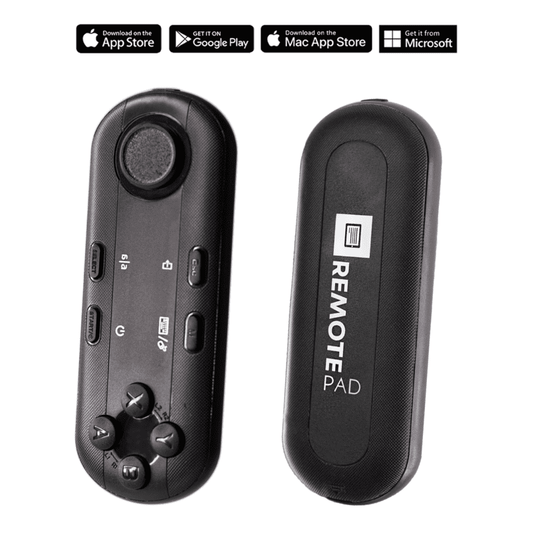
The workflow is simpler than most coaches expect. You mount the teleprompter on your tripod, load your script into the TeleprompterPAD app on your tablet, set your scroll speed, and hit record. The Bluetooth remote lets you pause and resume scrolling without moving your hands — which matters when you're gesturing to make a point.
5-step coach recording workflow:
- Mount the iLight PRO on your tripod and position the camera behind the glass. Set glass angle close to 45°.
- Import your module script into the TeleprompterPAD app. Adjust font size so you can read comfortably from 1.5-2 meters.
- Narrow the text margins if you're recording closer than 1.5m — this keeps your eye movement from being visible to the camera.
- Do one test take. Check audio levels (use an external mic — your camera's built-in mic won't cut it at that distance), lighting, and framing.
- Hit record. Use the Bluetooth remote to control scroll speed. Pause between sections to leave clean edit points.
One thing I always tell coaches: write your script the way you talk. Not the way you write blog posts or emails. Short sentences. Contractions. Conversational pacing marks like "[pause]" or "[slow down]" right in the script. When Wyzowl's 2026 Video Marketing Statistics report found that 63% of consumers prefer watching a short video when learning about a product or service, that preference extends to courses too. People want to feel like you're talking to them, not lecturing at them.

iLight PRO 14" vs 12": which size should a coach pick?
This is the question I get asked most by coaches. Here's my honest take.
If you record with an iPad Pro 12.9", you need the 14" model. End of story — the 12" simply can't fit that tablet. But beyond compatibility, the 14" gives you a noticeably larger reading area. When you're batch-recording six course modules in a single afternoon (which I strongly recommend for consistency), that extra screen space reduces eye fatigue.
| Feature | iLight PRO 12" | iLight PRO 14" |
|---|---|---|
| Max tablet size | 20cm × 26cm (up to iPad 10") | 25cm × 31cm (iPad Pro 12.9" fits) |
| Glass | 12" HD 60/40, German lab-grade | 14" HD 60/40, German lab-grade |
| Camera max length | 20cm / 8" | 25cm / 10" |
| Tripod mount | 1/4" screw | 1/4" and 3/8" dual |
| Transport case | Carrying bag (hardcase sold separately) | Hardcase included |
| Price | €159 | €239 |
The 12" is great if you have a standard iPad or a smaller Android tablet and portability matters. But for dedicated coaching studios — even a corner of your living room with a permanent tripod — the 14" is the stronger choice. The included hardcase also matters if you travel to workshops or retreats and want to bring the setup along.
Real-world use cases: how different coaches use this gear
Coaches, therapists, and info-product creators represent about 20% of our customer base. Here's how I see them using the equipment in practice.
Online course creators (the biggest group)
These coaches record 10-30 module videos in batches. They load all scripts into the app in advance, tweak font sizes per module, and record back-to-back. The Bluetooth remote is essential here — it lets you pause between takes without touching the tablet. One life coach I helped recently recorded her entire 12-module signature program in a single weekend using the iLight PRO 14" with an iPad Pro 12.9".
Coaches who run webinars and live workshops
About 6% of our customers are church and religious leaders who use a similar workflow: scripted live delivery with a teleprompter. Coaches doing live webinars use the same approach. The TeleprompterPAD app's Meeting Mode can overlay transparent script text during Zoom or Teams calls, but for higher production value, the beam splitter setup with a DSLR produces noticeably better video.
Therapists and wellness practitioners
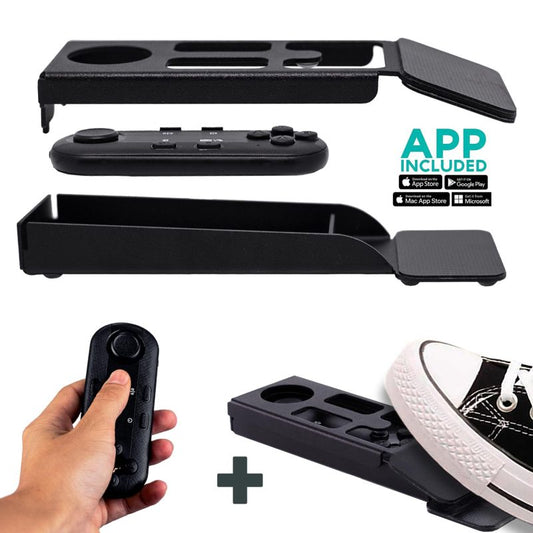
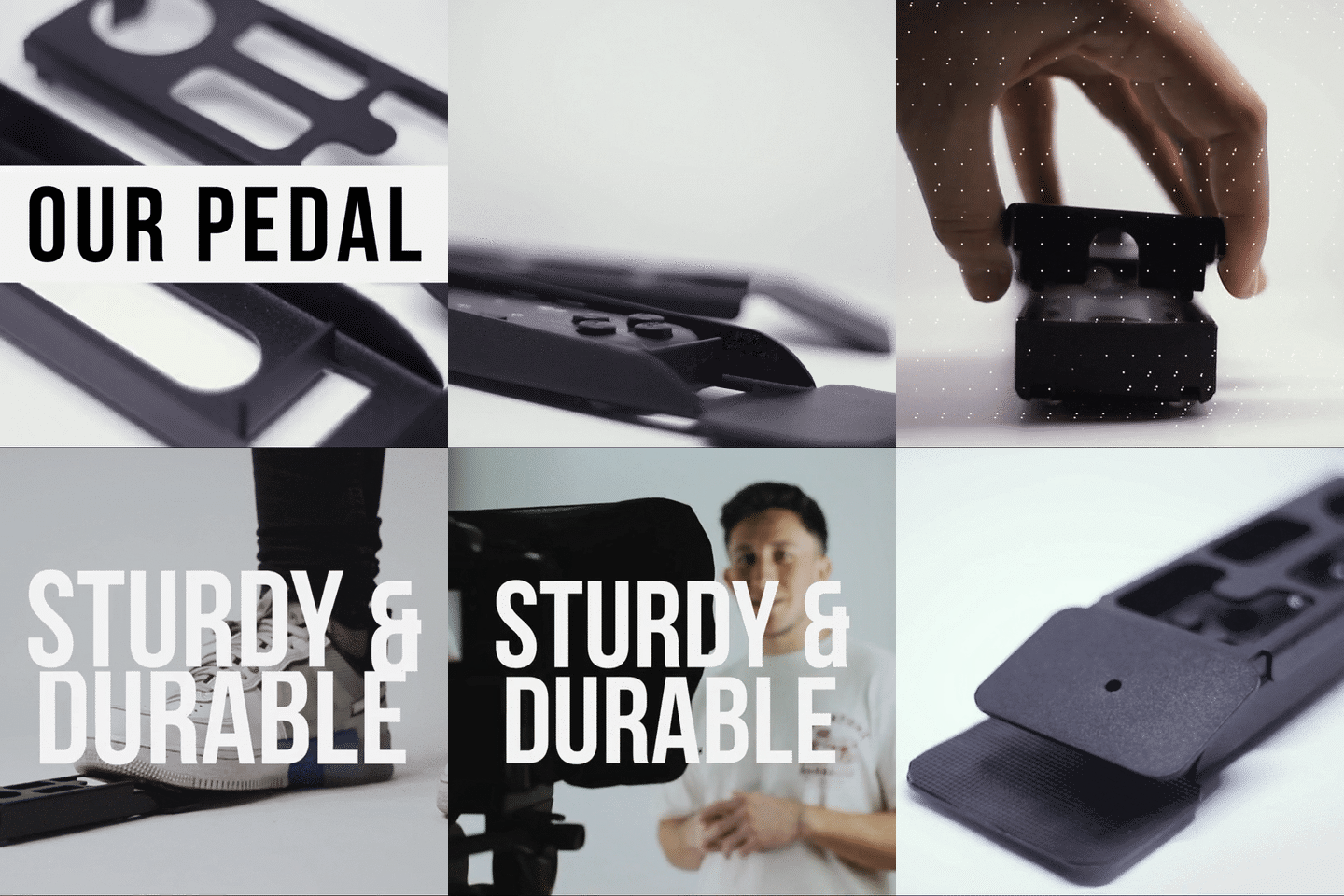
This subset cares deeply about perceived warmth and trust. They often use the Wireless Kit (Pedal + Remote) so their hands are completely free. The foot pedal is silent — a capacitive sensor, no click — so microphones won't pick up anything. It takes about 2-3 sessions to build the muscle memory, but once you do, it's genuinely hands-free prompting.

Honest pros and cons of using a teleprompter as a coach
I'd rather you know the trade-offs before buying than discover them after unboxing.
Pros
- Perfect eye contact every time. Your clients feel like you're speaking directly to them. Research backs this — direct gaze increases perceived credibility, likability, and self-confidence according to Conty et al. (2016).
- Faster recording sessions. No memorizing, no re-takes for forgotten lines. Coaches I work with typically cut recording time by 50-70%.
- Consistency across modules. When you batch-record a 12-module course, every video has the same confident delivery.
- Pre-assembled, sets up in under 2 minutes. I know coaches hate fiddly tech. The iLight PRO ships ready to go.
- 1-to-1 multilingual support. If you get stuck, our team helps in English, Spanish, French, German, and Italian.
Cons
- You need at least 1.5m (5 ft) between you and the camera. Closer than that, viewers can see your eyes scanning left to right. If your home office is tiny, narrow the text margins in the app — it helps, but it's not invisible at 1 meter.
- Learning curve for natural delivery. The first 2-3 recordings can feel robotic. You have to practice reading conversationally, not like a news anchor. Add pacing marks to your script.
- A teleprompter can't fix bad lighting or bad audio. You still need three-point lighting and an external microphone. The camera's built-in mic at 1.5m+ is essentially useless.
- Minimum focal length: 24mm. Go wider and you'll see the glass frame edges or the tablet tray in your shot.
- Glass adds a faint light loss. The 60/40 beam splitter sends 60% of light through to the camera and reflects 40% toward you. In practice, the difference is negligible with proper lighting, but it's there.

Common mistakes coaches make with teleprompters
- Writing "essay-style" scripts. Your course script should sound like you're coaching a real person, not reading a whitepaper. Use contractions. Use questions. Write like you talk.
- Forgetting to lock tablet rotation. One accidental tilt and your script flips mid-sentence. Lock your screen orientation before you start.
- Not sealing the blackout hood properly. Light leaking through the hood causes glare on the glass. Seal it with the Velcro tabs. Takes 10 seconds.
- Overhead lights directly above the teleprompter. This creates a visible hot spot on the glass. Move your key light to the front/side instead.
- Skipping test takes. Always record 30 seconds of test footage first. Check audio, check framing, check that your script speed feels natural.
- Mounting the tripod plate on the camera instead of the teleprompter base. The whole unit should sit on the tripod. The camera mounts inside the teleprompter frame using the 1/4" screw.
If any of this sounds familiar, you're in good company. I've seen every single one of these mistakes hundreds of times. They're all fixable in five minutes once you know what to look for. And if you want more guidance, we've written a detailed guide for consultants using teleprompters that covers similar setup principles.
Frequently asked questions
Can I use a teleprompter with my smartphone instead of a DSLR?
Yes. The iLight PRO 12" and 14" both include a smartphone clamp. Many coaches record with their iPhone or Samsung phone behind the beam splitter glass. The quality of modern phone cameras is excellent. Just make sure you're using at least a 24mm equivalent focal length (most phone default cameras are fine) and mount the phone in landscape for course content.
Will my audience be able to tell I'm reading from a teleprompter?
Not if you do it right. Record from at least 1.5 meters away, narrow the text margins in the app if needed, and write in a conversational tone. The beam splitter puts the text directly over the lens, so your gaze is dead-center. What gives people away is stiff delivery, not the eye contact itself.
How long does it take to set up the iLight PRO?
Under 2 minutes. The unit arrives pre-assembled. You unfold the frame, place your tablet, mount it on the tripod, and position the camera. First-time setup might take 5 minutes as you figure out cable routing and glass angle. After that, it's genuinely fast — most coaches leave it on the tripod between sessions.
What tablet size do I need?
For the 12" model, anything up to 20cm × 26cm works — that covers iPad 10", iPad Air 10.5", iPad Pro 11", and most Android tablets. For the 14" model, you can go up to 25cm × 31cm, which includes the iPad Pro 12.9" and tablets up to 14" with detachable keyboards. If you use a larger iPad Pro, the 14" is the only option.
Is the foot pedal worth adding for coaching recordings?
If you gesture a lot with your hands — and most coaches do — the foot pedal is worth every cent. It's a silent capacitive sensor that controls scrolling with your foot. No clicks, no noise, no mic interference. It takes 2-3 recording sessions to build muscle memory, but after that it's automatic. Therapists and wellness practitioners especially love it.
Does TeleprompterPAD offer support if I get stuck?
Yes. We offer personal 1-to-1 support in English, Spanish, French, German, and Italian. Not a chatbot — actual people who've used the gear. There's also a help center at help.teleprompterpad.com with video tutorials. About 20% of our customers are coaches, so we're very familiar with the specific questions that come up in this workflow.
What about live video calls — can I use this for Zoom coaching sessions?
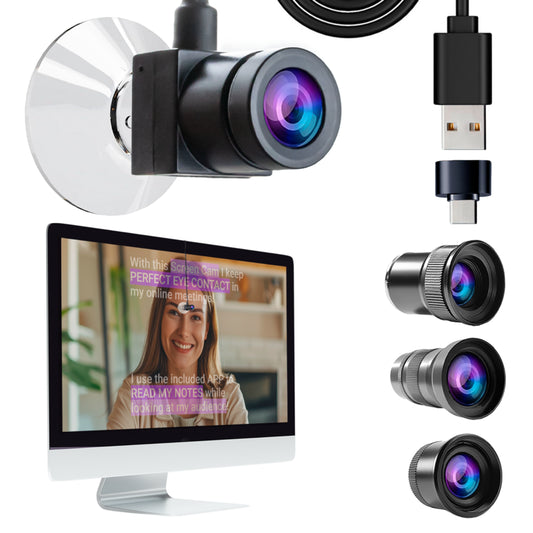
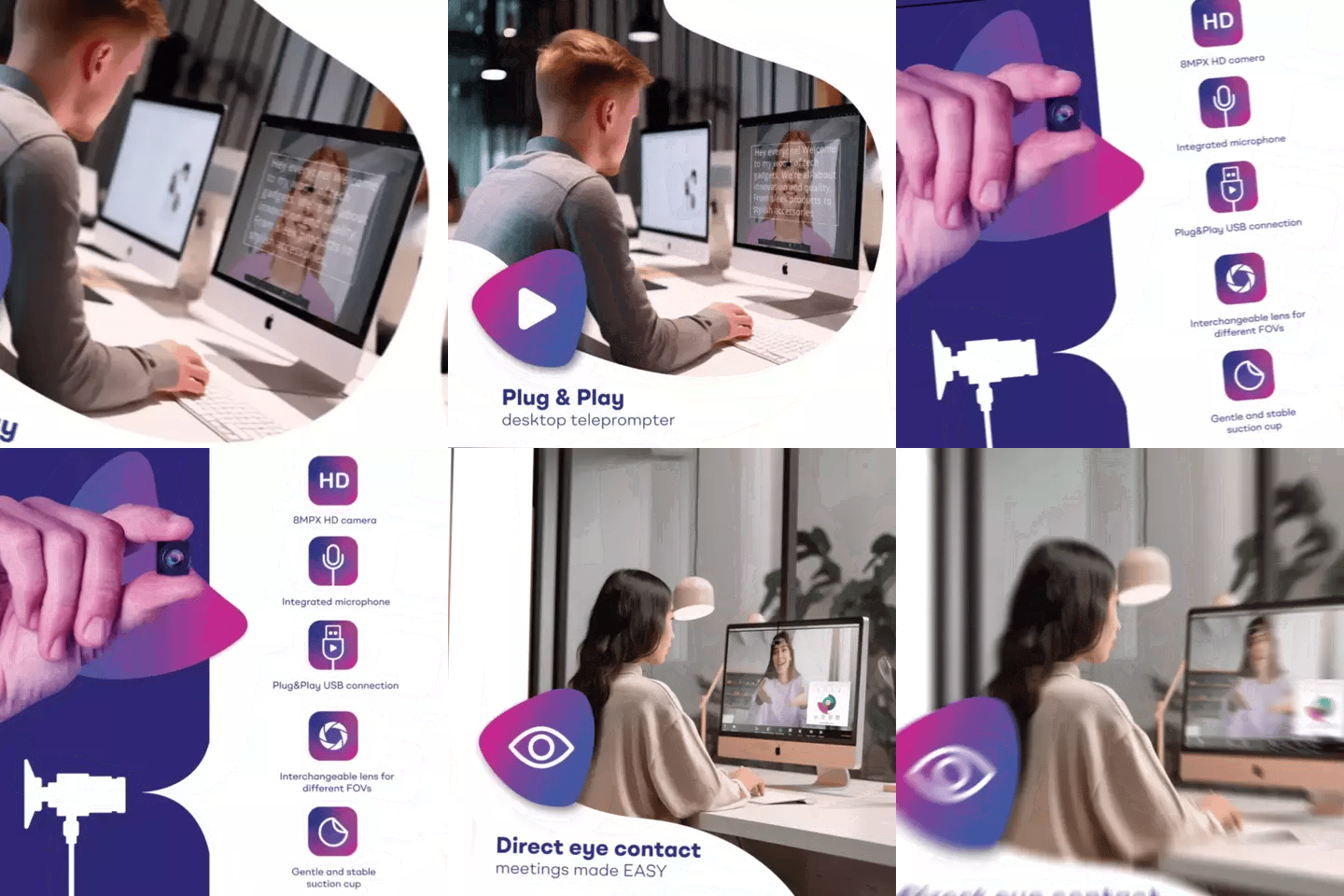
The iLight PRO is designed for recording to camera, not live calls. For live Zoom or Teams coaching sessions where you want to read notes while maintaining eye contact, the EyeMeeting Webcam (€99) or EyeMeeting Prompter (€229) are better options. The Webcam is a small USB device for calls; the Prompter is a full beam splitter with a built-in 10.1" screen for higher-quality live sessions.
Can I use the same teleprompter for both course recording and short-form social content?
Absolutely. If you want to shoot vertical content for Instagram Reels, TikTok, or YouTube Shorts, add the Smartphone Bracket (€29.90). It holds your phone in portrait mode behind the glass. Same eye contact, vertical framing. Many coaches record their course module first, then immediately switch to vertical for a 60-second teaser clip.
A teleprompter won't make you a better coach. But it will make your coaching videos look and feel the way your clients expect — direct, confident, and personal. If you're recording courses, webinars, or any video where trust is the currency, the iLight PRO 14" is what I'd recommend to any coach who's serious about their content.
Lo más vendido
TELEPROMPTER PAD Mando Bluetooth para Teleprompter - Incluye APP Teleprompter para Apple, Android Windows y Mac - Control remoto inalámbrico para teleprompter beamsplitter o equipo de transmisión en vivo
- 34.90€
39.90€- 34.90€
- Precio por unidad
- per
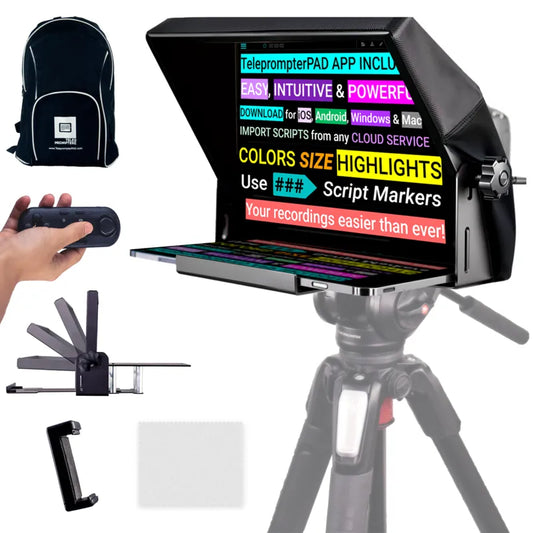
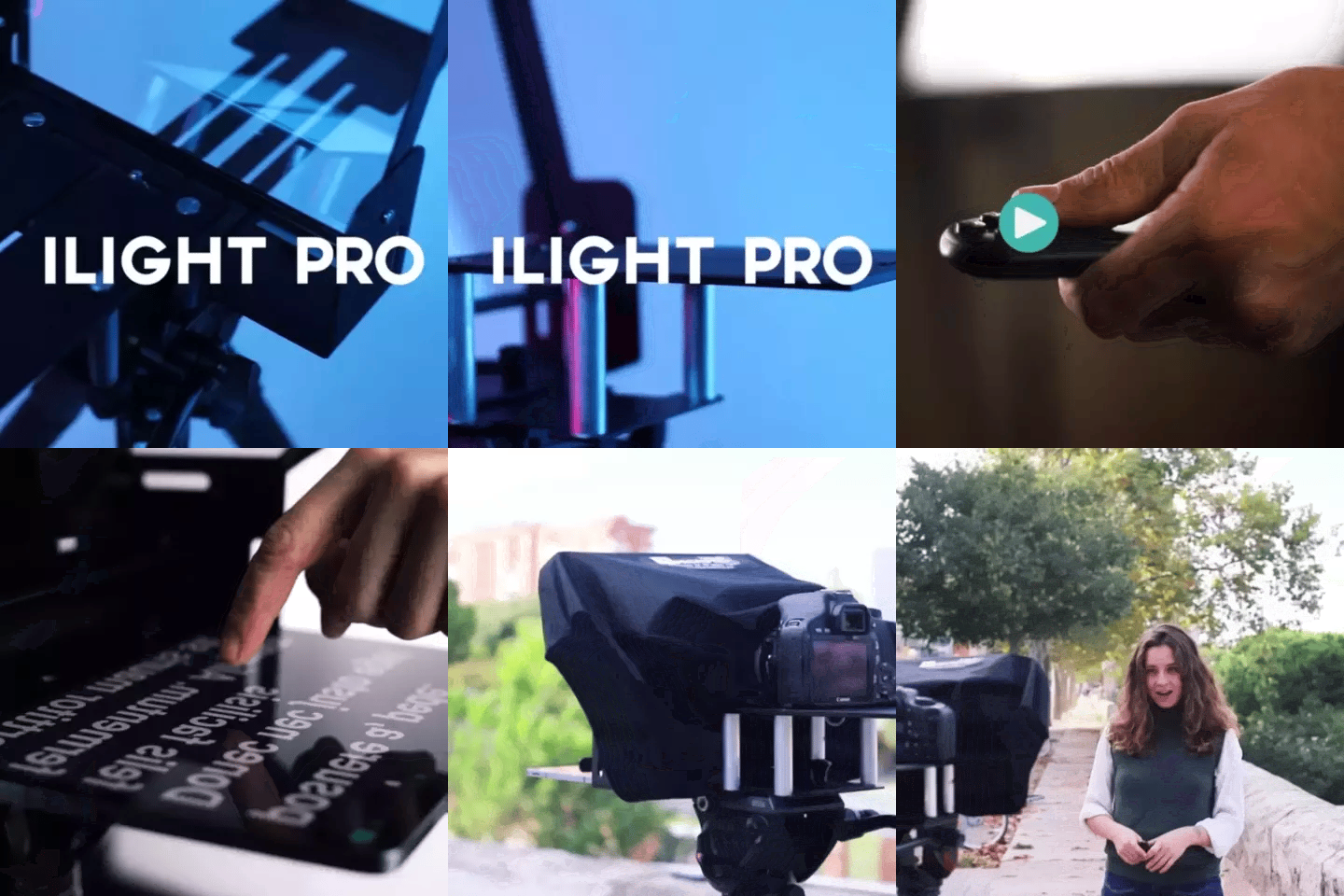
TELEPROMPTER PAD iLight Pro 12'' iPad Tablet iPhone Smartphone - Kit con Mando, Mochila y App Teleprompter Apple Android Windows Mac, Prompter Profesional Resistente Cristal Beamsplitter - Made in EU
- 159.00€
199.00€- 159.00€
- Precio por unidad
- per
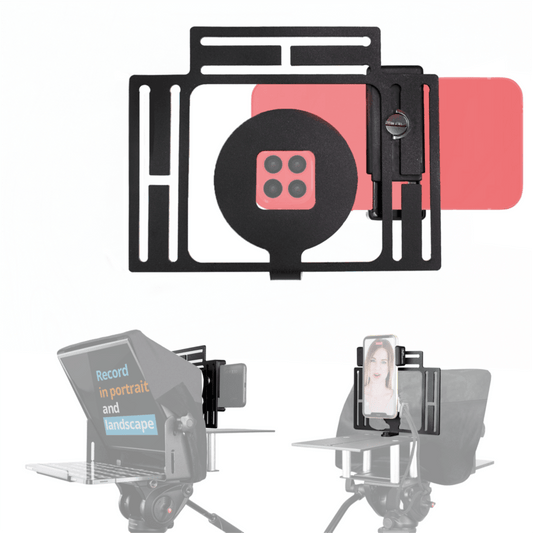
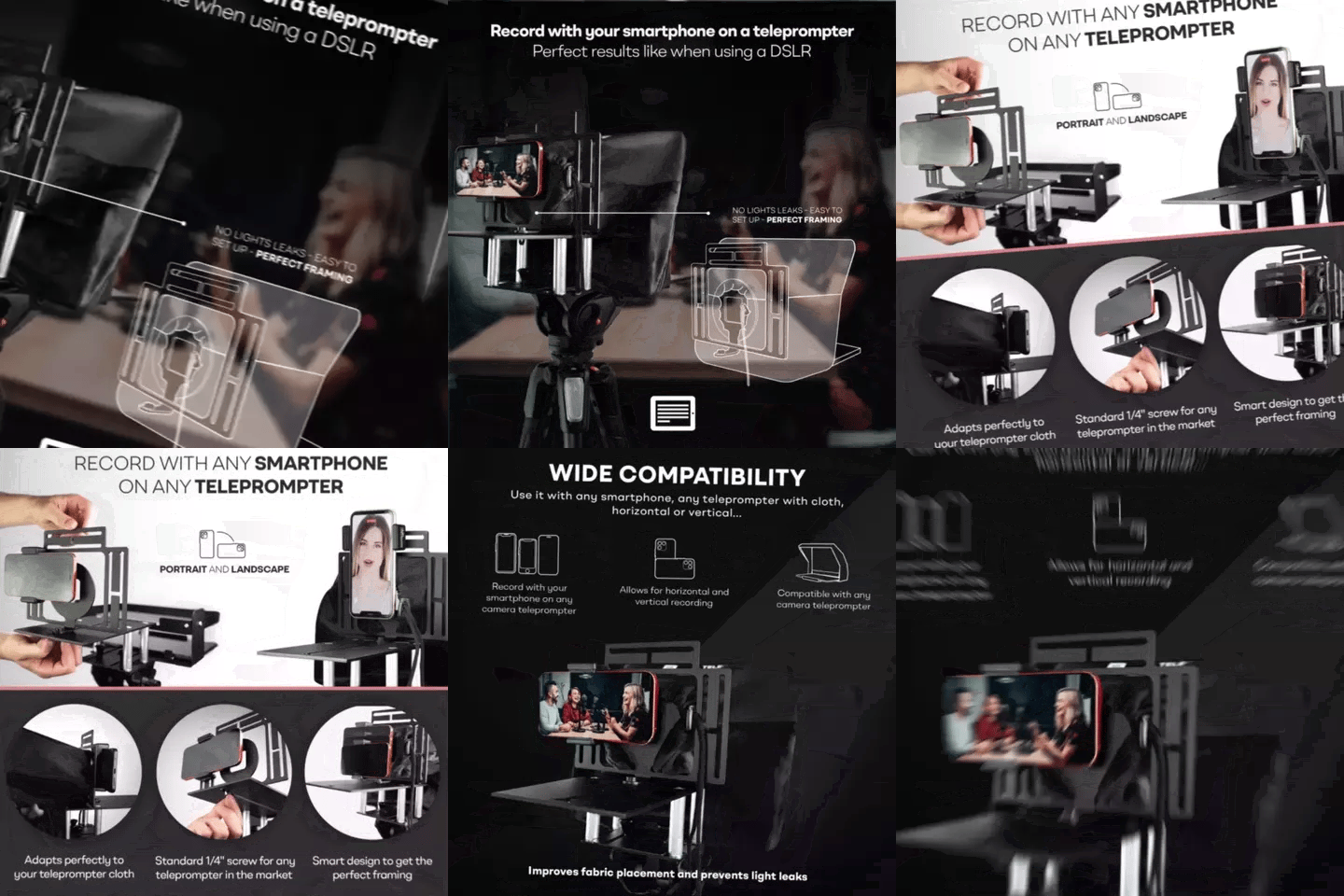
TELEPROMPTER PAD Adaptador Smartphone para teleprompter – Graba con cualquier teléfono iPhone, Android, compatible con cualquier teleprompter, rig universal de aluminio para prompter de cámara, ajuste cómodo de la tela
- 29.90€
39.90€- 29.90€
- Precio por unidad
- per
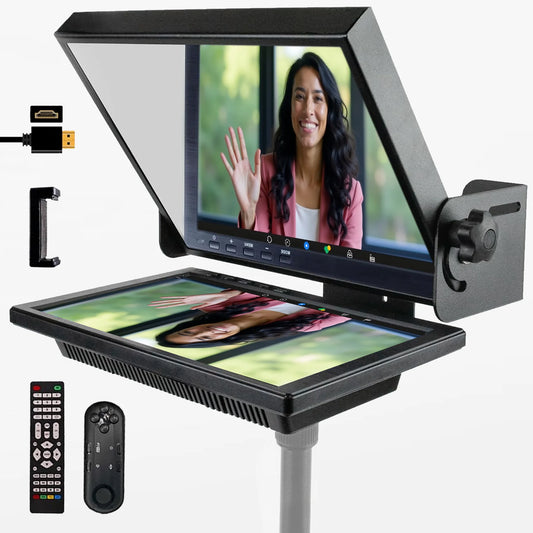
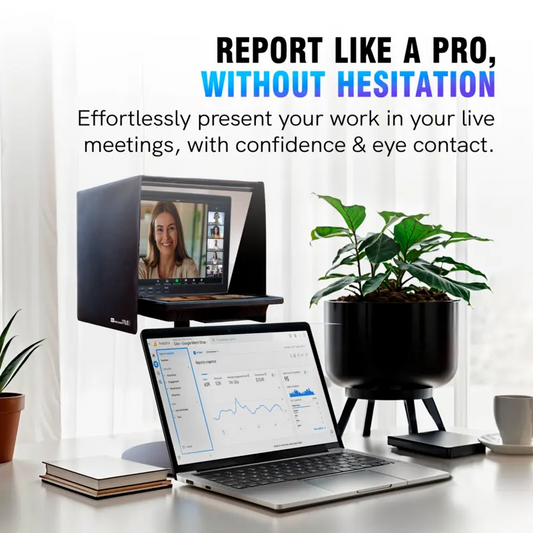
TELEPROMPTER PAD EyeMeeting Prompter, Teleprompter para Twitch Streaming, Youtube, Contacto Visual Zoom, para Mac/PC DSLR Webcam iPhone con Software y Monitor de 10.1" Compatible con Elgato Streamdeck
- 229.00€
299.00€- 229.00€
- Precio por unidad
- per