



Teleprompter for Church Worship: What Actually Works
A teleprompter for church worship lets pastors and worship leaders maintain eye contact with their congregation — in person and on camera — while staying on script. For livestreamed sermons (87% of U.S. churches now stream services), this isn't a nice-to-have anymore. It's core communication gear. The right setup depends on your use case: pulpit preaching, livestream recording, or live video calls with homebound members. I'll walk you through the options that actually fit church budgets and volunteer-run AV teams.

Churches and religious organizations account for about 6% of TeleprompterPAD's 50,000+ global orders — roughly 3,000 units helping pastors preach, record, and livestream. I've personally walked dozens of AV teams through setup, from small chapels running an iPad to multi-campus churches needing dual presidential panels. The problems are always the same: bad eye contact on camera, pastors buried in paper notes, and volunteer teams overwhelmed by complex gear.

Why Does Eye Contact Matter So Much in Worship?
Here's the thing pastors already know intuitively: when you look at your notes, the congregation feels disconnected. As preaching professor Bryan Chapell has written, a speaker who won't look people in the eyes comes across as "aloof, afraid, and/or incompetent." That's a harsh assessment, but it tracks with what homiletics experts consistently teach.
Research from preaching.com puts it clearly — "the quickest way to establish a communicative bond with your listeners is to look them in the eye." A teleprompter solves this by placing your sermon text directly in your line of sight, whether you're facing a live congregation or a camera lens.
This matters even more when you're streaming. According to Pushpay's 2025 State of Church Technology report, 87% of churches continue to livestream their worship services. And 86% of church leaders say livestreaming increases engagement and discipleship. Your online viewers can tell when you're reading from a paper on the pulpit versus speaking directly to the camera.
Three Church Worship Scenarios — Three Different Setups
Not every church needs the same thing. I've seen AV teams waste money on gear that doesn't match their actual workflow. Here are the three most common scenarios I see from the 6% of our customers in church and religious ministry.
Scenario 1: Livestream and recorded sermons (most common)
The pastor stands at a pulpit or marked spot. A camera captures the sermon for YouTube, Facebook, or the church website. The text scrolls on a beam splitter glass in front of the camera, so the pastor looks directly at the lens while reading.
Best fit: the iLight PRO 12-inch or iLight PRO 14-inch. The 12-inch model handles iPads up to 10.2", sets up in under 2 minutes, and comes pre-assembled. Perfect for a single-camera sermon recording station.
Scenario 2: Desktop-based livestreaming or video calls
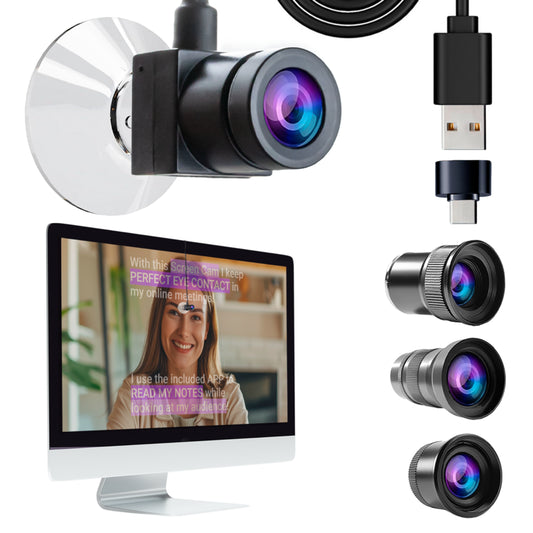
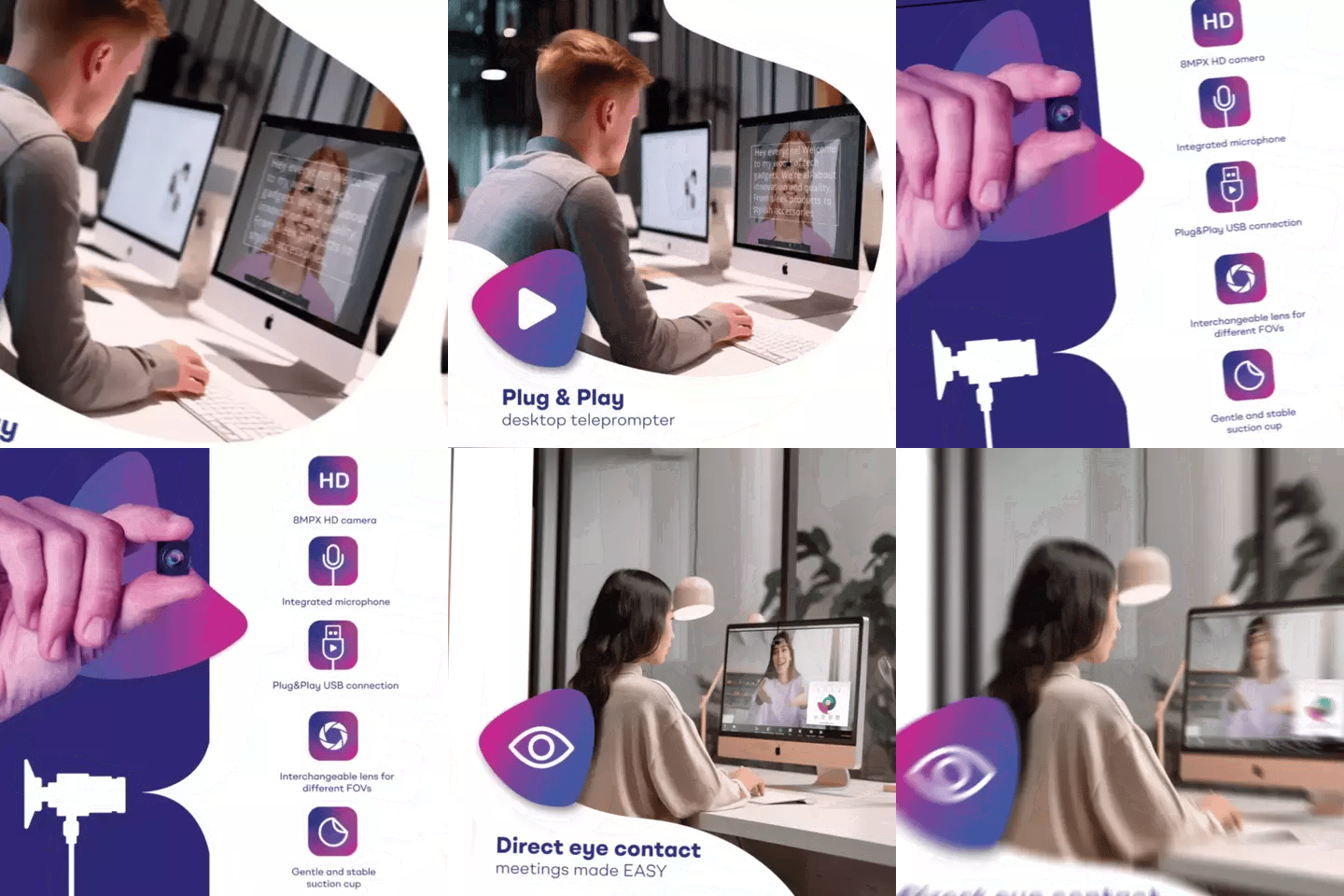
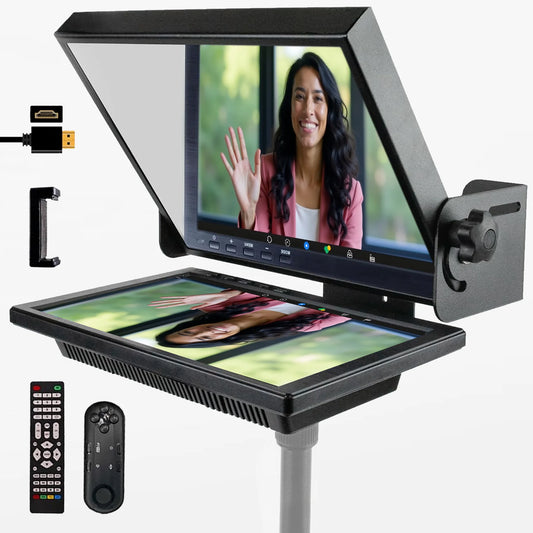
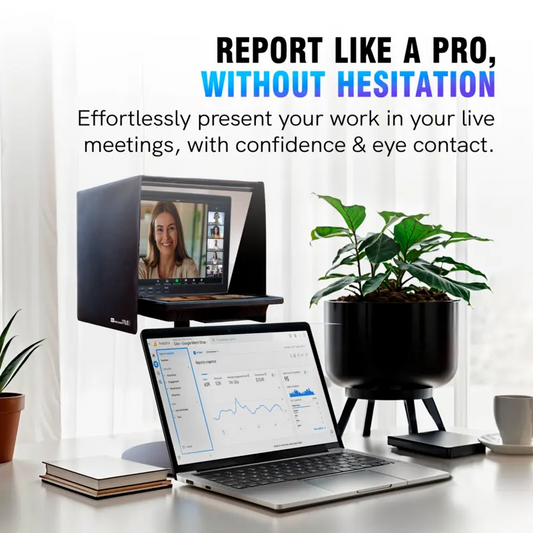
Some pastors record devotionals or lead online Bible studies from a desk. They need the script visible while looking into a camera — not off to the side at a second monitor. The EyeMeeting Prompter puts a 10.1-inch beam splitter screen right at the desk. It connects via HDMI as a second monitor, runs the TeleprompterPAD app, and places text over the camera lens.
Scenario 3: Stage preaching to a live audience
For pastors who preach from a stage to hundreds (or thousands) of people, presidential-style teleprompters are the standard. Glass panels on either side of the stage reflect the text while the audience sees transparent glass. The iPresent PRO handles this for mid-sized churches. For large venues, the XCue X1 with dual glass panels is the way to go.
Which Teleprompter Fits Your Church?
Here's a direct comparison. I've mapped each product against the church worship scenarios that actually come up in support conversations.
| Feature | EyeMeeting Prompter | iLight PRO 12-inch | iPresent PRO | XCue X1 |
|---|---|---|---|---|
| Best for | Desk recordings, livestreams, video calls | Camera-based sermon recording | Mid-size stage preaching | Large venue stage preaching |
| Screen | Built-in 10.1-inch monitor | Your tablet (up to 10.2") | Your tablet or dual monitors up to 21" | Dual glass panels |
| Connection | HDMI (second monitor) | Tablet + Bluetooth remote | Tablet or HDMI + laptop | HDMI + operator laptop |
| Needs tablet? | No (built-in screen) | Yes | Yes (self-operated) or No (monitor mode) | No |
| Audience faces | Camera only | Camera only | Live audience | Large live audience |
| Remote included? | Yes | Yes | Yes | No (operator-controlled) |
| Price | €229 | €159 | €449 | €1,997 |
For most churches that are primarily recording or livestreaming sermons from a fixed camera position, the EyeMeeting Prompter or iLight PRO 12-inch will cover you. If your pastor preaches on a stage to a live crowd and you also record it, you're likely looking at the iPresent PRO or combining an iLight behind the camera with iPresent panels on stage.
Why the EyeMeeting Prompter Works Well for Church Worship
I recommend the EyeMeeting Prompter specifically for churches that record sermons from a fixed desk or podium setup, stream live devotionals, or run online Bible study sessions. Here's why it fits the church workflow better than some alternatives.
It has its own 10.1-inch screen built in. You don't need a separate tablet. This matters a lot for churches because the pastor's iPad is typically already doing three other things — Bible app, sermon notes, email. Having a dedicated screen that just works via HDMI means one less device to manage.
The beam splitter glass is the same lab-grade German glass used across all TeleprompterPAD products — 60/40 HD ratio, 4mm thick, anti-ghosting coating. The pastor reads text reflected on the glass while the camera or webcam shoots straight through from behind.

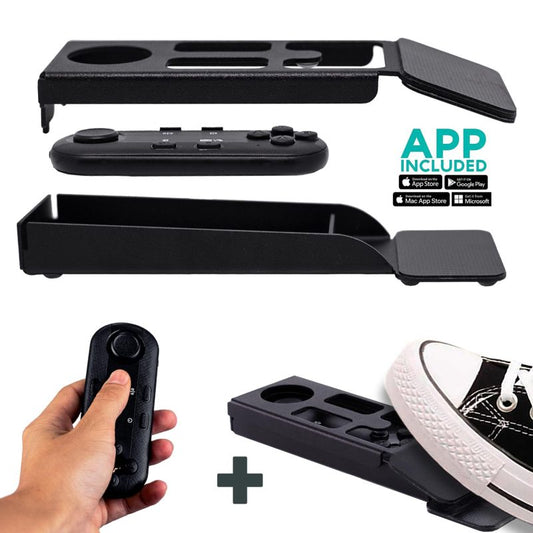
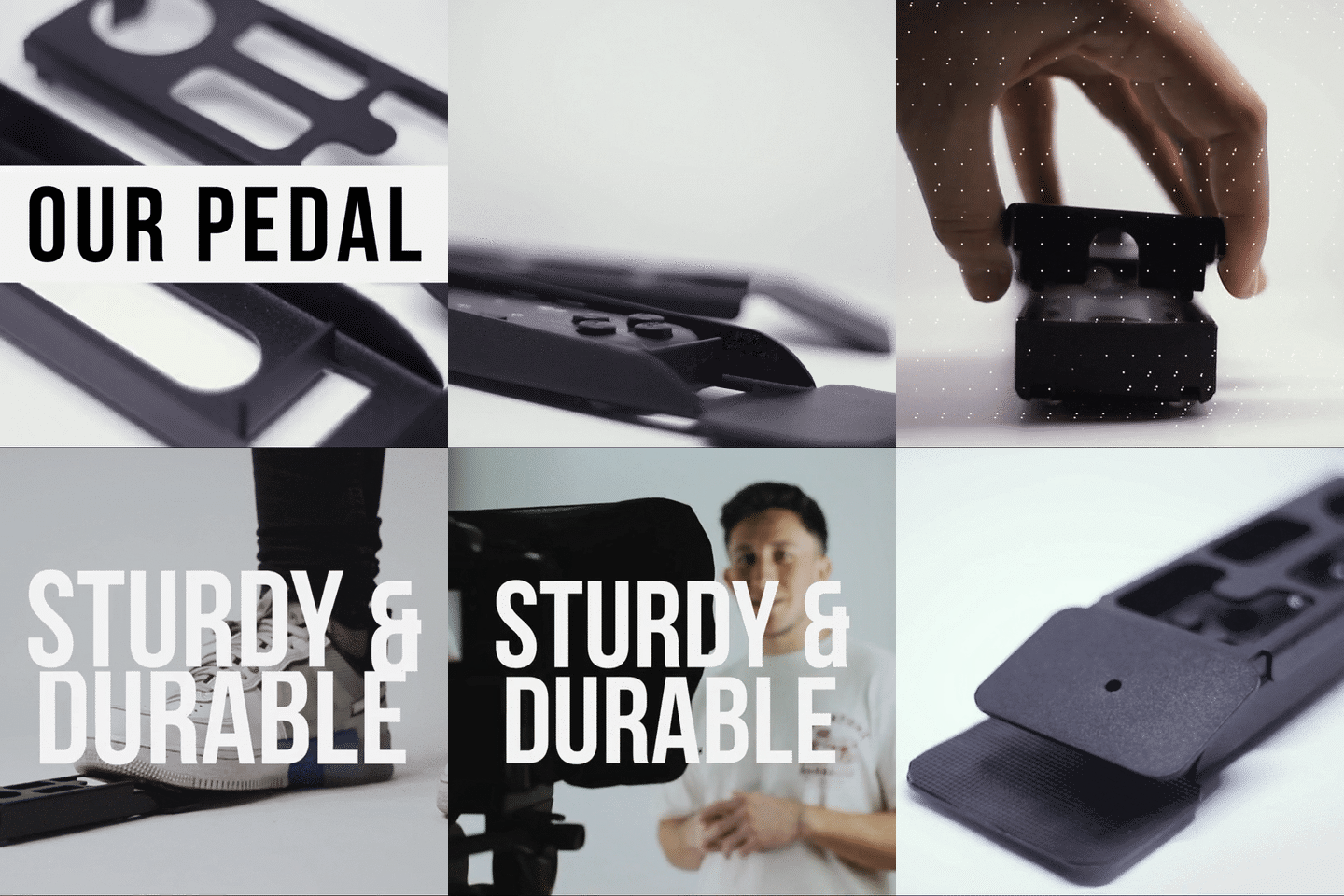
It also comes with an adjustable-height monopod stand, so you can position it at the pastor's exact eye level. The included Bluetooth remote lets the pastor control scroll speed, pause, and resume without touching anything. Or, if you want fully hands-free control, add the Wireless Kit (Pedal + Remote) — it's completely silent, so no microphone will pick up a click.

Real-World Church Use Cases
Small to mid-size churches livestreaming sermons (~6% of our customers)
This is by far the most common church setup I help with. A single camera (often a DSLR or mirrorless) on a tripod, pointed at the pulpit. The EyeMeeting Prompter or an iLight PRO sits just behind the camera. The pastor reads the sermon text from the glass while the camera captures direct eye contact.
These churches usually have a small volunteer AV team — sometimes just one person. That's why pre-assembled gear matters so much. The iLight PRO 12-inch sets up in under 2 minutes out of the box. No tools needed. And the free TeleprompterPAD app runs on iOS, Android, Windows, and Mac, so whatever device the church already owns works fine.
Online ministry and pastoral care (growing fast)
The Hartford Institute's research notes an association between technology use and congregational thriving. More churches are producing weekday devotionals, online counseling sessions, and midweek Bible studies on Zoom. For these desk-based recordings, the EyeMeeting Prompter is the cleanest solution — no tablet to juggle, just an HDMI cable from the laptop and a webcam or DSLR behind the glass.
Large churches and multi-campus events (~5% of our church customers)
Multi-campus churches with stages and live audiences need presidential-style teleprompters. The XCue X1 provides dual glass panels with German beam splitter glass, adjustable height and angle, and is designed for operator-controlled scenarios. At €1,997, it's serious gear — but still far below what broadcast-grade presidential systems cost.
Setup Tips for Church Worship Teleprompters
- Position the screen at eye level. Whether it's the EyeMeeting on a desk or an iLight on a tripod, the pastor's natural gaze should hit the center of the glass without tilting their head up or down.
- Maintain at least 1.5m (5ft) distance from the camera. Closer than that and viewers can see the pastor's eyes scanning left to right. If you must go shorter, use the margin-narrowing feature in the TeleprompterPAD app to keep the text in a narrow column.
- Write conversationally. Sermon manuscripts written for reading sound stiff when spoken. Short sentences. Active verbs. Pacing marks where you want to pause for emphasis.
- Avoid overhead lighting directly above the teleprompter. This causes glare on the beam splitter glass. Position your key light at 45° from the front/side instead.
- Use an external microphone. At 1.5m+ distance, the camera's built-in mic is useless. A lapel mic or shotgun mic is mandatory for good audio.
- Lock tablet rotation. If you're using an iPad inside an iLight, an accidental screen rotation mid-sermon is a nightmare. Lock it in settings before you start.
- Test before Sunday. Run a full test take on Saturday. Check framing, audio levels, text speed, and glass angle. The glass should sit close to 45 degrees.
Honest Pros and Cons
Pros
- Pastors maintain eye contact with the camera (critical for the 87% of churches now streaming)
- Pre-assembled units mean volunteer AV teams can set up in minutes, not hours
- Free app works on every platform — no expensive subscription software needed
- 1-to-1 multilingual support in English, Spanish, French, German, and Italian — I've personally handled setup calls with church teams across Europe and Latin America
- Silent foot pedal option is ideal for pastors who gesture while preaching
- German lab-grade beam splitter glass with anti-ghosting means clean, sharp text with no doubled reflections
Cons
- TeleprompterPAD products are consumer/prosumer grade — if you're a megachurch with a full broadcast studio and dedicated operators, you may need broadcast-tier gear
- The EyeMeeting Prompter's 10.1-inch screen is great for desk use but won't project readable text from 4+ meters away on a large stage
- Presidential models (iPresent PRO, XCue X1) require more setup time and space than camera-mounted units
- The Bluetooth remote auto-connects to the last paired device — if multiple staff phones are nearby, it might pair with the wrong one. Reset Bluetooth and re-pair if this happens.
- No included tripod with any model. Churches need to supply their own (standard 1/4" screw mount).


Church Tech Budgets Are Growing — Teleprompters Fit In
More than half (52%) of church leaders reported an increase in their technology budgets, according to the 2025 State of Church Technology report from Pushpay and Worship Facility. Concerns about the financial cost of adopting new technology fell 9% — the first reported decline since the report's inception.
At €229 for the EyeMeeting Prompter or €159 for the iLight PRO 12-inch, these aren't budget-busting purchases. For context, most churches spend more on a single wireless microphone system. And unlike a mic that only one person uses, a teleprompter improves the quality of every piece of video content the church produces — sermons, announcements, fundraising appeals, training videos for volunteers.
Pushpay's report further shows 46% of churches reporting increased engagement among Millennials. Millennials are twice as likely to join a church that prioritizes technology as part of its mission. A polished, professional livestream with proper eye contact is one of the most visible ways a church signals that it takes digital ministry seriously.
What About Writing Sermons for a Teleprompter?
This is where I see the biggest disconnect. Churches buy the gear, set it up perfectly, and then the pastor reads a manuscript that was written to be read silently — not spoken aloud. The result? Monotone delivery and stiff body language.
- Write like you talk. Contractions. Short sentences. Sentence fragments are fine.
- Use pacing marks. The TeleprompterPAD app supports bold, italic, underline, and highlight formatting. Bold your key phrases. Highlight transition points.
- Break paragraphs every 2-3 sentences. A wall of text on the glass is exhausting to read at a glance.
- Set script markers. The app lets you drop markers so you can jump to specific sections — useful for pastors who ad-lib and then need to find their place.
- Practice speed control. The Bluetooth remote adjusts scroll speed on the fly. Most pastors start too fast. Slow down. Your congregation isn't speed-reading — they're listening.
If you want more detail on writing and delivering from a teleprompter in church settings, check out our dedicated guide on teleprompter for church sermons.
Frequently asked questions
Can a teleprompter be used during live worship services, not just recordings?
Yes. Presidential-style teleprompters like the iPresent PRO and XCue X1 are designed specifically for live audiences. The glass panels are transparent from the congregation's perspective — they only see the pastor. The pastor sees scrolling text reflected on the glass. This is the same setup used by political speakers at press conferences.
Do I need a tablet to use a teleprompter for church?
It depends on the model. The EyeMeeting Prompter has a built-in 10.1-inch monitor, so no tablet is needed — just an HDMI connection to a computer. The iLight PRO models require a tablet or smartphone to display the text. The iPresent PRO can work either way: self-operated with a tablet, or connected to dual monitors up to 21" via HDMI and a laptop.
Will the congregation be able to see the text on the teleprompter glass?
No. Beam splitter glass has a 60/40 ratio — 60% of light passes through, 40% is reflected. From the audience's side (or the camera's side), the glass looks mostly transparent. The text is only visible to the person standing in front of the reflective side. Using the included blackout hood on iLight models also prevents light leakage that could make the screen visible from behind.
How does the pastor control the scroll speed during a sermon?
The included Bluetooth remote lets the pastor play, pause, adjust speed, and skip forward or backward. For hands-free control, the TeleprompterPAD Foot Pedal Case converts the remote into a silent floor pedal. It uses a capacitive sensor — no audible click — so microphones won't pick it up.
Is it obvious to viewers that the pastor is reading from a teleprompter?
Not if you follow the basics. Keep at least 1.5m between the pastor and the camera to prevent visible eye scanning. Use the margin-narrowing feature in the app if you must be closer. Write conversationally so delivery sounds natural. After a few services, most pastors say it feels like second nature.
Can we use one teleprompter for both livestream recording and stage preaching?
Not really — they're different tools for different jobs. Camera-mounted units (iLight PRO, EyeMeeting Prompter) work for recording/streaming setups. Presidential units (iPresent PRO, XCue X1) work for live stage preaching. Some churches buy both and use them in different contexts. The iLight PRO 12-inch at €159 is affordable enough to dedicate to the camera station.
What app does TeleprompterPAD use, and does it cost extra?
The TeleprompterPAD APP is completely free. It's available on the App Store (iOS), Play Store (Android), Microsoft Store (Windows), and Mac App Store (macOS). There's also a lite web app version that works in any browser with no installation. Features include adjustable font size, color, text formatting, mirror mode, portrait mode, speed control, script markers, and rich text editing.
Does TeleprompterPAD offer support in languages other than English?
Yes. We provide personal 1-to-1 support in English, Spanish, French, German, and Italian. This matters for international churches and multilingual congregations. Our help center at help.teleprompterpad.com also includes video tutorials that walk through every step of setup.
A teleprompter for church worship isn't complicated gear — it's just the right tool placed between your pastor and the camera. Start with the EyeMeeting Prompter if you're doing desk-based recordings and livestreams, or the iLight PRO 12-inch if you need a camera-mounted setup at the pulpit. Your congregation — both in the pews and watching online — will notice the difference in eye contact immediately.
Lo más vendido
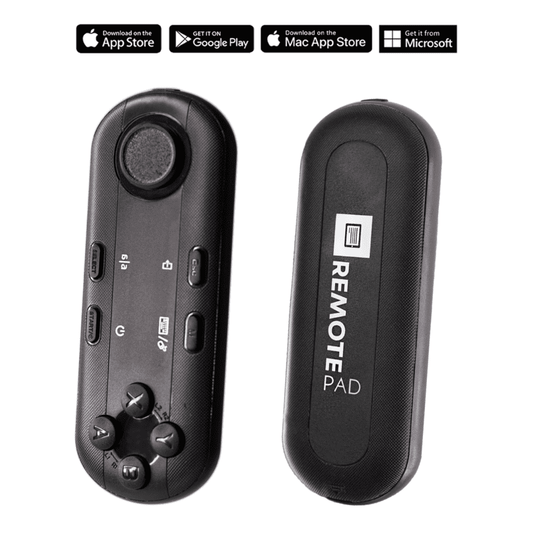
TELEPROMPTER PAD Mando Bluetooth para Teleprompter - Incluye APP Teleprompter para Apple, Android Windows y Mac - Control remoto inalámbrico para teleprompter beamsplitter o equipo de transmisión en vivo
- 34.90€
39.90€- 34.90€
- Precio por unidad
- per
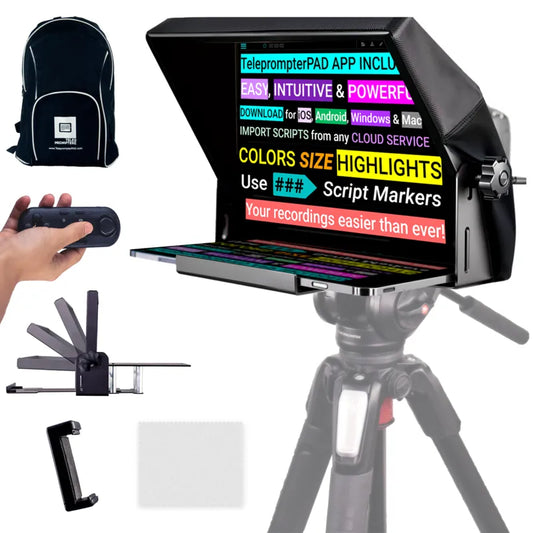
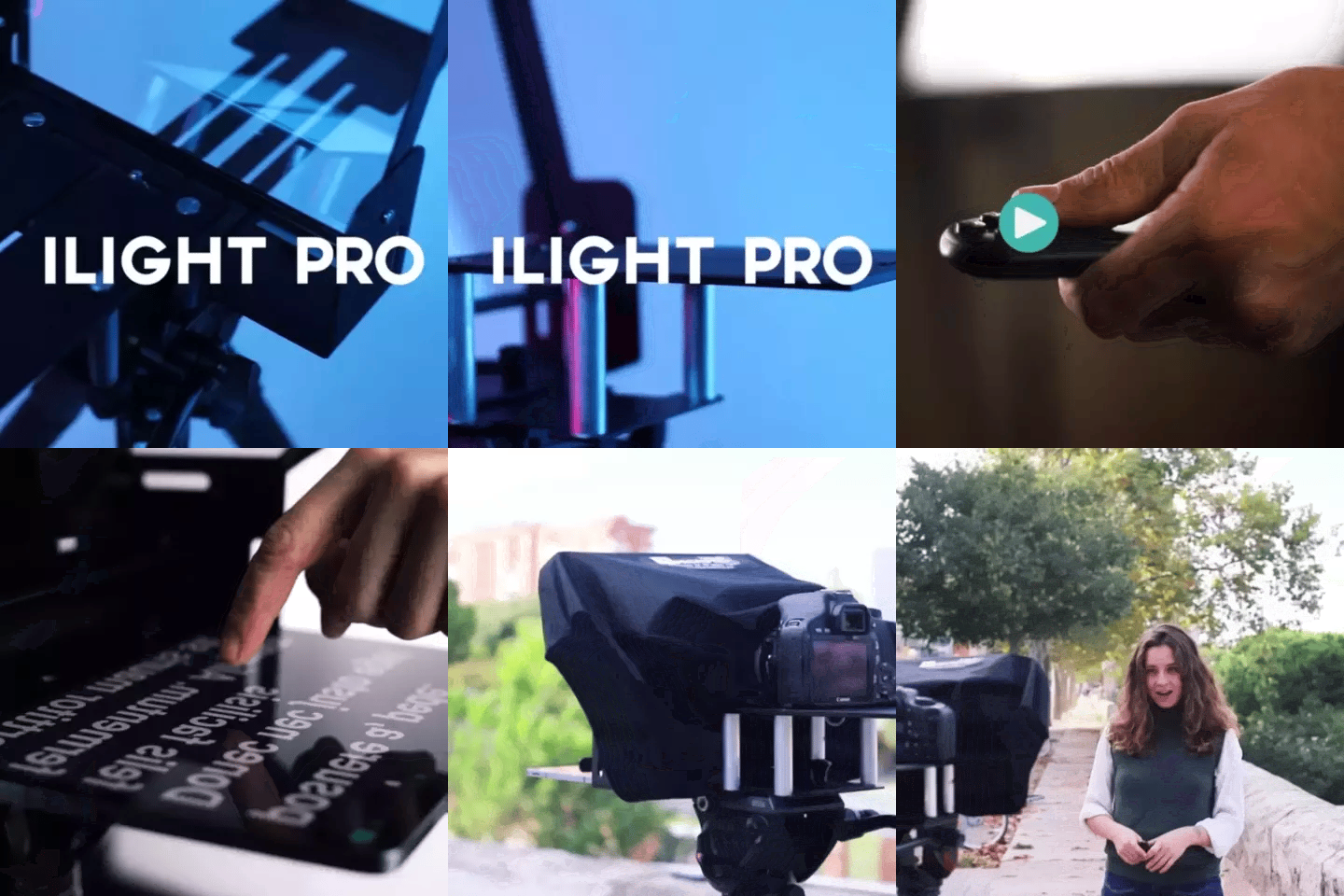
TELEPROMPTER PAD iLight Pro 12'' iPad Tablet iPhone Smartphone - Kit con Mando, Mochila y App Teleprompter Apple Android Windows Mac, Prompter Profesional Resistente Cristal Beamsplitter - Made in EU
- 159.00€
199.00€- 159.00€
- Precio por unidad
- per
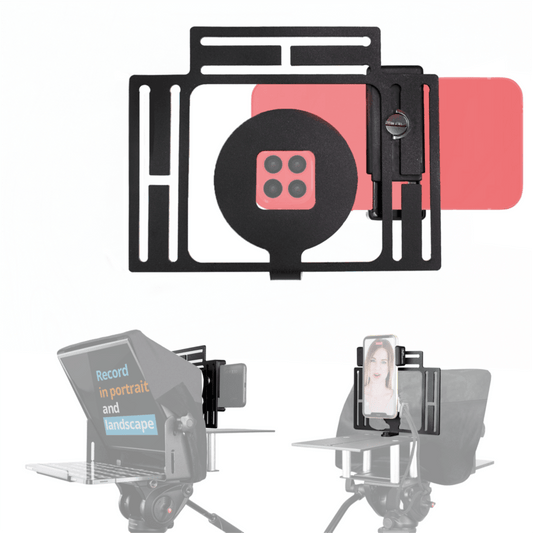
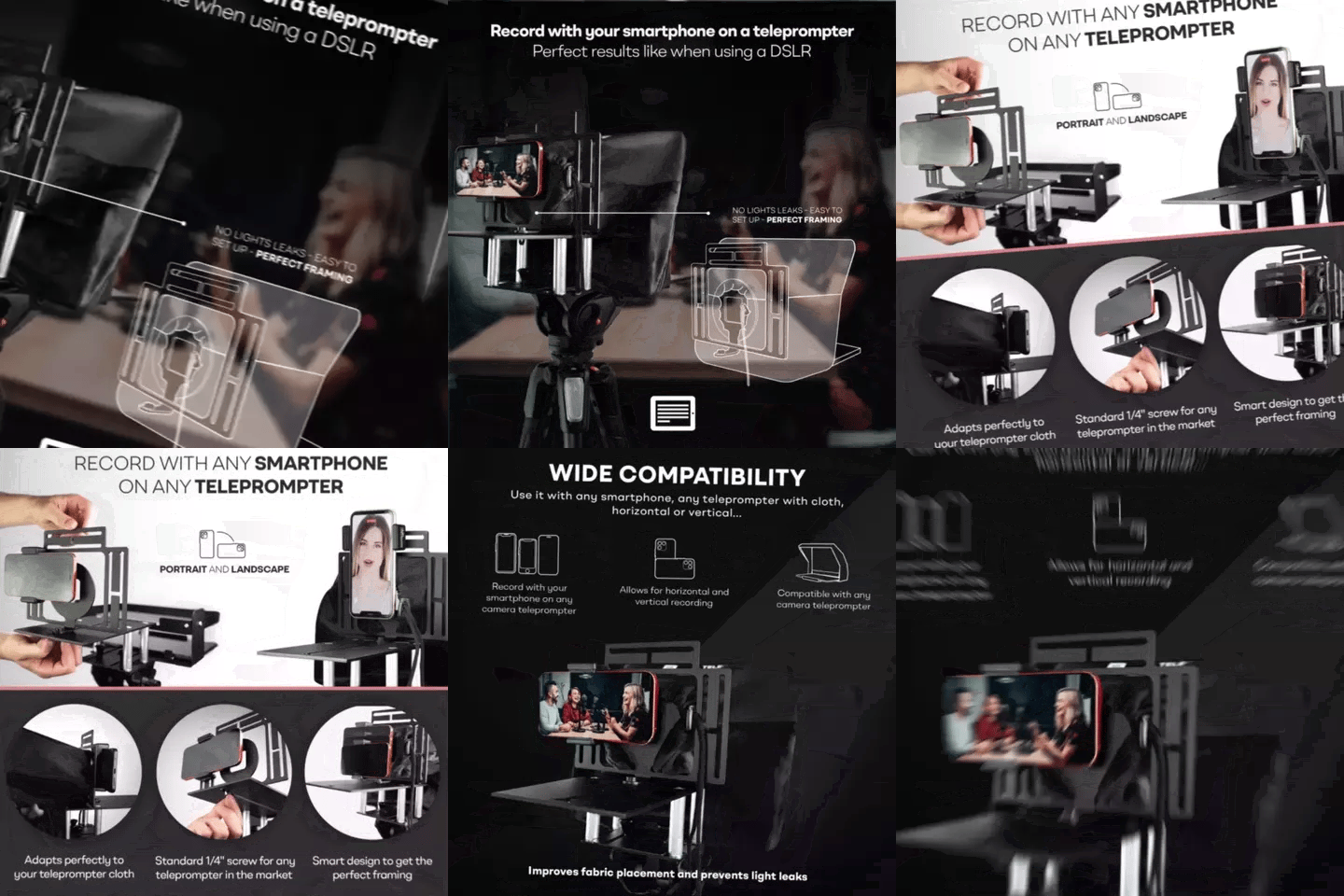
TELEPROMPTER PAD Adaptador Smartphone para teleprompter – Graba con cualquier teléfono iPhone, Android, compatible con cualquier teleprompter, rig universal de aluminio para prompter de cámara, ajuste cómodo de la tela
- 29.90€
39.90€- 29.90€
- Precio por unidad
- per
TELEPROMPTER PAD EyeMeeting Prompter, Teleprompter para Twitch Streaming, Youtube, Contacto Visual Zoom, para Mac/PC DSLR Webcam iPhone con Software y Monitor de 10.1" Compatible con Elgato Streamdeck
- 229.00€
299.00€- 229.00€
- Precio por unidad
- per