



Teleprompter for Church Training Sessions: What Works
A teleprompter for church training sessions lets your pastors, ministry leaders, and volunteers record polished training videos without memorizing scripts or reading from notes off-camera. The iLight PRO 12-inch is the best fit for most churches — it's affordable at €159, sets up in under two minutes, and works with the iPad or tablet you probably already have. I've personally helped hundreds of churches get their video training workflows running smoothly over the past decade. This guide covers the exact setup, scripting approach, and gear choices that work in real church environments.

Churches make up 6% of our customer base at TeleprompterPAD — that's roughly 3,000 orders shipped to religious organizations worldwide. Over the past 10+ years, I've walked church media teams through everything from recording volunteer orientation videos on a shoestring budget to building multi-camera training setups for seminary courses. The advice here comes from those real conversations, not theory.

Why do churches need a teleprompter for training videos?
Church training sessions cover a huge range: new member orientations, volunteer onboarding, youth leader guidelines, Bible study courses, worship team protocols, safety procedures. Most of this content gets repeated every quarter or every year. Recording it once — and recording it well — saves your team dozens of hours.
The problem? Most church leaders aren't professional presenters. They know their material deeply, but they stumble, lose their place, or stare at notes taped to the wall. A teleprompter fixes this by putting the script right in front of the camera lens. The speaker reads naturally while maintaining direct eye contact with the viewer.
That eye contact piece matters more than most people realize. Research on video-mediated communication has found that eye contact in video significantly enhances trust, with participants rating trust higher when viewing centered, direct-gaze video compared to averted-gaze angles. For church training — where you're teaching doctrine, safety procedures, or pastoral care — trust is everything.
And the data backs up the move to video broadly. According to Wyzowl's 2026 State of Video Marketing report, 91% of businesses now use video as a marketing tool. Churches aren't businesses, but the principle holds: people expect video content, and organizations that provide it see stronger engagement and retention.
What teleprompter setup works best for church training?
For most church training sessions, you need a beam splitter teleprompter mounted in front of your camera. The script displays on a tablet below the glass, reflects up toward the speaker, and the camera shoots straight through. The audience never sees the glass, and the speaker looks directly into the lens.
The iLight PRO 12-inch is the model I recommend to almost every church. It handles iPads up to 10.5", any Android tablet, and smartphones. It comes pre-assembled — you literally unfold it, slide your tablet in, and you're recording. The glass angle adjusts via a knob, which is critical because different rooms have different lighting conditions.

If your church uses an iPad Pro 12.9", you'll need the iLight PRO 14-inch instead — the 12-inch model physically can't fit a 12.9" iPad. The 14-inch also includes a hardcase, which is great if you move the setup between rooms or campuses.
iLight PRO 12-inch vs. 14-inch: which model for your church?
This is the most common question I get from church media teams. Here's a straightforward comparison:
| Feature | iLight PRO 12-inch | iLight PRO 14-inch |
|---|---|---|
| Price | €159 | €239 |
| Max tablet size | 20cm × 26cm (up to iPad 10.5") | 25cm × 31cm (up to iPad Pro 12.9") |
| Max camera length | 20cm / 8" | 25cm / 10" |
| Tripod mount | 1/4" screw | 1/4" + 3/8" dual |
| Glass | 60/40 HD, German lab-grade, anti-ghosting | 60/40 HD, German lab-grade, anti-ghosting |
| Carrying solution | Carry bag (hardcase sold separately) | Hardcase included |
| Best for | Single-room setups, budget-conscious churches | Multi-campus, iPad Pro 12.9" users |
If your church has a standard iPad 10" or an Android tablet, the 12-inch is the smart pick. It accounts for about 60% of all our sales, and there's a reason — it covers the most common setups at the lowest price point. The 14-inch earns its premium when you need a bigger screen (easier to read from farther back) or when you're sharing the unit between campuses and want the included hardcase protection.
Step-by-step setup for church training recordings
Here's the exact workflow I walk churches through. It takes about 15 minutes the first time and under 5 minutes once you've done it twice.
- Mount the teleprompter on your tripod. Use the 1/4" screw on the bottom of the iLight frame. The teleprompter goes on the tripod — not the camera directly. This is the #1 mistake I see churches make.
- Attach your camera behind the glass. Slide it onto the camera plate and position it as close to the glass as possible. Keep the lens centered behind the beam splitter.
- Slide your tablet into the holder. Lock screen rotation first. The TeleprompterPAD app has a built-in mirror mode, so the text appears correctly on the glass.
- Import your script into the app. You can paste text, import files, or use rich text editing to add bold headings and color-coded pacing markers.
- Seal the blackout hood. The Velcro hood blocks ambient light from washing out the reflected text. If you skip this step, the text looks faint and your speaker squints.
- Position at eye level, 1.5-2 meters from the speaker. Closer than 1.5m and the viewer can see the speaker's eyes scanning left to right. The app lets you narrow text margins if you absolutely must be closer.
- Test audio and lighting before recording. Always use an external mic — your DSLR's built-in mic is useless at 1.5m+. Three-point lighting (key, fill, backlight) prevents shadows and glare on the glass.
One tip specific to churches: avoid positioning the teleprompter directly under overhead fluorescent fixtures. Church classrooms and fellowship halls almost always have harsh overhead lighting. That light hits the beam splitter glass at the wrong angle and creates glare. Move the setup a few feet away from directly below the light, or turn off the overhead bank closest to the teleprompter and use your own key light instead.

Scripting tips for church training content
The teleprompter only helps if the script is good. I've seen church leaders write scripts that read like theological papers — dense paragraphs, formal language, long sentences. That doesn't work on camera.
- Write like you talk. Read it aloud before loading it into the teleprompter. If you wouldn't say it to someone across a table, rewrite it.
- Use short sentences. 8-15 words is the sweet spot. Long compound sentences cause stumbling.
- Add pacing marks. Use the app's highlight and bold features to mark pauses, emphasis points, and section transitions.
- Break training into modules. Don't record a 45-minute monologue. Record 3-5 minute segments. Wyzowl's 2026 data shows that 71% of marketers believe videos between 30 seconds and 2 minutes are most effective — training content can be slightly longer, but not by much.
- Use "you" language. "You'll need to check in at the welcome desk" beats "Volunteers are required to check in at the welcome desk."
The TeleprompterPAD app supports rich text editing — bold, italic, underline, highlight, and color. I recommend churches use bold for section headings visible in the script flow, yellow highlight for emphasis words, and a line break with a colored marker for "pause and breathe" moments.
Who in your church actually uses this?
Based on our customer data and the support tickets I handle, church teleprompter usage breaks down into three main groups:
Pastors and senior leaders (biggest group). They record onboarding content for new members, discipleship courses, and theological teaching series. Churches make up 6% of our total customer base, and pastors account for the bulk of that. Many of these leaders also use the same iLight PRO for their sermon recordings and livestreams.
Ministry directors and volunteer coordinators. These folks create training videos for children's ministry volunteers, worship team members, ushers, and safety teams. The content is usually procedural — step-by-step instructions that get repeated every time a new volunteer joins.
Communications and media teams. Larger churches (200+ members) often have a dedicated media person or small team. They use the teleprompter for announcement videos, event promotions, and social media content alongside training material. This group overlaps heavily with our content creator segment, which represents 24% of all TeleprompterPAD customers.
Hands-free control: the foot pedal advantage
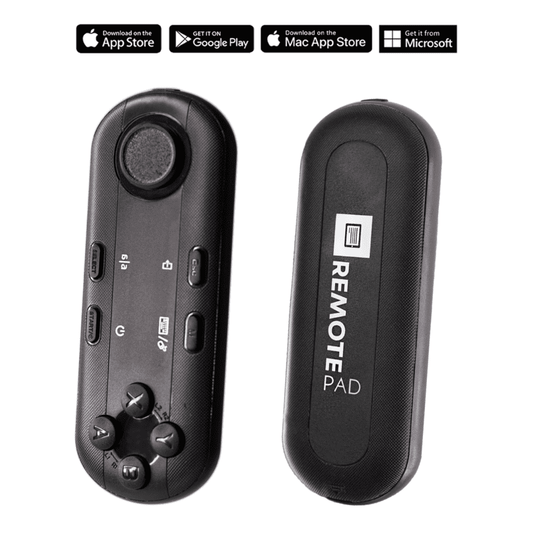
Most churches start with the included Bluetooth remote. One person holds it and controls scroll speed while the speaker presents. That works fine when you have a two-person setup — speaker plus operator.
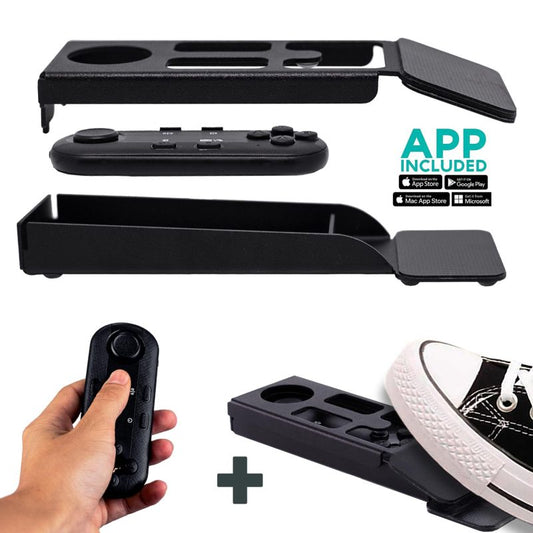
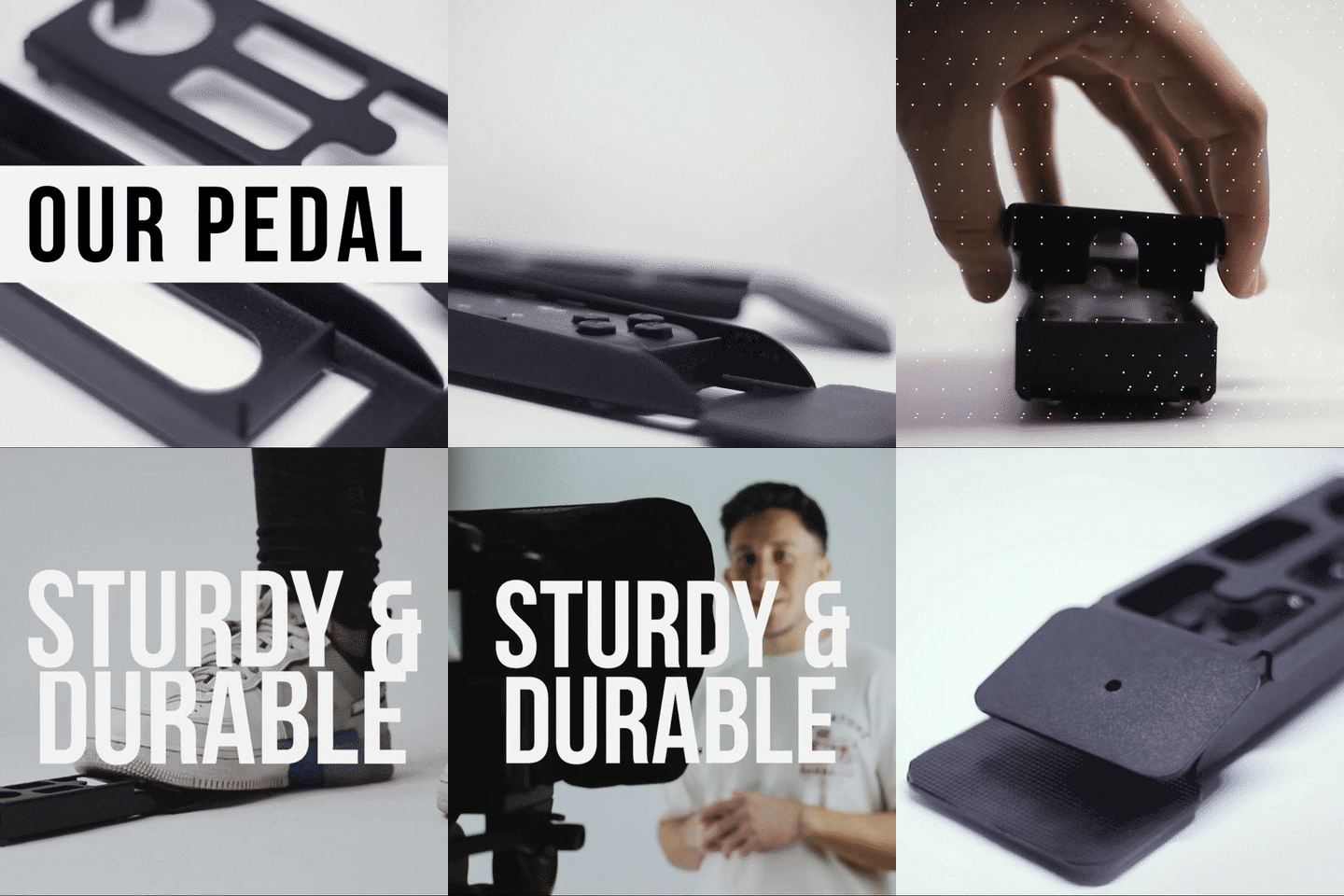
But many church training sessions are recorded by solo presenters. The pastor sets up the camera, loads the script, and records alone. In that case, the Wireless Kit (Pedal + Remote) at €54.90 is a great add-on. The pedal uses a silent capacitive sensor — no clicking sound that mics pick up. You tap with your foot to start, pause, or adjust speed.

There's no tactile click feedback — it takes 2-3 uses to build the muscle memory. But every pastor I've set up with the pedal tells me the same thing: once you try hands-free, you never go back to juggling a remote while presenting.
Honest pros and cons
I'm not going to pretend a teleprompter solves every video problem. Here's what's genuinely good and what you should know before buying.
Pros:
- Direct eye contact with the viewer — huge for trust in training content
- Consistent messaging across every recording (no more "I forgot to mention the background check policy")
- Faster recording — most churches cut their filming time by 50% or more after adding a teleprompter
- Pre-assembled, under 2 minutes to set up — volunteers can operate it without AV expertise
- Free app works on iOS, Android, Windows, Mac — use whatever device your church already has
- Personal 1-to-1 multilingual support (English, Spanish, French, German, Italian) if you get stuck during setup
Cons:
- The speaker still needs to rehearse. A teleprompter doesn't fix monotone delivery or stiff body language — it only handles the words.
- Minimum 24mm focal length on your camera. Wide-angle lenses below 24mm will show the glass frame edges in your footage. Many church cameras default to wider angles, so check yours.
- At under 1.5 meters, the viewer can see the speaker's eyes scanning. Not every church room has the depth for proper distance.
- The blackout hood requires proper sealing. If a volunteer forgets to close it tightly, ambient light washes out the text reflection.
- This is consumer/prosumer gear — not broadcast-grade equipment. For most churches, that's exactly the right tier. But if you're running a multi-camera live broadcast production, you'd need a different class of hardware.

What about church livestream training vs. recorded training?
This comes up a lot. Some churches want to livestream their training sessions (for remote volunteers or multi-campus setups), not just record them.
The iLight PRO 12-inch works for both. For pre-recorded training, you record to your camera's SD card or your phone. For livestreaming, you connect your camera's HDMI output to a capture card and stream through OBS or a similar tool — the teleprompter doesn't change anything about that pipeline. The script still scrolls on the tablet, the speaker still reads through the glass.
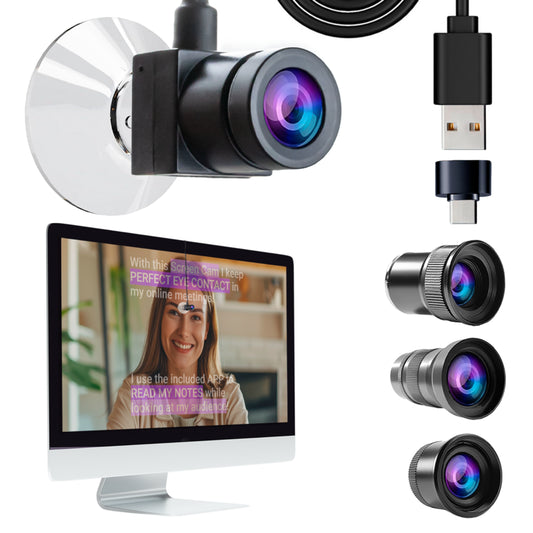
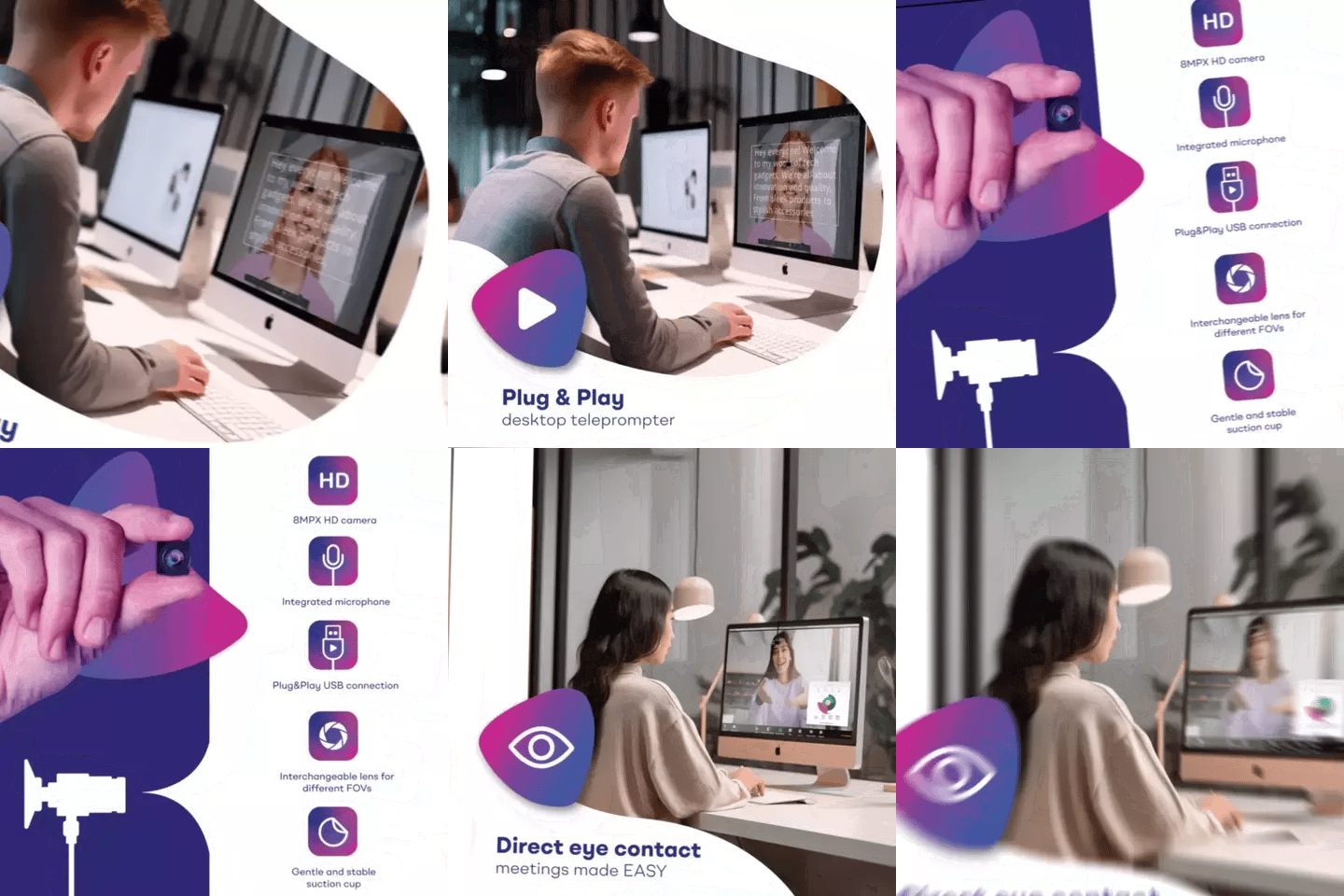
If you're doing a lot of livestream training and want a dedicated desk setup, check out our church livestream guide for that specific workflow. For Zoom-based remote training, the virtual training setup article covers the EyeMeeting options that work better for that scenario.
Common mistakes churches make with teleprompters
- Mounting the tripod plate on the camera instead of the teleprompter base. The teleprompter is what sits on the tripod. The camera mounts inside the teleprompter on its own plate.
- Forgetting to lock tablet rotation. If your iPad auto-rotates mid-recording, the script flips and the take is ruined. Lock rotation in your device settings before every session.
- Skipping the test take. Always record 30 seconds and play it back before committing to a full training module. Check framing, audio levels, and text visibility.
- Scripts that are too formal. Write the way your pastor actually speaks. Congregation members respond to warmth, not formality.
- No external microphone. At 1.5-2 meters from the camera, your DSLR's built-in mic picks up room echo and almost nothing useful. A $30 lapel mic fixes this completely.
- The Bluetooth remote auto-connecting to the wrong device. If someone's phone or laptop nearby has previously paired with the remote, it might grab the connection. Turn off Bluetooth on nearby devices, or re-pair to the correct tablet.
Frequently asked questions
Can multiple church staff share one teleprompter?
Absolutely. The iLight PRO 12-inch folds flat and fits in its carry bag. Many churches keep it in the media closet and different ministry leaders pull it out when they need to record. The 2-minute setup means there's no barrier to sharing it around.
Do I need a special app for the teleprompter?
The TeleprompterPAD app is free on iOS, Android, Windows, and Mac. There's also a browser-based lite version that runs on any device with no install required. It handles script import, mirror mode, speed control, font sizing, and rich text formatting.
What tablet should I use with the iLight PRO 12-inch?
Any tablet or smartphone up to 20cm × 26cm (7.8" × 10.2"). The iPad 10", iPad Air 10.5", iPad Pro 11", iPad Mini, and most Android tablets fit. The iPad Pro 12.9" does NOT fit — you'd need the 14-inch model for that.
How far should the speaker stand from the teleprompter?
The recommended sweet spot is 1.5-2 meters (5-6.5 feet). Closer than 1.2 meters and viewers can see the speaker's eyes moving side to side as they read. If you're stuck in a small room, use the app's margin narrowing feature to keep the text in a narrow column centered on the lens.
Can I use my smartphone as the camera?
Yes. A smartphone clamp is included with every iLight PRO kit. If you want to record vertically for social media (Reels, TikTok, Shorts), the Smartphone Bracket/Adaptor (€29.90) gives you a more stable portrait setup with light blocking.
Is the teleprompter visible to the camera?
No. The 60/40 HD beam splitter glass transmits about 60% of light to the camera and reflects 40% back toward the speaker. The camera shoots straight through the glass. At a minimum focal length of 24mm or longer, the glass and frame are completely invisible in your footage.
What if I'm not technical? Is setup difficult?
The iLight PRO arrives pre-assembled. You unfold it, place your tablet, and connect via the app. If you hit any issue, TeleprompterPAD offers personal 1-to-1 support in English, Spanish, French, German, and Italian. We've walked thousands of non-technical users through setup — including many church volunteers with zero AV experience.
Can I use the same teleprompter for sermons and training?
Yes, and most of our church customers do exactly that. The training script and the sermon script both load into the same app. The hardware doesn't change between use cases — just the content on screen.
A teleprompter for church training sessions doesn't have to be complicated or expensive. The iLight PRO 12-inch at €159 gives your church everything it needs to start recording polished, on-script training videos this week. Set it up once, record your core training modules, and stop repeating yourself every quarter. Your volunteers — and your schedule — will thank you.
Lo más vendido
TELEPROMPTER PAD Mando Bluetooth para Teleprompter - Incluye APP Teleprompter para Apple, Android Windows y Mac - Control remoto inalámbrico para teleprompter beamsplitter o equipo de transmisión en vivo
- 34.90€
39.90€- 34.90€
- Precio por unidad
- per
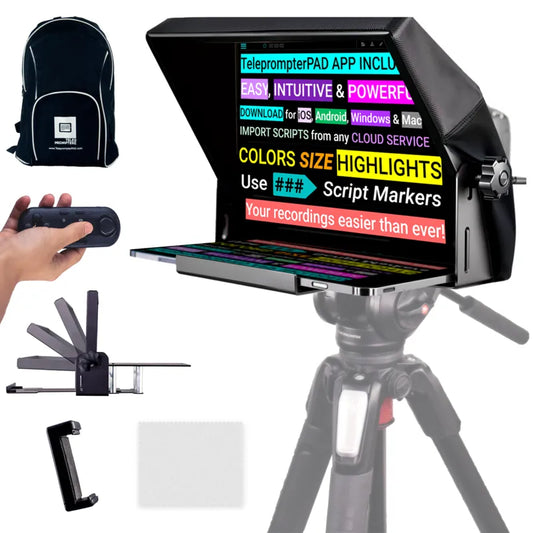
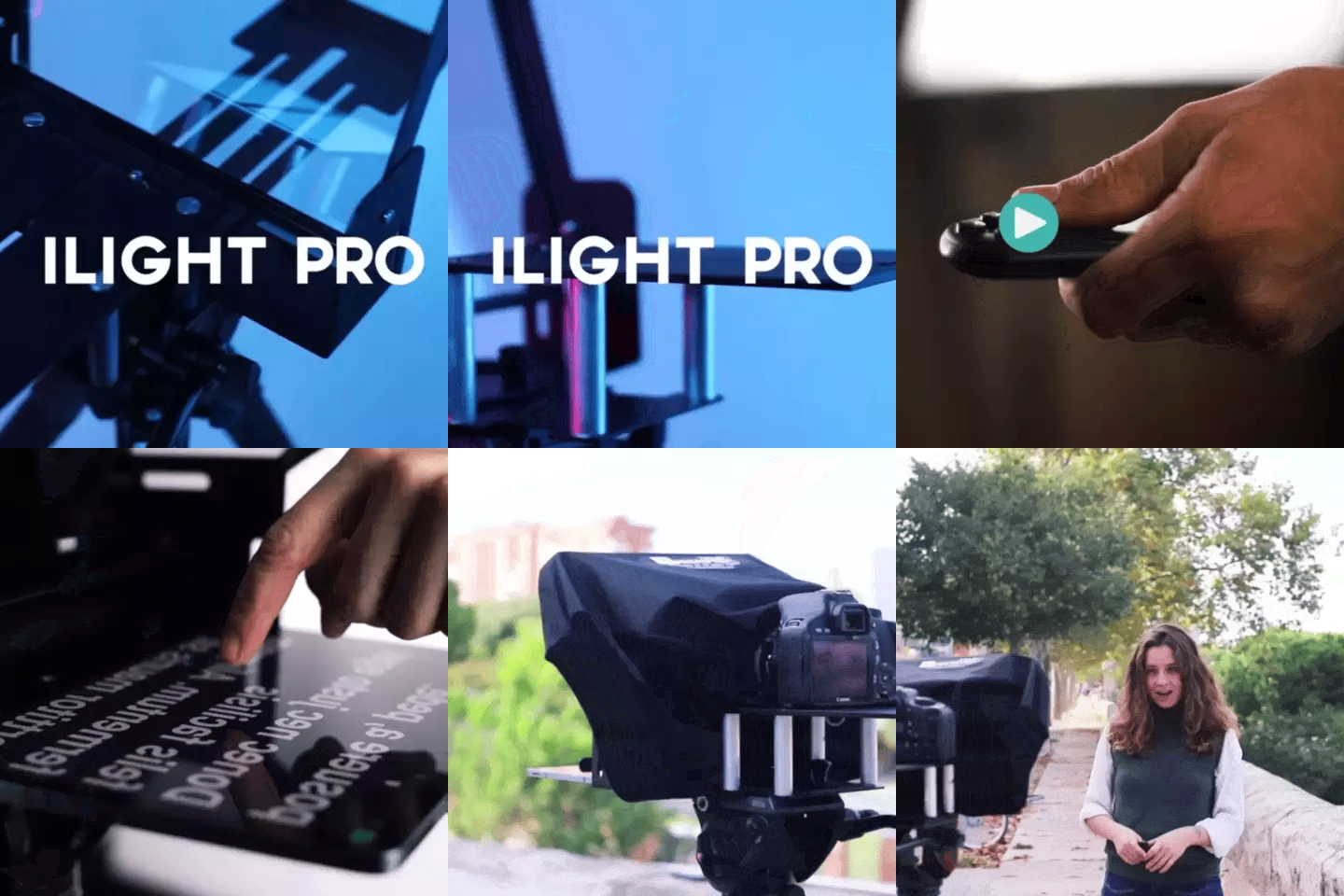
TELEPROMPTER PAD iLight Pro 12'' iPad Tablet iPhone Smartphone - Kit con Mando, Mochila y App Teleprompter Apple Android Windows Mac, Prompter Profesional Resistente Cristal Beamsplitter - Made in EU
- 159.00€
199.00€- 159.00€
- Precio por unidad
- per
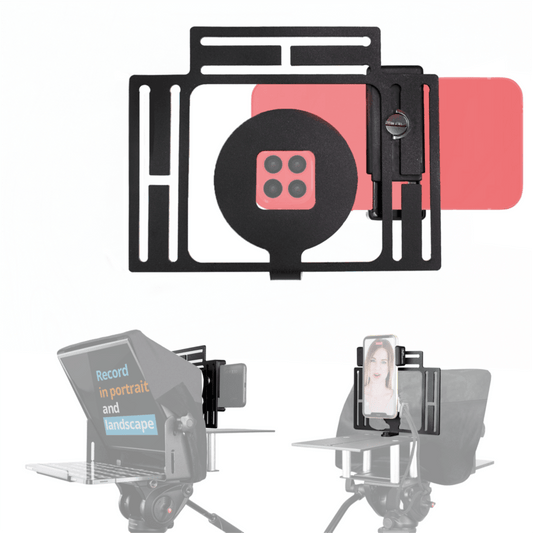
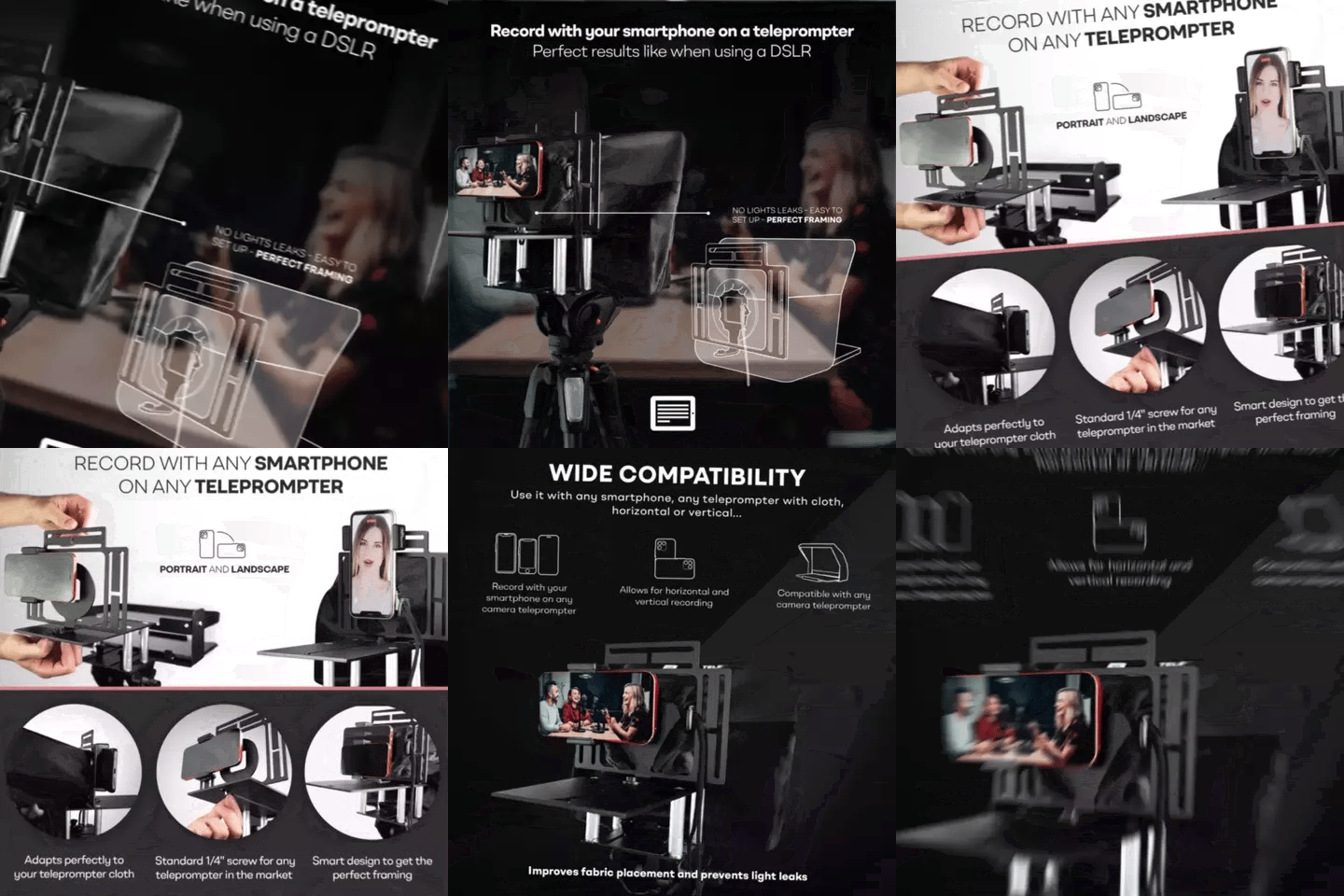
TELEPROMPTER PAD Adaptador Smartphone para teleprompter – Graba con cualquier teléfono iPhone, Android, compatible con cualquier teleprompter, rig universal de aluminio para prompter de cámara, ajuste cómodo de la tela
- 29.90€
39.90€- 29.90€
- Precio por unidad
- per
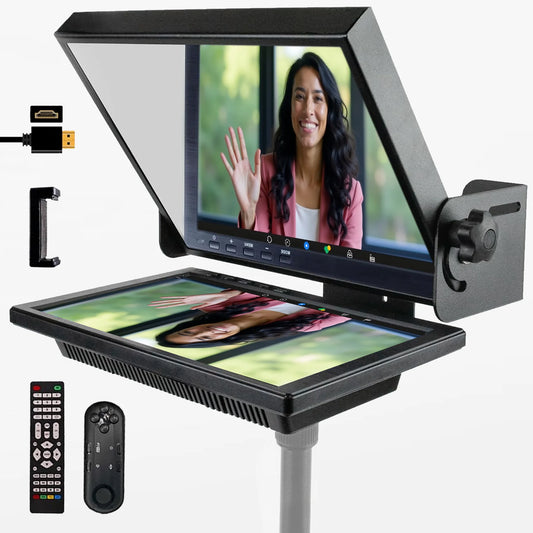
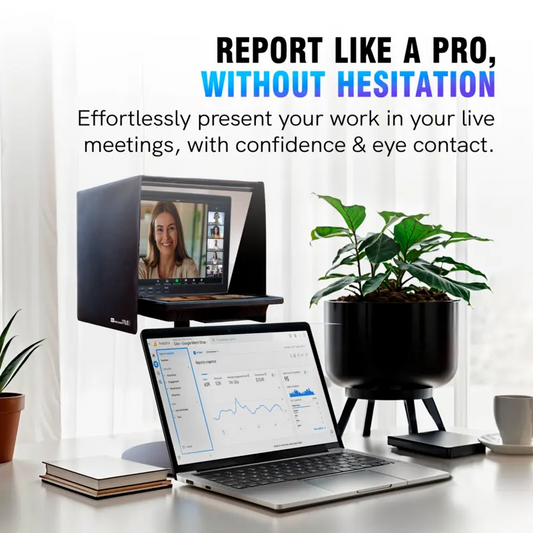
TELEPROMPTER PAD EyeMeeting Prompter, Teleprompter para Twitch Streaming, Youtube, Contacto Visual Zoom, para Mac/PC DSLR Webcam iPhone con Software y Monitor de 10.1" Compatible con Elgato Streamdeck
- 229.00€
299.00€- 229.00€
- Precio por unidad
- per