



Teleprompter for Online Courses: Record Faster, Look Natural
A teleprompter for online courses lets you read your lesson script while looking directly into the camera — so your students feel like you're talking to them, not at them. If you're recording video lessons, webinars, or course promos, a beam splitter teleprompter cuts your recording time by half (or more) because you stop fumbling for your next line. The iLight PRO 12-inch is the setup most course creators end up choosing: it works with any iPad, tablet, or smartphone, folds flat, and comes pre-assembled. In this guide I'll cover exactly how to set one up for course production, what mistakes to avoid, and which accessories actually matter.

Over the last decade I've helped more than 3,000 coaches, educators, and course creators set up their teleprompter rigs specifically for lesson recording. Around 20% of our customer base are in the online-course and coaching space, so I've seen every tablet size, every lighting mistake, and every scripting format these creators throw at me. This guide is built from that hands-on experience, not generic advice.

Why do online course creators need a teleprompter?
The short answer: eye contact drives learning outcomes. A study published in Learning and Instruction found that frontal orientation — where the instructor appears to look directly at the viewer — produced significantly higher retention scores. The researchers interpreted this as a parasocial interaction effect: students process information more deeply when they feel personally addressed.
That's exactly what a beam splitter teleprompter gives you. Your script scrolls on a tablet behind the glass, reflects toward your eyes, and the camera records straight through from behind. You read naturally while maintaining direct eye contact with every student who watches the recording.
Without a prompter, most instructors either memorize (and burn hours re-recording), glance at sticky notes (and break eye contact every 10 seconds), or free-form it (and ramble). I've watched course creators cut a 6-hour recording day down to 90 minutes after adding a teleprompter. That time savings alone pays for the gear.
Why video quality matters for course sales
Learners judge your credibility in seconds. According to Wyzowl's 2026 video marketing survey, 89% of consumers say video quality impacts their trust in a brand. Transfer that to education: if your course promo video looks amateur, students assume the course content is, too.
The online education market is massive and competitive. Statista projects worldwide online education revenue will reach US$221.71 billion in 2026. With that level of competition, production quality isn't optional — it's a differentiator. A teleprompter is one of the simplest upgrades that improves both delivery speed and perceived professionalism.
Which teleprompter works best for recording online courses?
For solo course creators — and that's the majority — the iLight PRO 12-inch is what I recommend. It handles about 60% of our total sales, and there are practical reasons why.
It accepts any tablet or smartphone up to 20cm × 26cm (that covers iPad 10", iPad Air 10.5", iPad Pro 11", iPad Mini, and most Android tablets). The 60/40 HD beam splitter glass is lab-grade, manufactured in Germany, with anti-ghosting coating so you get a crisp, bright reflection without that annoying doubled text some cheaper units produce. And the adjustable glass angle via a knob is exclusive to our design — you set it close to 45° and fine-tune from there.
It ships pre-assembled. I'm not exaggerating when I say setup takes under two minutes. Unfold, mount on tripod, drop in your tablet, attach camera, go.

iLight PRO 12-inch vs 14-inch: which size for course recording?
This is the most common question I get from educators. Here's the honest breakdown:
| Feature | iLight PRO 12-inch | iLight PRO 14-inch |
|---|---|---|
| Price | €159 | €239 |
| Max tablet size | 20cm × 26cm (iPad Pro 11") | 25cm × 31cm (iPad Pro 12.9") |
| Camera max length | 20cm / 8" | 25cm / 10" |
| Tripod mount | 1/4" screw | 1/4" + 3/8" dual |
| Hardcase included? | No (sold separately) | Yes |
| iPad Pro 12.9" compatible? | ❌ No (too wide) | ✅ Yes |
| Best for | Solo creators, portable setups | Teams, larger tablets, studios |
If you own an iPad Pro 12.9", the 14-inch is your only option — the 12-inch physically won't fit it. For everyone else, the 12-inch is lighter, more portable, and €80 less. Most solo course creators I work with record at home in the same room every time, so portability is a bonus, not a requirement. The 12-inch handles that workflow perfectly.
Step-by-step: setting up a teleprompter for course recording
Here's the exact workflow I walk our customers through. It takes about 5 minutes the first time, under 60 seconds once your gear is pre-positioned.
- Mount the iLight PRO on your tripod. Use the 1/4" screw. Position the glass at eye level when you're seated (or standing, depending on your recording style).
- Attach your camera behind the glass. Keep the lens as close to the back of the glass as possible. This minimizes vignetting and keeps the frame clean. Minimum focal length: 24mm — go wider and you'll see the frame edges.
- Drop your tablet into the holder and open the TeleprompterPAD app. Import your script. Activate mirror mode (the glass flips the text for you). Set font size large enough to read comfortably at 1.5–2.0 meters.
- Seal the blackout hood. The Velcro hood blocks ambient light from washing out your script reflection. If overhead lights are hitting the glass, you'll get glare. Kill those overhead lights or reposition.
- Test audio and lighting. Use an external microphone — always. Your camera's built-in mic is unusable at 1.5m+ distance. Three-point lighting: key light front/side, fill on the opposite side, backlight behind you.
One tip that saves course creators hours: pre-arrange your entire rig on a dedicated desk or cart. Plug everything into a single power strip. Flip one switch, open the app, and you're recording in under a minute. I call this the anti-procrastination setup. When recording is easy to start, you actually do it.

Scripting tips for online course lessons
The teleprompter won't save you if your script reads like a textbook. I've reviewed thousands of course scripts, and the same mistakes keep coming back. Here's what works:
- Write how you talk. Contractions, fragments, rhetorical questions — all fine. If it sounds weird when you read it out loud, rewrite it.
- Short sentences. Max 15-20 words per sentence. Longer sentences make your eyes scan back and forth, and viewers notice.
- Use pacing marks. The TeleprompterPAD app supports rich text (bold, italic, highlight). I bold key terms and highlight transition points. This gives your brain visual anchors while you're reading.
- Build in pauses. Add "[PAUSE]" or "[BREATHE]" in your script. A monotone delivery is the #2 mistake I see, right after overly formal scripts.
- Don't freeze your body. Move your hands. Shift your weight. A teleprompter lets you stop worrying about your words, so redirect that energy into natural body language.
The app also supports script markers, so you can tag sections for each lesson module and jump between them without scrolling through the entire script. Handy when you're recording a 20-lesson course in batches.
Who's actually using teleprompters for online courses?
Based on our customer data across 50,000+ shipped orders, three audience segments dominate course-related teleprompter purchases:
Coaches and info-product creators (20% of our customers): These are the folks building Kajabi or Teachable courses — transformation programs, coaching cohorts, video sales letters. They record talking-head lessons every week and need to look polished without spending a whole day on it. The teleprompter for coaches workflow applies directly here.
Educators and universities (10% of our customers): Professors recording lecture modules, training coordinators building onboarding series. These users often need longer scripts and appreciate the foot pedal for hands-free scrolling — especially if they're gesturing at a whiteboard or physical prop.
Content creators and YouTubers (24% of our customers): Many of these creators have launched courses alongside their channels. They already know how to record, but adding a teleprompter lets them script more structured educational content without losing the natural delivery their audience expects.
The foot pedal advantage for course creators
Here's a scenario I hear constantly: "I'm recording a lesson, and I need to hold up a workbook / draw on a whiteboard / demonstrate a technique." Your hands are busy. You can't hold a remote.
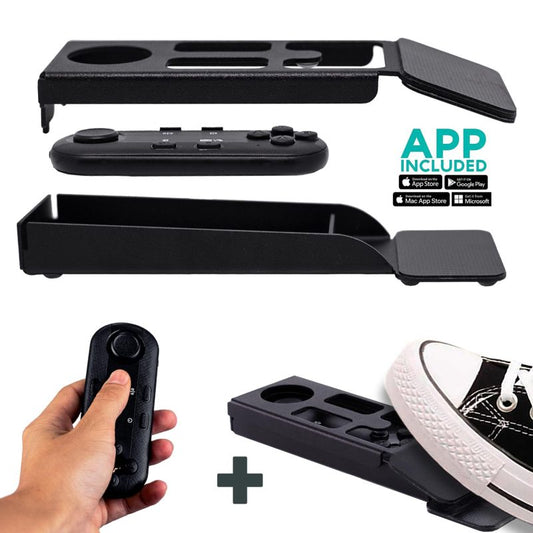
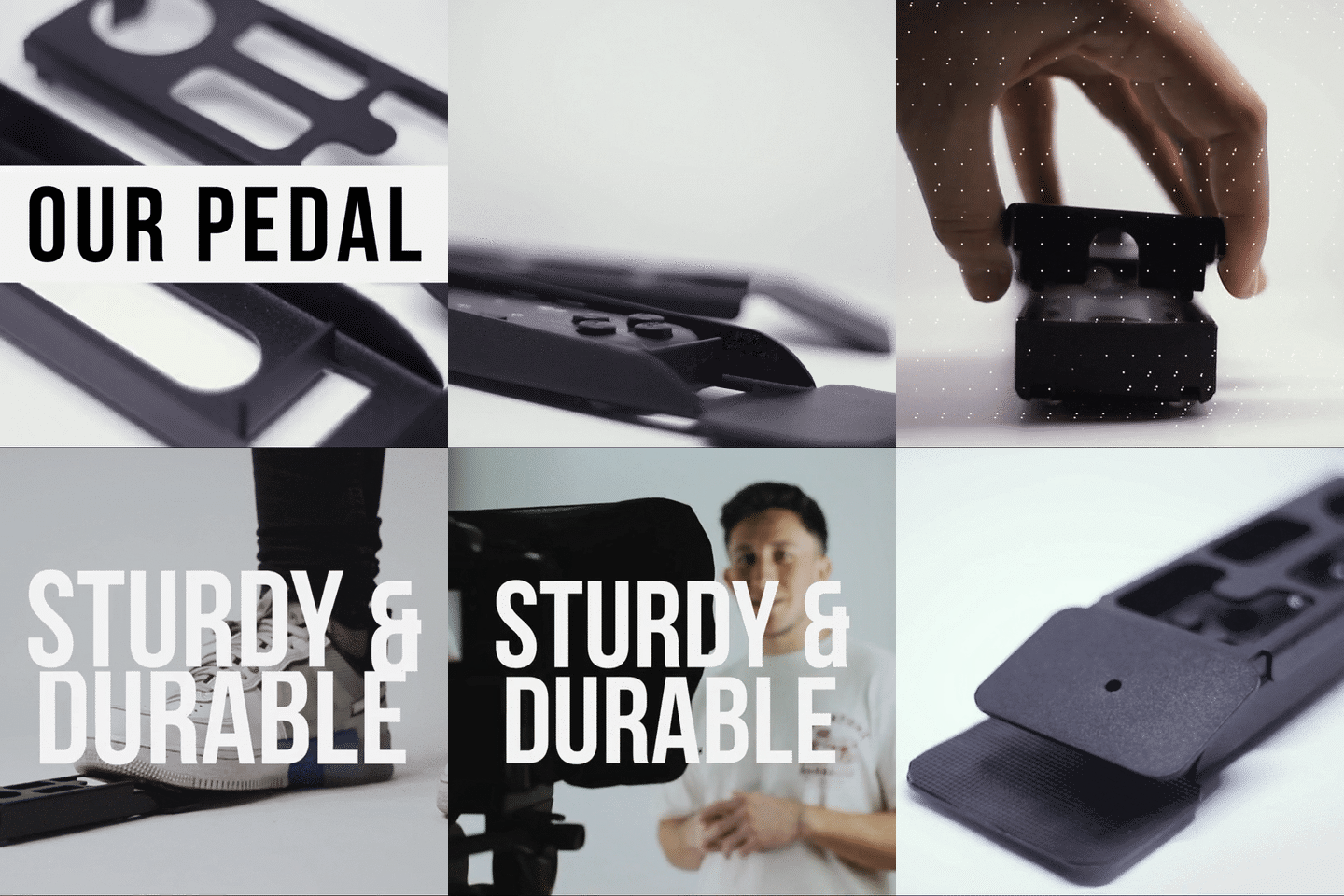
That's what the Wireless Kit (Pedal + Remote) solves. The pedal case converts the Bluetooth remote into a floor-mounted controller. It uses a silent capacitive sensor — no click sound for your mic to pick up. It takes 2-3 uses to build muscle memory, but after that, it's second nature.

Honest pros and cons
I'm going to be straight with you. The iLight PRO 12-inch isn't perfect for every situation. Here's the real picture:
| Pros | Cons |
|---|---|
| Pre-assembled — 2-minute setup | Won't fit iPad Pro 12.9" (need the 14-inch) |
| €159 — affordable for solo creators | No hardcase included (sold separately) |
| Foldable aluminum frame, portable | Minimum 24mm focal length or frame edges show |
| Free app (iOS, Android, Windows, Mac, Web) | Closer than 1.5m and eye scanning is visible |
| German lab-grade 60/40 HD glass, anti-ghosting | Not broadcast-grade (consumer/prosumer) |
| Bluetooth remote + pedal option | Remote can auto-connect to wrong device if not reset |
That 1.5m minimum distance is worth emphasizing. If you're in a tiny room and can only sit 1 meter from the camera, your eye movement will be visible on the recording. The app's margin-narrowing feature helps, but it doesn't fully eliminate the issue. Give yourself space.

Common mistakes course creators make with teleprompters
I see these constantly in our support tickets. Avoid them and you're ahead of 80% of first-time users:
- Forgetting to lock tablet rotation. Your tablet rotates mid-recording and your script flips upside down. Lock the screen orientation before you start.
- Overhead lighting above the prompter. A ceiling light directly above the glass creates glare that washes out your script. Reposition or kill it.
- No external mic. At 1.5–2.0m distance, your camera's built-in mic captures mostly room ambience. Use a lavalier or shotgun mic. Always.
- Font size too small. If you're squinting, your viewers see tension in your face. Bump the font up until reading feels effortless at your recording distance.
- Skipping test takes. Record 30 seconds, play it back, check framing, audio, lighting, and script readability. Every single time.
- Mirror mode forgotten. The beam splitter reverses the text. If mirror mode isn't on in the app, you'll see backwards text in the glass. Check this first.
Can I use a teleprompter for live course delivery too?
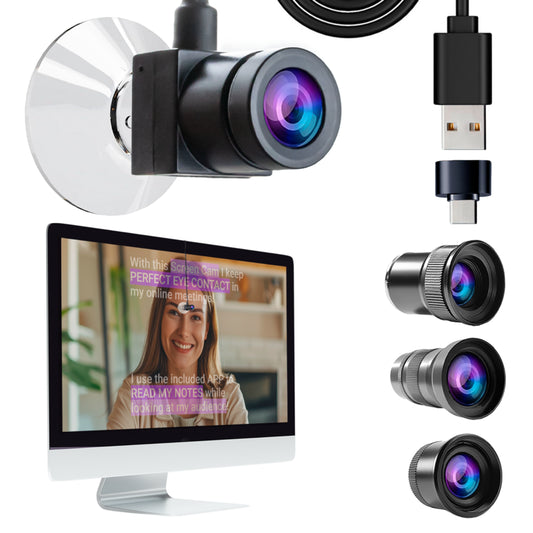
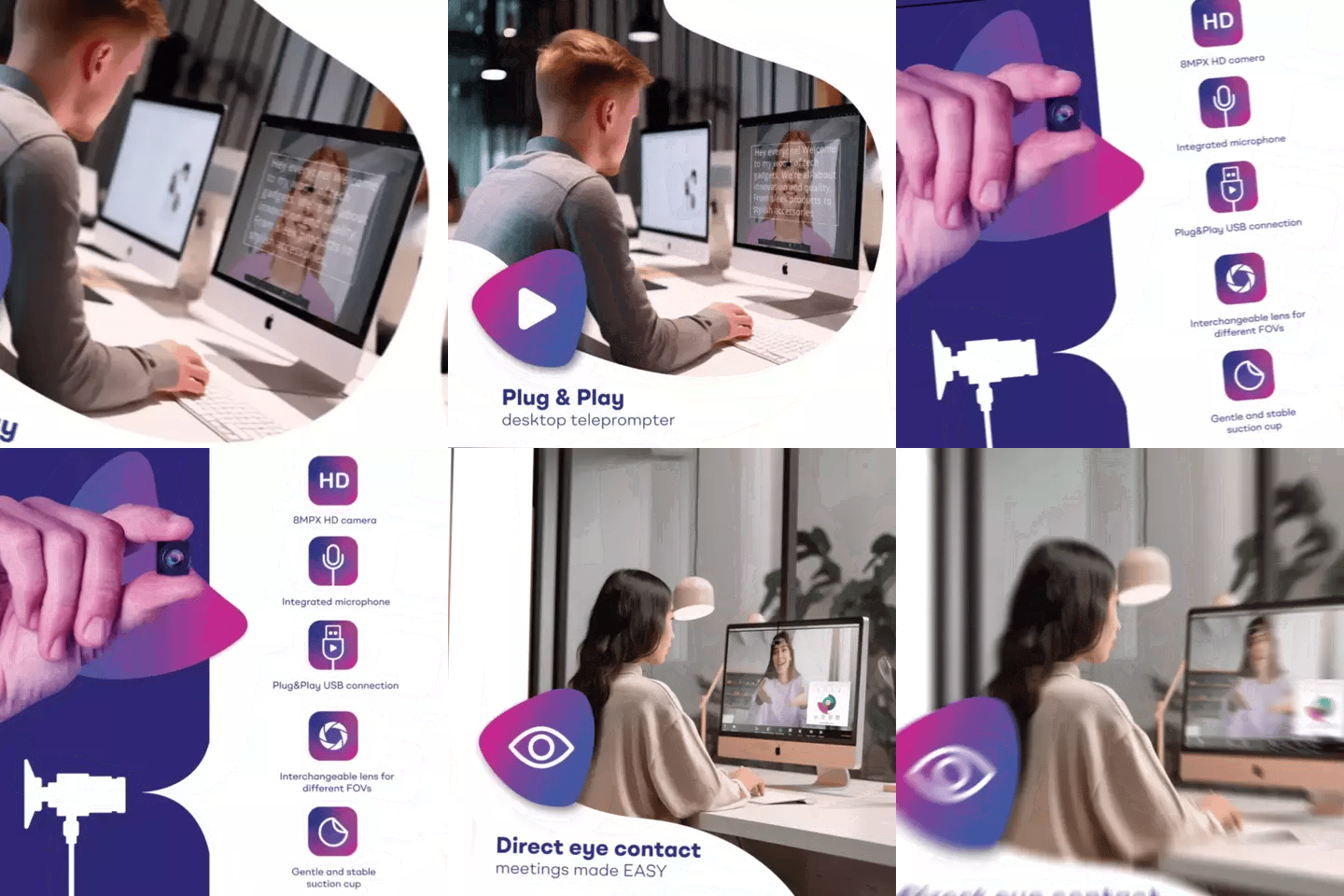
Yes — with a caveat. For live webinars or Zoom-based classes, a beam splitter setup like the iLight PRO isn't ideal because your camera is your webcam, not a standalone DSLR behind the glass. For live teaching, the teleprompter for webinars setup using the EyeMeeting line is a better fit.
But for pre-recorded course content — the kind you upload to Teachable, Kajabi, Thinkific, or your own membership site — the iLight PRO 12-inch is the right tool. Record once, publish to thousands. That's where the time-savings really compound.
What the numbers say about video in online education
If you're still debating whether to invest in better video gear, here are some real numbers worth considering. Wyzowl's 2026 annual survey found that 91% of businesses now use video as a marketing tool. Even more relevant: 96% of people have watched an explainer video to learn about a product or service.
On the education side, the global online education market is projected to reach $279.30 billion by 2029, growing at roughly 8.2% annually. The competition is real. Students have choices. Your delivery quality — eye contact, pacing, production value — is often the deciding factor between enrolling in your course or the one next to it in search results.
And here's the kicker: students retain 25% to 60% more information through online learning compared to traditional formats, according to eLearning industry data. But that retention depends on engagement. An instructor who looks directly at the camera, speaks naturally, and maintains connection with the viewer creates that engagement. A teleprompter makes it possible to do this while staying on-script.
Frequently asked questions
Can I use a smartphone instead of a tablet with the iLight PRO 12-inch?
Yes. The kit includes a smartphone clamp. Any iPhone or Android phone works behind the glass as your camera. You can also use a separate phone or tablet as your script display in the tablet holder. It's a flexible system.
Do I need the foot pedal for course recording?
Not necessarily. The Bluetooth remote lets you play/pause, adjust speed, and skip sections. But if your hands are occupied — demonstrating a technique, holding a product, drawing on a board — the foot pedal is worth the €54.90 investment. It's silent, so your mic won't pick up any clicking.
What's the best recording distance for online course lessons?
1.5 to 2.0 meters (5–6.5 feet) from the camera. At this range, your eye movements while reading the script are virtually invisible. If you must sit closer, use the TeleprompterPAD app's margin-narrowing feature to concentrate text in the center of the screen.
Will the teleprompter work with my existing DSLR or mirrorless camera?
Yes — any handheld camera with a standard 1/4" tripod screw mount works. The camera's front-of-lens-to-tripod-screw distance should be under 20cm (8"). That covers most DSLRs and mirrorless cameras from Canon, Sony, Nikon, Panasonic, and Fujifilm.
Does the TeleprompterPAD app cost extra?
No. The app is free on iOS, Android, Windows, Mac, and there's even a web-based lite version for browser use. It includes file importing, speed control, rich text editing, mirror mode, and remote/pedal support. There's no subscription.
Can I record vertical video for social media course promos?
Yes, with the Smartphone Adaptor. It's an aluminum bracket that holds your phone behind the glass in portrait mode. Great for TikTok, Reels, and Shorts promos for your course.
What if I get stuck during setup?
We offer personal 1-to-1 multilingual support in English, Spanish, French, German, and Italian. There's also a help center at help.teleprompterpad.com with video tutorials covering every setup step. Most issues resolve in one message.
Is this good enough for professional-looking courses, or do I need broadcast gear?
The iLight PRO line is consumer/prosumer grade — it's not broadcast equipment. But here's the thing: 99% of online course creators don't need broadcast gear. With proper lighting, an external mic, and the iLight PRO's German beam splitter glass, your output will look and feel professional. Your students won't know (or care) that you didn't spend €5,000 on a studio prompter.
If you're building an online course and you're tired of re-recording, rambling, or losing eye contact with your students, a teleprompter is the single gear upgrade with the highest ROI. The iLight PRO 12-inch at €159 with a free app and included Bluetooth remote is where most course creators start — and for good reason.
Unsere Bestseller
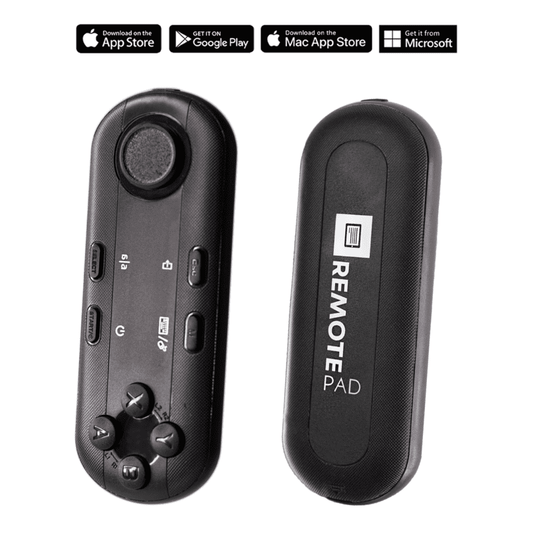
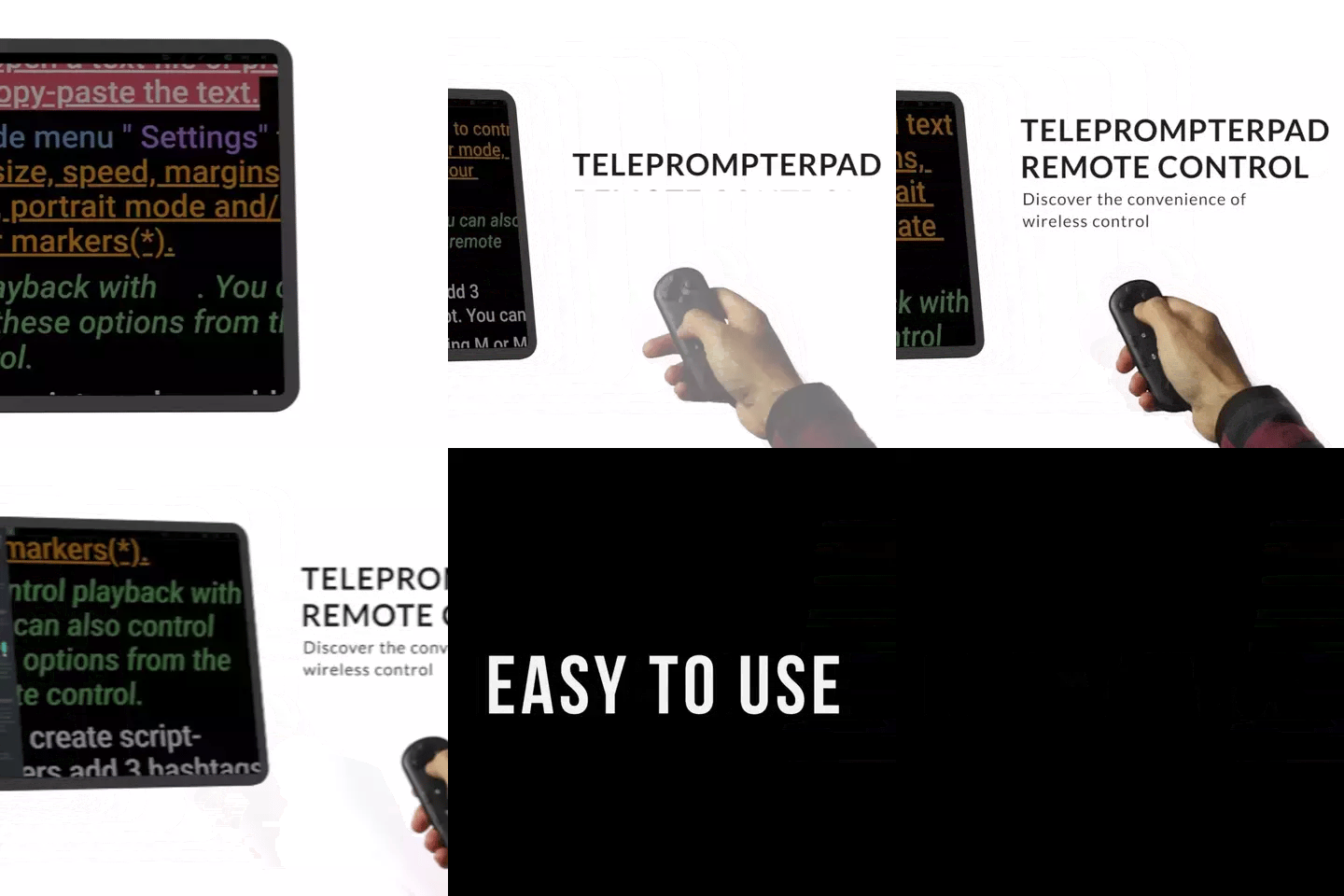
TELEPROMPTER PAD Bluetooth-Fernbedienung für Teleprompter – inklusive Teleprompter-App für Apple, Android Windows und Mac – kabelloser Controller für Beam Splitter Prompter oder Live-Streaming-Geräte
- 34.90€
39.90€- 34.90€
- Einzelpreis
- per
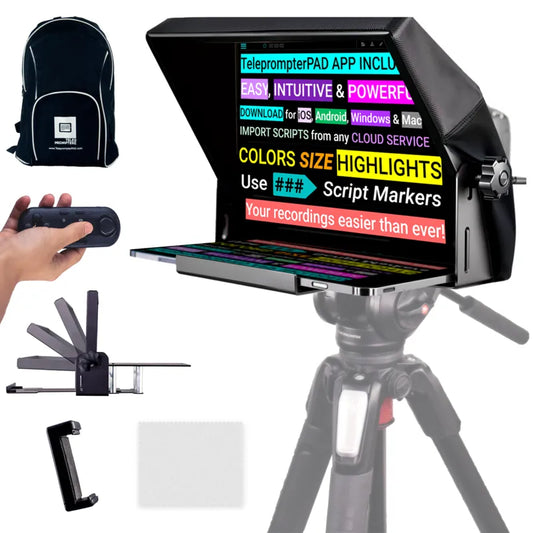
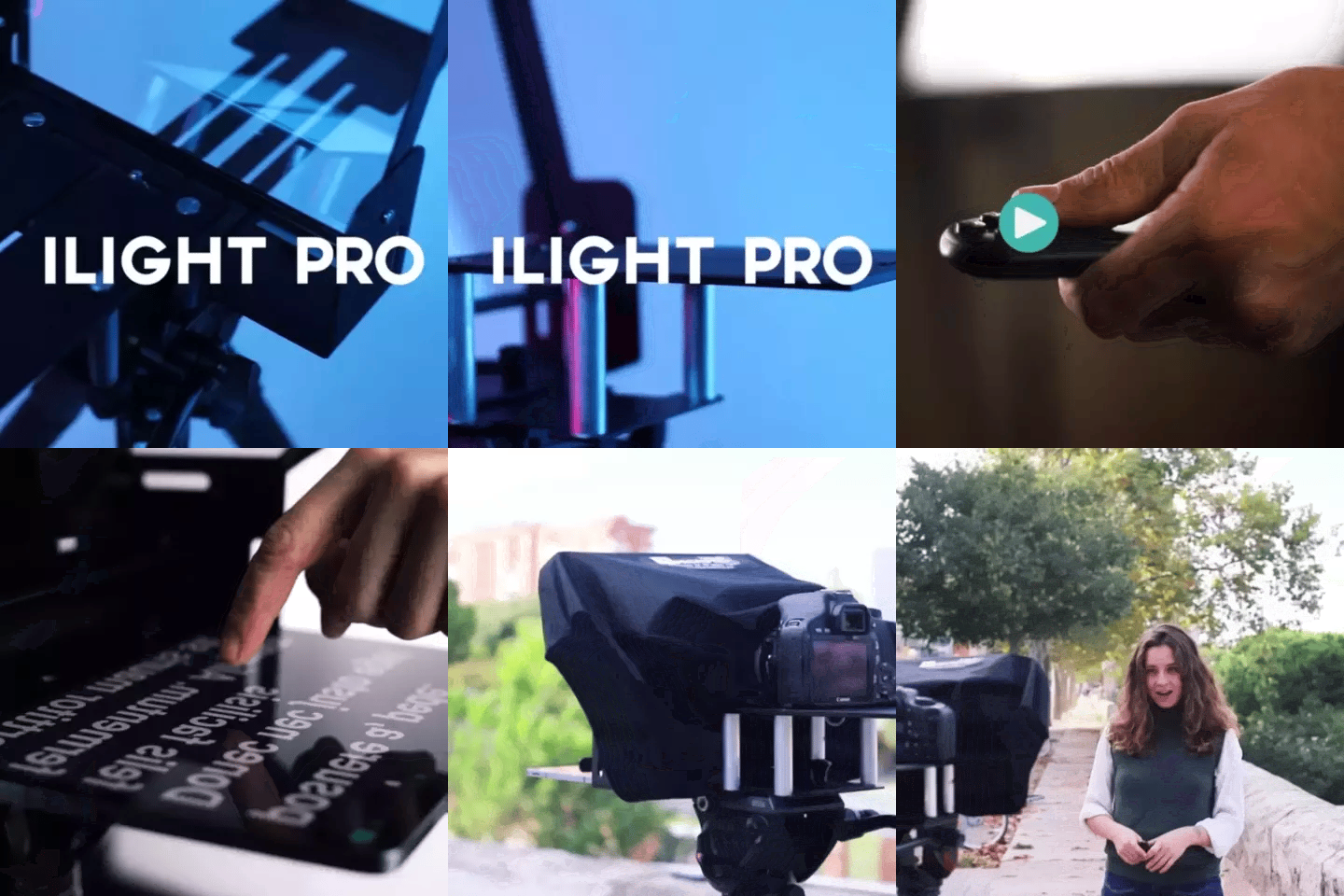
TELEPROMPTER PAD iLight PRO 12'' Teleprompter für iPad Tablet – Kit-Teleprompter für Video mit Fernbedienung, APP und Tragetasche – Beam Splitter Prompter Autocue DSLR, iPhone, APP für Apple Android Mac Win
- 159.00€
199.00€- 159.00€
- Einzelpreis
- per
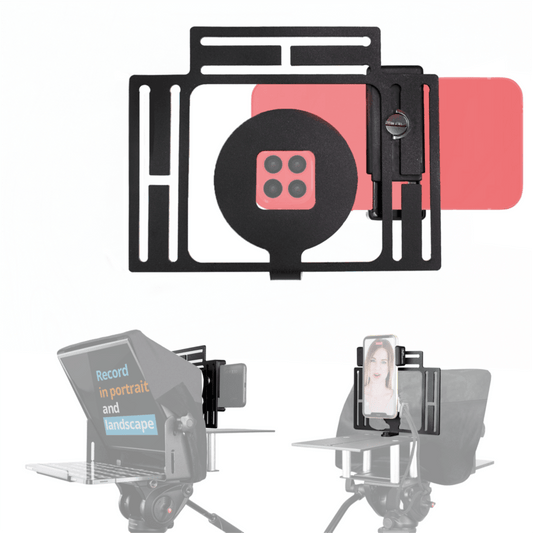
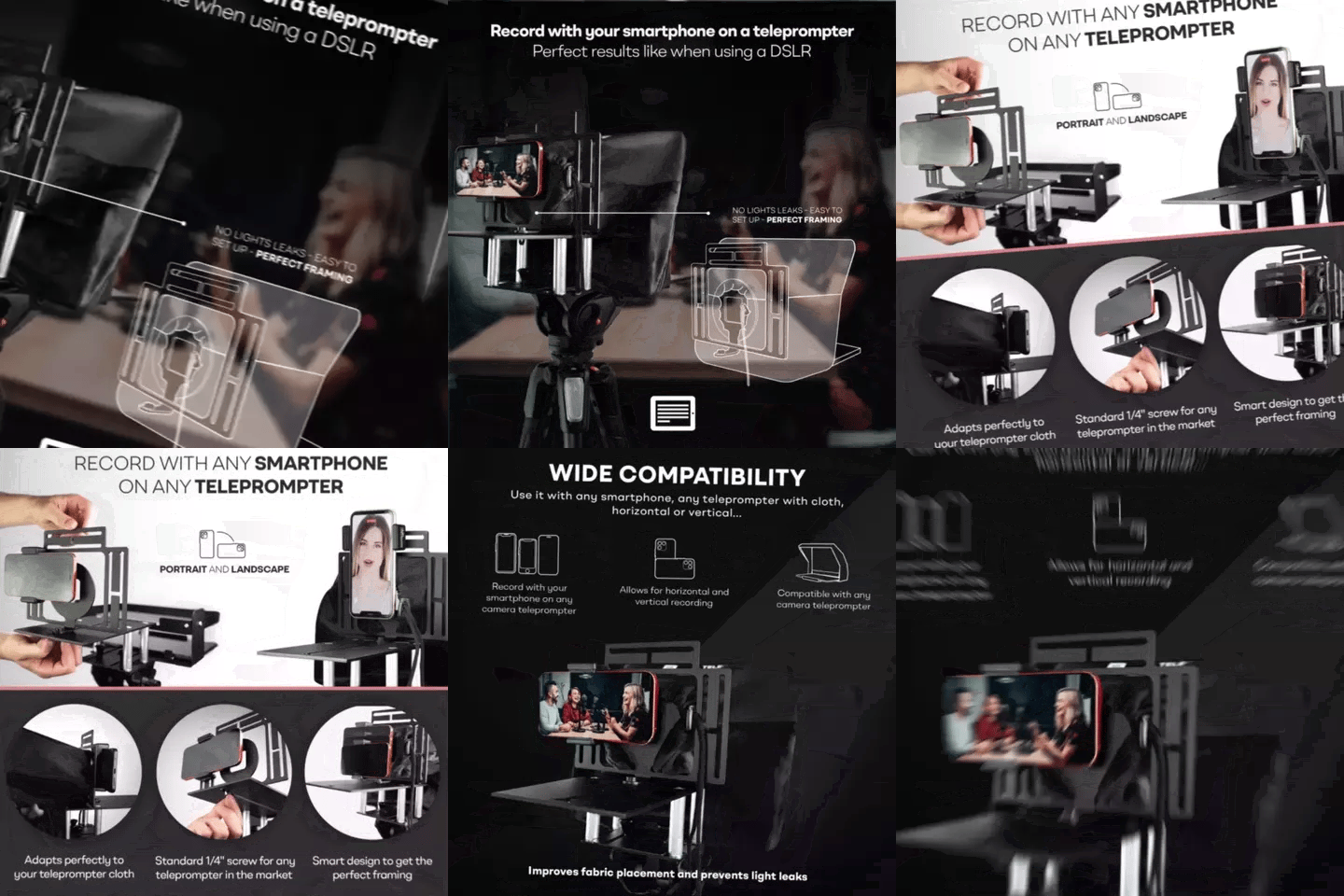
TELEPROMPTER PAD Smartphone-Adapter für Teleprompter – Aufnahme mit jedem iPhone, Android-Telefon, kompatibel mit jedem Teleprompter, Universal-Rig aus Aluminium für Prompter mit Kameraplatte, passgenauer Stoffsitz
- 29.90€
39.90€- 29.90€
- Einzelpreis
- per
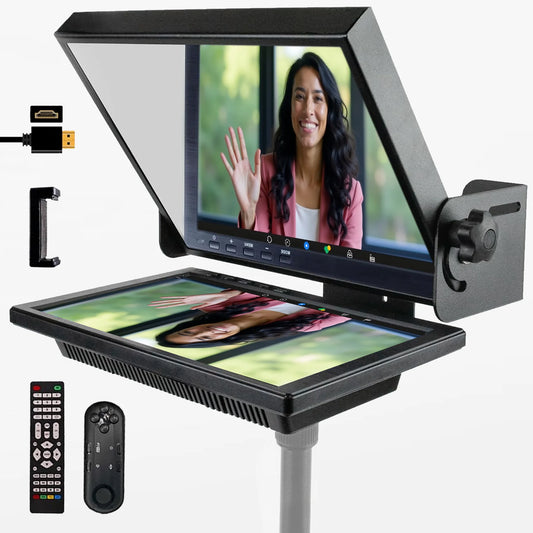
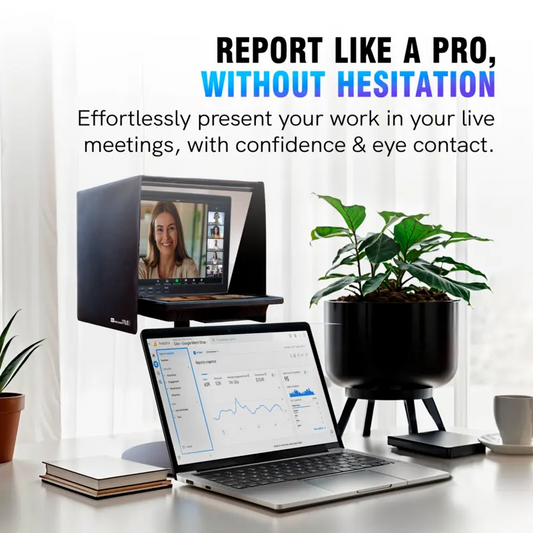
TELEPROMPTER PAD EyeMeeting Prompter für Twitch-Streaming Youtube und Zoom-Augenkontakt für Mac/PC DSLR Webcam iPhone, mit Fernbedienung Software und 10,1-Zoll-Monitor Kompatibel mit Elgato Streamdeck
- 229.00€
299.00€- 229.00€
- Einzelpreis
- per