



Teleprompter for Course Creators: Record Faster
A teleprompter for course creators solves the two biggest pain points of video production: forgetting your script mid-sentence and losing eye contact with your students. If you're recording online courses, webinars, or video lessons, a beam splitter teleprompter lets you read your script while looking directly into the camera lens. The result is polished, professional video without the exhausting cycle of memorize-forget-re-record that burns entire afternoons. I've helped hundreds of course creators set up their gear, and the difference in output speed is dramatic — most go from 3-4 takes per module down to 1-2.

Over the past 10+ years, I've shipped 50,000+ teleprompter orders globally, and roughly 20% of our customers are coaches, therapists, and info-product creators recording online courses. I've personally walked hundreds of course creators through their first setup, troubleshot lighting issues that made their glass unreadable, and helped them build recording workflows that cut module production from hours to minutes.

Why do course creators need a teleprompter?
The online course creation market hit $4.27 billion in 2026 and is growing at nearly 12% annually, according to Research and Markets. More creators are entering the space every month. But here's the uncomfortable truth: average course completion rates sit at just 12-15% for self-paced content.
One major factor? Student engagement drops when the instructor looks away from the camera — even briefly. Research published in Scientific Reports (2024) found that instructor nonverbal immediacy — especially direct eye gaze — substantially increases learner motivation and enjoyment during video lectures. When you're glancing at notes taped to your wall, you break that connection.
A teleprompter fixes this mechanically. Your script scrolls on a tablet below a 60/40 beam splitter glass. You read the text while the camera shoots straight through the glass. Your students see constant, confident eye contact. You deliver your content without fumbling.
Which teleprompter setup works best for recording courses?
For solo course creators (that's most of our 20% info-product segment), you want three things: fast setup, self-operated scrolling, and compatibility with your existing camera. The iLight PRO 12-inch checks all three boxes. It's our most popular model — about 60% of total sales — and it works with any DSLR, mirrorless camera, or smartphone.
You mount the teleprompter on a tripod, drop your iPad or tablet into the holder, open the free TeleprompterPAD app, import your script, and hit record. Setup takes under 2 minutes because the unit arrives pre-assembled. The Bluetooth remote lets you control scroll speed with one hand — handy when you need to pause mid-thought or speed through a transition.

If you also do live webinars, stage presentations, or record standing up (think: demo-style teaching where you gesture at a whiteboard), the iPresent PRO gives you a presidential-style setup. The glass sits at eye level on an adjustable pole, freeing you from being locked behind a camera rig. For course creators who also speak at conferences or teach live workshops, it pulls double duty.
How to compare teleprompter options for course creation
Here's how the most relevant setups stack up for the typical course creator workflow:
| Feature | iLight PRO 12-inch | iPresent PRO | EyeMeeting Prompter |
|---|---|---|---|
| Best for | Camera-recorded lessons | Stage + standing recordings | Desk livestreams & webinars |
| Price | €159 | €449 | €229 |
| Glass size | 12-inch | ~12-inch (presidential) | 10.1-inch built-in monitor |
| Needs tablet? | Yes | Yes (or external monitor) | No — own screen |
| Camera integrated? | Yes — behind glass | No — separate | Yes — webcam/DSLR behind glass |
| Remote included? | Yes | Yes | Yes |
| Setup time | Under 2 min | ~2 min | ~3 min (HDMI connection) |
Most solo course creators land on the iLight PRO 12-inch. It's portable, affordable, and covers the standard use case: sitting at a desk or standing behind a tripod, recording modules with a DSLR or mirrorless camera. If you also run live workshops or speak at events, the iPresent PRO adds that flexibility.

The 5-step recording workflow for course creators
After watching hundreds of customers dial in their process, here's the workflow that gets people recording consistently without procrastinating:
- Mount camera on teleprompter, tripod on power strip. Leave the rig assembled between sessions. One switch powers everything.
- Import your script into the app. Use the TeleprompterPAD app's file import — paste from Google Docs, Notion, or whatever you write in. Bold key phrases. Mark transitions with script markers.
- Optimize settings. Large font, narrow margins (especially if you're closer than 2m), scroll speed matched to your natural speaking pace. Test with 30 seconds of reading aloud.
- Check audio and lighting. External mic always — your DSLR's built-in mic is unusable at the 1.5m+ distance a prompter requires. Three-point lighting: key light front/side, fill opposite, backlight behind you.
- Record. Hit play on the remote, start your camera, and go. If you stumble, pause the remote, breathe, restart that sentence. Edit out the pause later.
The goal is to remove friction. When your gear is pre-arranged and your script is pre-loaded, you can sit down and record a 10-minute module in under 15 minutes total — including setup and review. That's how course creators who batch-produce (recording 5-8 modules in one session) keep their momentum.
Real-world use cases from our customer base
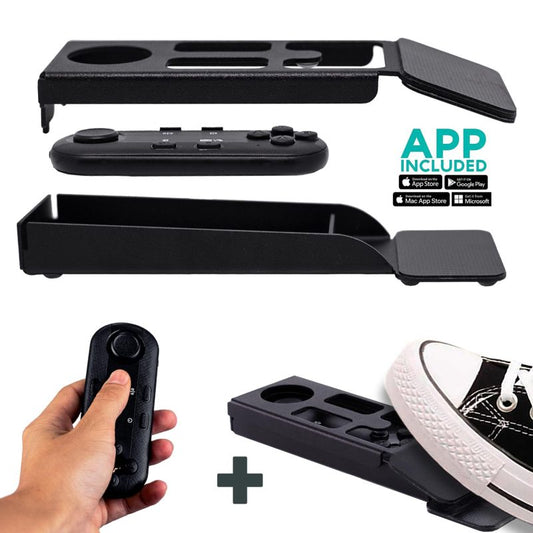
Coaches and therapists (20% of our customers): These folks record video sales letters, onboarding sequences, and module content for their signature programs. They often price courses at $500-$2,000+, which means production quality matters for perceived value. A teleprompter lets them deliver polished scripts without sacrificing their natural warmth. Many pair the remote with our silent foot pedal so their hands stay free for gesturing.
Educators and universities (10% of our customers): Professors recording lecture content for flipped classrooms or fully online programs. They need to hit precise terminology and reference specific studies. Memorizing a 45-minute pharmacology lecture is not realistic. A prompter lets them maintain academic accuracy while keeping eye contact that drives student engagement.
Content creators and YouTubers (24% of our customers): Many have evolved into course sellers. They already know video production basics but add a prompter when they start selling structured educational content that demands tighter scripting than their usual vlog style.
Script writing tips that actually work with a teleprompter
I see the same mistake constantly: people write scripts that read like essays. Formal, dense, packed with subordinate clauses. Then they sound robotic when they read them aloud.
- Write how you talk. Record yourself explaining the concept without notes, then transcribe and clean up. That's your script.
- Short sentences. 12-18 words max per sentence. Your brain reads ahead faster than you speak — long sentences cause you to rush.
- Mark your pauses. Use bold or highlight for emphasis points. Use the app's script markers to indicate section breaks where you'll change energy.
- Vary pace deliberately. After every key concept, add a deliberate pause indicator (I use "//" in my scripts). This prevents monotone delivery.
- Run a 30-second test take. If you stumble on a phrase, rewrite it. The script serves you, not the other way around.
According to Wyzowl's 2026 video marketing statistics, 89% of consumers say video quality directly impacts their trust in a brand. For course creators, that trust translates directly into enrollment and completion. Smooth, confident delivery with consistent eye contact is the easiest quality upgrade you can make.
Honest pros and cons of using a teleprompter for courses
| Pros | Cons |
|---|---|
| Consistent eye contact with camera | Learning curve: first 2-3 sessions feel unnatural |
| Drastically fewer retakes per module | Requires minimum 24mm focal length (no wide angle) |
| Precise terminology and data delivery | Camera recording distance must be 1.5m+ or eye scanning becomes visible |
| Batch recording 5-8 modules in one session | Requires a tablet or phone (you probably already own one) |
| Reduced recording anxiety and procrastination | Not suited for very physical/moving presentations (use iPresent for those) |
The biggest real con is that first-time users tend to read robotically. This goes away after 2-3 recording sessions once you've internalized the pacing. Writing conversational scripts (see tips above) accelerates this dramatically. After the break-in period, most people can't imagine recording without one.

What about the iPresent PRO for course creators who also present live?
About 5% of our customers are public speakers and conference speakers, but there's meaningful overlap with the course-creator segment. If you're someone who creates courses AND delivers live workshops, keynotes, or webinar presentations to a camera while standing, the iPresent PRO handles both.
It's a presidential-style teleprompter: glass mounted on an adjustable pole at eye level. You can self-operate it with the Bluetooth remote or foot pedal while reading from your tablet below. Or connect two units with an HDMI splitter and a laptop for a dual-glass presidential setup at live events.

The trade-off is price (€449 vs. €159 for the iLight PRO 12-inch) and portability. The iPresent PRO is still portable — it fits in its included case — but it's a different form factor. If you only record at a desk, the iLight is the smarter buy.
Common mistakes course creators make with teleprompters
I troubleshoot these regularly through our 1-to-1 multilingual support (we help in English, Spanish, German, French, and Italian). Here are the top offenders:
- Sitting too close. At 1m, eye scanning is visible on camera. Keep 1.5-2.0m distance. If you must sit closer, narrow the text margins in the app so your eyes don't travel side to side.
- Overhead lights causing glare. Ceiling lights reflecting off the beam splitter glass wash out your script. Position your key light from the side, never directly above the prompter.
- No external microphone. At 1.5m+ distance, your camera's built-in mic captures mostly room noise. Always use a lavalier or shotgun mic.
- Forgetting to lock tablet rotation. Your iPad rotates mid-recording and your script goes sideways. Lock orientation before you start.
- Not sealing the hood. Light bleeds onto the glass and reduces script readability. Make sure the blackout hood is properly attached via Velcro.
Every one of these is fixable in under a minute once you know about it. And if you get stuck, we offer personal support to walk you through — not a chatbot, a real person who understands the gear.
Frequently asked questions
Can I use a teleprompter with my smartphone to record courses?
Yes. The iLight PRO 12-inch includes a smartphone clamp. You can mount your iPhone or Android phone behind the glass in portrait or landscape mode. For vertical content (TikTok, Reels, Shorts promos for your course), there's also a dedicated Smartphone Adaptor for a more stable setup.
Will my students notice I'm reading a teleprompter?
Not if you maintain proper distance (1.5m+) and write conversational scripts. At that distance, tiny eye movements between lines are invisible on camera. The beam splitter glass is transparent to the camera — it can't see the text at all.
What tablet should I use with the teleprompter?
Any iPad up to 10.5-inch or Android tablet up to 20cm x 26cm works with the 12-inch model. The iPad 10.2-inch (standard iPad) is the sweet spot for readability and price. The free TeleprompterPAD app runs on iOS, Android, Windows, and Mac.
How do I control scrolling speed while recording alone?
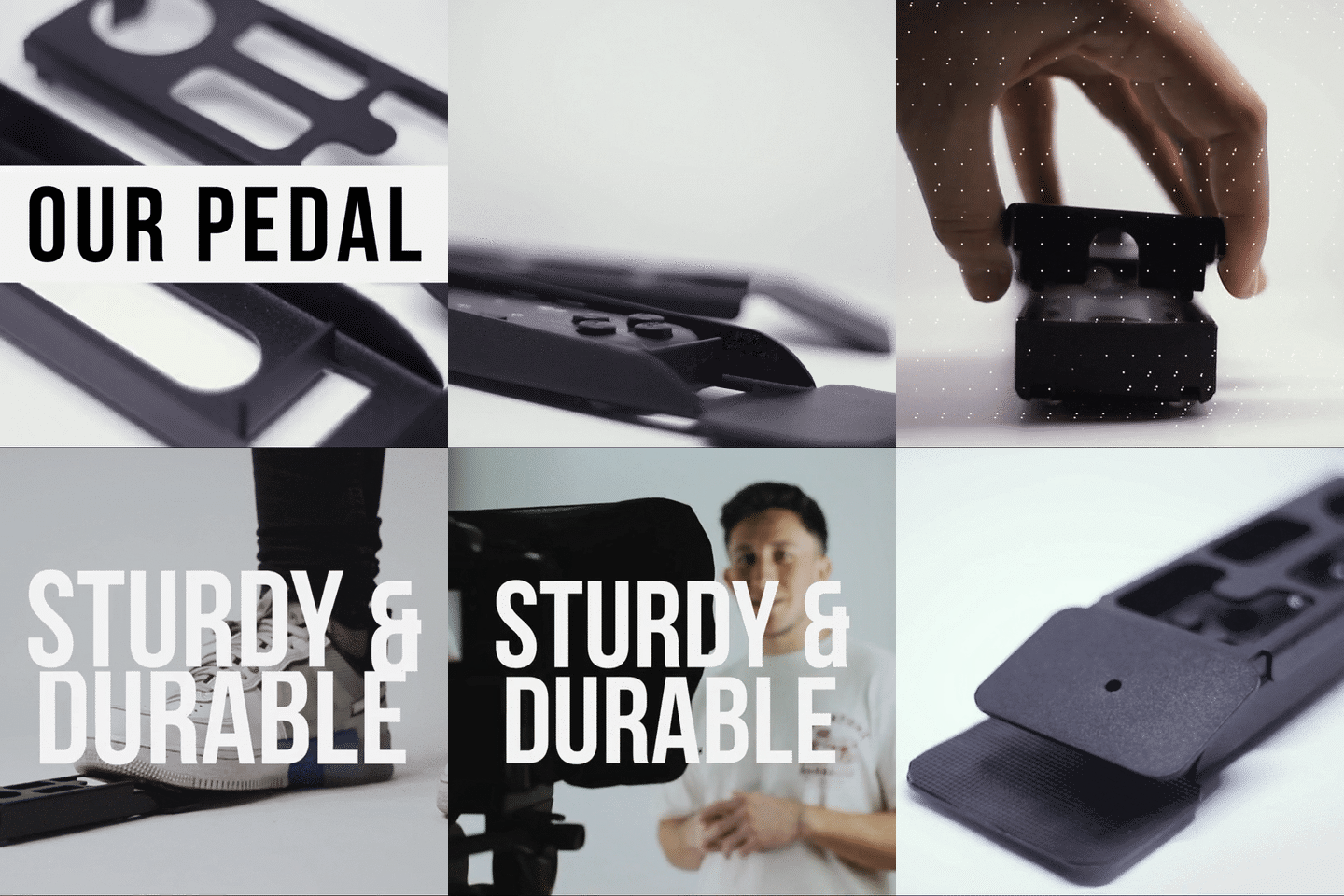
The included Bluetooth remote gives you play/pause, speed up/down, and forward/backward. Hold it in your non-dominant hand below frame. For completely hands-free control (ideal if you gesture a lot), add the silent foot pedal — it uses a capacitive sensor, so microphones won't pick up any click.
Can I use the teleprompter for live webinars too?
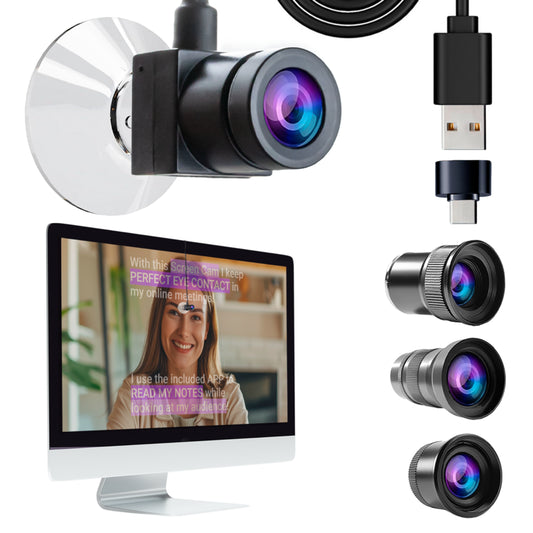
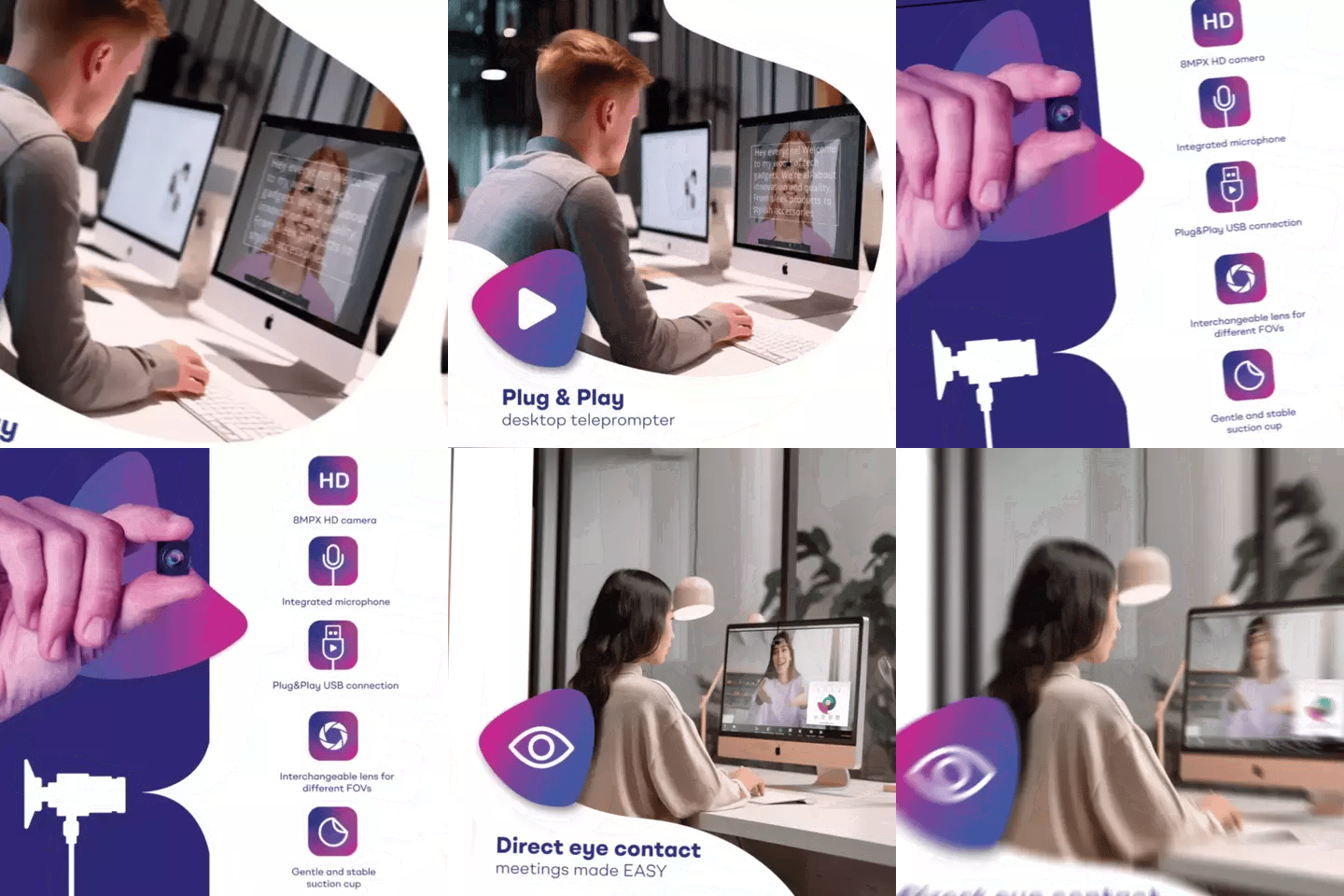
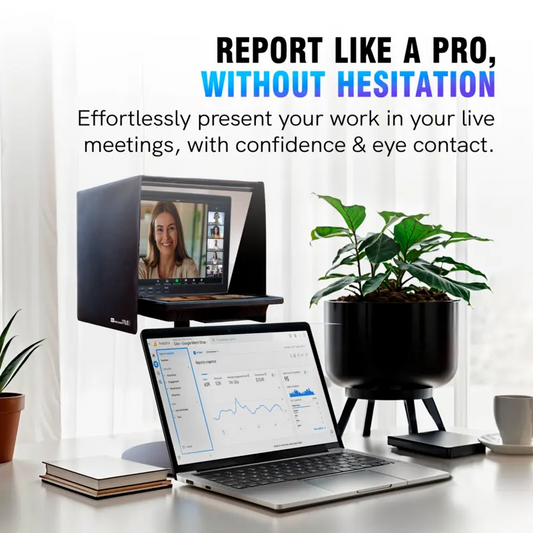
The iLight PRO 12-inch works great for recorded content. For live webinars where you need to see your Zoom screen AND read a script, the EyeMeeting Prompter is purpose-built — it's a beam splitter with its own 10.1-inch HDMI monitor. Or use the TeleprompterPAD app's Meeting Mode, which overlays transparent scrolling text on top of your video call window.
How much faster will I produce course modules?
Most of our course-creator customers report cutting their per-module recording time by 50-70%. The biggest time savings come from eliminating retakes. Instead of 4-5 takes to get a clean delivery, you're typically done in 1-2 takes.
Is a teleprompter worth it if I only make a few courses per year?
At €159, the iLight PRO 12-inch pays for itself after a single recording session if it saves you even 3-4 hours of retake time. Most course creators also use it for email video sequences, social content, and sales pages — so it gets regular use even between course launches.
Do I need any technical skills to set this up?
None. The iLight arrives pre-assembled. You unfold it, drop in your tablet, mount your camera, and open the app. If you run into any issue, our support team walks you through it personally in your language — English, Spanish, French, German, or Italian.
If you're ready to stop losing afternoons to re-recordings and start batch-producing course modules with confidence, the iLight PRO 12-inch is where most course creators start. For those who also present live, the iPresent PRO covers both worlds. Either way, you'll wonder why you didn't get one sooner.
Unsere Bestseller
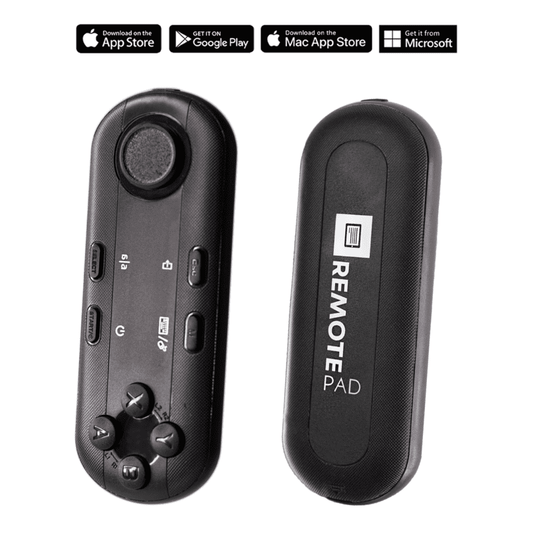
TELEPROMPTER PAD Bluetooth-Fernbedienung für Teleprompter – inklusive Teleprompter-App für Apple, Android Windows und Mac – kabelloser Controller für Beam Splitter Prompter oder Live-Streaming-Geräte
- 34.90€
39.90€- 34.90€
- Einzelpreis
- per
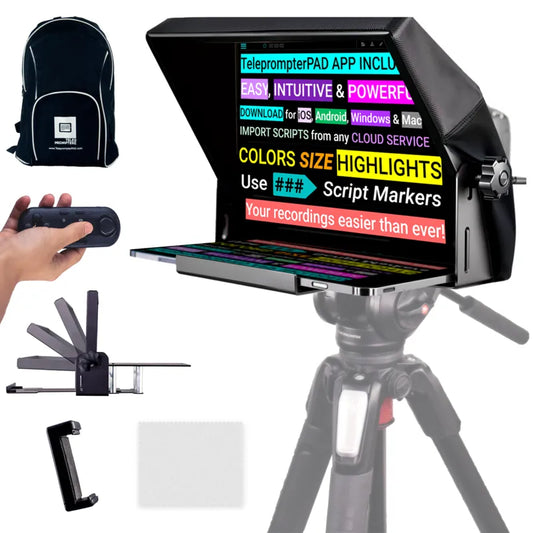
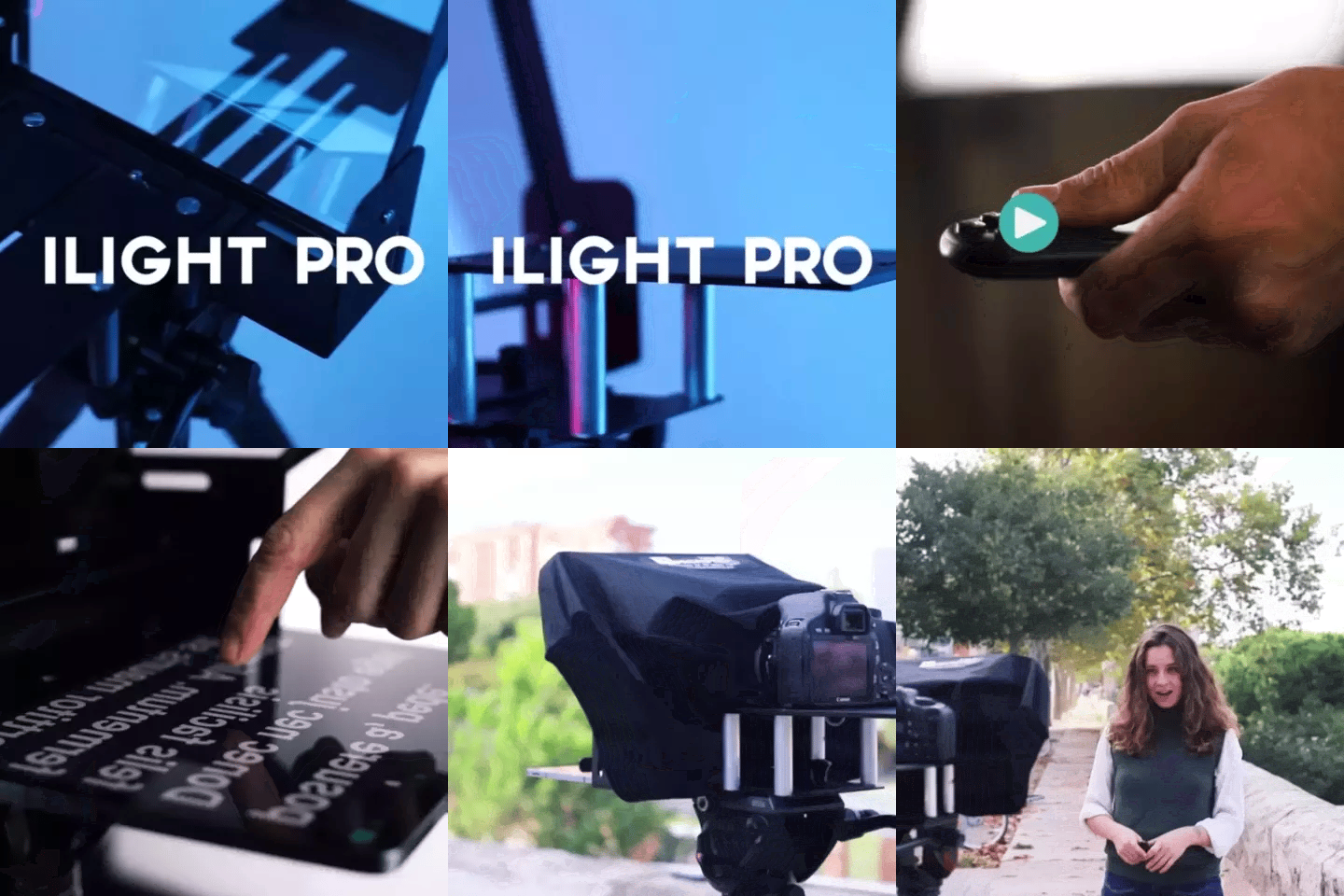
TELEPROMPTER PAD iLight PRO 12'' Teleprompter für iPad Tablet – Kit-Teleprompter für Video mit Fernbedienung, APP und Tragetasche – Beam Splitter Prompter Autocue DSLR, iPhone, APP für Apple Android Mac Win
- 159.00€
199.00€- 159.00€
- Einzelpreis
- per
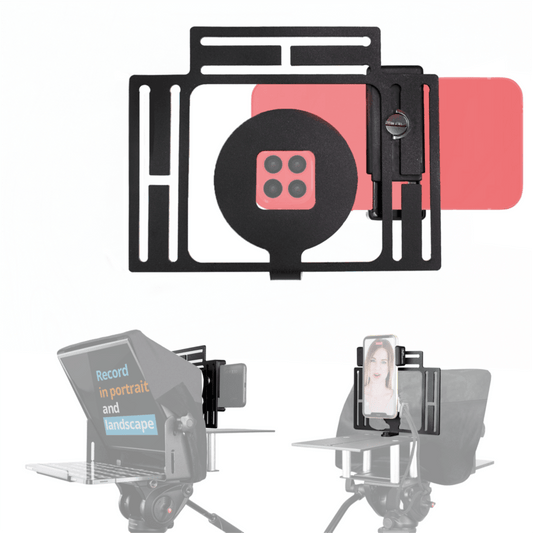
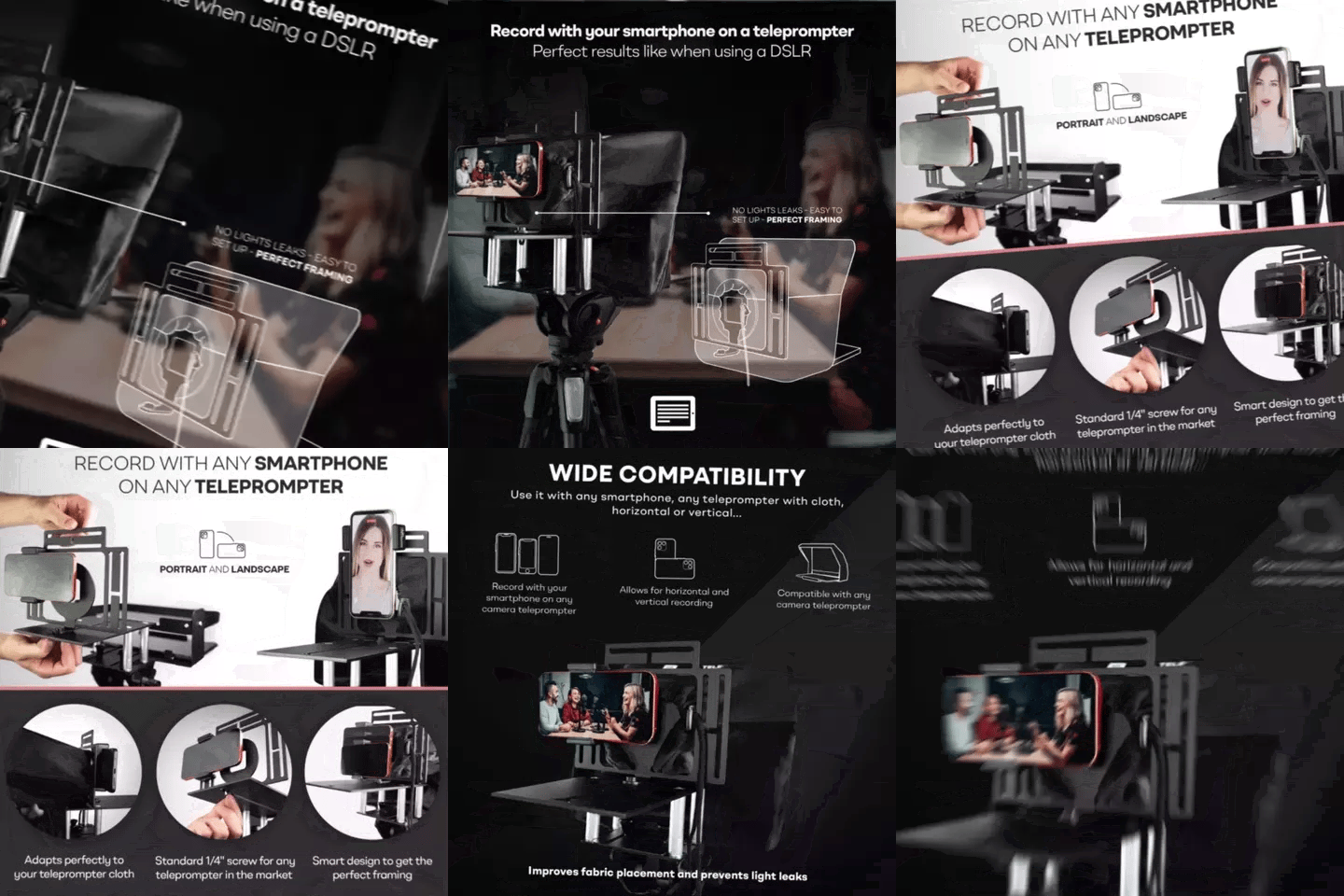
TELEPROMPTER PAD Smartphone-Adapter für Teleprompter – Aufnahme mit jedem iPhone, Android-Telefon, kompatibel mit jedem Teleprompter, Universal-Rig aus Aluminium für Prompter mit Kameraplatte, passgenauer Stoffsitz
- 29.90€
39.90€- 29.90€
- Einzelpreis
- per
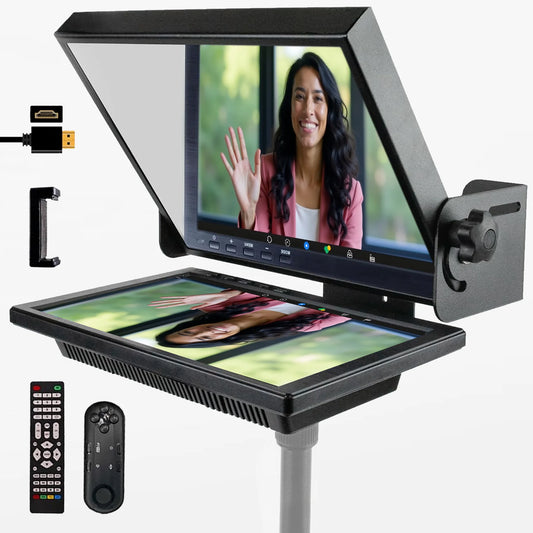
TELEPROMPTER PAD EyeMeeting Prompter für Twitch-Streaming Youtube und Zoom-Augenkontakt für Mac/PC DSLR Webcam iPhone, mit Fernbedienung Software und 10,1-Zoll-Monitor Kompatibel mit Elgato Streamdeck
- 229.00€
299.00€- 229.00€
- Einzelpreis
- per