



Teleprompter for Corporate Training Online: What Works
A teleprompter for corporate training online solves the single biggest problem L&D teams face when recording video modules: the trainer looks everywhere except at the learner. You read from notes off-screen, your eyes dart sideways, and every viewer subconsciously registers that something feels off. A beam splitter teleprompter places your script directly over the camera lens so you maintain eye contact the entire time. The result is training content that feels personal, even when it's pre-recorded and distributed to hundreds of employees across time zones. In this guide I'll cover which setups actually work for online corporate training, what to avoid, and how to pick the right gear for your team's budget and workflow.

Over the past two years I've set up teleprompter rigs for 40+ corporate L&D teams — from 10-person startups to mid-market companies with 800 employees in four countries. About 18% of our 50,000+ shipped orders go to SMBs and marketing teams producing exactly this kind of internal training content. If a setup mistake exists, I've probably seen it on a support call at 8am on a Monday.

Why does eye contact matter so much in online training?
It matters because your learners decide within seconds whether they trust the person on screen. Research published in Frontiers in Psychology (Kaiser, Henry & Eyjólfsdóttir, 2022) found that lack of eye contact in video communication lowers a sense of connectedness and creates a sense of distance. That's the opposite of what a training module should do.
The practical problem is simple: on a standard webcam or camera setup, the lens sits above or beside your screen. You look at your script, your eyes shift — and the learner sees a trainer who appears disengaged. A beam splitter teleprompter fixes this by reflecting your script on a semi-transparent glass positioned directly in front of the lens. You read the words; the camera sees you looking straight ahead.
There's also a business case. According to TechSmith's 2024 Video Viewer Study, 87% of viewers prefer a real person over an AI avatar or animated character in instructional video. That means your trainers showing up on camera — confident, scripted, making eye contact — matters more than ever in an era when AI-generated content is everywhere.
Which teleprompter setup fits online corporate training?
This depends on whether you're recording standalone modules, delivering live sessions, or presenting on stage during in-person training events that get streamed. Here's how the main setups break down for L&D teams:
| Use Case | Best Product | Price | Why |
|---|---|---|---|
| Pre-recorded video modules (DSLR/mirrorless) | iLight PRO 12-inch | €159 | Compact, solo-operated, most popular |
| Pre-recorded modules with iPad Pro 12.9" | iLight PRO 14-inch | €239 | Fits larger tablets, hardcase included |
| Live Zoom/Teams training (desk setup) | EyeMeeting Prompter | €229 | Built-in 10.1-inch screen, HDMI, beam splitter |
| On-stage live training + online stream | iPresent PRO | €449 | Portable presidential, self-operated or dual-monitor |
| Large events, dual-panel coverage | XCue X1 | €1,997 | Professional dual glass, adjustable height/angle |
For most corporate L&D teams producing online modules, the iLight PRO 12-inch covers 80% of needs. But if your training involves live stage delivery that also gets streamed — think company kickoffs, regional sales training, onboarding events — the iPresent PRO is the better fit.
Why the iPresent PRO makes sense for hybrid training events
A lot of corporate training in 2026 is hybrid. You have a trainer presenting to 30 people in a room while 200 more watch remotely. The trainer needs to look at the live audience, not down at a laptop. That's exactly what a presidential teleprompter is built for — glass panels at eye level, script floating in front of the presenter, invisible to the audience.
The iPresent PRO is portable enough to fit in its included case and set up in about two minutes. It works in two modes: self-operated with the Bluetooth remote or foot pedal and a tablet, or connected to dual monitors up to 21" via an HDMI splitter and laptop running the free TeleprompterPAD app. The second mode is what most L&D teams prefer — one person controls the script while the trainer focuses purely on delivery.

One thing I'll be honest about: the iPresent PRO is a consumer/prosumer product. It's not designed for broadcast studios or giant arenas. It's built for conference rooms, corporate stages, training centers, and university halls where a trainer addresses up to a few hundred people. If you need dual-panel coverage for a 2,000-seat auditorium, the XCue X1 is the right step up.
The numbers behind video-based corporate training
If you need to justify teleprompter gear to your budget holder, start with the market data. The corporate e-learning market is expanding fast. According to Research.com's 2026 analysis, in 2025 77% of U.S. companies were already using virtual classrooms, webcasting, or video broadcasting for training delivery. That's not a niche anymore — it's the default.
Here's what the latest data shows:
| Statistic | Figure | Source |
|---|---|---|
| Viewers preferring real person over AI avatar | 87% | TechSmith, 2024 |
| Learners more engaged with video-based learning | 69% | Industry data, 2026 |
| U.S. companies using video/webcasting for training | 77% | Research.com, 2026 |
| Global corporate e-learning market (2025) | ~$325B | eSkilled, 2026 |
| Orgs using or planning e-learning | 98% | eSkilled, 2026 |
| Content remembered better with presenter eye contact | +23% | Fullwood & Doherty-Sneddon, 2006 |
That last row is the one I keep coming back to. In a sales context, content was remembered 23% better when the presenter looked directly at the camera. There's no reason to think training content would be different. The teleprompter is literally the tool that makes that happen.

How to set up a teleprompter for recording training videos
Whether you go with the iLight PRO for camera-based recording or the iPresent PRO for live delivery, the fundamentals are the same. Here's the workflow I walk L&D teams through:
- Mount the teleprompter on your tripod. Use the 1/4" screw (the iPresent PRO uses its own adjustable pole/stand). Make sure the glass sits at the trainer's eye level.
- Import your script into the TeleprompterPAD app. It's free on iOS, Android, Windows, and Mac. The app supports file importing, rich text formatting, and script markers for section breaks.
- Set scroll speed and font size. I recommend large fonts and slow-to-medium scroll for training scripts. Trainers who aren't used to prompting need breathing room.
- Position your camera behind the glass. On the iLight PRO, mount it on the camera plate. On the iPresent PRO, your recording camera goes behind or off to the side capturing the presenter. Minimum focal length: 24mm to avoid seeing the frame edges.
- Test audio separately. At 1.5m+ recording distance, built-in camera mics are useless. Use a lavalier or shotgun mic.
- Do 2-3 test takes. Check for eye scanning, hood light leaks, and glass glare from overhead lights.
Pro tip: the biggest mistake I see from first-time corporate users is writing scripts that sound like policy documents. If it reads like an internal memo, it'll sound like one on camera. Write the way you'd explain the topic to a colleague over coffee.
Real-world use cases from our customer base
About 18% of our orders come from SMBs, startups, and marketing teams. A significant chunk of those are L&D departments building internal video libraries. Here's what I see most often:
Corporate onboarding videos
HR teams record 10-20 short modules covering company culture, compliance, tools, and department introductions. The trainer records once, and every new hire watches the same polished content for months. The iLight PRO 12-inch paired with a DSLR is the most common setup here — compact enough for a small meeting room, and the Bluetooth remote lets the trainer control scrolling without a second person.
Live virtual workshops (Zoom/Teams)
About 20% of our customers are coaches, therapists, and info-product creators who deliver live sessions. For this use case, the EyeMeeting Prompter is purpose-built. It has its own 10.1-inch HDMI screen, so you don't need a tablet. The app's Meeting Mode overlays your script transparently over your video call window.
Hybrid training events (in-person + stream)
This is where the iPresent PRO shines. The trainer stands in front of a room, the glass is invisible to the audience, and the stream captures a professional, scripted presentation with consistent eye contact. Universities (10% of our orders) and corporate comms teams (3%) use this setup for quarterly all-hands, leadership addresses, and compliance training rollouts.

Honest pros and cons of using a teleprompter for online training
I sell teleprompters for a living, but I'd rather you know the real tradeoffs before buying.
Pros
- Consistent messaging. Every trainer reads the same approved script. No improvised tangents that stray into incorrect compliance info.
- Faster recording. Scripts eliminate "uh" and "um" and reduce takes. Most teams cut their recording time by 50% or more after their first session.
- Maintained eye contact. The whole point. Your learners feel spoken to, not spoken at.
- Reusable across teams and locations. Record once, distribute globally through your LMS.
- Low per-learner cost. A €449 iPresent PRO pays for itself after a handful of training sessions that would've otherwise required repeated live delivery.
Cons
- Learning curve for presenters. Some trainers need 2-3 practice sessions before they stop sounding like they're reading. This is real, and you should budget time for it.
- Robotic delivery risk. If a trainer doesn't practice vocal variation and natural pacing, the teleprompter can actually make them worse on camera. Pacing marks in the script help — the TeleprompterPAD app supports markers and formatting for this.
- Not a fit for every format. Highly interactive workshops where the trainer needs to react in real time to participant questions? A teleprompter won't help much. It's best for structured content with a planned script.
- Physical space needed. A beam splitter rig needs at least 1.5-2 meters between the trainer and camera. Tiny desk setups for iLight models, or room to stand for the iPresent PRO.
- Not broadcast-grade. Our products are consumer/prosumer. If you're a Fortune 500 with a dedicated studio and production crew, you probably want broadcast equipment with an operator. For the other 95% of L&D teams? This works great.

Script writing tips for corporate training modules
The teleprompter only solves the delivery problem. The script is still on you. Here's what I've learned from watching hundreds of corporate training recordings:
- Write short sentences. 12-18 words max. Your eyes need to grab a phrase quickly and deliver it before glancing back at the next line.
- Use contractions. "You'll" instead of "you will." "Don't" instead of "do not." It sounds human.
- Add pacing markers. Use the app's highlight feature to mark pauses, emphasis points, or section transitions. This prevents monotone delivery.
- Front-load each section. Tell the learner what they'll get from the next 2 minutes before you go into detail. Attention is finite.
- Keep modules under 10 minutes. TechSmith's research found that 60% of viewers won't watch an instructional video over 20 minutes. Shorter is better for completion rates.
- Read it out loud before recording. If you stumble over a phrase in rehearsal, rewrite it. You'll stumble on camera too.
For more on scripting and delivery for course-style content, see our guide on teleprompter for online courses.
Common mistakes L&D teams make with teleprompters
I've seen these errors dozens of times. Every single one is fixable.
| Mistake | What Happens | Fix |
|---|---|---|
| Overhead lighting above the teleprompter | Glare on glass, washed-out image | Use three-point lighting; keep lights off to the sides |
| Recording too close (<1.2m) | Visible eye scanning left-right | Maintain 1.5-2.0m distance; narrow margins in app if closer |
| Tablet rotation unlocked | Script flips mid-recording | Lock rotation in device settings |
| No external microphone | Hollow, distant audio | Use lav mic or shotgun; DSLR built-in mics are unusable at distance |
| Using a wide-angle lens below 24mm | Glass frame or tablet tray visible in shot | Stay at 24mm or longer focal length |
| Skipping test takes | Issues found in post, whole session wasted | Always do 2-3 test takes first |
If you run into any of these — or anything else — we offer personal 1-to-1 multilingual support in English, Spanish, German, French, and Italian. Not a chatbot. A human who's set up this exact gear. You can find video tutorials and troubleshooting at help.teleprompterpad.com.
Frequently asked questions
Can I use a teleprompter for live Zoom training sessions?
Yes. The EyeMeeting Prompter is specifically designed for live video calls. Its Meeting Mode overlays your script transparently over the call window, so you read while maintaining eye contact. For pre-recorded training content distributed through an LMS, the iLight PRO or iPresent PRO are better choices.
Do I need a separate person to operate the teleprompter?
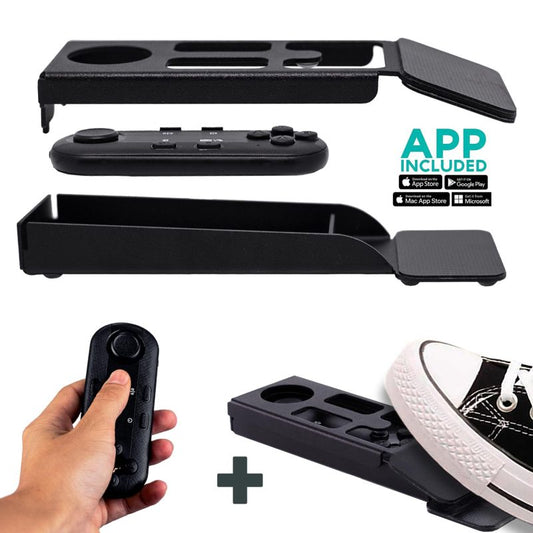
Not necessarily. The iPresent PRO includes a Bluetooth remote, and you can add the silent foot pedal (€34.90) for hands-free control. Many solo trainers operate the scroll themselves. For longer, more complex scripts, having a second person control pacing from a laptop is ideal — especially during live events.
What tablet works best for the iPresent PRO?
Any tablet up to 20cm × 26cm. iPad 10", iPad Air 10.5", iPad Pro 11", and most Android tablets fit perfectly. The iPad Pro 12.9" does not fit — it's physically too wide. If your company uses that tablet, consider the dual-monitor mode with an HDMI splitter instead.
How long does setup take?
About two minutes. All TeleprompterPAD products come pre-assembled, so there's no complicated build process. Unfold the stand, mount the glass, position the tablet, connect the remote. I've timed this with L&D teams at trade shows and two minutes is honest.
Will the teleprompter work with our existing cameras?
If you're using the iLight PRO for recorded modules, it works with any DSLR, mirrorless, or webcam with a standard 1/4" tripod mount. Camera max length is 20cm (8") for the 12-inch model and 25cm (10") for the 14-inch. The iPresent PRO doesn't mount a camera directly — it's designed for live stage presentation where the camera is positioned separately.
What if our trainers sound robotic when reading?
This is the most common concern I hear. Two things fix it: first, write conversational scripts (contractions, short sentences, informal tone). Second, use pacing marks in the app — bold, highlight, and color-code key phrases so the trainer knows where to pause, emphasize, or slow down. After 2-3 practice runs, most presenters sound natural.
Is there a cheaper option for simple webcam calls?
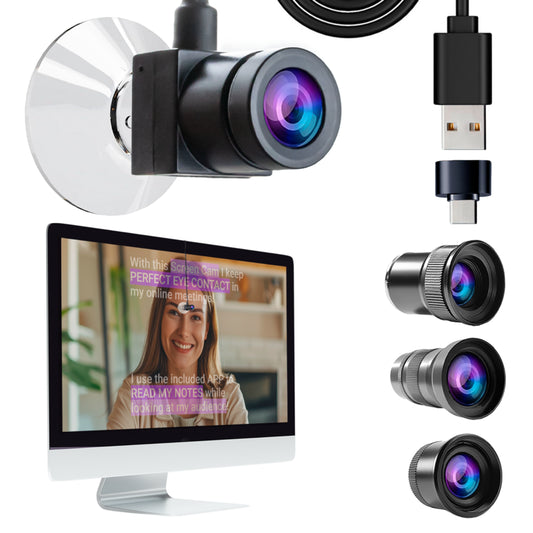
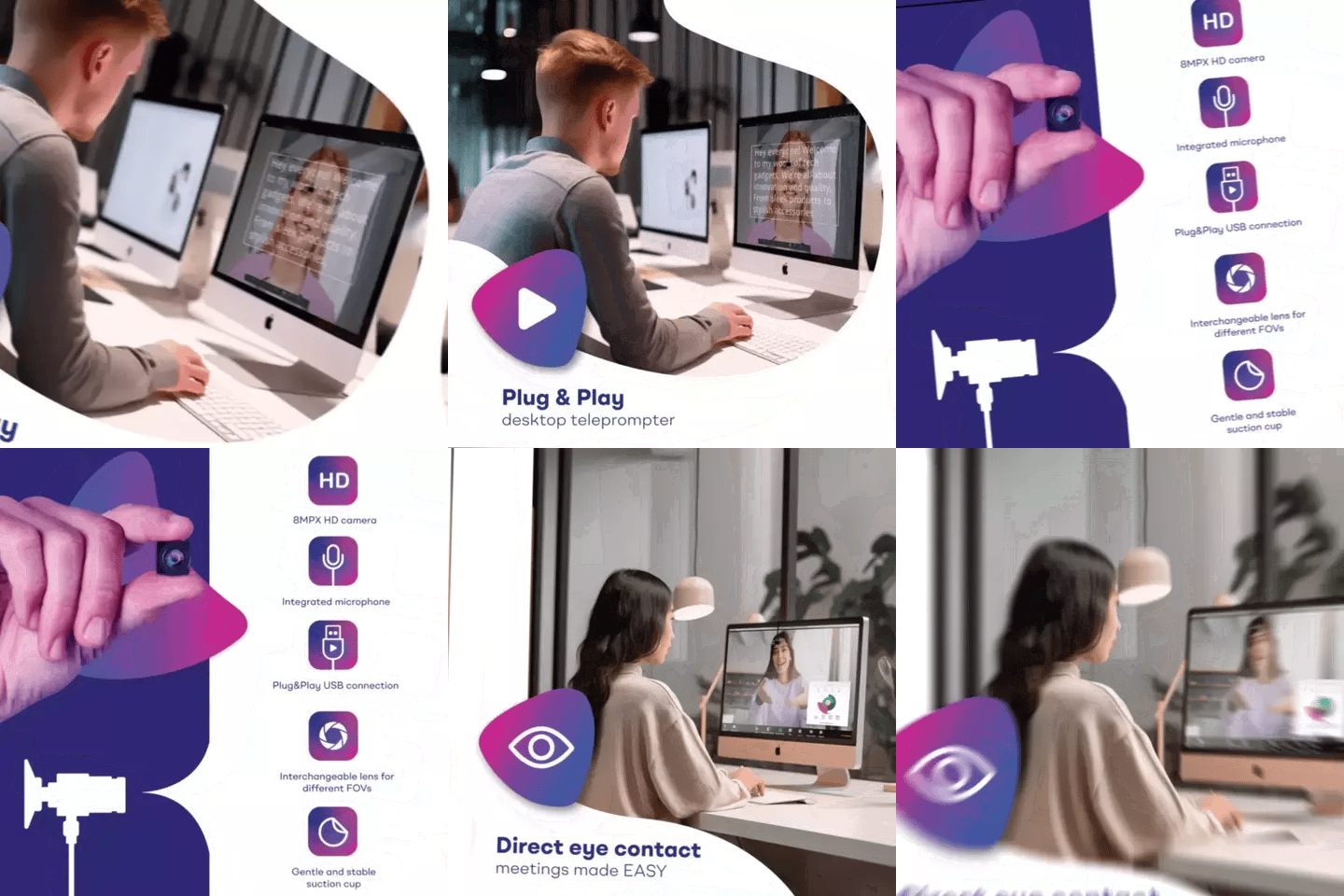
The EyeMeeting Webcam (€99) is a basic USB webcam that attaches to your monitor via suction cup. It's designed for live calls only, not recording or streaming. If all you need is eye contact on Zoom meetings where you occasionally reference notes, it works. For structured training with a full script, the EyeMeeting Prompter or iLight PRO is the better investment.
Can I use the same setup for multiple trainers?
Absolutely. This is one of the biggest advantages for L&D teams. Load different scripts per trainer in the app, and each person records their modules with the same rig. The gear stays set up in a dedicated recording room. One of our corporate customers runs 6 different trainers through the same iLight PRO 12-inch setup every week.
A teleprompter for corporate training online is one of those purchases that sounds niche until you see the output difference — confident delivery, consistent messaging, and professional eye contact at scale. If your team is recording training modules or presenting live to remote learners, the iPresent PRO handles hybrid events, and the iLight PRO handles camera-based recording. Pick the one that matches your workflow, practice your scripts, and stop winging it on camera.
Unsere Bestseller
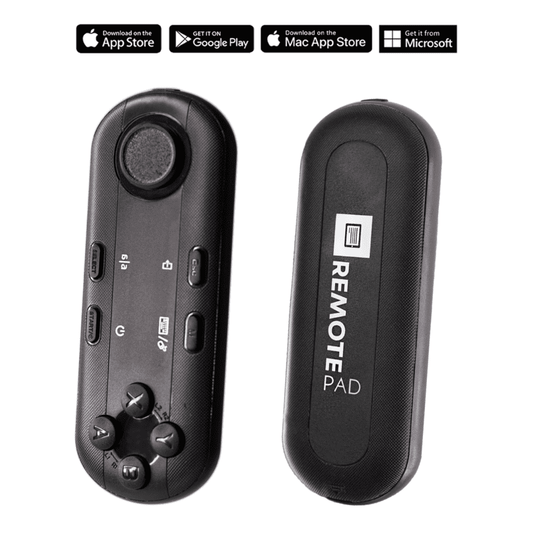
TELEPROMPTER PAD Bluetooth-Fernbedienung für Teleprompter – inklusive Teleprompter-App für Apple, Android Windows und Mac – kabelloser Controller für Beam Splitter Prompter oder Live-Streaming-Geräte
- 34.90€
39.90€- 34.90€
- Einzelpreis
- per
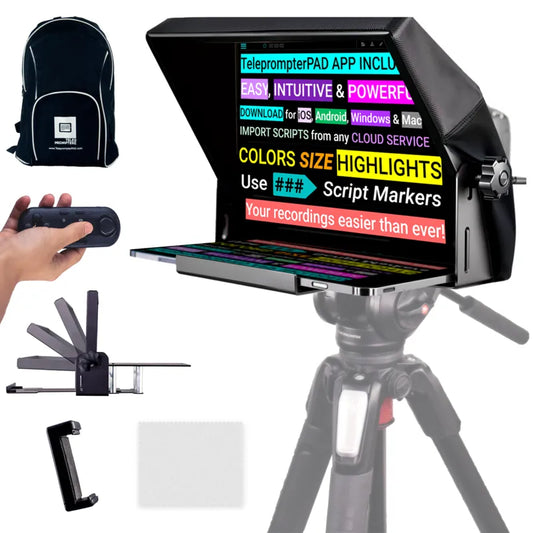
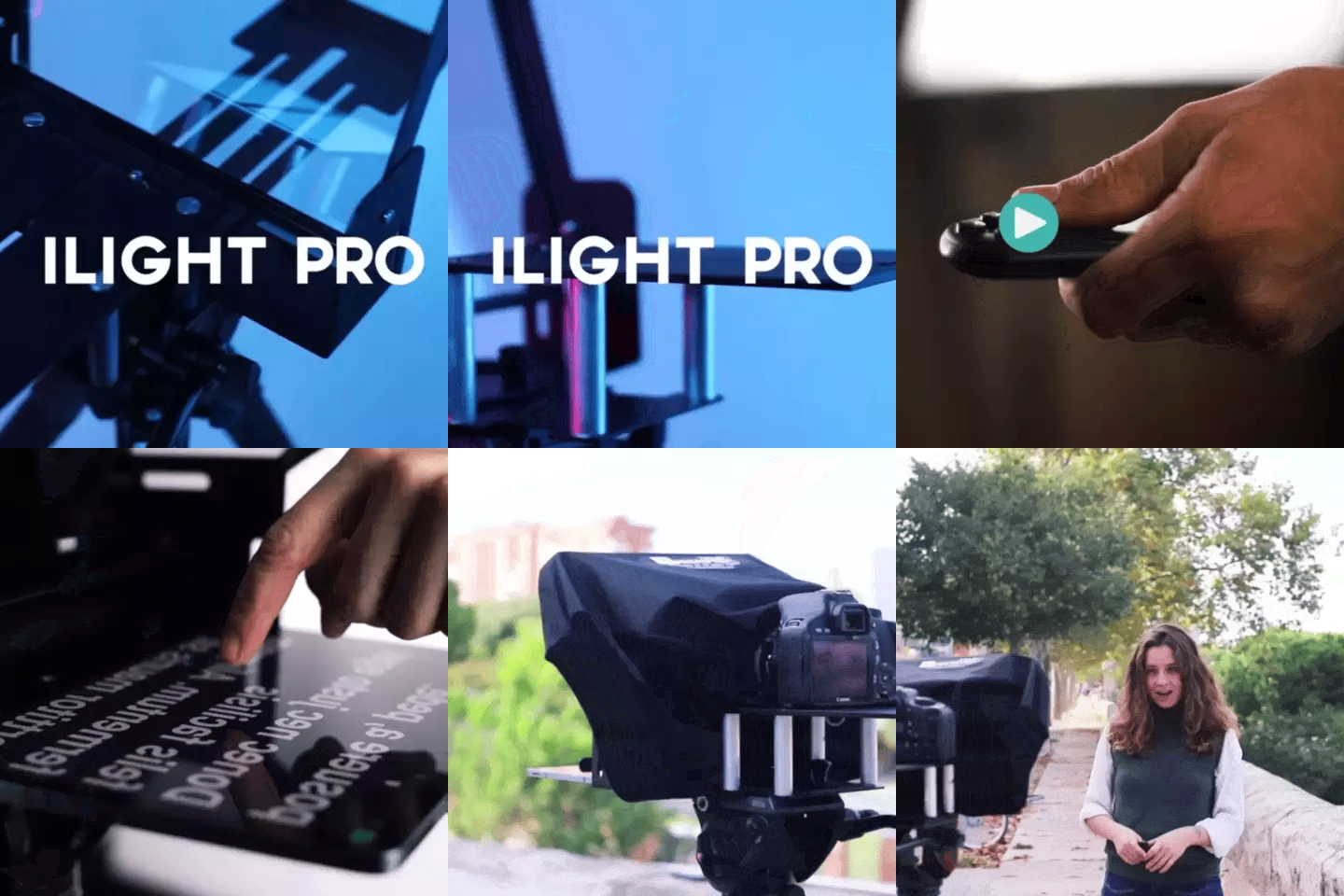
TELEPROMPTER PAD iLight PRO 12'' Teleprompter für iPad Tablet – Kit-Teleprompter für Video mit Fernbedienung, APP und Tragetasche – Beam Splitter Prompter Autocue DSLR, iPhone, APP für Apple Android Mac Win
- 159.00€
199.00€- 159.00€
- Einzelpreis
- per
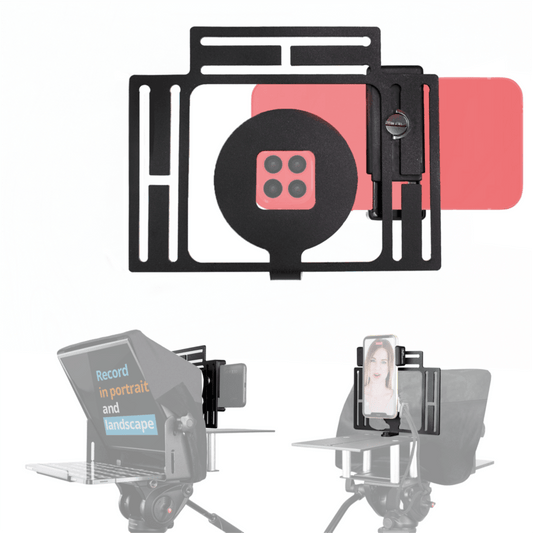
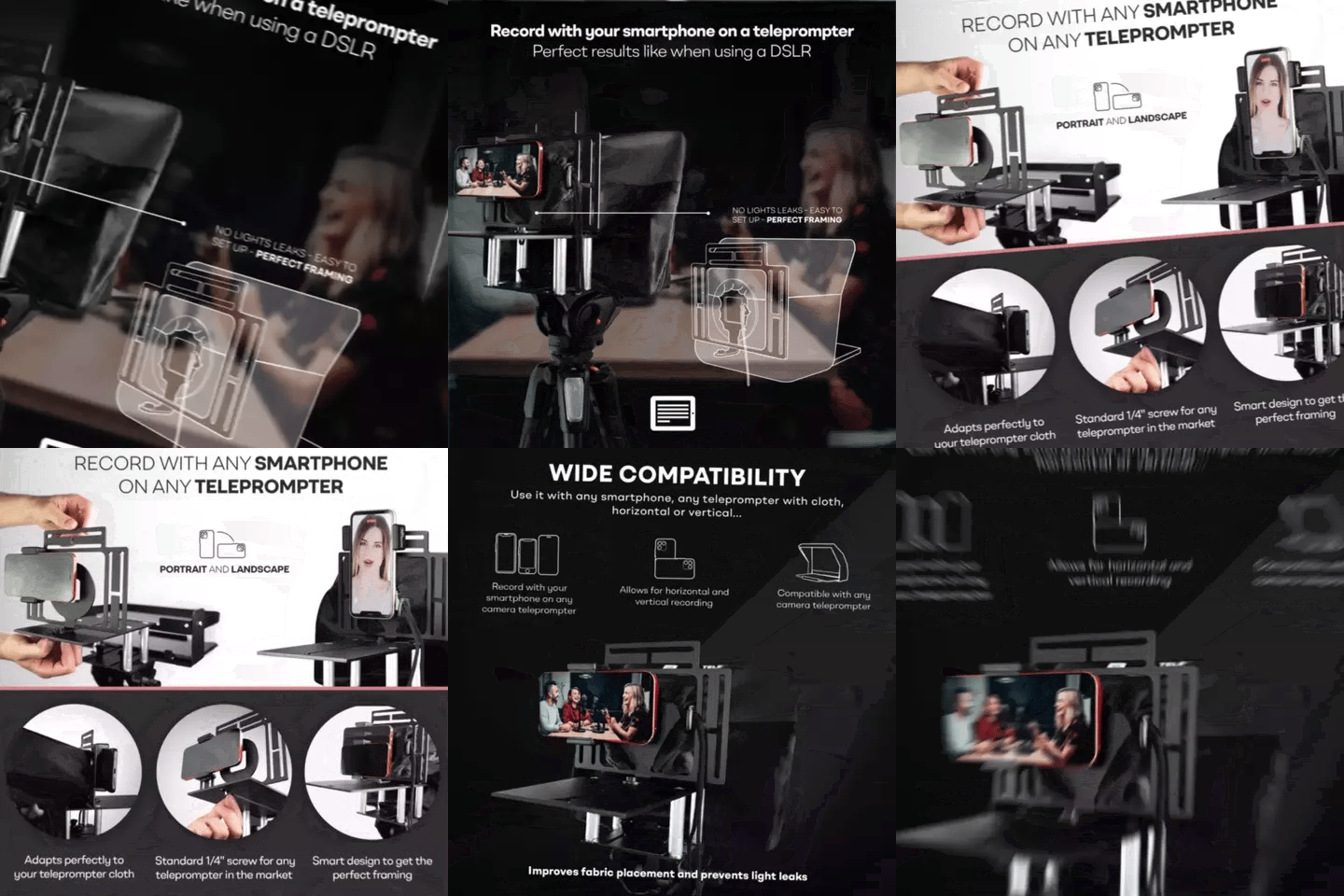
TELEPROMPTER PAD Smartphone-Adapter für Teleprompter – Aufnahme mit jedem iPhone, Android-Telefon, kompatibel mit jedem Teleprompter, Universal-Rig aus Aluminium für Prompter mit Kameraplatte, passgenauer Stoffsitz
- 29.90€
39.90€- 29.90€
- Einzelpreis
- per
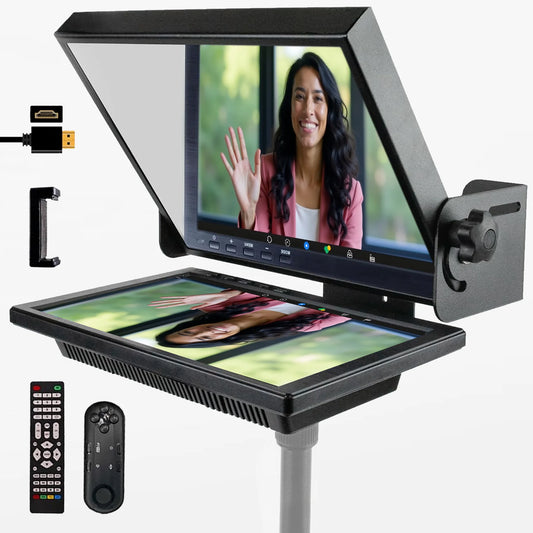
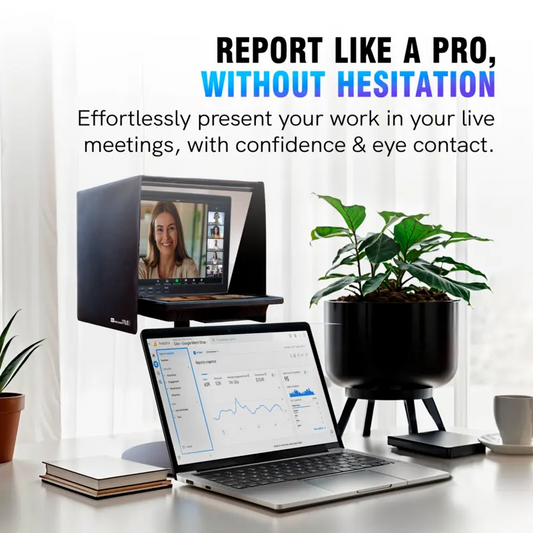
TELEPROMPTER PAD EyeMeeting Prompter für Twitch-Streaming Youtube und Zoom-Augenkontakt für Mac/PC DSLR Webcam iPhone, mit Fernbedienung Software und 10,1-Zoll-Monitor Kompatibel mit Elgato Streamdeck
- 229.00€
299.00€- 229.00€
- Einzelpreis
- per