



Teleprompter for Consultants: Build Trust on Camera
A teleprompter for consultants is the fastest way to record client-facing video that sounds natural and maintains direct eye contact — the single biggest trust signal your prospects read before they ever book a discovery call. If you're a management consultant, strategy advisor, or independent consultant who needs to produce thought-leadership videos, course modules, video sales letters, or LinkedIn content, a beam splitter teleprompter lets you read a full script while looking straight into the lens. In this guide I'll walk you through exactly how to set one up, which gear you actually need, and the mistakes I see consultants make most often after helping thousands of customers get their rigs dialed in.

Over the past decade I've helped consultants, coaches, and SMB marketing teams across 50,000+ shipped orders get their teleprompter setups right. Roughly 20% of our customers are coaches, therapists, and info-product creators — and a growing share within that group are independent consultants recording thought-leadership content. I've personally troubleshot hundreds of consultant-specific setups where the goal was polished B2B video that builds credibility fast.

Why do consultants need a teleprompter?
Consulting is a trust business. Your prospects are evaluating you before you even know they exist — watching your LinkedIn videos, scanning your website, clicking into your YouTube channel. According to Wyzowl's 2026 Video Marketing Statistics report, 89% of consumers say video quality impacts their trust in a brand. For a consultant selling $10K–$100K+ engagements, that stat should stop you cold.
The problem? Most consultants are brilliant thinkers and terrible on-camera readers. They either memorize bullet points and ramble for 14 minutes, or they glance down at notes on their desk and break eye contact every few seconds. A beam splitter teleprompter fixes both issues. Your script appears reflected on a glass panel in front of the camera lens, so you read while looking directly at the viewer.
Research from Umeå University published in Frontiers in Psychology found that direct eye contact during video communication creates a stronger sense of connectedness and trust between participants. When visuality is "skewed" — meaning the camera and your eye line don't match — viewers feel more emotionally distant. A teleprompter eliminates that skew entirely.
What kind of video content should consultants record?
If you're wondering whether a teleprompter is overkill for your practice, think about how many of these formats you already need or plan to produce:
- Thought-leadership videos for LinkedIn and YouTube (the #1 inbound channel for B2B)
- Video sales letters (VSLs) embedded on your services page
- Online course modules for info-products or client onboarding
- Webinar intros and recorded presentations
- Client proposal walk-throughs — a personalized video explaining your SOW
- Internal training content for your team or your client's team
That's six distinct use cases, and every single one benefits from scripted delivery with natural eye contact. Content marketing generated 61% of consulting inbound leads in 2023 according to Gitnux's consulting marketing data report. Video is a huge slice of that content pie — and it's only growing.
Which teleprompter works best for consultants?
Most consultants aren't running a production studio. You need something portable, fast to set up, and good enough to produce professional-looking video without a crew. That's exactly where the iLight PRO 12" fits.
It's our most popular model — about 60% of total sales — and the sweet spot for solo creators and small teams. The foldable aluminum frame sets up in under 2 minutes, pre-assembled out of the box. You mount it on any standard tripod, drop your iPad or tablet into the holder, and you're reading your script through lab-grade German beam splitter glass while your camera records through the back.

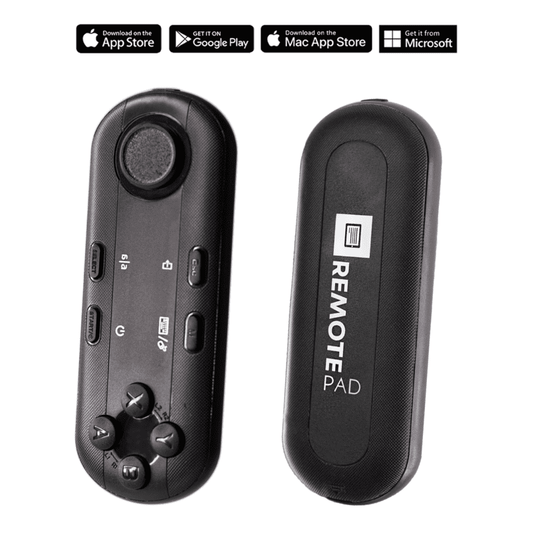
Here's what makes it practical for a consulting workflow: the Bluetooth remote lets you control scroll speed, pause, and resume without touching your tablet. You keep your hands free for natural gestures. And the free TeleprompterPAD app (iOS, Android, Windows, Mac) gives you rich text formatting — bold key phrases, highlight transition points, change font size — so your script is actually readable at a glance.
How to set up a teleprompter for consulting videos
I've walked hundreds of consultants through this exact process. Here's my 5-step workflow, condensed.
- Mount the teleprompter on your tripod. Use the 1/4" screw on the iLight PRO 12" base. Position at eye level — not chest height, not overhead. Your eye line should match the center of the glass.
- Import your script into the TeleprompterPAD app. Write conversationally. Short sentences. Use bold for emphasis. Add pacing marks ("..." or "[pause]") where you want a breath.
- Set your camera behind the glass. Keep the lens as close to the glass as possible. Use a focal length of 24mm or longer to avoid capturing the glass frame edges. Set your recording distance at 1.5m–2.0m from the lens.
- Seal the blackout hood and check lighting. No overhead lights directly above the teleprompter — they create glare on the glass. Three-point lighting (key, fill, backlight) is ideal.
- Do a test take. Record 30 seconds, play it back, check eye contact, audio, framing. Adjust scroll speed. Then go for the real take.
The whole setup takes about 5 minutes once you've done it twice. I tell clients to keep their gear pre-arranged — tripod in position, power strip on one switch, presets saved in the app. That cuts the "I should record a video" to "I'm recording" gap down to under 60 seconds.

iLight PRO 12" vs. 14" — which one for consultants?
This question comes up a lot. Here's a direct comparison for the consultant use case.
| Feature | iLight PRO 12" | iLight PRO 14" |
|---|---|---|
| Price | €159 | €239 |
| Max tablet size | Up to 10.2" (iPad 10th gen, etc.) | Up to 12.9" (iPad Pro 12.9") |
| Hardcase included? | No (carry bag included) | Yes |
| Tripod mount | 1/4" screw | 1/4" + 3/8" dual |
| Camera max length | 20cm / 8" | 25cm / 10" |
| Best for | Solo consultants, home offices, portability | Firms with iPad Pro 12.9", small studios |
My recommendation for most solo and boutique consultants: the 12" model. It's lighter, more portable, and €80 cheaper. If you already own an iPad Pro 12.9", you need the 14" — the 12" physically can't fit that tablet. Simple as that.
Real-world use cases: how consultants actually use this gear
I don't want to be vague here. Let me give you three concrete scenarios I see regularly from our customer base.
1. Management consultants recording LinkedIn thought leadership (18% of our customers are SMBs/startups/marketing teams)
A strategy consultant records a weekly 2-minute video breaking down a framework or reacting to industry news. They script it tight — 280 words for a 2-minute video — load it into the app, and record in one take. The teleprompter keeps them from rambling. The eye contact keeps their audience engaged. They post natively on LinkedIn where, according to Wyzowl, 70% of video marketers are already active.
2. Coaches and info-product consultants recording course modules (20% of our customers)
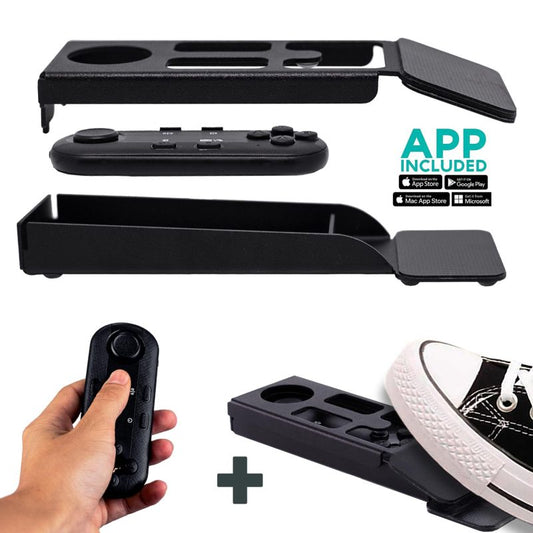
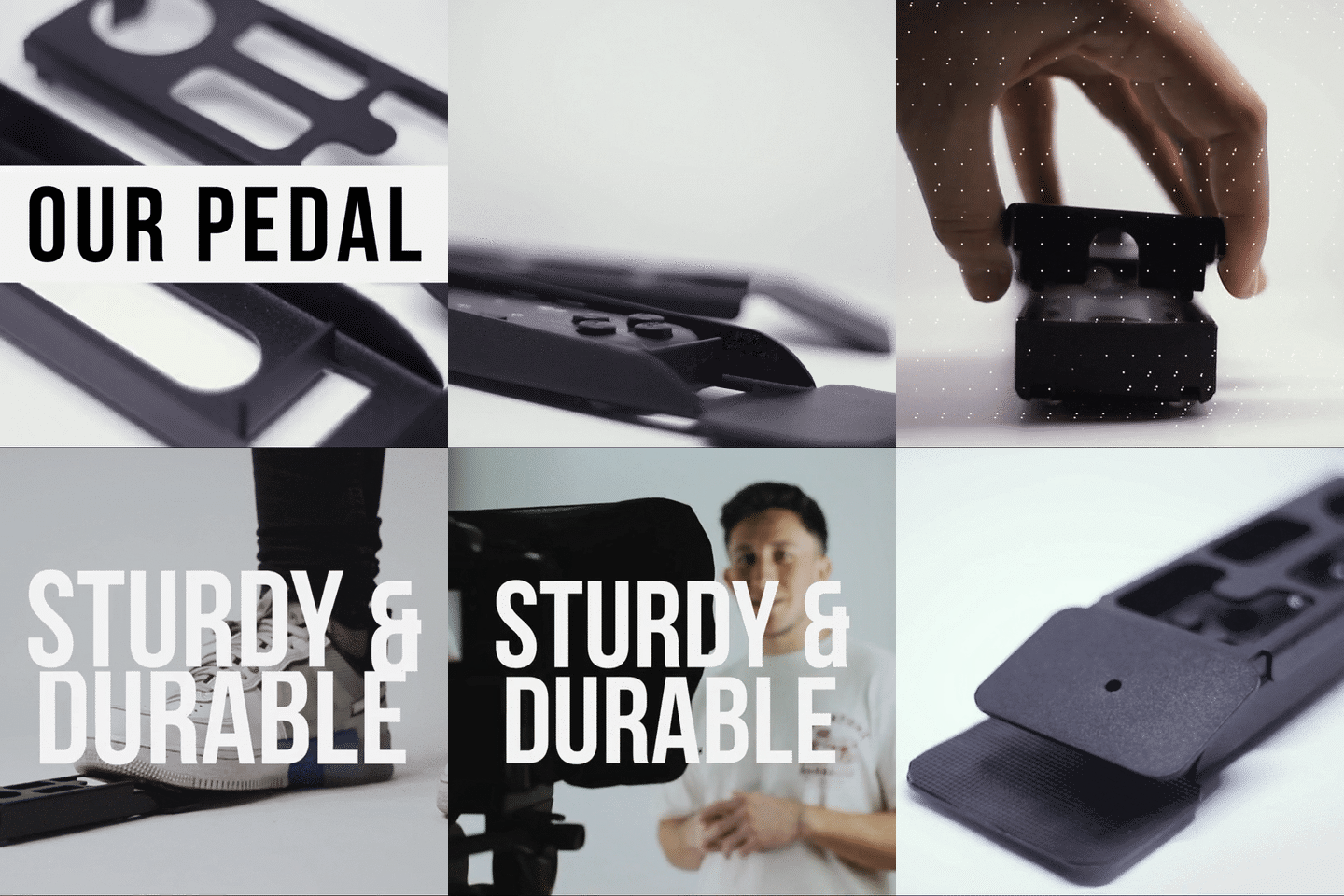
An executive coach building a $997 digital course needs to record 40+ modules. Without a teleprompter, that's weeks of stumbling, re-recording, and editing. With the iLight PRO 12" and a pre-written script, they knock out 5–8 modules in a single afternoon session. The foot pedal is especially useful here — it's silent (capacitive sensor, no click), so your mic never picks up the sound of you controlling the scroll.
3. Consulting firms producing client proposal videos
A mid-size consulting firm sends personalized video proposals to shortlisted prospects. The partner reads a 90-second script that references the client's specific challenge and proposed approach. It's massively more persuasive than a PDF. Wyzowl found that 85% of people have been convinced to buy a product or service by watching a video. A proposal video from a consultant who looks you in the eye? That hits different.
Consultant-specific script writing tips
The biggest mistake consultants make isn't the gear — it's the script. You write like you're drafting a whitepaper. Stop. Here's how to write for a teleprompter.
- Write the way you talk. Read your script out loud before you record. If any sentence feels unnatural, rewrite it.
- Short sentences only. 12–18 words max. Long compound sentences cause your eyes to scan and your delivery to flatten.
- Use bold for emphasis words. The TeleprompterPAD app supports bold, italic, underline, and highlight — use these to mark stress points so you don't default to monotone.
- Build in pauses. Write "[beat]" or "..." to remind yourself to breathe. Consultants tend to speed-read because they're used to presenting dense material fast.
- Narrow your margins if you're close. If your recording distance is under 1.5m, use the app's margin feature to keep your eye movement minimal. Wider text blocks = more visible scanning.
Video call eye contact for consultants
Not every consultant use case involves recording to file. Many consultants spend hours daily on Zoom, Teams, and Google Meet — pitching, presenting, coaching. The eye-contact problem is just as real here: your webcam sits above your screen, so you're always looking slightly down.
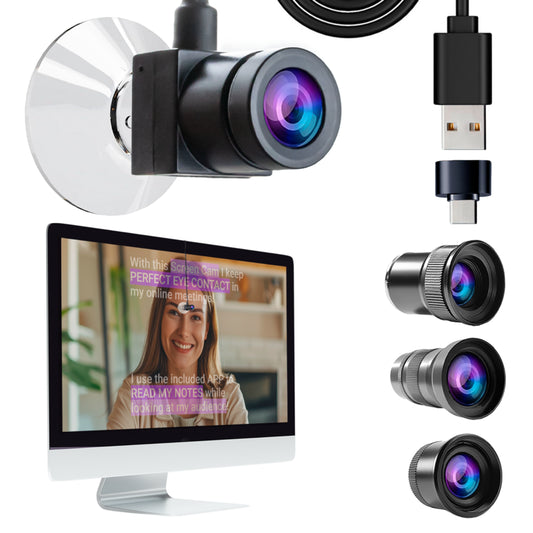
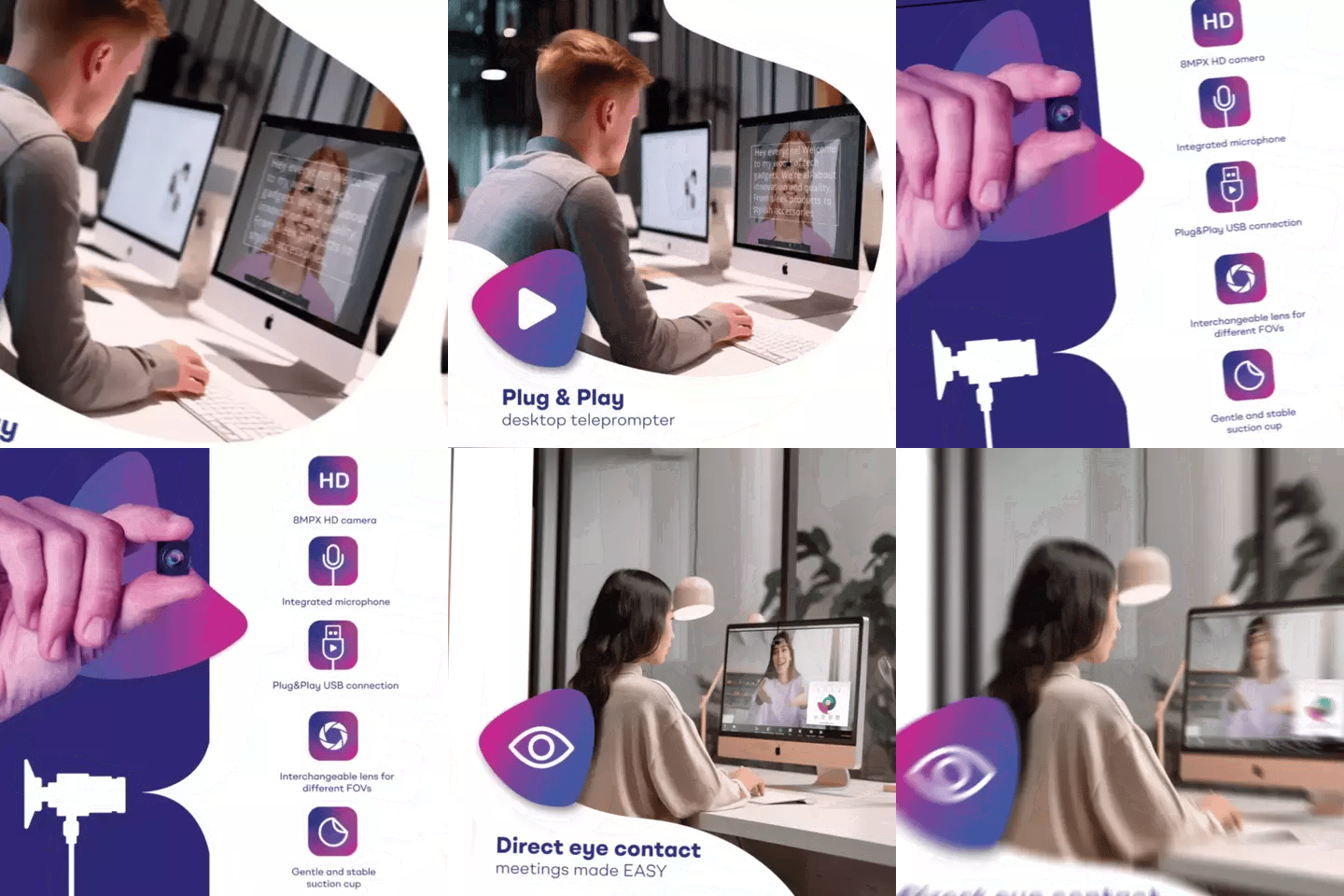
For live calls, the EyeMeeting Webcam solves this with a small USB camera that sits right on your monitor via suction cup. Combined with Meeting Mode in the app (a transparent script overlay on your screen), you can read notes while maintaining direct eye contact during live client calls. If video calls are a big part of your consulting workflow, check out our detailed guide on teleprompter for video calls.


Honest pros and cons of using a teleprompter as a consultant
I'm not going to pretend this gear is flawless. Here's my honest assessment after 10+ years.
| Pros | Cons |
|---|---|
| Maintains perfect eye contact with viewer | Requires you to write a full script (more prep time upfront) |
| Drastically cuts recording time — fewer takes | Visible eye scanning if you sit closer than 1.5m |
| Consistent messaging across videos | Can sound robotic if you don't practice delivery |
| Portable — foldable frame fits in carry bag | No hardcase included with 12" (sold separately) |
| Free multi-platform app with rich text editing | Not a broadcast-grade unit — it's prosumer gear |
| 1-to-1 multilingual support (EN, ES, DE, FR, IT) | Needs a tripod (not included) — you likely already own one |
The "robotic delivery" con is real but solvable. After 2–3 recording sessions, most people develop a natural cadence. I always recommend rehearsing once before hitting record, then delivering it slightly more casually on the actual take. You're not a news anchor — you're a consultant having a one-on-one conversation with a prospective client.
Common mistakes consultants make with teleprompters
I've seen these errors hundreds of times. Here's the short list so you can skip the learning curve.
- Sitting too close. At 1m from the lens, your viewer can see your eyes scanning left to right. Stay at 1.5m–2.0m.
- Using a wide-angle lens under 24mm. You'll capture the glass frame edges and the tablet tray. Stick to 24mm or longer.
- Forgetting rotation lock on the tablet. One accidental rotation mid-script and you lose everything. Lock it.
- No external microphone. At 1.5m+ distance, your camera's built-in mic is useless. Use a lavalier or shotgun mic. Always.
- Overhead lighting above the teleprompter. Creates glare on the beam splitter glass. Place your key light to the front/side.
- Not sealing the blackout hood properly. Light leaks wash out the reflected text. The Velcro hood needs to be snug on all sides.
For more on related recording setups, our guides on teleprompter for online courses and teleprompter for coaches cover overlapping techniques in depth.
Frequently asked questions
Can I use a teleprompter for live Zoom presentations?
Yes, but you need a different setup than a beam splitter teleprompter. For live calls, the EyeMeeting Webcam is designed specifically for this — it's a small USB webcam that attaches to your monitor. Combined with Meeting Mode in the TeleprompterPAD app, you get a transparent script overlay on-screen while looking directly at the camera. The iLight PRO is for recording to file, not for live calls.
Do I need a fancy camera, or can I use my phone?
Your phone is fine. The iLight PRO 12" includes a smartphone clamp. Modern iPhones and Samsung flagships shoot 4K video that's more than good enough for LinkedIn, YouTube, and course platforms. You'll get a bigger upgrade from good lighting and an external mic than from an expensive camera body.
How long does it take to learn to read a teleprompter naturally?
Most people sound natural by their third recording session. The key is writing conversationally and practicing your script out loud before you hit record. Don't try to read perfectly — aim for 85% script fidelity and let yourself ad-lib slightly. That keeps it human.
Is a teleprompter worth it if I only record one video a month?
Honestly? Still yes. Even one video per month adds up to 12 pieces of evergreen content per year. The iLight PRO 12" costs €159 — that's less than most consultants charge per hour. If a single video helps you close one extra client, the ROI is massive.
Will my audience be able to tell I'm using a teleprompter?
Not if you set it up correctly. At 1.5m+ distance with a 24mm or longer lens, there's no visible eye scanning. The beam splitter glass is transparent from the camera side. Your viewers see a well-lit consultant speaking directly to them — nothing else.
Can I use the TeleprompterPAD app without buying their hardware?
Yes. The app is free and works on its own. You can even use the browser-based lite Web APP version on any device. But without a beam splitter glass in front of your lens, you won't get the eye-contact benefit — you'd be looking at a screen off to the side, which defeats the purpose.
What tablet should I use with the iLight PRO 12"?
Any iPad up to 10.2" (iPad 10th gen, iPad Air 10.5", iPad Pro 11", iPad Mini), most Android tablets, and Windows tablets up to 20cm × 26cm. The iPad Pro 12.9" is physically too wide — for that, you need the 14" model.
Does TeleprompterPAD offer customer support if I get stuck?
Yes — personal 1-to-1 multilingual support in English, Spanish, German, French, and Italian. There's also a help center at help.teleprompterpad.com with video tutorials. I've seen consultants go from unboxing to first polished video in under 30 minutes with our support team's help.
If you're a consultant who's been putting off video because you can't stay on script or you hate how you look reading from notes, a teleprompter is the most practical fix. The iLight PRO 12" handles every use case from LinkedIn clips to full course recordings, and the setup time is genuinely under 5 minutes. Stop overthinking it — write a script, mount the gear, and hit record.
Unsere Bestseller
TELEPROMPTER PAD Bluetooth-Fernbedienung für Teleprompter – inklusive Teleprompter-App für Apple, Android Windows und Mac – kabelloser Controller für Beam Splitter Prompter oder Live-Streaming-Geräte
- 34.90€
39.90€- 34.90€
- Einzelpreis
- per
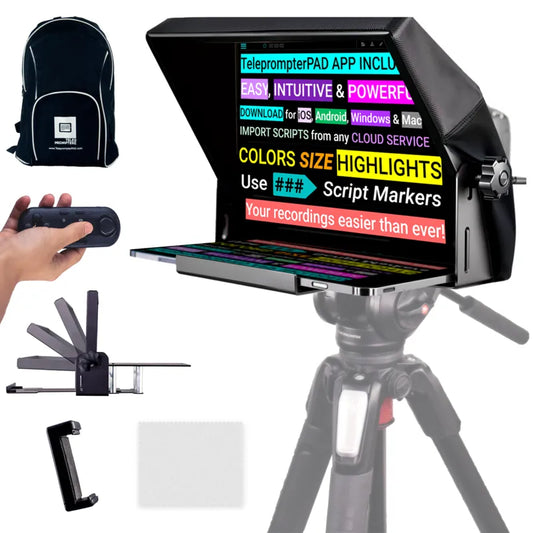
TELEPROMPTER PAD iLight PRO 12'' Teleprompter für iPad Tablet – Kit-Teleprompter für Video mit Fernbedienung, APP und Tragetasche – Beam Splitter Prompter Autocue DSLR, iPhone, APP für Apple Android Mac Win
- 159.00€
199.00€- 159.00€
- Einzelpreis
- per
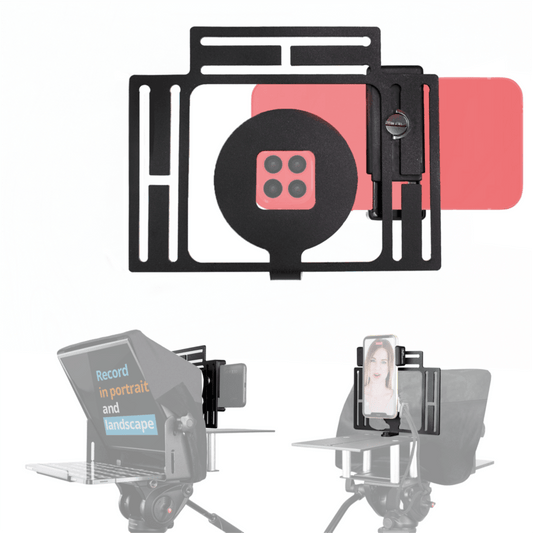
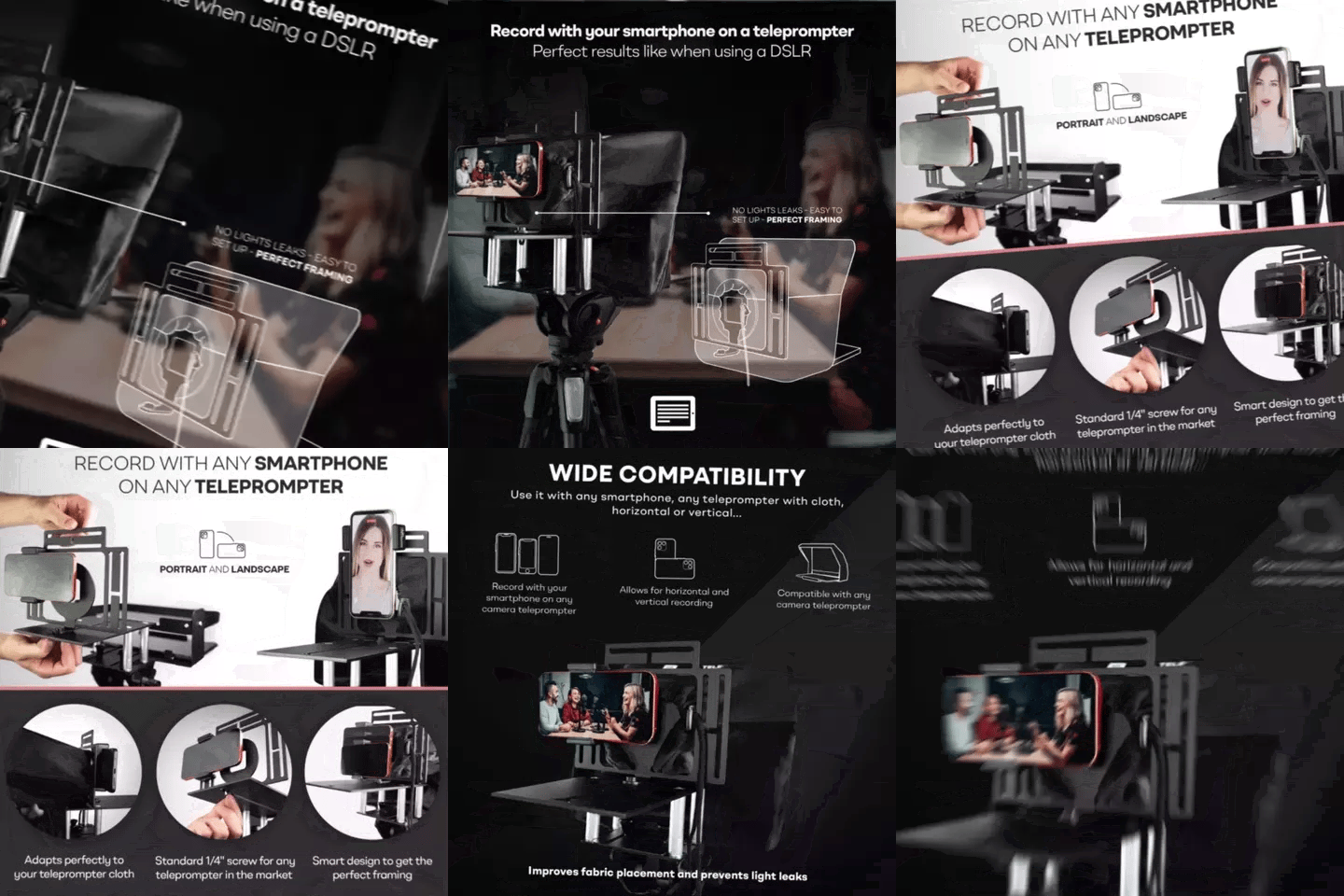
TELEPROMPTER PAD Smartphone-Adapter für Teleprompter – Aufnahme mit jedem iPhone, Android-Telefon, kompatibel mit jedem Teleprompter, Universal-Rig aus Aluminium für Prompter mit Kameraplatte, passgenauer Stoffsitz
- 29.90€
39.90€- 29.90€
- Einzelpreis
- per
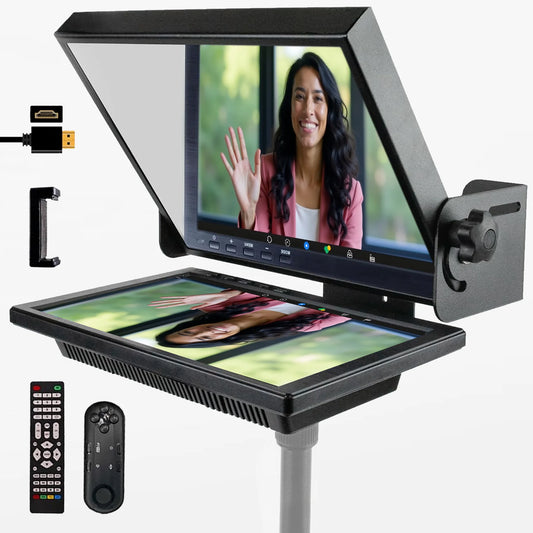
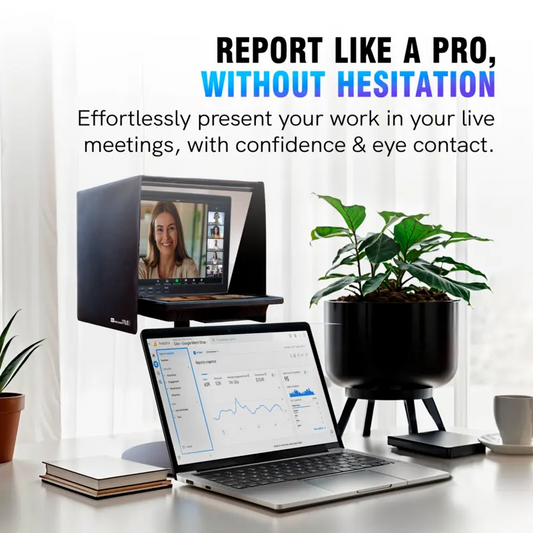
TELEPROMPTER PAD EyeMeeting Prompter für Twitch-Streaming Youtube und Zoom-Augenkontakt für Mac/PC DSLR Webcam iPhone, mit Fernbedienung Software und 10,1-Zoll-Monitor Kompatibel mit Elgato Streamdeck
- 229.00€
299.00€- 229.00€
- Einzelpreis
- per