



Teleprompter for Church Sermons: Practical Setup Guide
A teleprompter for church sermons lets pastors read their full script while looking directly at the congregation or camera — no memorization required, no glancing down at notes. If you're preaching weekly (sometimes multiple services), recording for your livestream, or both, a beam splitter teleprompter mounted behind the camera gives you the confidence of preparation with the warmth of genuine eye contact. I've helped hundreds of churches set up this exact workflow, and in this guide I'll walk you through which gear works, how to position it, and the scripting habits that make sermons land.

Why trust this guide

Churches and religious leaders make up 6% of our customer base — over 3,000 orders shipped to ministries worldwide. I've personally troubleshot setups in sanctuaries ranging from 50-seat chapels to 800-seat auditoriums, and I know the specific challenges: multiple services, volunteer-run tech teams, ambient stained-glass lighting, and tight budgets. This guide comes from that hands-on experience, not theory.
Why churches need teleprompters now more than ever
According to Pushpay's 2025 State of Church Technology report, 87% of churches currently livestream their worship services. That means your pastor isn't just speaking to the people in the room — they're speaking to a camera that goes out to hundreds or thousands more.
Reading from paper notes on a pulpit breaks eye contact with the lens. The online viewer sees the top of your pastor's head instead of their eyes. And as homiletics professor Bryan Chapell and others have noted in Preaching.com's analysis of eye contact in sermons, sustained eye contact is what builds trust, conveys believability, and allows the preacher to express emotion to their congregation.
A beam splitter teleprompter solves both problems simultaneously. The pastor reads the script reflected on glass while the camera records straight through that same glass. In-person congregants see natural, heads-up delivery. Online viewers see direct eye contact.
Which teleprompter fits a church setup?
It depends on your scenario. Most churches I work with fall into one of three categories: camera-based recording/streaming, live stage delivery, or a combination of both. Here's how the options break down:
| Scenario | Best Product | Price | Why |
|---|---|---|---|
| Recording/livestream (one camera) | iLight PRO 12-inch | €159 | Compact, fits any iPad/tablet, pre-assembled, 2 min setup |
| Livestream with iPad Pro 12.9" | iLight PRO 14-inch | €239 | Larger glass, dual tripod screws, iPad Pro 12.9" compatible |
| Live stage delivery (speaker faces audience) | iPresent PRO | €449 | Presidential-style glass on stand, audience sees speaker not glass |
| Large venue, dual-panel presidential | XCue X1 | €1,997 | Dual glass panels, adjustable height/angle, professional grade |
For the majority of churches — especially those with budgets under €500 and a single livestream camera — the iLight PRO 12-inch is the sweet spot. It's our most popular product across all segments (~60% of sales), and churches specifically love that it comes pre-assembled and a volunteer can set it up in under 2 minutes.

How to set up a teleprompter for church sermons (step by step)
Whether you have a dedicated AV volunteer or the pastor is doing it solo before service, here's the workflow I recommend:
- Mount the teleprompter on your tripod. Use the standard 1/4" screw. Position it at the pastor's eye level — this is critical. If the glass is too low, they'll look slightly down and the congregation (and camera) will notice.
- Attach the camera behind the glass. Slide the camera plate forward so the lens sits as close to the glass as possible. This eliminates parallax and keeps the speaker's eye line centered.
- Load the sermon script into the app. Import your file (Word, PDF, or paste directly) into the TeleprompterPAD app. Set mirror mode on. Lock tablet rotation.
- Set font size and margins. At 1.5-2m distance, I recommend 44-56pt text. If your camera is closer than 1.5m, narrow the text margins so the pastor's eyes don't scan laterally — viewers will spot that movement.
- Seal the blackout hood. This blocks ambient light from washing out the text reflection. In sanctuaries with overhead lights or stained glass, the hood is non-negotiable.
- Do a test take. Record 30 seconds. Check: Is eye scanning visible? Is the hood leaking light? Is the script speed comfortable?

Positioning tips specific to churches
Church setups have unique challenges I don't see with YouTubers or corporate teams. Here's what I've learned from troubleshooting dozens of sanctuary installs:
Avoid overhead stage lights directly above the teleprompter. Downlighters and spotlights cause glare on the beam splitter glass. Move the unit forward or angle it slightly. Even a 5-degree tilt on the adjustable knob (exclusive to iLight PRO) can eliminate the reflection.
Position the teleprompter behind the main camera, not a secondary angle. The point is eye contact with the primary lens — the one feeding your livestream. If you're running multi-cam, the prompter serves camera one only.
Distance from pastor to glass: 1.5m to 2m. I know it's tempting to push the camera closer for a tight shot on a small stage. But below 1.5m, eye scanning becomes visible to viewers. Use a longer focal length (50mm or 85mm) and step the camera back instead.
Use a wired external microphone. At 1.5m+, the camera's built-in mic is useless for capturing sermon audio. A lavalier or shotgun mic connected to the camera (or your audio board) is mandatory for watchable video.
Who in your church uses the teleprompter?
Churches represent 6% of our orders, but the use cases within a single church are broader than most people expect. Here's what I typically see:
Lead pastors (weekly sermons). The primary user. They write the full sermon script, load it into the app, and preach to camera. Some use the included Bluetooth remote themselves. Others hand it to a tech volunteer who controls scroll speed from the sound booth.
Youth pastors and guest speakers. They often get less prep time and shorter familiarity with the material. A teleprompter removes the anxiety of forgetting a point mid-message.
Announcement hosts and worship leaders. Short segments — 60 to 90 seconds — that still need to be polished for the livestream. These people especially benefit because they often have zero preparation time.
The foot pedal advantage for hands-free preaching
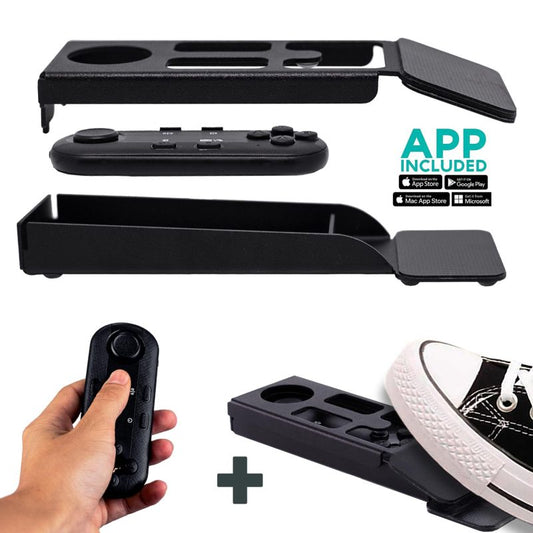
Many pastors gesture while they preach. They hold a Bible. They move around the stage. Having one hand on a remote control isn't always practical.
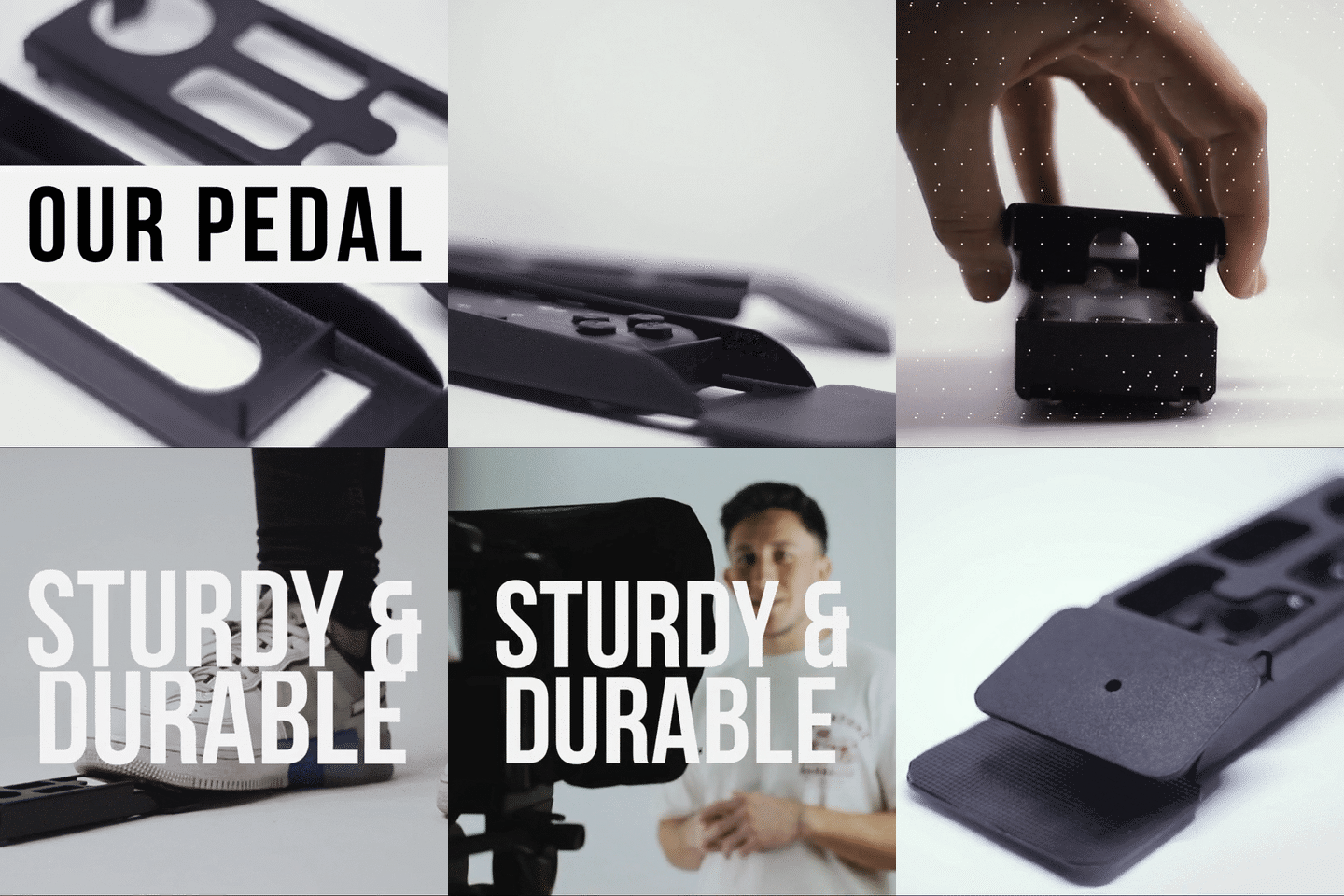
That's where the Wireless Kit (foot pedal + remote) comes in. The pedal uses a silent capacitive sensor — no click noise. Your lavalier mic won't pick it up. The pastor taps the pedal to start/stop scrolling, leaving both hands completely free.
It takes about 2-3 uses to develop muscle memory since there's no tactile click. But every church that's adopted it tells me the same thing: they can't go back to hand-held remotes.

Writing sermon scripts for a teleprompter
This is where most churches struggle at first. A written essay and a spoken sermon are completely different animals. I've watched pastors load their 5,000-word theological manuscript into the app, hit play, and immediately sound robotic.
Here's how to write for the prompter instead of for the page:
- Write the way you talk. Contractions. Fragments. Questions. If you wouldn't say "furthermore" in normal conversation, don't put it in the script.
- Short sentences. 8-15 words per sentence max. Long compound sentences cause the pastor to rush or run out of breath.
- Use bold and highlighting for emphasis. The TeleprompterPAD app supports rich text — bold, italic, underline, colors. Bold your key phrases so you naturally emphasize them vocally.
- Insert pacing marks. A double line break in the script is a visual cue to pause. Pauses are where sermons breathe.
- Add section markers. The app's script markers feature lets you jump to any section instantly — handy if the pastor wants to skip a section during a shorter service.
Real-world use cases from our church customers
Small church with one camera and a volunteer tech team (most common). The iLight PRO 12-inch sits on a tripod behind the camera at the back of the sanctuary. The pastor uses the Bluetooth remote clipped to their Bible. One volunteer handles the camera — no dedicated prompter operator needed. This covers 24% of our YouTube content creator customers and 6% of our church customers alike: the solo or small-team setup.
Mid-size church with professional livestream. They typically use the iLight PRO 14-inch with the inverted monitor accessory, replacing the tablet with a dedicated HDMI screen controlled by an operator at a laptop. The operator adjusts speed in real time, so the pastor never worries about scroll pace. This is the same workflow used by our small TV station customers (4% of orders).
Large church with dual presidential panels. For mega-churches where the pastor walks the stage and addresses a live audience of 500+, the XCue X1 with dual glass panels provides left-right coverage. The congregation can barely see the transparent glass from their seats — it's virtually invisible.

Honest pros and cons of using a teleprompter for sermons
| Pros | Cons |
|---|---|
| Perfect eye contact with camera for livestream | Initial cost (€159-€239 for camera model) |
| No missed points or lost trains of thought | Requires rewriting scripts in conversational style |
| Reduces prep anxiety — especially for guest speakers | Can sound monotone if pastor doesn't practice delivery |
| Consistent sermon length (no rambling) | Only works with one camera angle — multi-cam needs planning |
| Volunteer-friendly: 2-minute setup, no training | Body language can freeze if pastor fixates on text (solvable with practice) |
| Free app with multilingual support (EN, ES, FR, DE, IT) | Not ideal for pastors who preach entirely extemporaneously |
I'll be honest: a teleprompter won't fix bad delivery habits. If the pastor reads in a flat monotone, the problem isn't the equipment — it's practice. But for the 80% of pastors who write their sermons and then struggle to deliver them naturally without notes, a beam splitter prompter is the missing link.
Common mistakes churches make (and how to avoid them)
- Forgetting to lock tablet rotation. The iPad flips mid-sermon and the text goes sideways. Always enable rotation lock before placing the tablet in the tray.
- Not activating mirror mode. The text needs to be flipped horizontally so it reads correctly in the reflection. The app does this with one tap.
- Mounting the tripod plate on the camera instead of the teleprompter base. The teleprompter goes on the tripod. The camera mounts to the teleprompter's camera plate. Getting this backwards means an unstable, top-heavy rig.
- Overhead lighting above the prompter. Sanctuary spotlights create glare on the glass. Reposition the unit or angle the glass slightly.
- Skipping the hood. Even small amounts of ambient light wash out the text reflection. Seal the Velcro hood completely.
- Not doing a test take before the service. A 30-second test recording catches 90% of problems before the congregation arrives.
Frequently asked questions
Can the congregation see the teleprompter text?
No. The text is reflected on the front of the glass (facing the pastor), but the glass is transparent from the audience side. They see straight through to the camera. The beam splitter's 60/40 HD ratio means the audience-side view is clear and clean.
What tablet or device do I need?
Any iPad or Android tablet up to 10.2" works with the iLight PRO 12-inch. If you have an iPad Pro 12.9", you'll need the 14-inch model. You can also use a smartphone with the included clamp — handy if the church doesn't own a tablet.
Does the pastor need to read word-for-word?
Not at all. Many pastors use bullet points or partial scripts. The app lets you adjust scroll speed in real time — slow down for ad-lib sections, speed up to catch the next point. The script is a safety net, not a prison.
How far should the pastor stand from the teleprompter?
1.5 to 2 meters is the sweet spot. Closer than 1.2m and viewers will notice the pastor's eyes scanning left to right. If space is tight, narrow the text margins in the app to reduce lateral eye movement.
Will it work with our existing church camera?
Yes — any DSLR, mirrorless camera, or camcorder with a maximum body length of 20cm (8") and a 1/4" tripod screw fits the iLight PRO 12-inch. That covers Canon, Sony, Panasonic, Blackmagic, and most prosumer cameras churches use. Minimum focal length: 24mm to avoid seeing the frame edges.
Can a volunteer control the scroll speed during the sermon?
Absolutely. The Bluetooth remote has a range that covers most sanctuaries. A tech volunteer in the sound booth can control play/pause, speed up, speed down, and jump forward/backward. Alternatively, use the foot pedal and let the pastor self-operate.
Is the app hard to learn for non-technical volunteers?
The TeleprompterPAD app is designed for exactly this scenario. Import a script, tap mirror mode, hit play. That's genuinely it for basic use. We also provide 1-to-1 personal support in English, Spanish, French, German, and Italian if your team gets stuck. Video tutorials are available at help.teleprompterpad.com.
Do I need a teleprompter for both in-person preaching and livestream?
If your primary goal is livestream quality, the iLight PRO (camera-mounted) is what you want. If you preach to a live audience without cameras and want to stop using paper notes, a presidential-style unit like the iPresent PRO is better. Some churches use both — iLight for recording the livestream angle, and iPresent for the pastor's live view when facing the congregation.
If you're ready to give your sermons the delivery quality your message deserves — for both the people in the pews and the ones watching at home — the iLight PRO 12-inch is where most churches start, and for good reason. You also might want to check out our dedicated church livestream setup guide for the streaming-specific details.
Unsere Bestseller
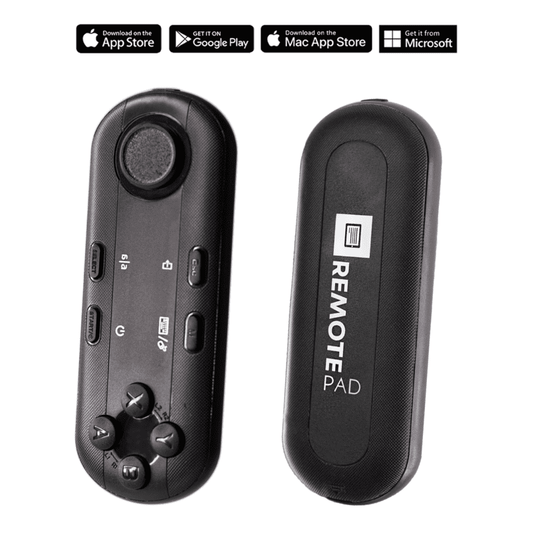
TELEPROMPTER PAD Bluetooth-Fernbedienung für Teleprompter – inklusive Teleprompter-App für Apple, Android Windows und Mac – kabelloser Controller für Beam Splitter Prompter oder Live-Streaming-Geräte
- 34.90€
39.90€- 34.90€
- Einzelpreis
- per
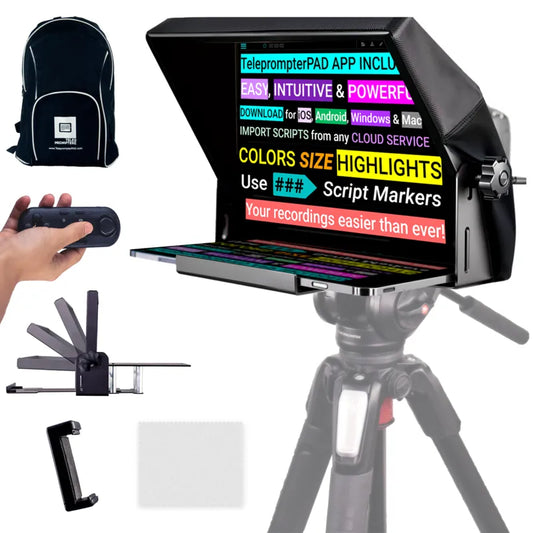
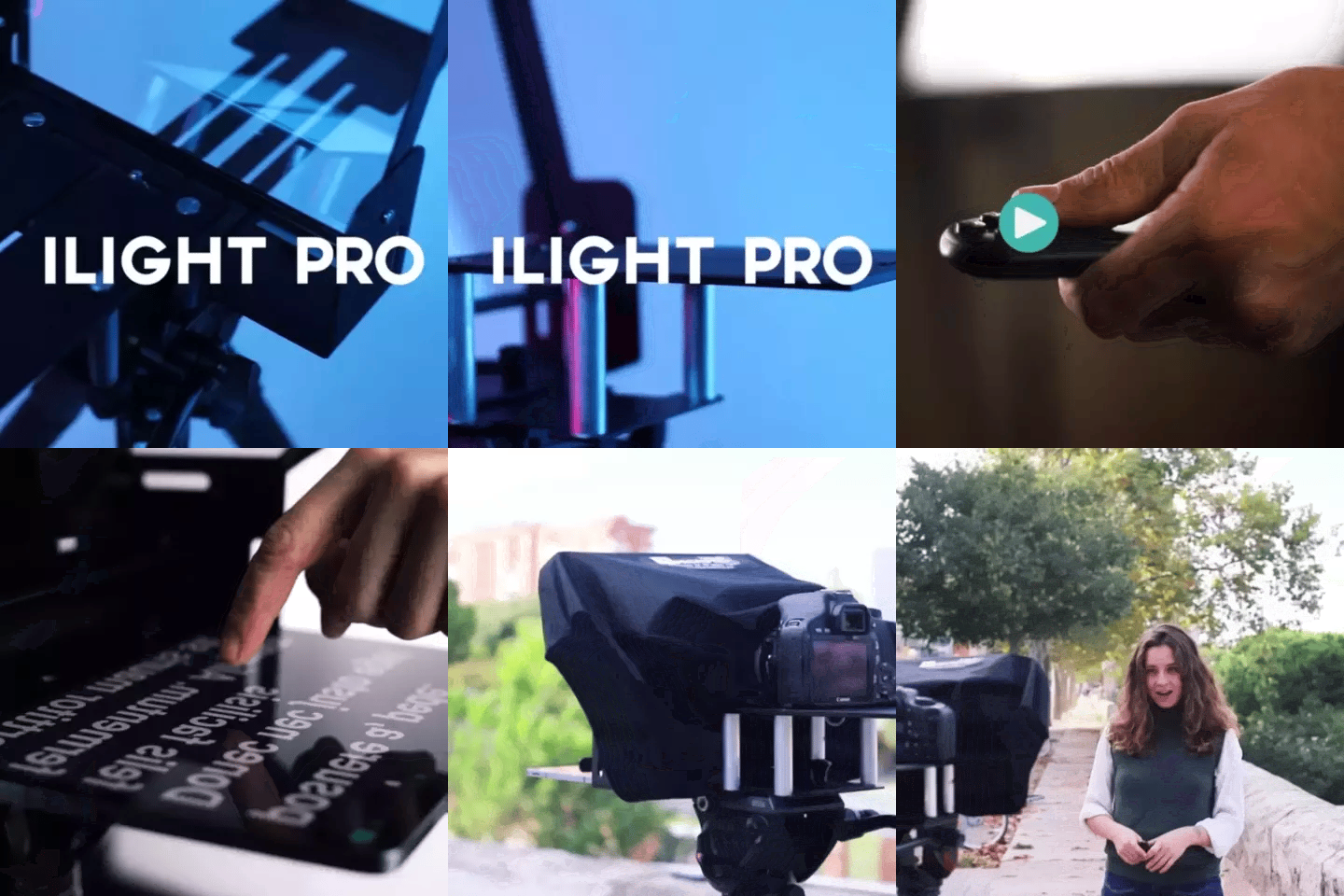
TELEPROMPTER PAD iLight PRO 12'' Teleprompter für iPad Tablet – Kit-Teleprompter für Video mit Fernbedienung, APP und Tragetasche – Beam Splitter Prompter Autocue DSLR, iPhone, APP für Apple Android Mac Win
- 159.00€
199.00€- 159.00€
- Einzelpreis
- per
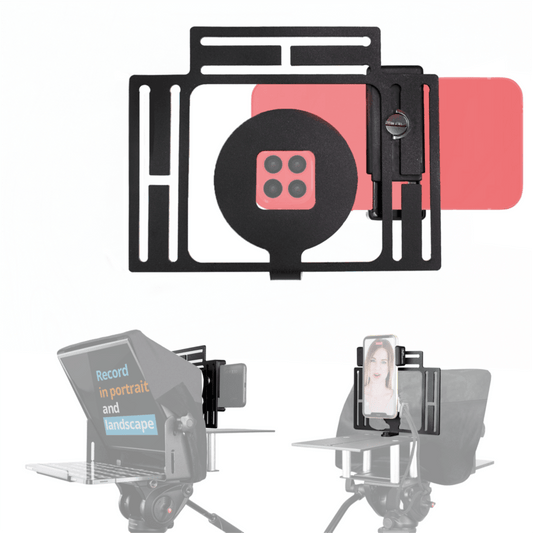
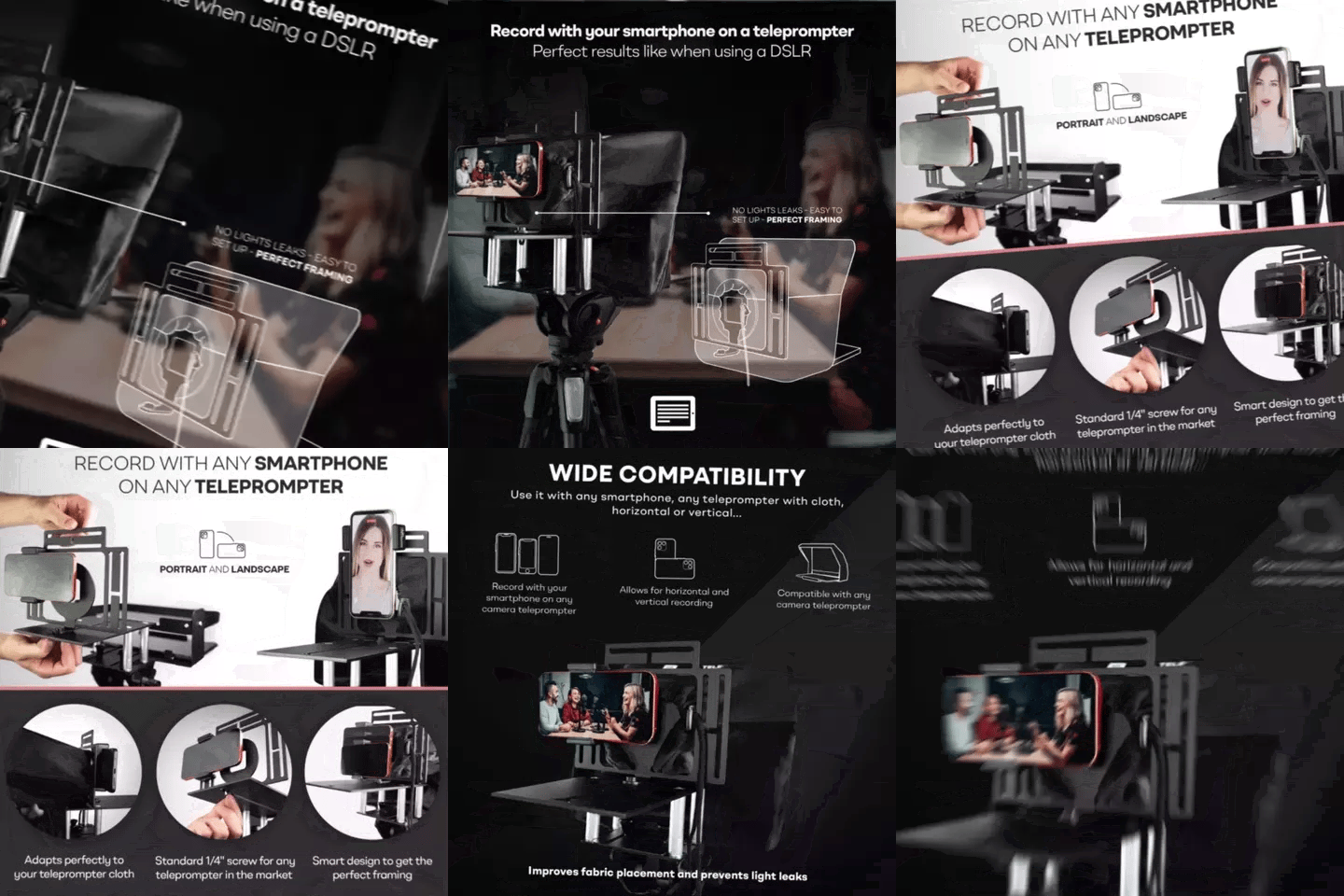
TELEPROMPTER PAD Smartphone-Adapter für Teleprompter – Aufnahme mit jedem iPhone, Android-Telefon, kompatibel mit jedem Teleprompter, Universal-Rig aus Aluminium für Prompter mit Kameraplatte, passgenauer Stoffsitz
- 29.90€
39.90€- 29.90€
- Einzelpreis
- per
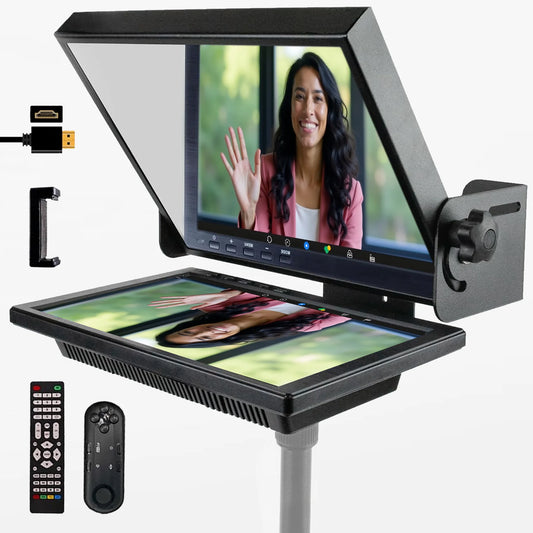
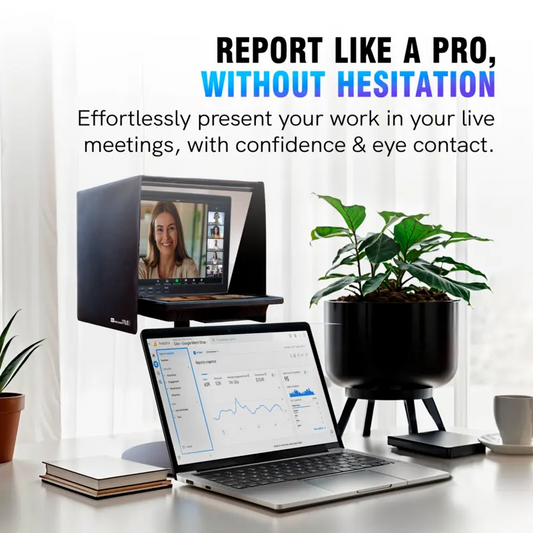
TELEPROMPTER PAD EyeMeeting Prompter für Twitch-Streaming Youtube und Zoom-Augenkontakt für Mac/PC DSLR Webcam iPhone, mit Fernbedienung Software und 10,1-Zoll-Monitor Kompatibel mit Elgato Streamdeck
- 229.00€
299.00€- 229.00€
- Einzelpreis
- per