



Teleprompter for Corporate Training Webinars: What Works
A teleprompter for corporate training webinars solves the single biggest problem L&D presenters face on camera: reading notes while trying to look engaged. You glance down at your script, your eyes drop off-camera, and suddenly your trainees check out. A beam splitter teleprompter puts your script directly in front of the lens so you maintain eye contact throughout the entire session. I've helped hundreds of corporate teams set this up — from compliance trainers recording async modules to HR directors running live onboarding webinars. Here's exactly what works and what doesn't.

Corporate comms and SMB training teams account for roughly 21% of our customer base. Over the past decade, I've personally walked dozens of L&D departments through setup — from picking the right tablet size to scripting compliance modules that don't sound robotic. Everything here comes from real deployments, not guesswork.

Why does eye contact matter so much in training webinars?
It comes down to trust and retention. Research on video-mediated communication found that eye contact in video significantly enhances trust, with participants rating trust higher when the presenter appeared to look directly at them versus off to the side. That's not a minor detail — it's the foundation of whether your trainees actually absorb what you're saying.
And the data on video-based training itself is convincing. According to the Research Institute of America, video-based training increases retention rates by 25%–60%, compared to just 8%–10% for traditional text-based methods. Meanwhile, 69% of learners report being more engaged with video-based learning. If your trainers are looking at their notes instead of the camera, you're undermining both of those advantages.
A beam splitter teleprompter fixes this mechanically. The script reflects on a semi-transparent glass panel in front of the lens, so the presenter reads while looking straight into the camera. No software gaze correction, no AI eye-tracking trickery. Just optics.
Who actually uses a teleprompter for corporate training?
About 18% of our customers are SMBs, startups, and marketing teams. Another 10% are educators and universities. And 3% are dedicated corporate comms departments. But when I look at the overlap for training-specific use, here's what I see most often:
L&D teams recording async training modules. These folks produce compliance training, onboarding videos, product knowledge series, and soft-skills courses. They might record 20–40 modules in a single production run. Without a teleprompter, each take requires multiple retakes or heavy editing. With one, they often nail it in 1–2 takes per module.
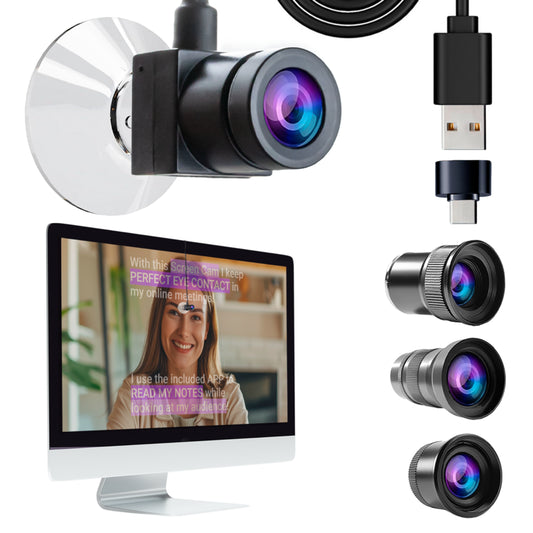
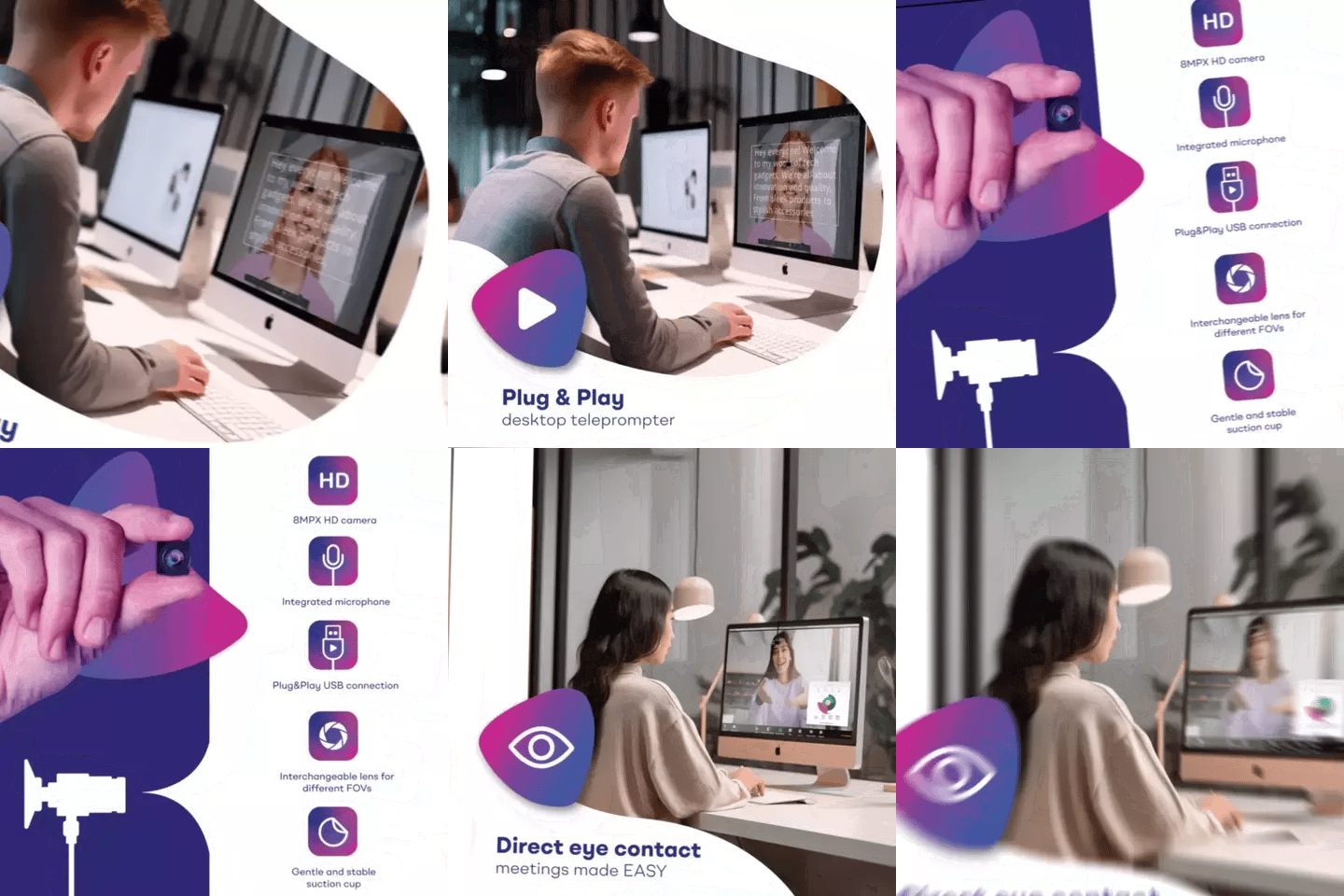
HR directors and team leads running live webinars. These sessions happen on Zoom, Teams, or Webex. The presenter needs to deliver scripted content — policy updates, quarterly training, new-hire orientation — while maintaining eye contact. Our app's Meeting Mode can overlay transparent script text directly over the video call window.
External trainers and consultants. Coaches and consultants make up 20% of our customer base. Many of them deliver corporate training under contract. They need portable gear they can set up in a client's conference room or their own home office in under two minutes.
What equipment do you actually need?
For most corporate training webinar setups, you need surprisingly little. Here's the core kit:
- Beam splitter teleprompter — the iLight PRO 12-inch covers 90% of use cases
- Tablet or iPad — anything up to 10.2" works with the 12-inch model
- Camera — DSLR, mirrorless, or even a high-quality webcam
- Tripod — any tripod with a standard 1/4" screw
- External microphone — built-in camera mics are unusable at 1.5m+ distance
- Three-point lighting — key light (front/side), fill (opposite side), backlight (behind)
The iLight PRO 12-inch comes pre-assembled with a Bluetooth remote, carrying bag, blackout hood, and free app. Setup genuinely takes under 2 minutes — I've timed it with first-time users. The 60/40 HD beam splitter glass is manufactured in Germany, and the anti-ghosting coating prevents that annoying double-reflection you'll see on cheaper units.

iLight PRO 12-inch vs. 14-inch: which size for training teams?
This decision comes down to your tablet and how portable you need the setup to be. Here's a straight comparison:
| Feature | iLight PRO 12-inch | iLight PRO 14-inch |
|---|---|---|
| Max tablet size | Up to 10.2" (iPad 10th gen) | Up to 12.9" (iPad Pro 12.9") |
| Max camera length | 20cm / 8" | 25cm / 10" |
| Tripod mount | 1/4" screw | 1/4" + 3/8" dual |
| Hardcase | Carry bag (hardcase sold separately) | Hardcase included |
| Glass | 60/40 HD, German, anti-ghosting | 60/40 HD, German, anti-ghosting |
| Price | €159 | €239 |
| Best for | Solo trainers, portable setups, standard iPads | iPad Pro 12.9" users, shared team setups |
My honest recommendation for most L&D teams: start with the 12-inch. It's our most popular model — roughly 60% of all sales — and it handles every standard iPad and Android tablet. The only reason to go 14-inch is if your company has standardized on iPad Pro 12.9" devices, because those physically don't fit the 12-inch frame.

How to set up a teleprompter for a training webinar
Here's the step-by-step I walk corporate teams through. It works whether you're recording to file or presenting live on Zoom.
- Mount the teleprompter on your tripod. Use the 1/4" screw on the teleprompter base — not the camera plate. This is mistake #8 I see constantly. The teleprompter mounts to the tripod, and the camera mounts inside the teleprompter.
- Position the camera behind the glass. Slide the camera as close to the back of the beam splitter glass as possible. The closer it is, the less visible the frame edges become.
- Set glass angle to ~45 degrees. The iLight PRO has an exclusive adjustable-angle knob for this. Twist until you get a bright, sharp reflection of the tablet text with no glare.
- Import your script into the TeleprompterPAD app. Use file import for longer scripts. Set font size large enough that you're not squinting — I usually recommend 36–42pt for a 1.5m recording distance.
- Set the eye-level position. The glass center should be at your eye height when you're seated (for desk webinars) or standing. This prevents the camera from shooting up your nostrils or down at your forehead.
- Seal the blackout hood. Velcro it down tight. Any light leak from behind will wash out the text reflection on the glass.
- Do a test take. Check audio levels, lighting, framing, and scroll speed. Adjust scroll speed until it matches your natural speaking pace.
The whole process takes about 5 minutes the first time, under 2 minutes once you've done it before. If you get stuck, TeleprompterPAD offers personal 1-to-1 multilingual support in English, Spanish, French, German, and Italian. There are also video tutorials at help.teleprompterpad.com.
Live webinar vs. pre-recorded: different setups?
Yes, slightly. And this matters because the corporate training market is massive — valued at roughly $450–490 billion globally in 2026. Companies are investing heavily in both live and async formats, and each has a different teleprompter workflow.
| Factor | Live Webinar | Pre-Recorded Module |
|---|---|---|
| Script style | Bullet points & key phrases | Full script, word-for-word |
| Scroll control | Manual (remote or pedal) | Auto-scroll at set speed |
| Camera | Webcam or DSLR via capture card | DSLR or mirrorless (best quality) |
| Retakes possible? | No — it's live | Yes — record until perfect |
| App mode | Meeting Mode (transparent overlay) | Standard mirror mode |
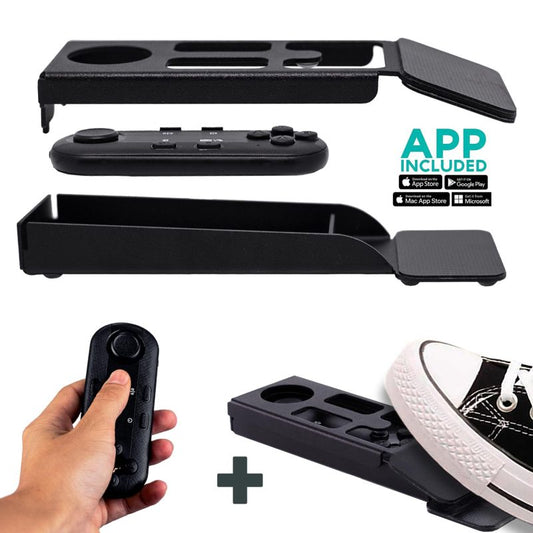
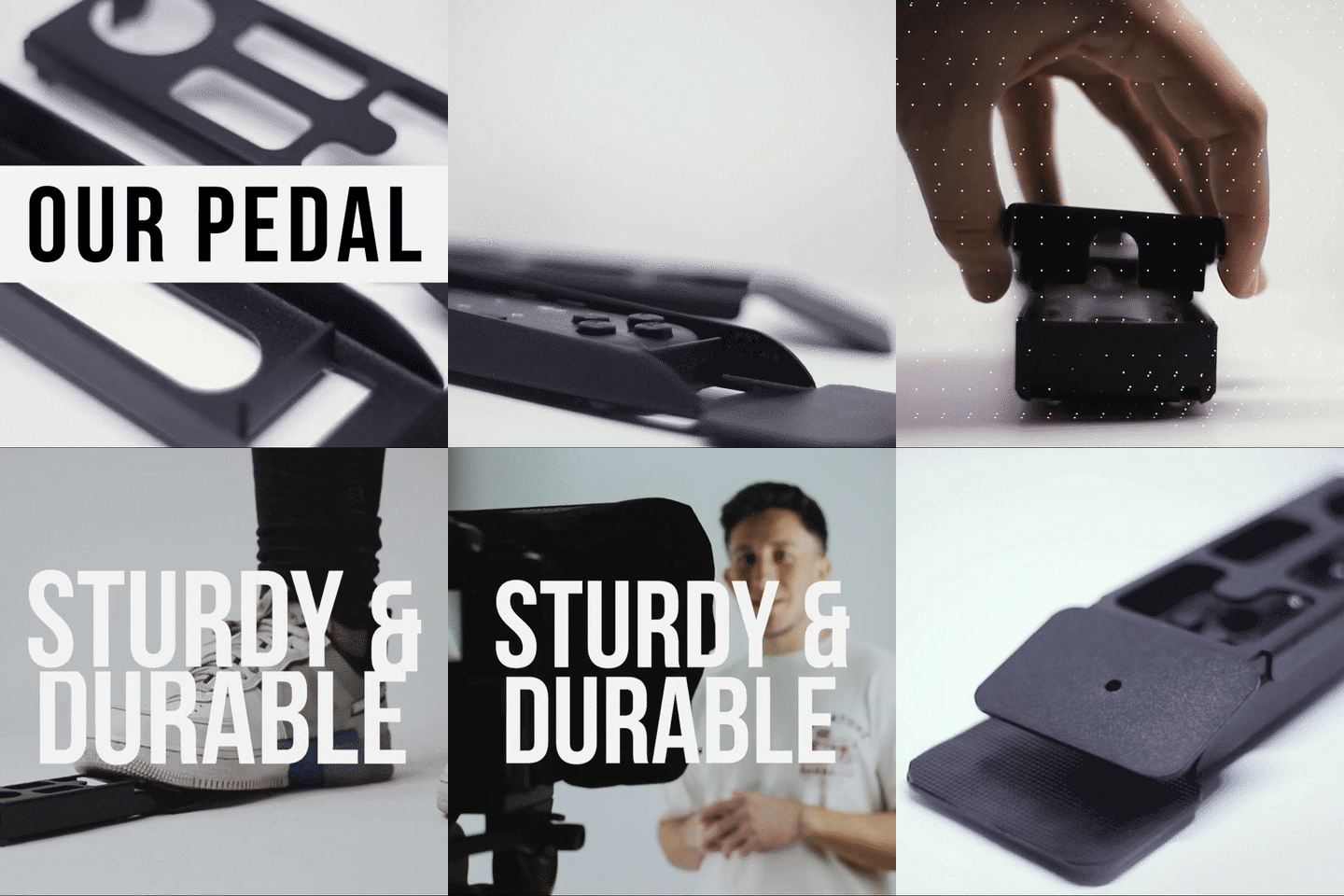
For live webinars, I strongly recommend the Wireless Kit (pedal + remote) so you can advance the script with your foot while keeping your hands free to gesture or manage Q&A. The pedal uses a silent capacitive sensor — no clicking noise for the mic to pick up.

Scripting tips that make corporate training less painful
The number one mistake I see from L&D teams is writing scripts that read like policy documents. Your compliance script might be legally accurate, but if it sounds like an insurance contract, your trainees will zone out in 30 seconds. Remember: today's learners expect instructional videos to be interactive and engaging, with clear takeaways.
- Write like you talk. Read your script aloud before loading it. If you stumble, rewrite that sentence.
- Use short sentences. 12–18 words max per sentence. Your eyes can't track long lines on the glass at 1.5 meters.
- Add pacing marks. Use the app's bold and highlight features to mark where you should pause, emphasize, or slow down.
- Narrow margins for shorter distances. If you're at a desk closer than 1.5m, use the app's margin-narrowing feature to prevent visible eye scanning.
- Break modules into segments. A 45-minute training? Script it as 6–8 short segments with clear transitions. This makes retakes painless if you flub one section.
- Leave room for ad-lib. For live webinars, use bullet points instead of full sentences. It keeps your delivery conversational.
Common mistakes that ruin corporate training videos
I've seen all of these, multiple times. Some of them are surprisingly easy to fix once you know they exist.
Overhead lighting directly above the teleprompter. This is the #1 lighting killer. Overhead fluorescents or ring lights mounted above the teleprompter create glare on the glass. Move your key light to a 45-degree angle off to the side instead.
No external microphone. At 1.5m+ distance (the recommended minimum for teleprompter use), your camera's built-in mic picks up room echo, air conditioning, and keyboard clicks. A lavalier mic or shotgun mic is non-negotiable for corporate training.
Tablet rotation unlocked. If your iPad rotates mid-session, your script flips and the text becomes unreadable through the glass. Lock rotation before you start.
Font too small. I see this constantly with trainers who load 3,000-word compliance scripts. If you can't read the text comfortably from your recording distance, increase font size in the app. A bigger font with more scrolling is always better than squinting.
Skipping the test take. You discover problems in the test take — audio buzz, wrong white balance, scroll speed too fast, hood not sealed properly. Never skip it. Especially when you're about to record a 20-module batch.

Honest pros and cons
I'm not going to pretend this is perfect for everyone. Here's my honest take on using a beam splitter teleprompter for corporate training webinars:
| Pros | Cons |
|---|---|
| Consistent eye contact throughout long sessions | Takes up desk or floor space (tripod + teleprompter) |
| Drastically fewer retakes | Requires 1.5m+ recording distance — tight offices may struggle |
| Script accuracy for compliance/legal content | Learning curve for natural delivery (first 2-3 sessions) |
| Foldable and portable for on-site training | Not a broadcast-grade tool — this is consumer/prosumer level |
| Free app on iOS, Android, Windows, Mac | The minimum 24mm focal length rules out some wide-angle lenses |
The learning curve is real. The first session, most trainers sound a bit robotic because they're reading. By session three, they've found their rhythm and it sounds natural. I always tell teams: budget two practice takes before your first real recording day.
Real-world use cases from our customers
SMB marketing teams (18% of our customers) use the iLight PRO 12-inch to batch-record product training videos for new sales reps. One SaaS startup told me they cut their onboarding video production time by about 60% because trainers stopped needing 5+ takes per module.
Coaches and consultants (20% of our customers) deliver contracted corporate training webinars from home studios. Portability matters to this group — they fold up the iLight PRO, toss it in the carry bag, and set up at a client site in minutes. If you're in this category, our guide on teleprompters for coaches covers more specific tips.
Educators and universities (10% of our customers) record lecture modules and run live virtual classrooms. About 79% of organizations now use virtual classrooms, webcasting, or video broadcasting for online training — so the demand here is only growing. These teams often pair the teleprompter with an LMS for async delivery.
Frequently asked questions
Can I use a teleprompter for live Zoom training webinars?
Yes. The TeleprompterPAD app has a Meeting Mode that overlays transparent script text on top of your Zoom, Teams, or Webex window. You read the text while looking at the camera. For beam splitter setups, you'd use the iLight PRO with a DSLR connected via a capture card as your webcam source, giving you much better video quality than a standard webcam.
What's the minimum recording distance for corporate training?
I recommend 1.5m to 2.0m (about 5 to 6.5 feet). Closer than 1.5m, viewers may notice your eyes scanning left to right across the script. If your space forces you closer, the app's margin-narrowing feature helps reduce visible eye movement.
Will trainees notice I'm reading a teleprompter?
Not if you're at the right distance and your delivery is natural. The beam splitter glass is invisible to the camera — it only reflects the text toward you. At 1.5m+, even subtle eye movement isn't visible to the audience. The giveaway is always monotone delivery, not the equipment itself.
Can multiple trainers share one teleprompter?
Absolutely. The iLight PRO is pre-assembled and foldable. Trainer A finishes their recording, folds it down, and Trainer B can set it back up in under 2 minutes. The app saves scripts individually, so each trainer loads their own content.
Do I need a special tablet for the teleprompter?
No. The iLight PRO 12-inch works with any tablet or smartphone up to 20cm x 26cm (7.8" x 10.2"). That covers the iPad 10th gen, iPad Air, iPad Mini, and most Android tablets. If your company uses iPad Pro 12.9" devices, you'll need the 14-inch model.
Is this suitable for a dedicated corporate recording studio?
For a permanent studio with an operator controlling the script, consider adding the Inverted Monitor for iLight PRO 12-inch. It replaces the tablet with an HDMI-connected display controlled from a computer. That said, this is consumer/prosumer equipment. If you're outfitting a broadcast studio with full production crews, you'll need something higher-end.
What if I need help setting up?
TeleprompterPAD provides personal 1-to-1 support in English, Spanish, German, French, and Italian. There's also a full help center with video tutorials. In my experience, most teams are up and running within a single afternoon, even those with zero prior video production experience.
How long do the remote's batteries last?
The Bluetooth remote uses 2x AAA batteries (not included). In typical corporate training use — recording a few hours per week — you'll get weeks of use before needing replacements. Dead batteries are the #1 support call I get for the remote, so always keep a spare set nearby.
A teleprompter for corporate training webinars pays for itself the first week you batch-record modules instead of fumbling through retakes. The iLight PRO 12-inch at €159 handles the vast majority of training setups. Pair it with decent lighting, an external mic, and a well-written script, and your training webinars will look and sound like they came from a team with ten times your budget.
Unsere Bestseller
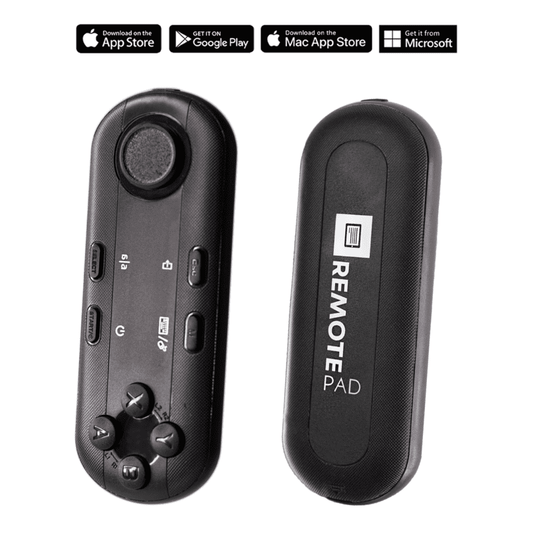
TELEPROMPTER PAD Bluetooth-Fernbedienung für Teleprompter – inklusive Teleprompter-App für Apple, Android Windows und Mac – kabelloser Controller für Beam Splitter Prompter oder Live-Streaming-Geräte
- 34.90€
39.90€- 34.90€
- Einzelpreis
- per
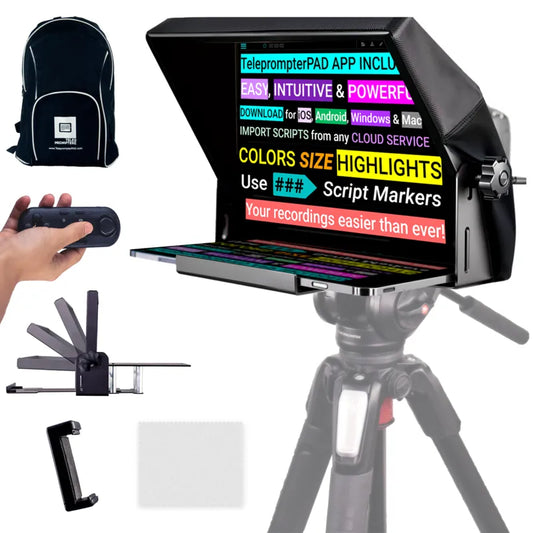
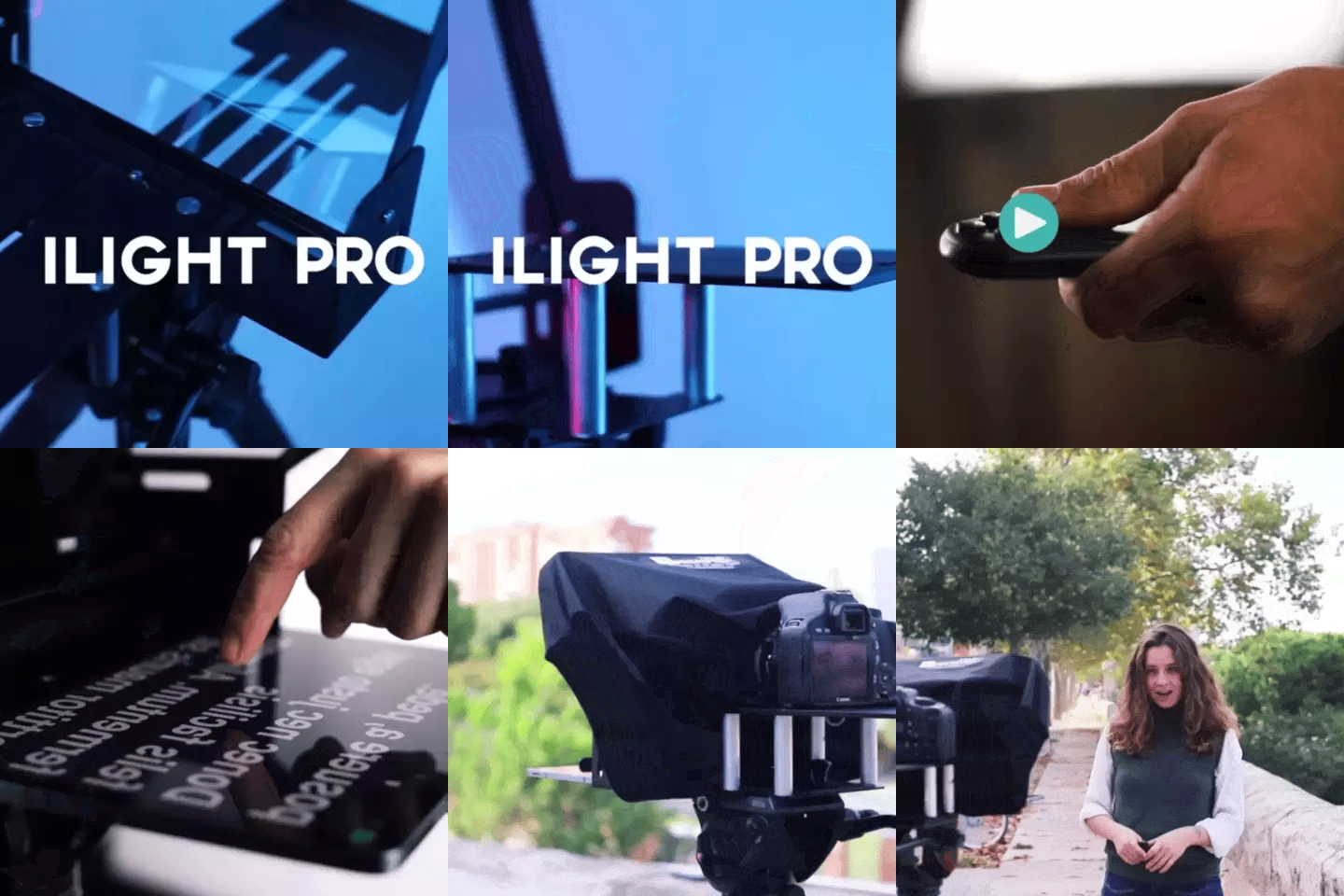
TELEPROMPTER PAD iLight PRO 12'' Teleprompter für iPad Tablet – Kit-Teleprompter für Video mit Fernbedienung, APP und Tragetasche – Beam Splitter Prompter Autocue DSLR, iPhone, APP für Apple Android Mac Win
- 159.00€
199.00€- 159.00€
- Einzelpreis
- per
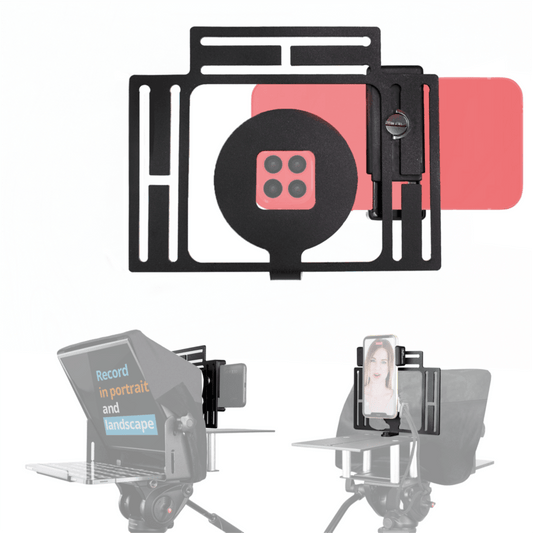
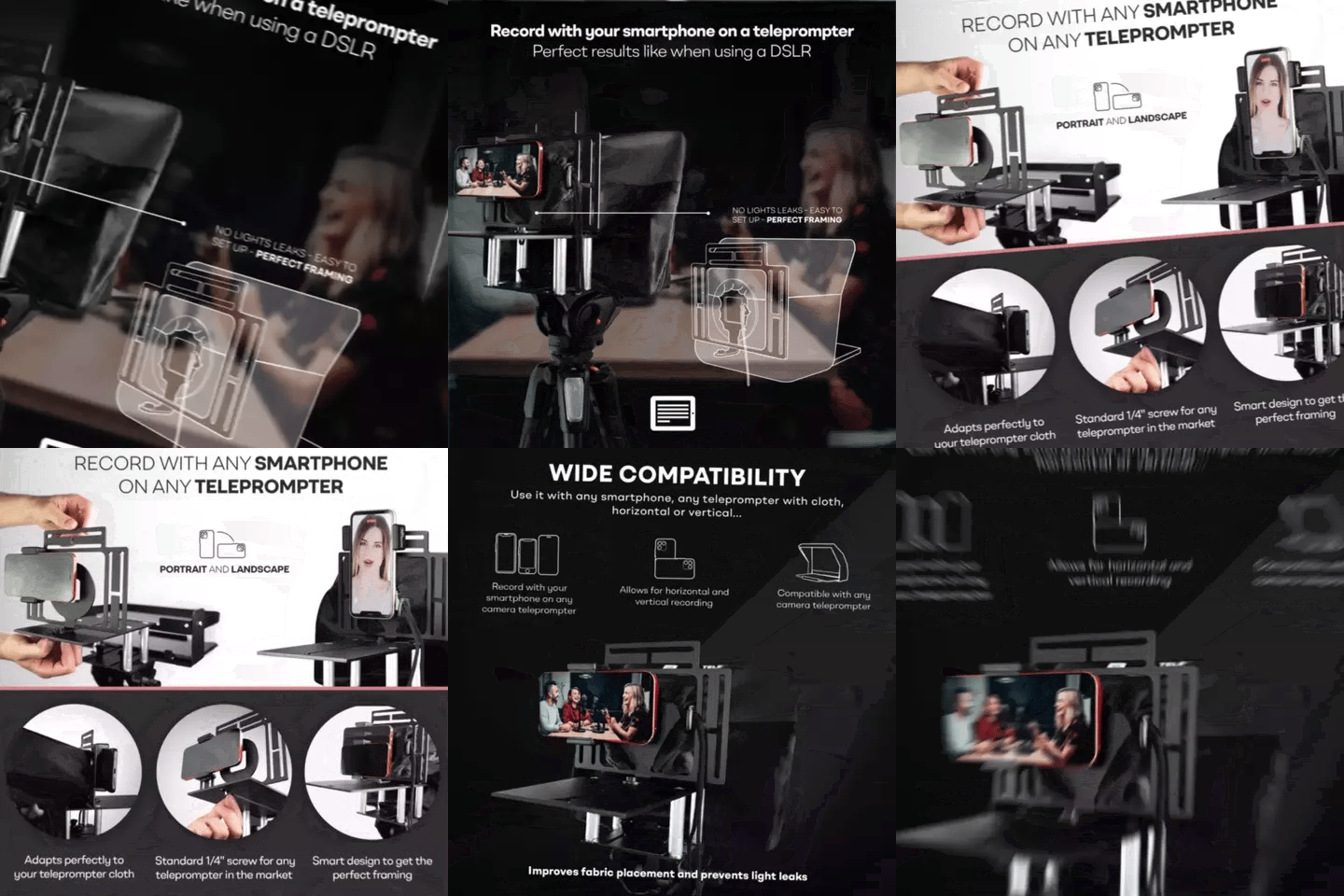
TELEPROMPTER PAD Smartphone-Adapter für Teleprompter – Aufnahme mit jedem iPhone, Android-Telefon, kompatibel mit jedem Teleprompter, Universal-Rig aus Aluminium für Prompter mit Kameraplatte, passgenauer Stoffsitz
- 29.90€
39.90€- 29.90€
- Einzelpreis
- per
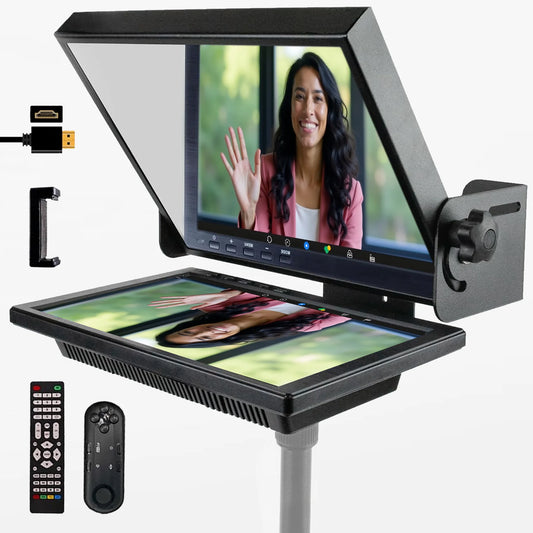
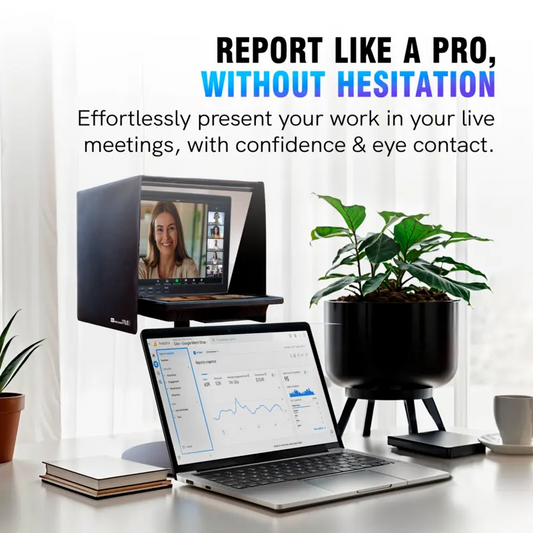
TELEPROMPTER PAD EyeMeeting Prompter für Twitch-Streaming Youtube und Zoom-Augenkontakt für Mac/PC DSLR Webcam iPhone, mit Fernbedienung Software und 10,1-Zoll-Monitor Kompatibel mit Elgato Streamdeck
- 229.00€
299.00€- 229.00€
- Einzelpreis
- per